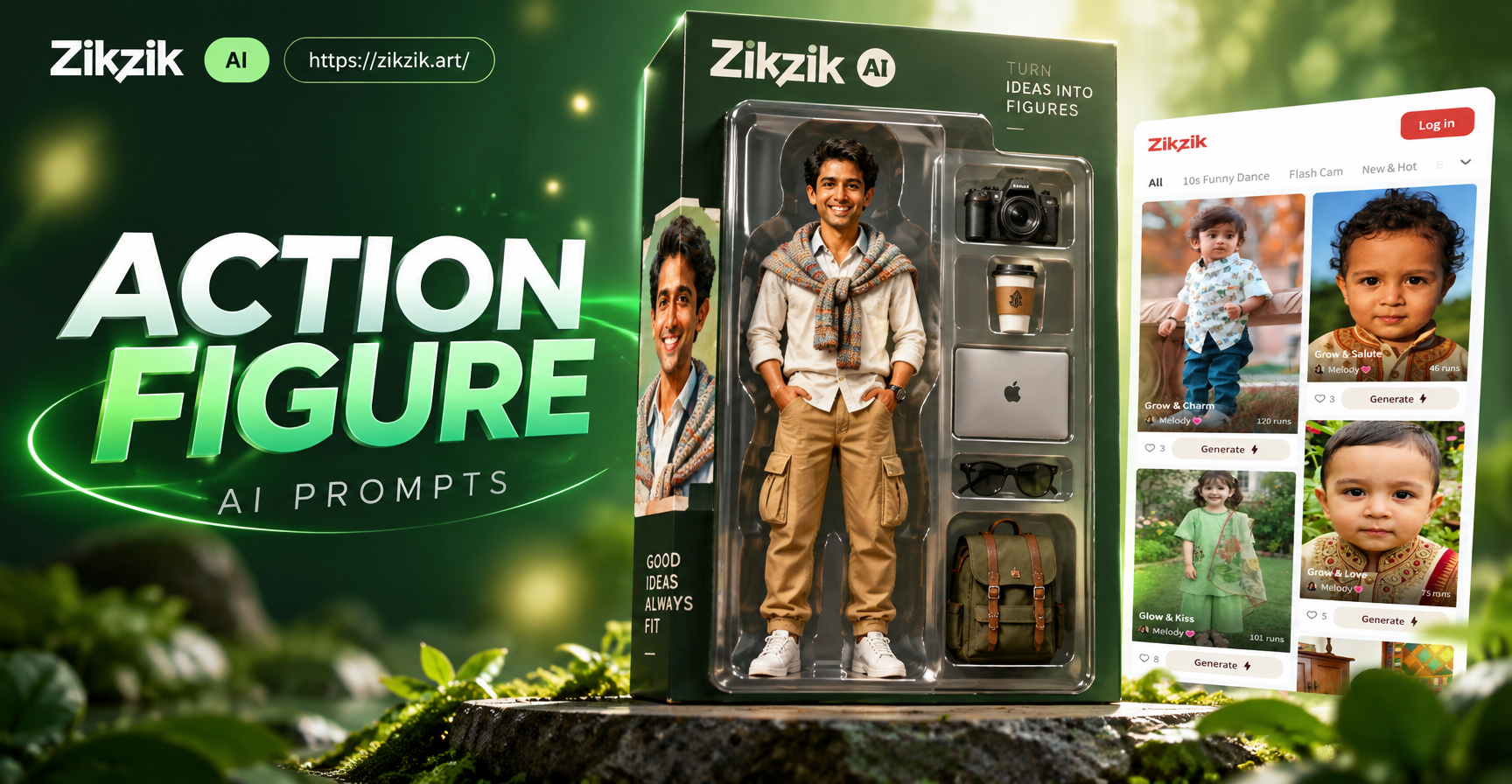
Introduction to Action Figure AI Prompts
Action figure AI prompts are the new way to create stunning toy photography without expensive camera gear or studio lighting. A well written prompt tells an AI image generator exactly how to transform a plastic toy into a cinematic hero, a battle worn soldier, or a stylized anime character. Whether you collect Marvel Legends, Star Wars Black Series, G.I. Joe, or custom diorama figures, the right prompt can add realistic dust, dramatic shadows, and explosive background action in seconds.
The rise of AI image generation has changed how collectors and creators share their passion. Instead of spending hours setting up miniature scenes, you can now describe the shot in plain language and let the AI handle the rest. But the quality of your result depends on the quality of your prompt. This guide will show you the exact structure, keywords, and examples you need to write powerful action figure AI prompts that produce gallery worthy images every time.
What Makes a Great Action Figure AI Prompt?
A great prompt works like a director's call sheet. It tells the AI who the subject is, what they are doing, where they are, and how the final image should look. The more precise your description, the more control you have over the result. Here are the core elements every action figure prompt should include.
- Subject description: Name the character type, such as "a futuristic armored soldier action figure" or "a classic superhero toy with a red cape". Avoid vague words like "toy" unless you want a toy like appearance.
- Action or pose: Describe the movement, such as "leaping off a rooftop", "blocking an energy blast", or "standing in a rain soaked alley".
- Environment: Set the scene with specific backgrounds, such as "urban rooftop at night", "post apocalyptic desert", or "neon lit cyberpunk street".
- Lighting and mood: Add cinematic lighting terms like "dramatic rim light", "silver blue moonlight", "soft golden hour glow", or "high contrast noir shadows".
- Style and medium: Tell the AI what visual style you want, such as "photorealistic product photography", "anime key visual", "oil painting", or "1980s comic book cover".
- Camera details: Specify lens and angle to shape depth and focus, such as "shot on 85mm f1.4", "macro close up", "low angle hero shot", or "extreme wide shot".
When you combine these elements into one sentence, you give the AI enough context to produce a cohesive image. For example, a complete action figure AI prompt might read: "A battle worn sci fi soldier action figure crouching behind a rusted car, photorealistic detail, dramatic golden hour backlight, dust particles in the air, shot on 50mm lens, shallow depth of field."
The Action Figure AI Prompt Formula
If you struggle to write long descriptive sentences, use this simple fill in the blank formula. It works with most AI image generators, including the zikzik app.
Subject + Action + Environment + Lighting + Style + Camera + Extra Details
Here is an example of the formula in action:
- Subject: A ninja action figure in black and red armor
- Action: jumping over a flaming barrel
- Environment: rainy Tokyo alley at night
- Lighting: neon pink and blue reflections on wet pavement
- Style: photorealistic action figure diorama, 1/12 scale model
- Camera: low angle shot, 35mm lens, motion blur on legs
- Extra details: splashing water, smoke from the barrel, intense eyes
Combine them: "A ninja action figure in black and red armor jumping over a flaming barrel, rainy Tokyo alley at night, neon pink and blue reflections on wet pavement, photorealistic action figure diorama, 1/12 scale model, low angle shot, 35mm lens, motion blur on legs, splashing water, smoke, intense eyes." This prompt includes every layer the AI needs.
15 Action Figure AI Prompts You Can Copy and Paste
Use these ready made prompts as starting points. Adjust the character name, color, or scene to match your own collection.
- A vintage 1980s style action figure of a space explorer standing on an alien planet with two moons, red sand, teal sky, dramatic backlight, retro sci fi movie poster style.
- A samurai action figure in weathered armor holding a katana, cherry blossom petals blowing in the wind, misty mountain temple in the background, photorealistic macro shot.
- A cyberpunk mercenary action figure with a glowing visor, standing in a neon lit market alley, rain soaked ground reflecting pink and cyan signs, cinematic color grading.
- A post apocalyptic survivor action figure with a gas mask, walking through a desert with abandoned cars, dusty haze, harsh midday sun, 1/12 scale diorama look.
- A fantasy knight action figure with a silver sword, standing on a cliff edge overlooking a dragon shaped mountain, dramatic orange sunset, epic fantasy illustration style.
- A mech pilot action figure in a cockpit, hands on controls, screens glowing green, cockpit lights casting blue shadows, close up shot, photorealistic product photo.
- A superhero action figure in a torn cape, punching through a concrete wall, dust and debris flying, dramatic low angle composition, comic book cover style with speed lines.
- A horror movie monster action figure emerging from a swamp at night, green fog, full moon behind, realistic 1/6 scale figure photography, eerie atmosphere.
- A pilot action figure standing next to a vintage fighter plane, golden hour light, aviator sunglasses reflecting clouds, shot on 85mm lens, cinematic depth of field.
- A ninja action figure hanging from a rope on a skyscraper, city lights below, wind blown cloth, night scene, high contrast noir lighting.
- A medieval archer action figure drawing a bow in a snowy forest, snowflakes landing on the bowstring, cold blue tones, hyperrealistic fur and leather textures.
- A robot action figure with rust and scratches kneeling in an industrial factory, sparks flying, orange and teal color palette, shot on 35mm film, gritty texture.
- A cowboy action figure leaning against a wooden fence, desert sunset, dust particles glowing in warm light, 1/12 scale toy photography but extremely realistic.
- An anime style magical girl action figure holding a glowing staff, sparkles and light trails, pastel color background, cel shaded anime key visual.
- A military action figure team of four in a jungle, camouflage gear, rain falling, dynamic poses, photojournalism style, high detail, 1/12 scale diorama.
Style Tags That Transform Your Action Figure AI Prompts
The style tag is the single most powerful word in your prompt. It tells the AI whether to produce a realistic toy photo, a cinematic movie still, or an anime illustration. Try these tags:
- Photorealistic toy photography: Makes the figure look like a real miniature diorama shot with a macro lens.
- 1/12 scale diorama: Emphasizes the small size and detailed texture of a standard action figure.
- Cinematic film still: Adds anamorphic lens flare, film grain, and dramatic color grading.
- Anime key visual: Converts the figure into a stylized 2D anime character while keeping the toy proportions.
- Comic book cover: Adds bold outlines, halftone dots, and dynamic speed lines.
- 1980s toy commercial: Produces bright colors, soft light, and nostalgic product photography vibes.
- Oil painting: Gives the image a hand painted, museum quality texture.
Mix these tags with your subject and scene to explore different creative directions. The same action figure can become a movie villain, a retro toy ad, or a gallery artwork simply by changing one word.
How to Improve Action Figure AI Results
Even with a great prompt, you may need to refine your output. Here are practical tips based on real testing with AI image tools.
- Use reference images. Many AI apps, including zikzik, allow you to upload a photo of your actual action figure. The AI then keeps the figure's color, sculpt, and proportions while transforming the background and lighting. This is called image to image generation.
- Add negative prompts. If your app supports negative prompts, list what you do not want, such as "blurry, extra fingers, deformed hands, plastic texture, watermark". This steers the AI away from common errors.
- Iterate with seeds. If you generate an image and like the pose but want a different style, keep the same seed and only change the style tag. This preserves the composition while altering the look.
- Ask for multiple versions. Generate 4 to 8 images at once, then pick the best one. AI tools have random elements, and multiple attempts increase your chance of a perfect shot.
- Adjust image strength. When using image to image, lower the strength to keep more of the original photo, or raise it to give the AI more creative freedom.
Common Mistakes to Avoid with Action Figure AI Prompts
Many beginners write prompts that are too short or too vague. Here are the top mistakes and how to fix them.
- Mistake: Writing only "action figure". Fix: Describe the character, pose, and scene in detail.
- Mistake: Forgetting to specify the scale or style. Fix: Add "1/12 scale" or "photorealistic toy photography" to control realism.
- Mistake: Using contradictory lighting terms. Fix: Choose one main light source and one mood, such as "cold moonlight" or "warm golden hour".
- Mistake: Ignoring the background. Fix: Always include environment details, even if blurry, to anchor the figure.
- Mistake: Relying on a single generation. Fix: Generate multiple versions and refine from the best one.
Using zikzik for Action Figure AI Prompts
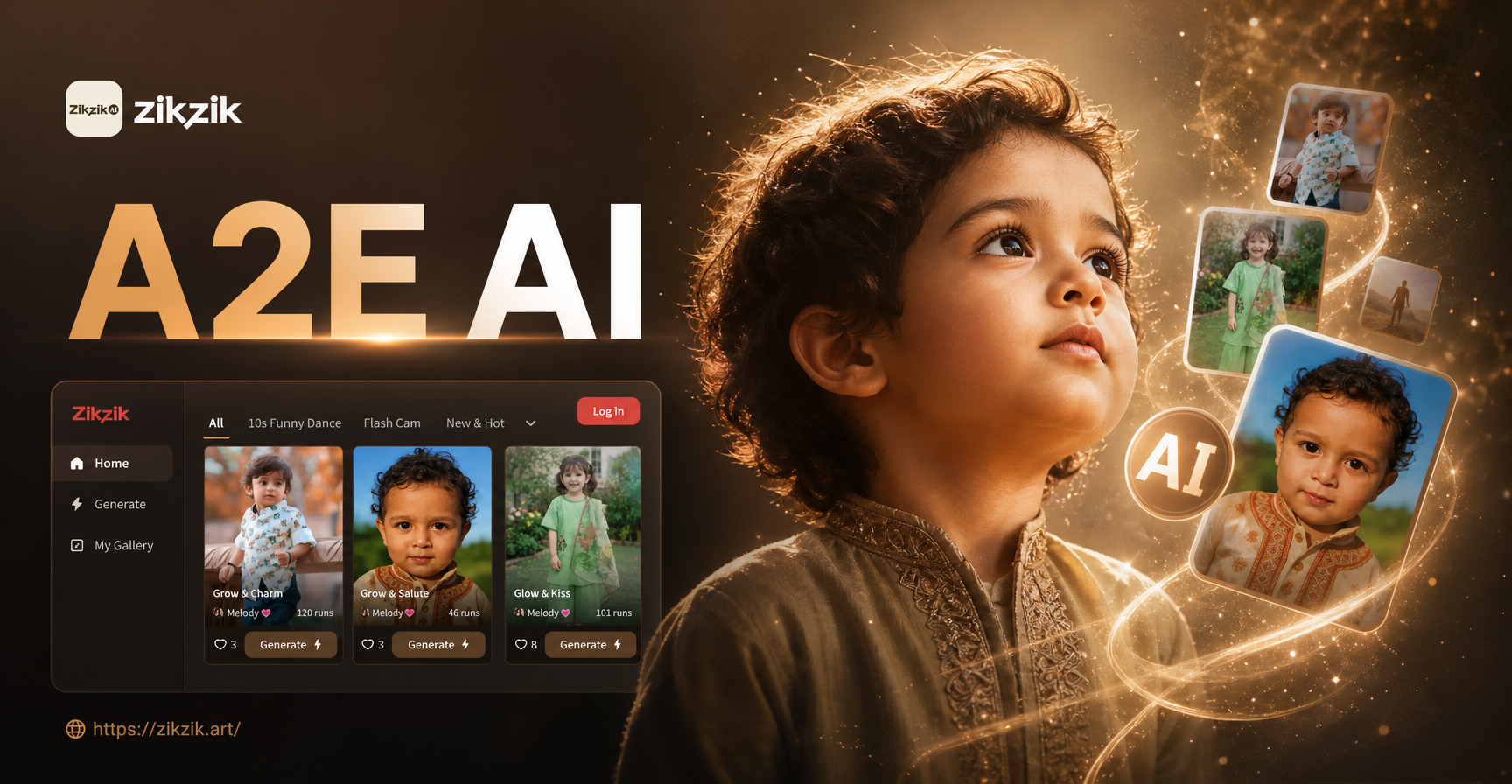
The zikzik app makes action figure AI prompts easy because it combines text to image and image to image in one place. You can start from a photo of your own figure and apply style filters without writing a single word. But when you want precise control, the prompt examples above will help you get exactly what you imagine.
Here is a simple workflow inside zikzik:
- Download the zikzik app from Google Play.
- Open the image to image tool and upload a photo of your action figure.
- Choose a style template, such as "cinematic" or "anime".
- Add a text prompt that describes the new scene, pose, and lighting.
- Generate, review the results, and download your favorite shot.
Because zikzik includes more than one million style filters, you can experiment with dozens of looks without needing to know complex prompt engineering. The app handles the heavy lifting while you focus on the creative direction.
Final Tips for Epic Toy Photography
Before you start generating, keep these finishing touches in mind.
- Use a clean background in your original photo if you plan to use image to image. This gives the AI a clear silhouette to work with.
- Match the lighting direction in your prompt to the lighting in your reference photo. If your figure is lit from the left, ask for left side rim light.
- Save your best prompts in a note file. Over time, you will build a personal library of action figure AI prompts that consistently produce great results.
- Share your creations with collector communities. AI generated toy art is a growing niche, and your unique prompts can inspire others.
Conclusion
Action figure AI prompts put a full film studio in your pocket. By mastering the subject, action, environment, lighting, style, and camera formula, you can turn any plastic figure into a dynamic scene. Use the 15 prompt examples as a springboard, then adjust them to fit your own collection. Download the zikzik app today and start creating action figure images that stand out in any feed or display case.