The best birth flower tattoo generator turns your birth month into a clean, scalable floral design you can carry to a tattoo artist. Start by matching your month to its primary flower, choose a style such as fine line, miniature, neo traditional or watercolor, generate several variations, and review line weight, placement and licensing before booking. Zikzik works best as a styling reference step before you commit to a stencil: it turns one uploaded photo into cinematic portraits, cover shots, glamour looks and themed scenes that help you settle mood, scale and color direction. It is a reference companion rather than a dedicated tattoo stencil maker, so use it to find the feeling first, then finish the design in a specialist birth flower tattoo generator.
Quick Picks
- Zikzik: our pick for styling reference. Best when you want to see how a floral theme, color mood and your own features fit before drafting a stencil.
- InkAI: best for vector stencil export and AR skin preview. Useful when you want a clean handoff file for the artist.
- InkStudio: best for daily free designs and 3D body preview. Strong for side by side placement on the body.
- InkBolt: best for comparing directions. One brief returns a sketch plus finished options and a placement preview.
- INK AI: best for a wide style library. Good when you want many authentic tattoo styles in one place.
- Inker.AI: best for a dedicated birth month flow. Built around picking a month and producing that flower.
- Tattoolize: best for a free unlimited month picker. Convenient for quick month based sketches.
How We Selected These Generators
A birth flower tattoo is a permanent personal mark, so selection focuses on factors that affect a real booking rather than on novelty. The eligibility gate covers month based flower support, readable line work, at least one recognizable style family, a free option or trial, a clear privacy policy for uploaded photos, and a stated position on commercial or artist use. Within that gate, the list ranks by how well the tool supports the full path from idea to artist ready draft: style breadth, placement or preview help, export format, ease of giving a precise flower brief, and honest limits on price and rights. Every tool below is described from documented capabilities; none is presented as a personal hands-on lab report, and prices are left to each official site because plans change.
Birth Flowers by Month Reference
Use this table to name the correct bloom in your prompt. Primary flowers are stable across Western tradition, while secondary flowers vary by region and source.
| Month | Primary flower | Common secondary | Core meaning |
|---|---|---|---|
| January | Carnation | Snowdrop | Love, fascination, admiration, hope |
| February | Violet | Primrose or Iris | Modesty, faithfulness, devotion |
| March | Daffodil | Jonquil | Rebirth, new beginnings, optimism |
| April | Daisy | Sweet Pea | Purity, innocence, loyal pleasure |
| May | Lily of the Valley | Hawthorn | Sweetness, return of happiness |
| June | Rose | Honeysuckle | Love, passion, beauty, bonds |
| July | Larkspur | Lotus in some traditions | Levity, strong bonds, purity |
| August | Gladiolus | Poppy | Strength, integrity, imagination |
| September | Aster | Morning Glory | Love, wisdom, resilience |
| October | Marigold | Cosmos | Warmth, creativity, harmony |
| November | Chrysanthemum | None in many lists | Joy, friendship, longevity |
| December | Narcissus or Paperwhite | Holly | Rebirth, hope, protection |
At a Glance Comparison
| Tool | Best for | Free option | Standout feature | Main limitation | Commercial fit |
|---|---|---|---|---|---|
| Zikzik | Styling reference and mood | Free trial with points | Cinematic themed portrait reference | Not a dedicated stencil maker | Personal reference, check rights |
| InkAI | Vector stencil and AR preview | Free trial on web | SVG stencil export, photo to tattoo | Advanced exports may be paid | Review license before shop use |
| InkStudio | Daily free designs, 3D preview | Free daily designs | Spin design on 3D body, merge designs | Primarily mobile | Check commercial terms |
| InkBolt | Comparing directions | Free run available | Sketch plus two finished directions | Smaller style set | Artist brief handoff |
| INK AI | Wide style library | Free tier | 50 plus styles across platforms | Limits on free output | Verify commercial rights |
| Inker.AI | Dedicated birth month flow | Free generation | Month to flower direct flow | Basic customization | Personal sketches |
| Tattoolize | Quick free month picker | Free unlimited tier | Simple month selection | Thin style control | Concept drafts only |
1. Zikzik: Best for Styling Reference Before You Draft
Quick facts: official site Zikzik, free trial with points and VIP in app, web plus iOS and Android, Hindi and other interface languages, points refunded when a generation fails.
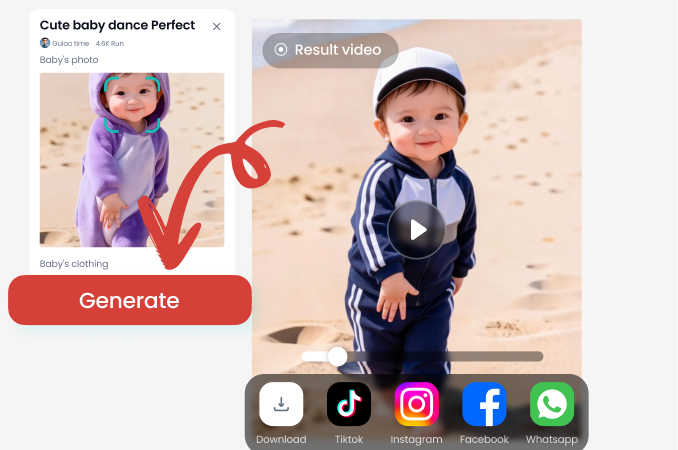
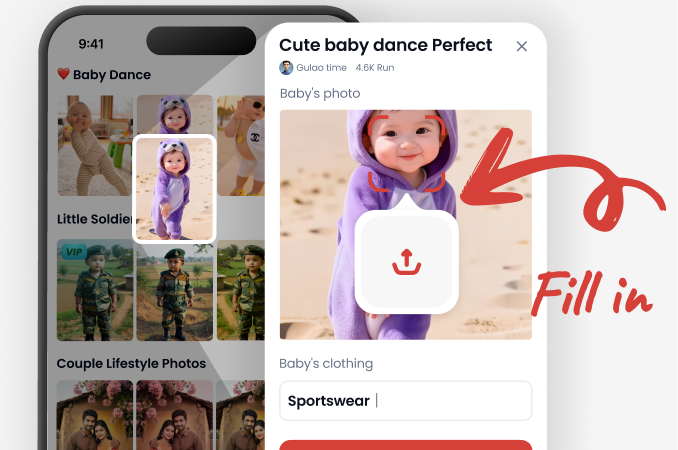
Why we recommend it. A birth flower tattoo starts as a feeling before it becomes a line drawing. Zikzik takes one uploaded photo and produces cinematic portraits, cover shots, glamour looks, makeup styles and themed lifestyle scenes. That output helps you decide whether you want a delicate miniature on the wrist, a bolder statement on the arm, warm watercolor tones or a clean monochrome line. It also shows how the floral theme reads against your own features and skin tone, which is harder to judge from a generic flower image. Save the color palette, scale and framing you like, then carry that direction into a specialist generator for the actual stencil.
Pros
- Fast cinematic and themed reference from one photo, useful for mood and color direction.
- Free trial, points refunded on failed generation, and a mobile plus web path.
- Multi language interface including Hindi, which suits an India based user.
Cons
- It does not export a tattoo stencil or vector file.
- It is not built around month based flower selection.
- Final ink still requires a dedicated generator or artist.
Pricing. Free to try; points and VIP live in the app. See the official site for current plans rather than assuming a fixed price.
Best for / skip if. Choose Zikzik when you are still deciding mood, scale and color. Skip it if you need a ready to trace stencil today.
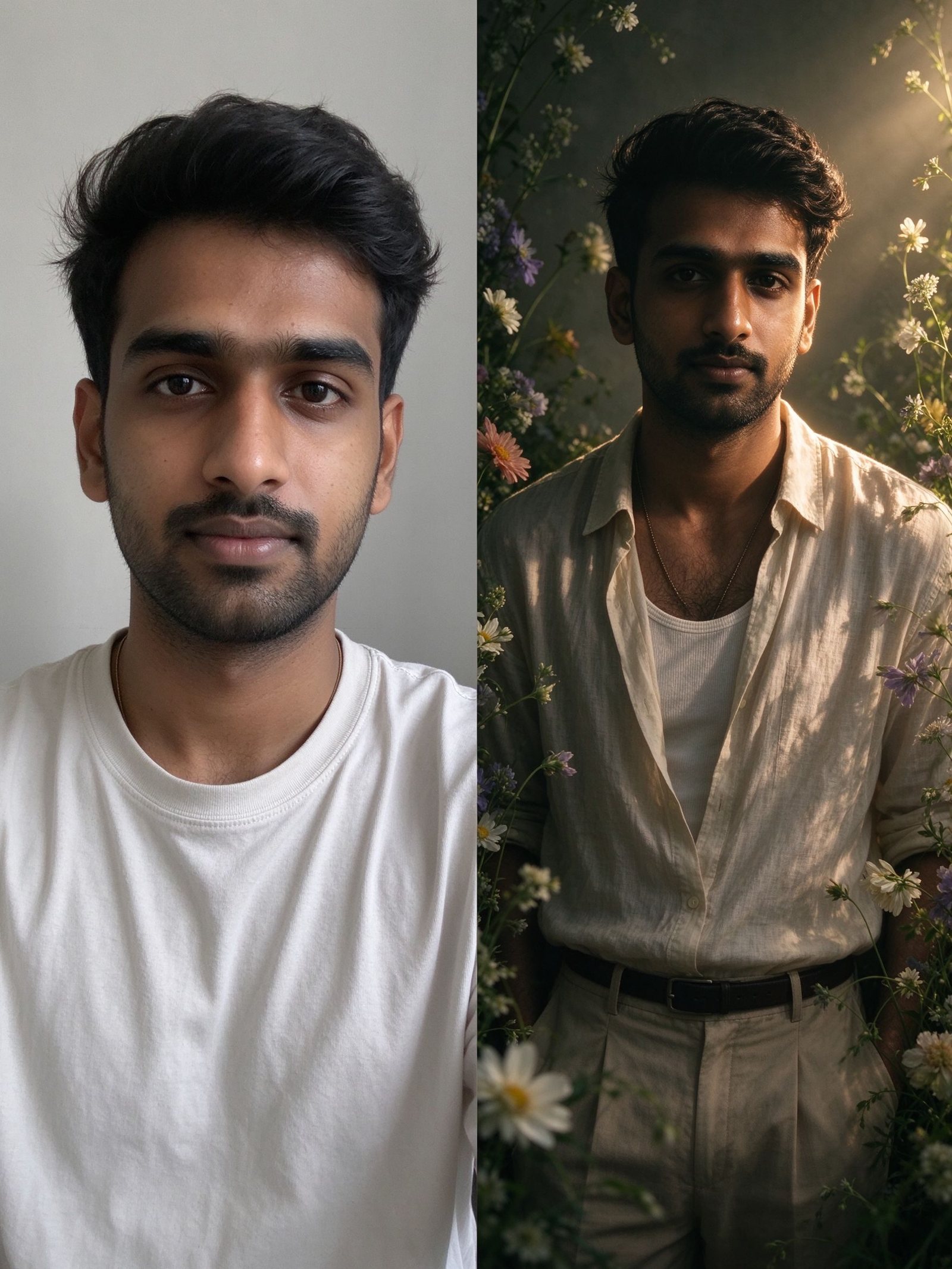
Concept: selfie to floral mood reference, then a specialist generator finishes the stencil.
2. InkAI: Best for Vector Stencil Export and AR Preview
Quick facts: web based free trial, custom concepts, AR preview on skin, vector SVG stencil export, photo to tattoo input.
Why we recommend it. InkAI positions itself around taking a concept to a handoff file. Its documented strengths are custom concept generation, an AR skin preview, and vector SVG stencil export, plus a photo to tattoo path that can turn a reference image into a design. For a birth flower, that means you can describe the bloom, preview scale on the chosen body part, and ask for a cleaner file to discuss with the artist.
Pros
- SVG stencil export gives the artist a cleaner starting point than a raster image.
- AR preview helps judge size on the actual body area.
- Photo to tattoo supports a reference driven brief.
Cons
- Advanced exports and previews may sit behind a paid tier.
- Confirm the commercial license before using output in a shop.
Best for / skip if. Choose it when an exportable stencil matters. Skip it if you only want a quick free sketch.
3. InkStudio: Best for Daily Free Designs and 3D Preview
Quick facts: mobile app, free daily designs with no ads or watermark on free output, 3D body spin, merge two or three designs.
Why we recommend it. InkStudio lets you describe the idea in plain words and generates a design in about fifteen seconds according to its listing. The 3D body preview lets you rotate the design on the body, and the merge feature can combine elements such as a flower with a small initial or date. The free daily design quota makes it easy to experiment without an upfront payment.
Pros
- Free daily designs with no watermark on the free output.
- 3D body preview and merge support placement decisions.
- Plain language input suits a first draft.
Cons
- Primarily a mobile experience rather than a desktop studio.
- Verify commercial rights before professional use.
Best for / skip if. Choose it for on the go placement trials. Skip it if you need desktop precision or vector output.
4. InkBolt: Best for Comparing Directions
Quick facts: free run available, one brief returns a line sketch, two finished design directions and a placement preview, ten style directions.
Why we recommend it. InkBolt answers a common problem: one generated image rarely shows the full option space. It returns a line sketch plus two finished directions and a placement preview from a single description, so you can compare a fine line version against a bolder treatment before booking. The output is framed as a clear brief for artist discussion.
Pros
- Multiple directions from one brief reduce back and forth.
- Placement preview supports size decisions.
- Output doubles as an artist discussion brief.
Cons
- Smaller style set than broad libraries.
- Check export and rights on the official site.
Best for / skip if. Choose it when you want to compare treatments. Skip it if you need a very large style catalog.
5. INK AI: Best for a Wide Style Library
Quick facts: free tier, 50 plus authentic styles including Traditional, Japanese, Geometric and Fine Line, available on iOS, Android and web.
Why we recommend it. INK AI targets users who know the style family they want but need a concrete design. Its broad style list covers Traditional, Japanese, Geometric and Fine Line, which gives a birth flower a consistent visual language instead of a generic floral clip art look. Cross platform access means you can draft on phone or web.
Pros
- Large documented style library for consistent visual language.
- Cross platform availability.
- Free tier for early drafts.
Cons
- Free output may carry limits or watermarks.
- Verify commercial rights before shop use.
Best for / skip if. Choose it when style variety drives the decision. Skip it if you need a month specific guided flow.
6. Inker.AI: Best for a Dedicated Birth Month Flow
Quick facts: free generation, month to flower direct selection, basic style choices.
Why we recommend it. Inker.AI offers a dedicated birth flower generator that maps a chosen month to its flower and produces a design in a simple flow. This removes the step of researching which bloom belongs to your month and suits users who want the fastest path from birth date to floral sketch.
Pros
- Direct month to flower mapping.
- Free and simple to use.
- Good for an early concept.
Cons
- Limited customization beyond basic choices.
- Confirm rights and export options on the official site.
Best for / skip if. Choose it for a quick month based draft. Skip it if you want detailed style and scale control.
7. Tattoolize: Best for a Quick Free Month Picker
Quick facts: free unlimited tier per its listing, simple birth month selection, online concept drafts.
Why we recommend it. Tattoolize centers a month picker that lists January Carnation through December Poinsettia or Narcissus depending on the source. It is built for a fast free concept rather than a precision stencil, which makes it useful for brainstorming several months or family flowers at low cost.
Pros
- Simple month picker with broad free access per its listing.
- Fast for brainstorming multiple flowers.
- No install required online.
Cons
- Thin style control compared with specialist studios.
- Treat output as a concept draft, not a final file.
Best for / skip if. Choose it for quick free ideas. Skip it when you need polished export or licensing certainty.
How to Write a Birth Flower Tattoo Prompt
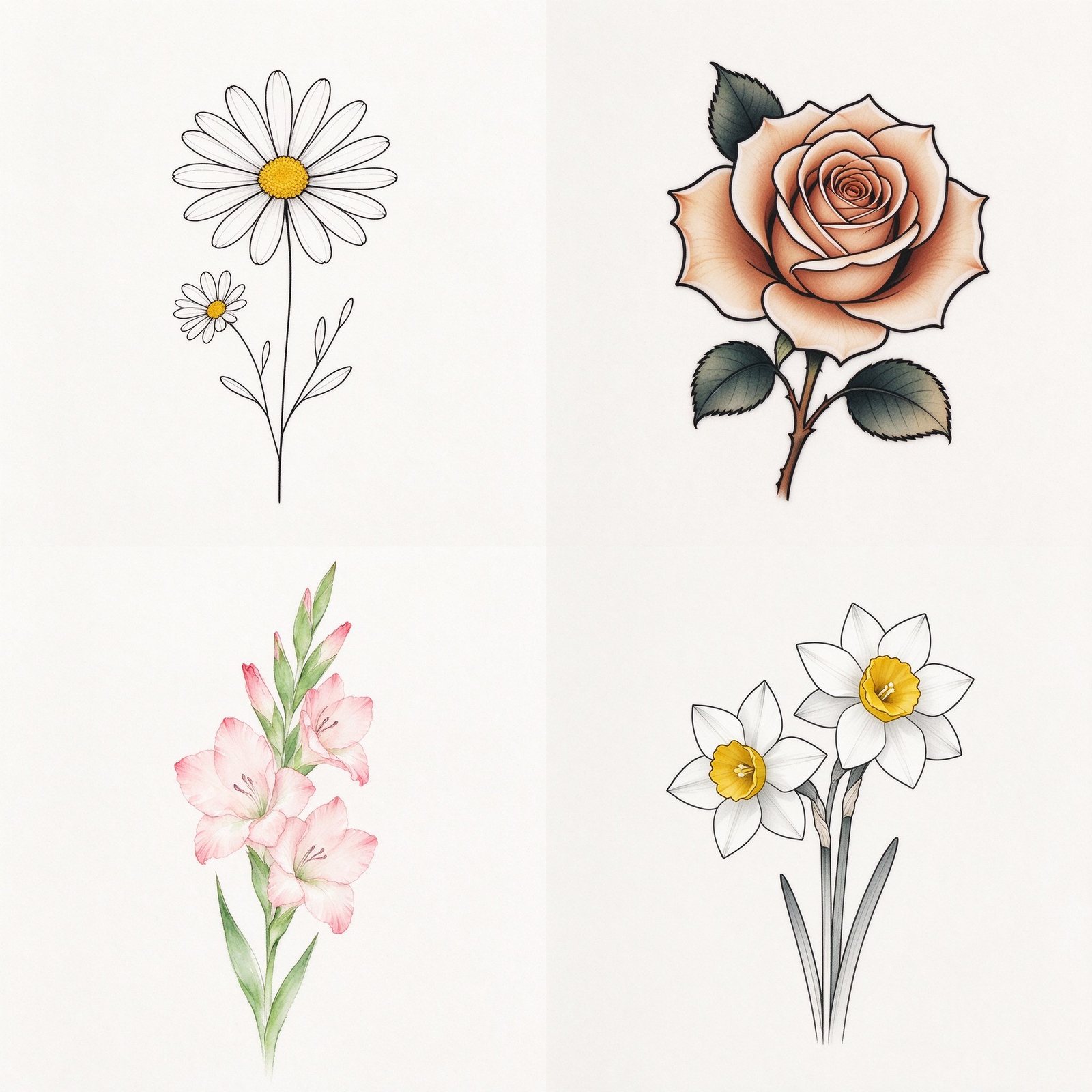
A precise prompt names flower, style, line weight, size, placement and what to leave out. Keep it as a plain brief without surrounding quote marks.
Prompt formula
- Flower and month: state the primary flower, add the secondary only if you want it.
- Style: choose fine line, miniature, neo traditional, watercolor, blackwork or minimalist.
- Size and placement: wrist, forearm, shoulder, rib, ankle or behind the ear.
- Color: monochrome, muted watercolor, single accent, or natural botanical tone.
- Constraints: clean continuous lines, scalable, no text, no shading overload, balanced for the chosen area.
Copy ready style prompts
- Fine line April daisy on the inner wrist, thin delicate single line, one small bloom with two leaves, monochrome black, minimal shading, scalable, no text, balanced for a small area.
- Neo traditional June rose on the upper arm, bold clean outline, warm muted petal tones, classic shading, balanced composition, no text, no background clutter.
- Watercolor August gladiolus on the forearm, soft translucent washes, tall stem with blooms, gentle color bleed, light outline, no text, suitable for a medium size area.
- Minimalist December narcissus on the ankle, simple geometric petal shapes, thin line, monochrome, airy negative space, no text, compact for a small placement.
- Botanical September aster behind the ear, delicate cluster of small blooms, fine line, muted green leaves, monochrome, light and compact, no text.
Bring It to the Artist, Licensing and Privacy
- Take the generated draft as a reference, not a final tattoo. A licensed artist redraws it for skin, needle capacity and healing.
- Check the tool license for commercial or professional use. Many free tiers allow personal sketches only, and shop reproduction may require a paid license.
- Read the privacy policy before uploading a personal photo. Confirm what the service retains and whether it trains models on your image.
- Do not copy the signature style of a specific artist or a known copyrighted design verbatim.
- Because birth flower lists vary by region, confirm the bloom you want with your artist if a secondary flower matters to you.
FAQ
Which flower is my birth flower
Match your month to the primary flower in the table above, for example Carnation for January, Rose for June, Marigold for October and Chrysanthemum for November. Secondary flowers differ by tradition.
Are AI birth flower tattoos free
Many tools offer a free tier or trial for personal sketches, while clean exports, previews and commercial rights usually sit behind a paid plan. Check each official site.
Can I print the AI design and tattoo it directly
Use it as a reference. An artist redraws for skin, line capacity and healing, and a free sketch may not carry commercial reproduction rights.
Which style works best for a small birth flower
Fine line or miniature suits wrist, ankle, behind the ear and other small placements, while neo traditional or watercolor fits larger areas such as the arm or shoulder.
Does Zikzik make a tattoo stencil
No. Zikzik creates cinematic styling and themed portrait references. Use it to settle mood and color, then finish the stencil in a specialist generator or with an artist.
Is there one official birth flower list
No global standard exists. Primary flowers are consistent across most Western sources, while secondary flowers and some month assignments vary by region and culture.
Ready to Find Your Floral Reference
Match your month to its bloom, write a style and placement brief, generate a few variations, and check license and privacy before you book. For a clear sense of mood and color first, try Zikzik free on the web or mobile app, then carry that reference to a specialist birth flower tattoo generator and your artist.