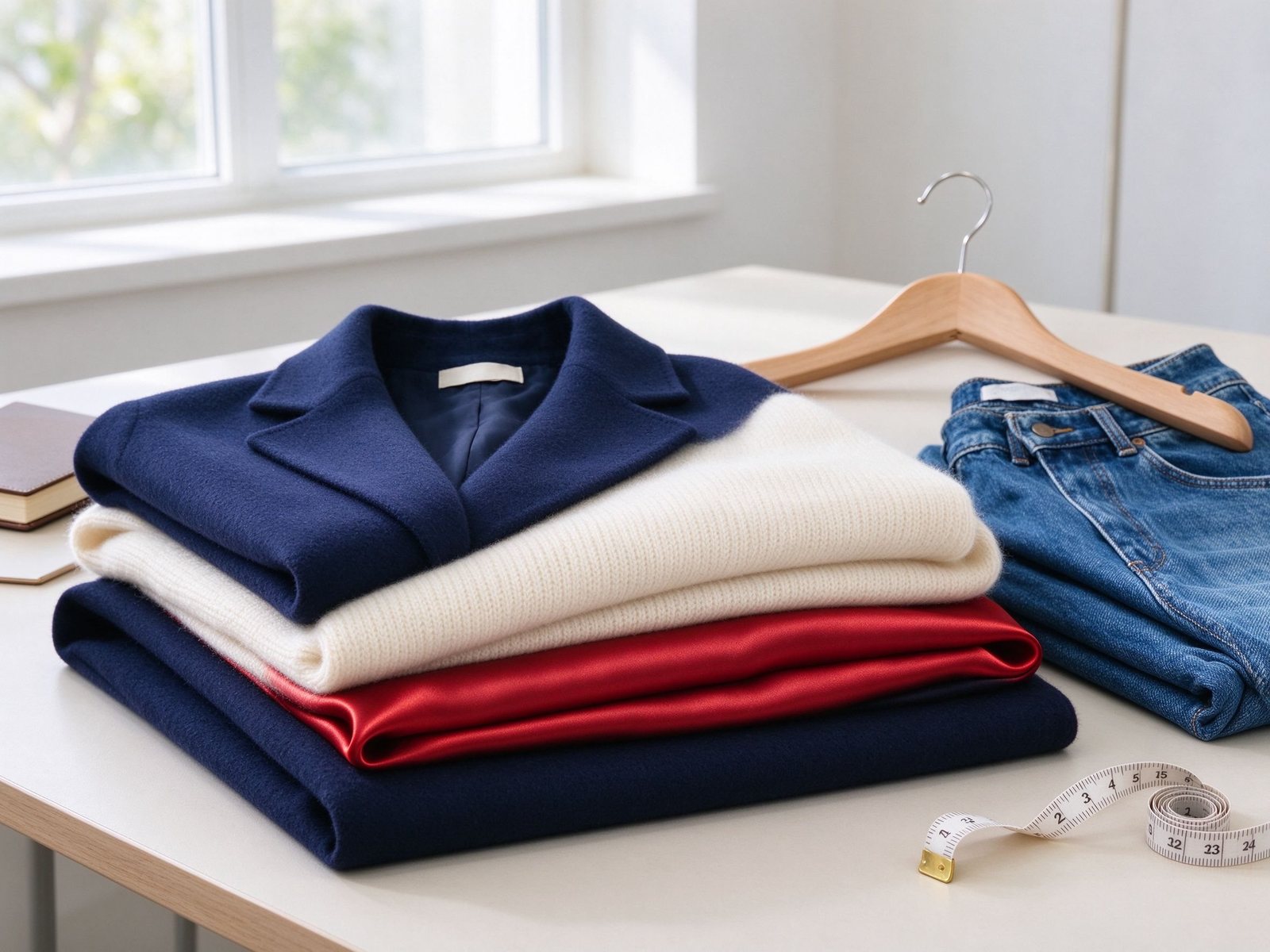
You change clothes in a photo with AI by uploading an authorized photo, masking or describing only the garment region, naming the new outfit in garment, fabric, color and fit terms, then generating a few variations and checking collar, sleeves, hands, folds, shadows and identity before export. A good outfit swap keeps the face, pose, body shape, background and lighting intact while replacing only the clothing. This guide covers source photo rules, three ways to specify the outfit, step by step workflow, copy ready prompts, realism checks, fixes, and the consent rules that keep the edit lawful.
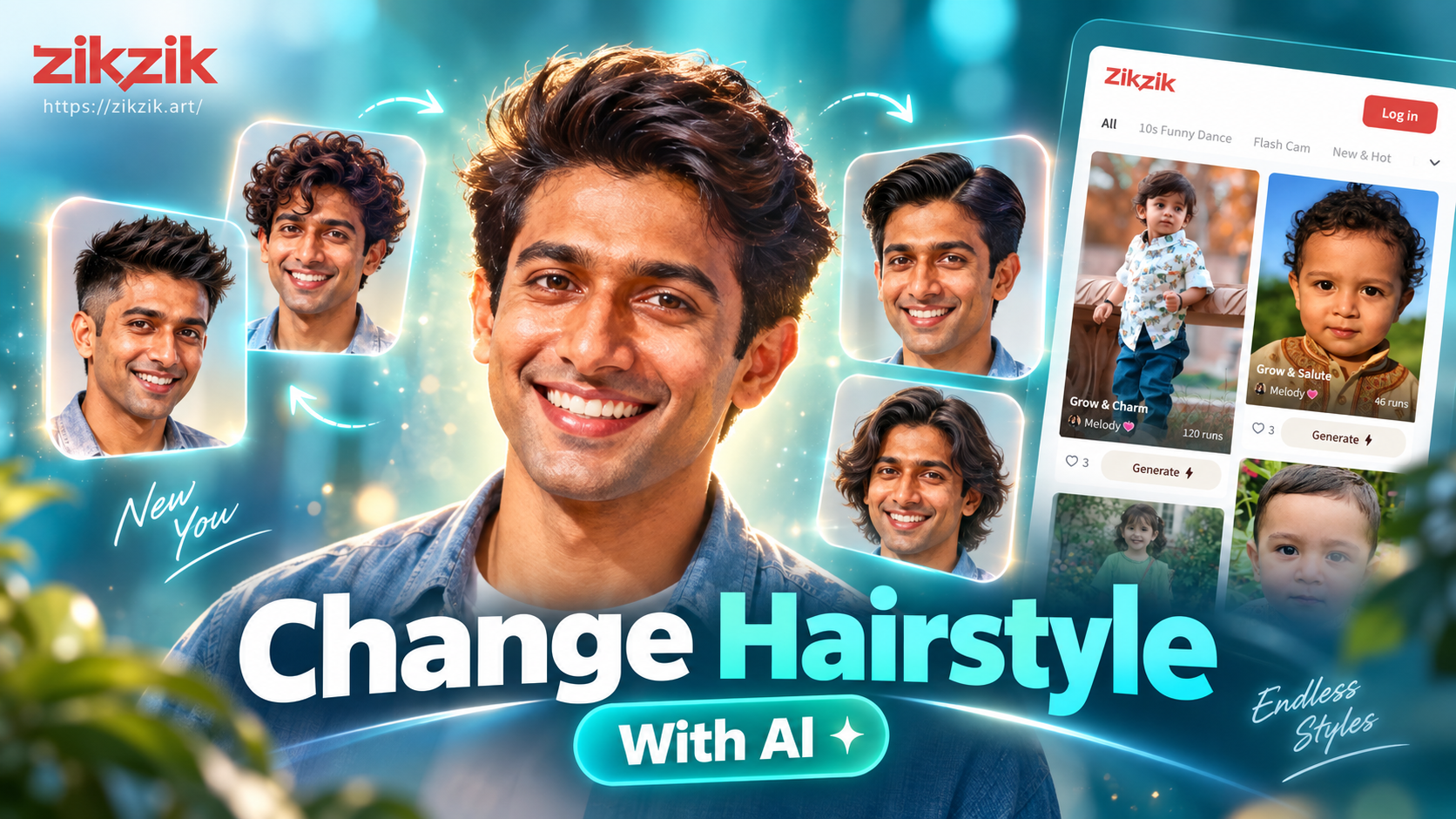
For a polished starting mood before you swap, Zikzik turns one uploaded photo into cinematic portraits, cover shots, glamour looks, makeup styles and themed lifestyle scenes. It is a styling reference stage, not a direct garment swap tool, and it does not promise to replace a specific item of clothing. Use it to settle framing, mood and wardrobe direction, then carry that direction into an outfit editor.
What Is AI Clothes Replacement
AI clothes replacement edits a selected garment region in an existing photo while preserving the person, pose, camera angle, background and light. Behind the editor, a segmentation or human parsing step separates body, hair, skin, accessories and clothing pixels, and a diffusion inpainting model fills the masked garment area using a text prompt or a garment reference image. The new fabric should match the original pose, perspective, light direction, contact shadows and drape rather than sit as a flat overlay.
This workflow covers clothed styling previews, fashion concepts, event outfit planning, catalog variations and personal wardrobe ideas. It is not for non-consensual undressing, explicit imagery, minors, harassment, deceptive endorsement or impersonation.
Choose a Source Photo That Swaps Well
The source matters more than a long prompt. Pick an image where the outfit region is readable.
- Good light with no hard shadow across the torso.
- Front or three-quarter view with visible shoulders, collar, sleeves and waistline.
- Natural pose, not crossed arms, extreme bend or cropped limbs.
- Plain or simple background so the mask stays clean.
- High resolution and limited motion blur.
- Full body shots for dresses, suits and uniforms; half body for tops, blazers and coats.
Avoid bags, hats, long hair covering the chest, props across the body, and folded or heavily wrinkled clothing that hides the garment shape.
Three Ways to Specify the New Outfit
Text description
Type garment type, color, fabric, fit, layer and occasion. This is fastest for imagined looks such as a blazer, a kurta, a gown or streetwear.
Garment reference image
Upload a clean product photo of the exact item on a plain background. The model transfers silhouette, color and pattern onto the subject. This is most accurate when you own a specific garment.
Style preset
Tap a curated look such as business casual, ethnic occasion, streetwear, evening or activewear. This is fastest for instant concepts but offers less control over detail.
Step by Step Workflow
- Upload an authorized photo you own or have written permission to edit.
- Mask only the garment you want to change. Keep face, hair, skin, hands, jewelry and background outside the mask.
- Describe the replacement outfit with garment, fabric, color, fit and coverage, and state what must stay unchanged.
- Generate two or three variations instead of accepting the first result.
- Zoom to 150 to 200 percent and check collar, cuffs, sleeve length, seams, hands, hairline, logos and waist shadow.
- Keep the cleanest version, refine one variable at a time such as fabric or color, then export.
Copy Ready Outfit Swap Prompts
Write the swap as a garment brief and a preservation brief. Keep the subject fully clothed and realistic.
Business formal
- Replace only the outfit with a tailored navy blazer over a white cotton shirt, slim fit, subtle wool texture, natural folds at the elbows, clean collar and cuffs, same body shape, same face, same lighting and background, realistic contact shadows, no logos.
- Replace the outfit with a charcoal bandhgala suit, cream kurta underneath, structured fit, matte wool, same pose, same face, warm indoor light, realistic drape, no text.
Casual everyday
- Replace only the top with an oversized cream knit sweater, ribbed cuffs, soft texture, relaxed fit, preserve face, hair, hands, background and daylight, natural folds, no logos.
- Replace the outfit with a light denim jacket over a plain white tee, relaxed fit, visible denim grain, same pose and lighting, clean edges, no text.
Ethnic and occasion
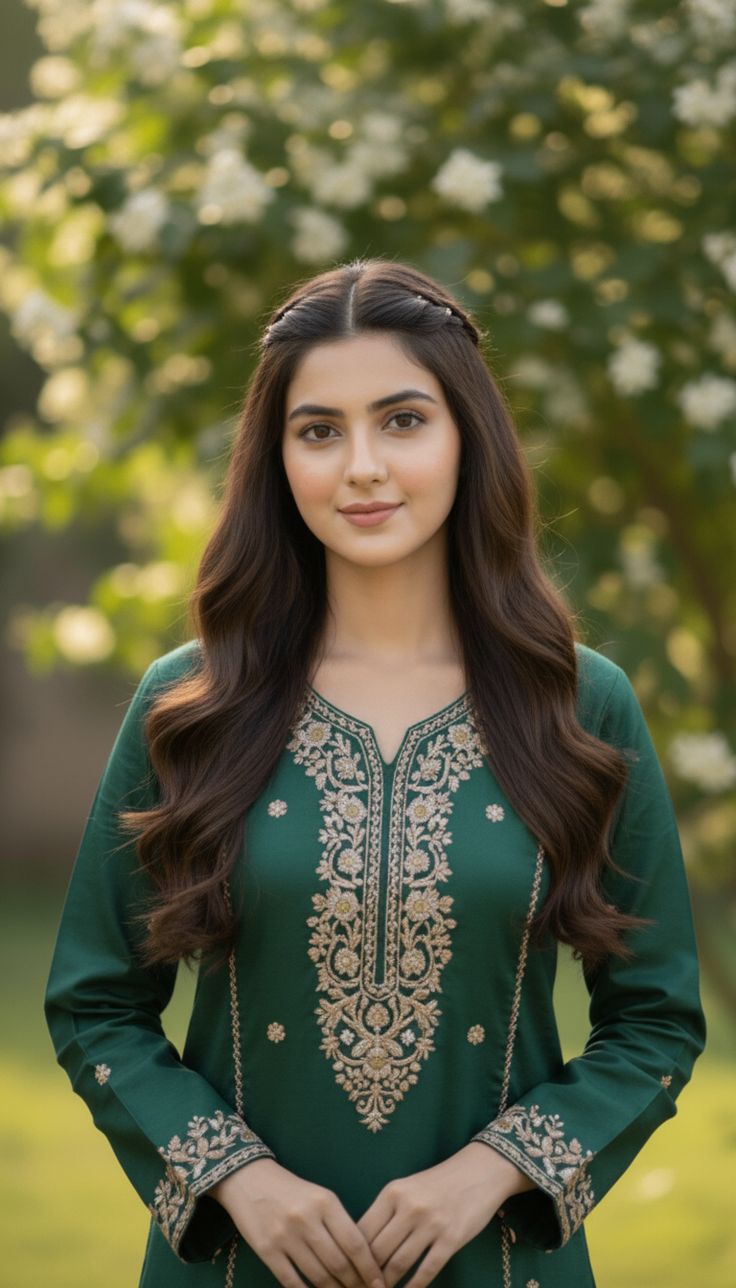
- Replace the outfit with a deep red silk saree with gold border, soft pleats, traditional drape, preserve face, hair, jewelry and hands, warm event light, realistic fabric sheen, no logos.
- Replace the outfit with an off white kurta and pyjama, muted churidar fit, cotton linen texture, preserve face and pose, daylight portrait, natural folds, no text.
- Replace the outfit with a royal blue banarasi silk lehenga, gold dupatta draped over one shoulder, preserve face, jewelry and hands, festive warm light, realistic brocade, no logos.
Evening and streetwear
- Replace only the outfit with a fitted black satin evening gown, elegant drape, preserve face, hair, hands and background, soft spotlight, realistic sheen, no logos.
- Replace the outfit with a black oversized streetwear hoodie and cargo pants, relaxed fit, preserve face and pose, neon night light, fabric texture, clean edges, no text.
Make the Swap Look Real
A convincing edit follows the body instead of covering it. Check these before you export.
| Check | What good looks like | Fix when off |
|---|---|---|
| Collar and neckline | Sits on the neck with natural gap | Remask the neckline and simplify the prompt |
| Sleeves and cuffs | Follow the arm with correct length | Tighten the mask around the arm |
| Hands and fingers | Unchanged and intact | Keep hands outside the mask |
| Fabric drape | Folds match pose and gravity | Add natural folds and soft wrinkles |
| Light and shadow | New garment matches original light direction | Name same lighting and contact shadows |
| Identity | Face, age, skin tone and proportions unchanged | Regenerate with a stronger preservation line |
| Coverage | Full, modest clothing as intended | Reject unintended exposure and refine |
Fix Common Failures
| Failure | Cause | Fix |
|---|---|---|
| Melted or blurry garment edges | Mask does not follow the collar, sleeve or hem | Refine the mask along edges and regenerate |
| Warped hands or fingers | Hands fell inside the mask | Keep hands out of the mask and use a smaller garment region |
| Face or identity drifts | Mask touched skin or the prompt described the person | Mask only clothing and add a preserve face, skin tone and proportions line |
| Light mismatch | New fabric ignores the original light | Name the original light direction and matching contact shadows |
| Wrong fabric or color | Material words are vague | Add wool, satin, linen, denim or silk and the exact color |
| Old pixels left behind | Gaps under sleeves or open jacket were not masked | Check arm to torso gaps and refine the mask |
Consent, Privacy and Legal Checks
- Upload only photos you own or have explicit permission to edit. Permission for an outfit does not cover a face swap or public publication.
- Never use these tools for non-consensual undressing, explicit or sexualized edits, minors, harassment, impersonation or deceptive endorsement.
- Do not imply a real person wore or endorsed an outfit they never agreed to.
- For ecommerce, treat the result as a concept, not proof of exact fabric, fit or sizing against the real product.
- Read the tool privacy policy before uploading personal photos, and disclose AI alteration where viewers could otherwise be misled.
Where a Styling Reference Tool Fits First
An outfit editor needs a clear target look. A styling reference stage helps when you are still deciding the direction.
- Prepare the reference. Upload your photo to Zikzik and generate a cinematic portrait, cover shot, glamour look, makeup style or themed scene that matches the wardrobe mood you want.
- Save the direction. Note the color palette, occasion and framing you like.
- Apply the swap. Carry that direction into an outfit editor with the garment prompt and preservation brief.
Zikzik supports a free trial with points and VIP in the app, offers several interface languages including Hindi, and refunds points when a generation fails. Check the official site for current plans rather than assuming a fixed price.
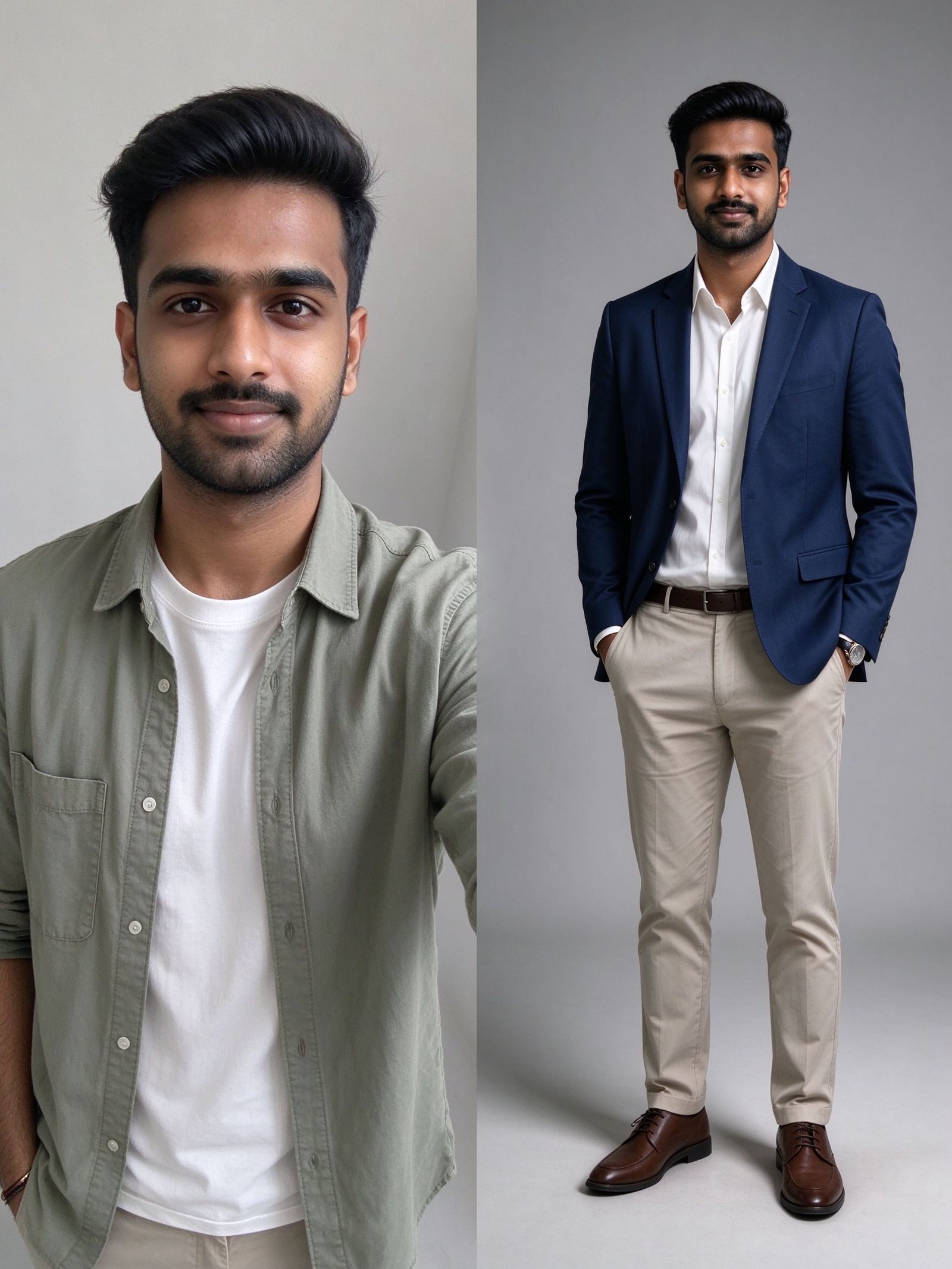
Concept: selfie to styled reference to final garment swap. The reference sets mood, and the editor applies the clothing.
FAQ
Can AI change clothes in any photo
AI works best on a clear, well lit photo where the garment edges are visible. Blurry, dark, heavily obstructed or extreme pose photos give weaker results.
Does AI keep my face the same
A preservation prompt that names face, skin tone, proportions and background helps, but review every result because identity can shift on difficult source images.
Is AI outfit swapping free
Many editors offer starter credits or a free limited tier, while full access, commercial rights and higher resolution usually require a paid plan. Check each tool terms.
Is it legal to change clothes in a photo you do not own
Only with consent and lawful purpose. Non-consensual, explicit, deceptive or impersonating edits can violate privacy, publicity and platform rules.
Is virtual try-on an exact size guarantee
No. It previews silhouette, color and styling direction, not exact sizing, fabric weight or tailoring against a real product.
Can Zikzik swap my clothes directly
Zikzik generates cinematic styling and themed portrait references. Use it to settle the look first, then apply a direct garment swap in an outfit editor.
Ready to Try Your First Swap
Start with a clear photo you own, mask only the garment, describe the new outfit in fabric and fit terms, generate three variations, and zoom in to check edges, hands and light. Keep the edit modest, consensual and transparent, and use a styling reference such as Zikzik free on the web or mobile app to settle the look before you swap.