A Dussehra video maker turns your photos, name, message and festive music into a short greeting reel, business promo or invitation clip for Vijayadashami. The fastest path is to pick a ready made festive template, replace the name and message, add your photos and licensed music, set a vertical format for WhatsApp and Reels, then export and share. Zikzik fits at the front of the workflow: it turns one uploaded photo into cinematic portraits, cover shots, glamour looks and themed scenes that can serve as a festive opening frame or mood reference. It is a themed reference and image to short clip stage, not a full timeline editor with templates, captions and export controls, so use it to set the festive look first, then finish the reel in a dedicated video maker.
Quick Picks
- Zikzik: our pick for themed festive reference. Best for a cinematic opening frame or mood before you edit the reel.
- CapCut: best for free template editing and auto captions. Strong for mobile greeting reels with no watermark on most exports.
- Canva: best for polished design and team sharing. Good when you want a clean graphic look across greeting and promo clips.
- FlexClip: best for browser based drag and drop. Convenient for text, images, music and voiceover without installing software.
- AdBanao: best for India festival business posters to videos. Built for local shops, brands and WhatsApp sharing.
- Selfanimate: best for personalized greeting wishes. Adds name, photo and message over a ready Dussehra template.
- DesiEvite: best for festive invitation videos. Photo, custom text and traditional artwork with adaptive layout.
How We Selected These Tools
A festival video lives or dies on relevance and speed, so selection focuses on what a user actually needs before the evening greeting: ready Dussehra or Vijayadashami templates, easy name and message replacement, photo insertion, licensed or own music, vertical format support, export quality, and a free option. Within that gate, ranking weighs mobile ease, business and WhatsApp fit, design polish, audio options, and honest limits on watermark and commercial use. Every tool below is described from documented capabilities; none is presented as a personal hands-on lab report, and pricing is deferred to each official site because plans and free limits change.
What a Good Dussehra Video Needs
| Element | Why it matters | Simple choice |
|---|---|---|
| Format | Most viewers open on WhatsApp and Reels | Vertical 9:16, short and bright |
| Message | Personal warmth beats a generic clip | Add a name and a one line wish |
| Photos | Faces and family make it personal | 2 to 4 clear photos that fit the frame |
| Music | Sets festive mood without cluttering | Licensed track or your own upload |
| Pace | Keep it light for sharing | 10 to 30 seconds, gentle transitions |
| Tone | Respect the good over evil theme | Warm gold, marigold, saffron and green |
At a Glance Comparison
| Tool | Best for | Free option | Standout feature | Main limitation | Platform |
|---|---|---|---|---|---|
| Zikzik | Themed festive reference | Free trial with points | Cinematic themed portrait and scene reference | Not a full template timeline editor | Web, iOS, Android |
| CapCut | Free reels and auto captions | Free tier | AI templates, auto captions, no watermark on most exports | Pro features behind paid plan | Mobile, desktop, web |
| Canva | Polished design and sharing | Free tier | Large template and graphic library | Advanced brand kits paid | Web, mobile |
| FlexClip | Browser editing | Free tier | Drag and drop, music and voiceover | Free export limits apply | Web |
| AdBanao | India festival business clips | Free tier | Festival posters to videos for local shops | Branded export and rights vary | Mobile, web |
| Selfanimate | Personal greeting wishes | Free preview | Name, photo and message on a wish template | Custom output may be paid | Web |
| DesiEvite | Festive invitations | Free tier | Adaptive photo and text layout | Limited template range | Web |
1. Zikzik: Best for Themed Festive Reference
Quick facts: official site Zikzik, free trial with points and VIP in app, web plus iOS and Android, Hindi and other interface languages, points refunded when a generation fails.
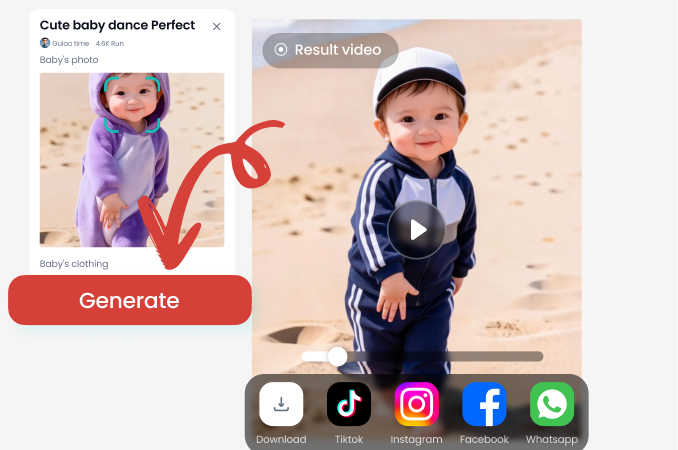
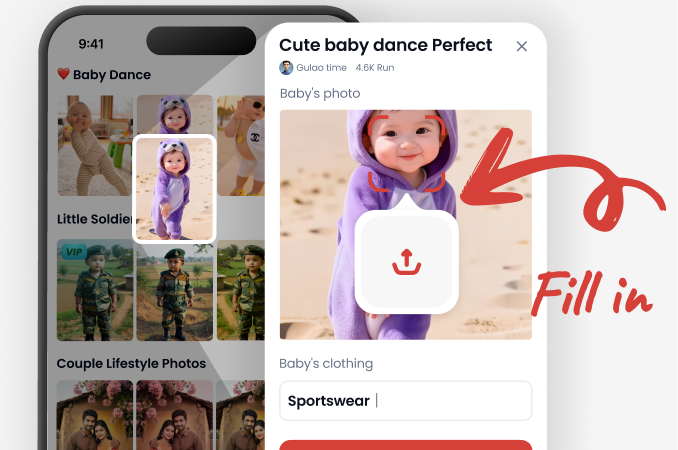
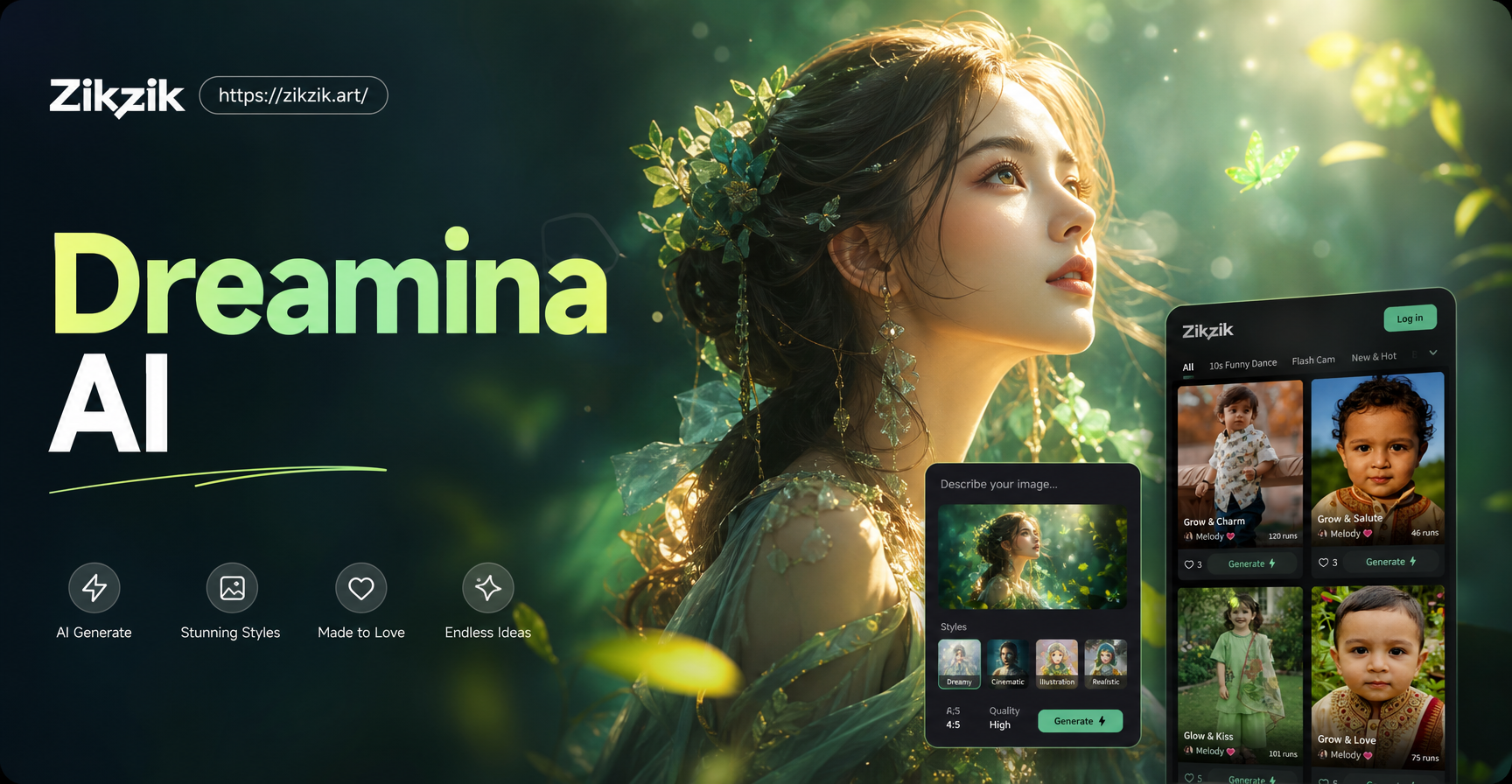
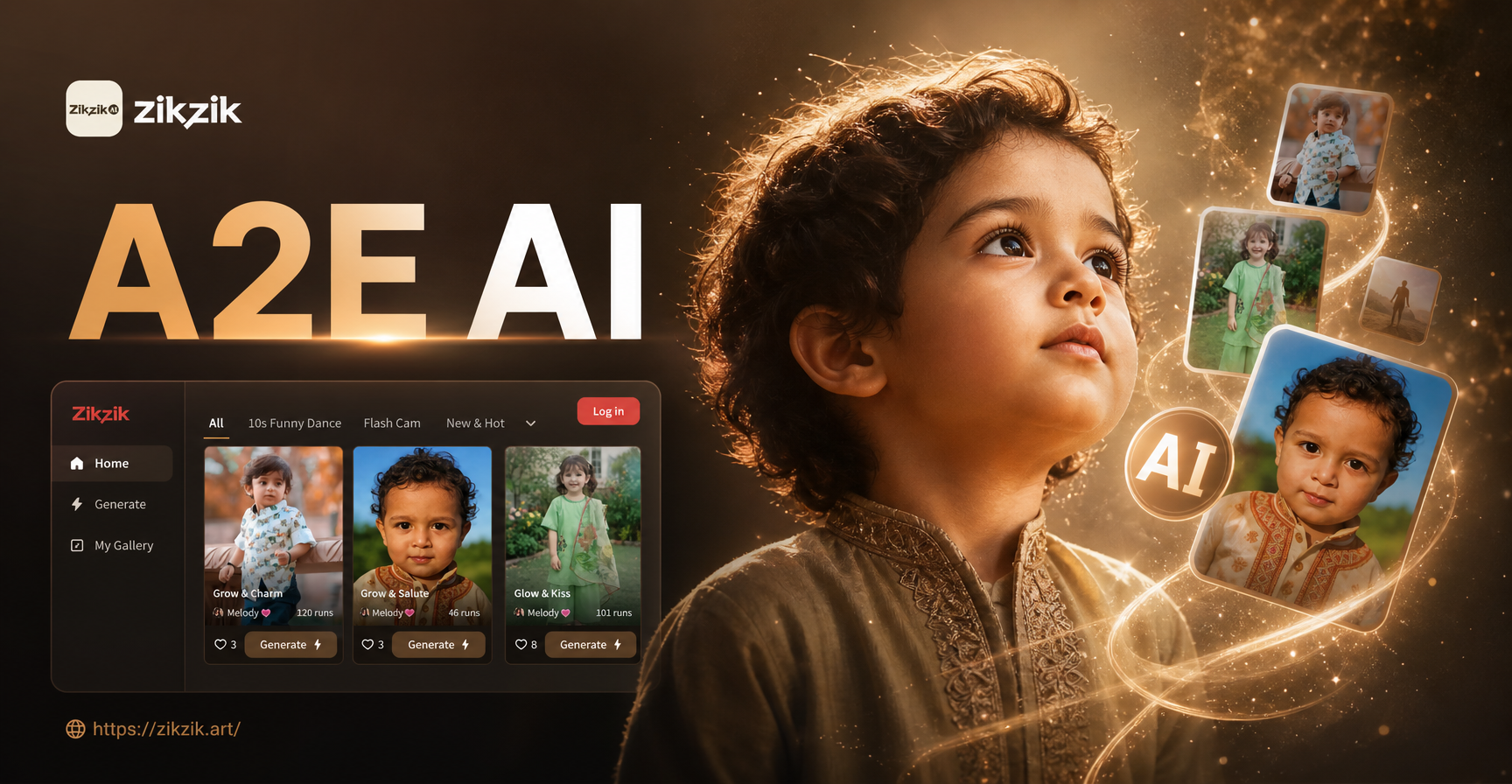
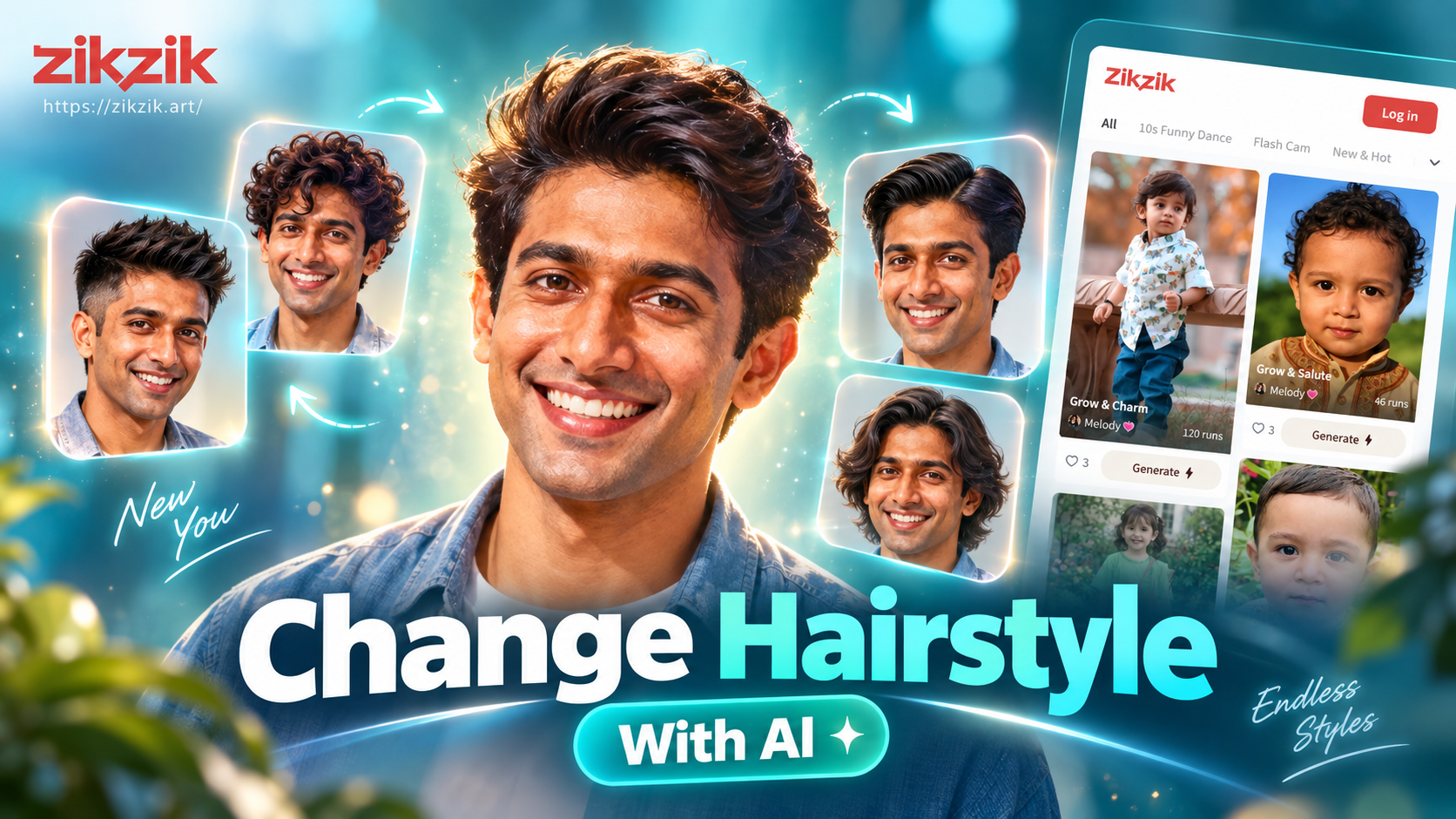
Why we recommend it. Before laying a reel on a timeline, you need a clear festive look. Zikzik takes one uploaded photo and produces cinematic portraits, cover shots, glamour looks, makeup styles and themed lifestyle scenes. For Dussehra that means a warm, gold toned, festive opening frame or a themed portrait that sets color, scale and mood. Save the frame you like, use it as the opening image in a greeting template, and carry the palette into the rest of the reel. The tool also supports a short themed clip output for a gentle motion opening, which works well as a lead in rather than the whole video.
Pros
- Fast cinematic themed reference from one photo, useful for a festive opening frame.
- Free trial, points refunded on failed generation, and web plus mobile access.
- Multi language interface including Hindi, suited to an India based user.
Cons
- It does not provide Dussehra templates, captions or a music timeline.
- It is not built for name and message replacement.
- Final reel assembly still needs a dedicated video maker.
Pricing. Free to try; points and VIP live in the app. See the official site for current plans rather than assuming a fixed price.
Best for / skip if. Choose Zikzik when you want a polished festive opening frame or mood. Skip it if you need to assemble the whole greeting reel today.
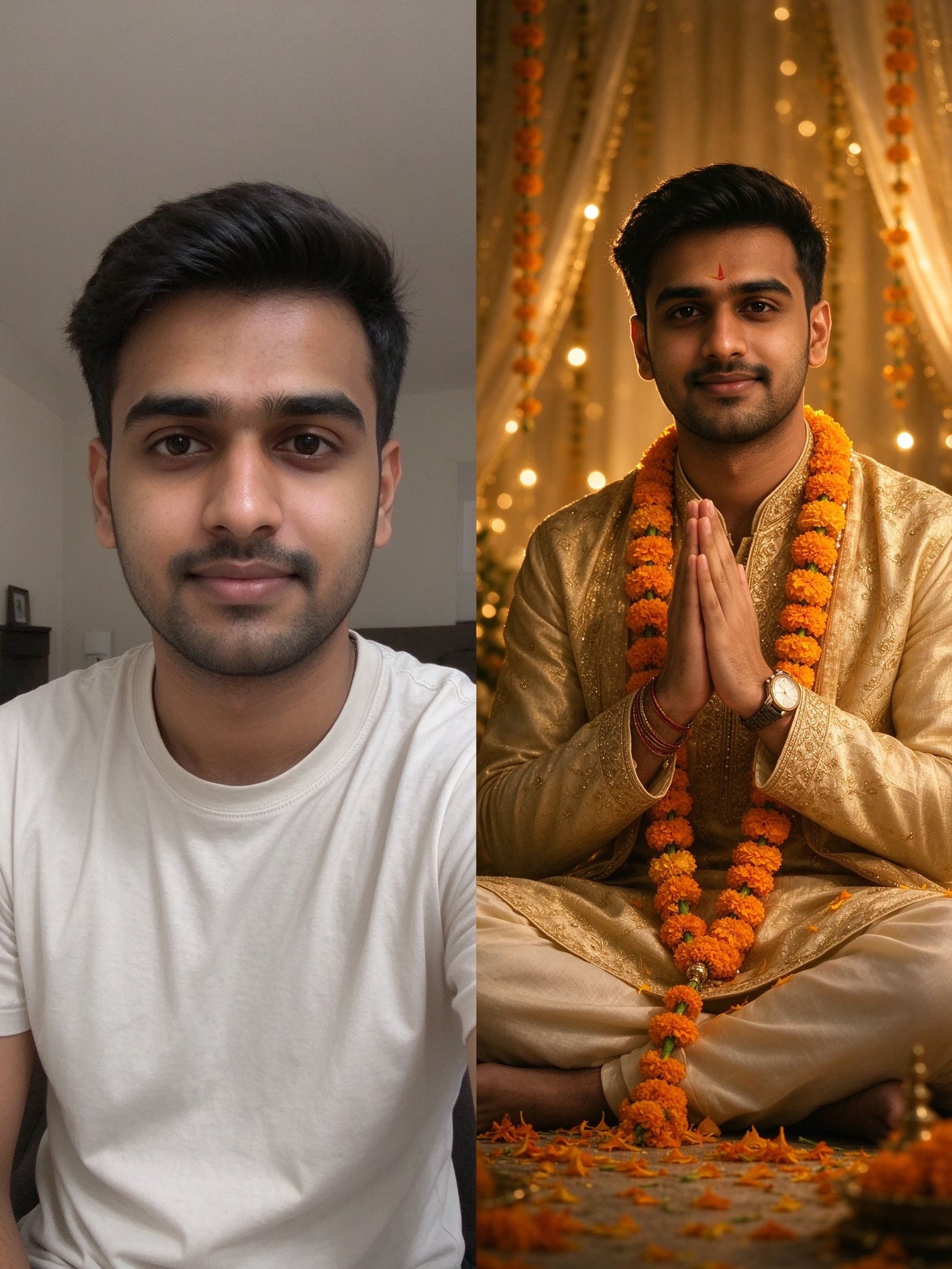
Concept: selfie to festive reference frame, then a dedicated maker assembles the reel.
2. CapCut: Best for Free Reels and Auto Captions
Quick facts: free tier, ready templates, AI tools, auto captions, animated text, stickers, transitions, no watermark on most exports.
Why we recommend it. CapCut offers ready Dussehra templates plus a general editing suite where you drop clips, add festive text, music and stickers, and use auto captions for timed subtitles. It is widely used on mobile in India and exports cleanly for WhatsApp status and Reels, which matches how most people share a greeting.
Pros
- Strong free tier with auto captions and animated text.
- Mobile friendly and suited to vertical reels.
- Broad effects, transitions and sticker library.
Cons
- Some advanced features and exports sit behind a paid plan.
- Template credits can vary by region.
Best for / skip if. Choose it for a quick free mobile reel. Skip it if you want a brand kit or fixed business workflow.
3. Canva: Best for Polished Design and Sharing
Quick facts: free tier, large template and graphic library, text and photo replacement, team sharing, web and mobile.
Why we recommend it. Canva gives a clean graphic foundation for both personal greetings and business promos. You can start from a festive template, swap in photos and the brand color, add a message, and export a short video. It suits users who care about alignment and a tidy look rather than raw editing power.
Pros
- Polished templates and easy graphic customization.
- Good for personal and business use alike.
- Simple sharing across devices.
Cons
- Advanced brand kits and some assets are paid.
- Audio and timeline depth are lighter than a dedicated editor.
Best for / skip if. Choose it for design led greetings and promos. Skip it for heavy multi track editing.
4. FlexClip: Best for Browser Based Editing
Quick facts: free tier, online drag and drop, text, images, custom music and voiceover, multiple export options, no install.
Why we recommend it. FlexClip runs in the browser, so it fits users who do not want to install an app. You build a short clip from festive templates, add your message and photos, layer licensed or own music and a voiceover, and export in a chosen resolution.
Pros
- No install, straightforward drag and drop.
- Music and voiceover support for a spoken wish.
- Multiple export options for different platforms.
Cons
- Free export carries limits that change over time.
- Template depth is narrower than large mobile editors.
Best for / skip if. Choose it for a browser made greeting. Skip it if you need advanced motion graphics.
5. AdBanao: Best for India Festival Business Clips
Quick facts: free tier, festival poster and video templates, upload photos, add music and text, built for local shops and WhatsApp, vendor reports 4.5 million plus users.
Why we recommend it. AdBanao is oriented to Indian local businesses and festival marketing. It organizes month wise festival templates, turns a poster into a short video, and supports adding photos, text and music for shop promos and WhatsApp broadcasts. The vendor reports more than 4.5 million users, a first party figure to treat as a claim rather than an independent count.
Pros
- Festival first workflow for Indian shops and brands.
- Poster to video and easy WhatsApp sharing.
- Photo, text and music in one local app.
Cons
- Branded export and commercial rights vary by plan.
- Design polish is more promotional than cinematic.
Best for / skip if. Choose it for local business festival promos. Skip it for a refined personal film.
6. Selfanimate: Best for Personalized Greeting Wishes
Quick facts: free preview, Dussehra greeting templates, add name, photo and message, licensed music library or own track, optional edit for me service.
Why we recommend it. Selfanimate centers a ready Dussehra or Vijayadashami wish template where you insert the recipient name, a personal photo and a message, then choose licensed music or upload your own track and trim the volume. The edit for me option handles customization for users who prefer to hand it off.
Pros
- Direct name, photo and message personalization.
- Licensed music library plus own audio upload.
- Hand off editing option available.
Cons
- Custom finished output may require a paid plan.
- Limited broad editing control.
Best for / skip if. Choose it for a warm personal wish to family. Skip it for a complex business campaign.
7. DesiEvite: Best for Festive Invitation Videos
Quick facts: free tier, invitation video, photo insertion, custom text, traditional artwork, adaptive layout, no install.
Why we recommend it. DesiEvite focuses on invitation videos with personal photos, custom text and traditional artwork, and an adaptive layout that fits your content automatically. It suits a family gathering or event invite around the festival rather than a broadcast promo.
Pros
- Invitation focused personalization.
- Adaptive layout removes formatting guesswork.
- Traditional artwork and no install online flow.
Cons
- Narrower template range beyond invites.
- Commercial use terms should be checked on the official site.
Best for / skip if. Choose it for a festive invite. Skip it for a sales promo reel.
How to Make a Dussehra Video in Five Steps
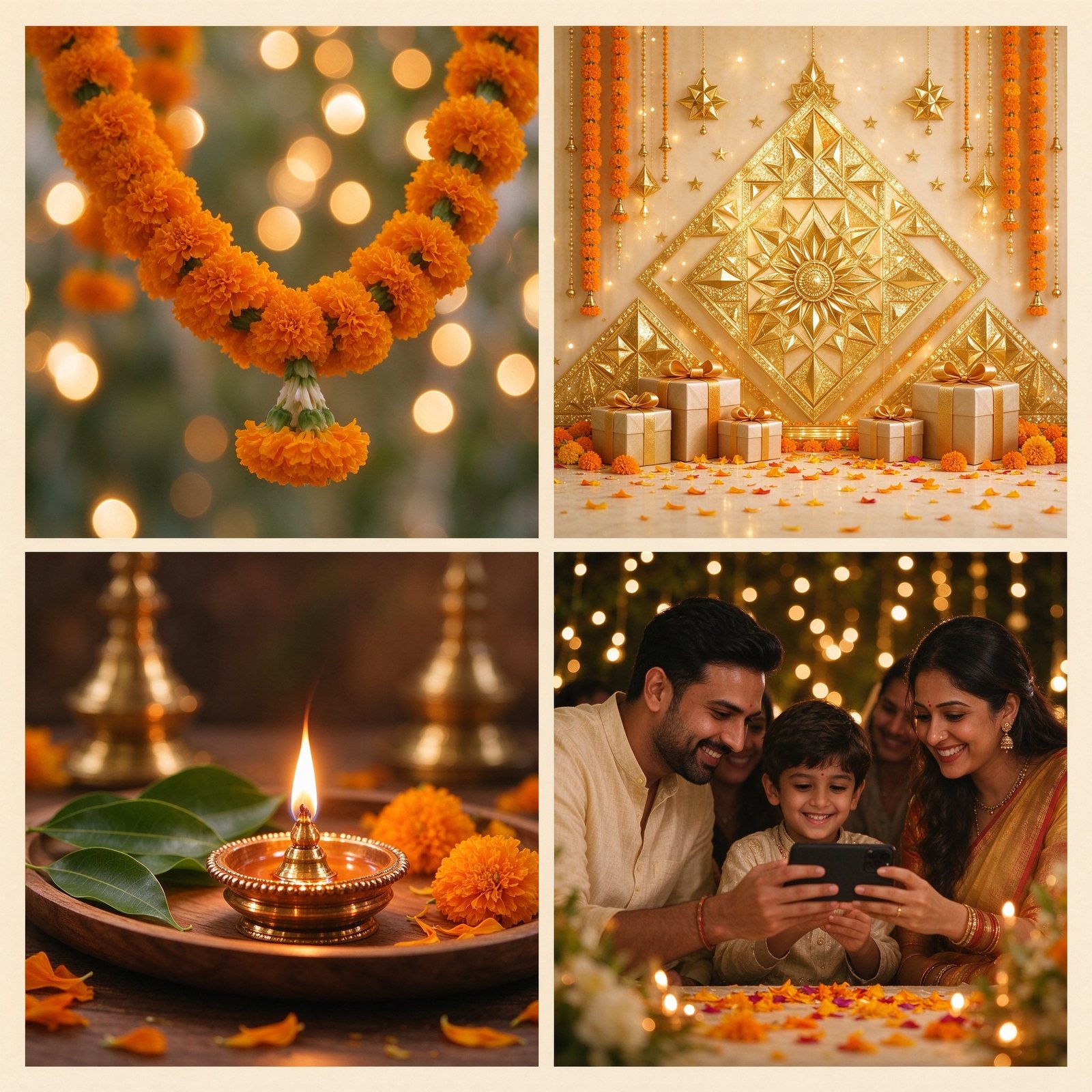
- Set the goal: personal wish, family reel, shop promo or invitation, and choose vertical 9:16.
- Pick a template that matches the goal, or start a themed reference in Zikzik for the opening frame.
- Replace the name and message, insert 2 to 4 clear photos, and keep text short.
- Add a licensed festive track or your own music, adjust volume under the voiceover if any, and keep the clip 10 to 30 seconds.
- Preview on a phone, check spelling and light levels, export, then share on WhatsApp status, Reels or the chosen channel.
Short English wish lines you can adapt
- Wishing you and your family a joyful Vijayadashami and a year of good over every challenge.
- May this Dussehra bring warmth, prosperity and courage to your home.
- Happy Dussehra to you and yours, with light over darkness always.
- Celebrate the victory of good with love, health and new beginnings.
Respect, Copyright and Sharing Notes
- Keep the tone respectful of the festival theme of good over evil; avoid mocking religious symbols or using sacred imagery as decoration.
- Use licensed music or a track you own, because generic festival tunes can carry copyright claims.
- Check whether the free tier adds a watermark before sharing publicly.
- Confirm commercial and brand use terms for business promos, since personal greeting and shop marketing rights often differ.
- Ask permission before publishing photos of other people, especially children.
FAQ
What is the easiest Dussehra video maker
Start with a ready template in CapCut, Canva or Selfanimate, replace the name and message, add photos and music, and export vertically for WhatsApp.
Are Dussehra video makers free
Many offer a free tier or preview for personal clips, while watermark removal, commercial rights and higher resolution usually require a paid plan. Check each official site.
Which format works for WhatsApp status
Use vertical 9:16, keep it under 30 seconds, bright and legible on a small phone screen.
Can Zikzik make the whole Dussehra reel
No. Zikzik creates themed cinematic reference frames and short clips. Use it for the opening look, then assemble the full reel in a dedicated video maker.
Do I need a photo for the greeting
Not required, but a clear personal photo makes the wish feel warmer than a generic animated clip.
Is Vijayadashami the same as Dussehra
Yes. Vijayadashami is the Sanskrit name for the day widely called Dussehra, marking the victory of good over evil after Navratri.
Ready to Make Your Festive Reel
Choose the goal, pick a matching template, personalize the name and message, add photos and licensed music, keep it short and vertical, and check watermark and rights before sharing. For a warm festive opening frame first, try Zikzik free on the web or mobile app, then finish the reel in a dedicated Dussehra video maker.