What Are Gemini Photo Editing Prompts for Boys?
Gemini photo editing prompts for boys are short text instructions that tell Google Gemini how to edit a photo of a boy. You can use them to improve lighting, change the background, add a specific outfit, apply a cinematic color grade, or turn a normal portrait into a sports, streetwear, or fantasy scene. The key is to describe the subject, the scene, the mood, and the details you want to keep. This guide includes 25 specific prompts that work for boys of different ages, from young kids to teenage boys and young men.
Before you start, choose a clear photo. A sharp face with visible eyes and simple clothing usually gives the most accurate result. If the photo is blurry, ask Gemini to enhance clarity before you apply any style. Also, always include a line about keeping the boy's face unchanged. This reduces the chance of distorted or unrecognizable results.
How to Write a Good Gemini Photo Prompt
A strong editing prompt has five parts: the subject, the action or pose, the background, the lighting, and the style or color grade. For example, a basic prompt might say, edit this photo of a teenage boy in a park. A stronger prompt says, edit this photo of a teenage boy in a park so he stands under a large oak tree, with warm afternoon light on his face, a soft green background, and a relaxed smile. Keep his face shape and clothing colors unchanged.
When you write your own prompts, follow this order:
- Start with the subject and age, such as a young boy or a teenage boy.
- Describe the action or pose, such as walking, jumping, or standing still.
- Name the background or setting, like a city street, a gym, or a forest.
- Add lighting and mood words, such as warm sunset, neon glow, or soft morning light.
- Finish with preservation details, such as keep his face unchanged, keep his hair natural, or do not make him older.
25 Gemini Photo Editing Prompts for Boys
These prompts are grouped by style. You can copy any prompt directly into Gemini. Replace "the boy" or "a teenage boy" with the person's name if you prefer. Change the age, clothing, and background to match your photo. Each prompt is written to preserve the boy's original face and body as much as possible.
Clean Portrait Enhancements
- Edit this photo of a teenage boy so his skin looks natural and even, sharpen the eyes, remove distracting background objects, and add a soft studio light from the left side. Keep the original face shape, hair texture, and clothing colors.
- Turn this casual photo of a boy into a clean yearbook style portrait with a neutral gray background, balanced lighting, and gentle color correction. Do not make him look older or change his facial features.
- Enhance this picture of a young boy playing outdoors. Brighten the shadows, add a warm golden hour glow, and make the green grass look rich. Keep him in the same clothes and preserve the candid mood.
- Edit this photo of a teenage boy so it looks like a professional headshot. Remove acne and stray hairs, keep a natural skin texture, and add a blurred office background with soft window light.
- Take this indoor photo of a boy and relight it as if he is standing near a large window on a cloudy day. Soften the contrast, lift the shadows on his face, and keep the colors realistic.
Sports and Action Looks
- Edit this photo of a boy playing soccer so he is frozen mid kick with motion blur behind him, dust particles in the air, and dramatic sunset lighting. Keep his face recognizable and his jersey visible.
- Turn this portrait of a teenage boy into a basketball player edit. Add a dark gym background with blurred ceiling lights, sweat details on his forehead, and a focused expression. Keep his facial features unchanged.
- Transform this photo of a boy into a baseball card style portrait with a stadium background, bright colors, and a slight cartoon poster effect. Keep his face accurate and his cap in place.
- Edit this image of a young boy running so the background becomes a blurred forest trail, with cool morning light and leaves flying in the air. Keep his movement natural and his clothes realistic.
- Make this photo of a boy look like a swimming training shot. Add water splashes around him, pool lane ropes in soft focus, and a high contrast aqua color grade. Preserve his original face and body shape.
Streetwear and Urban Style
- Edit this photo of a teenage boy into a streetwear lookbook shot. Add a concrete wall with graffiti behind him, a red bomber jacket, and cool overcast lighting. Keep his face, hair, and pose exactly the same.
- Turn this portrait of a boy into a night city scene. Add neon signs, a blurred crosswalk, and a black puffer jacket with reflective details. Keep the camera angle and his face shape unchanged.
- Edit this photo of a boy so he appears to stand on a rooftop at dusk, wearing a hoodie and sneakers, with city lights bokeh behind him. Preserve his facial features and relaxed posture.
- Transform this photo of a young boy into a skatepark edit. Add a concrete ramp, metal rails, and a skateboard under his foot. Keep his face, body proportions, and clothing colors accurate.
- Make this picture of a teenage boy look like an underground music album cover. Add a grainy film texture, a dark studio background, and one red side light. Keep his expression confident and his features unchanged.
Cinematic Movie Scenes
- Edit this photo of a boy into a cinematic still from an adventure film. Add a misty forest, warm torch light, and an explorer style jacket. Keep his face clear and his eyes looking into the distance.
- Turn this portrait of a teenage boy into a science fiction movie scene. Add a futuristic city window behind him, blue and orange lighting, and subtle holographic elements. Keep his face recognizable and his ordinary shirt unchanged if possible.
- Edit this photo of a young boy so he looks like a character in a coming of age movie. Use a warm film color grade, a small town street background, and soft evening light. Keep the nostalgic mood and his face accurate.
- Make this photo of a boy look like a dramatic close up from a sports film. Add a dark tunnel background, strong backlight, and light haze. Keep sweat and hair details realistic, and do not alter his bone structure.
- Transform this photo of a boy into a fantasy adventure scene. Add a glowing forest path, floating fireflies, and a subtle hero light on his face. Preserve his original face, body position, and clothing colors.
Fantasy and Gaming Style Edits
- Edit this photo of a teenage boy into a game character selection screen. Add a futuristic armor overlay, a holographic user interface around him, and a dark blue background. Keep his face clearly visible and recognizable.
- Turn this photo of a boy into a comic book style portrait. Add bold outlines, halftone dots, and a bright burst background. Keep his facial features and hairstyle accurate while applying the illustrated style.
- Edit this portrait of a young boy so he becomes a dragon rider in a fantasy world. Add a dragon silhouette behind him, a cloudy sky, and golden light. Keep his face and costume details from the original where possible.
- Make this photo of a boy look like a steampunk inventor. Add brass goggles on his head, a workshop with gears behind him, and warm mechanical lights. Keep his face shape and expression friendly.
- Transform this casual photo of a boy into a pixel art avatar. Reduce detail, add pixel block shapes, and use a bright retro game color palette. Keep his key facial features and hair color recognizable.
How to Adapt These Prompts for Different Subjects
The prompts above work for many photos, but you can make them fit a specific boy by changing a few details. If you are editing a photo of a younger boy, replace streetwear items like a bomber jacket or puffer jacket with age appropriate clothes such as a denim jacket, a hoodie, or a football jersey. If you are editing a photo of a teenage boy, you can add sharper styling words like confident look, athletic build, or relaxed street style.
If your photo includes two or more boys, add a phrase like, focus on the boy on the left, or keep both boys recognizable and in their original positions. Gemini sometimes blends multiple faces, so naming each subject by position or appearance helps. For example, instead of saying "edit the boys," say "edit the taller boy with dark hair and keep the shorter boy's face unchanged."
Swapping Clothes and Backgrounds
To change clothes, clearly name the item and color. For example, write change his blue t-shirt to a black leather jacket and keep his face unchanged. To change the background, describe it as a scene, not just a color. Instead of "add a red background," write "add a red brick wall with soft shadows and a sidewalk." This gives Gemini more context to create a natural result.
Improving Weak Results
If the edit changes the boy too much, simplify the prompt. Use one main style and one clear background. If the face looks warped, add the sentence, keep the original face shape and facial features accurate. If the background looks fake, ask for realistic lighting and natural shadows. If the outfit changes unexpectedly, specify the exact clothing item and color you want.
Common Mistakes and How to Fix Them
- Too many style words in one prompt. Fix this by splitting the edit into two steps, first the background, then the outfit.
- Forgetting to say keep his face unchanged. Fix this by adding that phrase to every prompt.
- Using a blurry source photo. Fix this by asking Gemini to enhance clarity and details before applying the style.
- Unrealistic age changes. Fix this by adding do not make him older and keep his facial structure the same.
- Confusing group photos. Fix this by naming each boy's position, age, or hair color in the prompt.
Try These Photo Editing Ideas in Zikzik
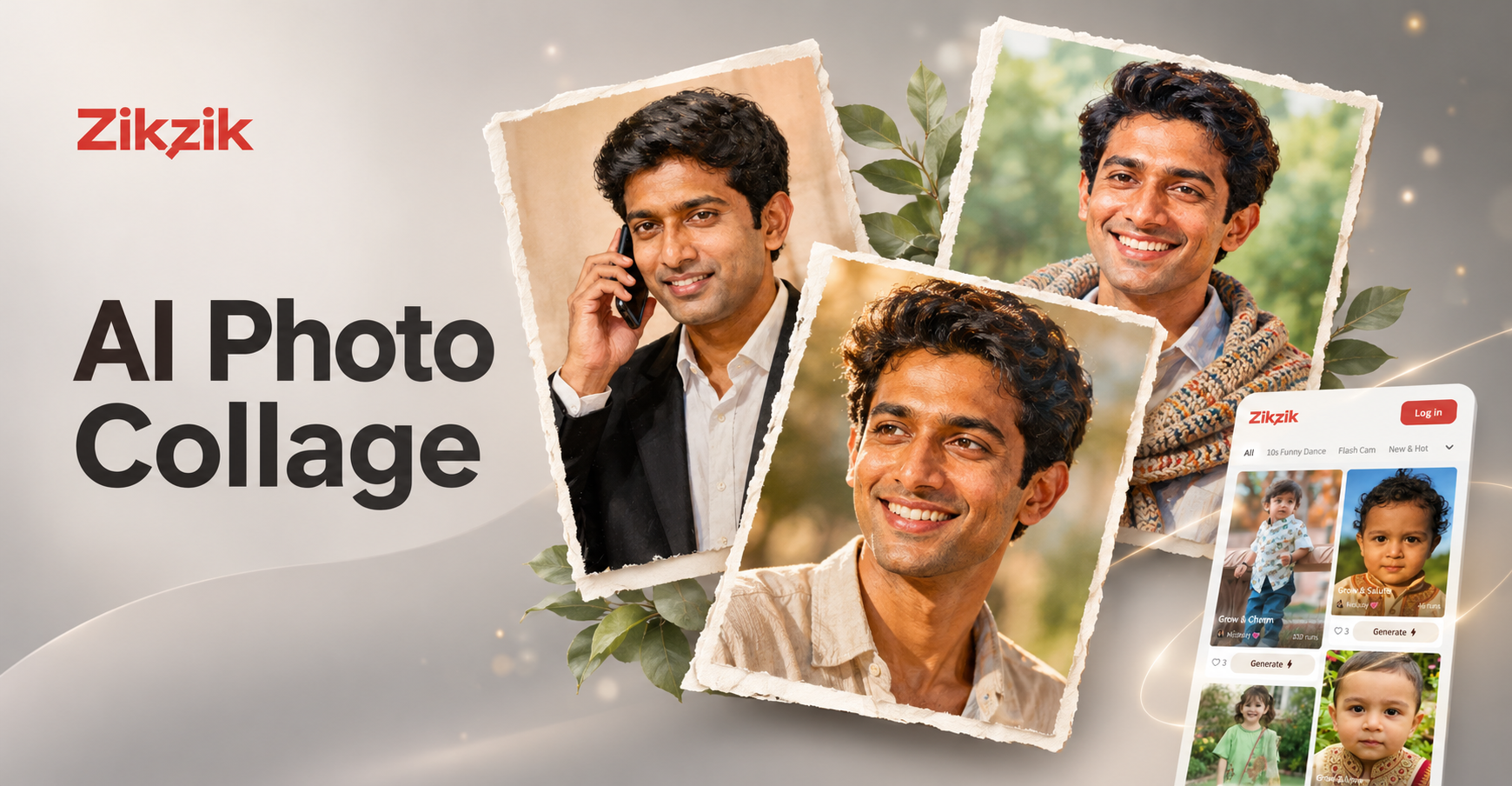
If you want a faster way to apply similar looks, the zikzik mobile app offers AI photo editing filters for boys, including clean portrait, sports, streetwear, cinematic, and fantasy style templates. You upload a photo, pick a template, and the app handles the style transfer. This can be a useful companion when you want to test a look without writing a long Gemini prompt. Zikzik does not replace Gemini, but it gives you quick visual results on your phone.
Final Thoughts on Gemini Photo Editing Prompts for Boys
The best Gemini photo editing results come from clear, specific prompts that protect the boy's identity while changing the scene around him. Start with the examples above, then adjust one detail at a time. Keep the face preservation phrase in every prompt, test different lighting words, and do not be afraid to ask Gemini to fix a weak result. With practice, you can turn ordinary boy portraits into polished sports shots, cinematic stills, or stylized fantasy edits that still look like the same person.