GoEnhance AI is a browser based all-in-one AI video and image workspace that bundles text to video, image to video, video to video restyle, face swap, lip sync, avatar, image generation and enhancement under one account, while routing jobs through multiple upstream models such as Kling, Seedance, Wan, Runway, Hailuo, Sora, GPT Image and Nano Banana. It charges by tokens, offers a free tier with a small allowance, and reserves commercial rights for paid Standard, Pro and Mega subscribers.
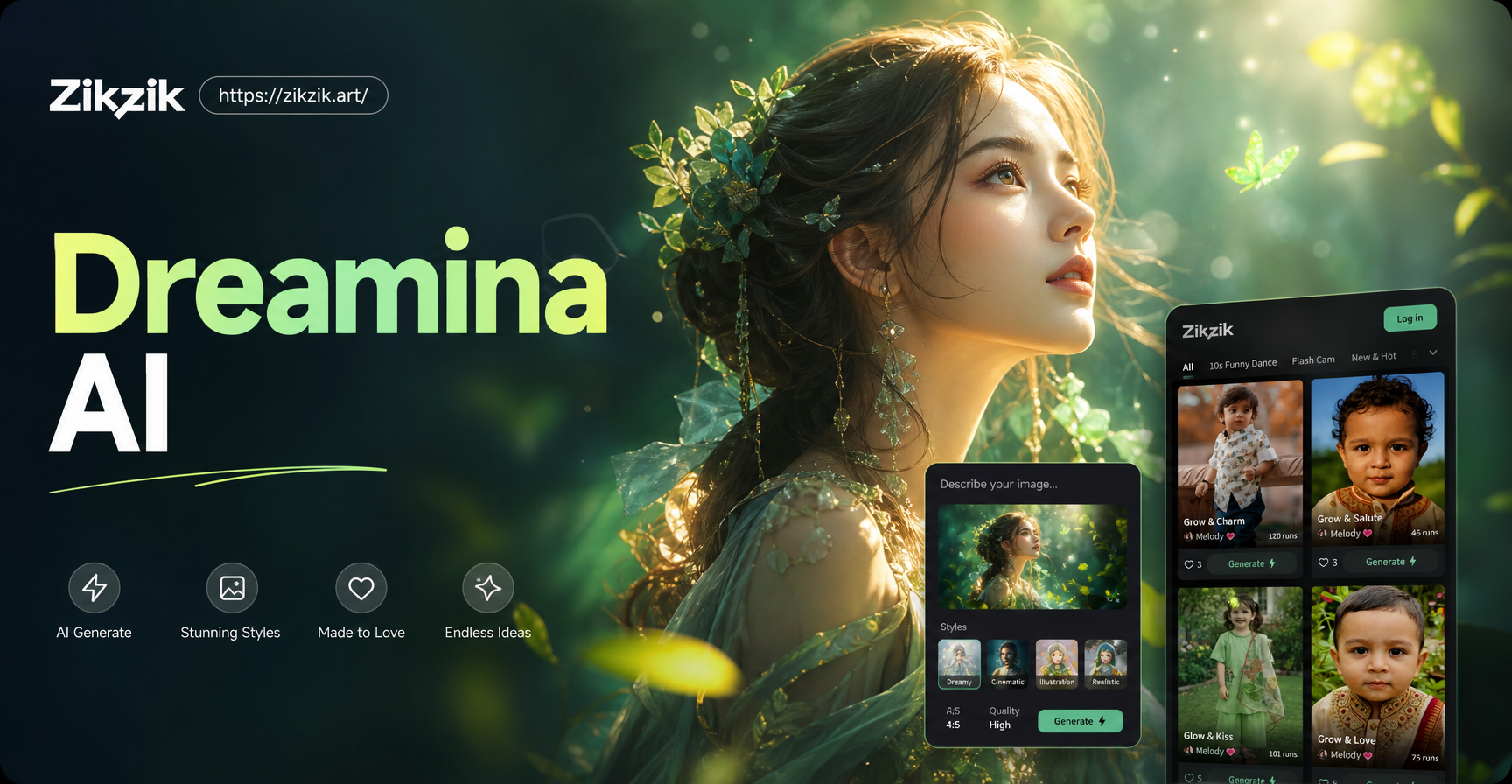
This review explains what the platform does, how its token system works, what third party reviews report for pricing, where it is strong, where it falls short, and how a photo first portrait tool such as Zikzik can sit before it. Zikzik turns one uploaded photo into cinematic portraits, cover shots, glamour looks, makeup styles and themed lifestyle scenes, which can serve as a polished starting frame before animation. This page is a neutral tool comparison, not a hands-on lab report, and prices below are third party figures to verify on the official page before you buy.
What Is GoEnhance AI
GoEnhance AI is a web platform, accessible through a browser and on mobile, that gathers many AI video and image models in one account instead of asking you to sign up to each model separately. Its homepage groups tools into video AI, image AI, selectable video and image models, prebuilt effects, and a long tools list. You write a prompt or upload a photo, choose a tool, pick a model or style, set duration and ratio, then generate and preview.
The official FAQ describes it as an all-in-one AI video platform covering text and image to video, video to anime conversion, text to image, character animation, and related tools. Marketing pages cite HD and 4K ready output, 4K 60fps for selected conversion styles, MP4 export, and commercial use for paid subscribers.
Core Tools in the Workspace
Video generation
- Text to video. Describe a scene and let the model build motion, script visuals, captions and music in one pass.
- Image to video. Animate a still photo with subtle camera drift, hair and cloth movement, or one click effects such as hug, kiss or dance generators.
- Video to video. Restyle existing footage into anime, cartoon or cinematic looks rather than rebuilding the edit.
- First and last frame. Supply a start image and an end image and generate the transition between them.
- Consistent character. Keep one character across a short sequence for branded stories.
Identity, voice and enhancement
- Face swap for video and image.
- Lip sync and talking avatar from a single photo or audio.
- Character animation and AI animate.
- Image generator, image enhancer and upscaler, old photo restoration, uncropping and image edit.
- More than one hundred prebuilt video and photo effects for Reels, Shorts and TikTok style clips.
Models available
The platform does not hide model names entirely. Model selector pages and the homepage list a rotating set of upstream models including Kling, Seedance, Wan, Runway, Hailuo, Hunyuan, Sora, GPT Image, Nano Banana Pro, Seedream and Grok, alongside its own GoEnhance 1.5 model. Available models change over time, so treat the list on the official model page as the current source.
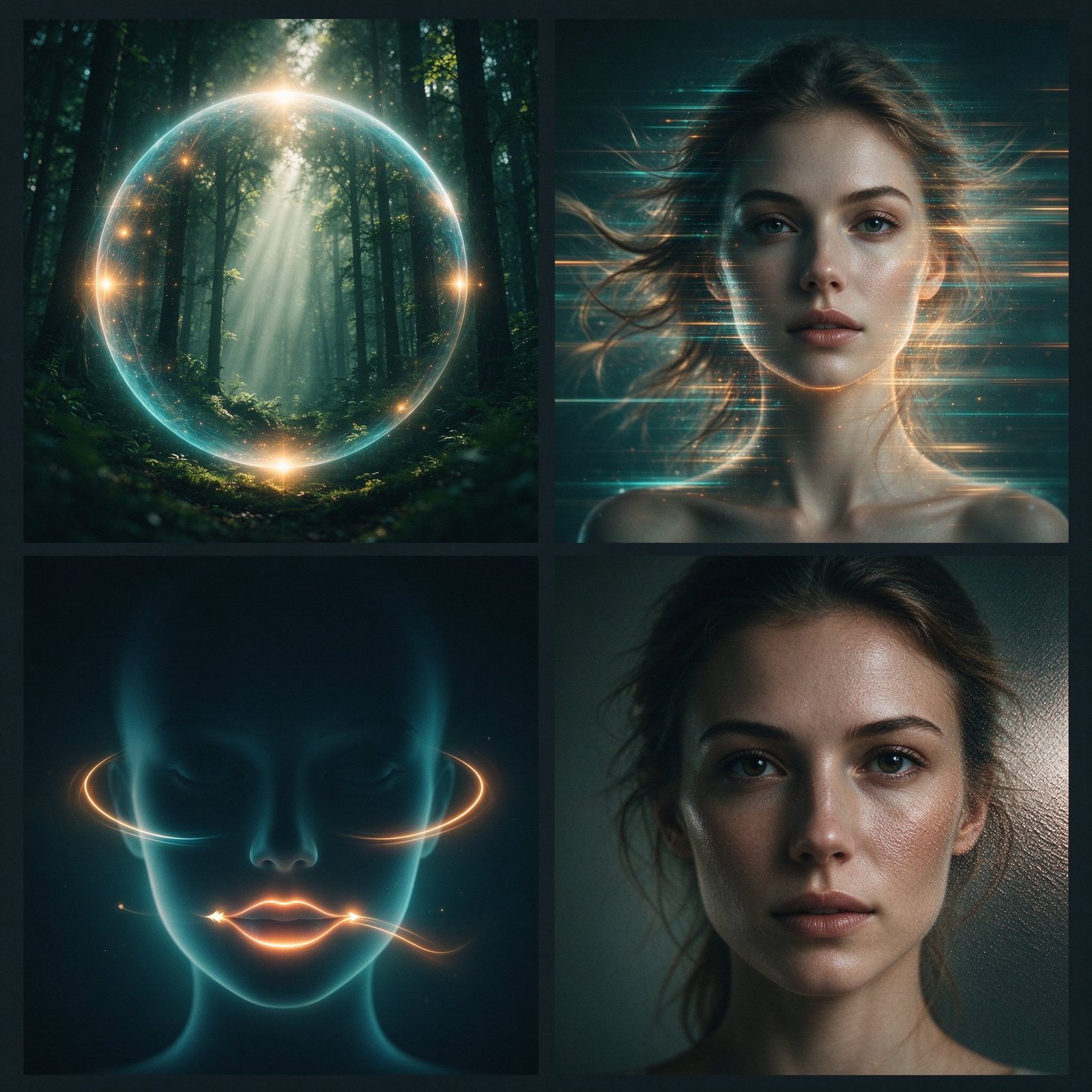
Illustrative tool families: text to video, image to video, identity tools, and image enhancement. This diagram shows concept roles, not the official interface or branding.
How GoEnhance AI Works
- Input. Type a detailed prompt or upload a portrait, product photo, artwork or existing clip. A clear subject, clean composition and readable lighting give the model more to work from.
- Customize. Choose the tool, upstream model, motion intensity, creativity level, aspect ratio, duration, and Fast or Relax mode where available.
- Generate and preview. The job queues, renders, and returns a preview you can download, extend, restyle or enhance. Free exports may carry limits, while paid tiers lift many of them.
For stable motion, third party guides suggest a simple camera movement plus subject plus scene plus action formula and warn against stacking several dramatic actions in one short clip.
Token Pricing and Plans
GoEnhance bills by tokens rather than a flat subscription that unlocks everything. Each generation spends a different number depending on model, resolution, duration, effect and whether you use Fast Mode. Fast Mode attempts instant GPU access and consumes tokens. Relax Mode does not consume tokens for supported features, but queues jobs and runs slower, and is offered to Standard, Pro and Mega subscribers only.
The official FAQ confirms a free tier with some tokens, paid plans with a larger allowance, faster generation, more concurrent jobs and premium features, and restricts commercial use to Standard, Pro and Mega while free and Basic users stay personal use only. Official pages do not print a fixed monthly price table, so the following monthly figures come from independent review sites and should be checked against the current official billing page.
| Plan | Tokens per month (third party) | Reported monthly price (third party) | Commercial use | Notes |
|---|---|---|---|---|
| Free | small starter allowance | 0 | Personal only | Limited generations and shorter clips |
| Basic | included in paid entry | varies | Personal only per official FAQ | Confirm current tier on billing page |
| Standard | about 1,600 | about $24.99 | Yes | Relax Mode on supported tools |
| Pro | about 3,500 | about $49.99 | Yes | More tokens and higher concurrency |
| Mega | about 8,000 | about $99.99 | Yes | Largest monthly allowance |
Independent reviews report annual billing lowers the effective monthly price by roughly 30 percent, report about 30 free tokens at signup, and note video costs far more tokens than images, with third party models and longer durations at the high end. These are review estimates, not a GoEnhance price promise. The official FAQ also states the service does not offer refunds because GPU costs are non recoverable, and lists Stripe with Visa, Mastercard and Alipay style payment methods.
Read the current billing page before subscribing because token cost per job, plan names and limits can change.
Where GoEnhance Is Strong
- One account for many models. You compare Kling, Seedance, Wan and others without separate signups and separate billing.
- Short form speed. Reels, Shorts, TikToks, ad clips and explainers are the natural fit.
- Prebuilt effects. Trend filters, anime restyle, dance and hug effects move fast for social content.
- Gentle learning curve. Tool names describe the job, and non technical users do not manage model architecture.
- Built in polish. Enhancer, upscaler and thumbnail tools keep the job inside the same workspace.
Where It Falls Short
- Token burn adds up. Long, high resolution or retried clips spend allowance quickly, and heavy iteration can cost more than expected.
- Complex motion can glitch. Independent testers report jitter, odd transitions and small visual faults on busy shots, which is common across current video models.
- Not a full editor. Final timing, audio mixing, color grade and version control still need a dedicated timeline editor.
- Commercial gating. Free and Basic outputs are personal use only, so client or brand work requires a paid tier.
- No refunds. The FAQ states GPU processing costs make refunds unavailable, so trial the free allowance before paying.
Who Fits GoEnhance and Who Does Not
GoEnhance fits social creators posting weekly Reels and Shorts, marketers making ad clips from product photos, educators drafting explainer visuals, and small teams that want many models in one bill. It fits less if you only need one personal effect a year, want a professional timeline editor, require batch upscaling at scale, or need a fixed per project budget because token consumption is variable.
Where a Photo First Tool Like Zikzik Fits
GoEnhance animates a starting frame, but the quality of that frame sets the ceiling. A useful split workflow is to prepare the frame first, then animate it.
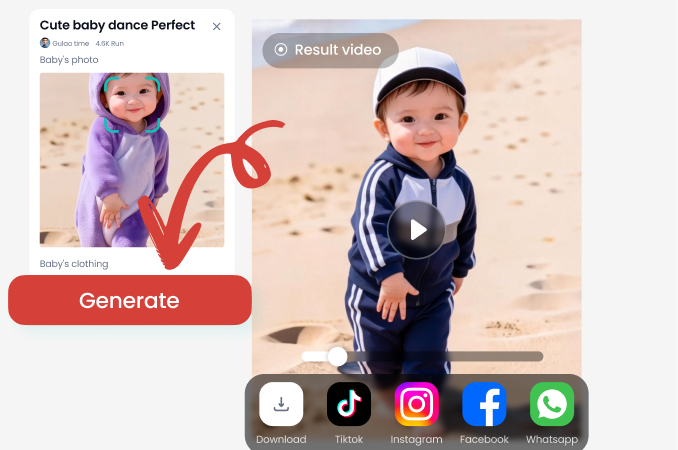
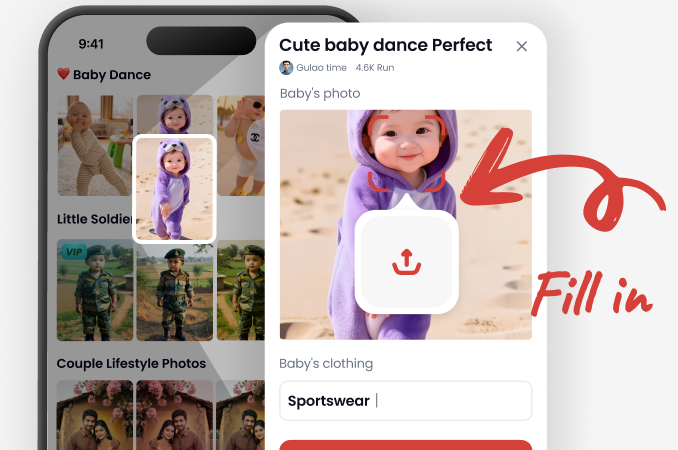
- Prepare the portrait. Upload a selfie to Zikzik and generate a cinematic portrait, cover shot, glamour look, makeup style or themed lifestyle scene. This settles framing, mood, wardrobe and light before motion begins.
- Export the frame. Save the polished still you want to bring to life.
- Animate in GoEnhance or any image to video tool. Use the polished still as the start image, describe simple motion such as a slow push in or gentle breeze, and keep action light so the face and framing stay stable.
Zikzik is a styling and portrait reference stage, not a replacement for the video model. It supports a free trial with points and VIP in the app, offers several interface languages including Hindi, and refunds points when a generation fails. Check the official site for current plans rather than assuming a fixed price.
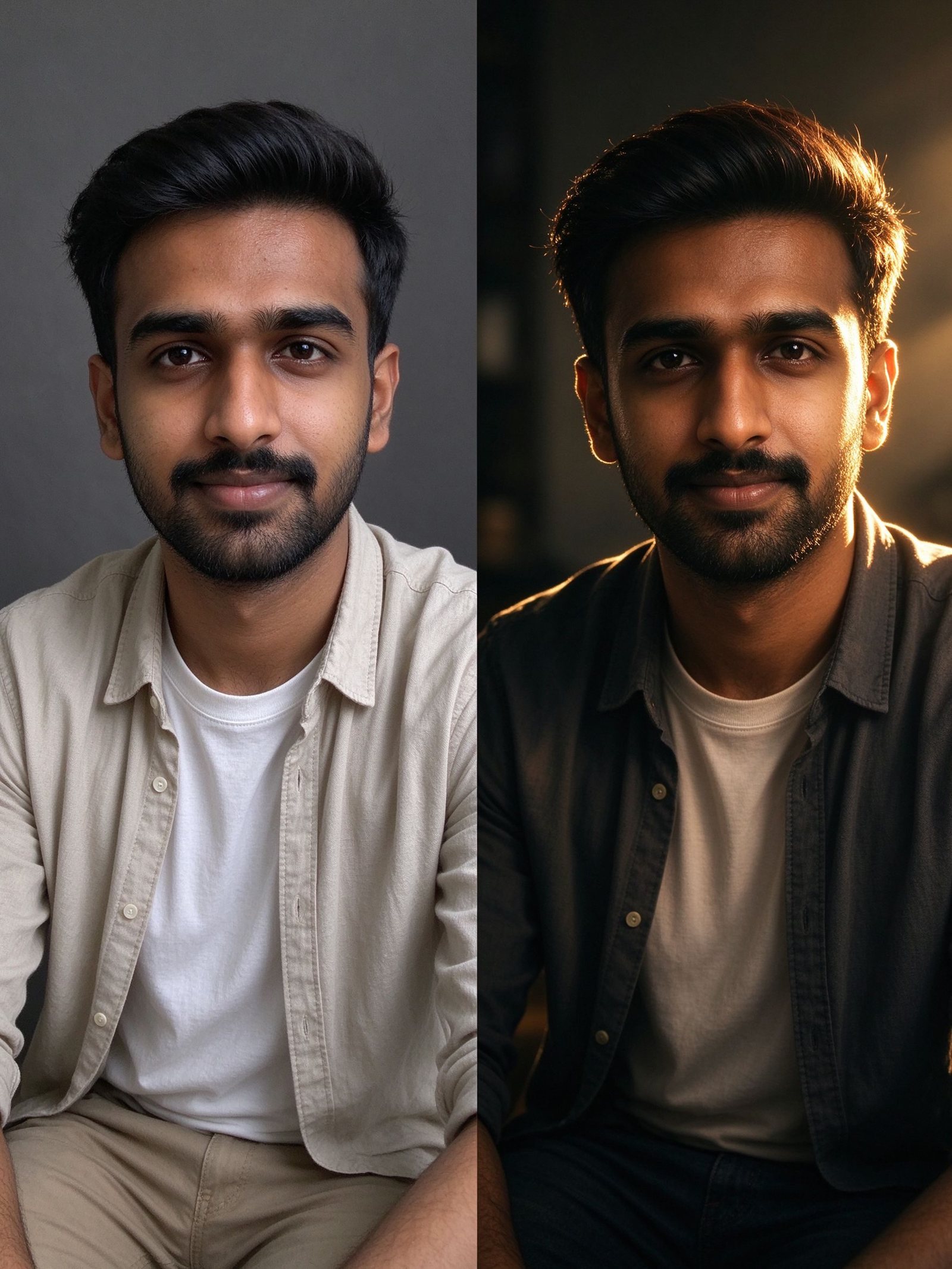
Concept: selfie to cinematic portrait reference to animated start frame. The portrait sets mood and framing, and the video model adds motion.
Quick Alternatives to Compare
You do not have to commit to one workspace. Compare each option by the stage it handles rather than by brand name.
| Stage | Tool type | Best for | Watch out for |
|---|---|---|---|
| Start frame | Photo first portrait tool such as Zikzik | Turning a selfie into a cinematic cover or styled portrait before motion | Styling reference, not a video renderer |
| Single model | Model specific lab | Deep control of one favorite video model | Separate signups and billing per model |
| Final cut | Full timeline editor | Cuts, audio mix, color grade and version control | Heavier learning curve |
| Polish | Dedicated upscaler | Batch image and video enhancement at scale | Per file or per batch pricing model |
Match each tool to the job it does best instead of expecting one platform to replace every stage.
FAQ
Is GoEnhance AI free
There is a free tier with a small token allowance for trying core workflows, but advanced models, longer clips and commercial rights require a paid plan. Independent reviews report roughly 30 starter tokens, so verify the current allowance on signup.
How much does GoEnhance AI cost
The official page prints token mechanics rather than a fixed price table. Independent reviews report Standard around $24.99, Pro around $49.99 and Mega around $99.99 per month, with annual billing lower, but treat these as estimates and confirm on the official billing page.
Can I use GoEnhance AI commercially
Commercial use is limited to Standard, Pro and Mega subscribers. Free and Basic outputs are personal use only according to the official FAQ.
Does GoEnhance AI offer refunds
The official FAQ states no refunds because GPU processing costs are non recoverable, so test the free allowance before upgrading.
Which models are available
The selector rotates models such as Kling, Seedance, Wan, Runway, Hailuo, Sora, GPT Image and Nano Banana Pro alongside the in-house GoEnhance model. Check the current model page because the lineup changes.
Should I prepare a portrait before animating it
Yes. A polished still gives the image to video model a stronger start frame. Tools like Zikzik can turn a selfie into a cinematic cover portrait before you add motion.
Final Verdict
GoEnhance AI earns its place as a convenient one account hub for short form AI video and image work, especially when you want to compare multiple upstream models without separate signups. Watch token burn, expect to reject some glitchy generations, and use a real editor for final cuts. For anyone who wants a cinematic portrait ready as a start frame, begin with Zikzik free on the web or mobile app, then carry that still into your chosen animation tool.