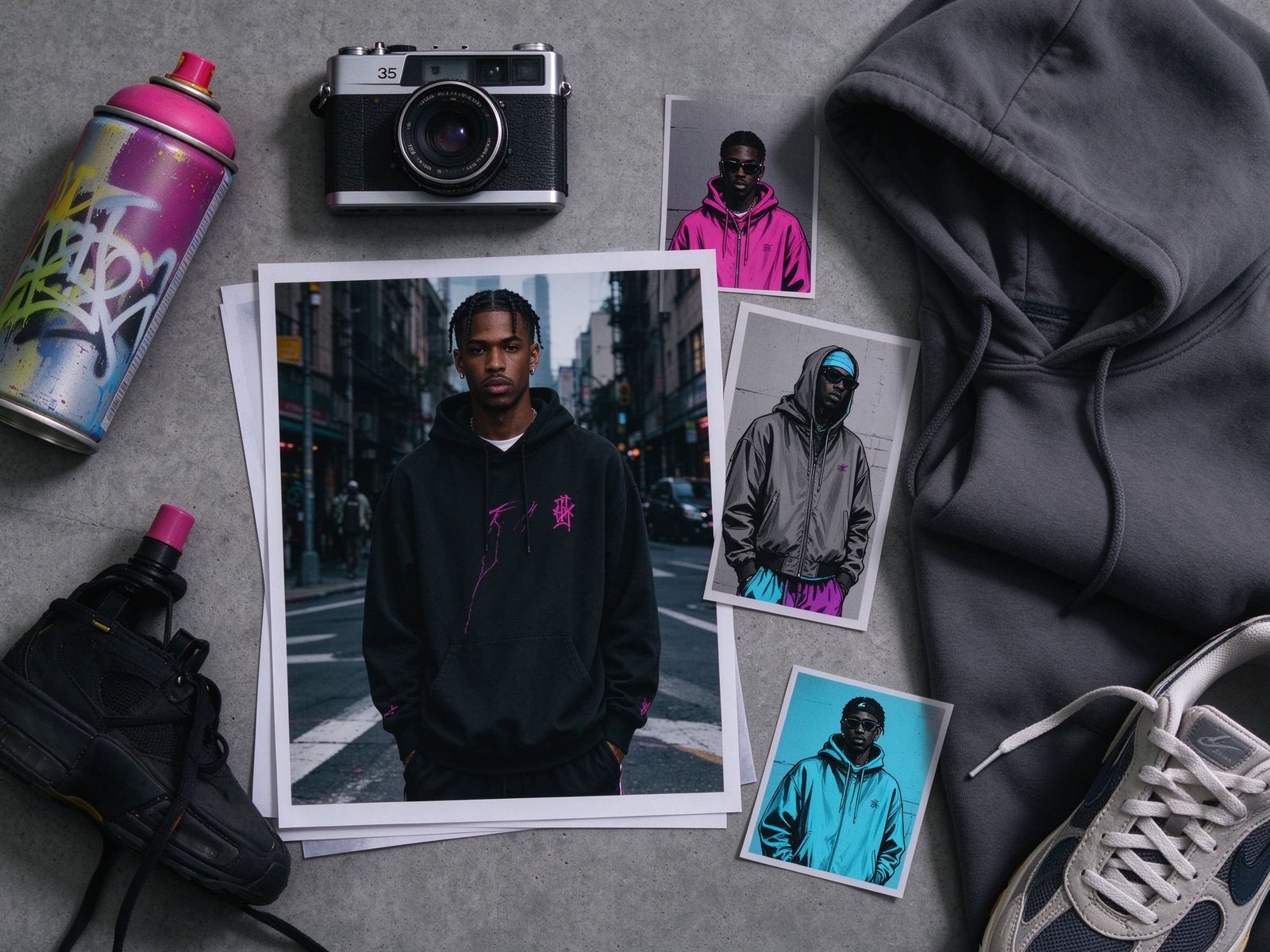
A street AI photo prompt is a structured description that swaps your outfit, backdrop, lighting, and mood while preserving your exact face: for example, "Keep my face, likeness, and skin tone unchanged. Put me in an oversized graphic hoodie leaning against a graffiti-covered alley wall, relaxed confident pose, soft daylight, editorial streetwear portrait, 3:4." Vague prompts such as "cool street photo" return generic models and drift away from your features; a precise prompt locks identity first, then layers clothing, setting, light, and camera.
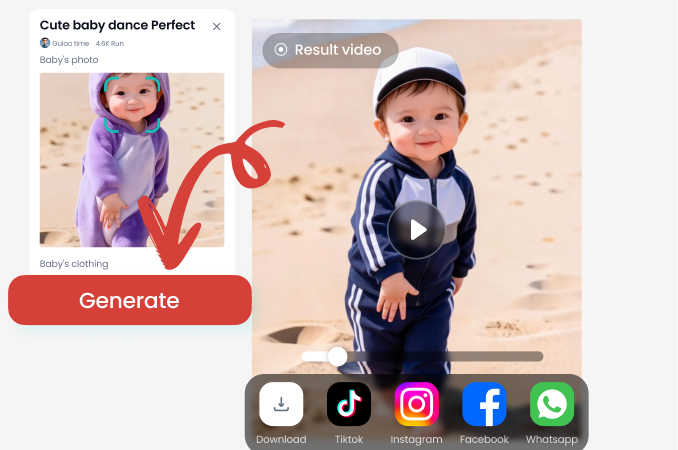
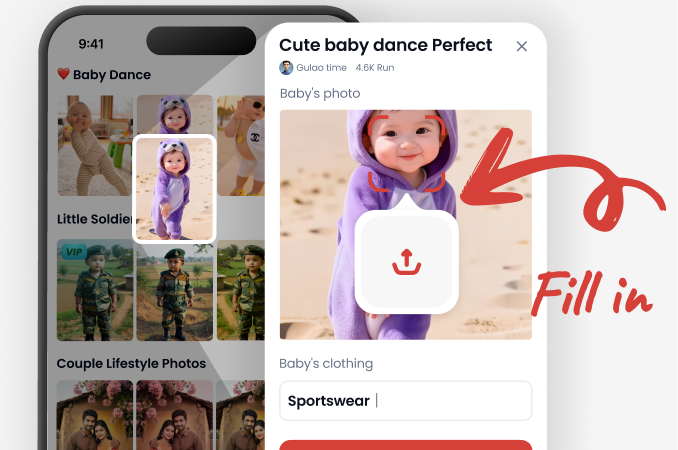
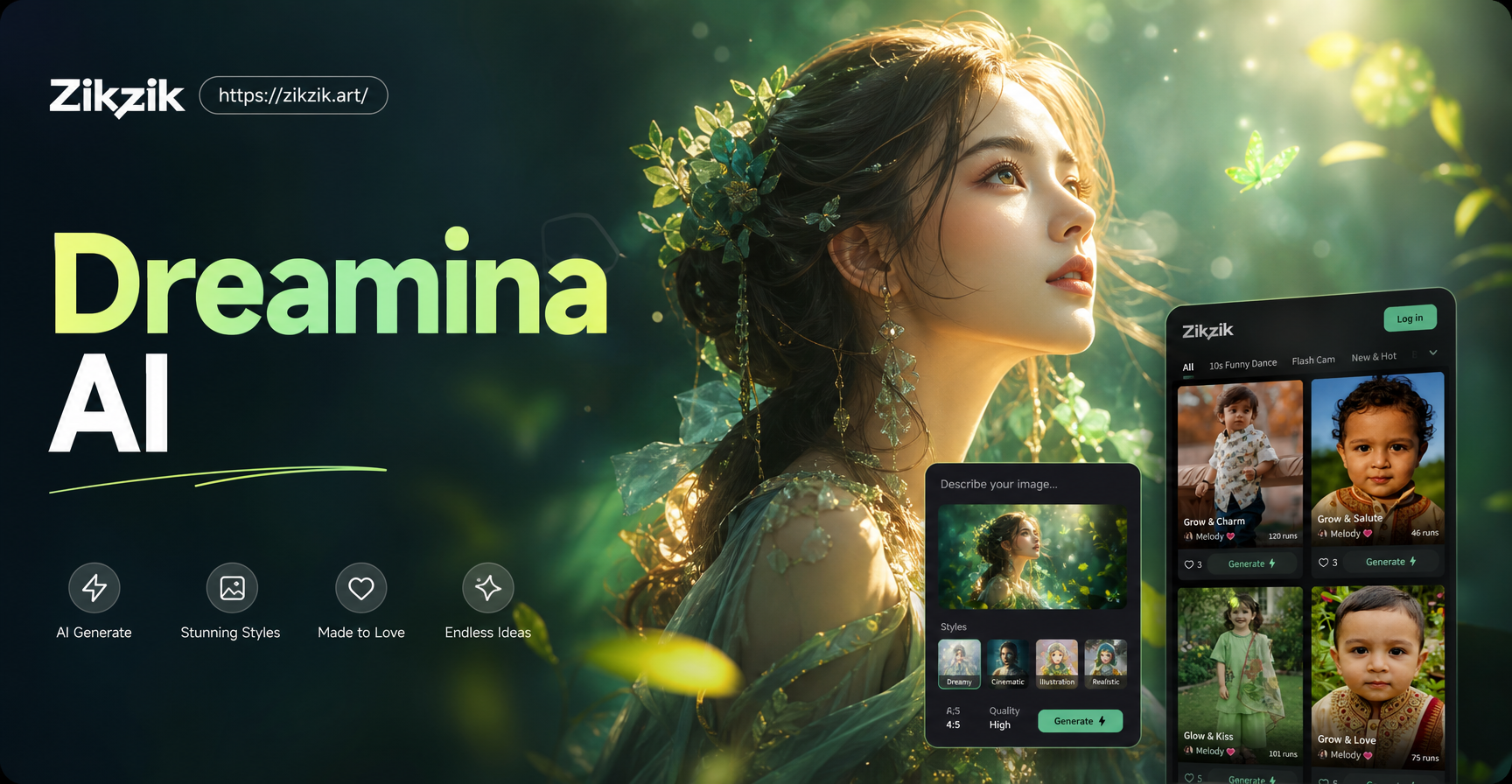
If you want to explore a look before writing the final scene prompt, start from your own photo. Zikzik transforms one uploaded photo into cinematic portraits, cover shots, glamour looks, makeup styles, and themed lifestyle scenes, giving you a stylized reference you can react to. ChatGPT image tools, Gemini/Nano Banana, Midjourney, DALL·E, Leonardo, Stable Diffusion, and Adobe Firefly all respond to the same layered brief; dedicated photo-to-style tools add face-preservation controls on top.
This guide gives you the reusable formula, street styles to choose from, 30+ copy-ready prompts, a photo-first workflow, and the mistakes that make AI street photos look pasted on.
What Is a Street AI Photo Prompt?
A street AI photo prompt turns an ordinary selfie or portrait into an urban-style image: streetwear fits, graffiti murals, neon backstreets, 90s hip-hop throwbacks, techwear, skate-park candid, and hard-flash night shots. Unlike a text-only art prompt, it usually begins with a face reference and one non-negotiable rule: do not alter the person.
There are two entry points:
- Photo-to-street (most common): upload a clear face photo, then tell the model what outfit, setting, and light to apply while holding identity. This is where face-lock language matters most.
- Text-to-street: describe a model, outfit, and scene from scratch when you do not need a likeness.
Every output is a concept for social content or a mood board, not a guarantee of a real-brand fit or a commercially licensed look.
The 7-Part Street Prompt Formula
Build every prompt in the same order. Lead with the face lock so the model preserves identity before it styles anything else.
| Part | What to name | Weak wording | Strong wording |
|---|---|---|---|
| 1. Face lock | Keep identity, features, age, skin tone | "look like me" | "Keep my exact face, likeness, features, age, and skin tone unchanged; do not beautify or regenerate the face" |
| 2. Outfit | Specific garments and layers | "cool clothes" | "oversized graphic hoodie, cargo pants, chunky sneakers, layered chains" |
| 3. Setting | Named urban location | "city background" | "graffiti-covered alley wall, weathered brick, spray-paint drips" |
| 4. Pose | Relaxed street energy, not runway | "model pose" | "leaning casually, hands in pockets, relaxed confident stance" |
| 5. Lighting | Named light state | "good lighting" | "hard on-camera flash at night" / "late-afternoon soft side light" |
| 6. Mood & grade | Palette and editorial tone | "vibe" | "neon magenta and cyan reflections, cinematic contrast, gritty editorial" |
| 7. Ratio | Output shape | "portrait" | "3:4 vertical portrait, subject sharp, background softly blurred" |
A compact template:
"Keep my exact face, likeness, and skin tone unchanged — do not alter features, age, or skin tone. [Outfit], [named setting], [relaxed pose], [lighting], [mood and palette], sharp focus on me, background slightly blurred, editorial street photography, [ratio]."
Lock one outfit and one setting per prompt. Street photos fail when the model is asked to wear three fits in one scene or stand in two cities at once.
Choose a Street Style Before You Write
Each street look has its own wardrobe, light, and backdrop. Pick one direction, then reuse the face-lock and camera language across variations.
Graffiti alley mural
A figure beside or inside a large spray-paint wall, tags and drips around. Ask for the graffiti to sit slightly soft so it textures the frame without competing with the outfit. Works for portraits and full-body fit checks.
Neon-lit backstreet
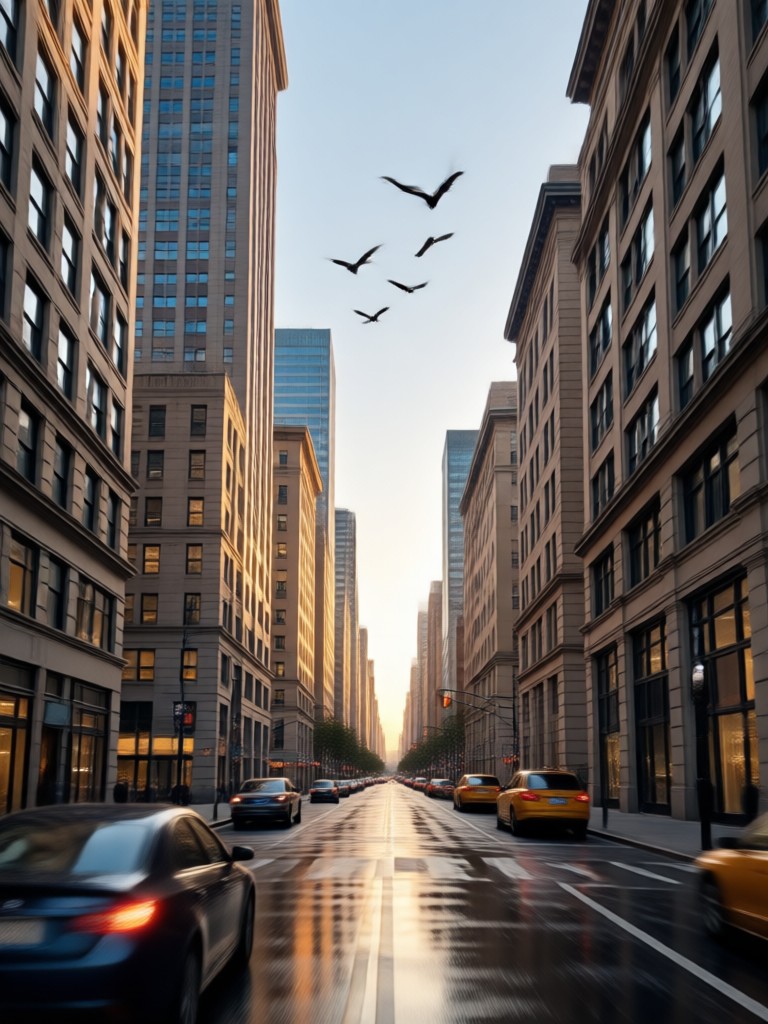
Rain-slicked pavement, pink and cyan signage, wet reflections, moody night atmosphere. Reflections on the ground double the neon glow; name them explicitly.
90s hip-hop throwback
Baggy colour-block windbreaker, relaxed denim, bucket hat, retro sneakers, faded film wash and light grain. The muted 90s palette and grain sell the era more than the clothes alone.
Techwear
Matte-black utility jacket with straps and pockets, tapered technical trousers, functional monochrome, industrial or parking-garage backdrop. Ask for matte fabrics and functional straps; avoid shiny plastic.
Skate-park and court culture
Loose graphic tee, baggy trousers, beanie, worn skate shoes, sunlit concrete bowl or empty basketball court. Lived-in, slightly faded clothing reads more authentic than crisp new fabric.
Hard-flash candid
Direct on-camera flash at night, punchy light, crisp shadows, raw candid energy on a dark street. Add a subtle drop shadow behind the subject for that authentic street-photographer look.
Rooftop golden hour
Empty city rooftop at golden hour, open shirt or tank, wind in hair and clothing, warm orange against a cool sky. Aspirational hero frame rather than gritty candid.
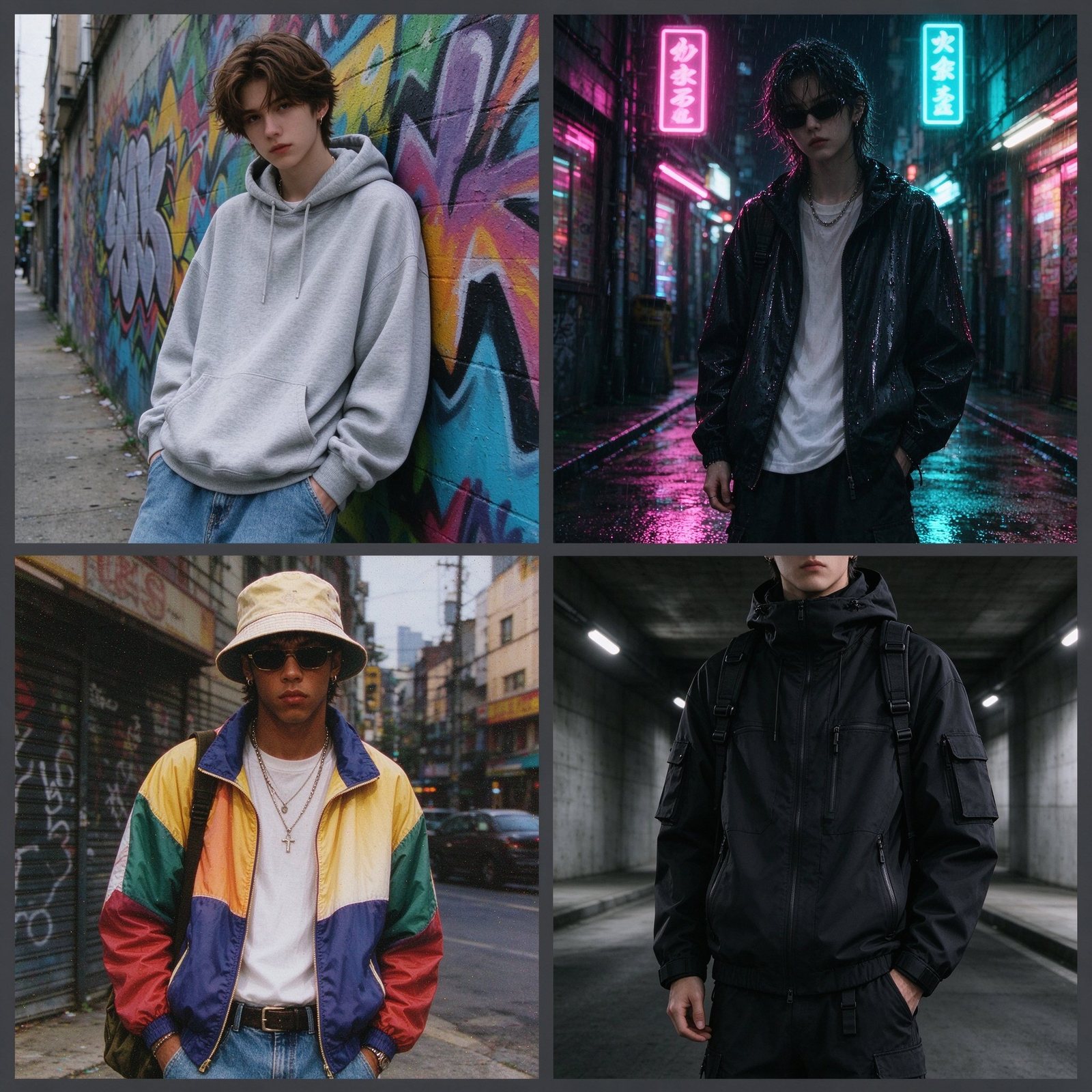
Illustrative style directions: the same face-lock brief changes completely when outfit, setting, and lighting shift between these four looks.
Turn Your Own Photo Into a Street Reference
Most street prompts start with a selfie you already have. A dedicated image model can apply the scene directly, but a useful intermediate step is to first turn the photo into a stylized reference you can judge.
Zikzik sits at this first stage. Upload one photo and choose a look: cinematic portrait, cover shot, glamour look, makeup style, vintage, cartoon, or a themed scene. The result is a mood and framing reference; you then carry that direction into a street prompt that adds the outfit, graffiti wall, or neon night.
A sensible two-step workflow:
- Photo to reference. Upload the photo to Zikzik, generate a cinematic or cover-shot version, and save the framing and mood you like. Use the Hindi interface if that is easier; Zikzik provides Hindi and several other language options alongside English.
- Reference to street prompt. Take the chosen look into a photo-to-image tool, lead with the face lock, then add the outfit, named setting, relaxed pose, lighting, palette, and ratio.
Treat the Zikzik result as a styling reference, not the final street photo. It does not invent real-brand logos, and it does not guarantee the backdrop will match a specific street.
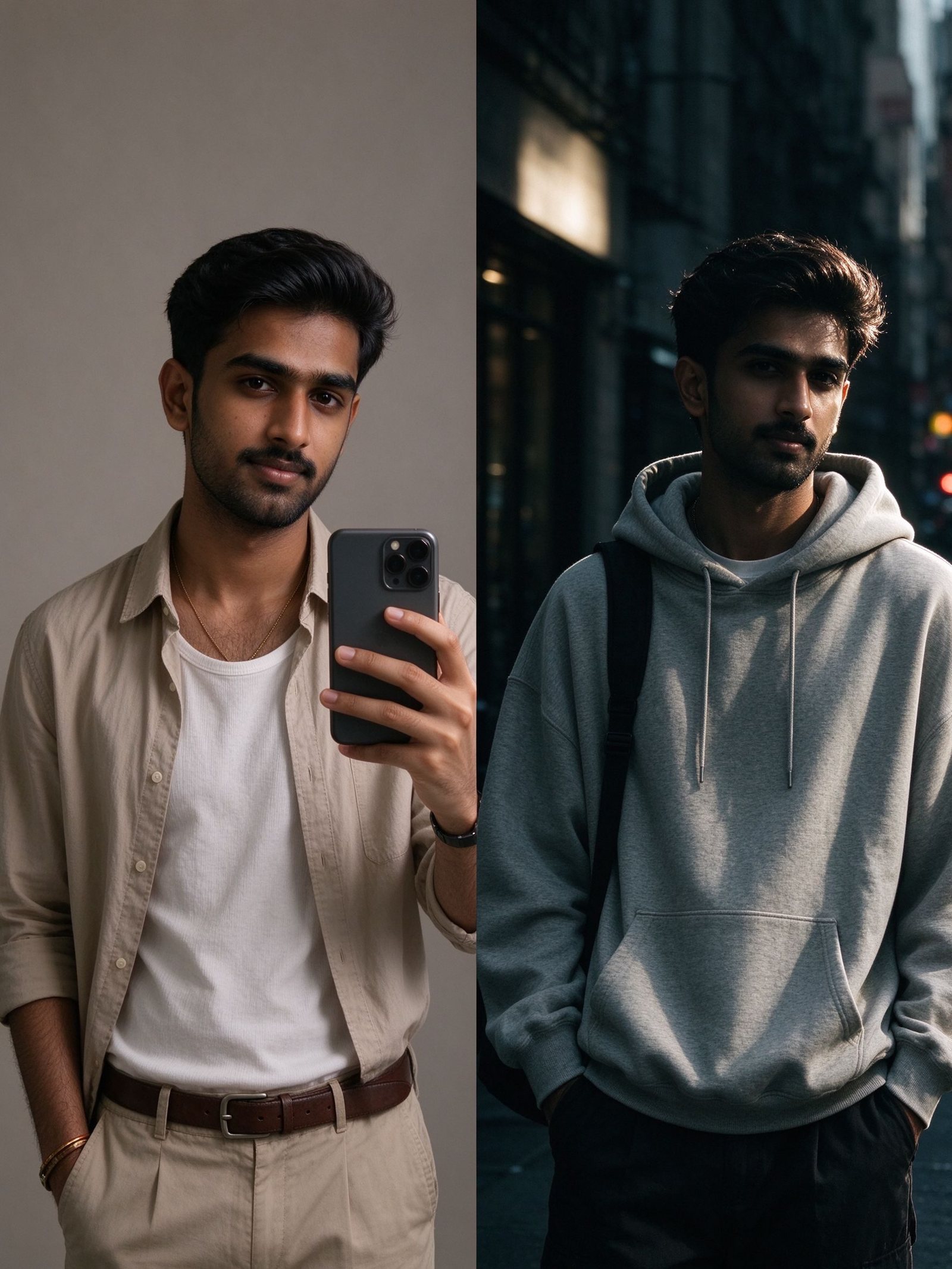
Concept workflow: personal photo → stylized reference → final street prompt. The reference guides mood; the final render holds identity and applies the scene.
30+ Copy-Ready Street AI Photo Prompts
Swap the outfit, setting, or ratio to personalize. Keep the opening face-lock line in every version.
Graffiti alley and mural
- Keep my exact face, likeness, and skin tone unchanged. Oversized graphic hoodie and cargo pants, leaning against a graffiti-covered alley wall with layered spray paint and gritty texture, relaxed confident pose, soft daylight, sharp on me, wall softly blurred, editorial streetwear portrait, 3:4.
- Keep my face unchanged. Standing beside a large colorful graffiti mural, leather jacket and scarf, looking at the lens, soft daylight, realistic skin texture, high-quality street photograph, 3:4.
- Keep my exact likeness. Full-body fit check head to toe, sneakers included, bold streetwear fit on a painted concrete wall, relaxed stance, crisp fabric detail, balanced composition, 3:4.
- Keep my face and skin tone unchanged. Holding a spray paint can beside a finished graffiti self-portrait on a brick wall, relaxed satisfied posture, bright afternoon sunlight, shallow depth of field, editorial street photography, 4:5.
- Keep my identity unchanged. Cropped upper-body focus on jacket, layered chains, and hood, face clearly visible, graffiti backdrop, sharp fabric and accessory texture, 4:5.
Neon night backstreet
- Keep my exact face, likeness, and skin tone unchanged. In a rain-slicked neon backstreet with glowing pink and cyan signage and wet reflective pavement, cool confident stance, cinematic contrast, vivid neon palette, 3:4.
- Keep my face unchanged. Standing in a narrow neon-lit tunnel, oversized mustard hoodie, one hand on headphones, dramatic low-key night lighting, high contrast, dark nightlife mood, vertical 3:4.
- Keep my likeness unchanged. Leaning in a 24-hour convenience-store doorway at night, paper cup in hand, magenta and cyan storefront signs spilling onto the sidewalk, static medium frame, 3:4.
- Keep my exact face. Dim concrete parking garage, single magenta neon strip overhead, long techwear coat, deep contrast, teal shadows, slow cinematic mood, 3:4.
- Keep my skin tone unchanged. Night street with bokeh neon signs behind me, relaxed cool stance, cinematic film grade, subject sharp, 3:4.
90s hip-hop throwback
- Keep my exact face, likeness, and skin tone unchanged. Vintage 90s hip-hop fit: baggy colour-block windbreaker, relaxed denim, bucket hat, retro sneakers, nostalgic faded film wash and light grain, old-school city backdrop, 3:4.
- Keep my face unchanged. 90s b-boy pose on a sunlit sidewalk, loose tracksuit, retro cap, muted faded colours, grain, candid energy, 4:5.
- Keep my likeness unchanged. Throwback street portrait with gold chains, oversized tee, baggy jeans, warm faded palette, film grain, relaxed stance, 3:4.
- Keep my identity unchanged. Vintage cassette-era city walk, windbreaker and high-top sneakers, overcast soft light, muted 90s grade, candid, 3:4.
- Keep my face and skin tone unchanged. Seated on city steps in a retro tracksuit, elbows on knees, laid-back confidence, faded film look, 4:5.
Techwear and monochrome
- Keep my exact face, likeness, and skin tone unchanged. Matte-black utility jacket with straps and pockets, tapered technical trousers, functional monochrome, industrial city backdrop, cool futuristic muted mood, 3:4.
- Keep my face unchanged. Tonal head-to-toe muted outfit in one colour, sleek silhouette, modern architectural backdrop, refined palette, understated cool, 3:4.
- Keep my likeness unchanged. Black strapped utility coat in a concrete underpass, single overhead light, sharp shadows, industrial texture, monochrome grade, 3:4.
- Keep my identity unchanged. Minimal street look, clean neutral layers, modern glass buildings behind, soft overcast light, refined and calm, 4:5.
- Keep my skin tone unchanged. Functional pockets and straps visible, matte fabrics, rainy industrial street, moody cool grade, sharp focus, 3:4.
Skate park, court, and candid
- Keep my exact face, likeness, and skin tone unchanged. Loose graphic tee, baggy trousers, beanie, worn skate shoes, relaxed in a sunlit concrete skate bowl, lived-in faded clothing, effortless cool, 3:4.
- Keep my face unchanged. Center court on an empty outdoor basketball court in a retro jersey, ball at the hip, late-afternoon warm side light, faded orange and cracked-blue palette, 3:4.
- Keep my likeness unchanged. Hard on-camera flash at night, punchy direct light, crisp shadows, raw candid energy on a dark street, high contrast, 4:5.
- Keep my identity unchanged. Seated on a city curb, elbows on knees, looking at the lens, laid-back confidence, gritty urban backdrop, 4:5.
- Keep my face and skin tone unchanged. Empty rooftop at golden hour, open shirt, wind moving hair and clothing, warm orange sky against cool tones, aspirational hero frame, 3:4.
Storytelling and split-mural concepts
- Keep my exact face unchanged. Split-medium composition: photorealistic me in the foreground beside a stylized graffiti mural of myself on a brick wall, layered tags and posters, bright even daylight, high contrast, editorial street photography, 3:4.
- Keep my likeness unchanged. Indian-city alley late afternoon, practical everyday outfit, confident stance, protest-style mural behind me in red, black, and white, natural harsh light, documentary realism, 3:4.
- Keep my face unchanged. Blue-hour alley beside a vintage car, oversized hoodie and cargos, thoughtful relaxed posture, mural of a visionary version of me behind, cool blue ambient with warm streetlight, indie-film mood, 3:4.
- Keep my identity unchanged. Golden-hour Indian street beside a scooter, fusion kurti and jeans with sneakers, a large goddess-inspired mural behind, warm long shadows, cultural storytelling tone, 3:4.
- Keep my exact face unchanged. Full-body streetwear fit-check on an urban street, whole outfit head to toe, relaxed stance, sharp sneakers fully in frame, balanced composition, 3:4.
Tools to Write and Render the Prompt
Write the brief in any notes app, then paste it into a photo-to-image tool. The table maps each tool to the job it fits best; check official terms before commercial use.
| Tool | Best for | Entry point | Notes |
|---|---|---|---|
| Zikzik | Turning a personal photo into a cinematic, cover, or themed styling reference before the final street render | Web and mobile, free to try, points/VIP in the app | Styling and mood reference; review official terms for reuse |
| ChatGPT image / Gemini (Nano Banana) | Face-held photo edits with a natural-language brief | Conversation with an uploaded selfie | Strong identity hold in chat-based image tools |
| Midjourney | Artist-grade urban and mural styles in a Discord workspace | Subscription tiers | Review plan terms before commercial use |
| DALL·E | Fast casual street concepts inside a familiar chat interface | Included with ChatGPT plans | Personal and commercial per OpenAI terms |
| Leonardo AI | Style presets, inpainting, dialing in outfit and backdrop | Freemium credits | Paid tiers add commercial rights |
| Adobe Firefly | Commercially safe exploration on ethically trained models | Free daily generations on an Adobe account | Outputs cleared for commercial use under Firefly terms |
For a selfie-to-street result, lead with the face lock in a photo-to-image tool. Use Zikzik first when you want to settle on a cinematic mood or cover framing before composing the final scene.
Common Street Prompt Mistakes
- Letting the face drift. Skip the face lock and the model regenerates a stranger. State identity, features, age, and skin tone preservation in the opening line.
- Asking for real brand logos by name. AI warps brand marks and spelling; leave logos out and composite them later if you need them.
- Over-describing the background. A long list of street props steals focus; name one setting and blur the rest.
- Runway energy. Street poses are loose: hands in pockets, relaxed stance, head slightly down. A stiff catwalk stride reads wrong.
- Chaining actions. One pose or movement per prompt; "walk, turn, and jump" breaks physics first.
- Mixing fits. One outfit per render; layer differently in a second pass.
- Expecting a single perfect shot. Generate four variations, keep the closest, and refine outfit or light rather than restarting.
Rights, Branding, and Safety
- Do not name real brands in the prompt. Generated logos are unreliable and may misrepresent a label; add official branding in post if you have rights.
- Commercial rights vary. Adobe Firefly states commercially safe outputs; other platforms tie commercial use to paid plans. Read current terms before posting client or brand work.
- Privacy. Upload selfies only to services whose privacy policy you have read; Zikzik lists its privacy policy and FAQ on the official site.
- Respect local streets and culture. When a prompt uses a specific neighbourhood, protest style, or regional motif, treat it as styling, not parody; avoid symbols you do not understand.
- Face accuracy for yourself. Compare the result to the original selfie before sharing; reject any render that changes age, ethnicity, or skin tone.
FAQ
What makes a good street AI photo prompt?
Lead with a face lock, then name one outfit, one named setting, a relaxed pose, a specific light state, a palette, and a ratio. Form and location beat generic adjectives like "cool" or "edgy."
How do I keep my face the same in AI street photos?
Open the prompt with an explicit lock: keep my exact face, likeness, features, age, and skin tone unchanged; do not beautify or regenerate the face. Use a clear, well-lit selfie as the reference.
Can I turn my own photo into a streetwear look with AI?
Yes. Upload the selfie to a photo-to-image tool, state the face lock, and describe the fit, backdrop, and light. For a polished starting mood, generate a cinematic reference first with Zikzik, then apply the street scene.
Which tool holds a face best across outfits?
ChatGPT image tools and Gemini/Nano Banana are known for strong identity hold in chat-based edits; Midjourney and Leonardo suit stylized urban and mural directions. Compare one selfie across tools before committing.
Are AI street photos free to use commercially?
Rights vary by model and plan. Firefly states commercially safe outputs; others restrict commercial use to paid tiers. Check the current terms before brand or client posting.
Why do AI logos and text look wrong?
Image models render lettering unreliably. Omit brand names and slogans from the prompt, then add correct official marks or type in post.
Ready to Build Your Street Look
Start with a clear selfie and the face-lock line, then pick one outfit and one setting. Generate four variations, keep the closest, and refine light or fabric rather than restarting. Compare the result to your original before you share it.
To turn a personal photo into a cinematic, cover, or themed styling reference before you draft the final street prompt, explore Zikzik free on the web or mobile app.