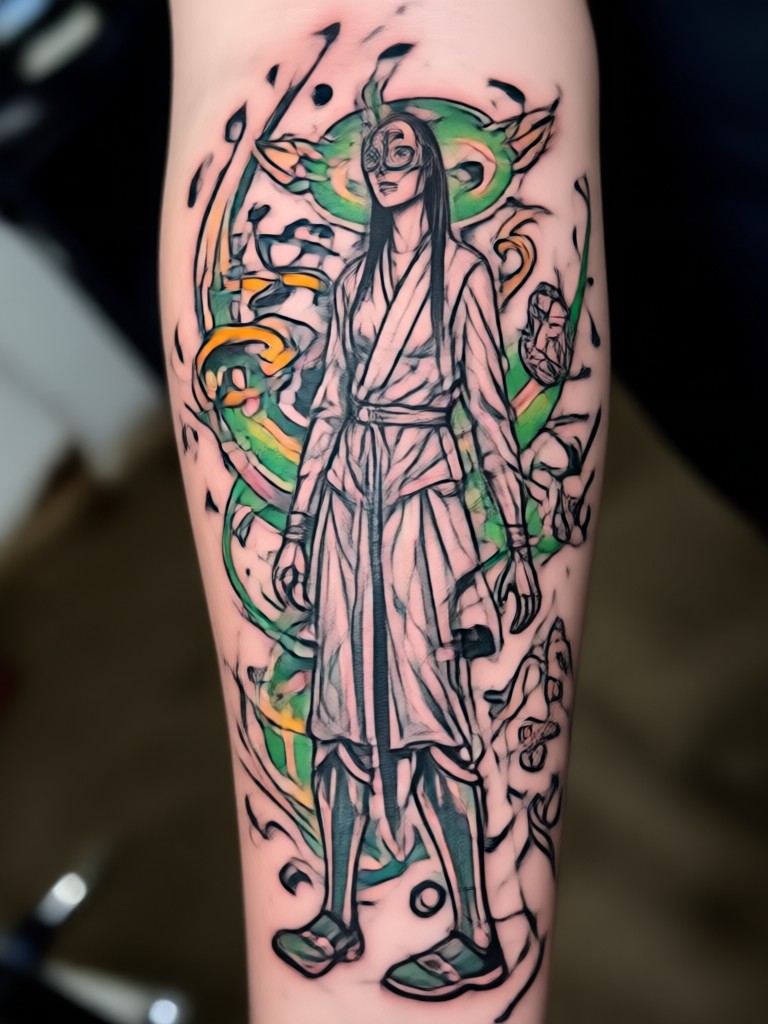
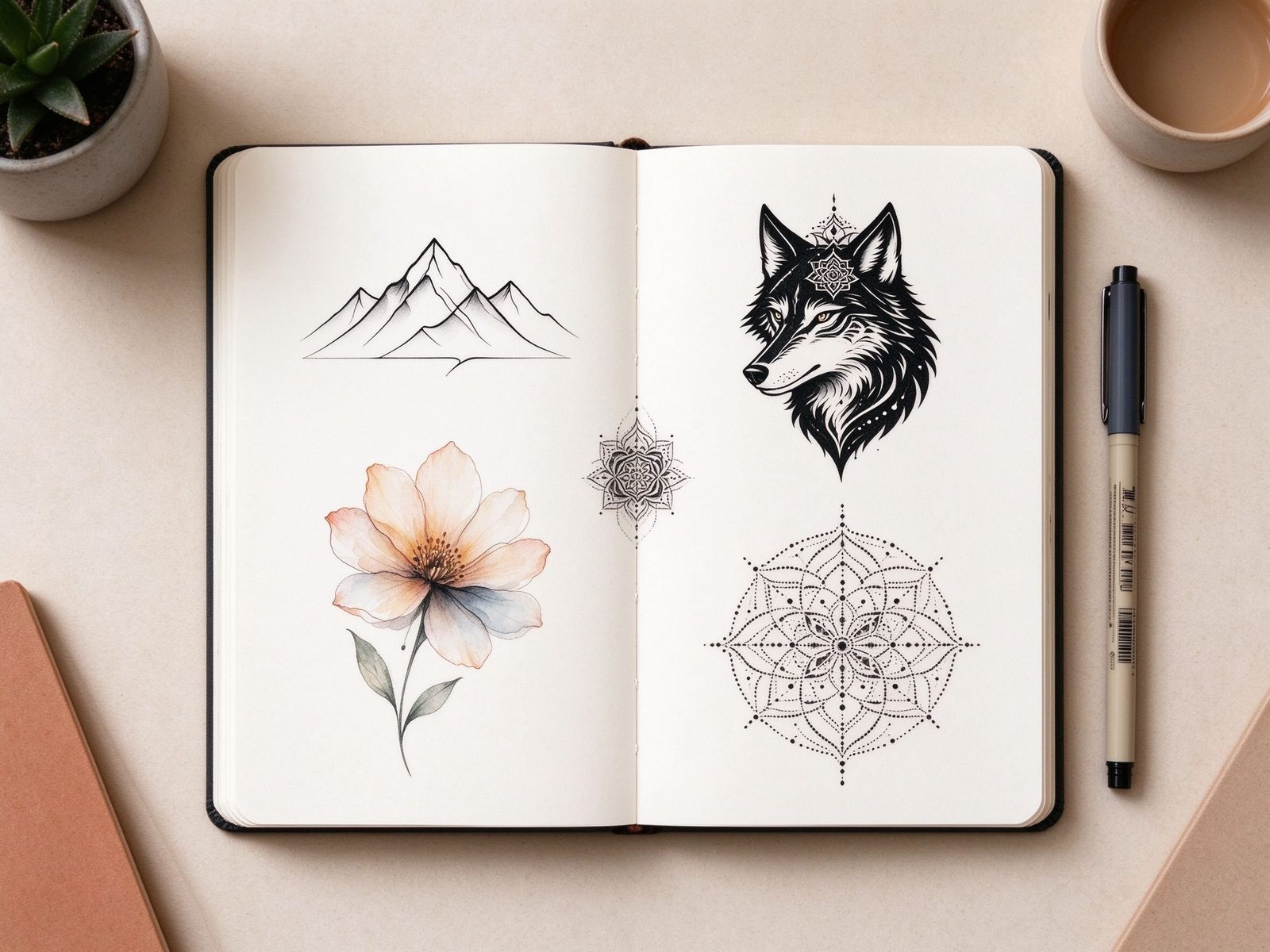
A tattoo AI photo prompt is a structured description that tells an image generator what to draw: the subject, its meaning, the tattoo style, line weight, shading, colour, and where the piece will sit on the body. Vague prompts such as "cool wolf tattoo" return generic fantasy art that an artist cannot stencil; a precise prompt such as "wolf head in three-quarter profile, blackwork with a geometric mandala behind it, bold closed outlines, solid black fill, high contrast, designed for the upper arm, 15 cm tall, clean white background" returns a flat, readable reference you can actually take to a studio.
If your starting point is a real photograph — a partner, a parent, a pet, a memorial portrait — the fastest route is to turn that photo into an artistic reference first. Zikzik transforms one uploaded photo into cinematic portraits, pencil-sketch and double-exposure looks, vintage and cartoon styles, and themed scenes, giving you a mood reference you can hand to your artist before you write the final tattoo prompt. General image models such as Midjourney, DALL·E, Leonardo, Stable Diffusion, and Adobe Firefly all respond well to the prompt formula below; dedicated tattoo apps add style pickers and placement previews on top of the same text brief.
This guide gives you the reusable formula, style-by-style wording, 40+ copy-ready prompts, photo-to-reference workflow, and the mistakes that make AI tattoos miss.
What Is a Tattoo AI Photo Prompt?
A tattoo AI photo prompt is the text brief you paste into an AI image generator to produce a tattoo concept. It differs from a general art prompt in one critical way: it must describe something that can be transferred to skin. That means flat composition, clear line weight, intentional negative space, and a background that stays quiet — not a busy café scene, dramatic lighting, or a 3D render.
There are two entry points:
- Text-to-tattoo: you describe an idea from scratch (a lotus, a compass, a mountain range) and let the model compose it.
- Photo-to-tattoo: you upload an existing image — your face, a family photo, a pet, a sketch — and ask the model to reinterpret it as a tattoo style. This is where a photo-to-art tool such as Zikzik helps before the dedicated tattoo generator runs.
Every AI output is a starting reference, never a finished stencil. A professional artist redraws proportions for the body curve, thickens lines that would close up with age, and removes detail skin cannot hold at the chosen size.
The 7-Part Tattoo Prompt Formula
Build every prompt in the same order. Models follow leading clauses first, so the style family should appear early.
| Part | What to name | Weak wording | Strong wording |
|---|---|---|---|
| 1. Subject | Central image, pose, framing | "a bird" | "swallow mid-flight, wings back, viewed from below" |
| 2. Meaning | Symbolism or memory it carries | "something meaningful" | "a memorial piece honouring my grandmother" |
| 3. Style family | One tattoo language, not a mix | "artistic, beautiful" | "fine-line single-needle" / "American traditional" |
| 4. Line weight | Bold outline or thin delicate line | "nice lines" | "bold closed black outlines" / "ultra-thin continuous line" |
| 5. Shading & fill | Solid black, stipple, soft wash, none | "shaded nicely" | "solid black fill, high contrast, no gradient" |
| 6. Colour | Black-and-grey, limited palette, or full colour | "pretty colours" | "black and grey only" / "muted neo-traditional earth tones" |
| 7. Placement & size | Body zone and scale, background | "small, somewhere" | "inner forearm, 8 cm, vertical composition, clean white background" |
A compact template you can reuse:
"[Subject] in [style], [pose/composition], [line weight], [shading/fill], [colour], designed for [placement], [size], [mood], clean white background, tattoo flash reference."
Lead with the style family, lock one subject, keep two or three elements maximum, and end with the placement and the white-background instruction. Skip adjectives such as "beautiful," "epic," or "masterpiece" — they push the model toward soft fantasy illustration rather than stencil-ready flash.
Choose the Style Before You Write
Style determines the whole structure of the piece, and some styles forgive a loose prompt more than others. Start with blackwork, traditional, or fine-line if you are unsure; they have strict composition rules the model can follow.
Fine line / minimalist
Single-needle, ultra-thin lines, generous negative space. Best for small botanicals, script, wrist, rib, behind-the-ear, and ankle placements. Fine line fails when it carries too much detail, so keep the subject count low and say so explicitly.
Blackwork
Solid black ink, high contrast, no gradient. Ages exceptionally well and reads clearly from across a room. Reliable for the model because the rules are strict: bold shape, clean negative space.
American traditional
Heavy black outlines, a limited red-and-green palette, flat colour fill. A century of tattooing has proven this style survives decades; it is the safest first-style choice for longevity.
Neo-traditional
Illustrative linework, decorative soft shade transitions, muted earth tones, framed by florals or scrollwork. Good for animals, portraits, and ornamental pieces.
Watercolour
Soft colour bleed, translucent washes, usually no hard outlines. Photogenic, but lighter pigments fade faster and usually want a subtle line base underneath; describe the palette and mood rather than only the subject.
Geometric
Tessellation, sacred geometry, low-poly forms, exact symmetry. Works when the subject fits inside a shape — a skull inside a mandala, for example. Closely spaced lines can merge over time, so keep spacing generous.
Japanese irezumi
Flowing compositions of koi, dragons, waves, and chrysanthemums with a traditional palette. A high ceiling, but it suits flowing, wrap-around subjects rather than isolated icons.
Realism
Photographic shading, three-dimensional form, black-and-grey transitions. Best for memorial portraits and pets; it needs a strong photographic reference and the most prompt specificity.
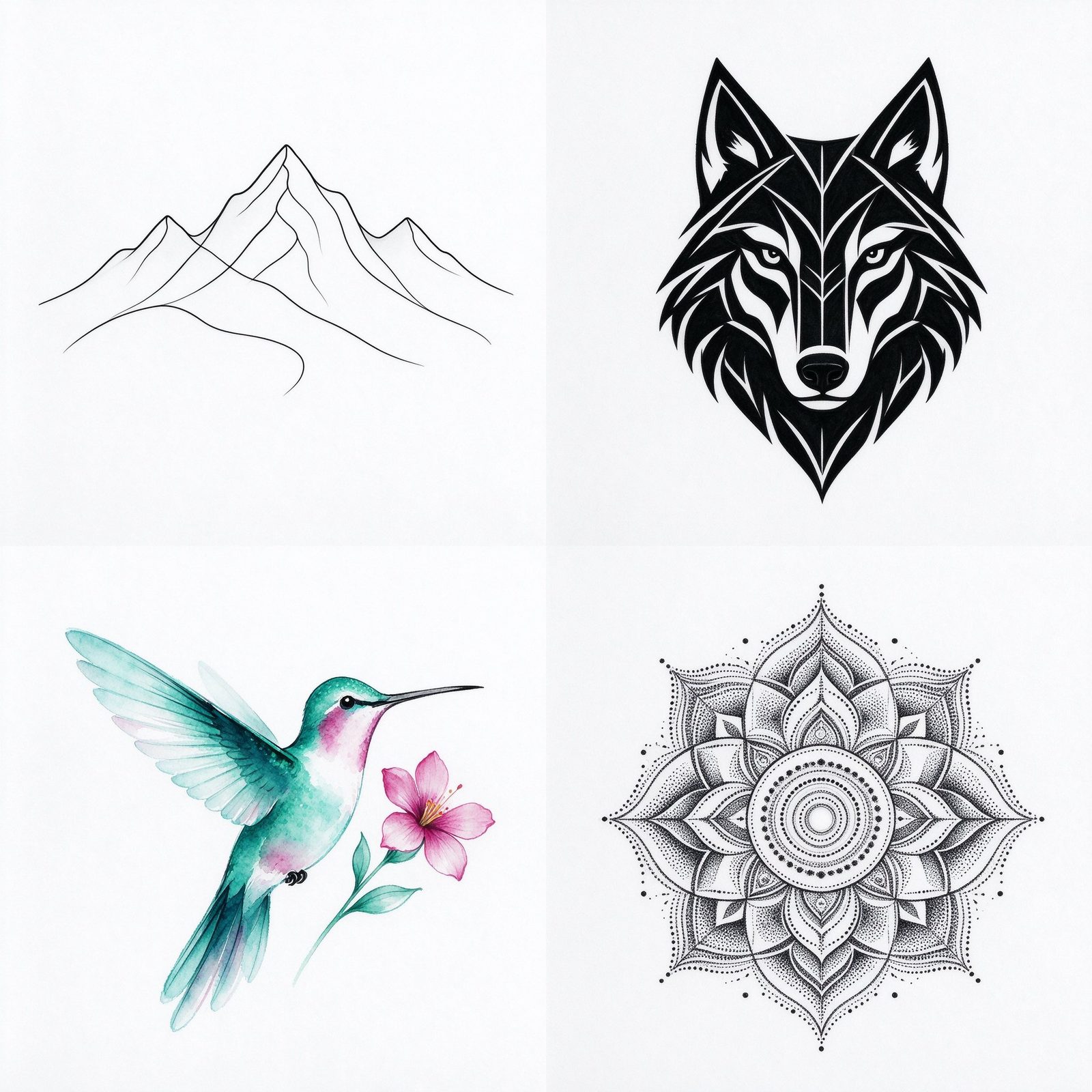
Illustrative style references: the same idea changes completely when rendered in fine line, blackwork, watercolour, or geometric linework.
Turn Your Own Photo Into a Tattoo Reference
Many tattoo ideas begin with a photograph rather than a blank page: a photo of your child, a dog you adopted, a grandparent, or a holiday memory you want to carry. A dedicated tattoo generator works from text; a photo-to-art tool first converts that picture into an artistic language an artist can discuss.
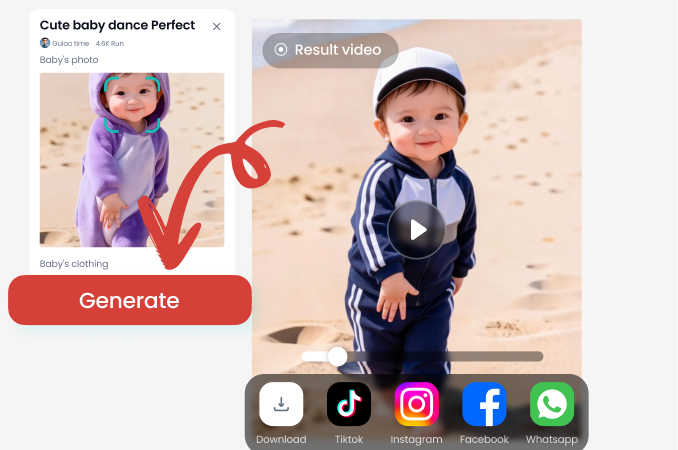
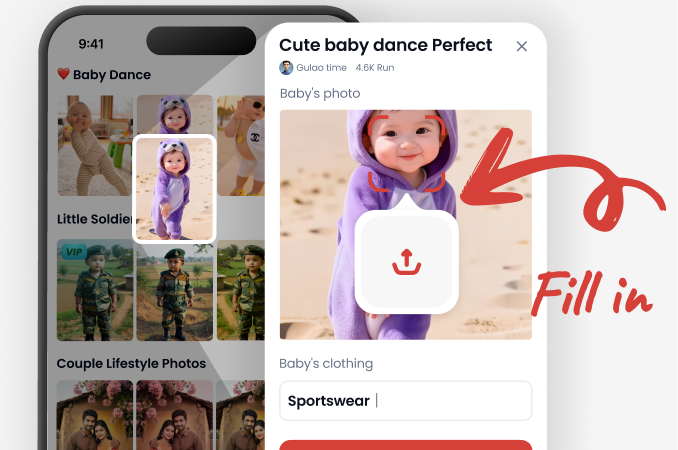
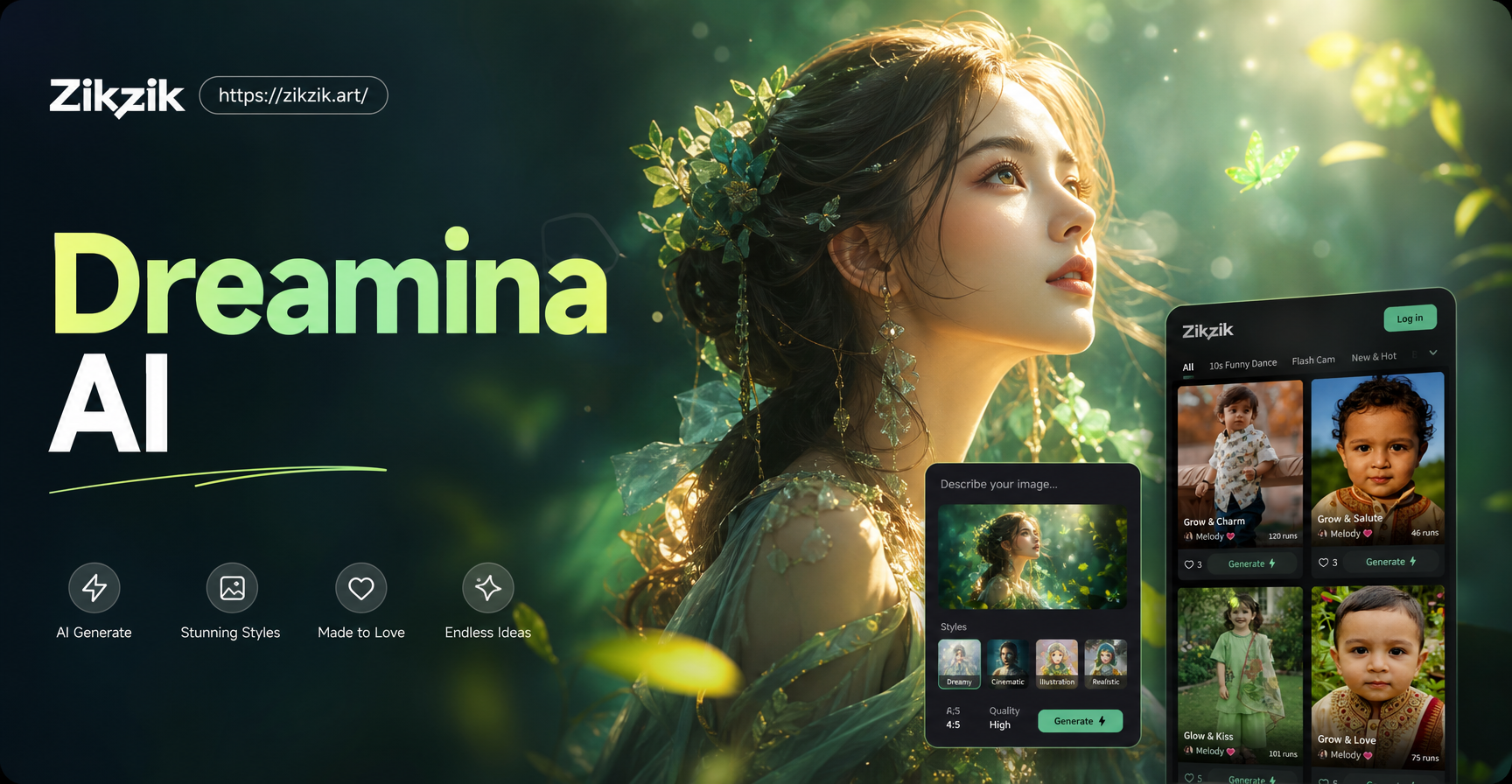
Zikzik sits at this first stage. Upload one photo and choose a look: pencil sketch, black-and-white double exposure, cinematic portrait, vintage, cartoon, cover-shot, or themed scene. The output is an emotional and compositional reference — it shows the artist the mood, the framing, and which features matter — after which you write the tattoo-specific prompt for the final flat design.
A sensible two-step workflow:
- Photo to reference. Upload the photo to Zikzik, generate a sketch or double-exposure version, and save the direction you like. Use the Hindi interface if that is easier to navigate; Zikzik provides Hindi and several other language options alongside English.
- Reference to tattoo prompt. Take the chosen look into a tattoo generator and apply the 7-part formula: keep the subject and pose, add a tattoo style, lock line weight and shading, name the placement, and request a clean white background.
Treat the Zikzik result as mood board material, not the tattoo itself. It does not produce a stencil, and it does not account for how linework ages on skin.
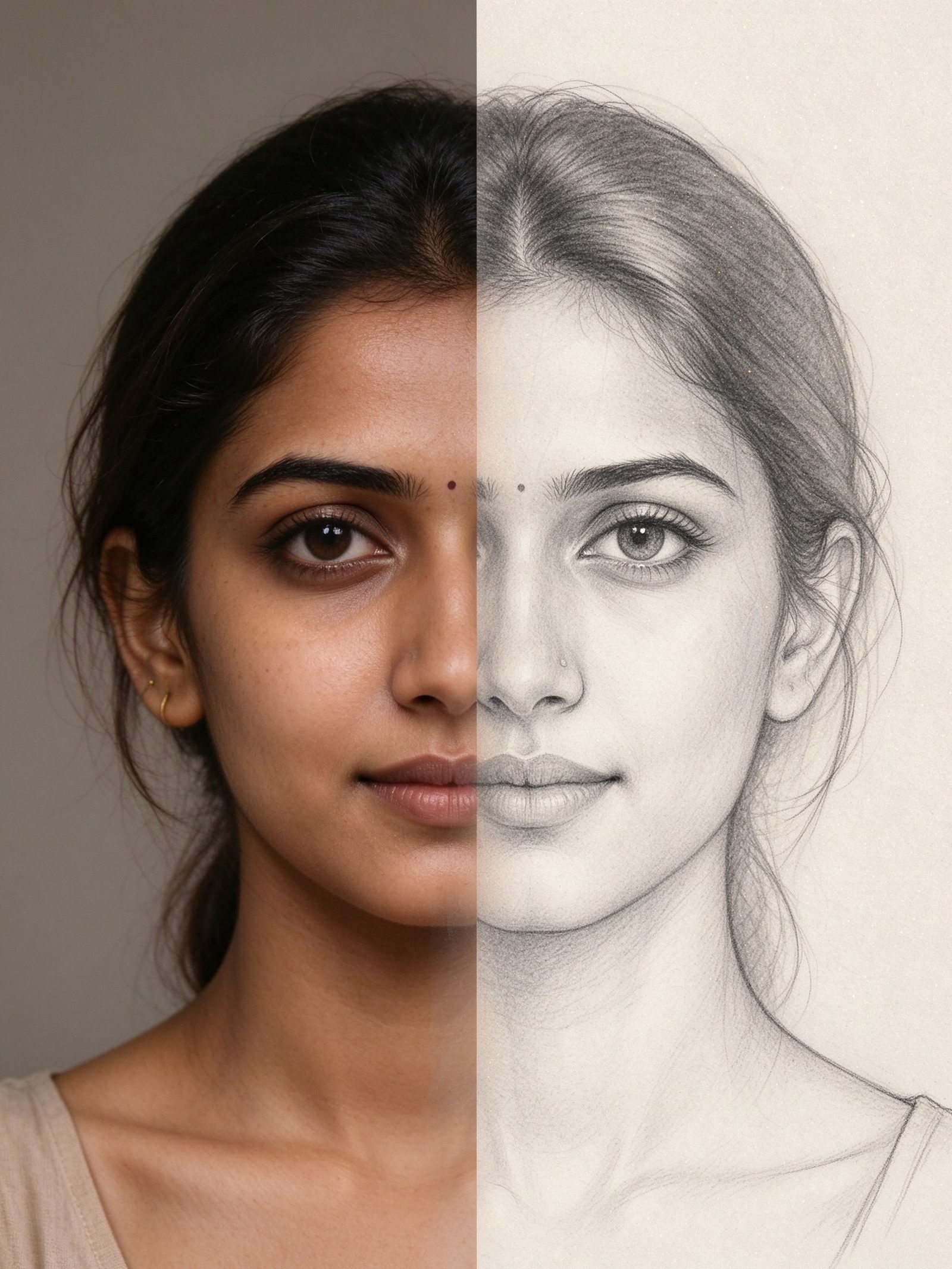
Concept workflow: personal photo → artistic reference → flat tattoo prompt. The reference guides mood; the artist adapts it for skin.
40+ Copy-Ready Tattoo AI Photo Prompts
Copy any line, then swap the subject, placement, or size. Keep one style family per prompt; restyle in a second pass rather than mixing blackwork and watercolour in one sentence.
Animals and nature
- Wolf head in three-quarter profile, blackwork style, geometric mandala behind it, bold closed outlines, solid black fill, high contrast, upper arm, 15 cm, clean white background.
- Hummingbird mid-hover, wings blurred into fine parallel lines, fine-line single-needle, no shading, behind-the-ear, 3 cm, clean white background.
- Koi carp curving upward through stylised water, scales picked out individually, Japanese irezumi, bold linework with muted red accents, vertical upper-arm composition.
- Stag skull with antlers branching into bare tree limbs, blackwork, solid fill, symmetrical, forearm, clean white background.
- Single pine branch with three cones, no background elements, minimalist fine line, inner wrist, 4 cm.
- Tiger head with cherry blossoms, neo-traditional, bold colours, heavy outlines, shoulder cap, medium size, fierce and ornamental.
- Elephant head framed by a small lotus, black-and-grey realism, soft contrast, chest placement, memorial tone, clean white background.
- Peacock feather rendered in fine-line dotwork, delicate, vertical, ribcage, negative space around the quill.
Symbols and meaning
- Anchor wrapped in worn rope, simplified, American traditional, no banner or text, bold outline, forearm.
- Compass rose built entirely from stippled dots, no solid fills, dotwork style, symmetrical, upper arm.
- Hourglass where falling sand becomes a small flock of birds, neo-traditional, illustrative linework, muted tones.
- Crescent moon holding a small sun inside its curve, ornamental symmetry, fine line, wrist.
- Lotus flower rising from a still water line, blackwork with negative space, calm and contemplative, sternum, vertical.
- Sacred geometry hex band with repeating thin precise lines, black ink only, ankle band, clean white background.
- Olive branch wrapping around the forearm, fine-line minimalist, elegant, minimal shading, 8 cm.
- Moth with a crescent moon, neo-traditional, jewel-tone colour, framed by small florals, shoulder.
Fine-line and minimal
- Mountain range reduced to five unbroken lines, one continuous stroke, fine line, inner forearm, small, no shading.
- Wildflower stem with two leaves, delicate, suited to an inner forearm, minimalist, clean white background.
- Two overlapping circles forming a small lens shape, geometric, fine line, behind the ear.
- Single wave curling once, drawn with one tapering line, handpoke style, ankle, tiny scale.
- Tiny origami crane, clean folds, no shading, minimalist, finger-sized.
- Sun and half-moon sharing one outline, fine line, balanced negative space, nape of neck.
Lettering and quotes
- The word "keep going" in a tight upright script, lettering style, no flourishes, inner forearm.
- A single date "09.14.2019" in small Roman numerals, fine line, wrist.
- The phrase "this too shall pass" curved along a shallow arc, lettering style, no decoration.
- A short name in bold blackletter, heavy strokes, blackwork style, upper arm.
- The word "breathe" in a thin cursive with an extended final stroke, fine line, ribcage.
- Devanagari word "धैर्य" (patience) in a clean handwritten devanagari script, framed by a thin vine, chest, spell every character exactly.
Check lettering character by character before taking it to an artist. AI still renders text confidently wrong, and misspelled script is the one flaw nobody can forgive on skin.
Memorial and family
- Dignified golden retriever portrait framed by rosemary and a small date ribbon, black-and-grey realism, soft contrast, chest placement.
- Mother and child silhouette in a single continuous line, fine line, inner bicep, gentle tone.
- Pair of small hands holding a single flower, neo-traditional, muted earth tones, forearm.
- Memorial candle with a thin flame, blackwork, minimal, wrist, with exact date in Roman numerals beneath.
- Grandparent's handwriting initial inside a thin heart outline, fine line, no shading.
India-inspired motifs (verify meaning before inking)
- Lotus with a single stem and two leaves, fine line, calm, inner forearm, clean white background.
- Peacock in profile with one folded wing, neo-traditional, muted jewel tones, shoulder.
- Banyan tree roots forming a protective arch, blackwork, symmetrical, back centerpiece.
- Small diya lamp with a steady flame, traditional outline, wrist, warm and simple.
- Ganesha's profile in a simplified fine-line medallion, respectful, no decorative clutter, upper arm.
Any religious or cultural symbol — Om, swastika, Ganesha, a temple motif, or a regional folk pattern — carries specific meaning and context. Research it from a reliable source and confirm it with your artist before inking; do not ask the AI to invent sacred imagery for you.
Tools to Write and Render the Prompt
You can write the prompt in any notes app and paste it into a generator. The table below maps each tool to the job it fits best; competitor pricing lives on the official pages and should be checked at the time you buy.
| Tool | Best for | Entry point | Commercial fit |
|---|---|---|---|
| Zikzik | Turning a personal photo into a sketch, double-exposure, or cinematic reference before drafting the tattoo brief | Web and mobile, free to try, points/VIP handled in the app | Personal reference imagery; check official terms for reuse |
| Midjourney | Artist-grade flash sheets and style exploration in a Discord workspace | Subscription tiers | Terms per plan; review before commercial use |
| DALL·E | Fast casual concepts inside a familiar chat interface | Included with ChatGPT plans | Personal and commercial per OpenAI terms |
| Leonardo AI | Style presets, inpainting, and dialing in line work | Freemium credits | Paid tiers add commercial rights |
| Stable Diffusion | Free local or cloud generation with tattoo-style models and full control | Open-source weights | License depends on model checkpoint |
| Adobe Firefly | Commercially safe exploration built on ethically trained models | Free daily generations on an Adobe account | Outputs cleared for commercial use under Firefly terms |
For a text-to-tattoo concept, a general image model plus the formula above is enough. For a photo-driven memorial or family piece, generate the reference first with Zikzik, then run the flat tattoo prompt in whichever generator matches your style.
Common Prompt Mistakes That Produce Unusable Designs
- Stacking six subjects in one sentence. A samurai riding a dragon holding a lotus under a moon and mountain asks the model to reconcile six ideas on one canvas. Pick two; save the rest for another session.
- Mixing styles in one prompt. Blackwork plus watercolor plus realism muddies the edges. Choose one family, restyle in a second pass.
- Describing feelings instead of form. "Beautiful rose tattoo" says how you feel, not what belongs on skin. Name pose, line weight, shading, and negative space.
- Forgetting the white-background instruction. Without it, you get café scenes and lighting that fight the motif.
- Picking the first result. Generate four to six variations, then refine one close option rather than restarting every round.
- Expecting one perfect output. Plan two or three refinement passes: "keep the composition, make outlines thicker, remove background detail."
- Skipping the artist step. AI output is a conversation starter, not a print order.
Cultural Respect, Copyright, and Skin Safety
- Research symbols you did not invent. Religious, tribal, regional, and sacred imagery carries context the AI will not explain. Verify meaning, and avoid taking motifs from a culture outside your own without understanding them.
- Text must be proofed. Names, dates, Devanagari, Roman numerals, and quotes need character-by-character checking; the model will not catch its own spelling errors.
- Colour reads differently on skin. Preview colour against your own skin tone, and ask the artist how light pigments age; watercolour and pale ink fade faster than bold blackwork.
- Sit with the design. Save the concept and review it for a week or two before booking. Impulse booking after one evening of generation is the commonest source of regret.
- Choose the artist for the style. A fine-line specialist produces better fine line than a generalist nearby; bring the AI image as a reference, not as a demand for pixel-perfect reproduction.
- Privacy. Upload personal or family photos only to services whose privacy policy you have read; Zikzik lists its privacy policy and FAQ on the official site.
FAQ
What makes a good tattoo AI photo prompt?
Name the subject and its pose, the single style family, line weight, shading, colour, placement, size, and a clean white background. Form and structure matter more than emotional adjectives.
Can I turn my own photo into a tattoo with AI?
Yes, in two stages. First convert the photo into an artistic reference — a sketch, double exposure, or cinematic portrait using a tool such as Zikzik — then write a flat tattoo prompt in a tattoo-capable generator and have a professional artist redraw it for skin.
Which AI style gives the sharpest tattoo results?
Blackwork, American traditional, and geometric have strict composition rules and tend to produce the most usable outputs. Watercolour and realism need more specific prompting and a strong reference.
Is an AI-generated tattoo design ready to ink?
No. It is a starting reference. An artist adapts proportions to the body, adjusts line weight for aging, and simplifies detail that skin cannot hold at the chosen size.
Do I need to pay for an AI tattoo generator?
Most tools offer a free trial or daily credits for a few concepts; paid tiers unlock high-resolution downloads, commercial rights, and placement previews. Check the official pricing page of each tool before subscribing.
Can I use AI-generated designs commercially?
Rights vary by model. Adobe Firefly states its outputs are commercially safe; other platforms tie commercial rights to specific paid plans. Read the current terms before selling flash or client work.
Ready to Build Your Reference
Start with the photo that matters, or write a single-sentence idea and expand it using the 7-part formula. Generate four variations, keep the closest one, and refine line weight and background rather than restarting. When your concept is ready, bring it to a licensed artist who works in that style.
To turn a personal photo into a sketch, double-exposure, or cinematic reference before you draft the final tattoo prompt, explore Zikzik free on the web or mobile app.