The right VEED.io alternative depends on the job you keep repeating. Switch to a transcript editor for podcasts and interviews, an auto clipping tool for long to short repurposing, a dedicated avatar platform for presenter videos, or a generative studio for AI footage. Zikzik sits upstream of the editor: it turns one uploaded photo into cinematic portraits, cover shots, glamour looks and themed scenes that can serve as an opening frame, presenter reference or b-roll asset before you cut in a dedicated editor. It is an AI asset and reference source, not a timeline replacement for VEED, so use it to generate the visual material first, then finish the edit in a specialist tool.
Quick Picks
- Zikzik: our pick for AI opening assets and presenter reference. Best when you need a polished frame or themed scene before editing.
- Kapwing: best for collaborative browser editing and subtitles. Closest broad suite alternative for team social video.
- Descript: best for transcript first spoken media. Edit podcast and interview audio like a document.
- OpusClip: best for automated long to short clipping. Turn webinars and streams into captioned shorts.
- HeyGen: best for avatar presenter videos and localization. Reusable digital presenters across many languages.
- Runway: best for generative footage and creative experiments. Text and image to video with model controls.
- Clipchamp: best for a free Microsoft backed editor. Simple web cuts with automatic captions.
Why People Look Beyond VEED
VEED is a browser suite that combines editing, recording, unlimited auto subtitles, translation, dubbing, AI voice, avatars and generation in one workspace. Users look elsewhere for a few recurring reasons: per seat cost adds up on larger teams, AI credits refresh without carrying over, spoken word editors want a transcript first workflow, social teams want automated clipping, and some want a dedicated avatar or generative studio instead of a general suite. The cleanest switch is to match the alternative to your main output rather than chase the cheapest generic editor.
How We Selected These Alternatives
Selection routes by primary source material and workflow owner first, then compares edit time, subtitle accuracy, AI credit cost, export quality, watermark handling, brand controls, collaboration and review effort. Each alternative below is described from documented capabilities; none is presented as a personal hands-on lab report. Pricing is deferred to each official site because plans, credits and free limits change, and third party price figures are estimates rather than official quotes.
At a Glance Comparison
| Tool | Best for | Free option | Standout feature | Main limitation | Workflow fit |
|---|---|---|---|---|---|
| Zikzik | AI opening assets and reference | Free trial with points | Cinematic themed portrait and scene | Not a timeline editor | Asset source before cut |
| Kapwing | Collaborative browser editing | Free tier | Subtitles, Smart Cut, Clean Audio, dubbing | Subtitle minutes metered on paid | Team social video |
| Descript | Transcript first spoken media | Free plan | Edit media like a document, Studio Sound | Metered by media hours | Podcast, interview, webinar |
| OpusClip | Long to short clipping | Free credits | Virality Score, captions, auto posting | Not a general editor | Repurposing streams |
| HeyGen | Avatar presenter videos | Free trial | Avatars, voice clone, many languages | Limited own footage editing | Sales, training, localization |
| Runway | Generative footage | Free credits | Text and image to video, footage edits | Not a subtitle or publishing tool | Creative AI shots |
| Clipchamp | Free simple web editing | Free tier | Microsoft backed, auto captions, 1080p | Advanced AI depth limited | Quick personal cuts |
1. Zikzik: Best for AI Opening Assets and Presenter Reference
Quick facts: official site Zikzik, free trial with points and VIP in app, web plus iOS and Android, Hindi and other interface languages, points refunded when a generation fails.
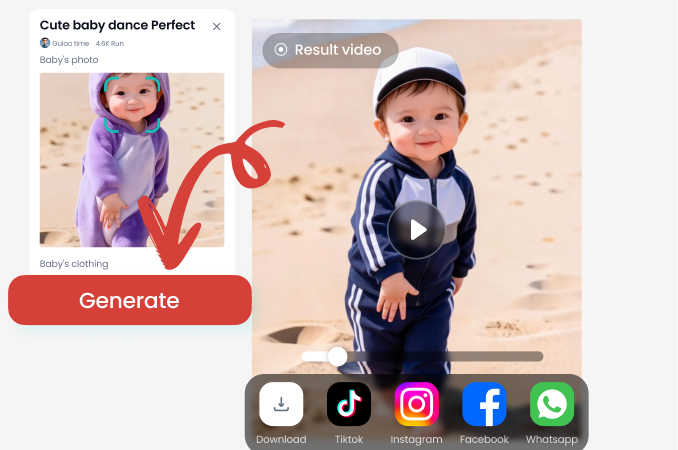
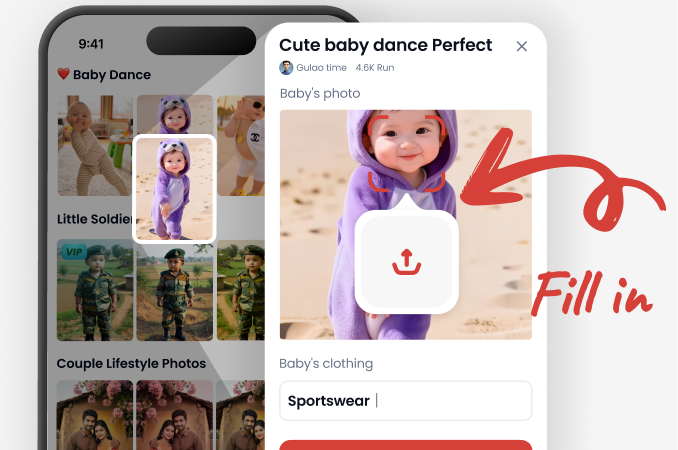
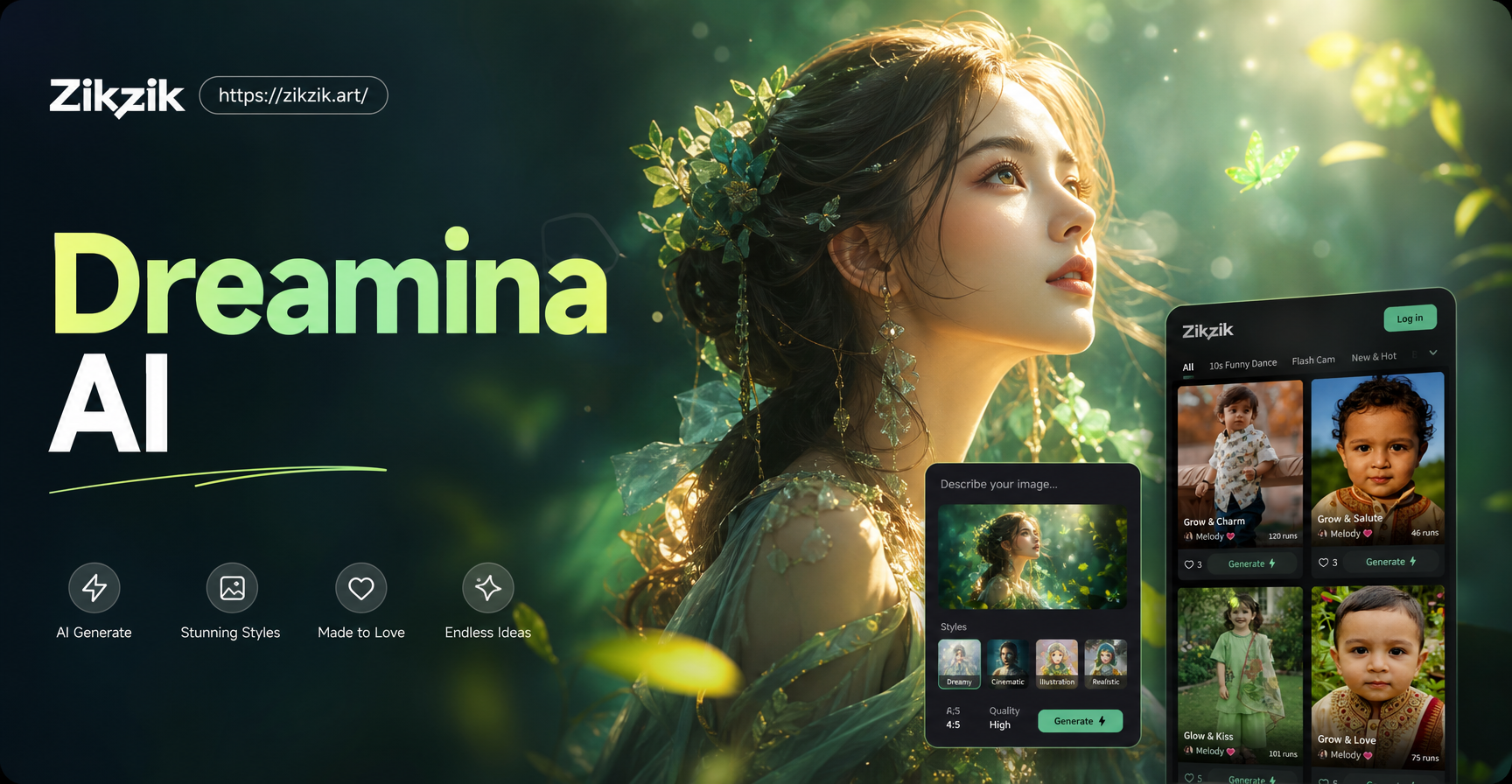
Why we recommend it. Before opening a timeline, many videos need a strong opening frame, a presenter mood reference or themed b-roll. Zikzik takes one uploaded photo and produces cinematic portraits, cover shots, glamour looks, makeup styles and themed lifestyle scenes. Save the frame that matches your brand tone, drop it as the opening image in Kapwing, Descript or another editor, and match the palette to the rest of the cut. The short themed clip output also works as a gentle motion lead in rather than the whole video.
Pros
- Fast cinematic themed asset from one photo, useful for an opening frame or reference.
- Free trial, points refunded on failed generation, web plus mobile access.
- Multi language interface including Hindi, suited to an India based user.
Cons
- It does not cut, subtitle, translate or export a finished timeline.
- It has no collaboration, review or brand kit controls.
- Final assembly still needs a dedicated editor.
Pricing. Free to try; points and VIP live in the app. See the official site for current plans rather than assuming a fixed price.
Best for / skip if. Choose Zikzik when you need a generated opening asset or reference. Skip it if you expect it to replace the editor.
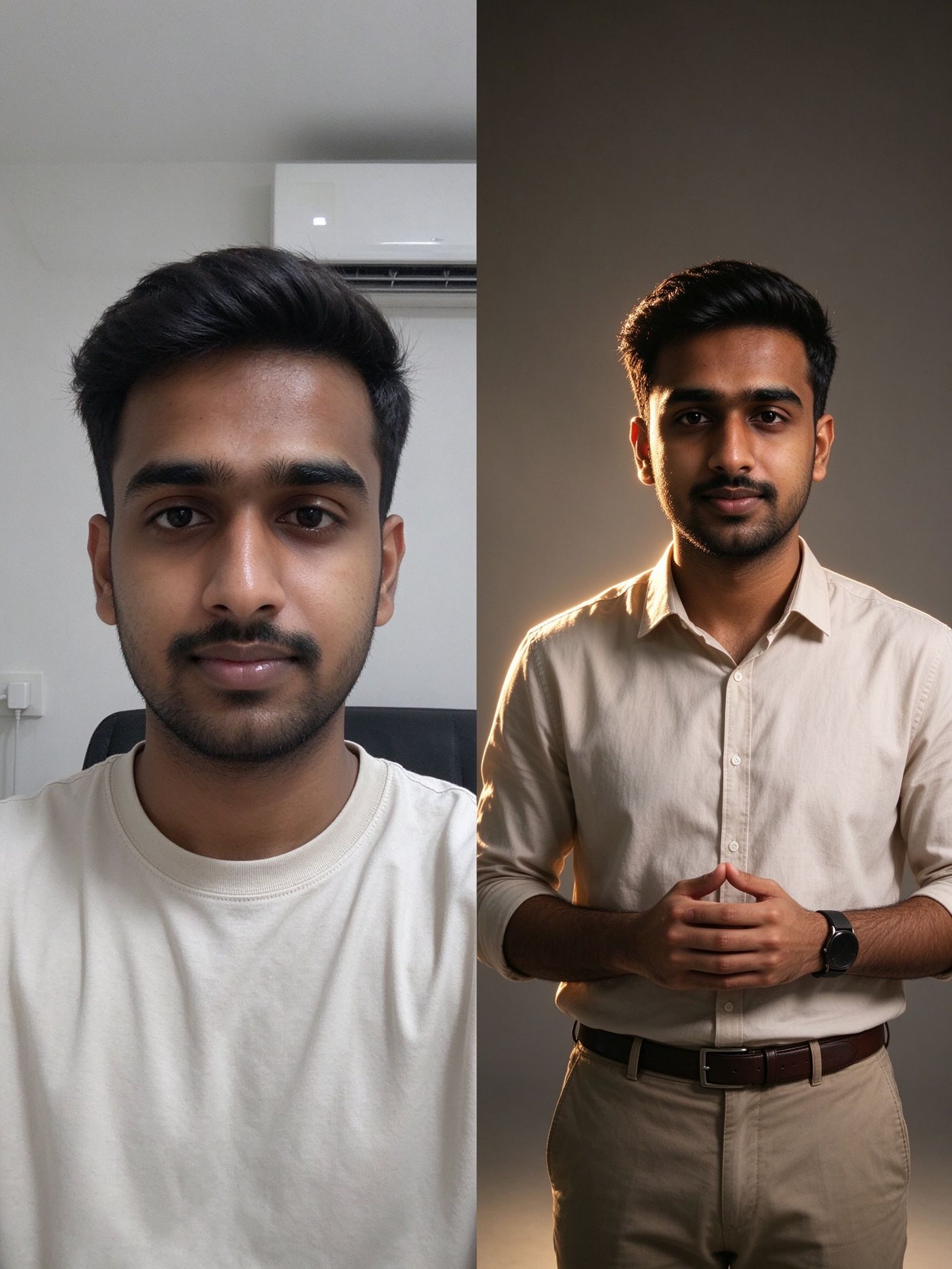
Concept: selfie to opening asset, then a specialist editor finishes the cut.
2. Kapwing: Best for Collaborative Browser Editing and Subtitles
Quick facts: free tier, collaborative browser editor, subtitles, Trim with Transcript, Smart Cut, Clean Audio, dubbing into many languages, Repurpose Studio, paid per member.
Why we recommend it. Kapwing covers much of the same broad ground as VEED in the browser: collaborative editing, automatic subtitles, silent cut removal, audio cleanup, dubbing and a repurpose workflow. It is the closest general suite alternative when a team edits social videos together and wants a hosted workspace rather than a specialist single job tool. Paid plans meter subtitle and translation minutes, so heavy subtitle users should compare allowance carefully.
Pros
- Broad collaborative browser editing with subtitles and cleanup tools.
- Repurpose Studio supports multi format output from one project.
- Works in the browser with team access.
Cons
- Subtitle and translation minutes are metered on paid plans.
- Free exports carry limits and a watermark.
Best for / skip if. Choose it for team social editing. Skip it if unlimited subtitles are the only requirement.
3. Descript: Best for Transcript First Spoken Media
Quick facts: free plan, transcript first editing, Studio Sound, podcast and interview workflow, paid metered by media hours.
Why we recommend it. Descript edits spoken media like a document: change the transcript and the audio or video follows. It is built for podcasts, interviews, webinars and tutorials where the script drives the cut, and Studio Sound cleans the voice recording. It is less broad as a general brand template suite, which is the trade off versus VEED.
Pros
- Transcript first editing speeds spoken word cuts.
- Studio Sound improves voice clarity.
- Strong for podcast and interview production.
Cons
- Metered by media hours rather than flat unlimited.
- Lighter on brand templates and mixed source social production.
Best for / skip if. Choose it for spoken media. Skip it for broad marketing suite work.
4. OpusClip: Best for Automated Long to Short Clipping
Quick facts: free credits, automated clipping from long video, Virality Score, captioned reframed shorts, auto posting to Shorts, TikTok and Reels, paid per credit.
Why we recommend it. OpusClip takes a webinar, podcast, interview or stream and produces captioned vertical shorts, scores them with a Virality Score, reframes the speaker and can post to social channels. It is a specialist repurposing tool, not a general editor, so choose it when clipping is the recurring output.
Pros
- High throughput long to short repurposing.
- Built in captions, reframing and Virality Score.
- Auto posting to major short form channels.
Cons
- Not a replacement for recording, translation or brand packaging.
- Free clips carry watermark and expiry limits.
Best for / skip if. Choose it for repurposing. Skip it for full project editing.
5. HeyGen: Best for Avatar Presenter Videos and Localization
Quick facts: free trial, AI avatars, voice cloning, many language translation, presenter videos for sales, training and localization, paid by credits.
Why we recommend it. HeyGen is built around reusable digital presenters and avatar translation rather than broad editing of your own footage. It suits sales outreach, training and localization campaigns where a consistent presenter speaks many languages. It is less natural for mixed human edited video projects.
Pros
- Dedicated avatar platform with many languages.
- Voice cloning and reusable presenters.
- Strong for training and localization.
Cons
- Limited editing of your own raw footage.
- Usually premium for serious output.
Best for / skip if. Choose it for presenter videos. Skip it for cutting your own recordings.
6. Runway: Best for Generative Footage and Creative Experiments
Quick facts: free credits, text and image to video, footage transformation, model controls, usage based paid plans.
Why we recommend it. Runway is a generative studio that creates shots from text or images and transforms existing footage. It suits cinematic AI shots, motion experiments and creative model exploration, and it is heavier than VEED for everyday captions, recording and business publishing.
Pros
- Strong generative shot creation and footage edits.
- Model controls for creative experimentation.
- Useful for AI b-roll and cinematic sequences.
Cons
- Not a subtitle or publishing tool.
- Usage based cost can rise with experimentation.
Best for / skip if. Choose it for generated footage. Skip it for routine caption driven editing.
7. Clipchamp: Best for a Free Microsoft Backed Editor
Quick facts: free tier, browser editor, automatic captions in multiple languages, 1080p export on the free plan, Microsoft backed.
Why we recommend it. Clipchamp offers a simple free web editor with automatic captions and straightforward cuts, backed by Microsoft. It suits quick personal videos and simple social posts where a light tool and no upfront cost matter more than advanced AI depth.
Pros
- Free tier with 1080p export and auto captions.
- Simple browser based cuts, no heavy install.
- Microsoft backed integration.
Cons
- Advanced AI and brand depth are limited.
- Free plan carries feature caps.
Best for / skip if. Choose it for simple free cuts. Skip it for complex production.
How to Choose Your Switch
| If your main reason is | Choose | Why |
|---|---|---|
| Cheaper collaborative browser editor | Kapwing | Team workspace with subtitles and cleanup |
| Transcript first podcast or interview cuts | Descript | Edit the document, media follows |
| Automated long to short repurposing | OpusClip | Captioned shorts and auto posting |
| Presenter videos and localization | HeyGen | Avatars and many languages |
| Generated AI footage | Runway | Text and image to video |
| Simple free web editing | Clipchamp | Light cuts with auto captions |
| Opening asset before the cut | Zikzik | Cinematic frame or themed scene |
Rights, Watermarks and Consent
- Free tiers on several tools add a watermark and cap export length or resolution; check before public posting.
- Avatar, voice clone and lip sync copy a real person likeness or voice, so collect written consent before use.
- Compare data controls, SSO and review modes on enterprise plans.
- Generate opening assets with Zikzik, then confirm commercial rights on the editor you publish from.
FAQ
What is the closest VEED alternative
Kapwing is the closest broad browser suite for collaborative editing and subtitles, while Descript, OpusClip, HeyGen and Runway are specialists for specific jobs.
Is there a free VEED alternative
Clipchamp offers a free tier with auto captions, and Kapwing, Descript and OpusClip offer free plans or credits, each with limits and possible watermarks.
Which tool replaces VEED for subtitles
For unlimited subtitles in one suite you may stay with VEED; Kapwing meters subtitle minutes, so compare allowance before switching.
Can Zikzik replace VEED
No. Zikzik generates cinematic opening assets and references. Use it before the cut, then edit in a specialist tool.
Which tool is best for podcasts
Descript is built for transcript first podcast and interview editing with Studio Sound cleanup.
Which tool makes AI presenter videos
HeyGen is the dedicated avatar platform for presenter videos and multilingual localization.
Ready to Pick Your Tool
Match the alternative to your main output, run one short project on a free plan, compare edit time, subtitle accuracy, watermark and credit cost, then commit. For a polished opening frame or themed asset first, try Zikzik free on the web or mobile app, then finish the cut in your chosen specialist editor.