AI Butterfly Image
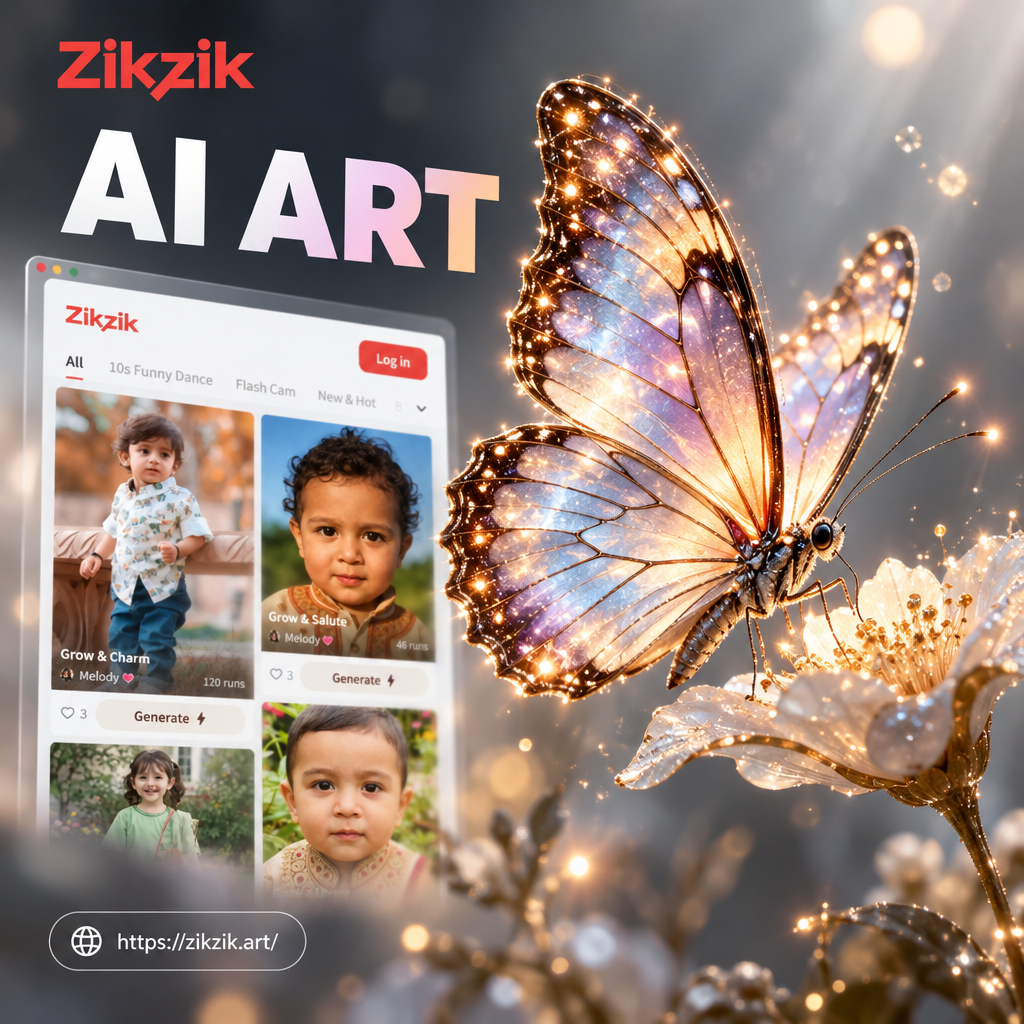
Choose the AI Butterfly Style That Fits You
Browse handpicked filters for realistic, artistic, and cinematic butterfly art. Find the perfect look for your next post, wallpaper, or creative project.
AI Butterfly Image Tools for Every Creator
No complex prompts or design skills required. zikzik combines text-to-image, photo-to-image, and a massive style library to make butterfly art simple and fun.
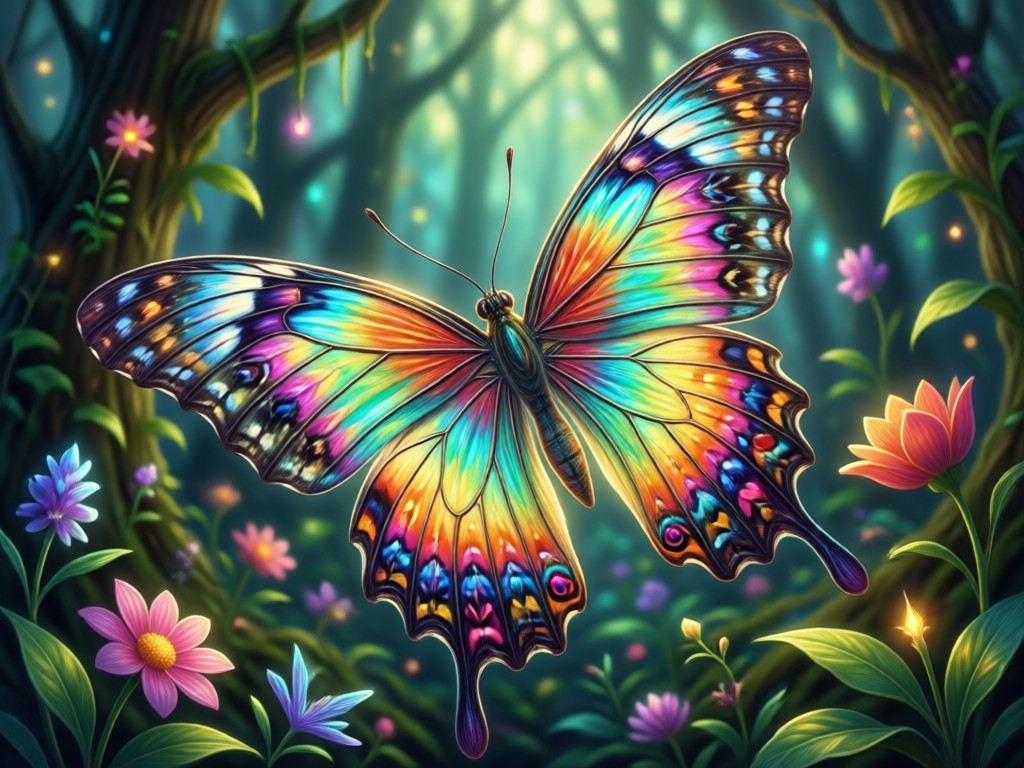
Text to Butterfly Art
Describe the scene you want and choose a style filter. zikzik turns your words into high-quality butterfly images in seconds.
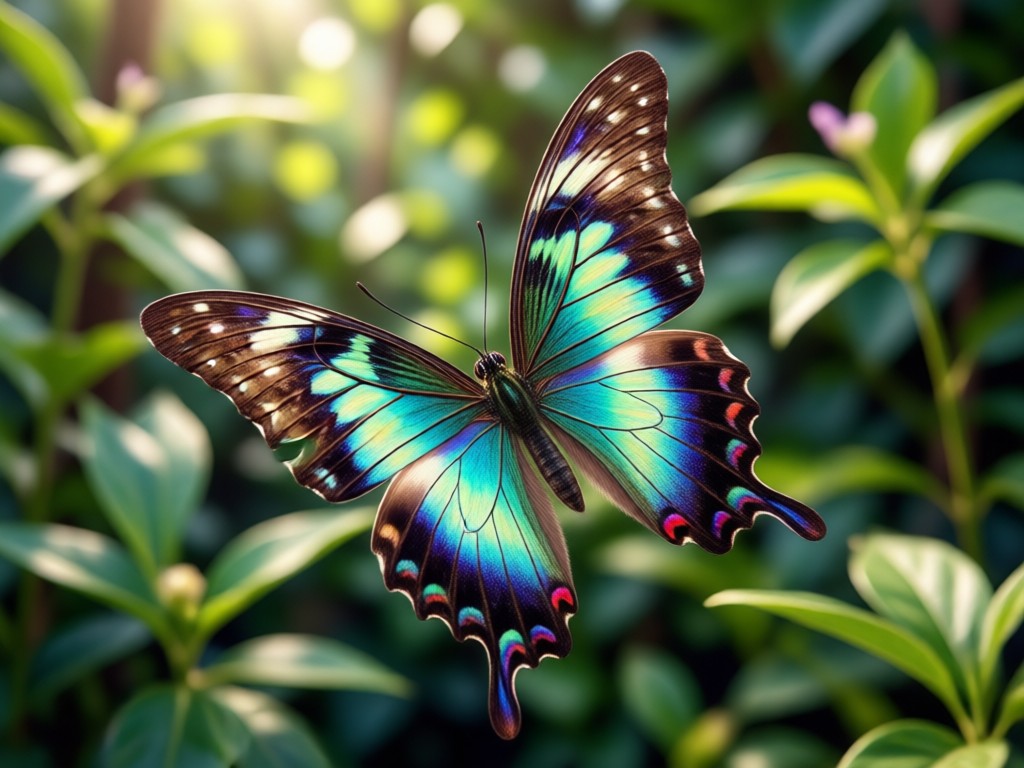
Photo to Butterfly Transformation
Upload a portrait, landscape, or pet photo and let AI blend it with butterfly textures, wings, and dreamy color palettes.
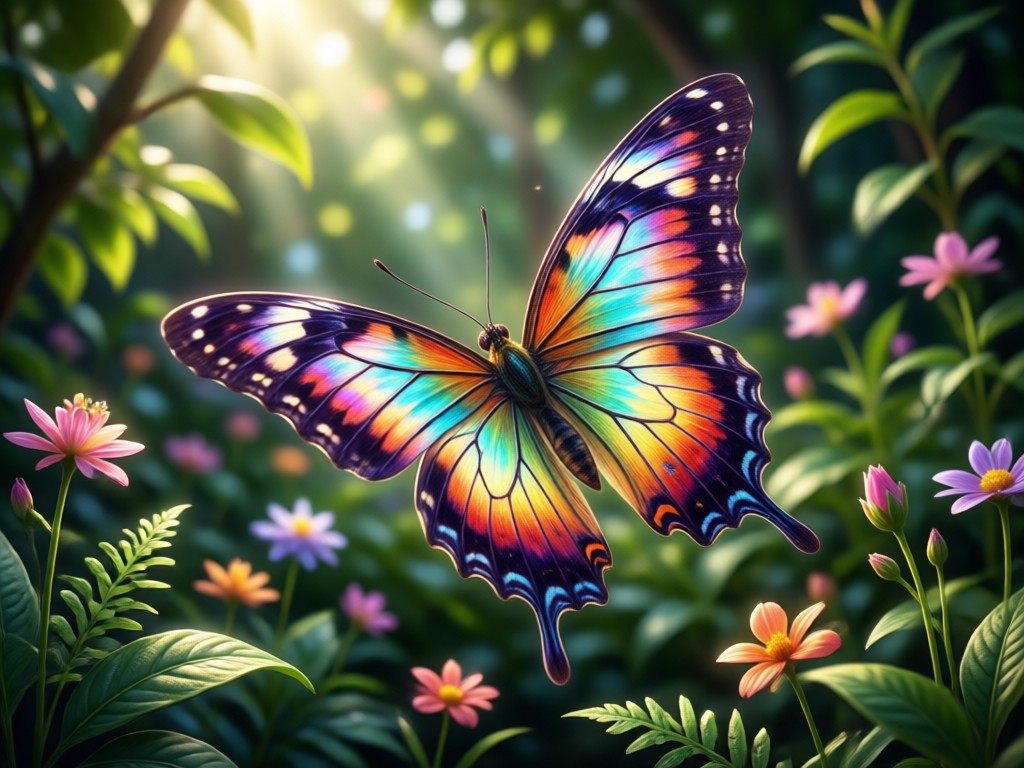
Style and Mood Control
Switch between realistic, watercolor, anime, cyberpunk, and cinematic filters. Adjust the mood until every wing matches your vision.
AI Butterfly Image Gallery
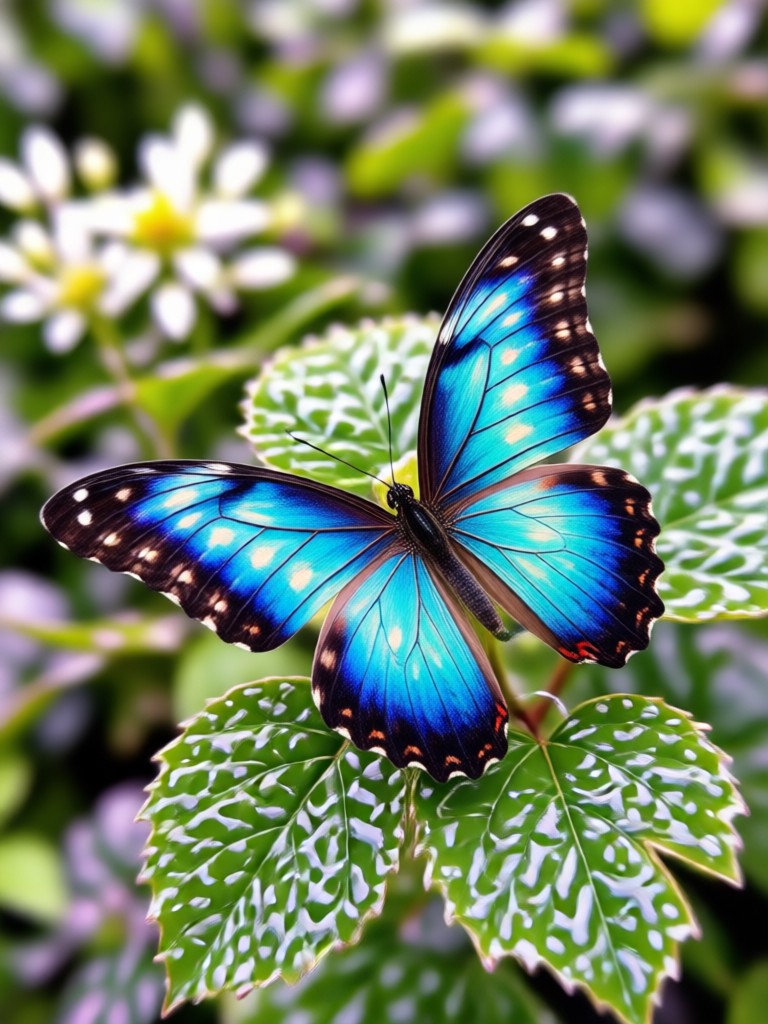
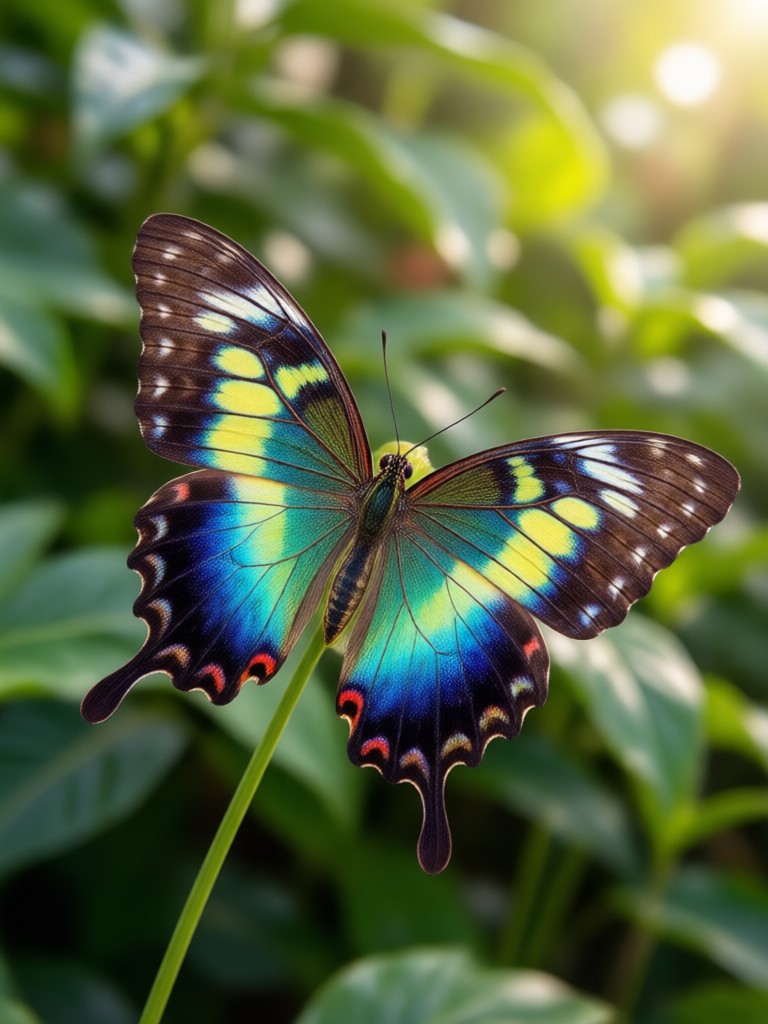
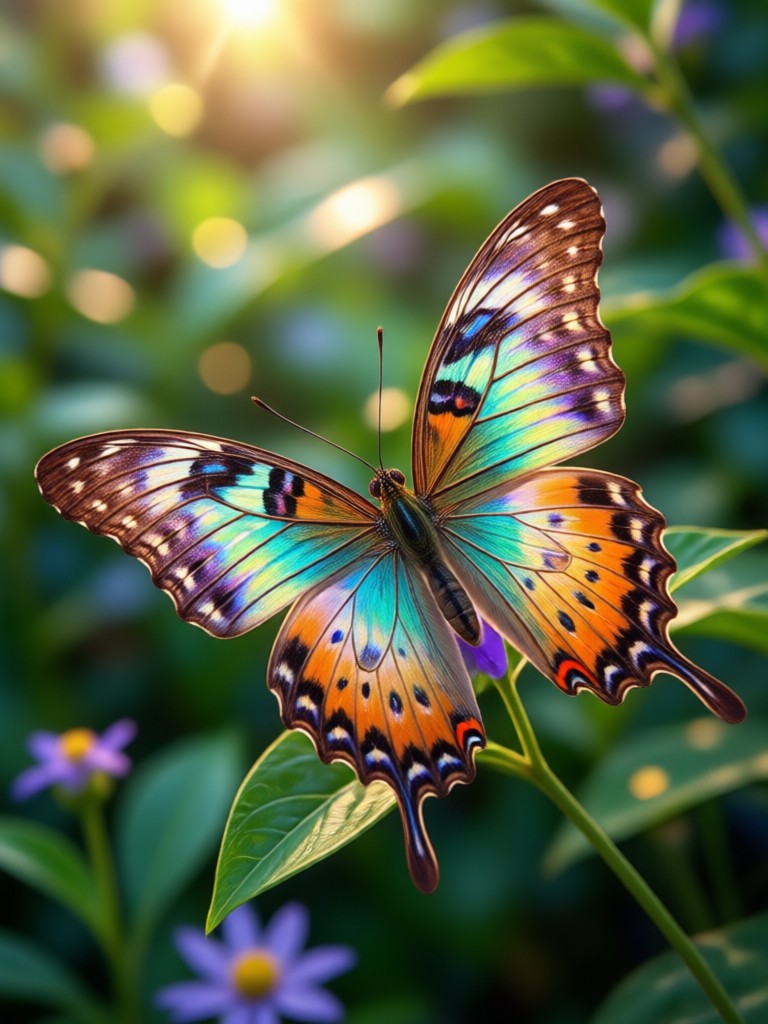
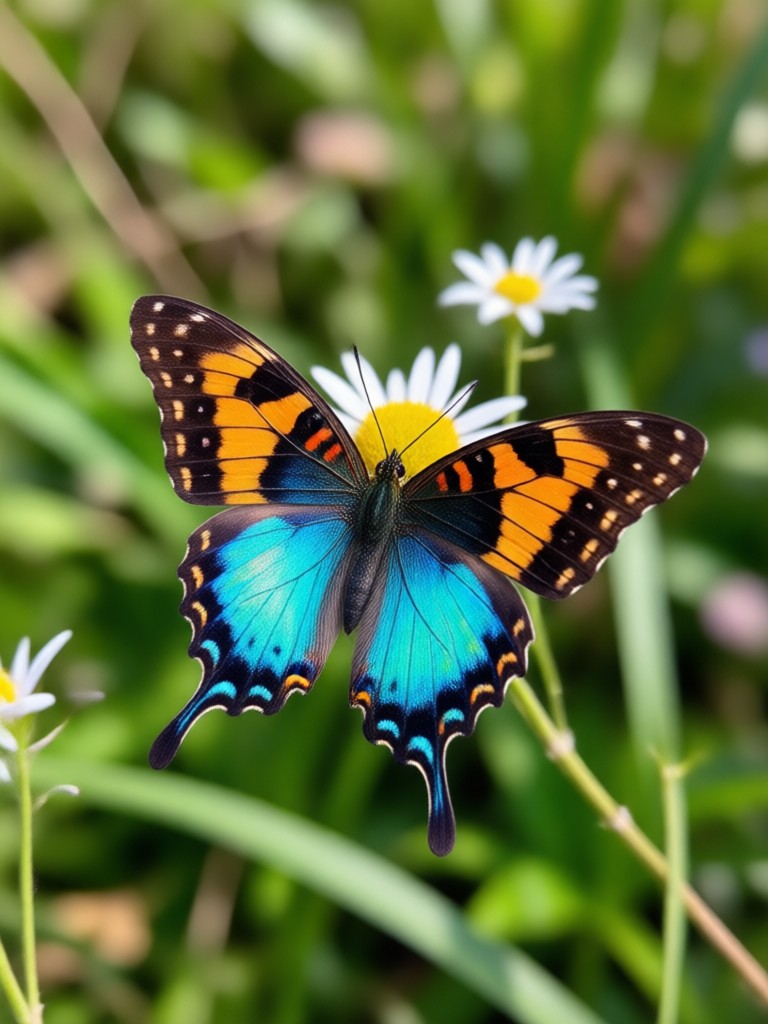
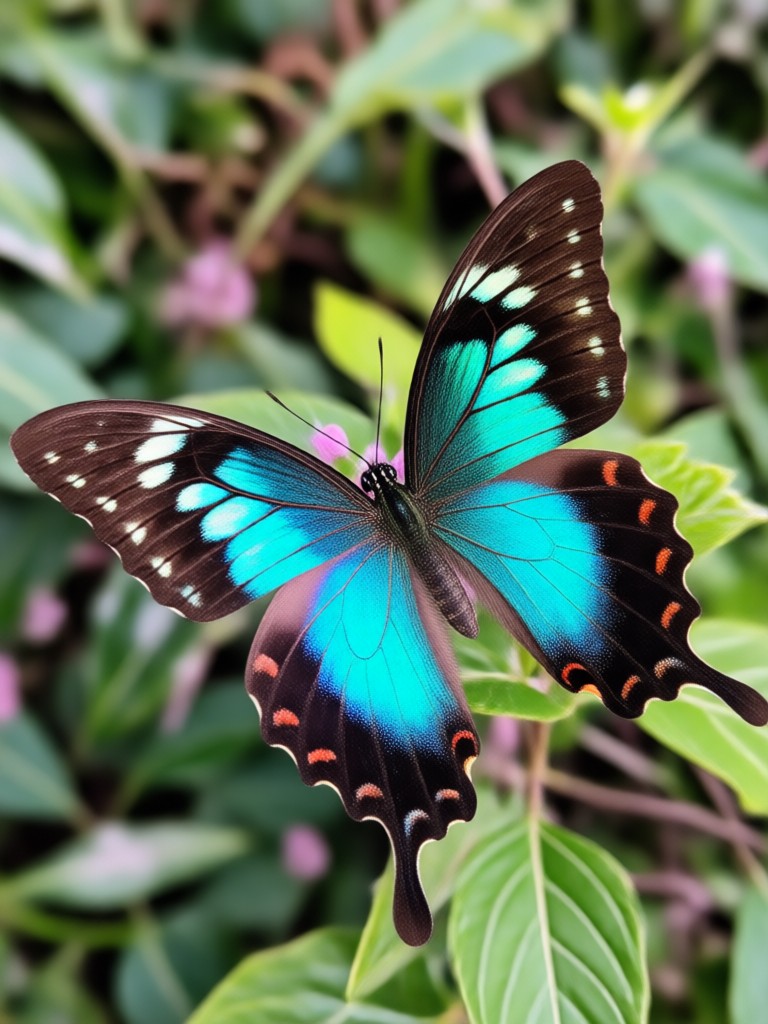
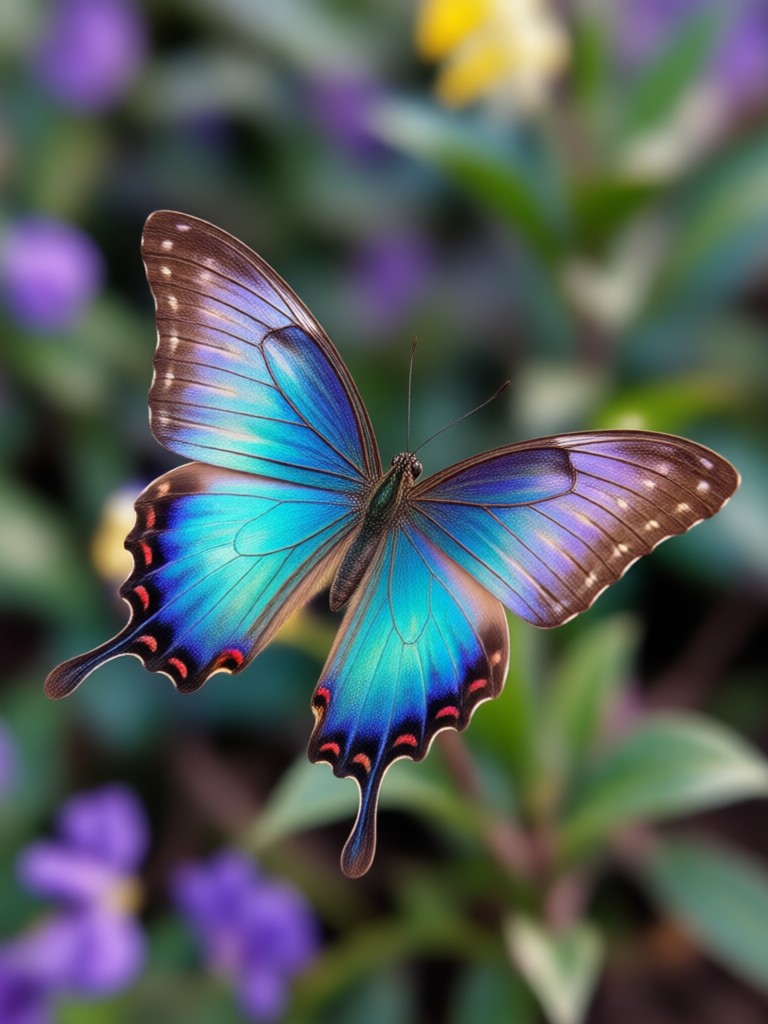
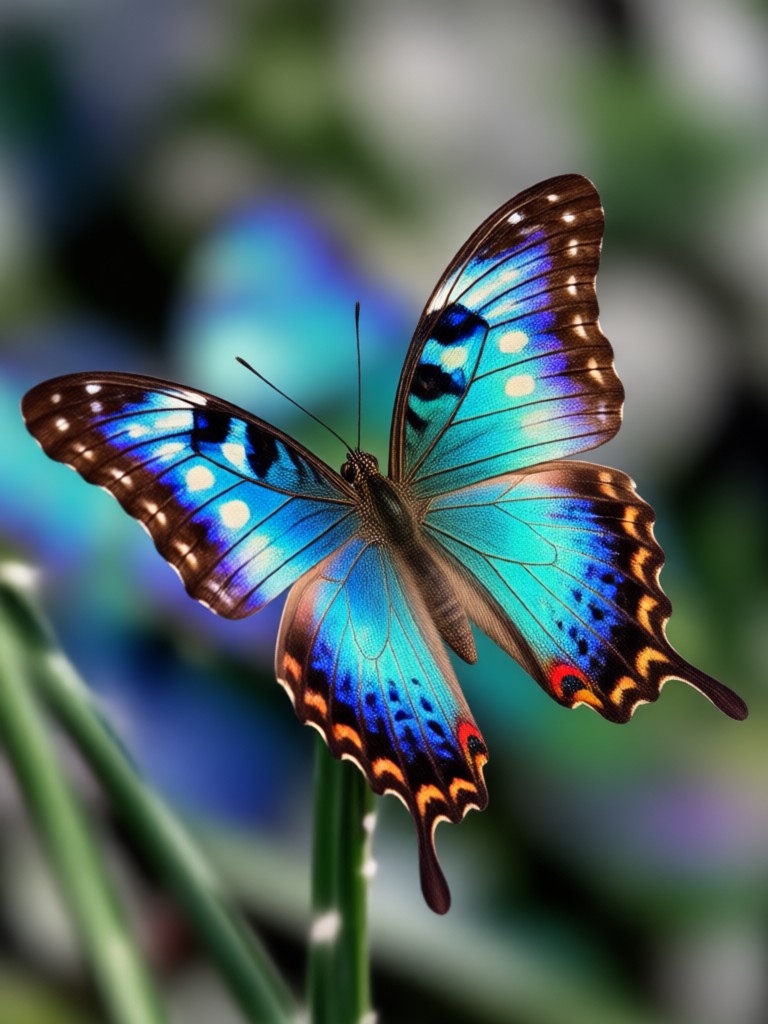
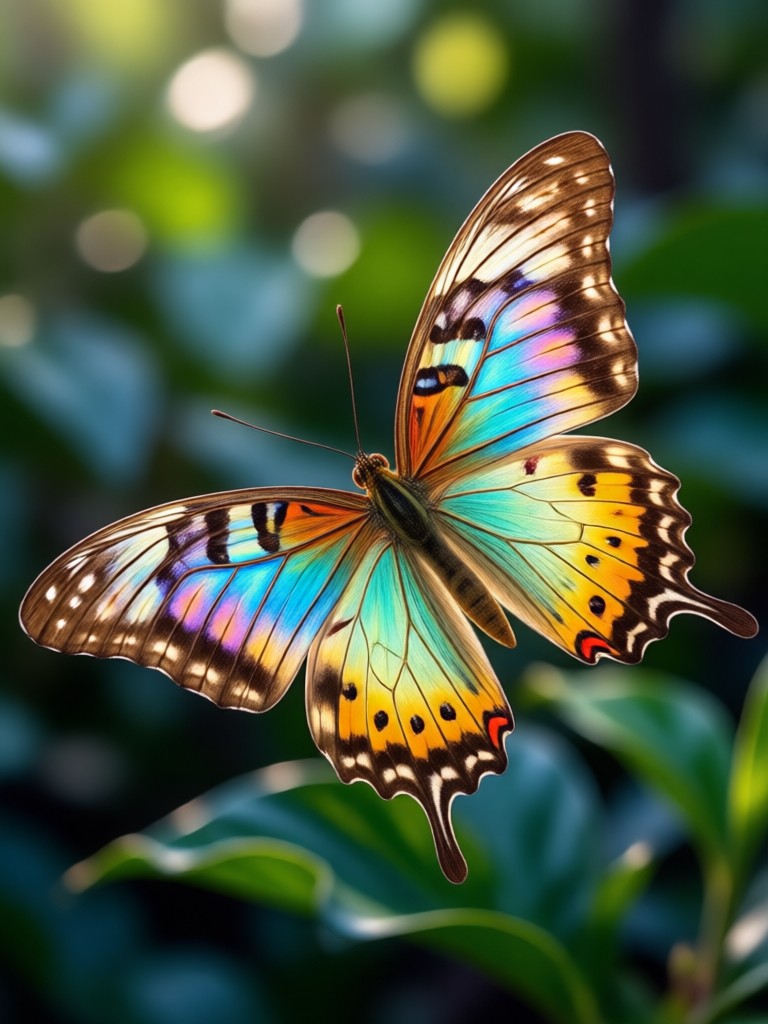
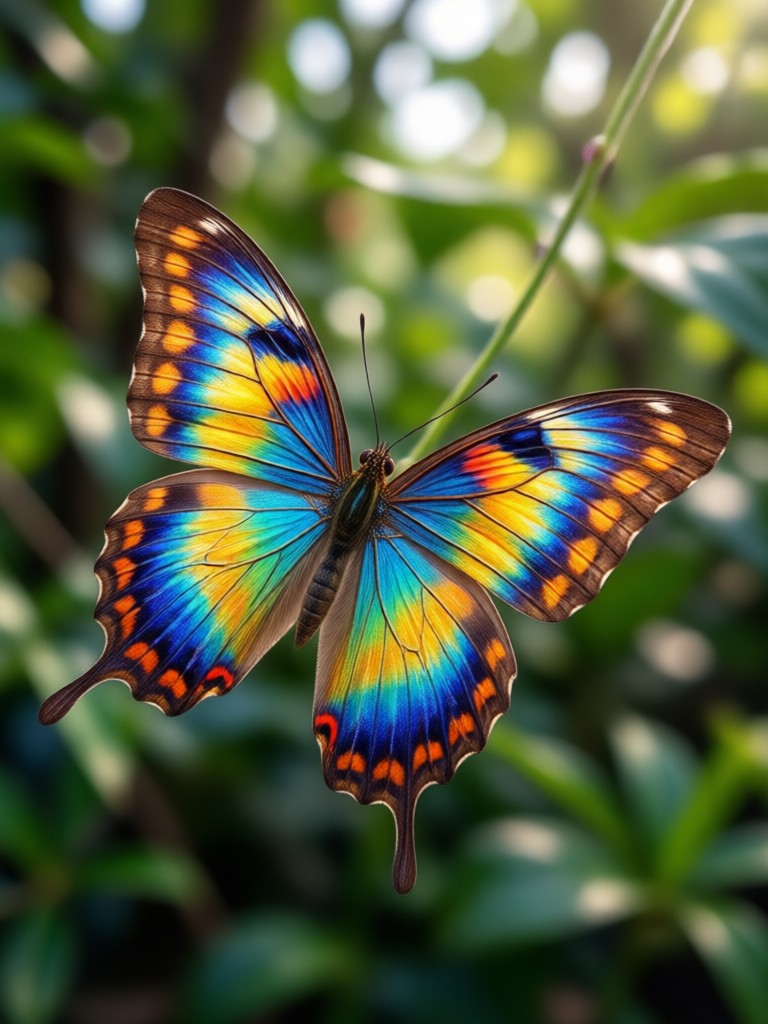
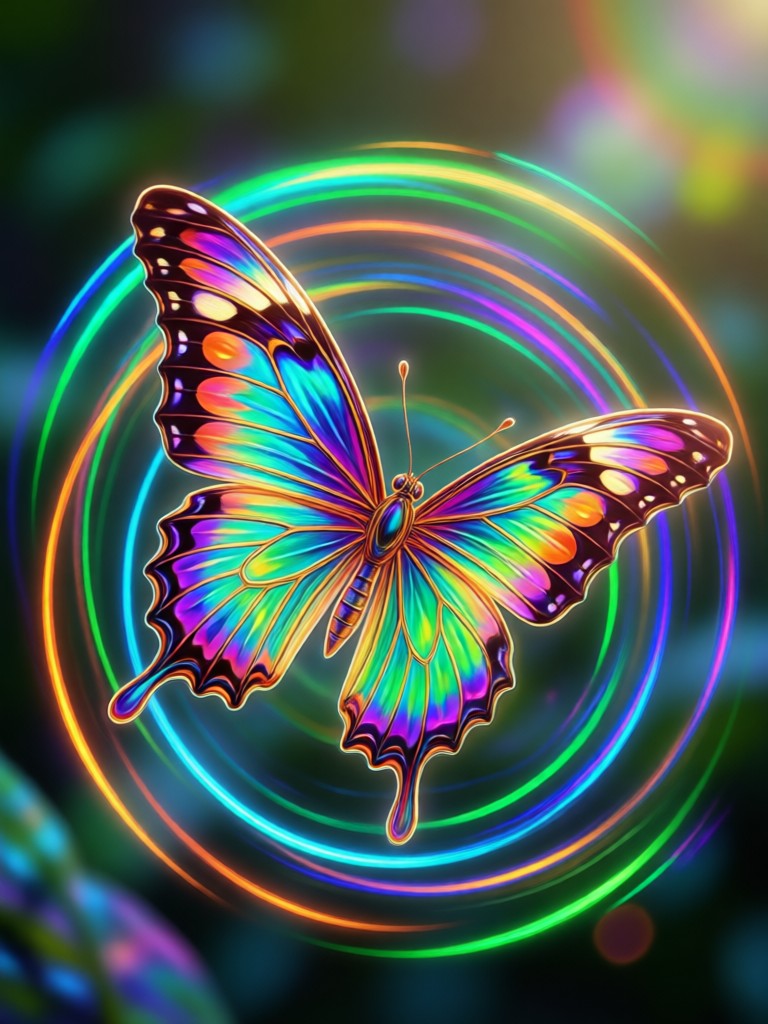
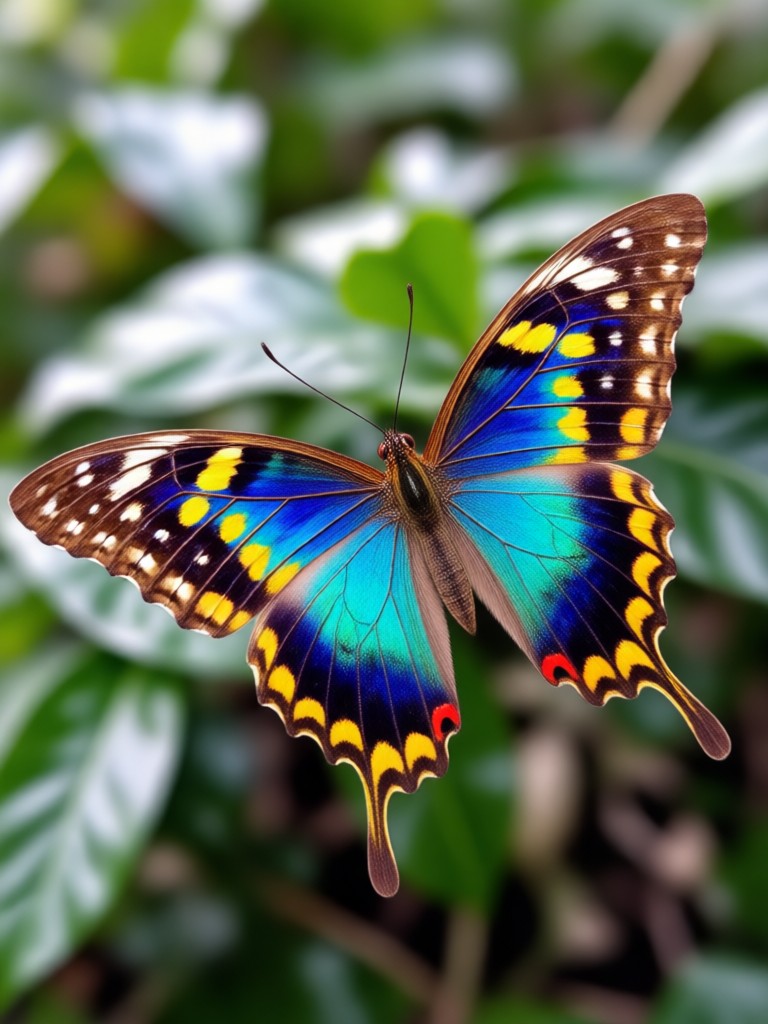
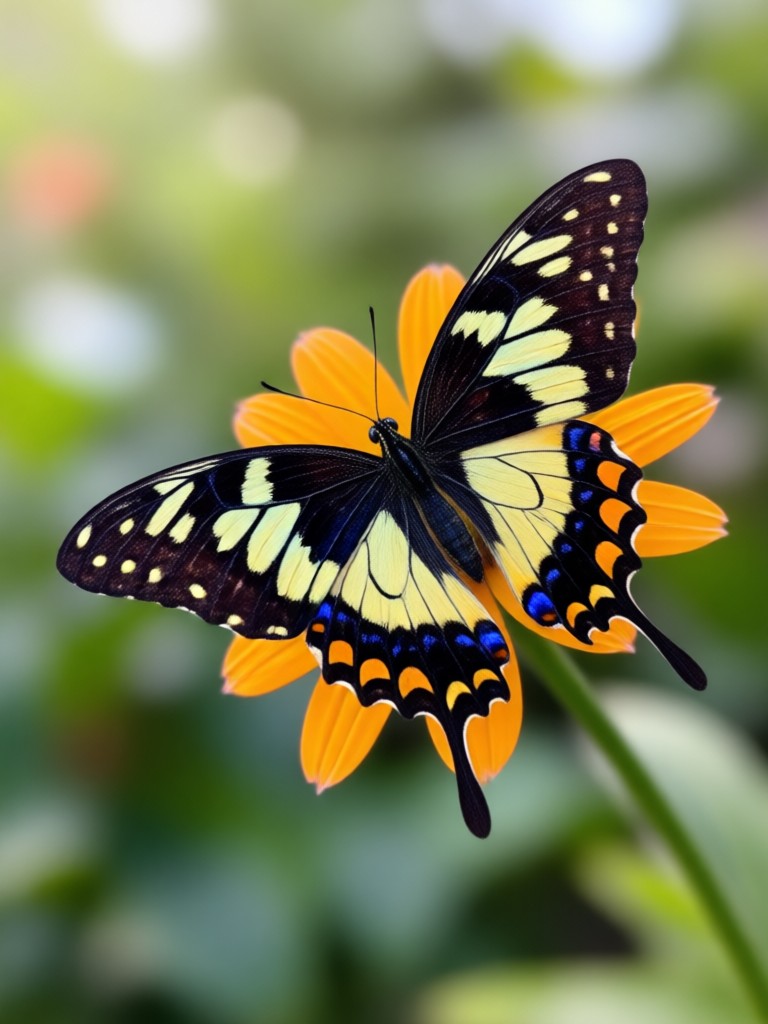
Explore fresh examples created with zikzik. From soft pastel wings to bold neon compositions, these images show the variety you can unlock in the app.
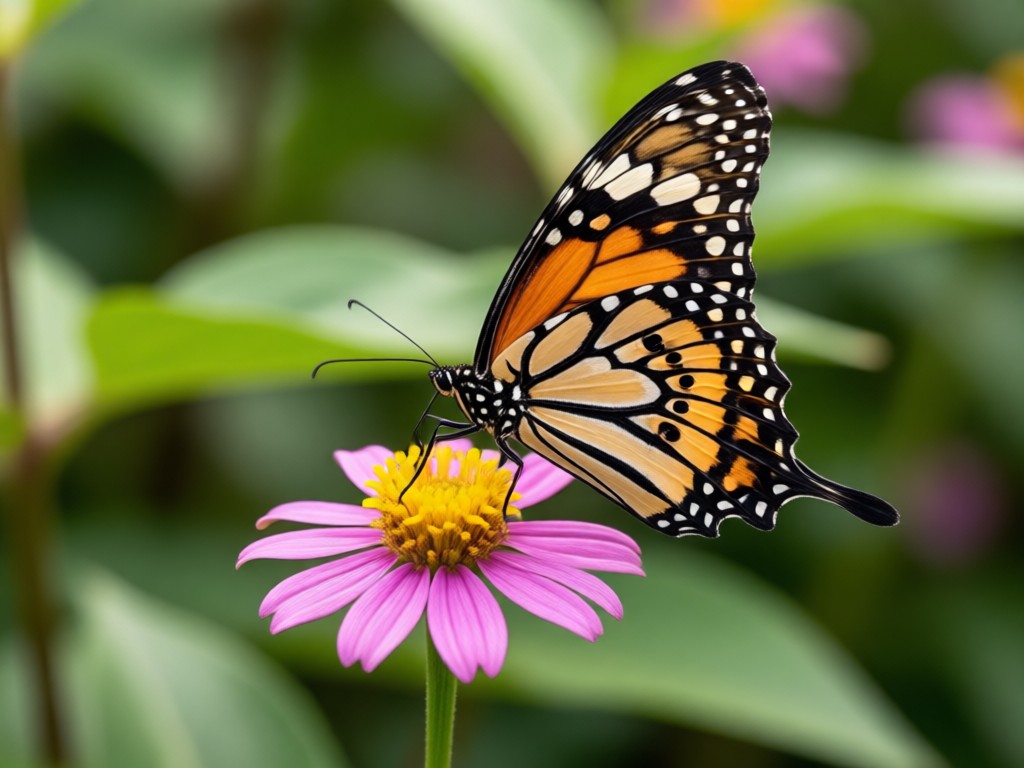
Why Choose zikzik for AI Butterfly Images
Most butterfly generators only offer one look. zikzik gives you a full mobile studio with over a million filters. Keep your original photo's composition while adding butterfly elements, or generate entirely new fantasy scenes. The app is fast, beginner friendly, and built for creators who want share-ready results without desktop software or design training.
Why Choose zikzik for AI Butterfly Images
Most butterfly generators only offer one look. zikzik gives you a full mobile studio with over a million filters. Keep your original photo's composition while adding butterfly elements, or generate entirely new fantasy scenes. The app is fast, beginner friendly, and built for creators who want share-ready results without desktop software or design training.
How to Make an AI Butterfly Image
Create your first AI butterfly artwork in three easy steps using the zikzik mobile app.
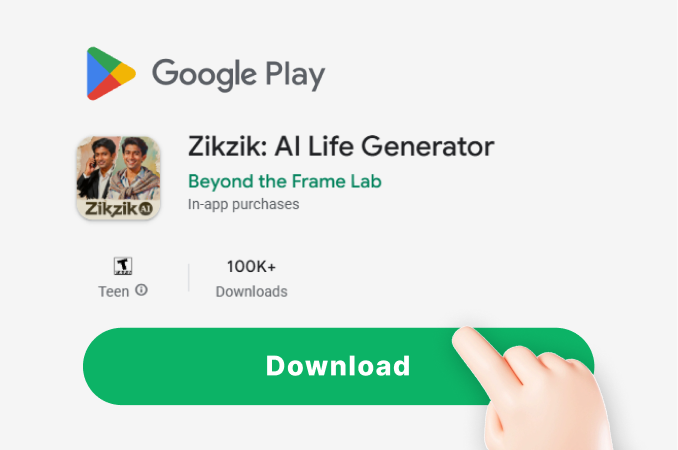
Step 01.
Get started by downloading zikzik from Google Play. Open the app and prepare your idea for a butterfly image.
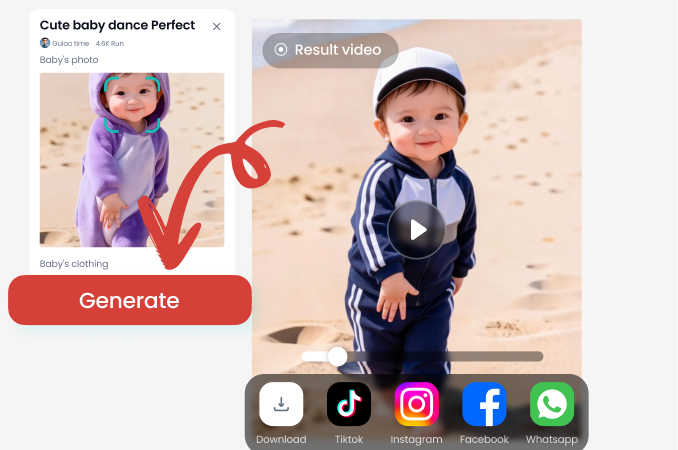
Step 02.
Choose a butterfly style such as realistic, watercolor, anime, or neon fantasy. Upload a photo or type a prompt to guide the AI.
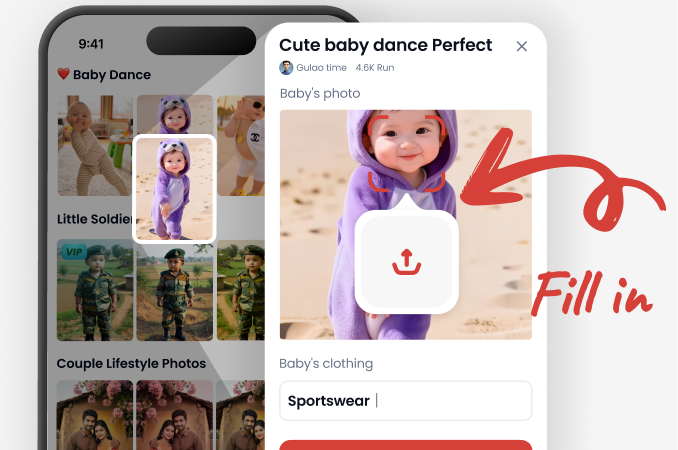
Step 03.
Generate your AI butterfly image and save it to your phone. Share it with friends or post it directly to social media.
What Creators Say About zikzik
Butterfly art that finally looks real
I used zikzik to turn a plain portrait into a fantasy butterfly scene. The style filters kept everything sharp, and the result looked like it took hours in Photoshop.
So easy for social posts
I make daily posts with different butterfly moods. The app gives me watercolor, anime, and cinematic looks in seconds. No prompt engineering needed.
My kids loved the butterfly photos
We turned family photos into magical butterfly pictures for a birthday slideshow. The app was simple enough for everyone to use.
AI Butterfly Image FAQ
Find clear answers about creating AI butterfly images with zikzik.
More Topics You May Like
Explore more AI art styles and effects to spark your next creative project.

Gemini AI Bridal Look: Stunning Virtual Wedding Makeover
Discover how Gemini AI Bridal Look transforms your photo into a dream wedding portrait. Try virtual bridal makeup, hairstyles, and dresses in seconds with zikzik.
Gemini AI For Bikini: Virtual Try On & Style Transformation
Gemini AI For Bikini lets you preview swimwear styles instantly. Upload a photo, pick a template, and see realistic bikini transformations. Explore beachwear, resort looks, and summer fashion ideas. No design skills needed. Get results in seconds.

Gemini AI Drink Ads Poster: Design Stunning Visuals
Create Gemini AI drink ads posters with zero design skills. Upload a photo, pick a style filter, and generate realistic beverage ads in seconds.
Gemini AI Bauhaus Poster: Design Bold Geometric Art
Generate Gemini AI Bauhaus posters from text or photos. Choose from geometric templates, bold colors, and minimalist layouts. Download the app for instant high quality results.
Turn Any Idea Into Stunning Butterfly Art
Download zikzik and start creating AI butterfly images in seconds. Pick from millions of filters, upload a photo, and share your artwork with friends or followers.

Turn Any Idea Into Stunning Butterfly Art
Download zikzik and start creating AI butterfly images in seconds. Pick from millions of filters, upload a photo, and share your artwork with friends or followers.