AI Karwa Chauth Photo Generator
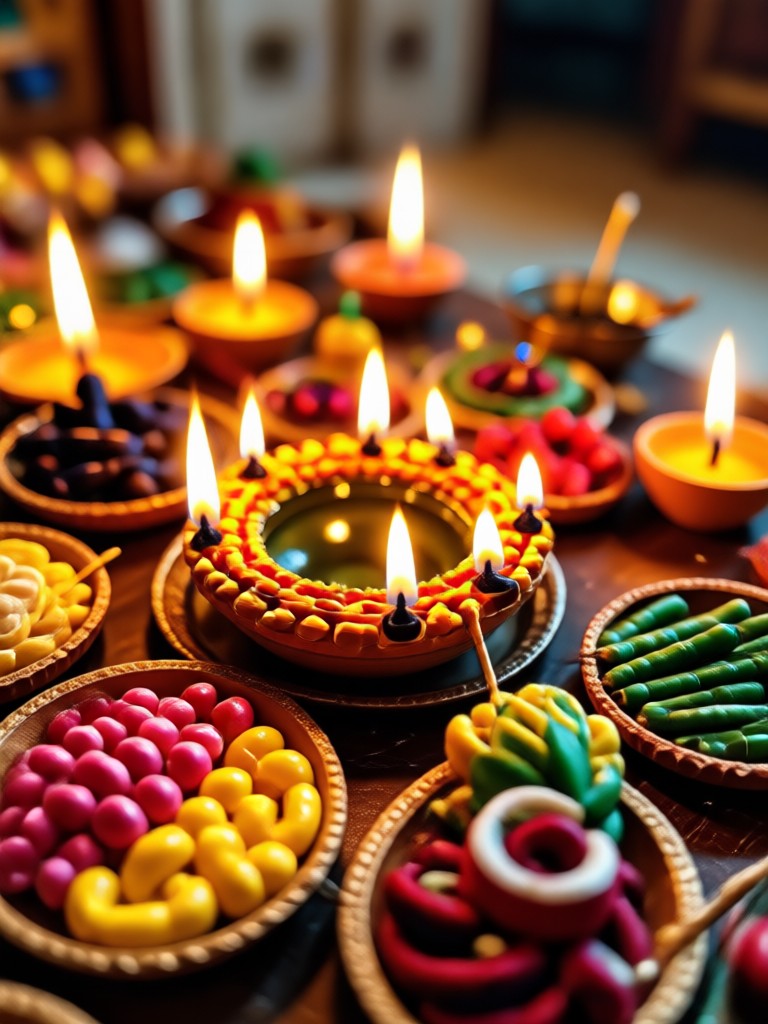
Choose Your Karwa Chauth Style
Discover filters for traditional red saree looks, couple portraits, mehndi designs, and more.
Key Features of AI Karwa Chauth Photo Generator
Create beautiful Karwa Chauth themed photos with powerful AI tools designed to make you look festive and elegant.
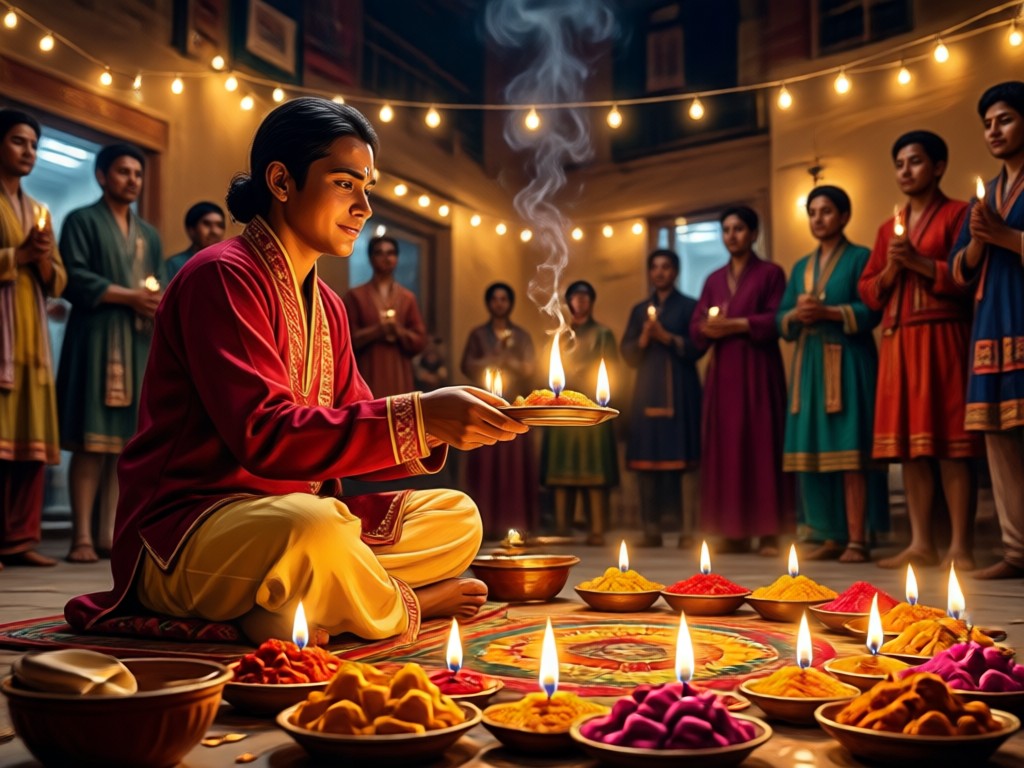
Traditional Indian Attire
Transform your photo into a classic Karwa Chauth look with red sarees, lehengas, heavy jewelry, and bindi. The AI preserves your facial features while adding authentic festive styling.
Traditional Indian Attire
Transform your photo into a classic Karwa Chauth look with red sarees, lehengas, heavy jewelry, and bindi. The AI preserves your facial features while adding authentic festive styling.
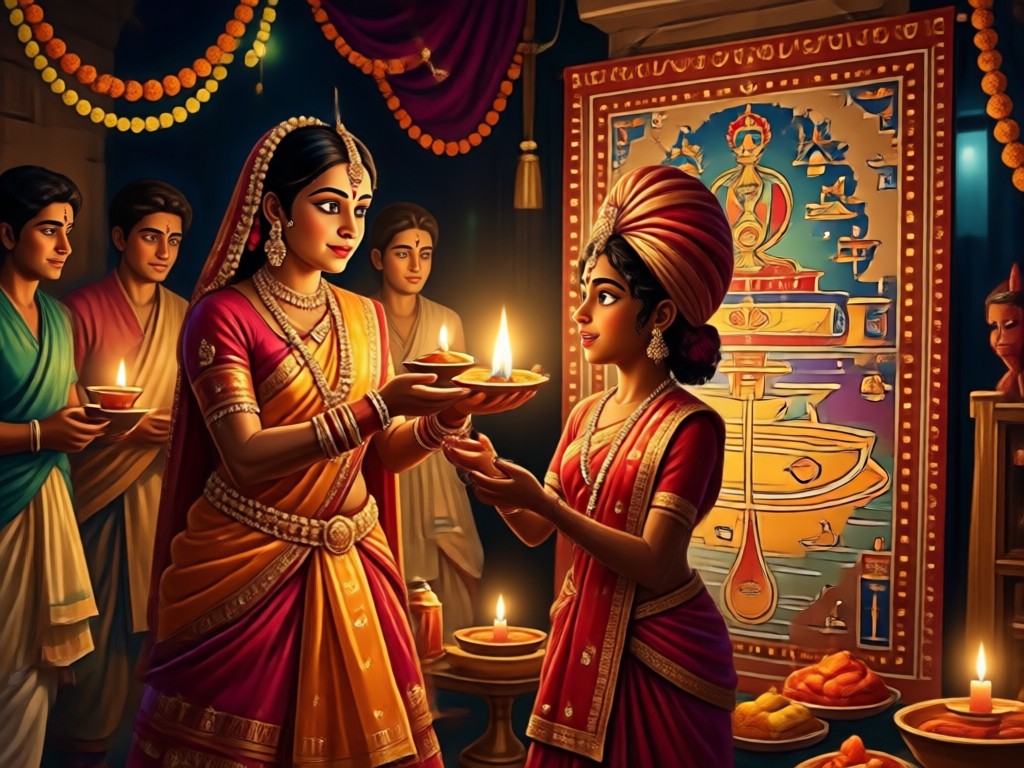
Mehndi and Accessories
Add intricate mehndi designs on your hands and arms, along with bangles, nose rings, and maang tikka. Every detail is generated with realistic precision to match the festive mood.
Mehndi and Accessories
Add intricate mehndi designs on your hands and arms, along with bangles, nose rings, and maang tikka. Every detail is generated with realistic precision to match the festive mood.
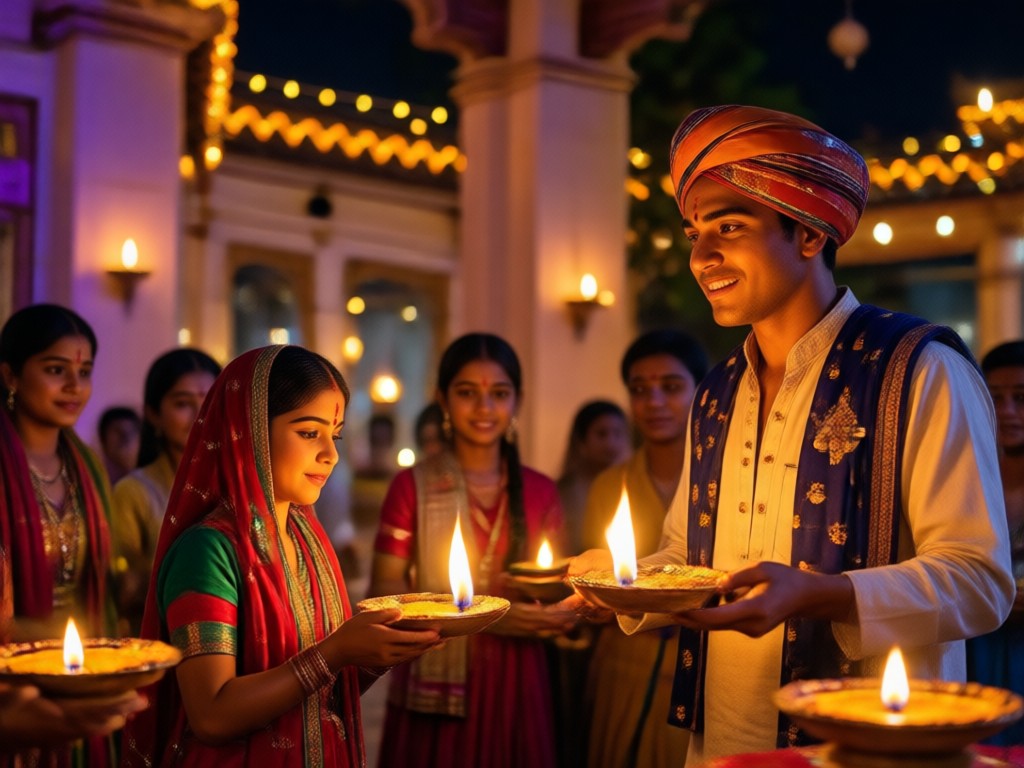
Couple and Family Portraits
Create heartwarming couple photos or group portraits for Karwa Chauth. The AI accurately identifies every face and applies coordinated traditional outfits without blending features.
Couple and Family Portraits
Create heartwarming couple photos or group portraits for Karwa Chauth. The AI accurately identifies every face and applies coordinated traditional outfits without blending features.
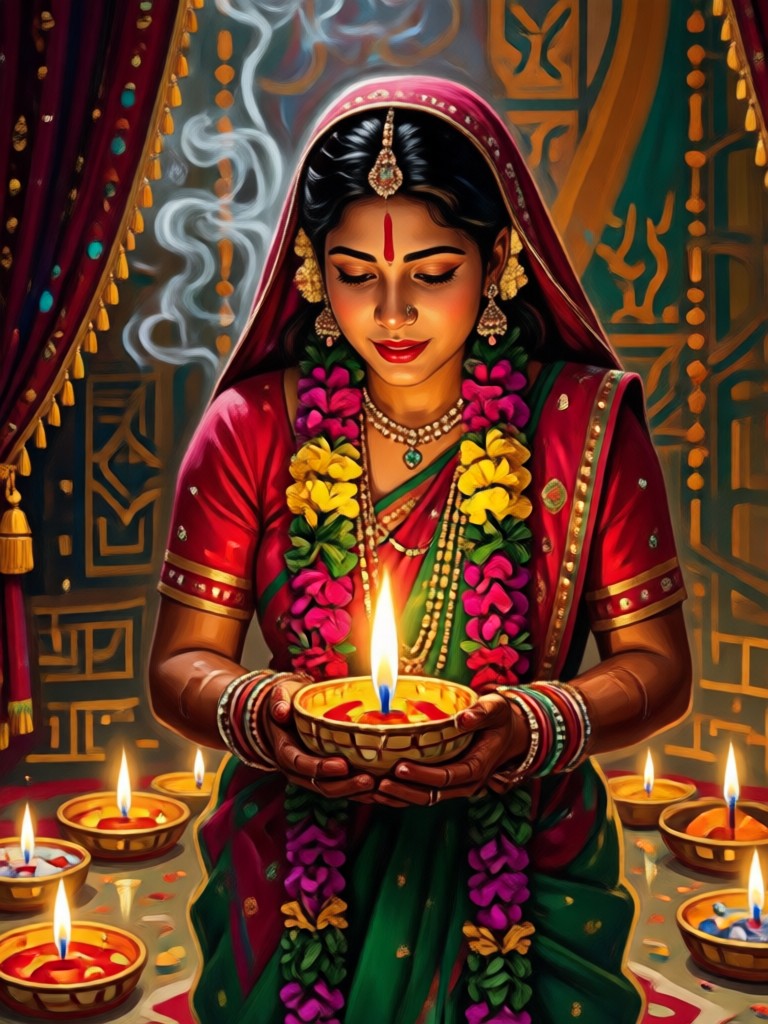
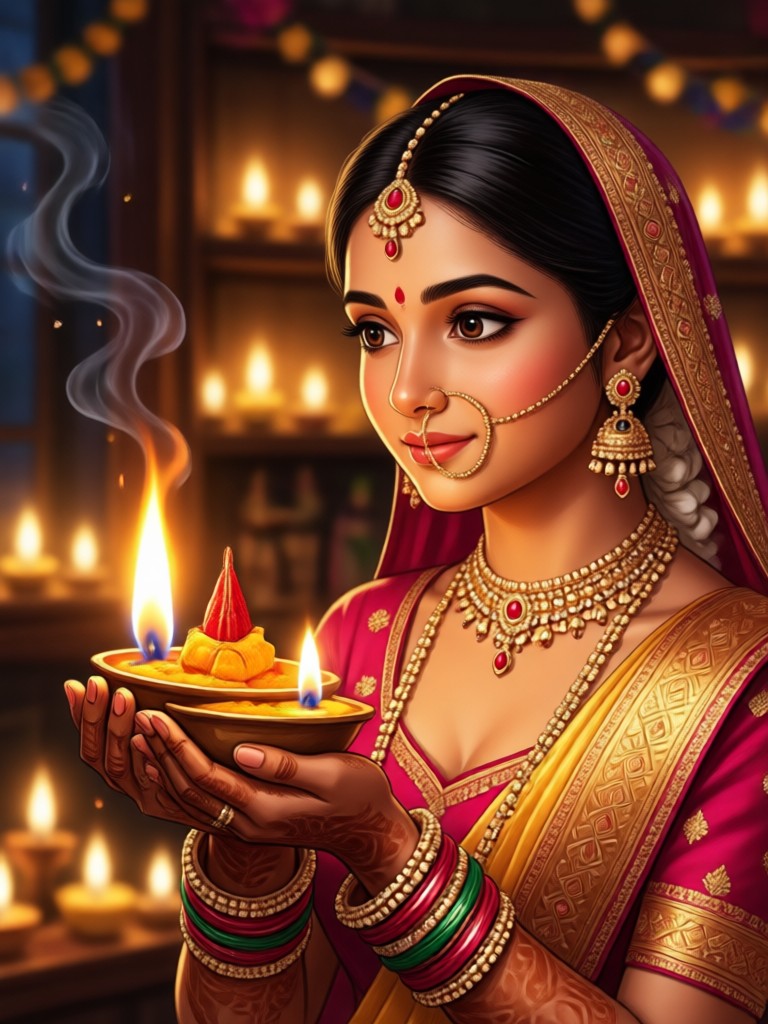
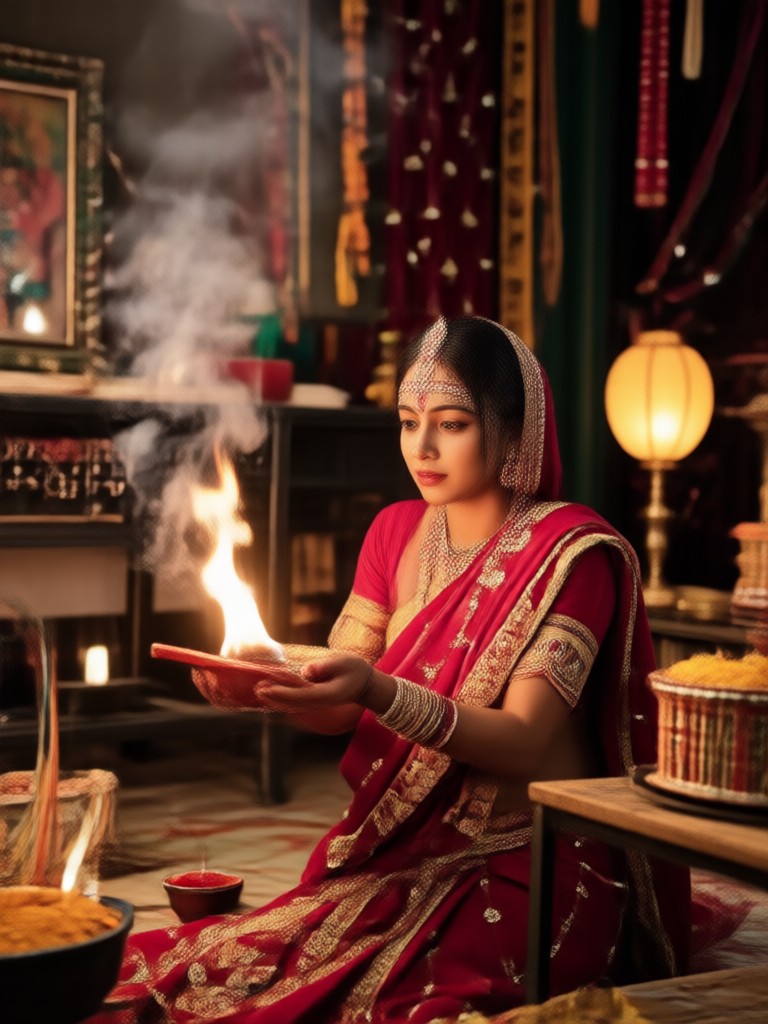
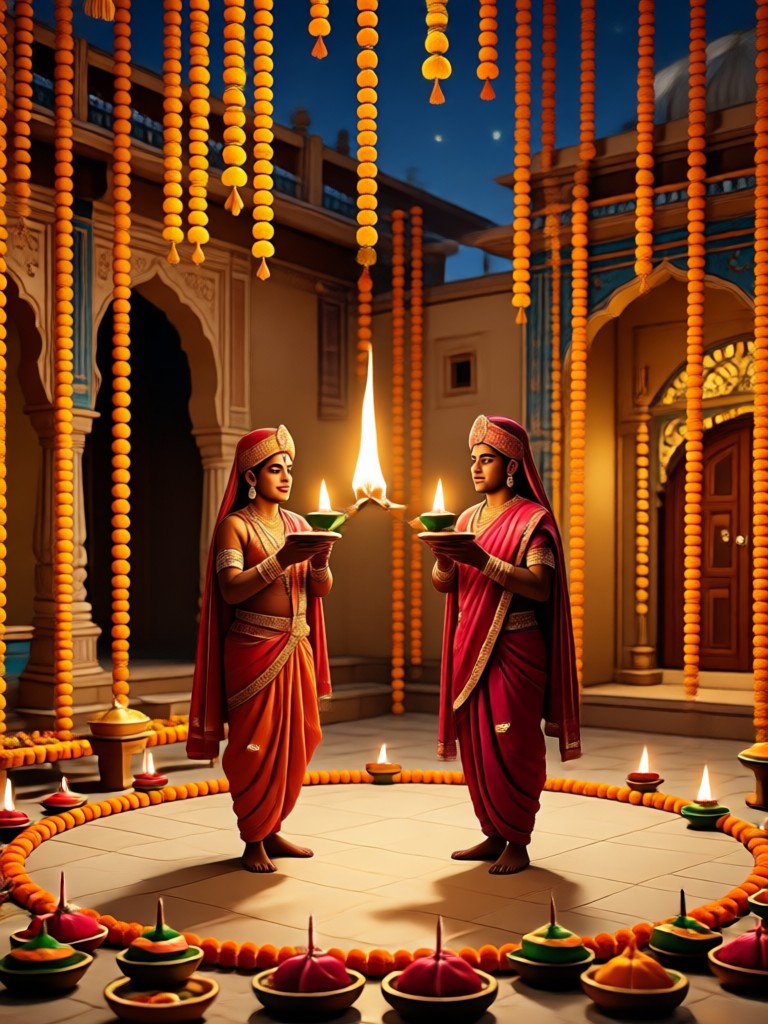
Explore AI Karwa Chauth Photo Creations
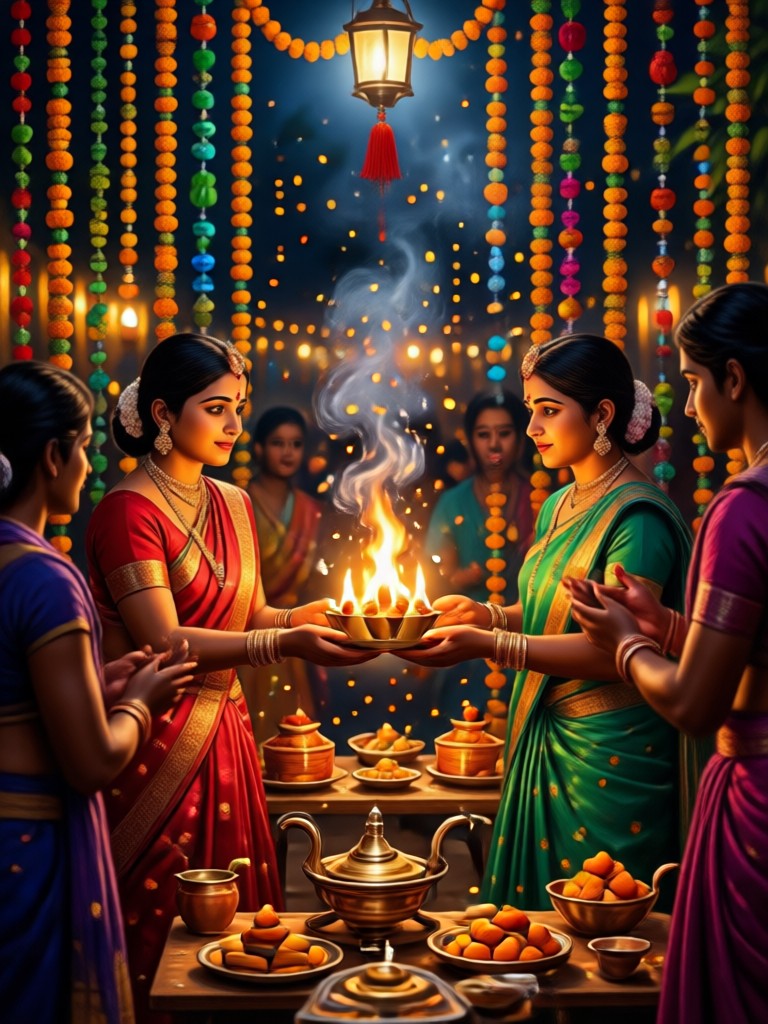
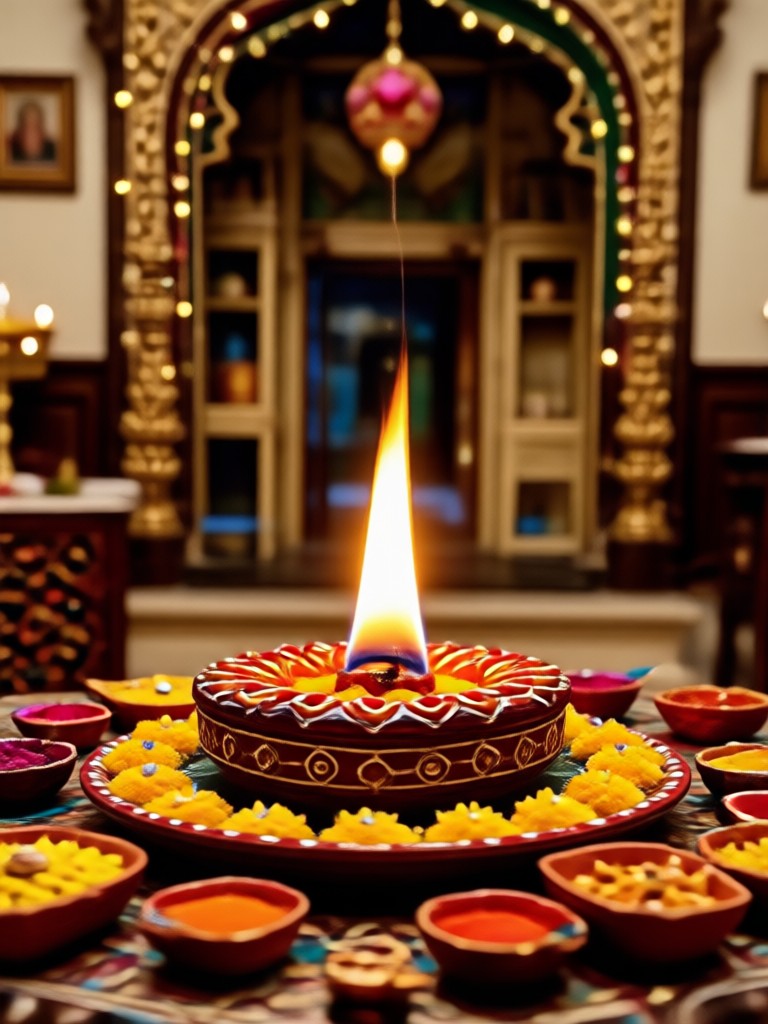
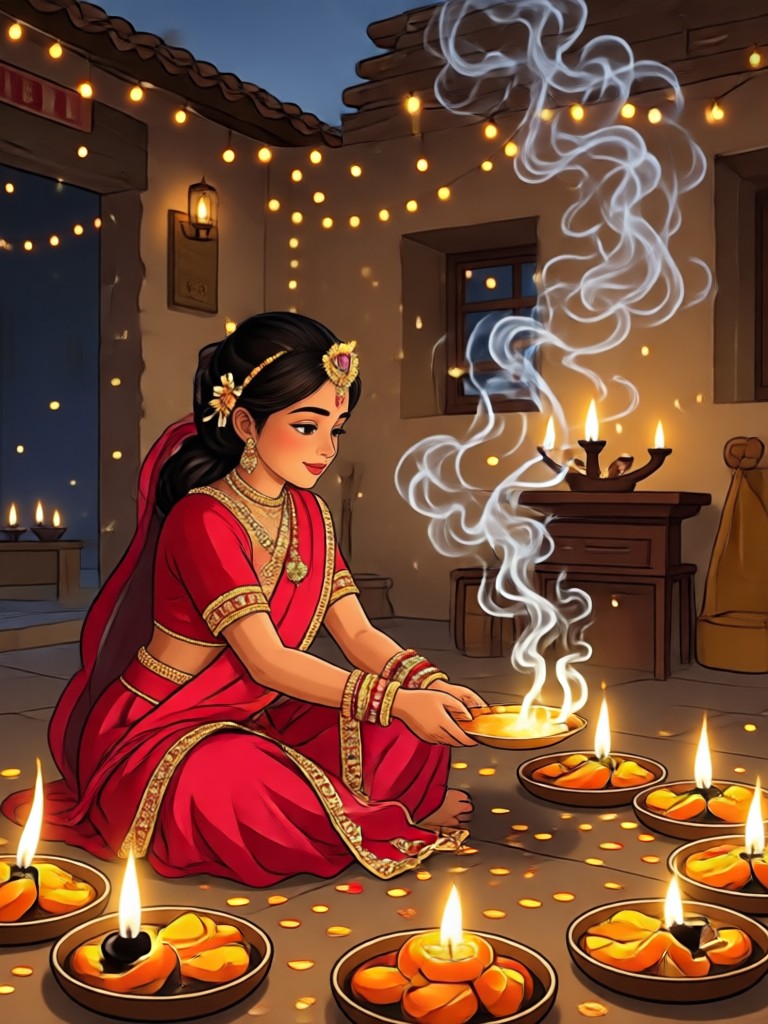
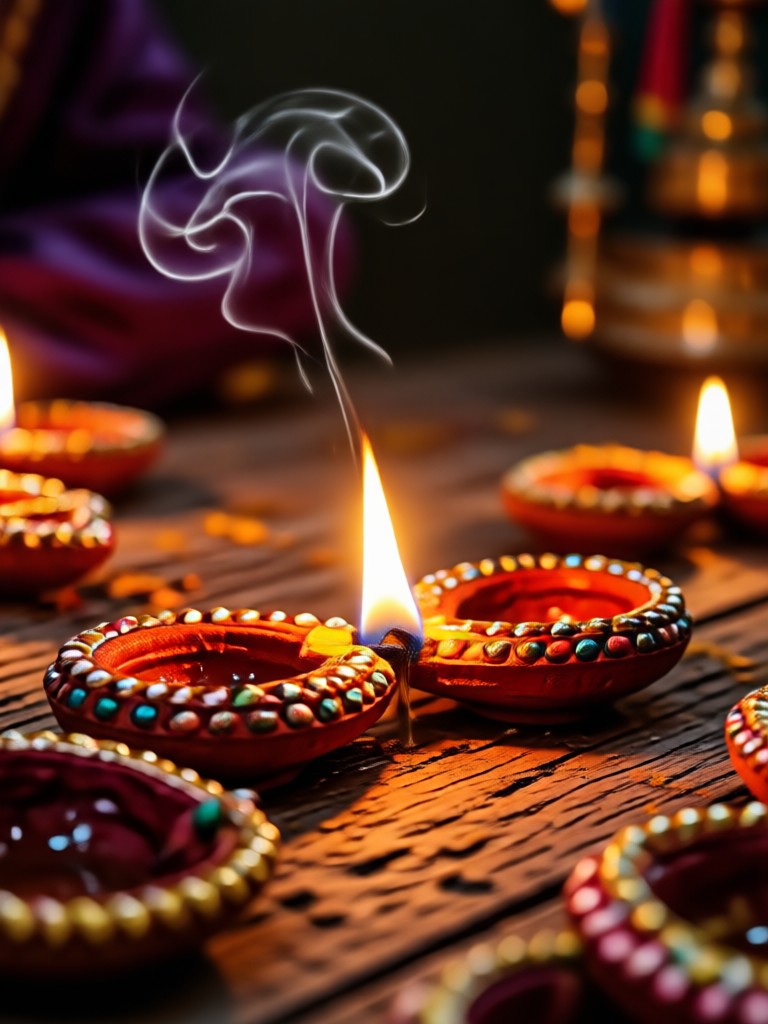
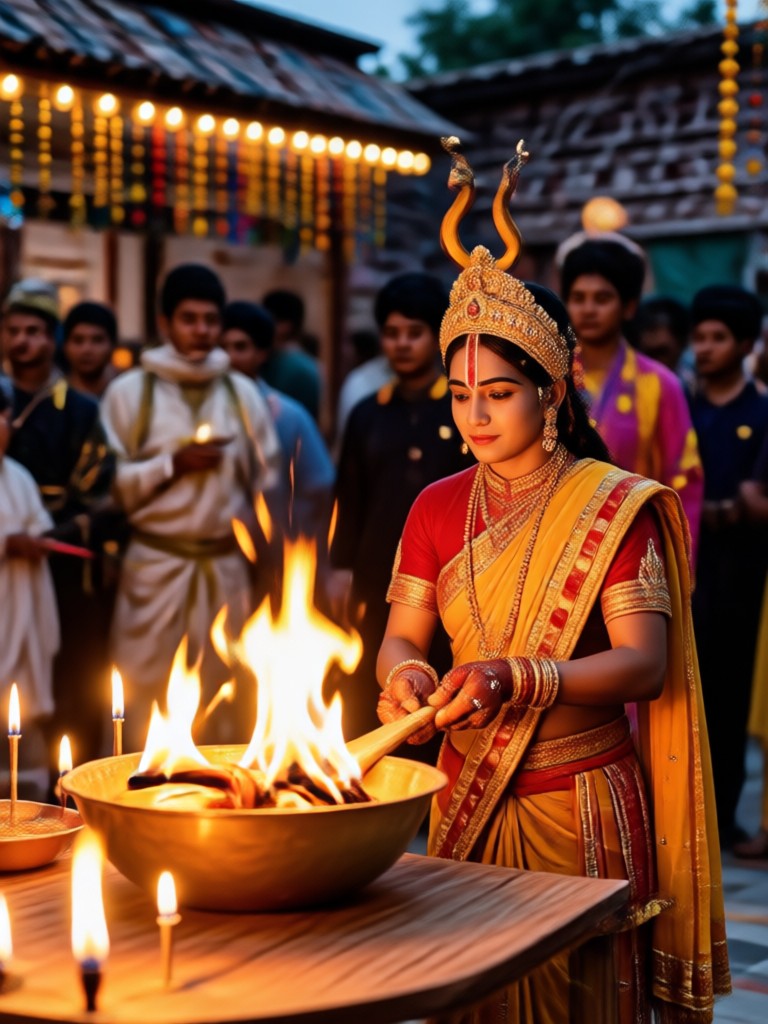
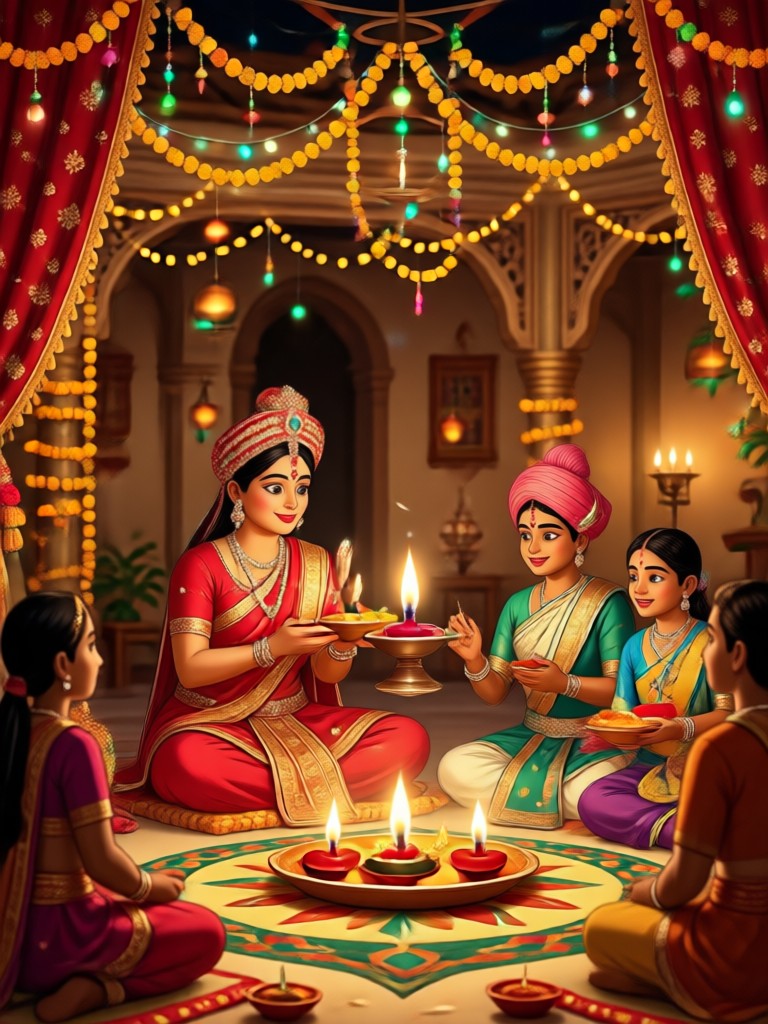
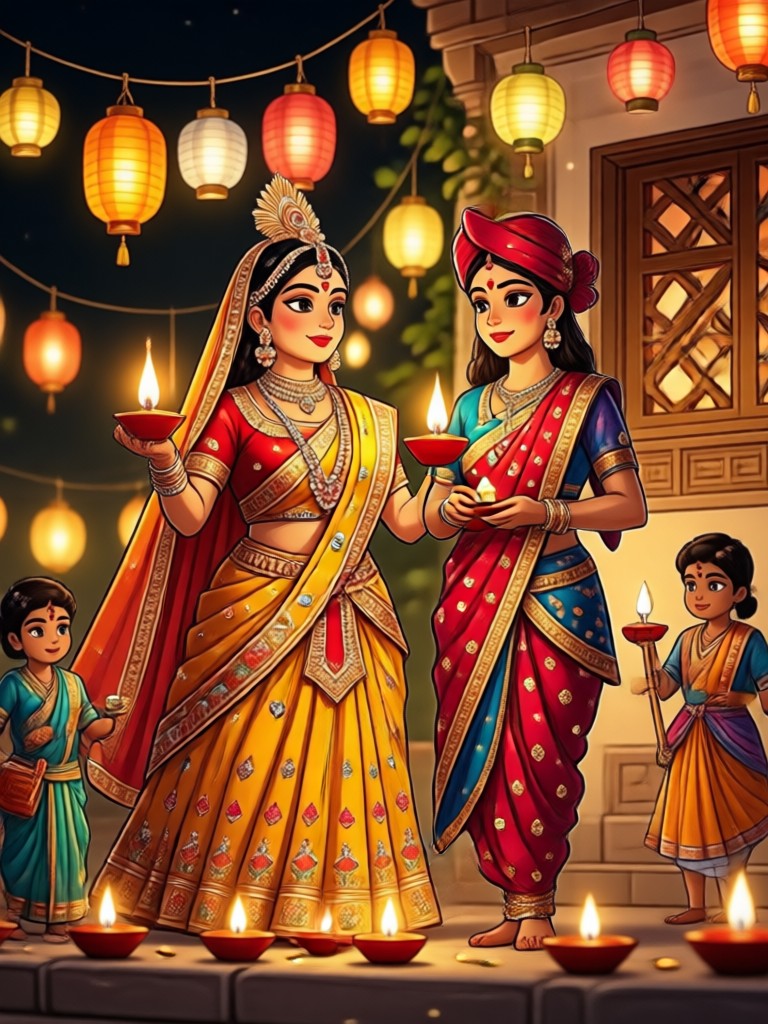
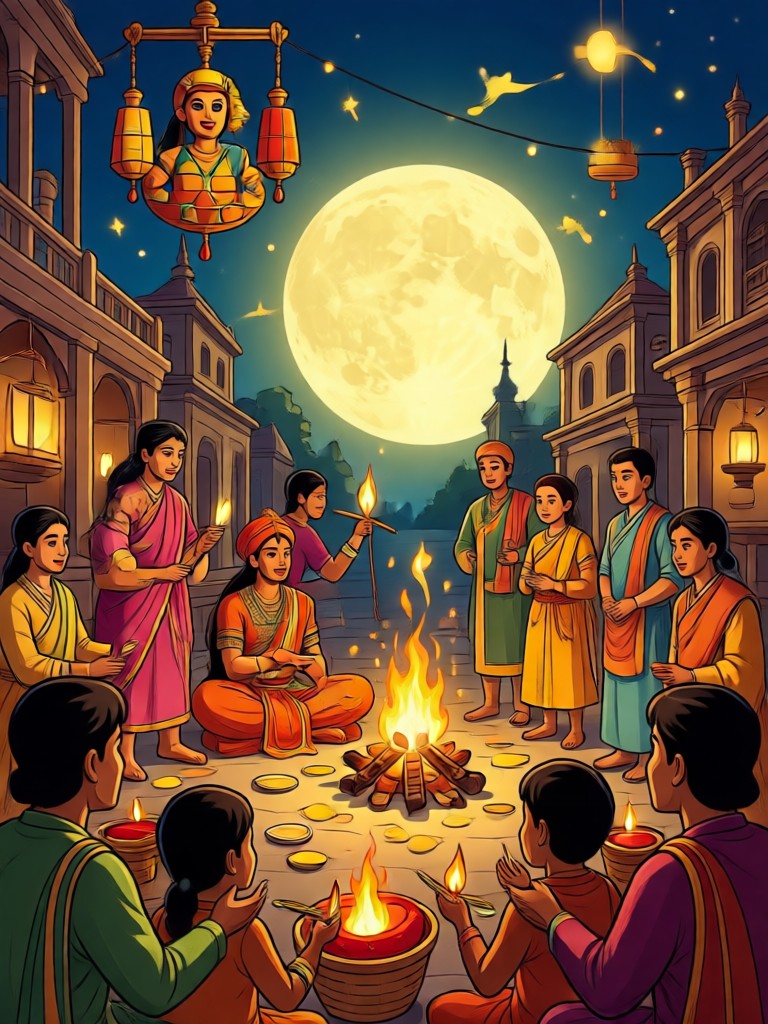
Browse stunning AI-generated Karwa Chauth portraits created with zikzik. See how users transform their selfies into elegant festive photos with realistic sarees, jewelry, and mehndi.
How to Create Karwa Chauth AI Photos?
Generate a beautiful Karwa Chauth portrait in three simple steps using the zikzik app.
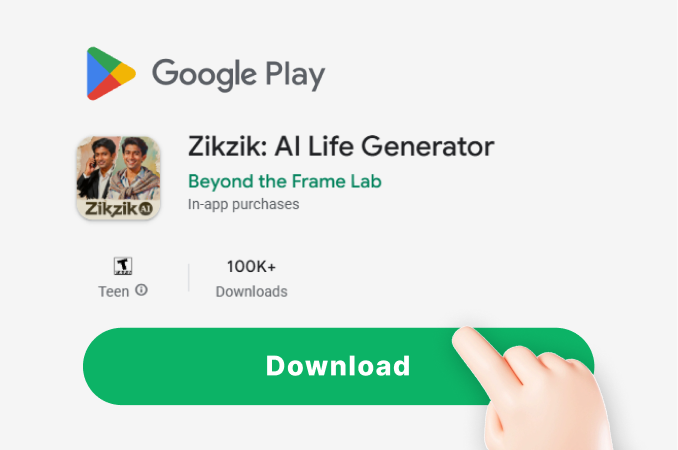
Step 01.
Download the zikzik app from Google Play and open it on your phone.
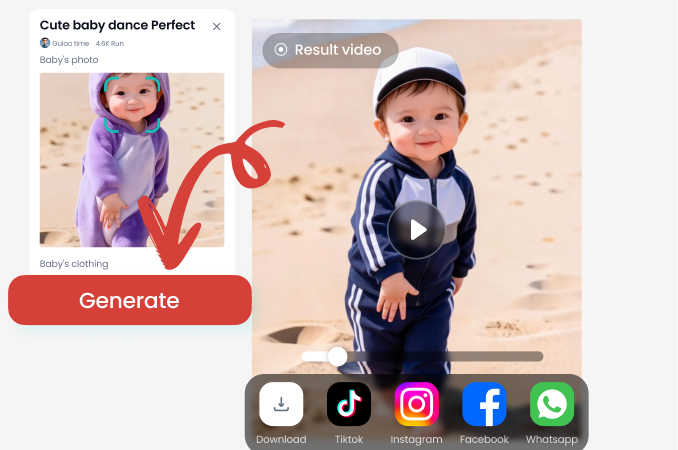
Step 02.
Upload your photo and select a Karwa Chauth style filter like traditional saree, mehndi, or couple portrait.
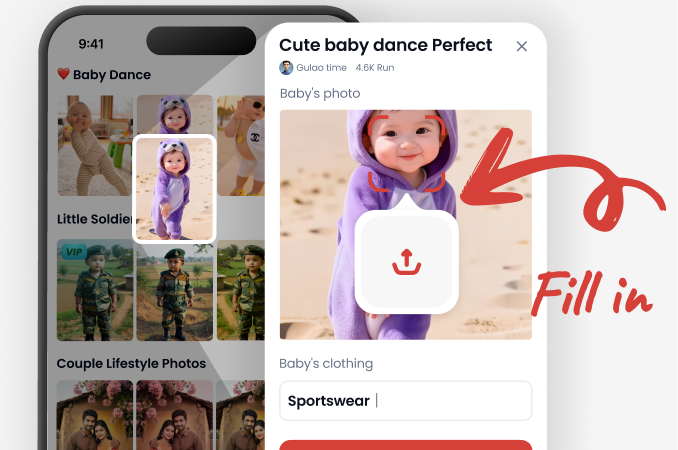
Step 03.
Generate your AI Karwa Chauth photo and share it with family and friends on social media.
Who Uses the AI Karwa Chauth Photo Generator
Priya Sharma
I wanted a Karwa Chauth photo but had no time for a studio shoot. The AI gave me a perfect red saree look with mehndi in minutes. It looked so real my family thought I actually dressed up.
Rohini Verma
The couple portrait option was amazing. My husband and I got a beautiful festive photo without any hassle. The jewelry details were stunning.
Ananya Iyer
I used the mehndi filter on my hands and it blended perfectly with my real photo. So easy and the results are high quality.

Simran Kaur
As a busy working woman, this app is a blessing. I created a traditional Karwa Chauth portrait on my lunch break and shared it with my in-laws. They loved it.
Priya Sharma
I wanted a Karwa Chauth photo but had no time for a studio shoot. The AI gave me a perfect red saree look with mehndi in minutes. It looked so real my family thought I actually dressed up.
Rohini Verma
The couple portrait option was amazing. My husband and I got a beautiful festive photo without any hassle. The jewelry details were stunning.
Ananya Iyer
I used the mehndi filter on my hands and it blended perfectly with my real photo. So easy and the results are high quality.
Simran Kaur
As a busy working woman, this app is a blessing. I created a traditional Karwa Chauth portrait on my lunch break and shared it with my in-laws. They loved it.
Priya Sharma
I wanted a Karwa Chauth photo but had no time for a studio shoot. The AI gave me a perfect red saree look with mehndi in minutes. It looked so real my family thought I actually dressed up.
Rohini Verma
The couple portrait option was amazing. My husband and I got a beautiful festive photo without any hassle. The jewelry details were stunning.
Ananya Iyer
I used the mehndi filter on my hands and it blended perfectly with my real photo. So easy and the results are high quality.
Simran Kaur
As a busy working woman, this app is a blessing. I created a traditional Karwa Chauth portrait on my lunch break and shared it with my in-laws. They loved it.
Frequently Asked Questions
Find clear answers about the AI Karwa Chauth photo generator and how to create your festive portraits.
Create Your Karwa Chauth AI Photo Now
Download the zikzik app and transform your selfies into beautiful festive portraits in seconds. No studio, no stress, just stunning results.

Create Your Karwa Chauth AI Photo Now
Download the zikzik app and transform your selfies into beautiful festive portraits in seconds. No studio, no stress, just stunning results.