AI Medium Shot Photo
Choose the Medium Shot Filter That Fits Your Scene
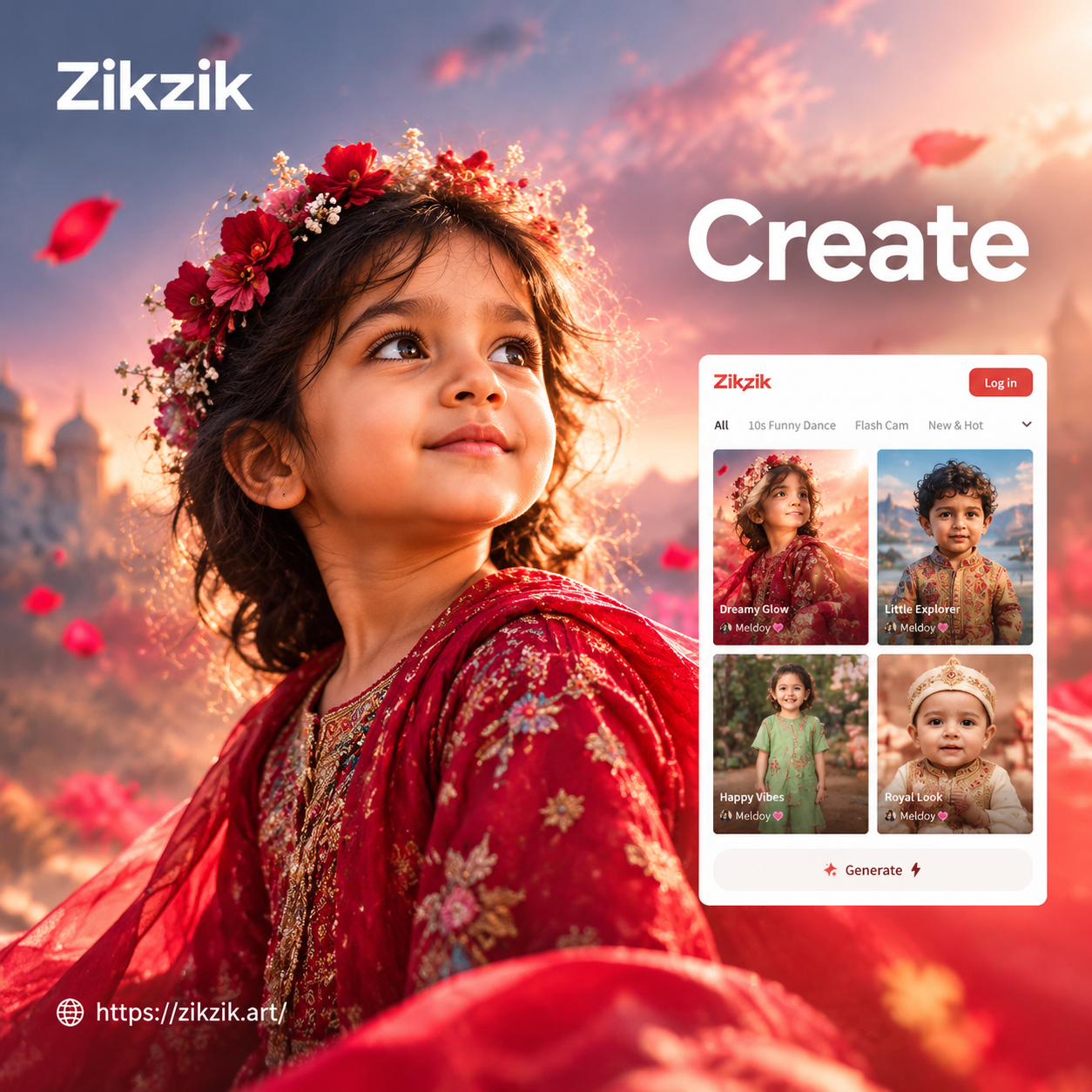
Browse AI medium shot photo filters for portraits, fashion, cinematic framing, and creative styling. Select a template that matches your mood and generate a balanced medium shot in one tap.
Key Features of AI Medium Shot Photo
Turn any photo into a perfectly framed AI medium shot with just a few taps. zikzik handles composition, lighting, and style transfer automatically so you get natural results every time.
Text to Medium Shot
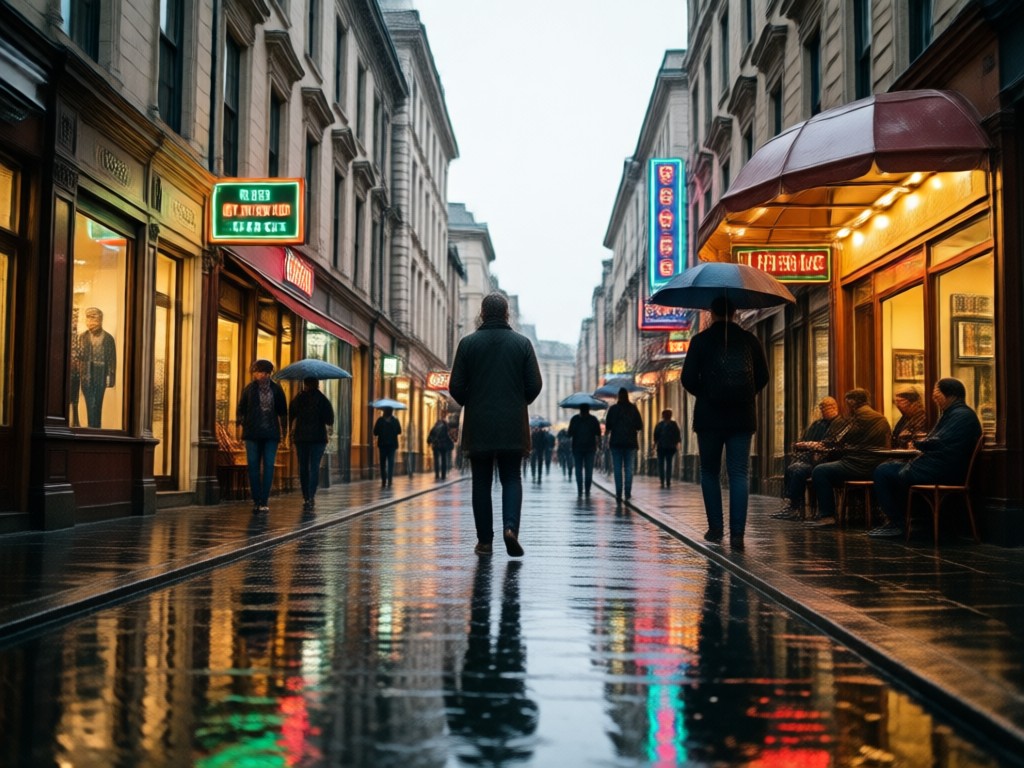
Describe the scene you want and choose a style template. The AI generates a waist up medium shot with balanced composition, from realistic portraits to anime characters.
Text to Medium Shot
Describe the scene you want and choose a style template. The AI generates a waist up medium shot with balanced composition, from realistic portraits to anime characters.
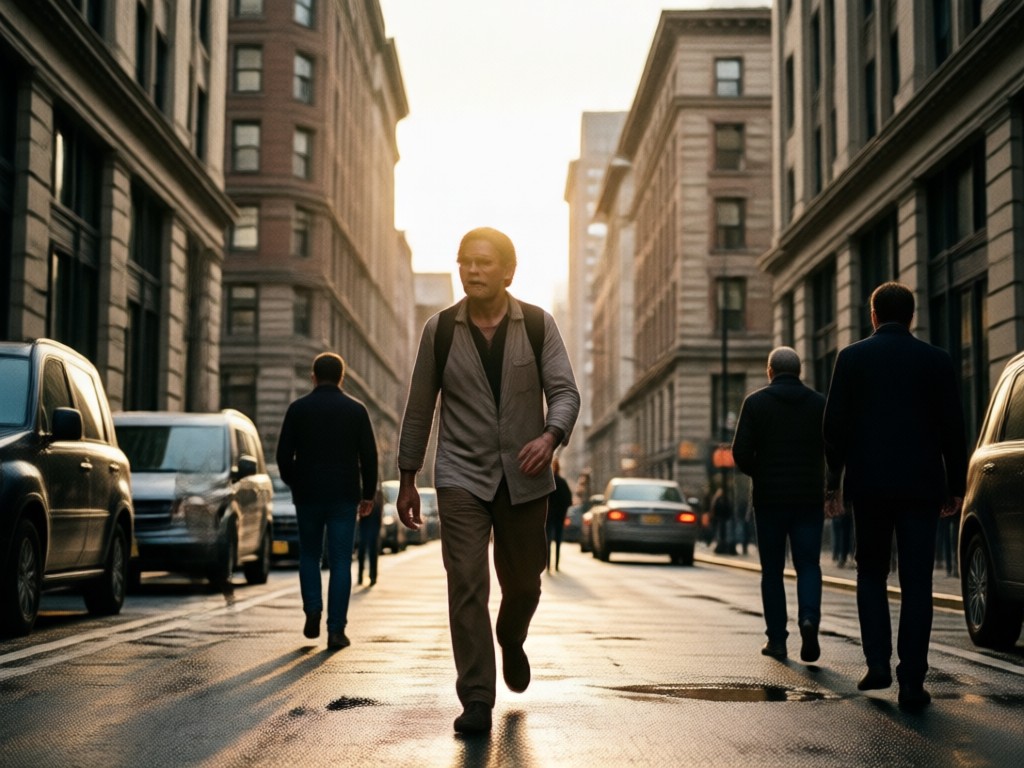
Image to Medium Shot
Upload an existing photo and let AI reframe it as a medium shot. Preserve the subject's face and outfit while adjusting background, lighting, and camera angle for a professional look.
Image to Medium Shot
Upload an existing photo and let AI reframe it as a medium shot. Preserve the subject's face and outfit while adjusting background, lighting, and camera angle for a professional look.
Multi Person Medium Shots
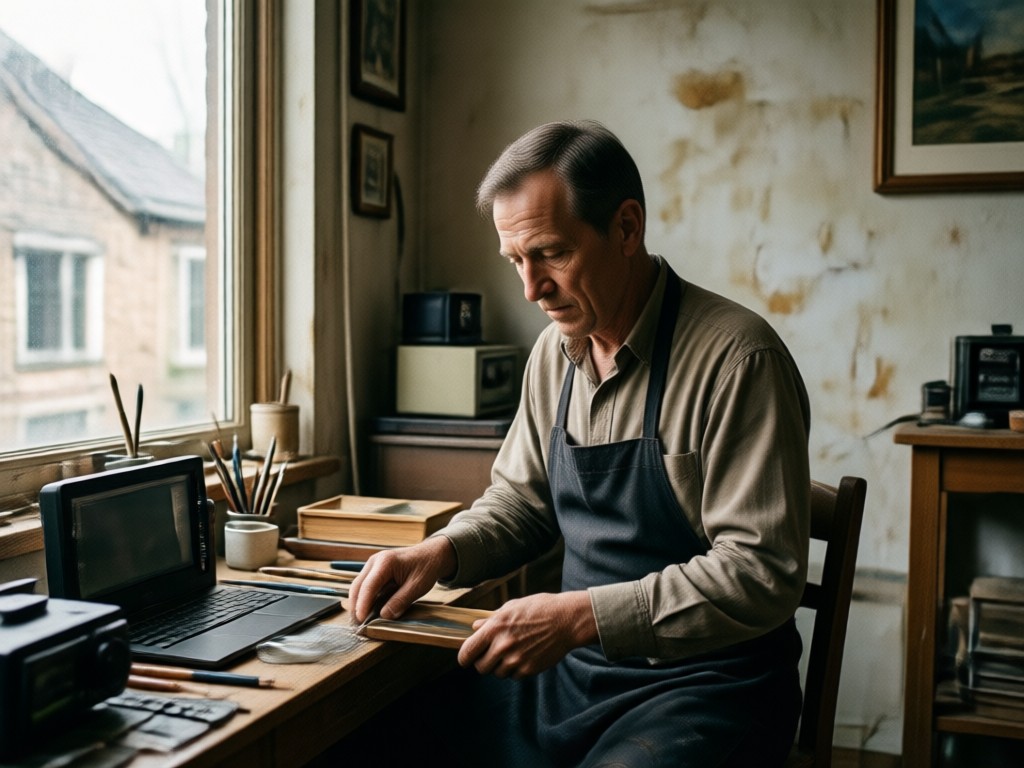
Generate group medium shot photos without face blending. The AI identifies each person and composes a balanced waist up group shot for team photos, friend portraits, and creative projects.
Multi Person Medium Shots
Generate group medium shot photos without face blending. The AI identifies each person and composes a balanced waist up group shot for team photos, friend portraits, and creative projects.
AI Medium Shot Photo Gallery
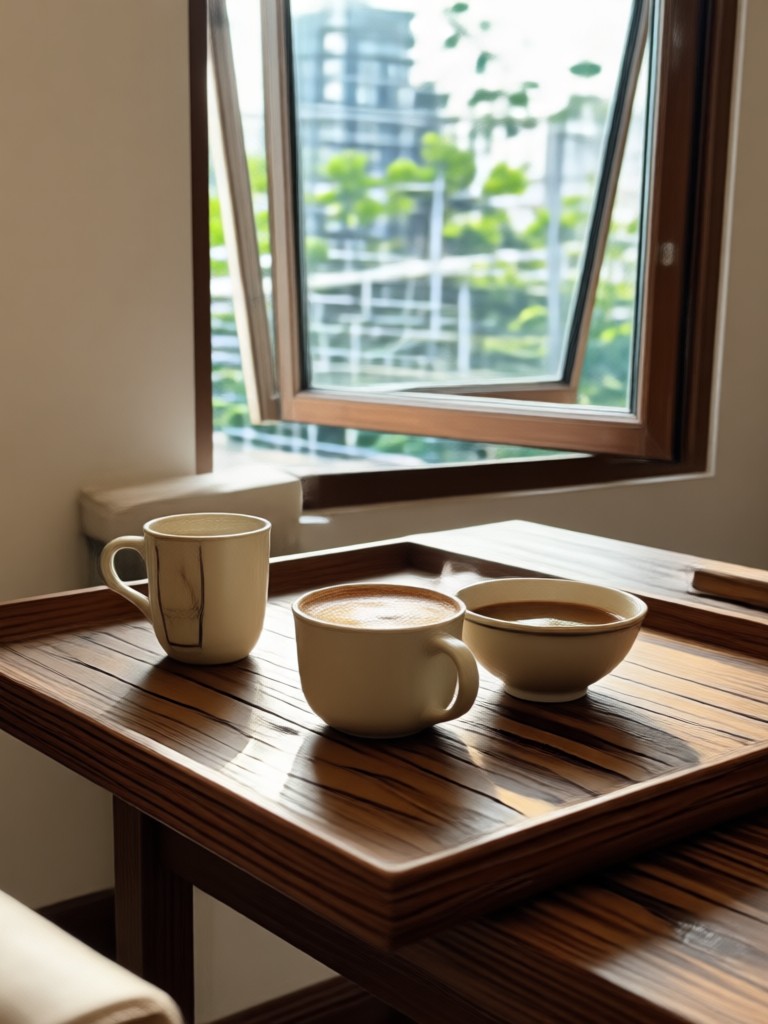
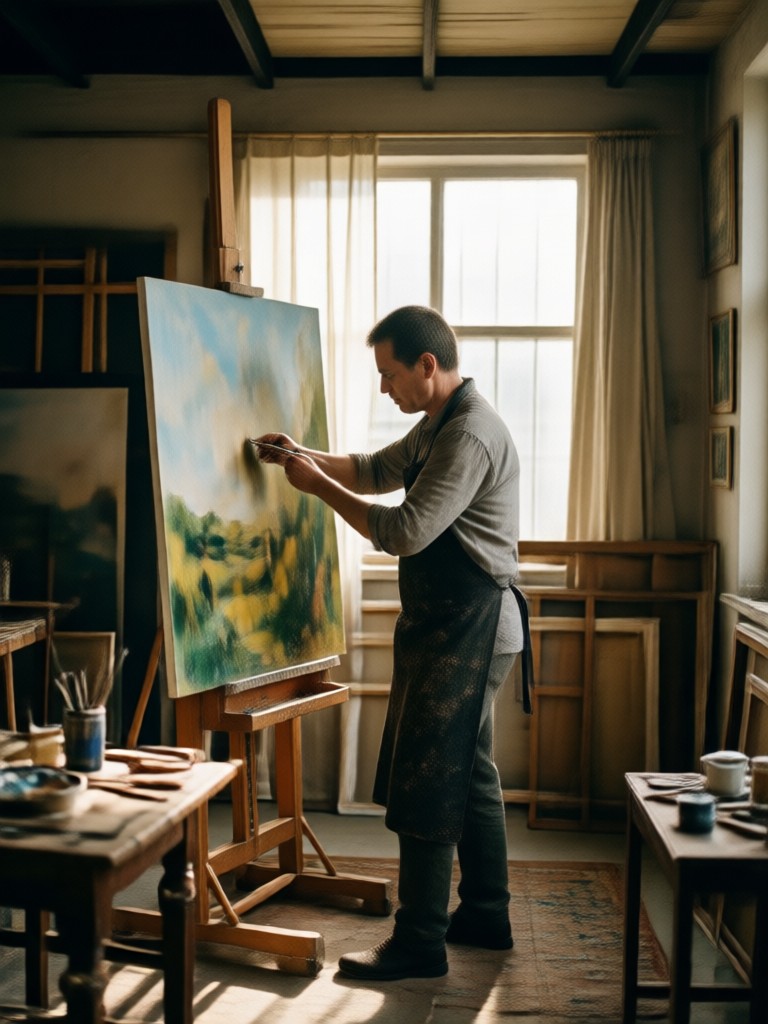
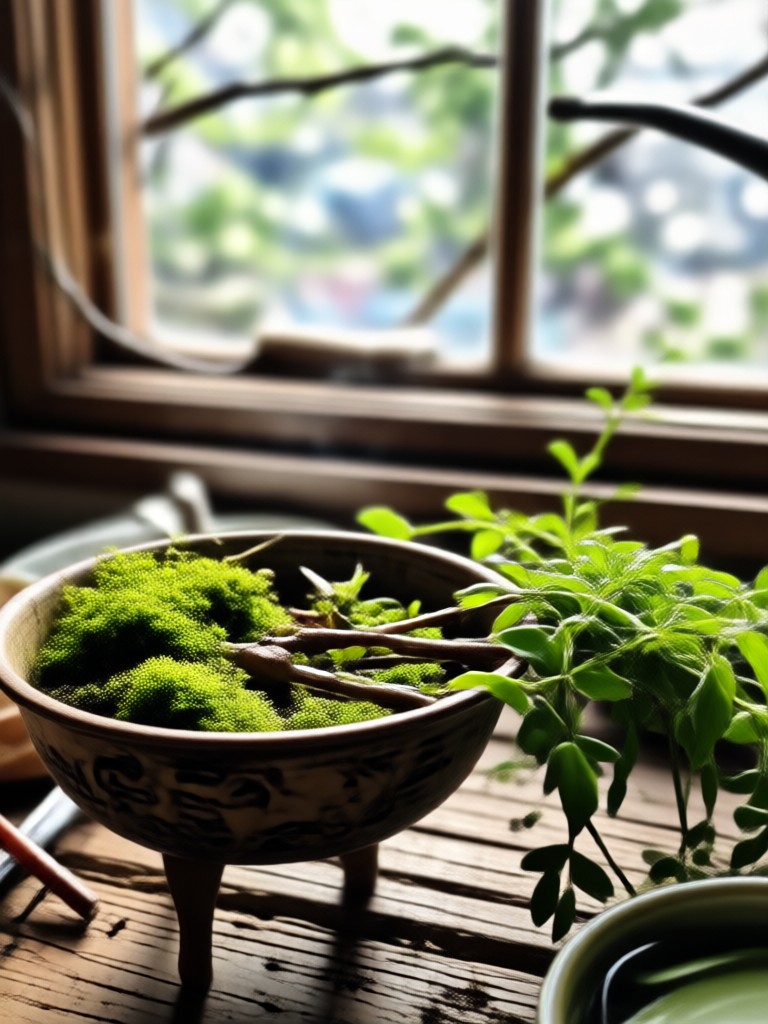
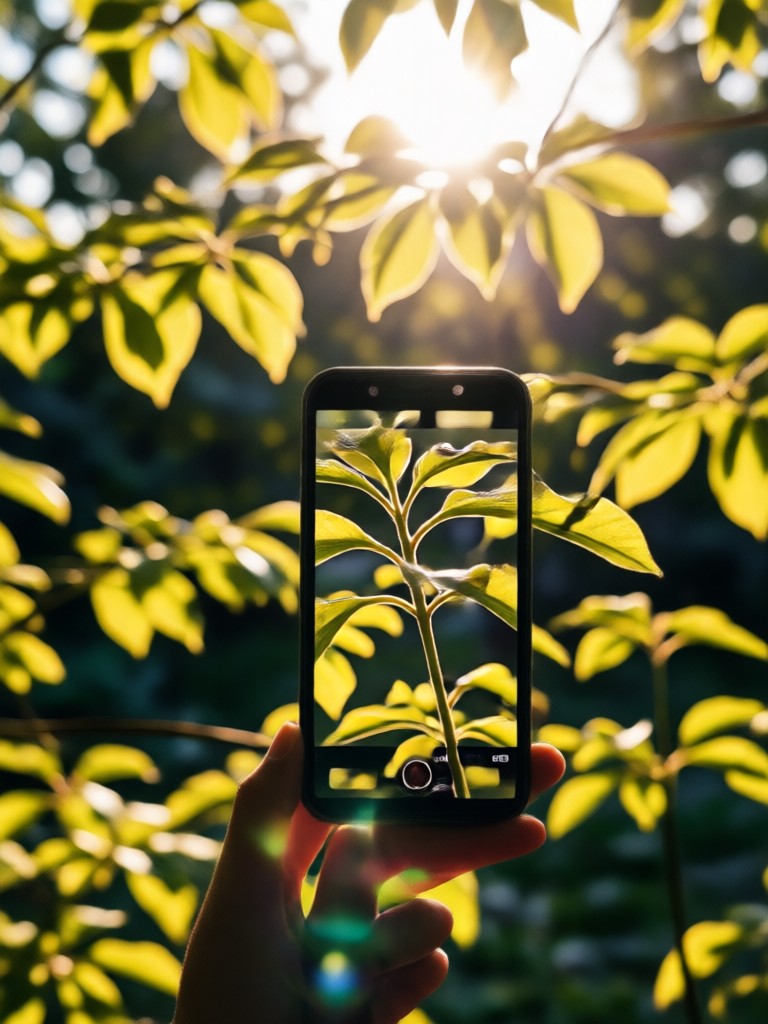
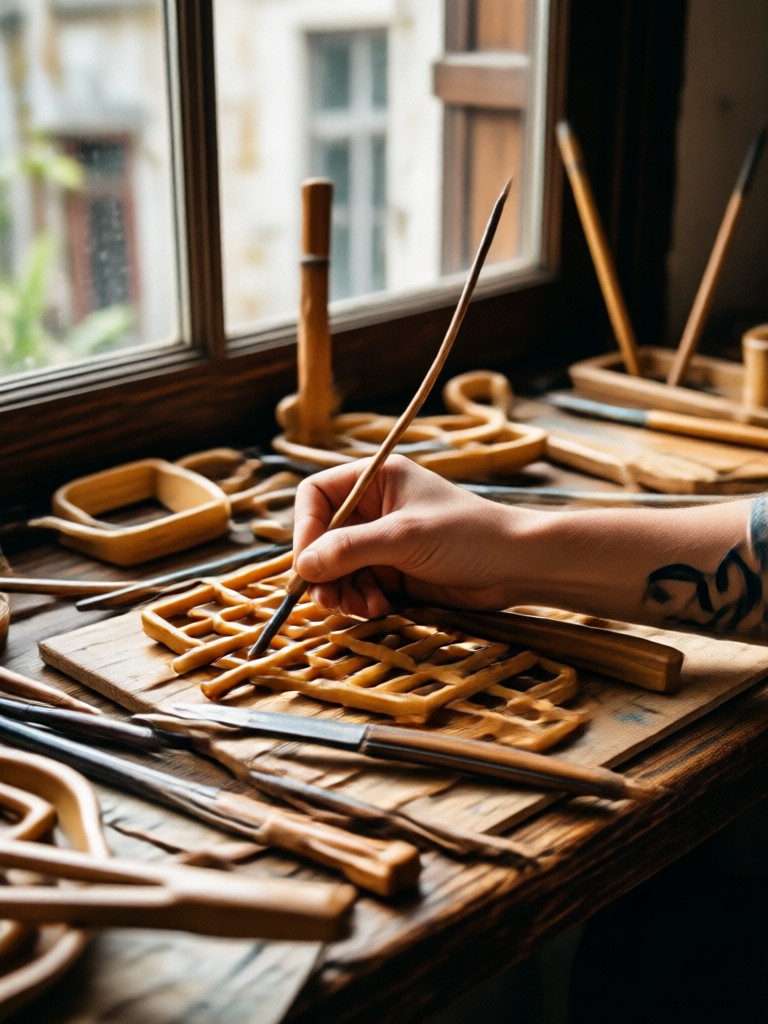
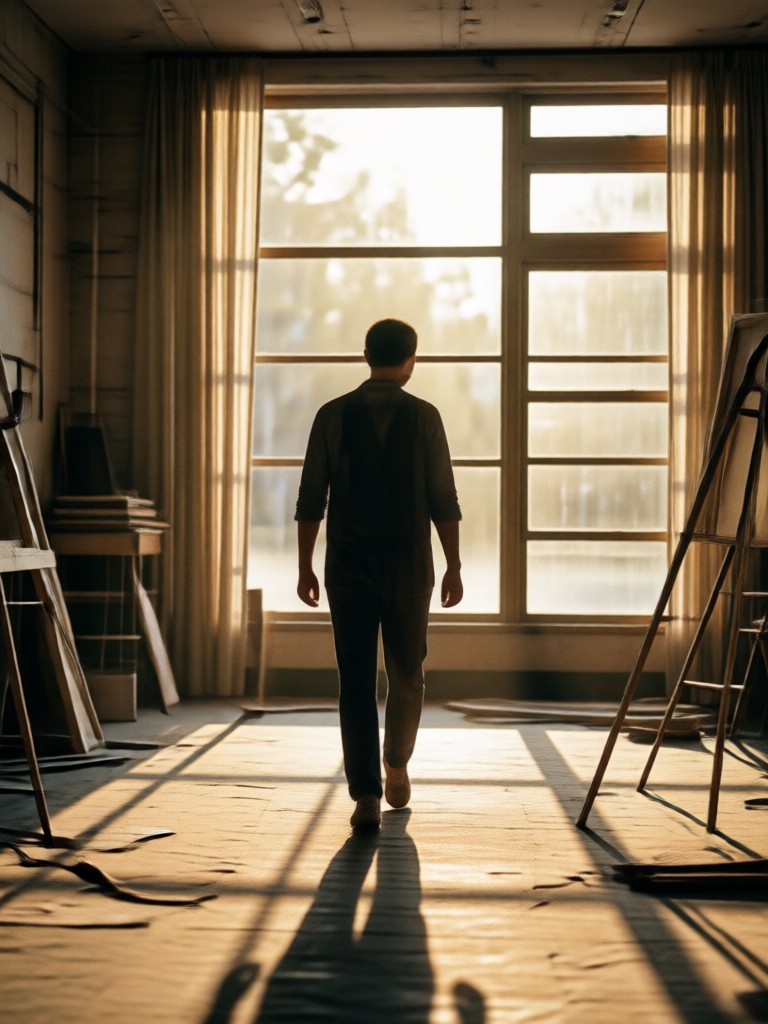
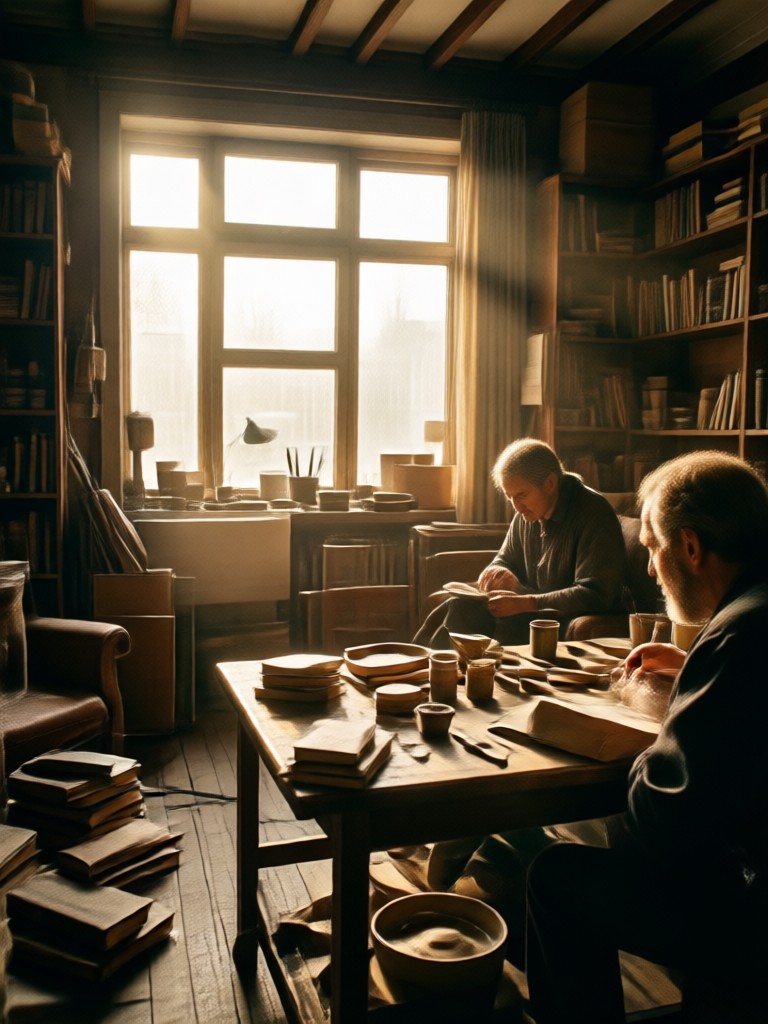
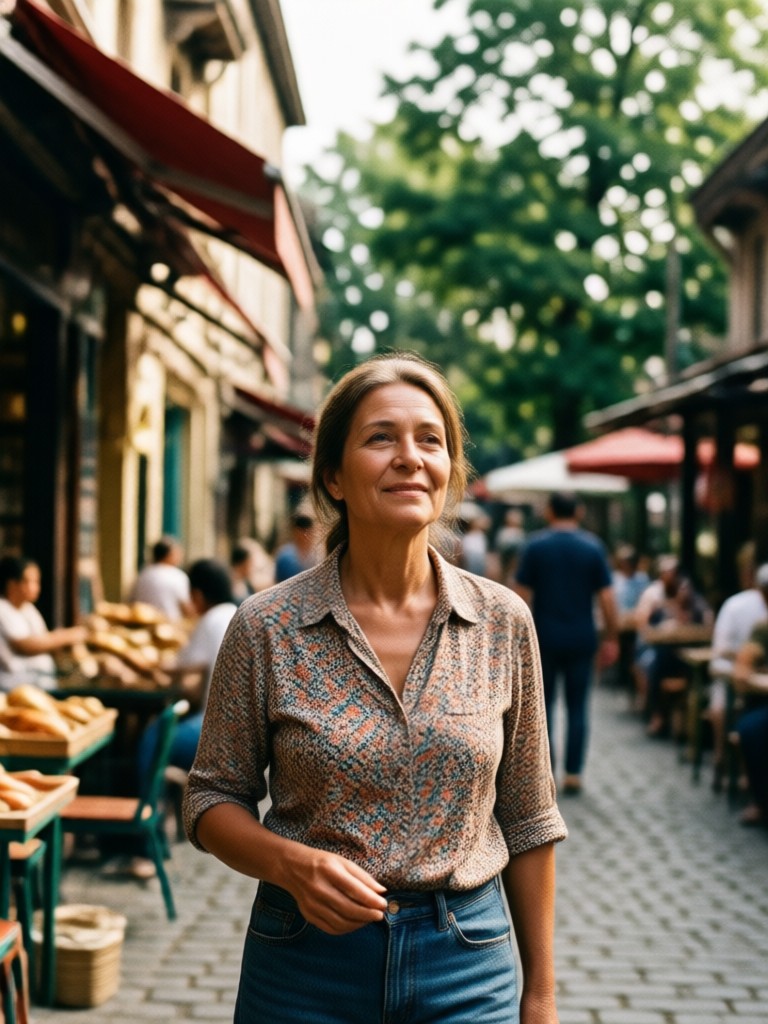
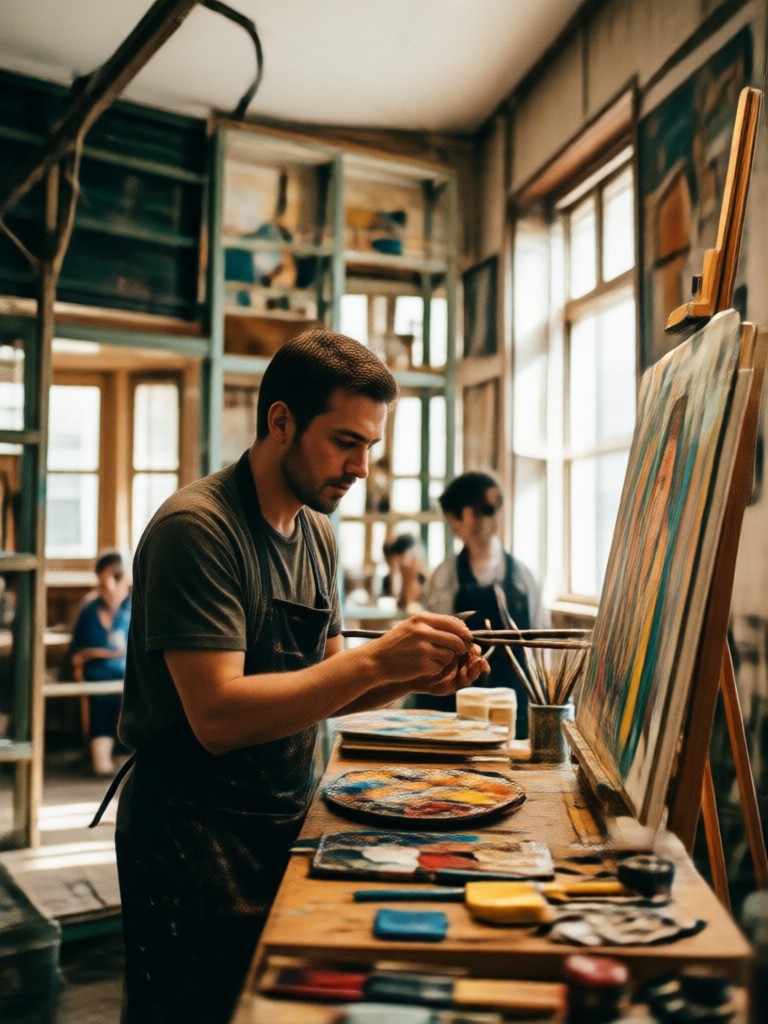
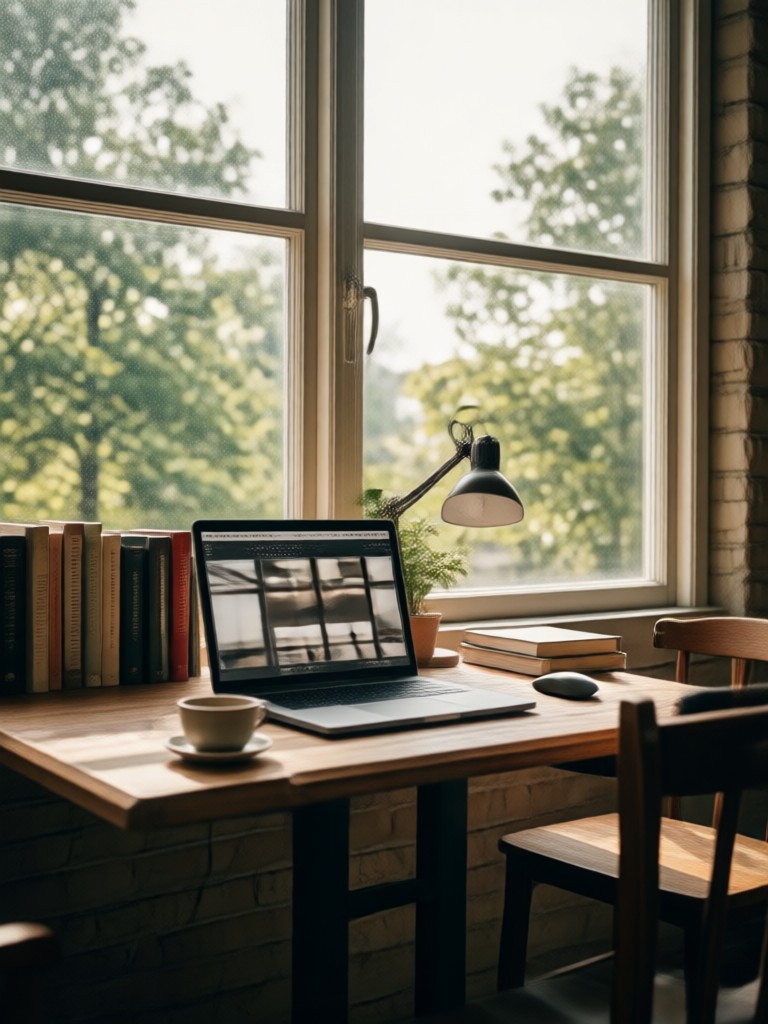
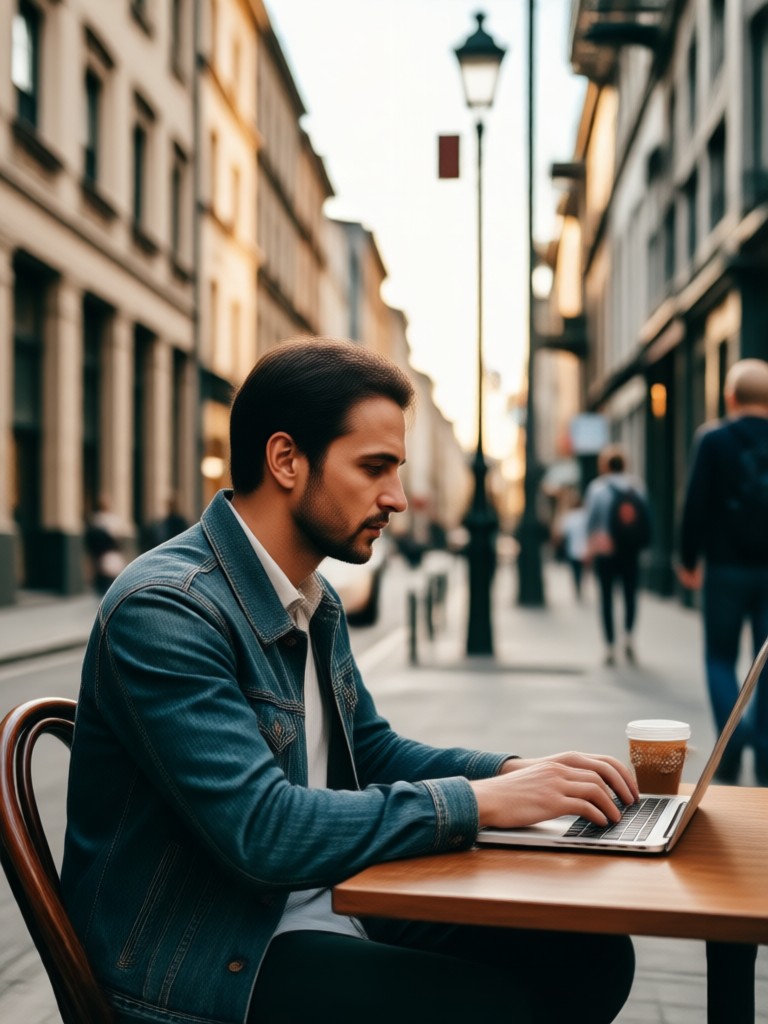
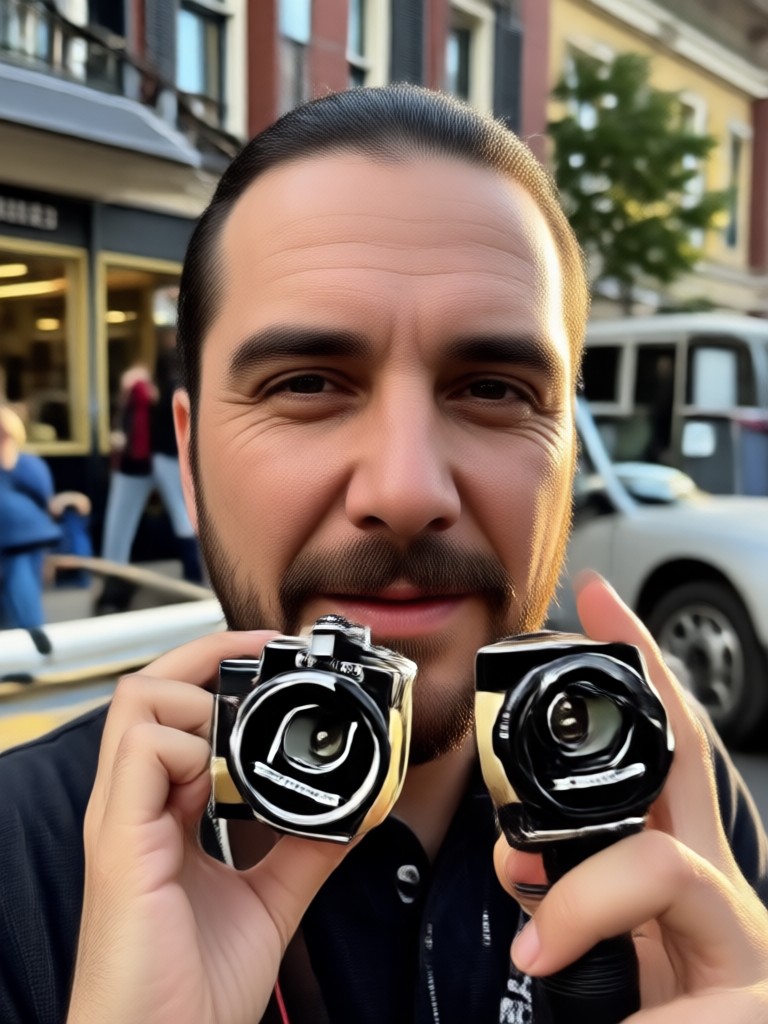
Explore stunning AI medium shot photos generated with zikzik. See how different style templates transform ordinary uploads into cinematic portraits, anime scenes, and fashion shots with perfect waist up framing.
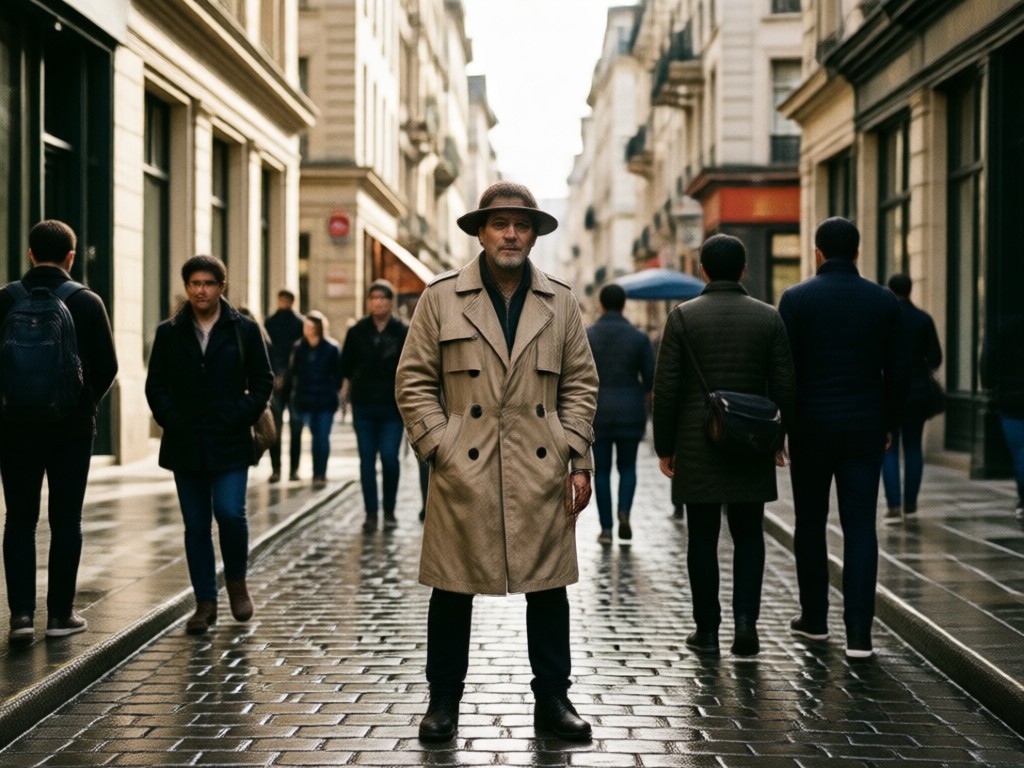
Why Use AI Medium Shot Photo Generator?
AI medium shot photos give your portraits a professional framing without hiring a photographer or learning editing software. zikzik automatically balances the subject, background, and lighting so your image looks natural on any platform, from LinkedIn headshots to Instagram fashion posts.
Why Use AI Medium Shot Photo Generator?
AI medium shot photos give your portraits a professional framing without hiring a photographer or learning editing software. zikzik automatically balances the subject, background, and lighting so your image looks natural on any platform, from LinkedIn headshots to Instagram fashion posts.
How to Make AI Medium Shot Photos?
Create a balanced AI medium shot photo in three simple steps. Download the app, choose a style template, and generate a waist up portrait that fits your creative vision.
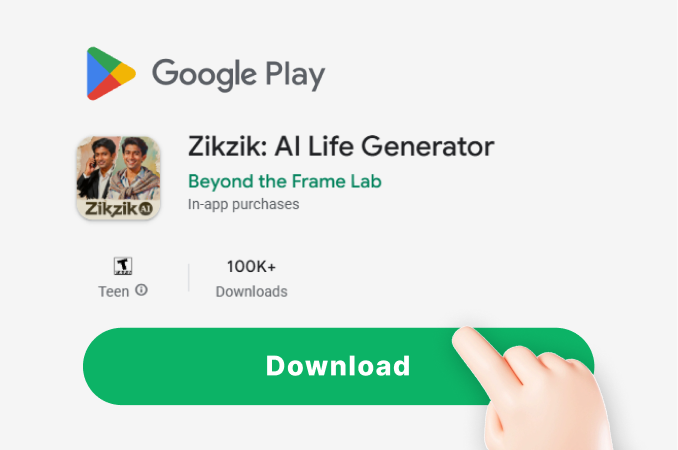
Step 01.
Download the zikzik app from Google Play and open it on your phone. The tool is mobile only, so you can create AI medium shot photos anywhere.
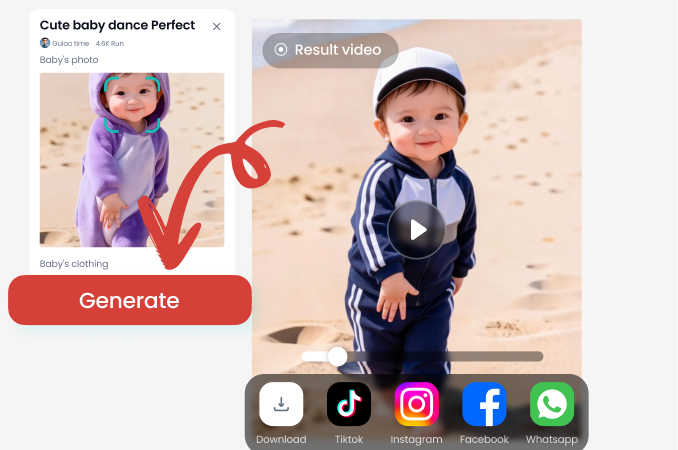
Step 02.
Select a medium shot filter or upload your own photo. Pick from realistic, cinematic, anime, or fashion templates to set the framing and style you want.
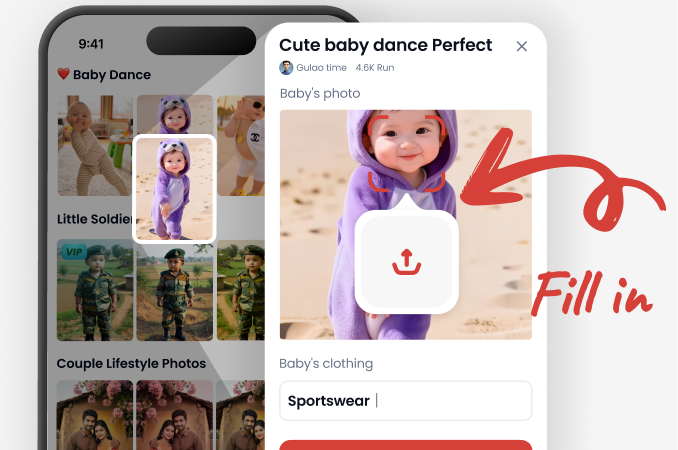
Step 03.
Generate your AI medium shot photo and share it on social media or save it to your gallery. Adjust and rerun as many times as you like.
Frequently Asked Questions About AI Medium Shot Photo
Find clear answers to common questions about generating AI medium shot photos, framing, style options, and more. Get the guidance you need to create balanced portraits faster.
Create Medium Shot Photos on Your Phone
Download the zikzik app from Google Play and start generating AI medium shot photos instantly. Choose from over a million style templates and produce professional waist up portraits in seconds, no desktop or editing software needed.

More Topics You May Like
Explore more AI photography topics and discover fresh ideas for framing, style, and creative image generation.

Create a Gemini AI Birthday Card for Your 1 Year Old
Design a stunning 1st birthday invitation card with AI. Upload a photo, choose a magical template, and generate a custom Gemini style card in seconds. No design skills needed.

Create Chilling AI Horror Images That Feel Terrifyingly Real
Turn simple photos or text prompts into nightmare fuel with the AI Horror Image generator. Pick a creepy style, generate HD horror art, and download spine-chilling results in seconds.

AI Cartoon Generator: Turn Photos Into Fun Art
Turn any photo into a playful AI cartoon in seconds. Pick from thousands of styles, from anime and Pixar to hand drawn sketches. No design skills needed. Download zikzik now.
AI Surrealism Photo: Dreamlike Art in Seconds
Create stunning AI surrealism photos on your phone. Upload a photo or type a prompt, pick a dreamlike filter, and get surreal art in seconds. Try zikzik free.
Generate Your First AI Medium Shot Photo Today
Join thousands of creators using zikzik to produce balanced medium shot portraits with AI. Download the app, pick a style, and create stunning waist up photos in seconds.

Generate Your First AI Medium Shot Photo Today
Join thousands of creators using zikzik to produce balanced medium shot portraits with AI. Download the app, pick a style, and create stunning waist up photos in seconds.