AI Video Restore
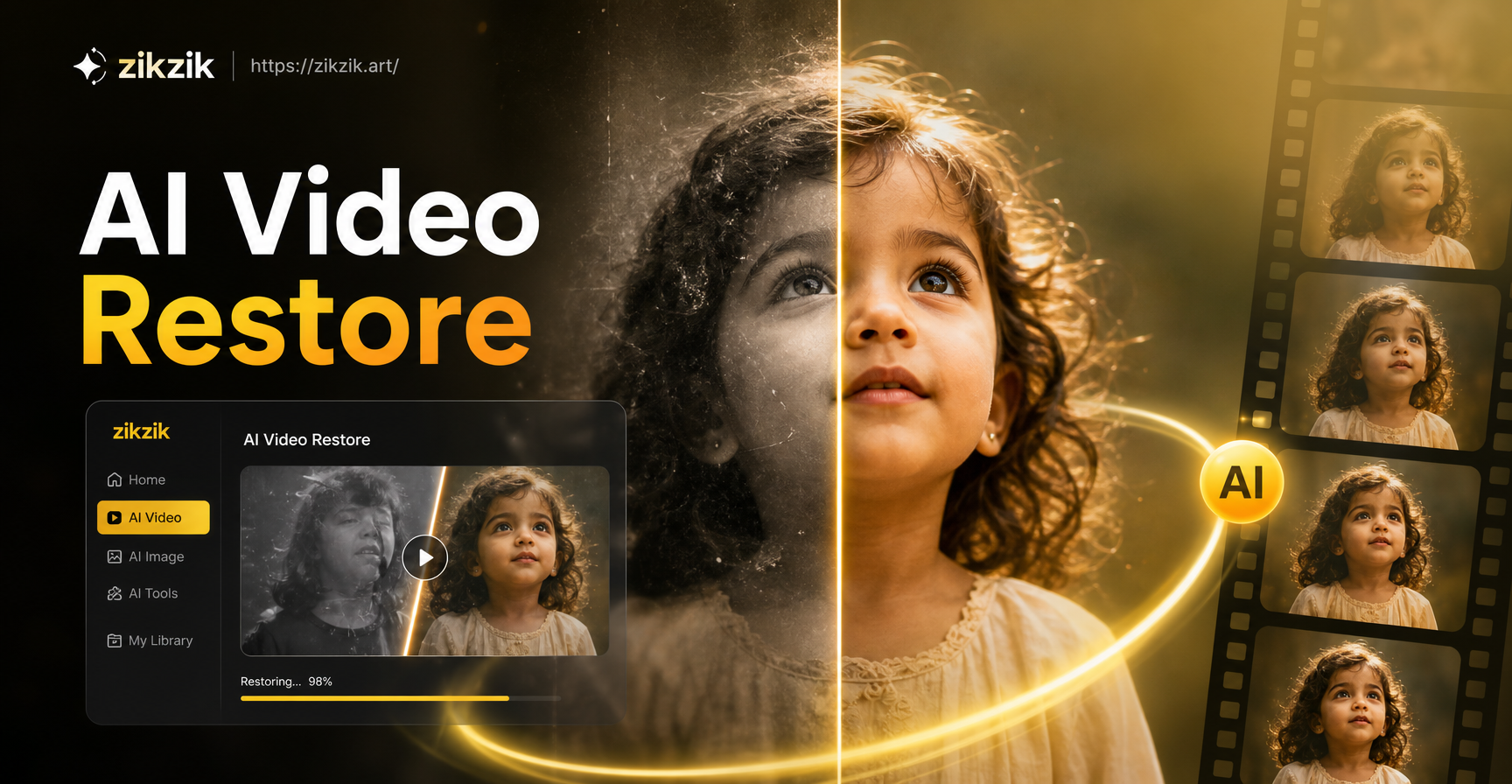
Your Complete Video Enhancement Toolkit
Choose from a suite of powerful AI tools designed for different restoration and enhancement needs. From fixing compression artifacts to creating cinematic slow motion, find the perfect filter for your project.
How AI Video Restore Transforms Your Footage
Our technology uses deep learning to analyze each frame, intelligently reconstructing lost details and correcting common video issues with astonishing realism.
Upscale & Enhance Resolution
Transform low-resolution videos (480p, 720p) into crisp, clear HD or higher. AI intelligently adds detail and sharpness without creating artificial artifacts.
Upscale & Enhance Resolution
Transform low-resolution videos (480p, 720p) into crisp, clear HD or higher. AI intelligently adds detail and sharpness without creating artificial artifacts.
Remove Noise & Grain
Automatically clean up visual noise, grain, and compression artifacts from old digital recordings, webcam footage, or videos shot in low light.
Remove Noise & Grain
Automatically clean up visual noise, grain, and compression artifacts from old digital recordings, webcam footage, or videos shot in low light.
Color Correction & Revival
Breathe new life into faded, discolored, or poorly white-balanced videos. AI restores natural skin tones, vibrant landscapes, and accurate colors.
Color Correction & Revival
Breathe new life into faded, discolored, or poorly white-balanced videos. AI restores natural skin tones, vibrant landscapes, and accurate colors.
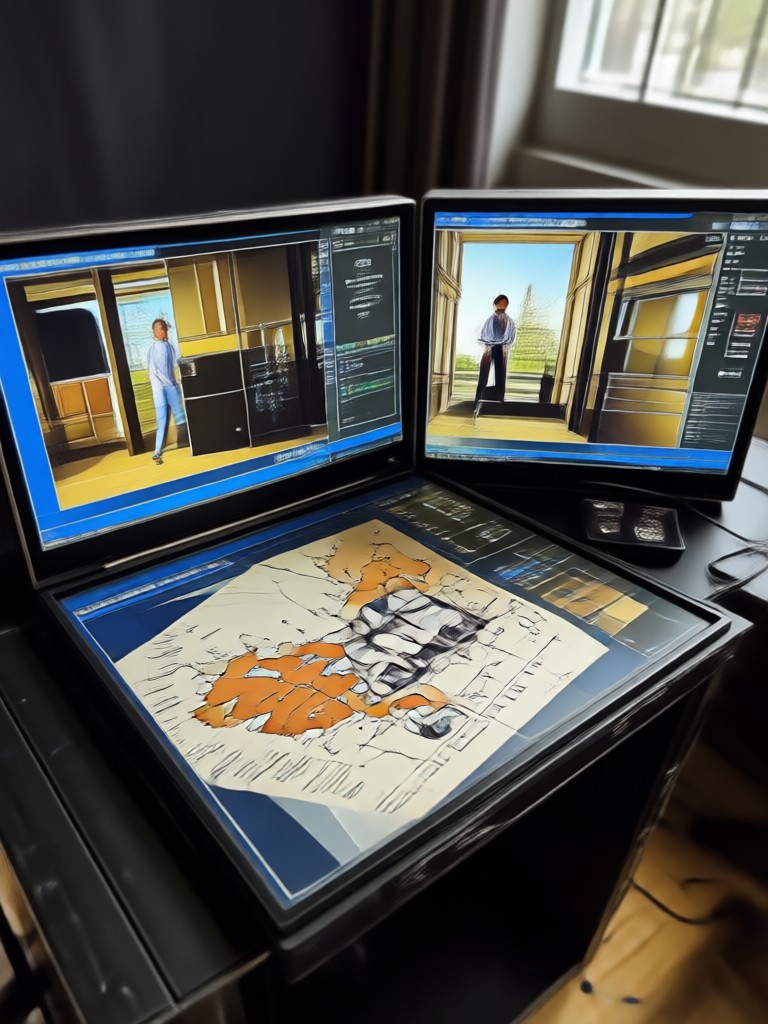
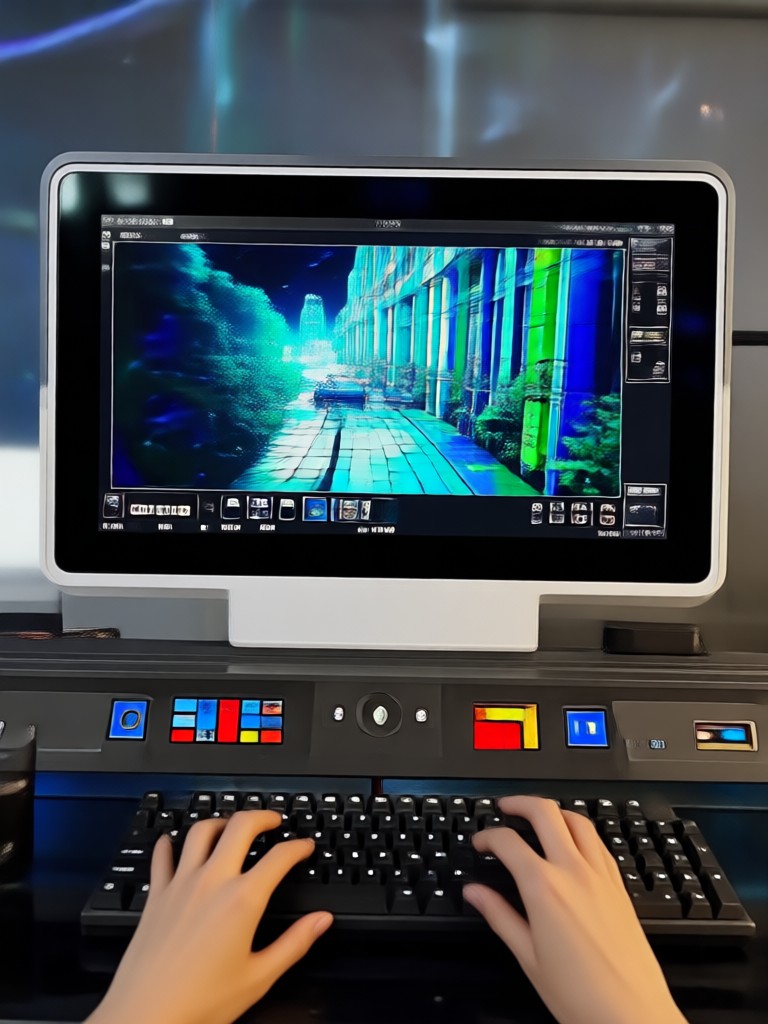
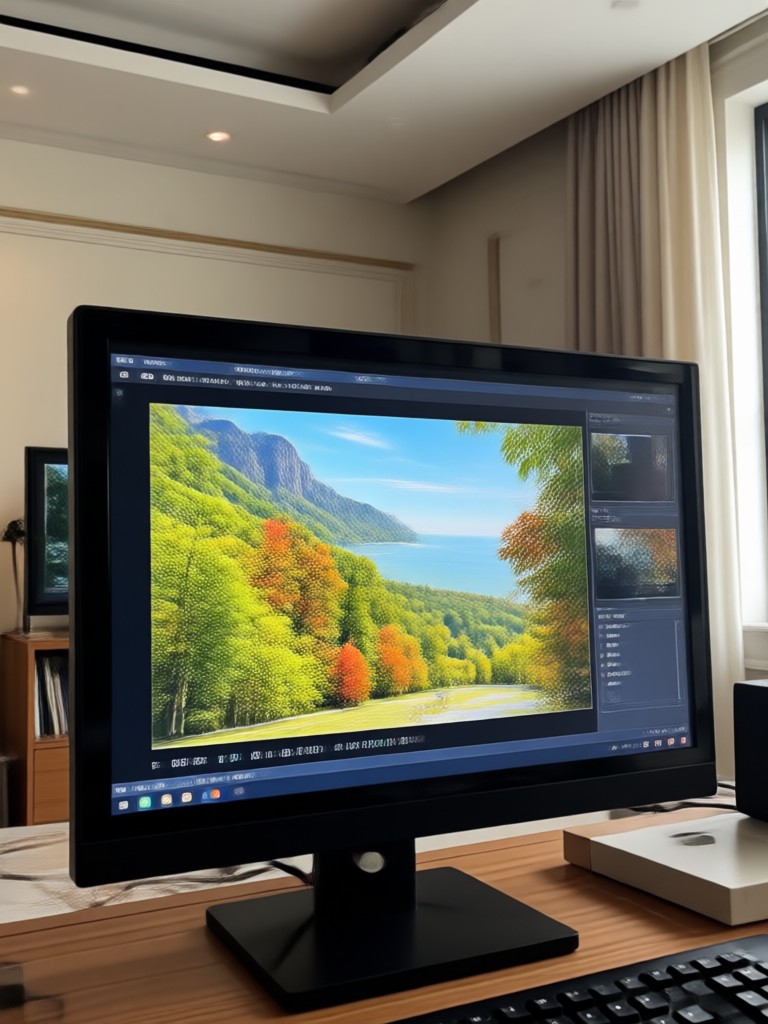
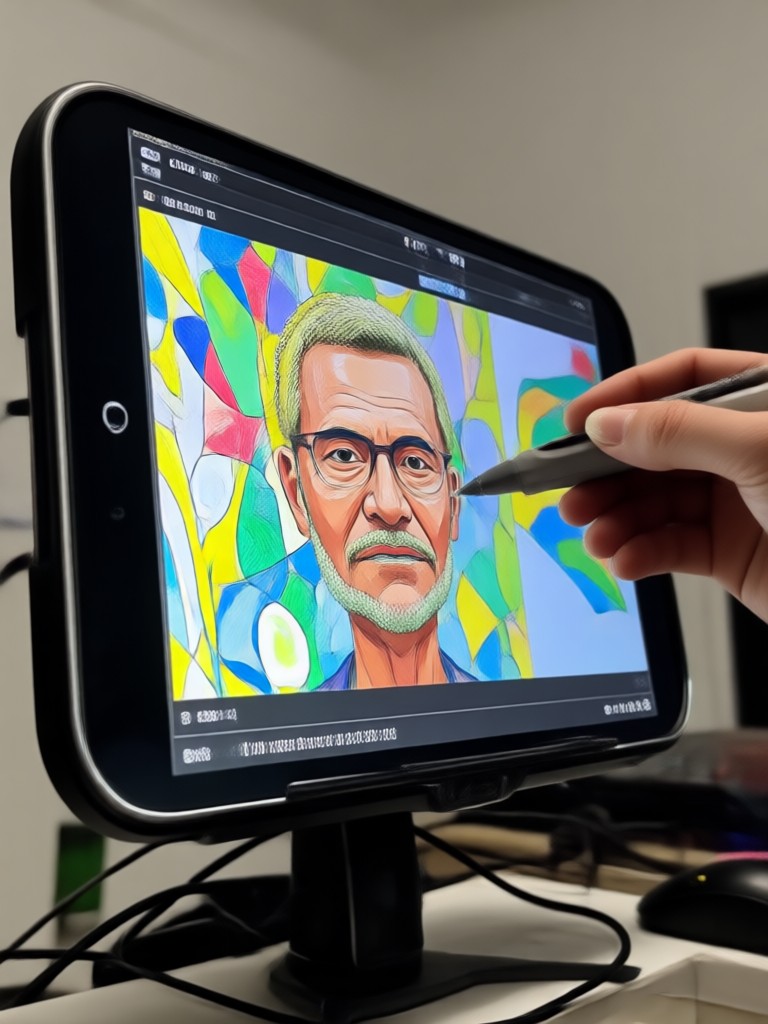
See the Magic of AI Video Restoration
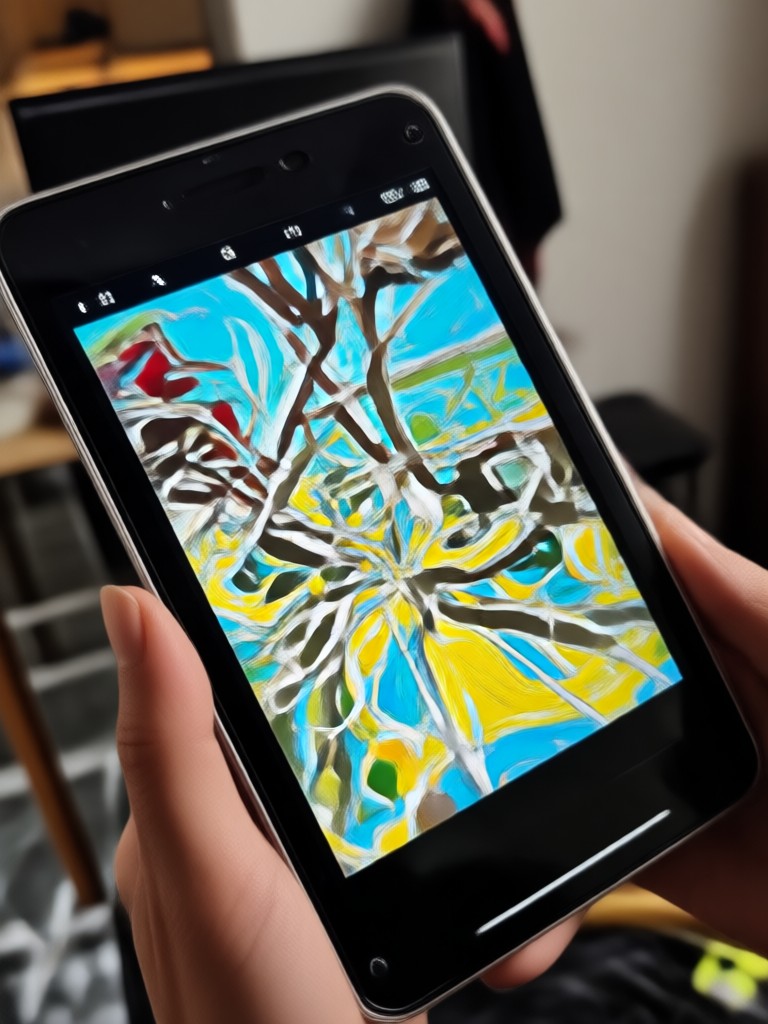
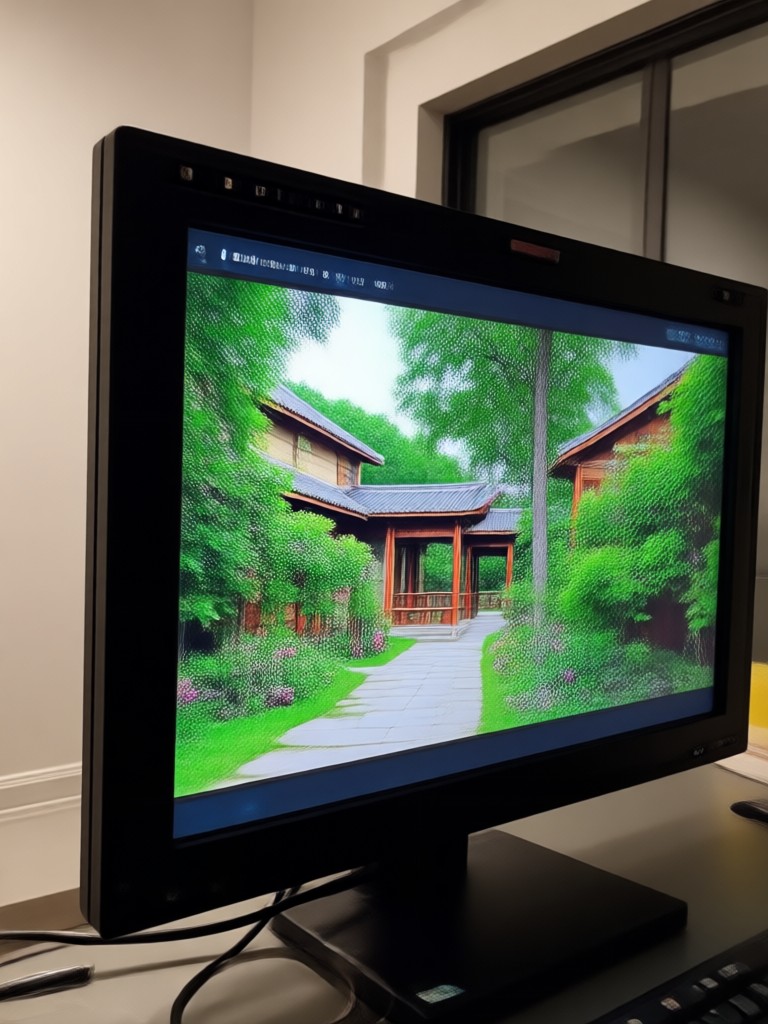
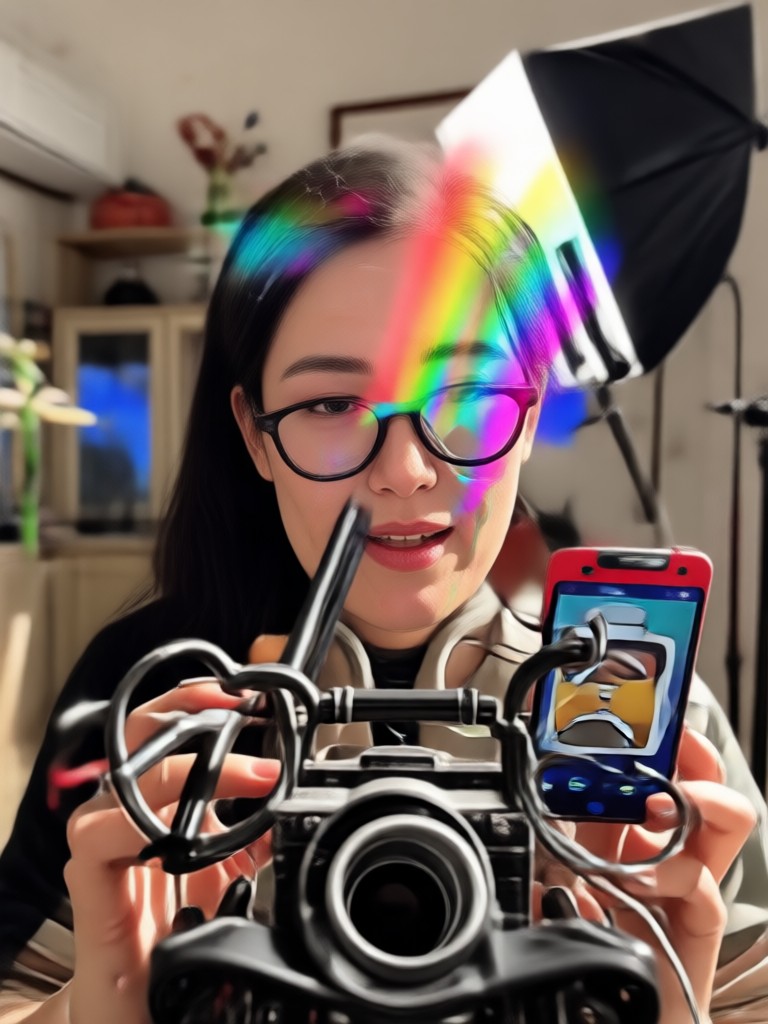
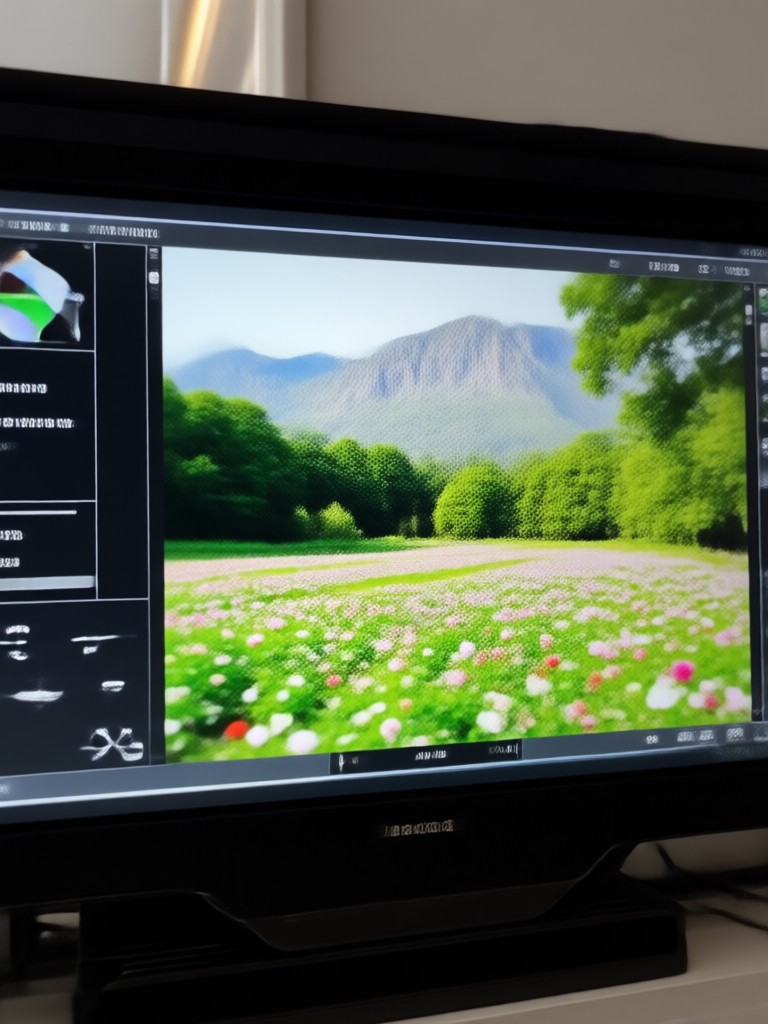
Witness real transformations. This gallery showcases the power of AI Video Restore across various scenarios, from family archives to social media content.
Why Choose AI Video Restore?
Traditional video editing software requires hours of manual work and expert knowledge. Our AI does the heavy lifting for you, delivering professional-grade results in seconds.
Preserve Memories, Effortlessly
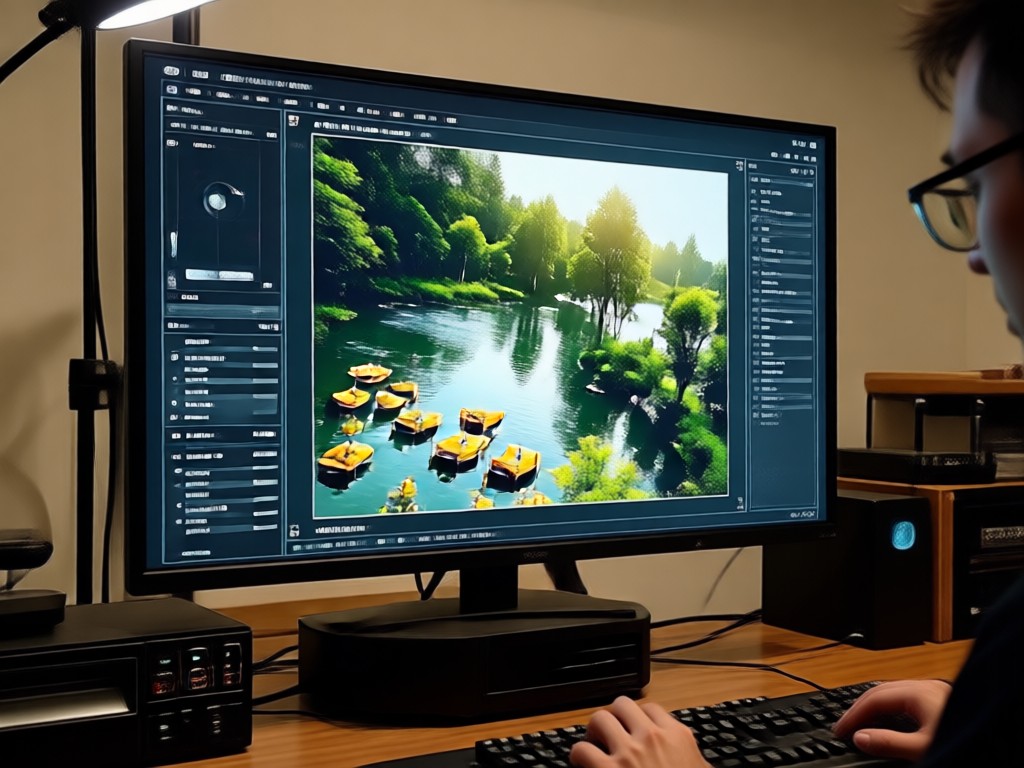
Your old videos are irreplaceable snapshots of time. AI Video Restore is built to honor those memories by using non destructive, intelligent enhancement that respects the original content. It doesn't just apply filters, it understands context to rebuild details, reduce blur, and correct colors in a way that feels natural and true to the original moment, ensuring your memories are saved for future generations in the best possible quality.
Preserve Memories, Effortlessly
Your old videos are irreplaceable snapshots of time. AI Video Restore is built to honor those memories by using non destructive, intelligent enhancement that respects the original content. It doesn't just apply filters, it understands context to rebuild details, reduce blur, and correct colors in a way that feels natural and true to the original moment, ensuring your memories are saved for future generations in the best possible quality.
Trusted by Creators and Archivists
A Lifesaver for Family History
I had boxes of VHS tapes from the 90s that were deteriorating. This app restored them to better than new quality. The color correction feature alone brought back memories I thought were lost forever. It's incredibly easy to use.
Essential Tool for My YouTube Channel
I often use B roll from older projects or public domain footage. AI Video Restore lets me upscale and clean that footage so it matches my 4K modern shots seamlessly. It has streamlined my editing process massively.
Breathed New Life into Client Work
A client provided terrible quality cell phone footage for a memorial video. I was skeptical, but the noise reduction and stabilization features produced a usable, emotional final product that the family loved. Professional results from an app.
How to Restore Videos with AI?
Bring your old videos back to life in just three simple steps, directly from your mobile device.

Step 01.
Download the zikzik app from the Google Play Store to access the AI Video Restore and enhancement tools on your phone.
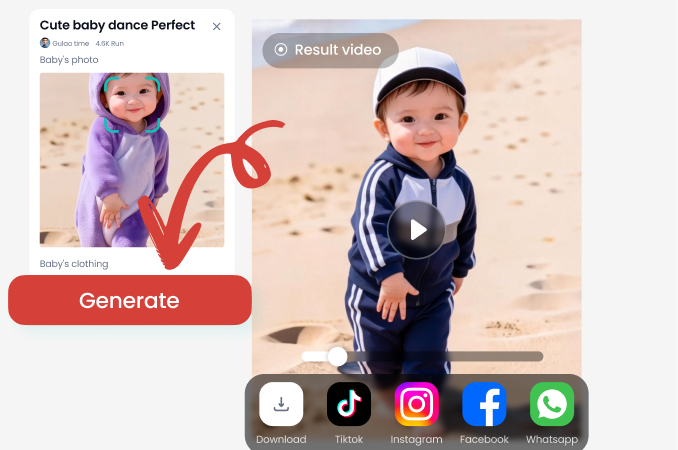
Step 02.
Upload your video from your gallery. Then, select the restoration tools you need, such as 'Upscale', 'Denoise', or 'Colorize'.
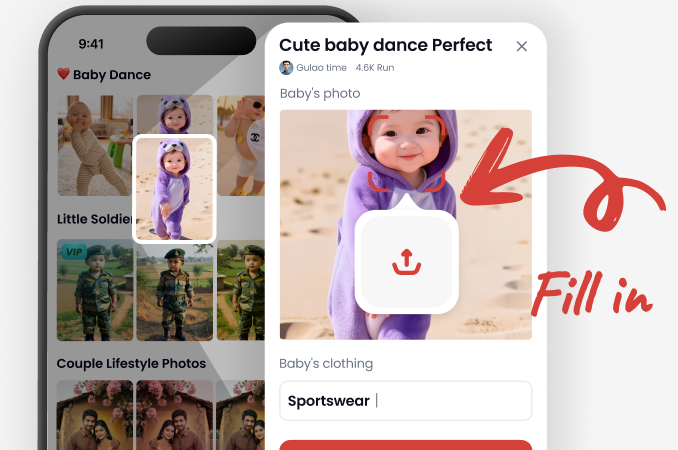
Step 03.
Let the AI work its magic. Preview the restored video, then download the high quality result to save or share with loved ones.
AI Video Restore FAQs
Find answers to the most common questions about restoring and enhancing your videos with artificial intelligence.
Restore Your Videos on the Go
Your pocket sized video restoration studio. Download the app now and instantly enhance any video from your phone's gallery.

More AI Tools You May Like
Explore more topics you may like and discover fresh ideas tailored to your interests.
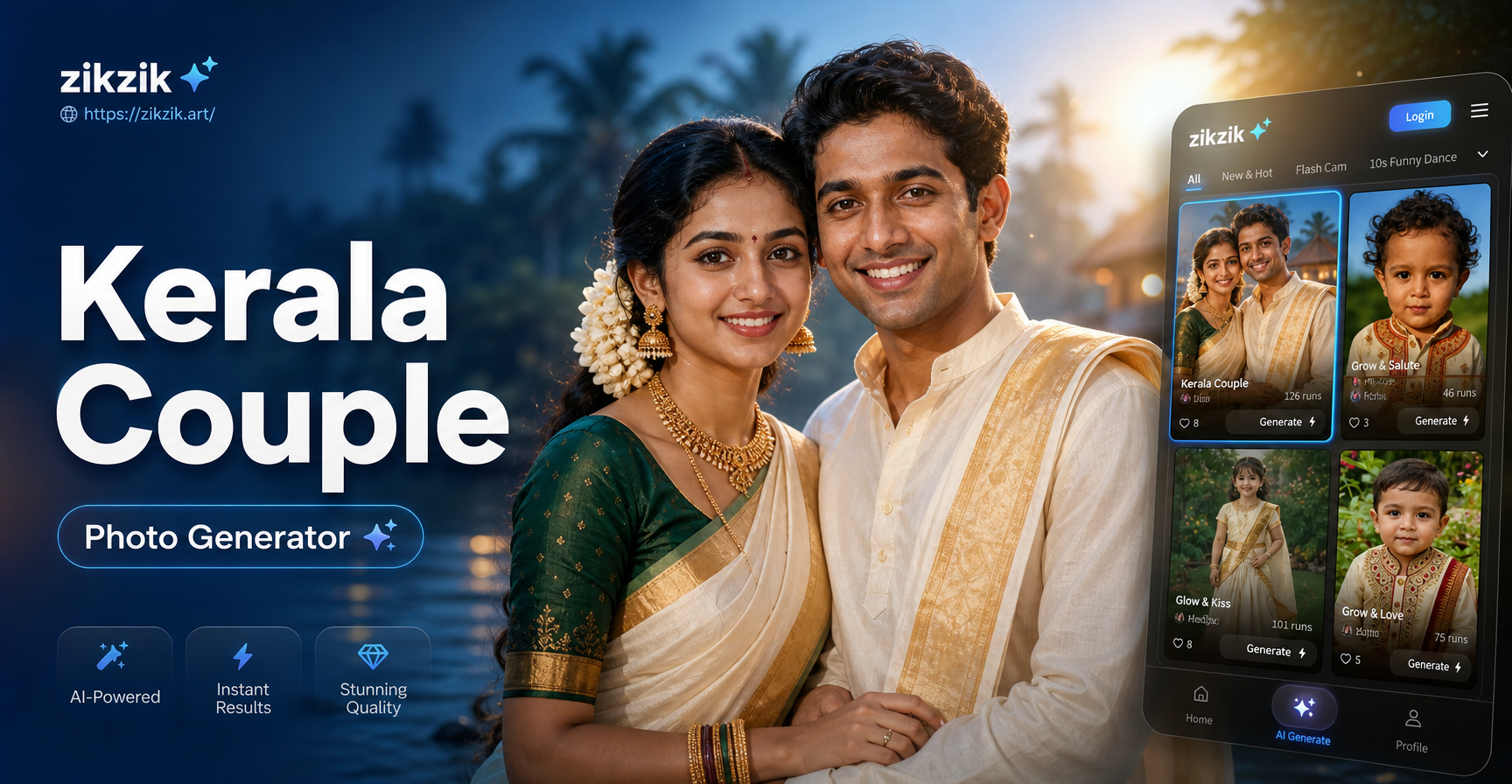
Kerala Traditional Couple Photo Generator | AI Poses & Outfits

Create a Heartfelt Video for Mom with AI
AI Harry Potter Characters: Create Your Own Hogwarts Avatar
AI ID Photo Generator: Perfect Passport Pics Instantly
Kerala Traditional Couple Photo Generator | AI Poses & Outfits
Create a Heartfelt Video for Mom with AI
AI Harry Potter Characters: Create Your Own Hogwarts Avatar
AI ID Photo Generator: Perfect Passport Pics Instantly
Don't Let Your Memories Fade
Transform blurry, noisy, or faded videos into clear, vibrant memories you'll cherish forever. The power of professional video restoration is now at your fingertips.
Don't Let Your Memories Fade
Transform blurry, noisy, or faded videos into clear, vibrant memories you'll cherish forever. The power of professional video restoration is now at your fingertips.