AI Weight Loss Simulator
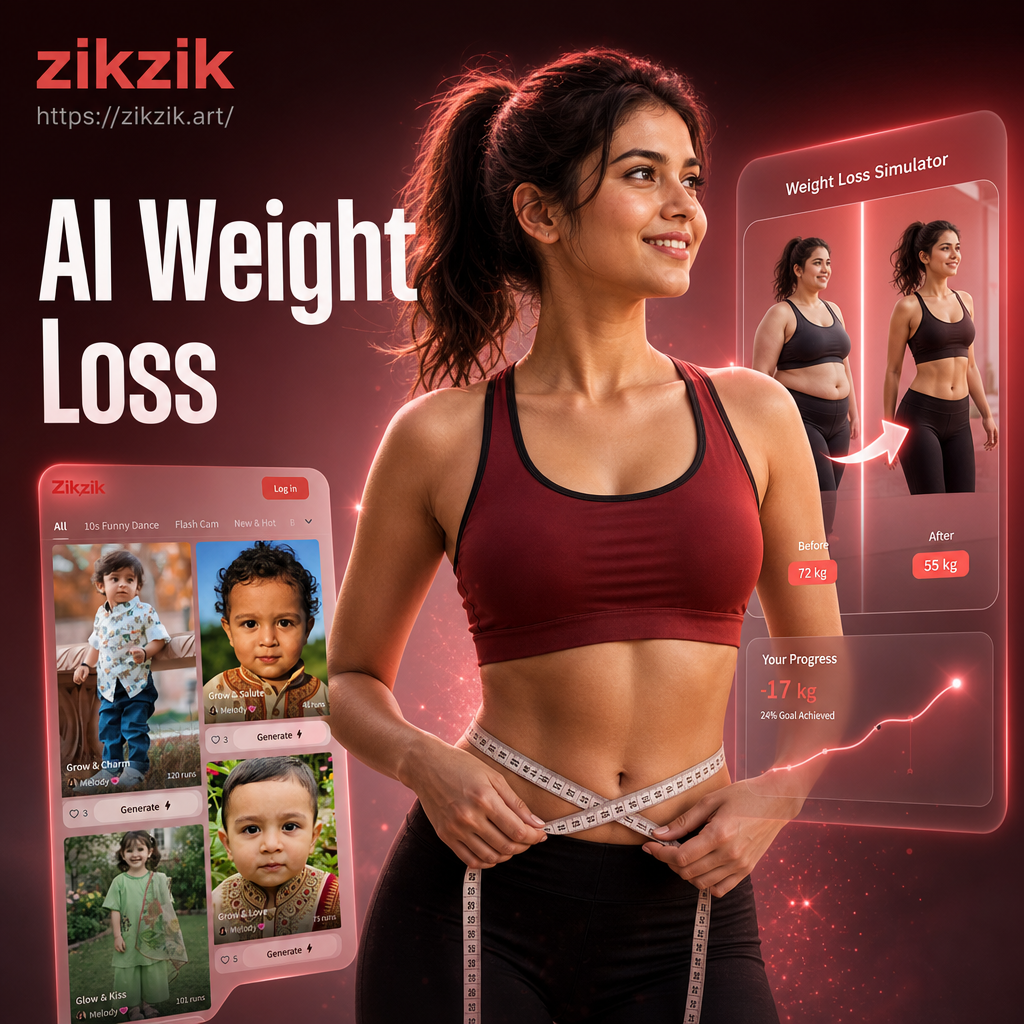
Explore Realistic Transformation Styles
Our AI Weight Loss Simulator offers various styles and intensities. Whether you're curious about a subtle change or a major transformation, find the perfect look for your goals.
Key Features of Our AI Weight Loss Simulator
Go beyond simple filters. Our simulator uses advanced AI to create believable, proportional, and detailed transformations that respect your body's unique structure.
Realistic Body Reshaping
Our AI intelligently adjusts body proportions for a natural look. It doesn't just shrink you, it simulates realistic fat loss from targeted areas like the face, waist, and arms.
Realistic Body Reshaping
Our AI intelligently adjusts body proportions for a natural look. It doesn't just shrink you, it simulates realistic fat loss from targeted areas like the face, waist, and arms.
Adjustable Weight Loss Intensity
Control how much weight you want to lose. Use a simple slider to see subtle changes or dramatic transformations, letting you visualize different stages of your fitness journey.
Adjustable Weight Loss Intensity
Control how much weight you want to lose. Use a simple slider to see subtle changes or dramatic transformations, letting you visualize different stages of your fitness journey.
Face & Feature Preservation
The AI keeps your recognizable facial features intact while slimming your face naturally. Your eyes, nose, and smile stay yours, ensuring a believable and personal result.
Face & Feature Preservation
The AI keeps your recognizable facial features intact while slimming your face naturally. Your eyes, nose, and smile stay yours, ensuring a believable and personal result.
AI Weight Loss Transformation Gallery
See the power of realistic simulation. Browse before and after examples created by users just like you. These results showcase the detailed, natural-looking transformations our AI can achieve.
How to Use the AI Weight Loss Simulator?
Create your personalized weight loss preview in just three simple steps. No technical skills needed, just your phone and a photo.
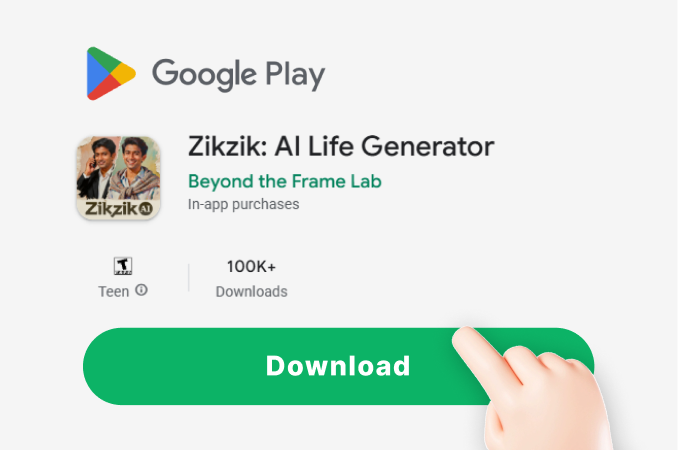
Step 01.
Download the zikzik app from Google Play. It's your all-in-one mobile studio for AI image creation and simulation effects.
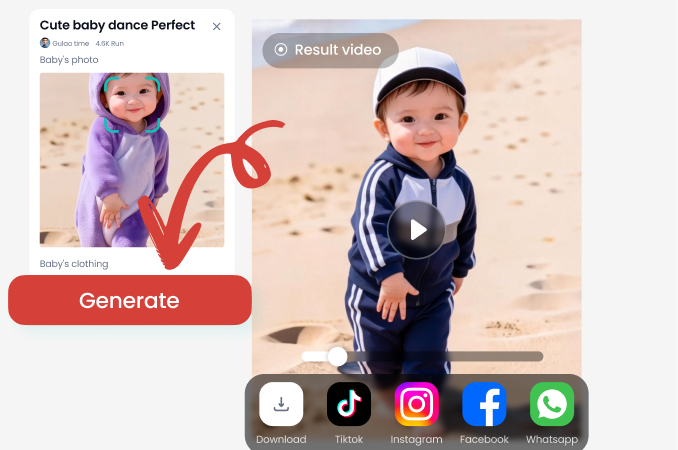
Step 02.
Open the app and select the 'Weight Loss Simulator' filter. Upload a clear, full-body or portrait photo for the best results.
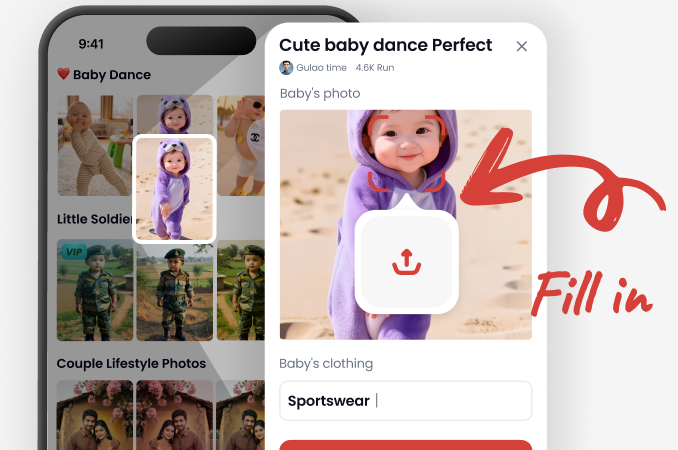
Step 03.
Adjust the sliders to your desired weight loss level. Generate your transformation, then save or share your motivating 'after' photo instantly.
Why Visualize Your Weight Loss Goals?
Seeing is believing. A visual representation of your goal can be a powerful psychological tool, boosting motivation and providing a clear target for your fitness journey.
The Power of a Visual Preview
Our AI Weight Loss Simulator isn't just a fun filter, it's a motivational tool. Studies in behavioral psychology suggest that having a clear, visual goal significantly increases commitment and adherence to fitness plans. By creating a realistic image of your potential results, you make your abstract goal tangible. This 'future self' visualization can help overcome short-term obstacles, reinforce positive habits, and keep you focused on the long-term reward, making your weight loss journey feel more achievable and real.
The Power of a Visual Preview
Our AI Weight Loss Simulator isn't just a fun filter, it's a motivational tool. Studies in behavioral psychology suggest that having a clear, visual goal significantly increases commitment and adherence to fitness plans. By creating a realistic image of your potential results, you make your abstract goal tangible. This 'future self' visualization can help overcome short-term obstacles, reinforce positive habits, and keep you focused on the long-term reward, making your weight loss journey feel more achievable and real.
What Users Say About the AI Weight Loss Simulator
Incredible Motivation to Start
I've struggled with my weight for years. Seeing a realistic version of myself 20 pounds lighter was the push I needed. I printed the 'after' photo and stuck it on my fridge. It's been 3 months, and I'm already halfway there. This tool made my goal feel real.
Surprisingly Realistic and Detailed
I've tried other 'slimming' filters, and they always looked fake or distorted my face. This AI simulator is different. It subtly reshaped my jawline and waist in a way that looks completely natural, like how I actually looked in college. It's a fantastic preview tool.
A Fun Way to Set Milestones
My trainer suggested visualizing goals. I used the simulator to create images for my 5lb, 10lb, and 15lb weight loss targets. Having those specific pictures makes celebrating each milestone so much more rewarding. It turns numbers into a visible achievement.
Frequently Asked Questions
Get clear answers about how the AI Weight Loss Simulator works, its benefits, and how you can use it safely and effectively for your motivation.
Visualize Your Fitness Future Today
Turn 'someday' into a visual plan. Download the app, take two minutes, and see a motivating preview of your achievements. Your future self is waiting.

More Topics You May Like
Explore more creative AI tools and visual effects to unlock new possibilities for your photos and videos.
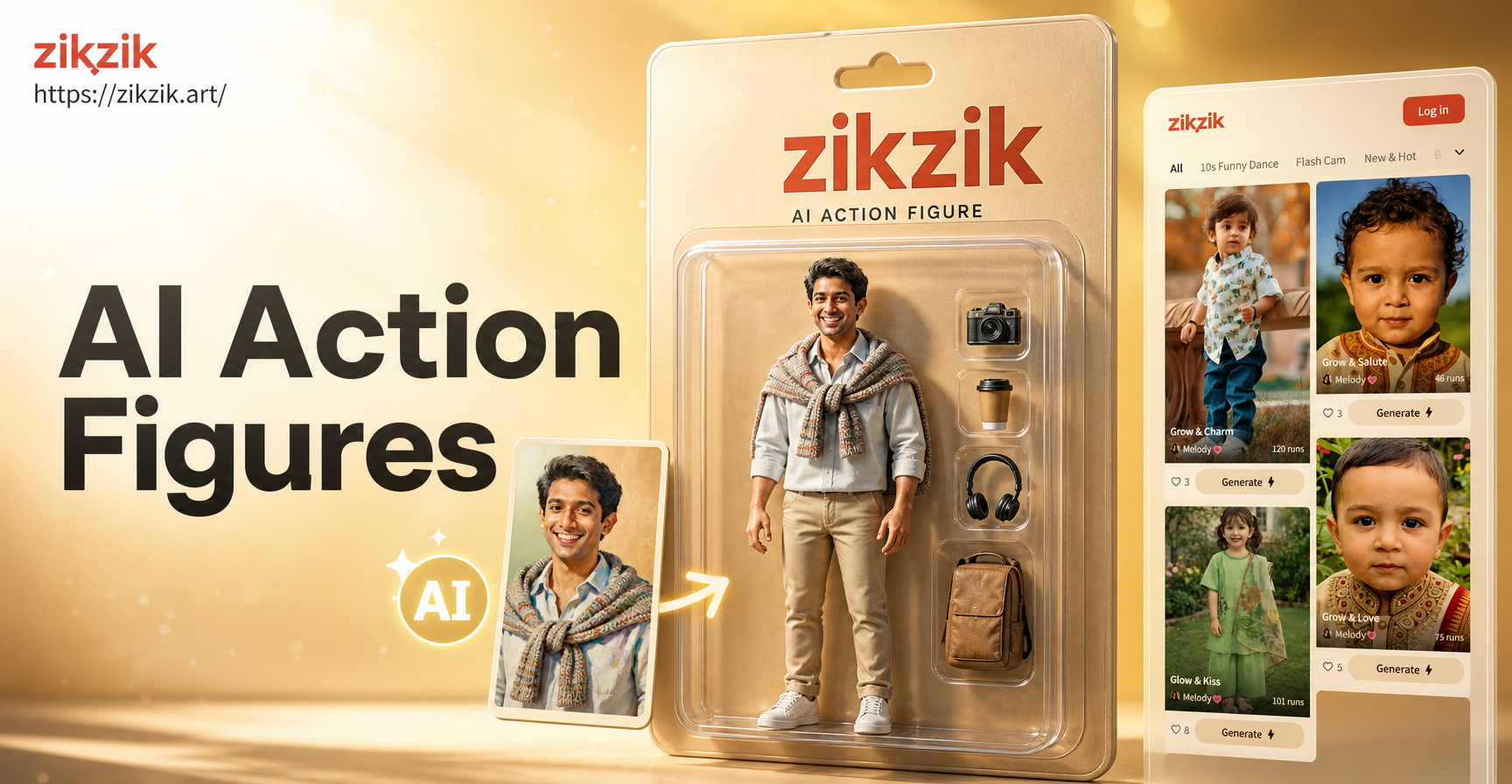
Turn Yourself into a Custom Action Figure with AI
3D Kissing Animation Maker: Create Animated Romance
Create Magical Valentine's Kiss Videos with AI

AI Photo Animator: Bring Your Photos to Life for Free
Turn Yourself into a Custom Action Figure with AI
3D Kissing Animation Maker: Create Animated Romance
Create Magical Valentine's Kiss Videos with AI
AI Photo Animator: Bring Your Photos to Life for Free
Your Motivational Preview is One Tap Away
Stop wondering and start seeing. Download the zikzik app now and use the AI Weight Loss Simulator to create your personal visual goal. It's free, fast, and could be the motivation you need.

Your Motivational Preview is One Tap Away
Stop wondering and start seeing. Download the zikzik app now and use the AI Weight Loss Simulator to create your personal visual goal. It's free, fast, and could be the motivation you need.