Blur The Background Of A Photo
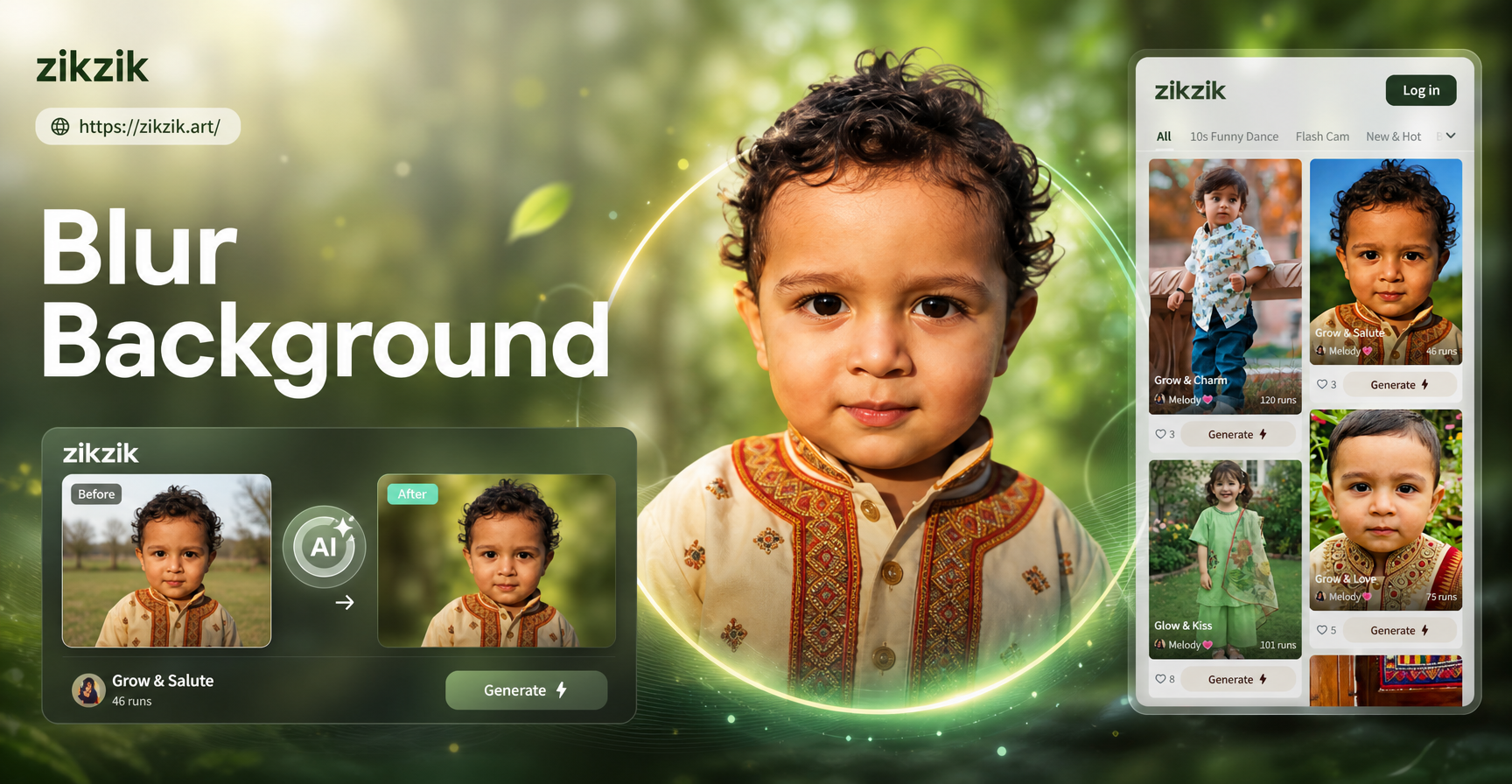
Choose Your Perfect Blur Style
From soft portrait bokeh to dramatic artistic effects, find the ideal background blur filter for your image.
Key Features of AI Background Blur
Our AI-powered tool goes beyond simple blurring. It intelligently understands your photo to deliver professional-grade editing results.
One-Tap Subject Detection
Upload any photo. Our AI instantly identifies the main subject—people, pets, or objects—with pixel-perfect precision, creating a clean mask for flawless background isolation.
One-Tap Subject Detection
Upload any photo. Our AI instantly identifies the main subject—people, pets, or objects—with pixel-perfect precision, creating a clean mask for flawless background isolation.
Adjustable Blur Intensity
Full control over your aesthetic. Slide from a subtle depth-of-field to an intense, creamy bokeh effect. Fine-tune the look until it matches your creative vision perfectly.
Adjustable Blur Intensity
Full control over your aesthetic. Slide from a subtle depth-of-field to an intense, creamy bokeh effect. Fine-tune the look until it matches your creative vision perfectly.
Background Replacement
Don't just blur it, replace it. Seamlessly swap a messy background for a studio setting, a scenic landscape, or a solid color, all while keeping your subject looking natural.
Background Replacement
Don't just blur it, replace it. Seamlessly swap a messy background for a studio setting, a scenic landscape, or a solid color, all while keeping your subject looking natural.
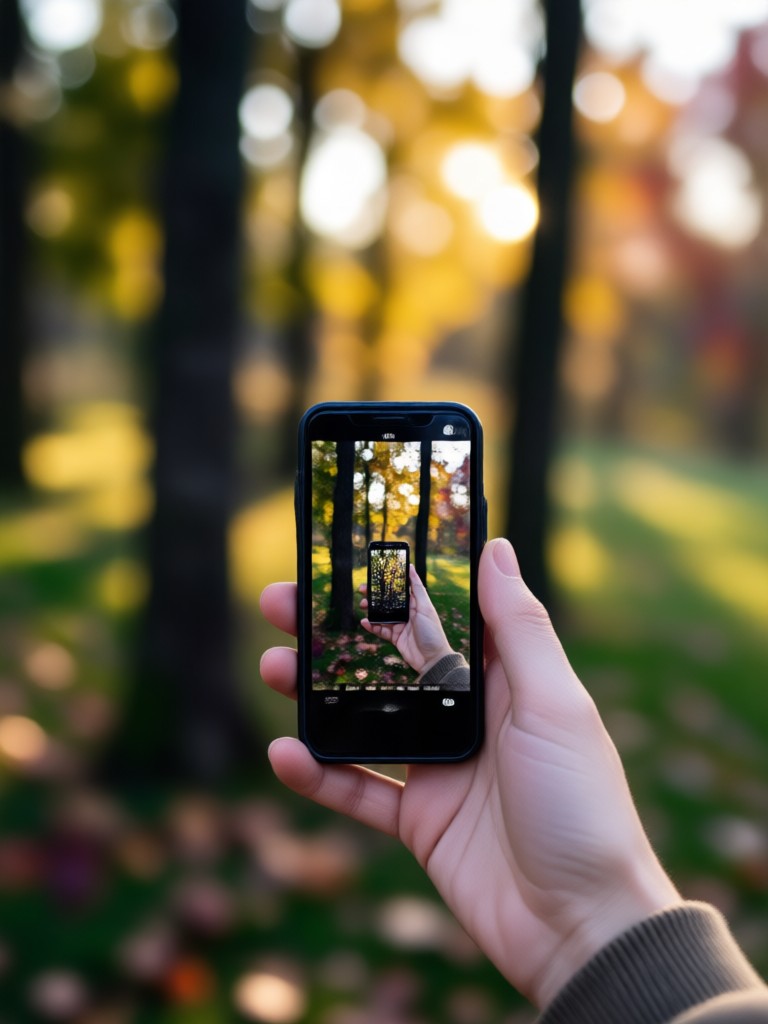
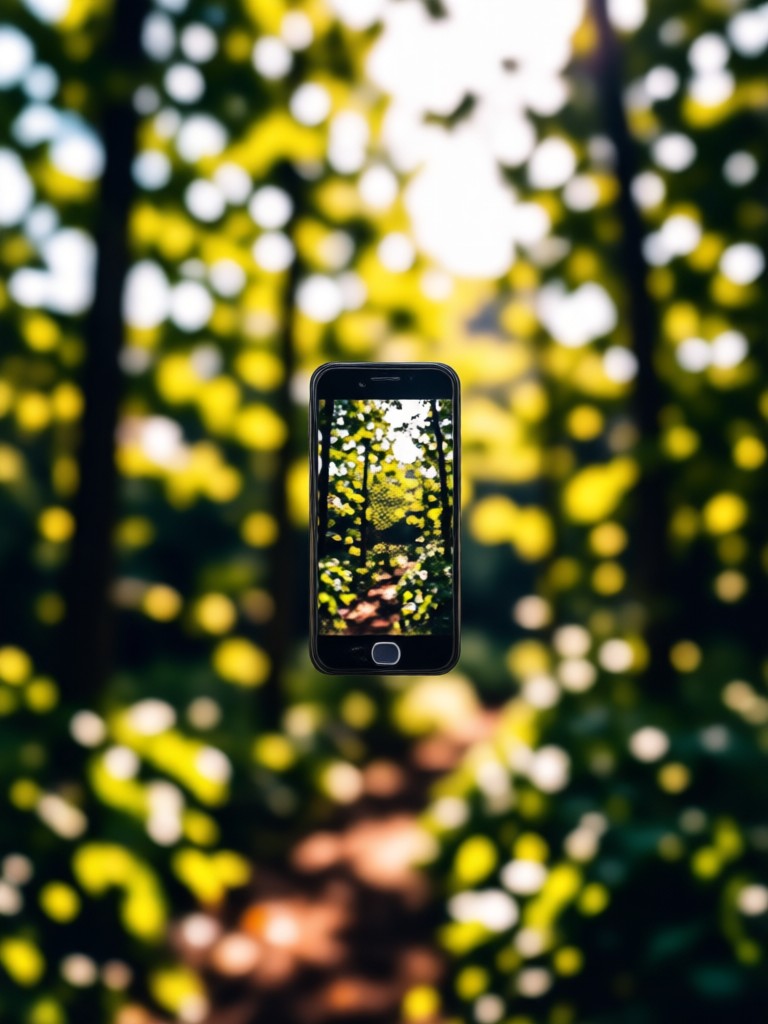
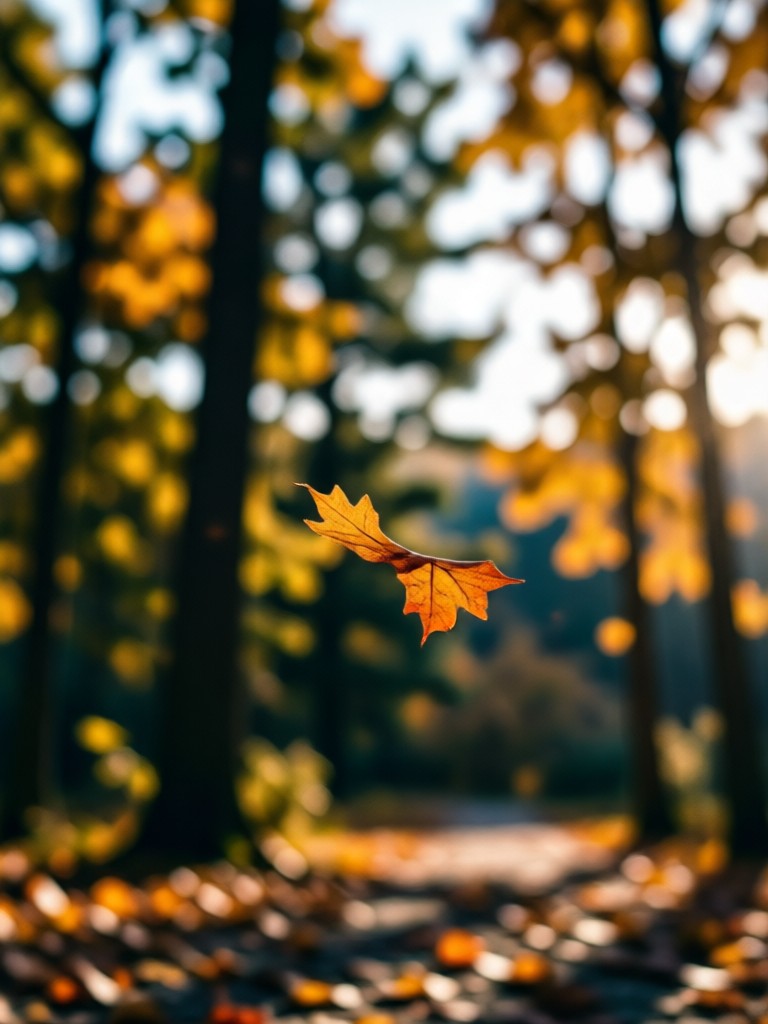
AI Background Blur Gallery
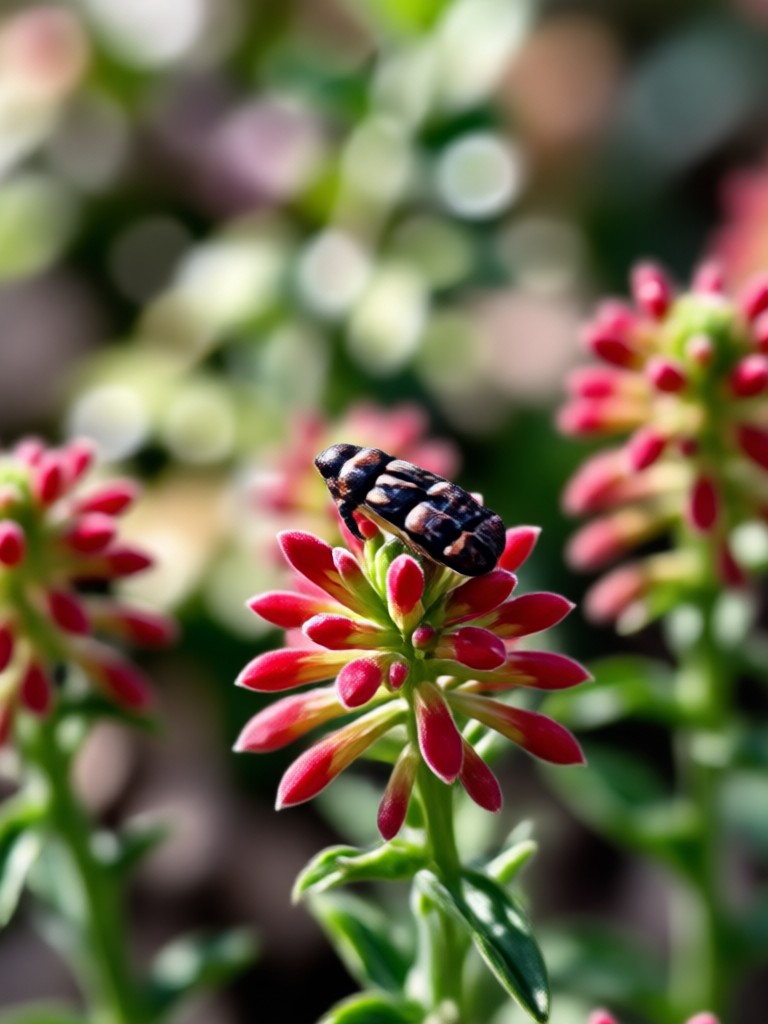
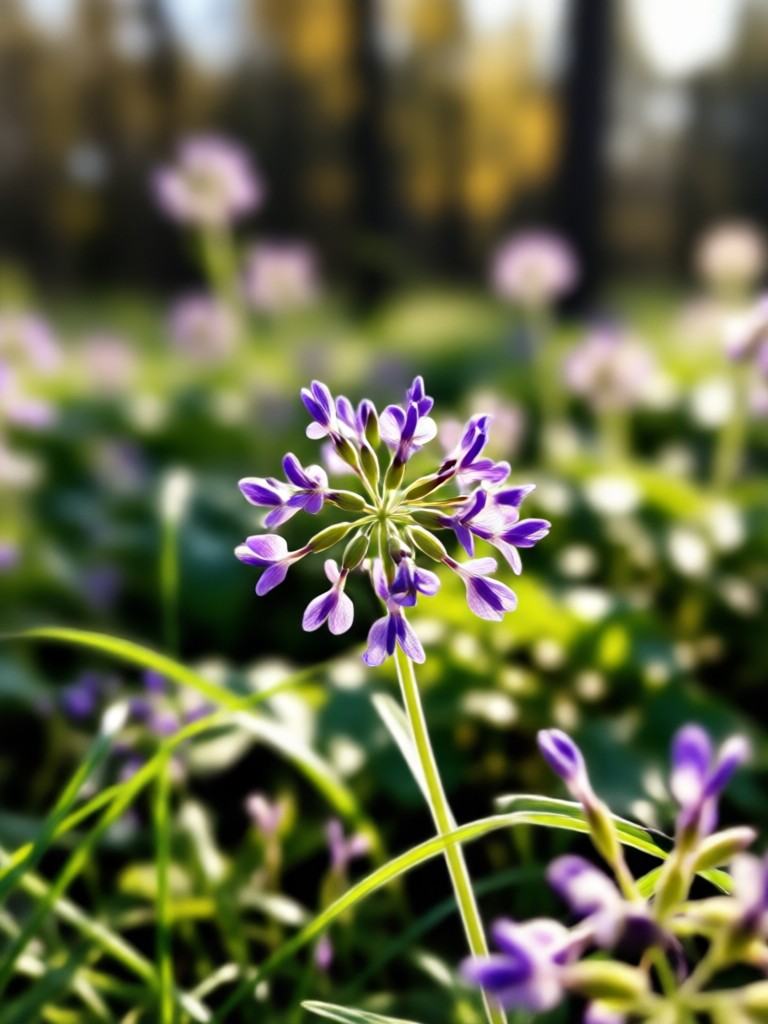
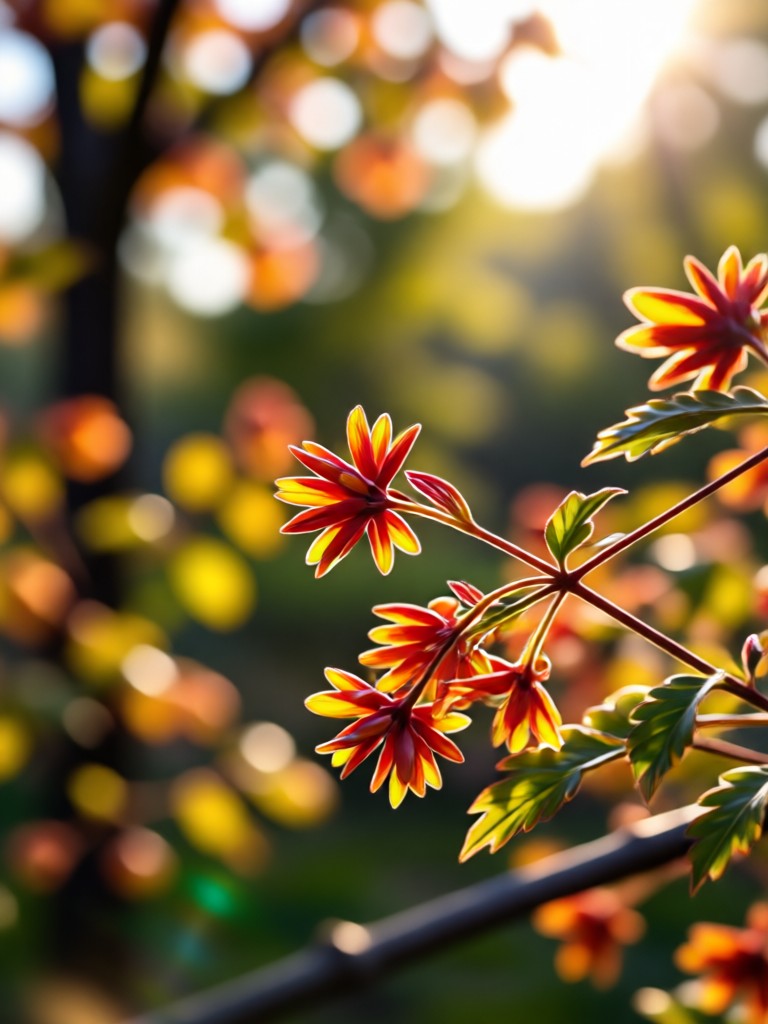
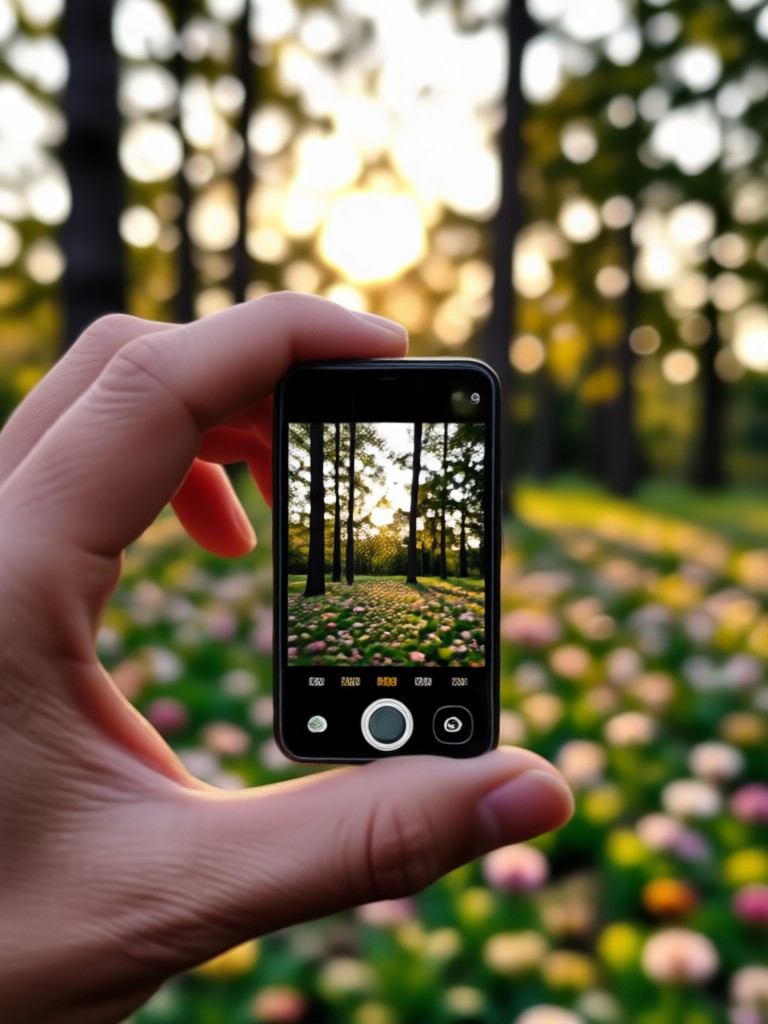
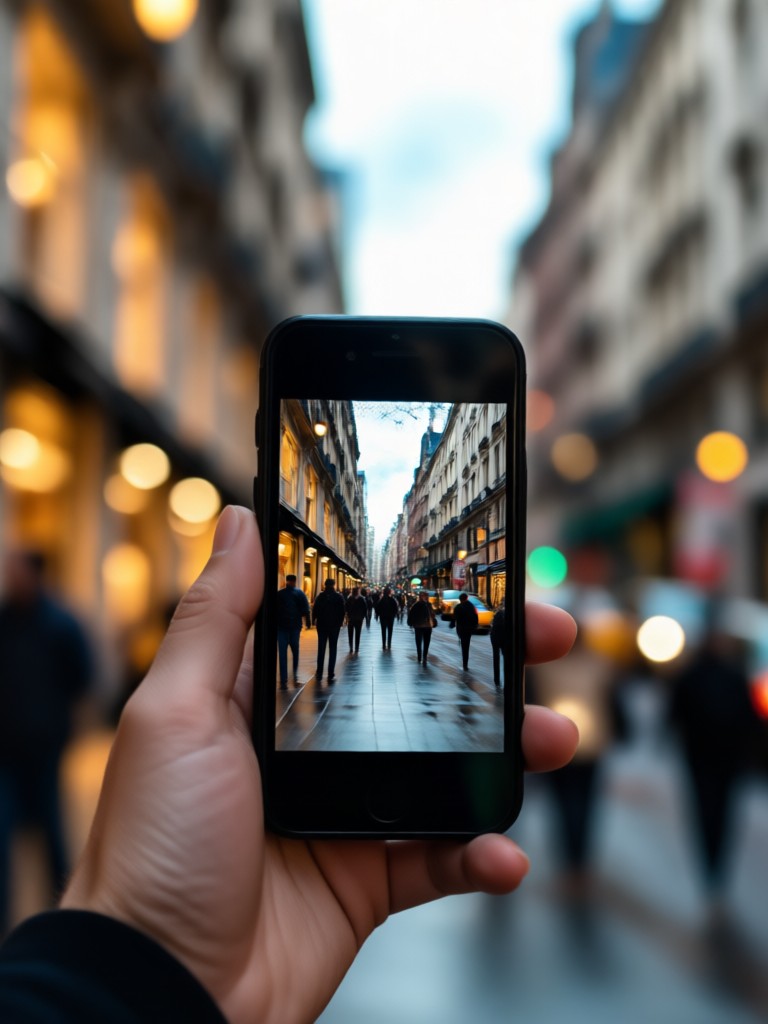
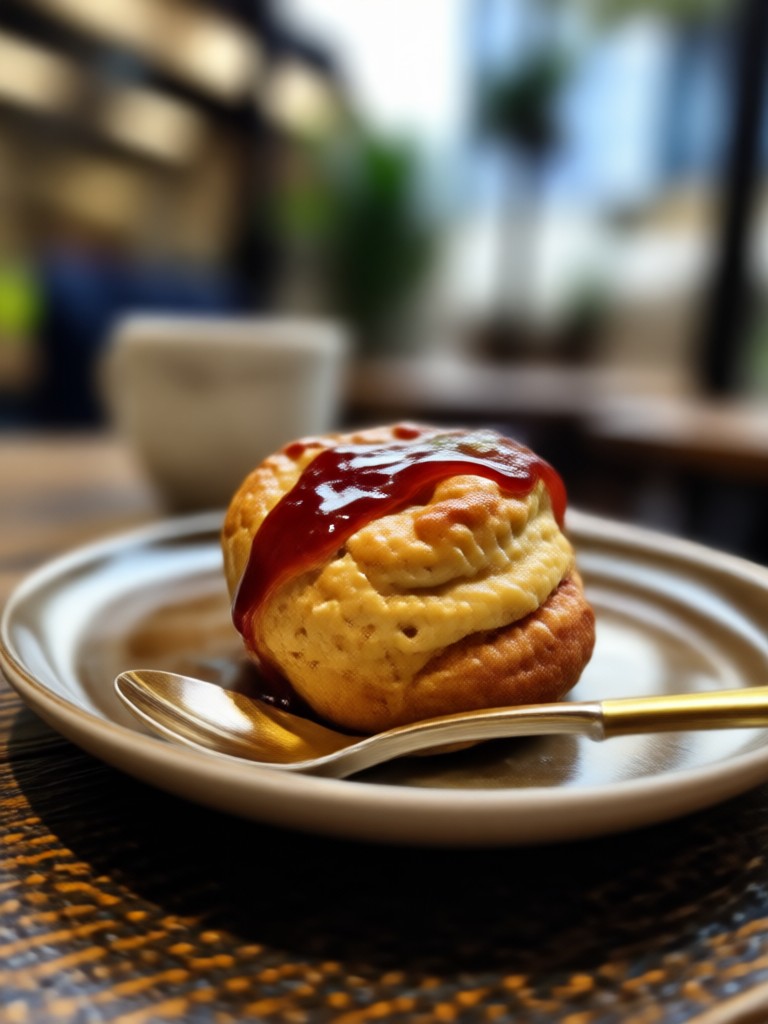
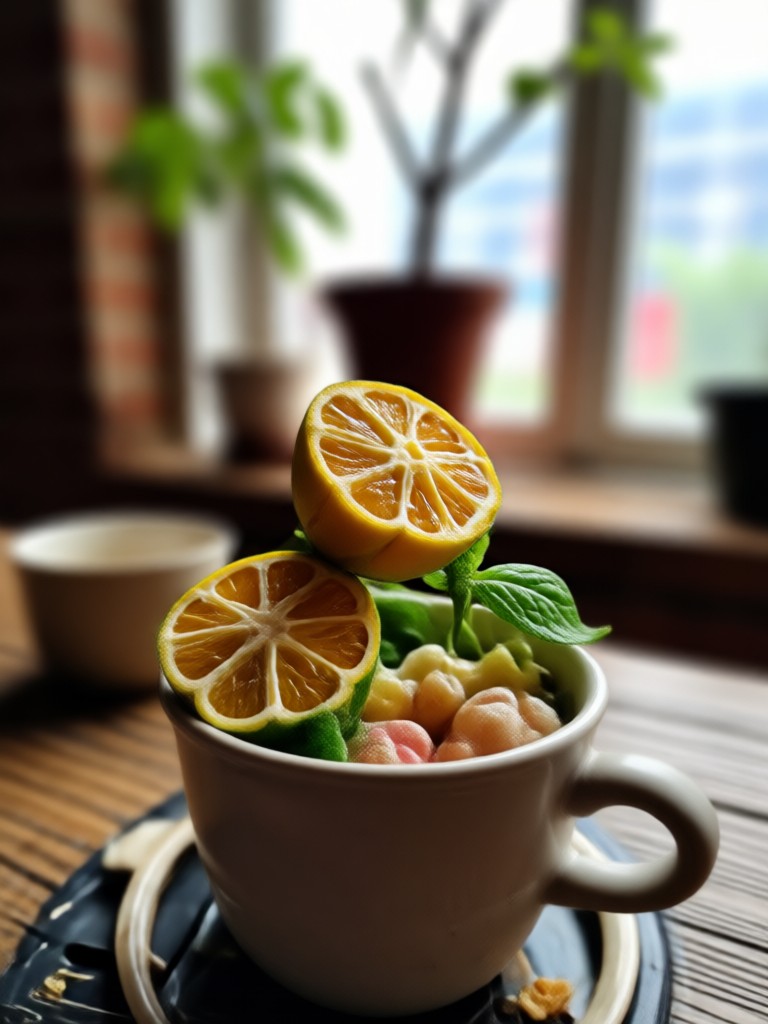
See how blurring the background transforms photos. These examples show the power of AI to add focus and professional polish to any image.

How to Blur a Photo Background in 3 Steps?
Create stunning, professional-looking photos with a beautifully blurred background in less than a minute.

Step 01.
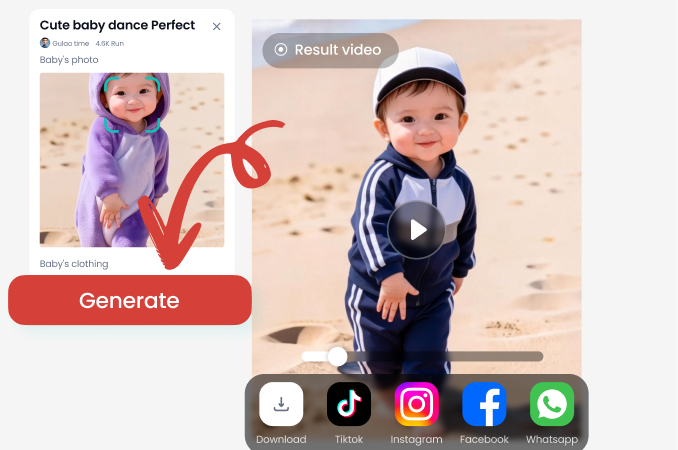
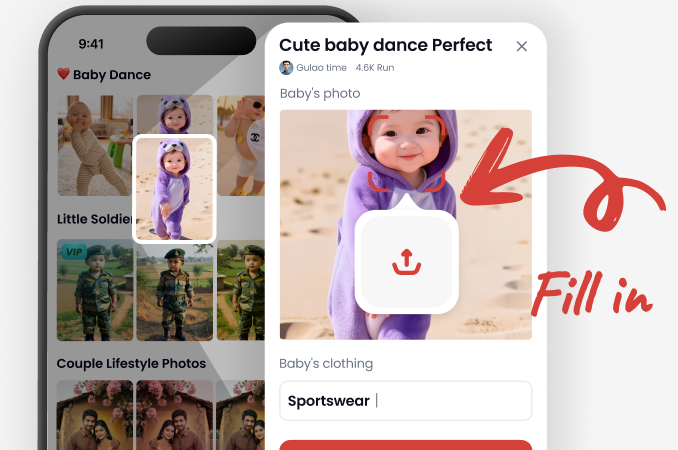
Download the free zikzik app from Google Play. Open the app and tap the 'Edit Photo' option to upload the image where you want to blur the background.
Step 02.
Select the 'Background Blur' or 'Bokeh' filter from our library. The AI will automatically detect your subject. Use the sliders to adjust the blur intensity and edge softness to your liking.
Step 03.
Preview your professionally edited photo. Save the high-resolution image directly to your device, ready to share on Instagram, LinkedIn, or use in your portfolio.
Why Blur Your Photo Background?
A blurred background isn't just an aesthetic choice. It's a powerful photographic technique that directs viewer attention and conveys professionalism.
The Power of Focus
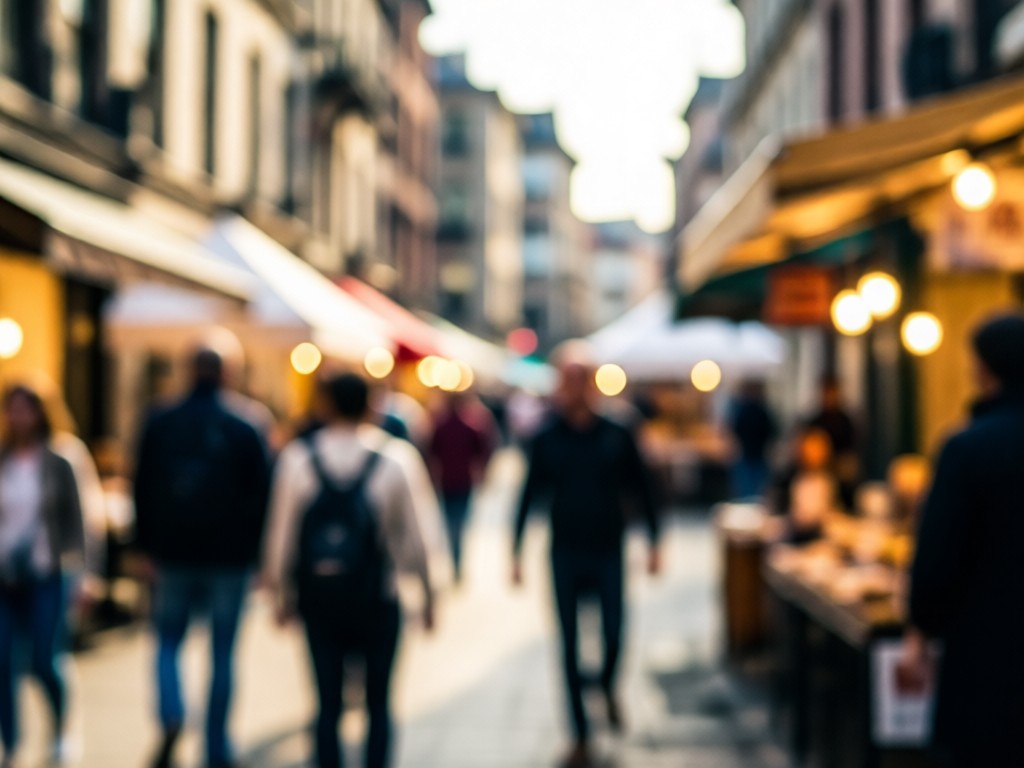
Blurring the background of a photo, known as bokeh, immediately elevates your image quality. It removes visual clutter and distractions, forcing the viewer's eye to the subject. This technique is used by professional photographers to create depth, mood, and narrative. Whether for a LinkedIn profile picture, an e-commerce product shot, or a cherished portrait, a clean background blur makes your subject stand out with clarity and impact, often making the difference between an amateur snapshot and a compelling photograph.
The Power of Focus
Blurring the background of a photo, known as bokeh, immediately elevates your image quality. It removes visual clutter and distractions, forcing the viewer's eye to the subject. This technique is used by professional photographers to create depth, mood, and narrative. Whether for a LinkedIn profile picture, an e-commerce product shot, or a cherished portrait, a clean background blur makes your subject stand out with clarity and impact, often making the difference between an amateur snapshot and a compelling photograph.
Here is What People Think About Our Blur Tool
My go-to for professional headshots
As a freelancer, I need clean profile photos. This app lets me blur my home office background instantly. It looks like I hired a photographer. The edge detection is flawless, even with my curly hair.
Saved my product photography
I sell handmade jewelry online. My photos looked cluttered. Now I blur the background, and my products pop. Sales have noticeably increased because my listings look so much more premium.
Perfect for social media content
I create content daily. Being able to quickly blur a busy street or a messy room in my photos is a game-changer. It gives all my posts a consistent, polished look that grows my audience.
Blur Backgrounds On The Go
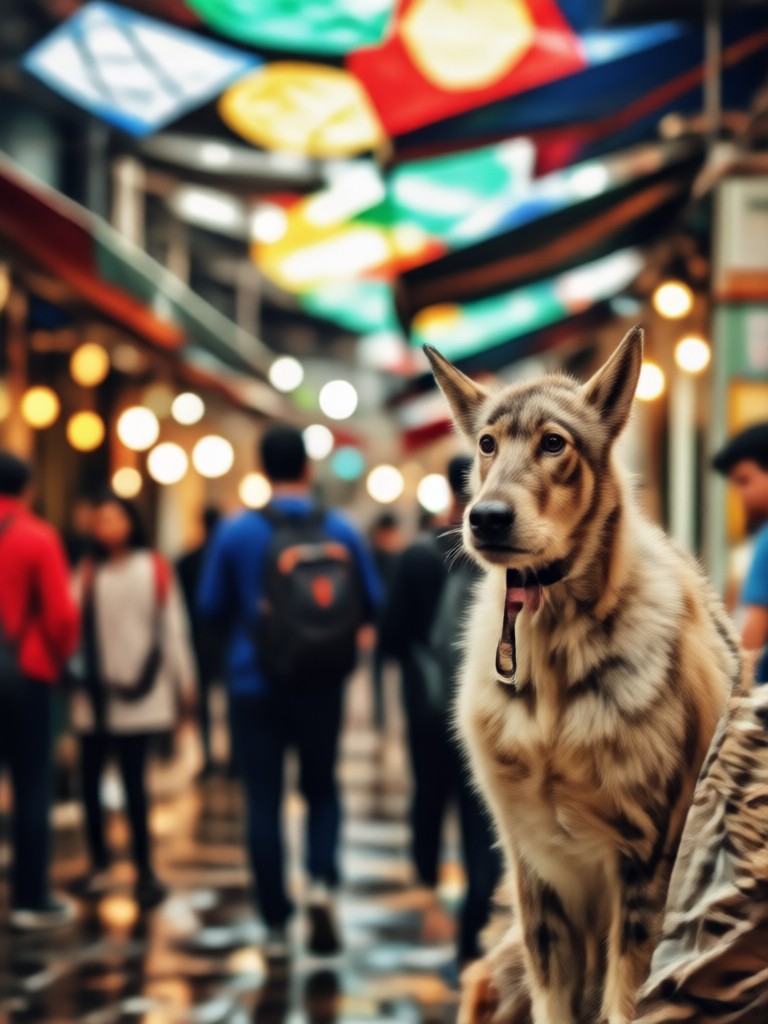
Turn your smartphone into a portable photo studio. Edit photos anywhere, instantly applying professional background blur effects without a computer.

Frequently Asked Questions
Get clear answers to common questions about blurring photo backgrounds with AI.
More Topics You May Like
Explore more topics you may like and discover fresh ideas tailored to your interests.

Create Malaysian Flag AI Photos with AI Filters
Merdeka AI Video: Create Patriotic Content with AI

AI Filipino Heroes Portrait Generator | Create Historical Art
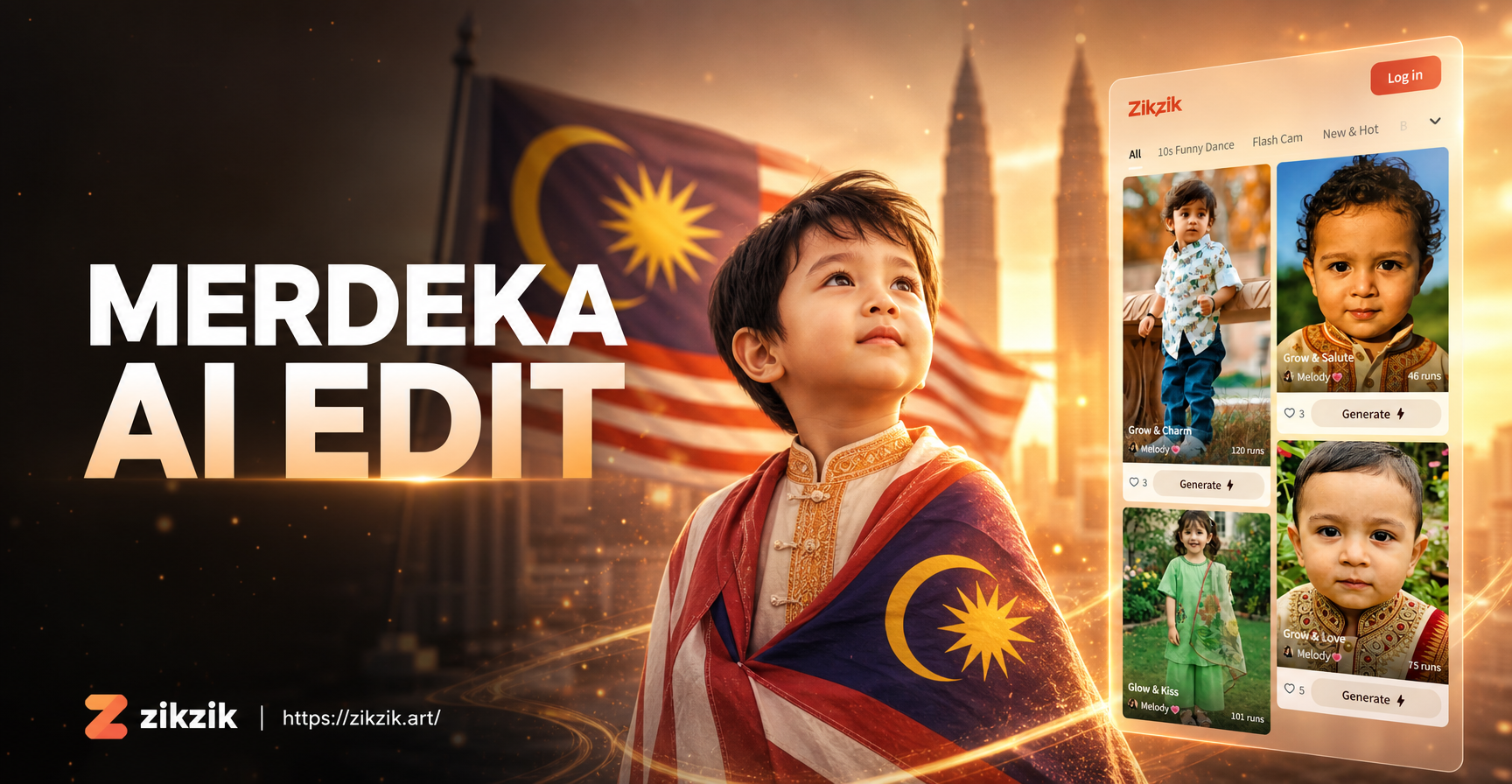
Merdeka AI Photo Editing: Transform Photos with Indonesian Spirit
Create Malaysian Flag AI Photos with AI Filters
Merdeka AI Video: Create Patriotic Content with AI
AI Filipino Heroes Portrait Generator | Create Historical Art
Merdeka AI Photo Editing: Transform Photos with Indonesian Spirit
Create Stunning Focus. Download Now.
Stop letting busy backgrounds distract from your best moments. Download zikzik and give every photo professional polish with a beautiful, AI-powered background blur.
Create Stunning Focus. Download Now.
Stop letting busy backgrounds distract from your best moments. Download zikzik and give every photo professional polish with a beautiful, AI-powered background blur.