Cinematic Double Exposure Portrait Maker
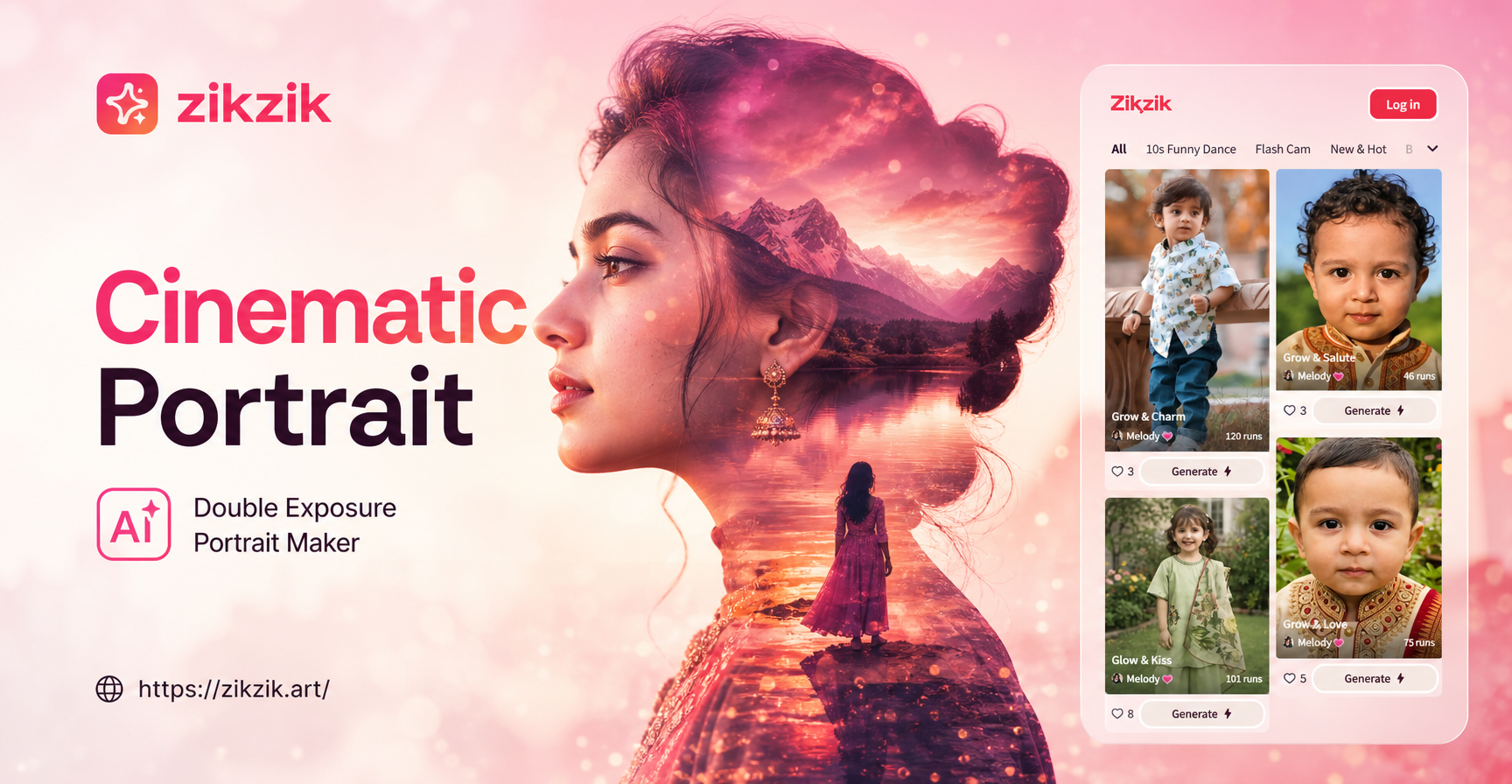
Explore Cinematic Double Exposure Styles
From moody urban blends to ethereal nature fusions, discover the perfect style to bring your portrait to life.
Key Features of Our Cinematic Double Exposure Tool
Craft layered, story driven portrait art with our dedicated AI features designed for creators of all levels.
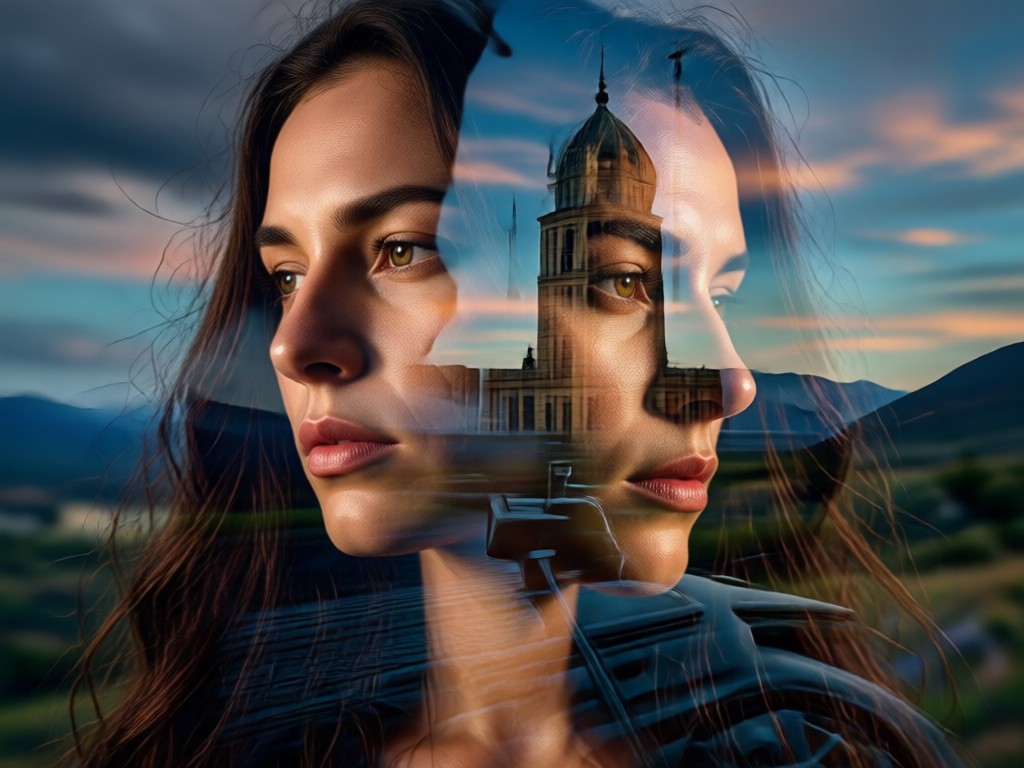
One Tap Layering
Upload a portrait and instantly fuse it with a library of cinematic overlays, from urban skylines to forest textures. AI perfectly aligns the blend.
One Tap Layering
Upload a portrait and instantly fuse it with a library of cinematic overlays, from urban skylines to forest textures. AI perfectly aligns the blend.
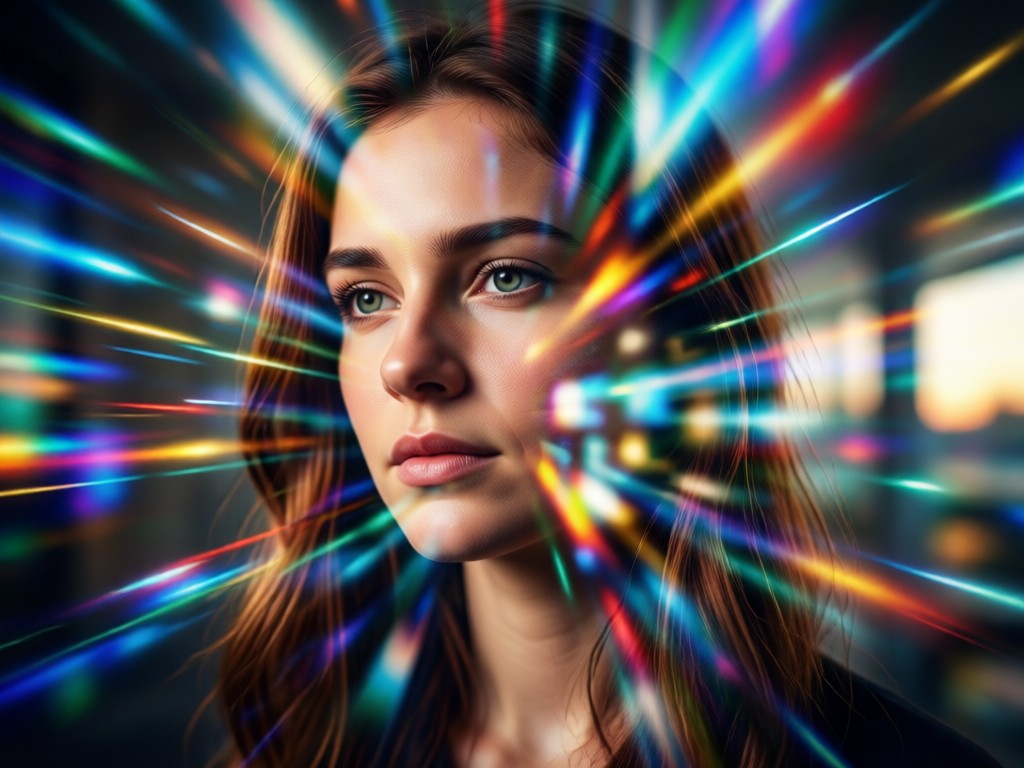
Style Customization
Adjust the intensity, color grading, and blend mode of your double exposure. Choose between high contrast drama or soft, ethereal overlays.
Style Customization
Adjust the intensity, color grading, and blend mode of your double exposure. Choose between high contrast drama or soft, ethereal overlays.
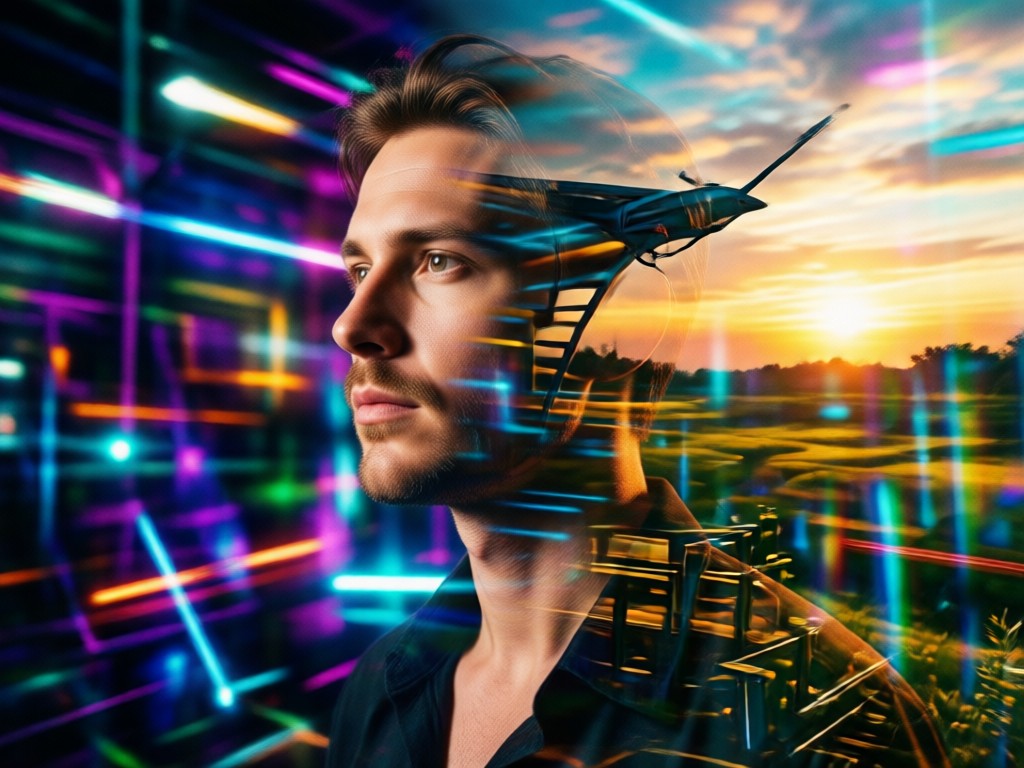
HD Export & Share
Generate and download your cinematic portrait in high resolution. Perfect for social media profiles, art prints, or professional portfolios.
HD Export & Share
Generate and download your cinematic portrait in high resolution. Perfect for social media profiles, art prints, or professional portfolios.
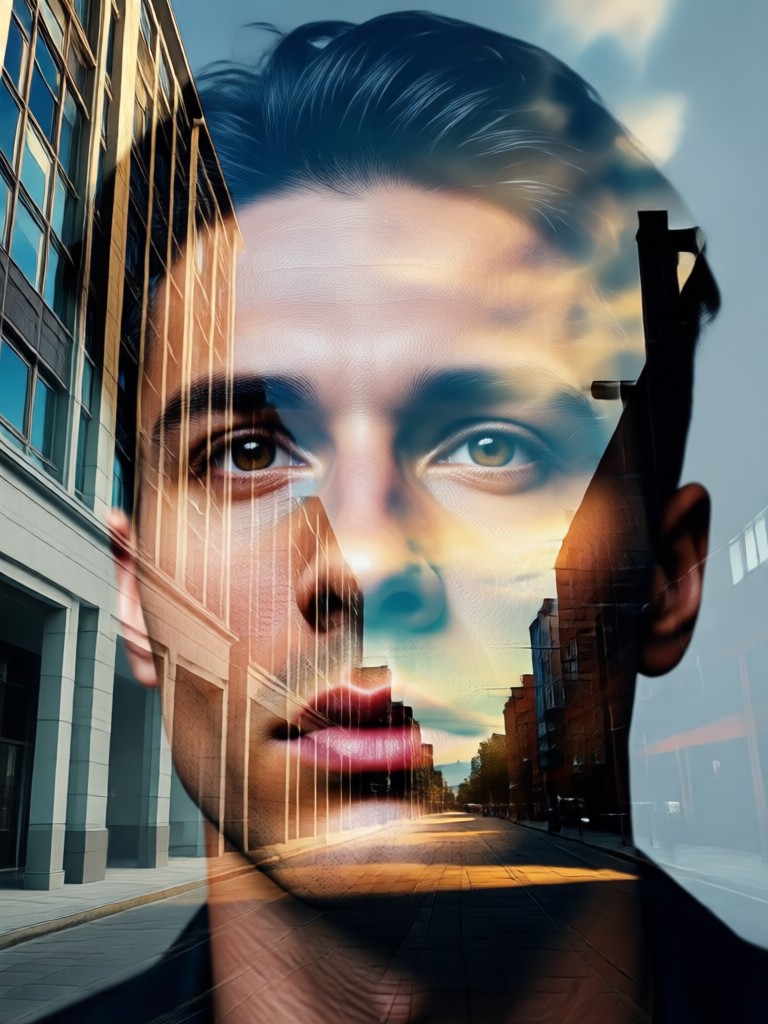
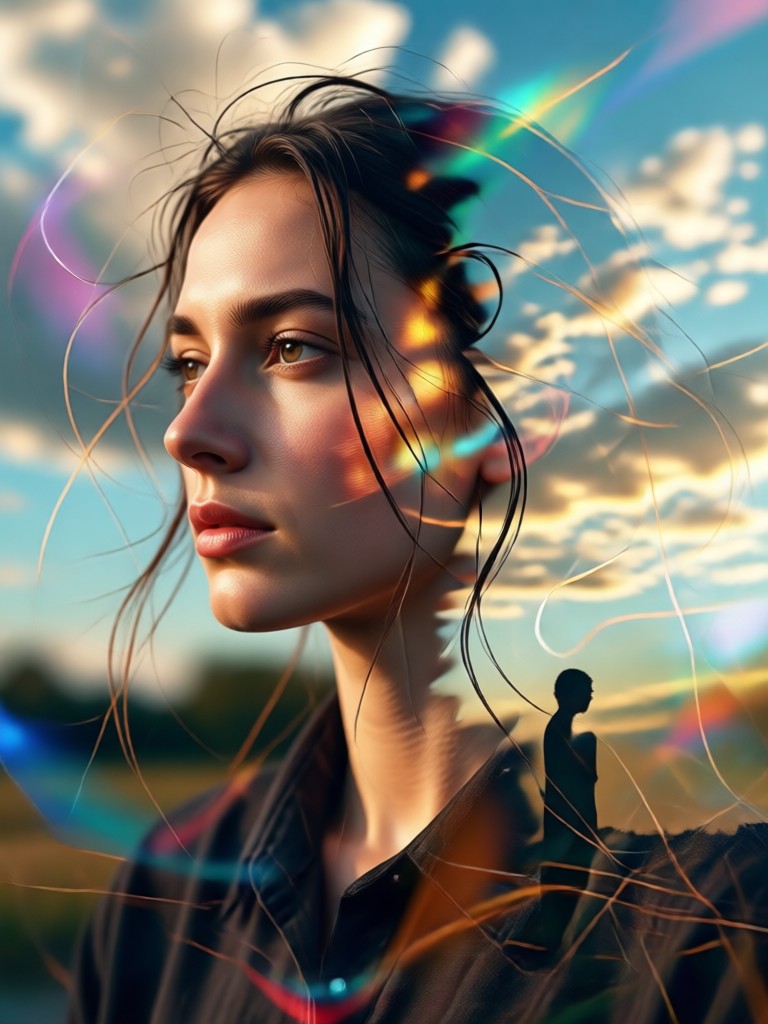
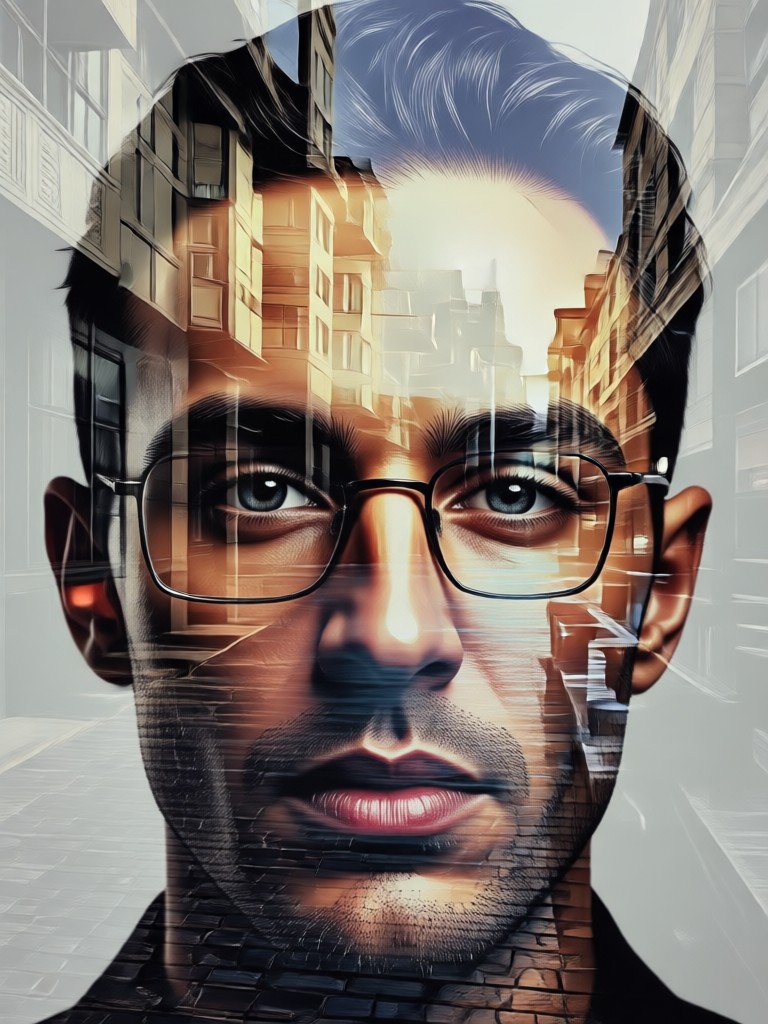
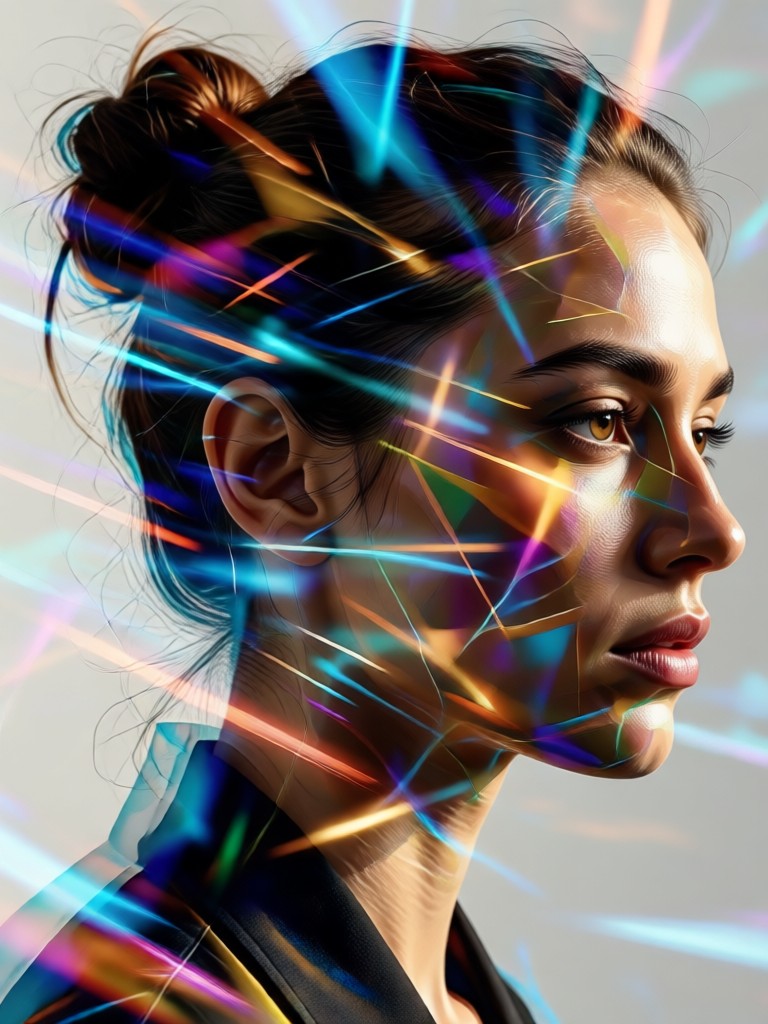
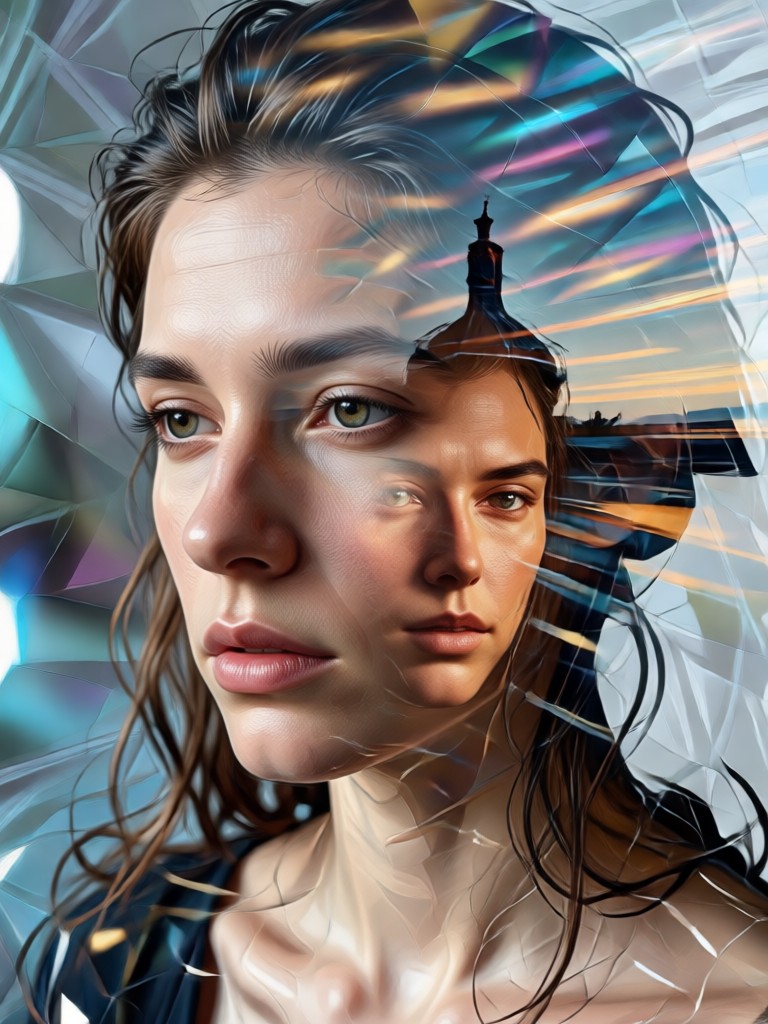
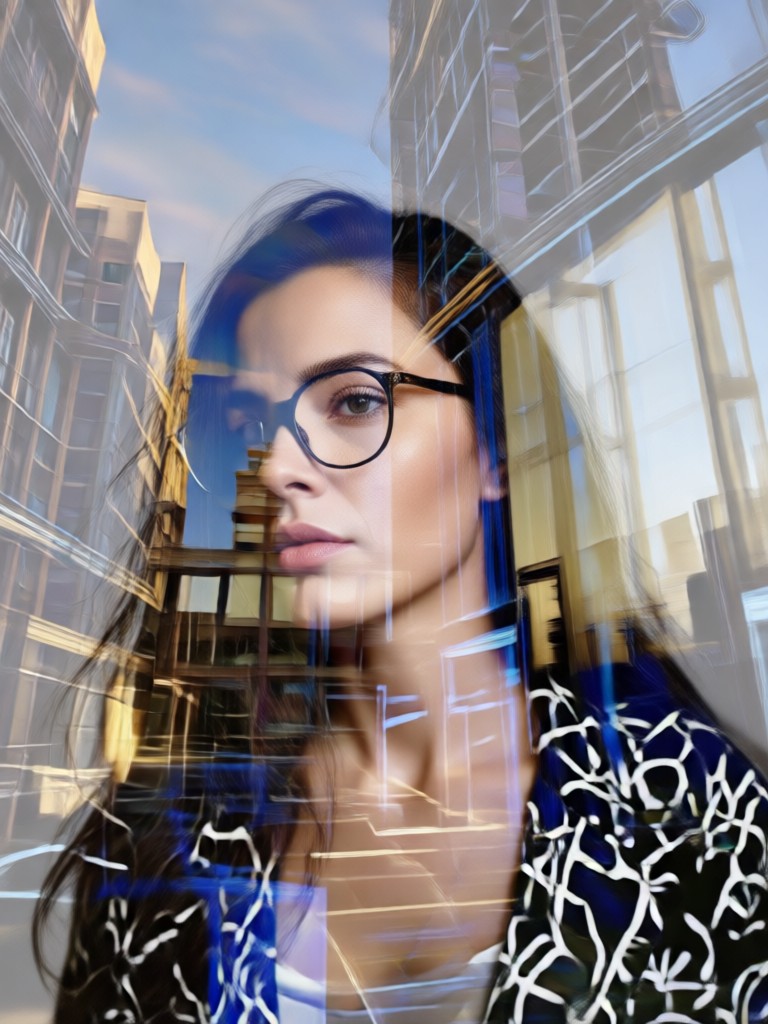
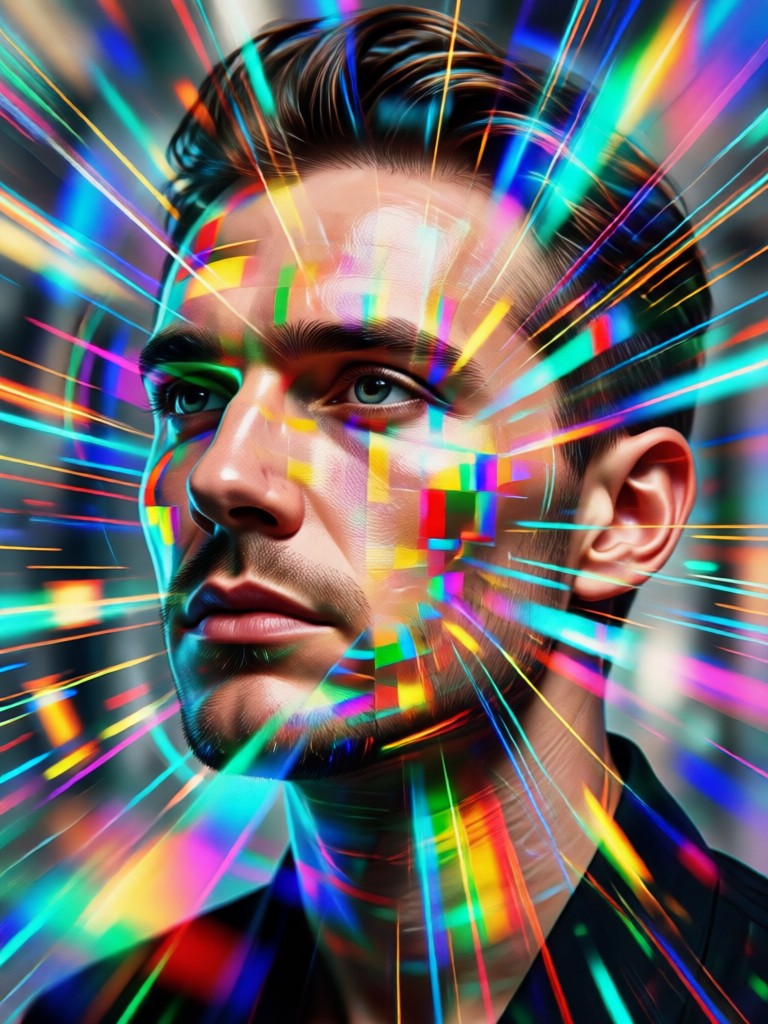
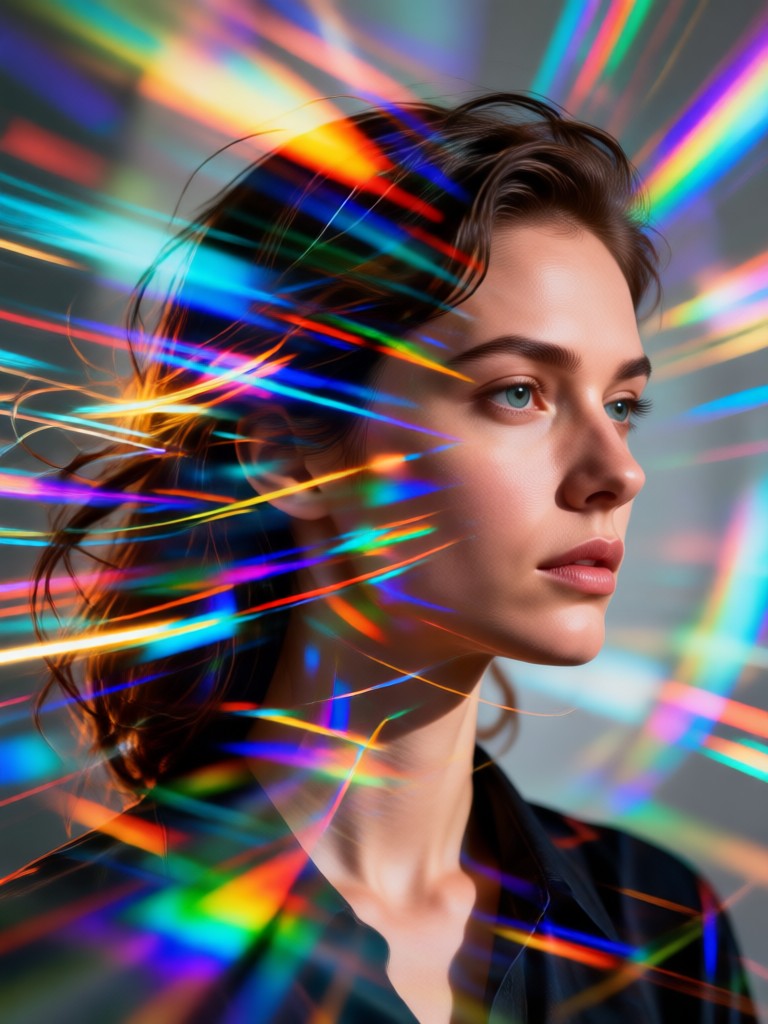
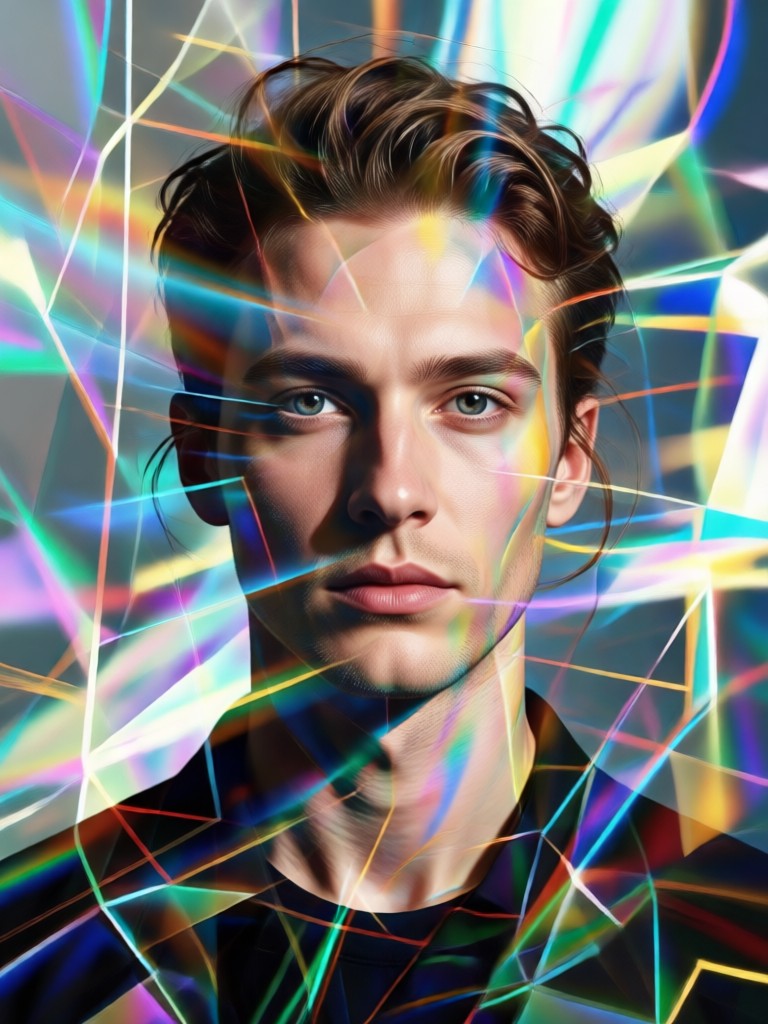
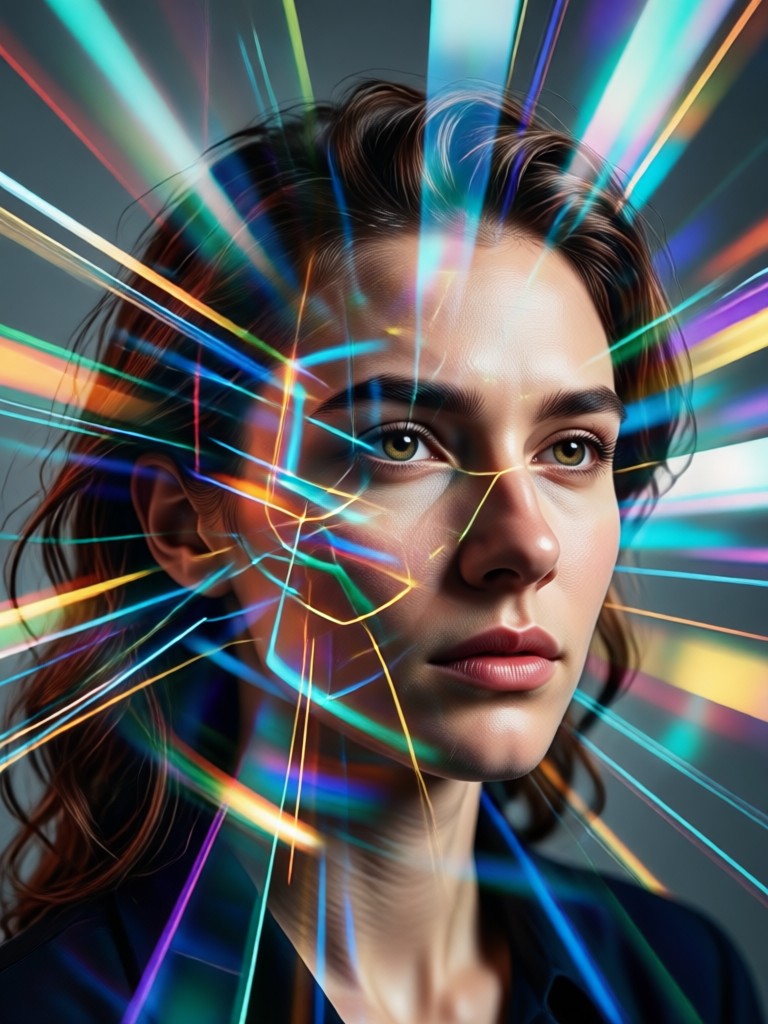
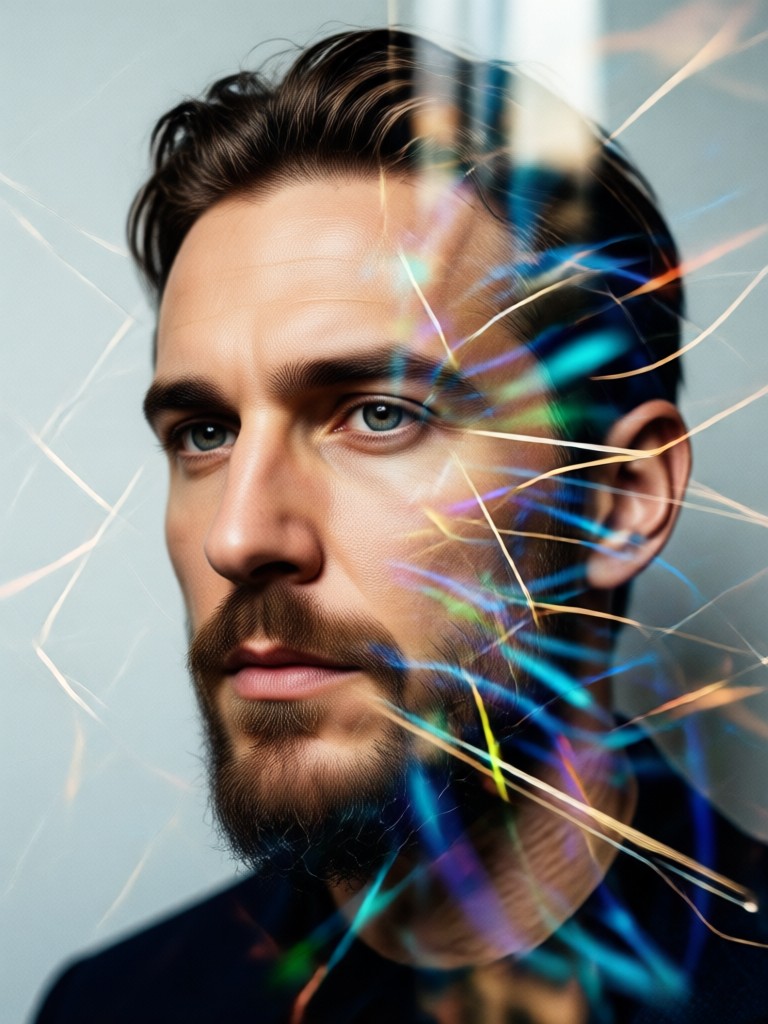
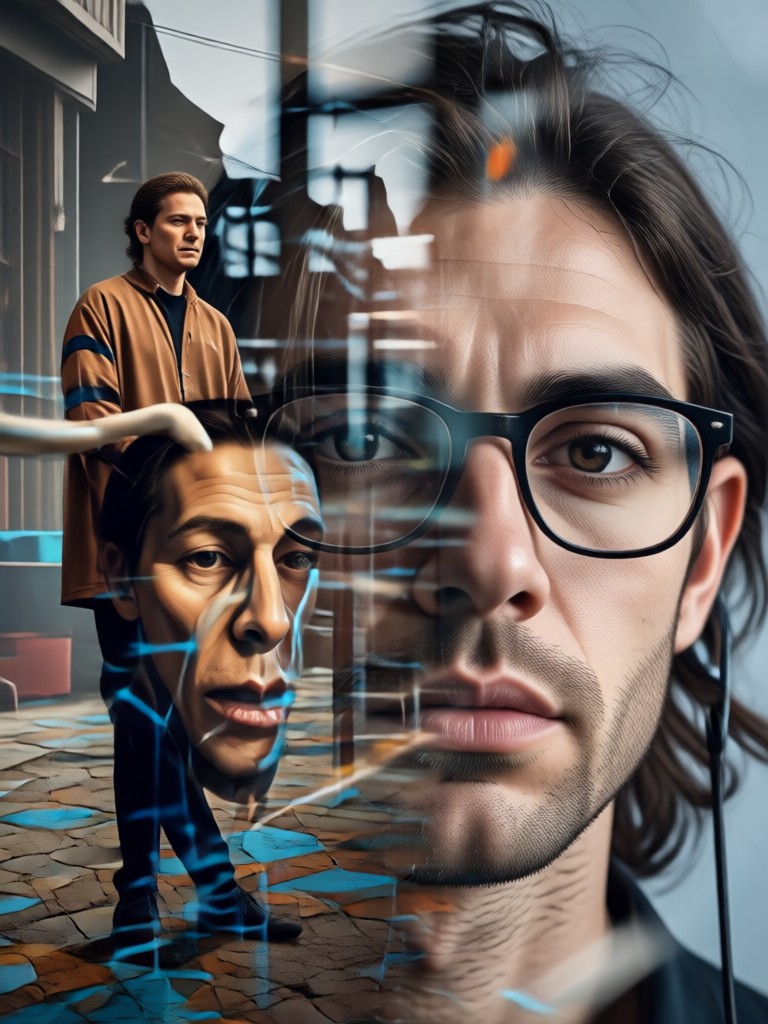
Cinematic Double Exposure Gallery
See how our AI transforms simple portraits into layered narratives. Each piece tells a unique visual story.
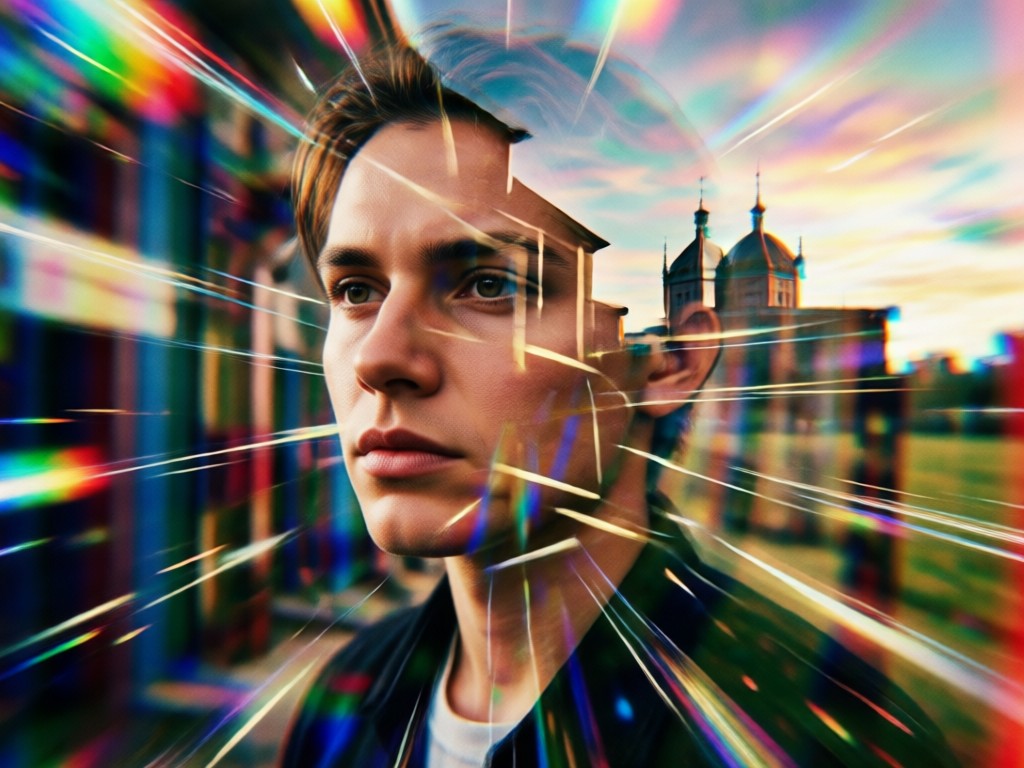
Why Choose Our AI Cinematic Double Exposure Editor?
We make professional grade double exposure art accessible. Forget complex Photoshop layers. Our AI handles the technical blending, so you can focus on creative storytelling.
Why Choose Our AI Cinematic Double Exposure Editor?
We make professional grade double exposure art accessible. Forget complex Photoshop layers. Our AI handles the technical blending, so you can focus on creative storytelling.
How to Create a Cinematic Double Exposure Portrait?
Follow three simple steps to turn your portrait into a layered masterpiece, right from your phone.
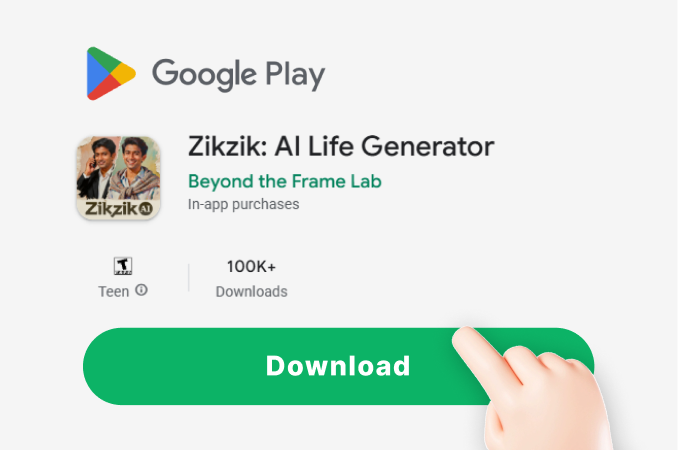
Step 01.
Download the zikzik app from Google Play. Open it and tap the double exposure portrait maker tool.
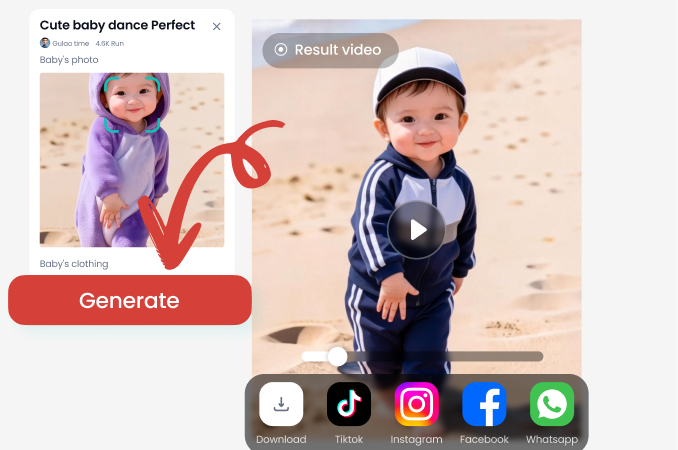
Step 02.
Upload a clear portrait photo. Browse and select a cinematic overlay style from our vast library, like cityscapes or nature scenes.
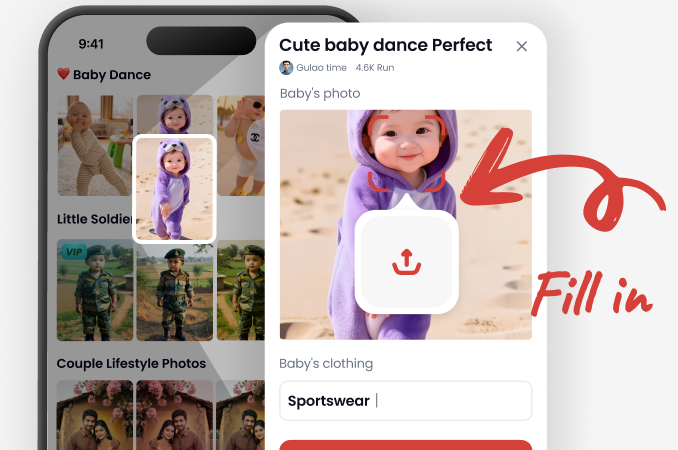
Step 03.
Let the AI blend your images. Fine tune the effect with simple sliders, then download your HD artwork to share anywhere.
What Creators Are Saying
Brought my portrait photography to a new level
As a photographer, I wanted to offer clients something unique. This tool lets me create stunning double exposure art in minutes, right after a shoot. The cinematic styles are incredible.
Perfect for album art and social media
I use it to create visuals for my music. The moody, layered portraits capture the emotion of my songs perfectly. It's like having a professional designer in my pocket.
So easy, I teach it in my art class
I introduced this to my digital art students. They grasped the concept of layering and storytelling through imagery instantly. It demystifies a complex technique.
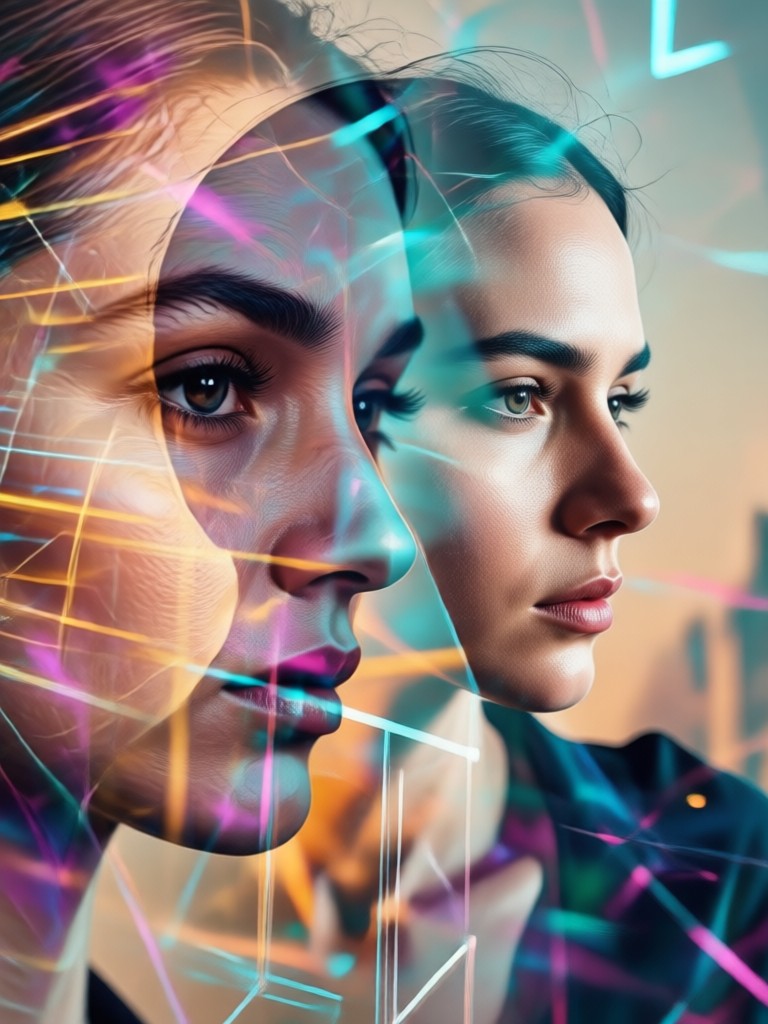
Your Cinematic Portrait Studio, On the Go
Carry the power of professional double exposure editing in your pocket. No computer, no subscription, just your phone and your creativity.

Cinematic Double Exposure FAQs
Get answers to common questions about creating and customizing your AI double exposure portraits.
More Creative AI Tools You May Like
Explore other powerful AI generators to expand your creative projects and artistic style.
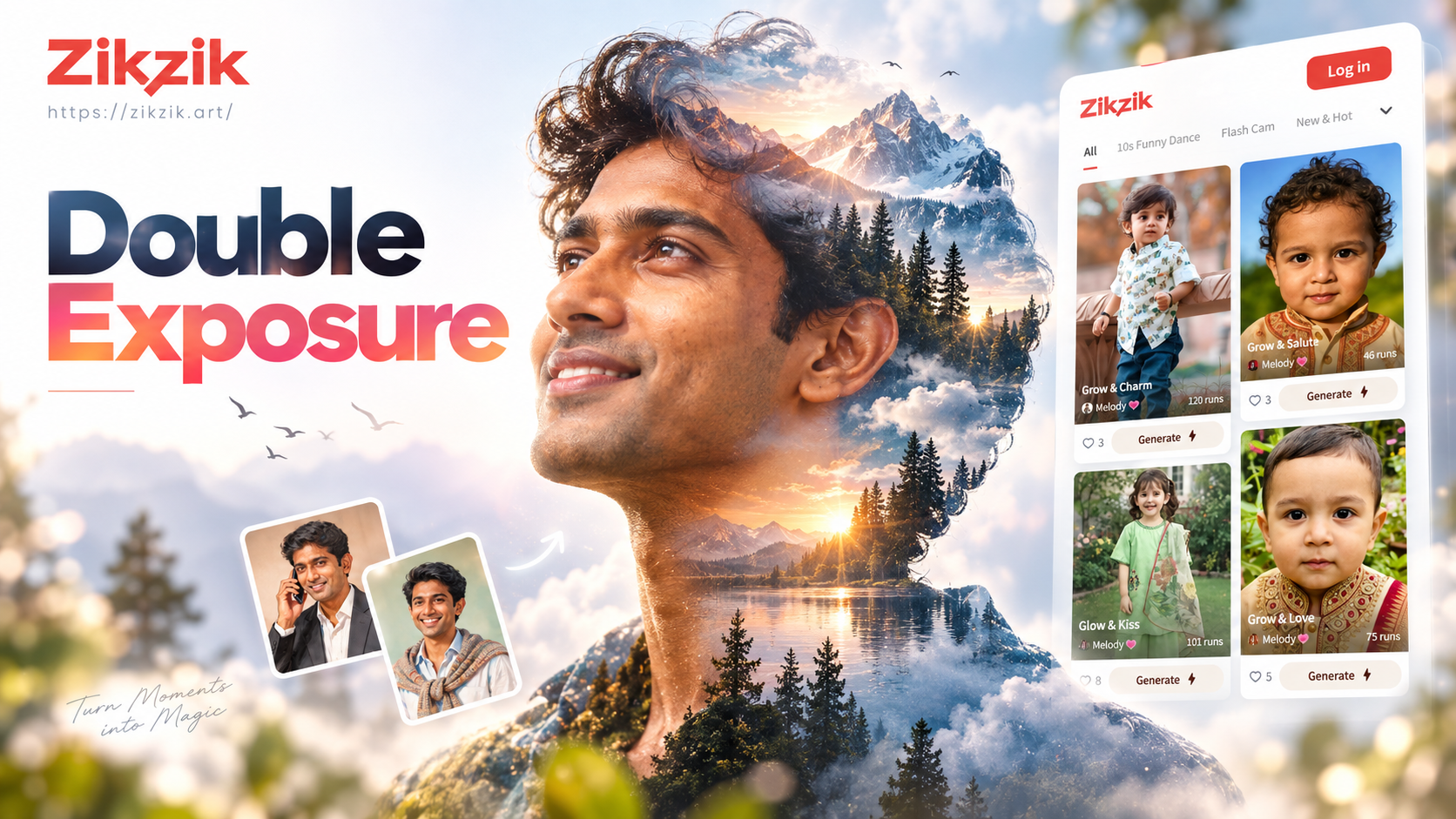
Create Stunning Double Exposure Portraits Instantly
Transform your photos with AI. Our Double Exposure Portrait Generator merges two images into one artistic masterpiece. No skills needed. Download the app and create now.
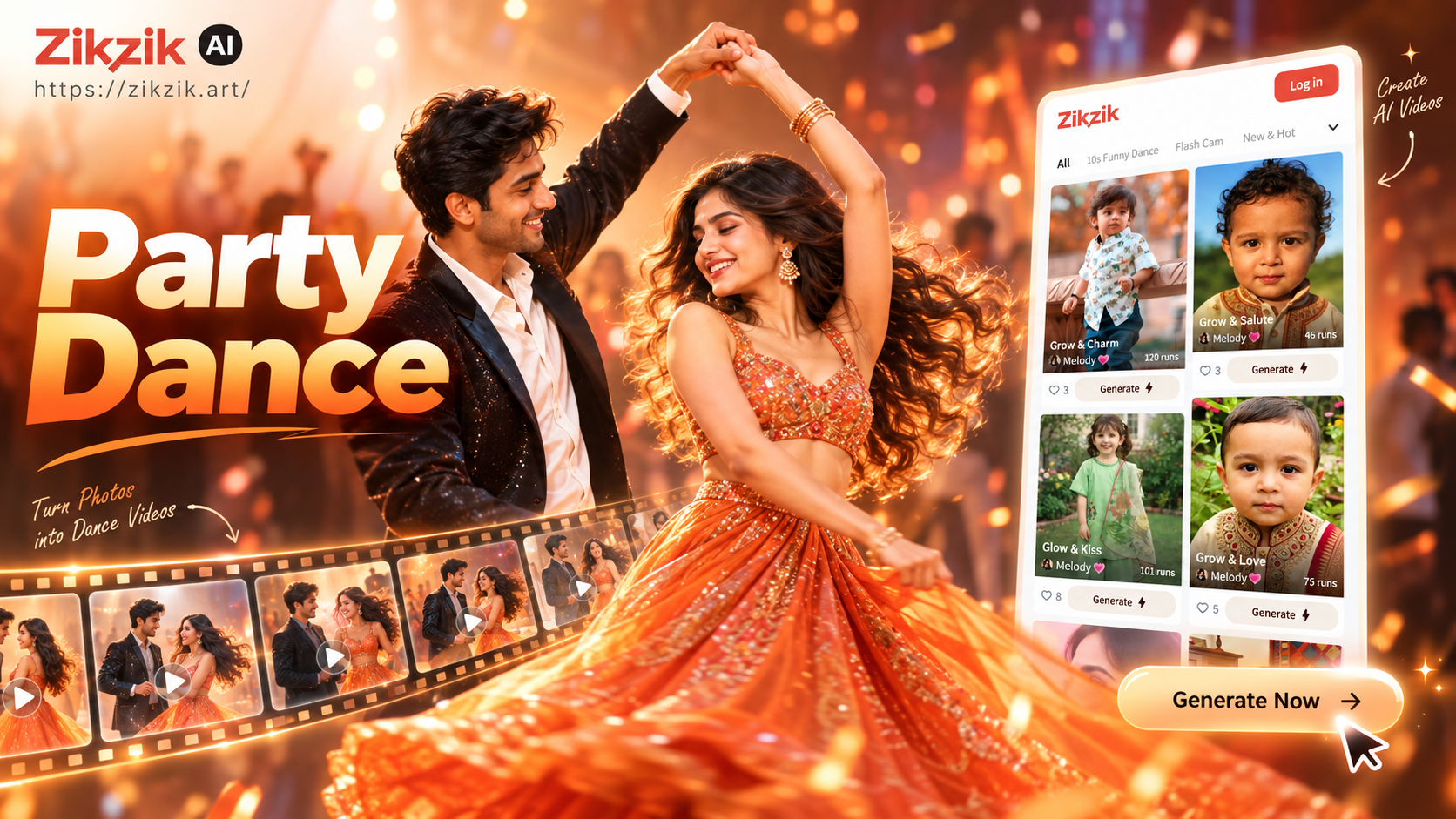
Create Dancing Couple Videos for Your Party
Turn any photo into a fun couple dance video for your party. Just upload a picture, choose a dance move, and watch as AI creates a lively, shareable clip instantly.
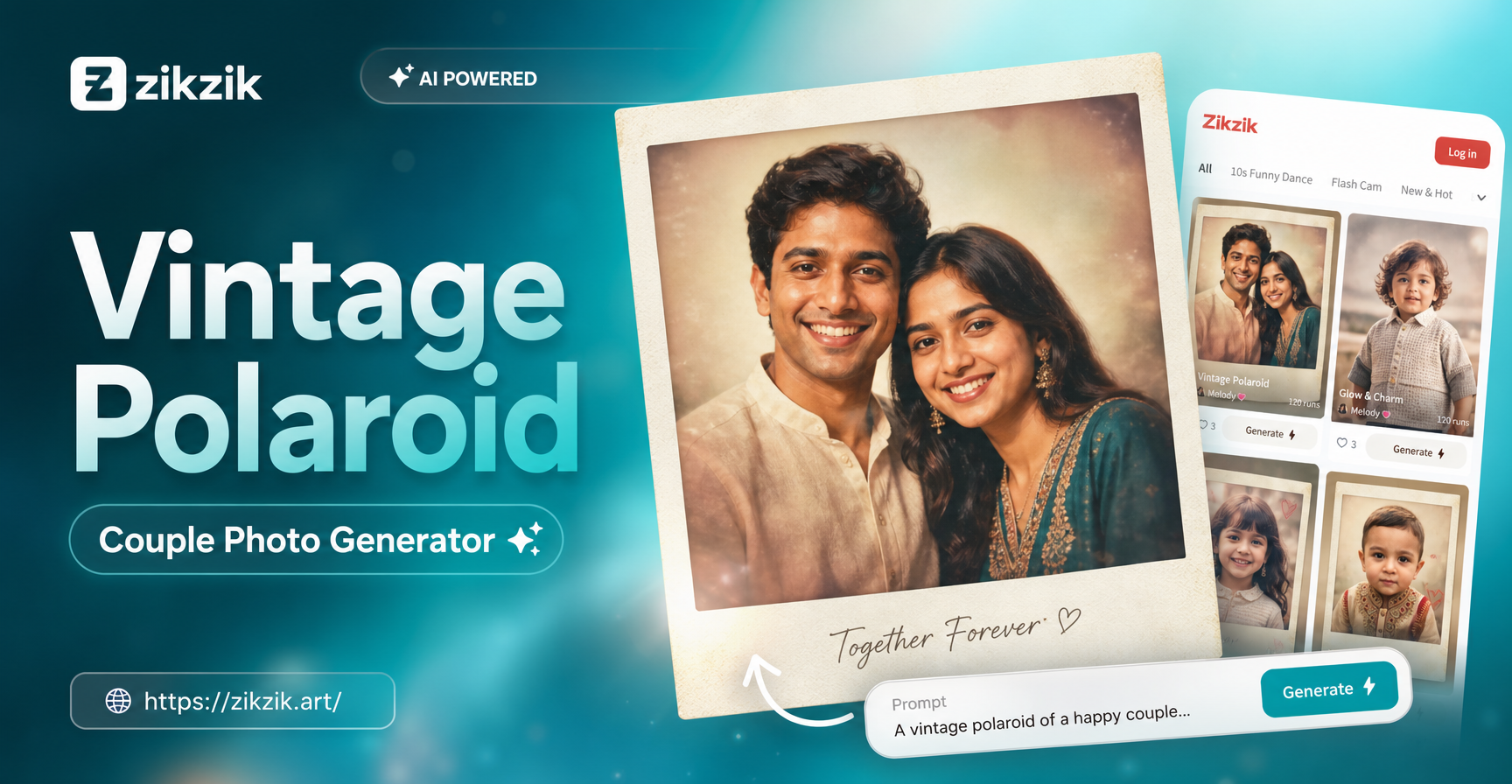
Create Timeless Vintage Polaroid Couple Photos Instantly
Our vintage Polaroid couple photo generator adds nostalgic charm to any picture. Upload a photo, choose your retro style, and get a beautiful, authentic-looking result in seconds.
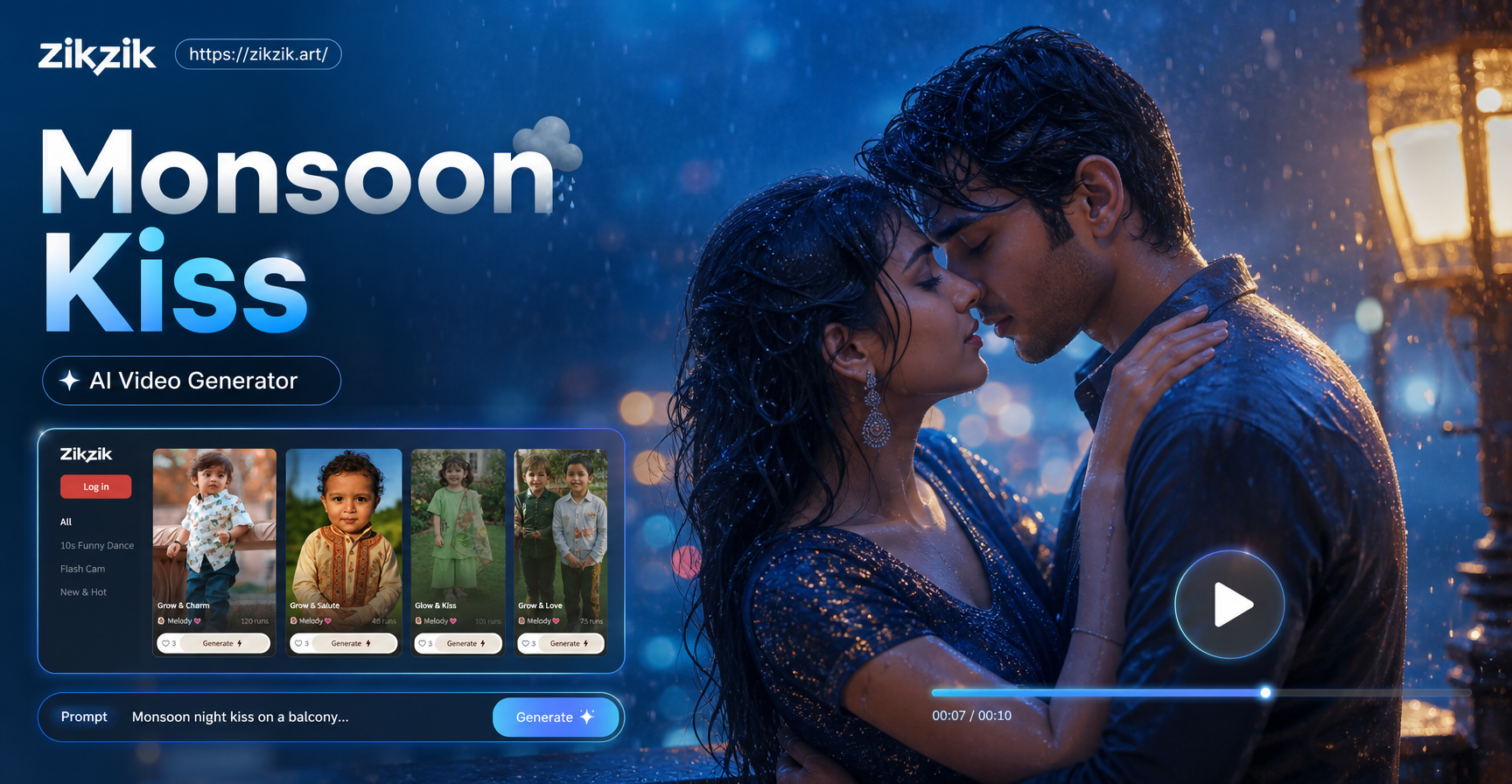
Create Monsoon Kiss Videos with AI Romance Generator
Generate cinematic Monsoon Night Kiss videos with AI. Upload your photos, choose from romantic effects, and create emotional videos perfect for reels, stories, and sharing your love.
Ready to Create Your Masterpiece?
Stop imagining and start creating. Download the app now and turn your favorite portrait into cinematic art in under a minute.
Ready to Create Your Masterpiece?
Stop imagining and start creating. Download the app now and turn your favorite portrait into cinematic art in under a minute.