Cinematic Smoke Portrait Generator
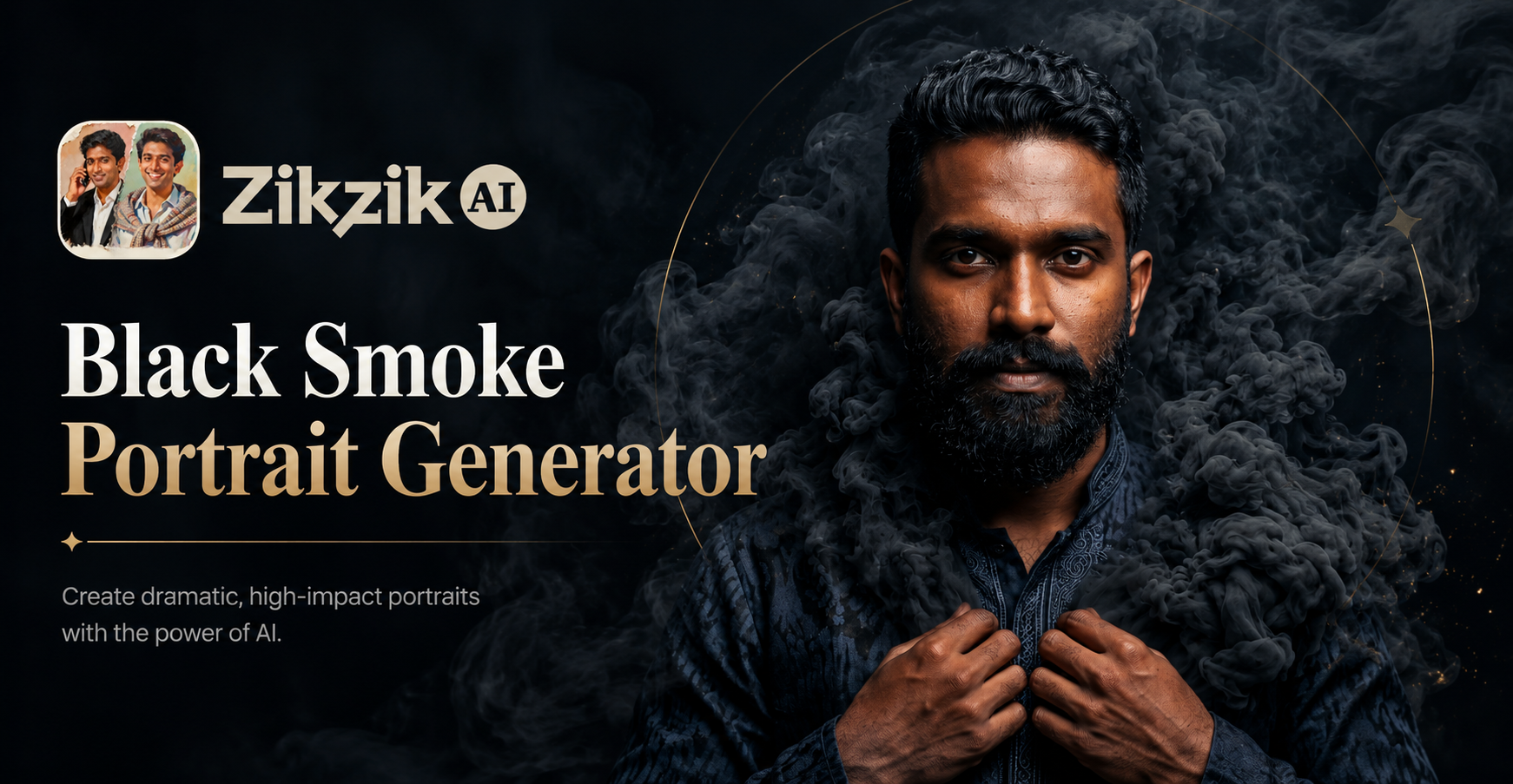
Explore Atmospheric Effect Styles
Discover a variety of AI filters designed to add unique smoke, mist, and atmospheric textures to your portraits. From subtle fog to dense, magical smoke.
Powerful Cinematic Portrait Features
Our AI generator provides everything you need to create breathtaking, smoke-filled portraits with professional-grade artistic control.
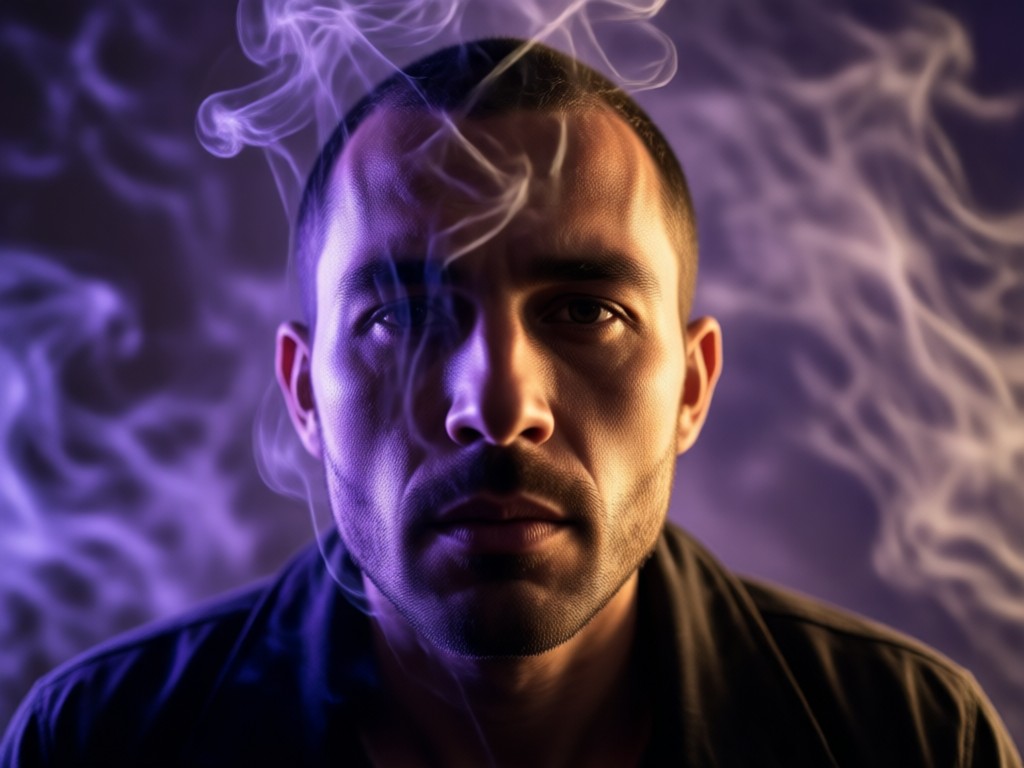
Realistic Smoke & Fog Generation
AI generates photorealistic smoke, mist, and fog that naturally interacts with your subject's form and lighting. Control density, color, and flow direction for perfect integration.
Realistic Smoke & Fog Generation
AI generates photorealistic smoke, mist, and fog that naturally interacts with your subject's form and lighting. Control density, color, and flow direction for perfect integration.
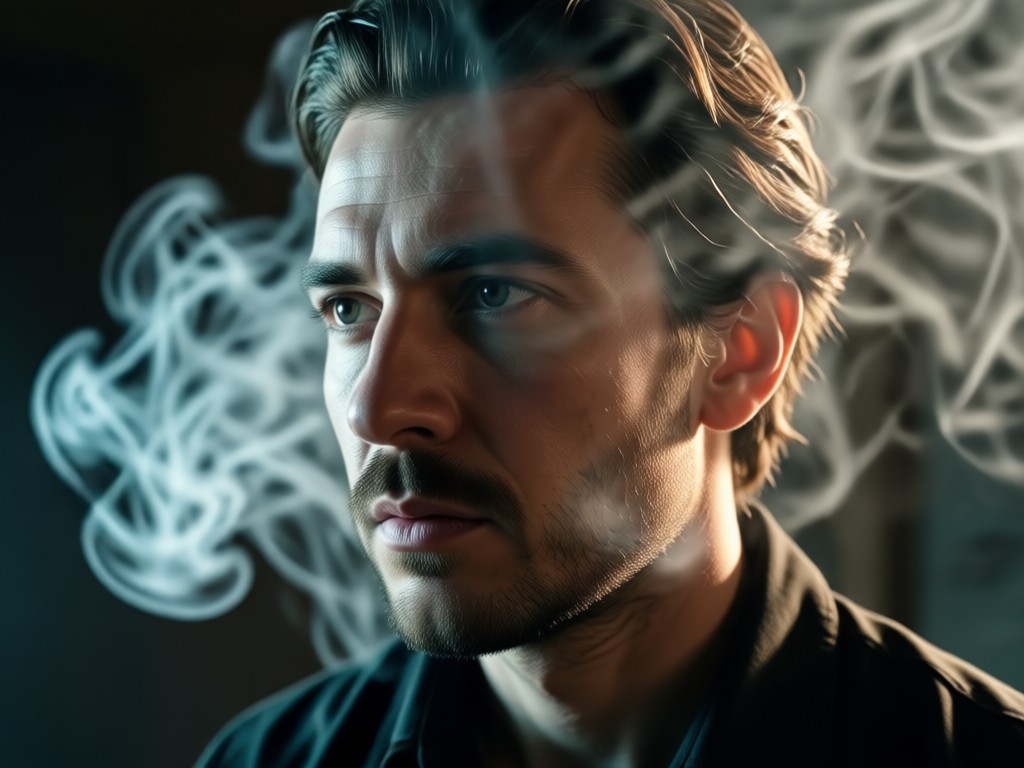
Atmospheric Lighting & Mood
Automatically adjust scene lighting to complement the smoke effects. Create backlit glows, mystical highlights, and moody shadows that enhance the cinematic drama.
Atmospheric Lighting & Mood
Automatically adjust scene lighting to complement the smoke effects. Create backlit glows, mystical highlights, and moody shadows that enhance the cinematic drama.
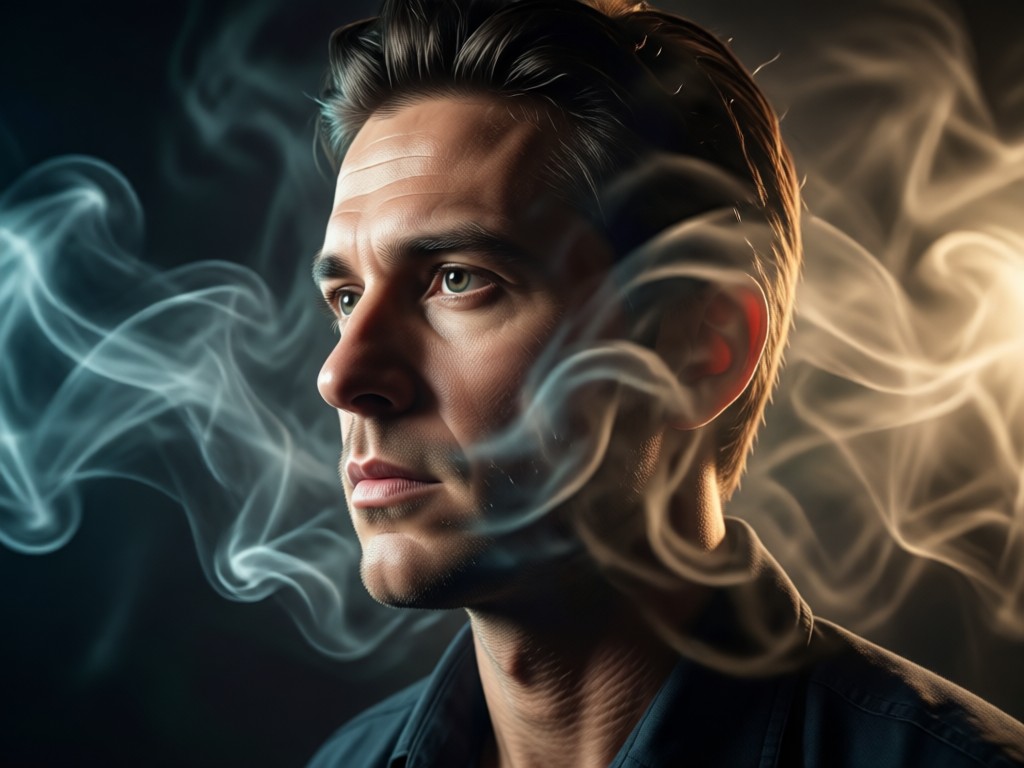
Style & Texture Variety
Choose from countless smoke styles: ethereal whisps, magical particle clouds, dusty cinematic fog, mystical vapor trails, or dramatic, billowing smoke plumes.
Style & Texture Variety
Choose from countless smoke styles: ethereal whisps, magical particle clouds, dusty cinematic fog, mystical vapor trails, or dramatic, billowing smoke plumes.
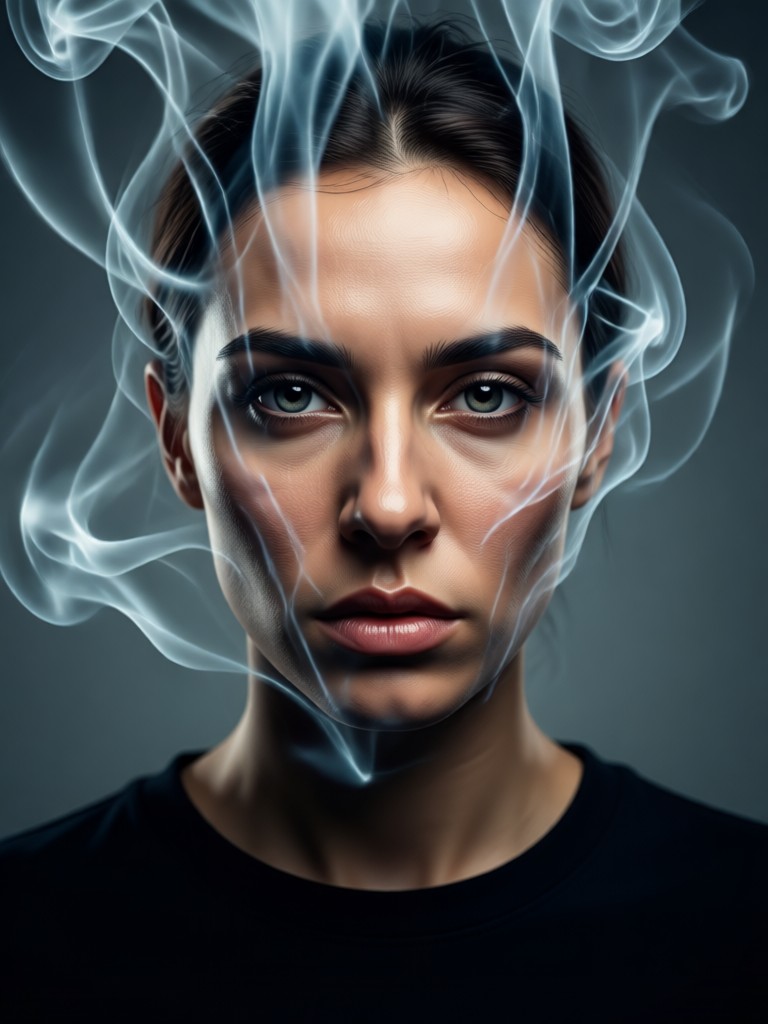
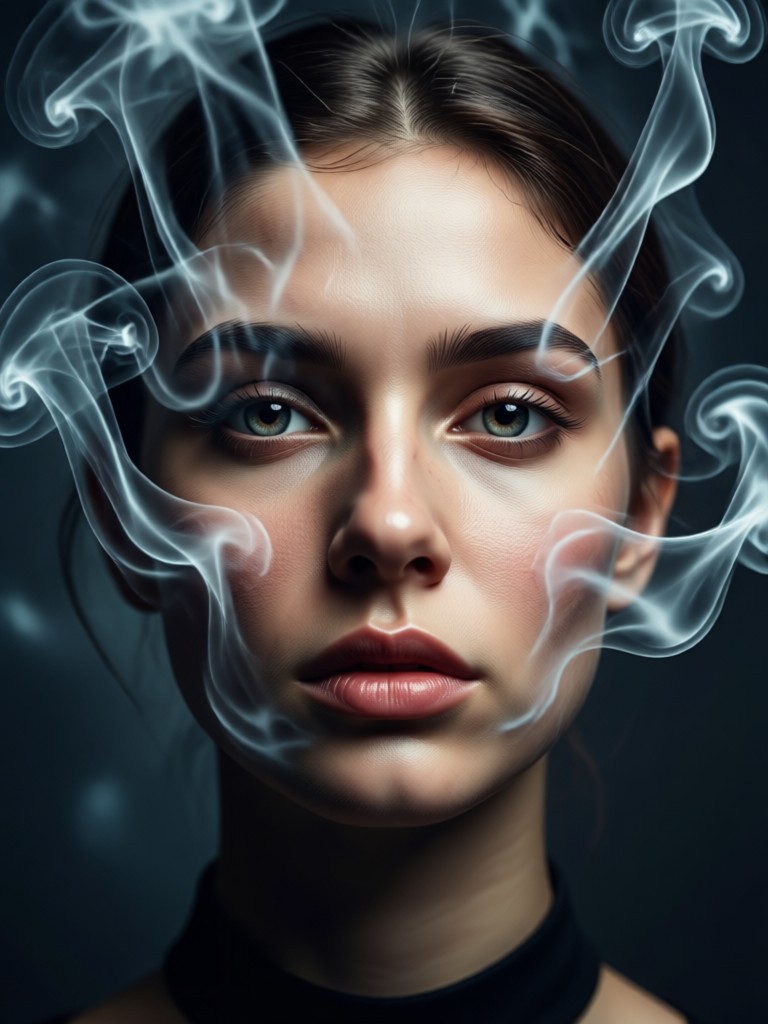
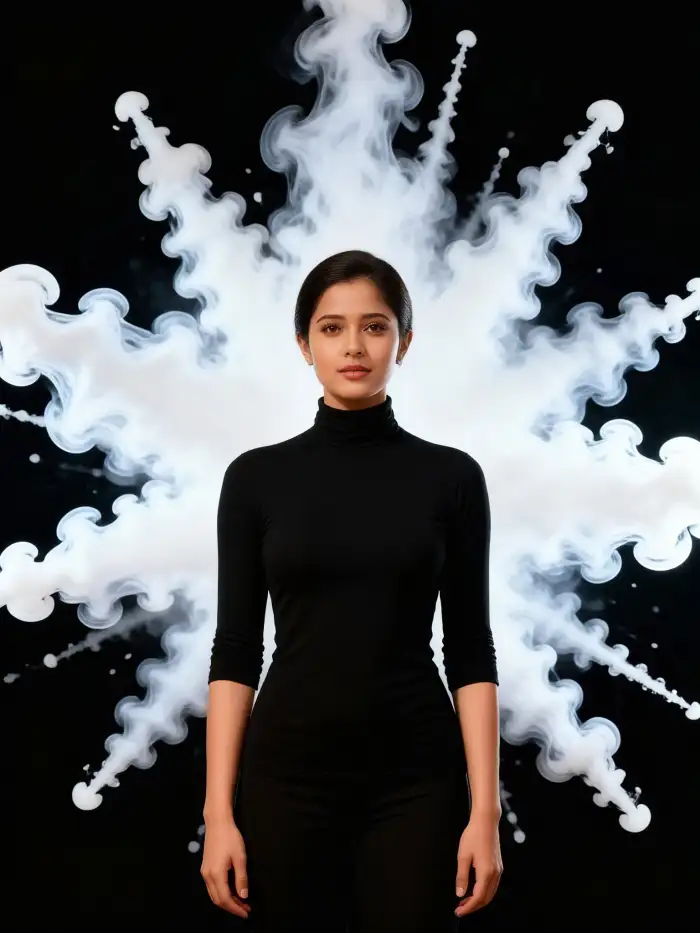
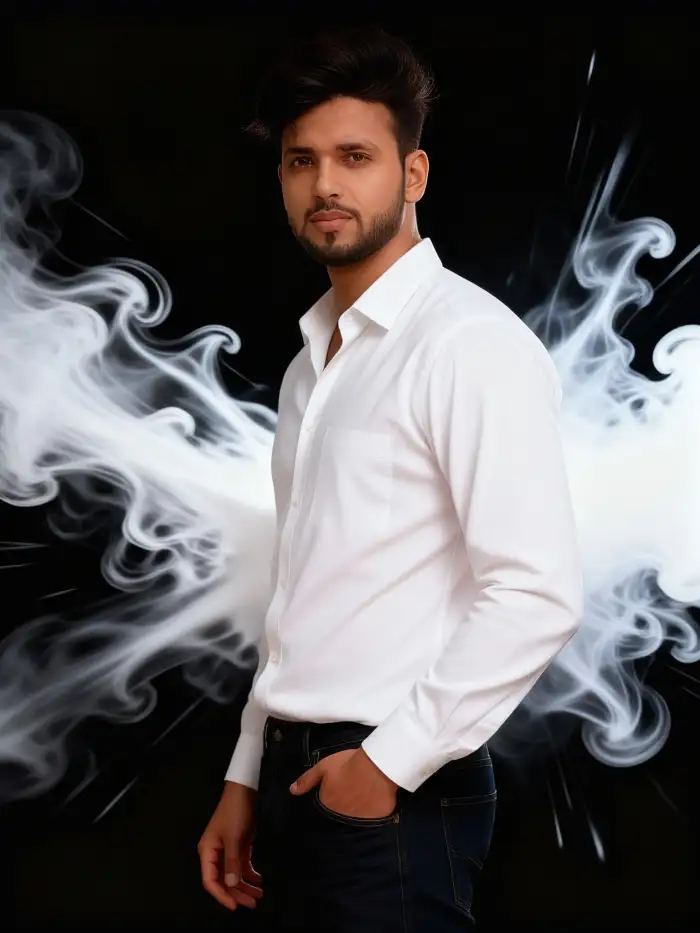
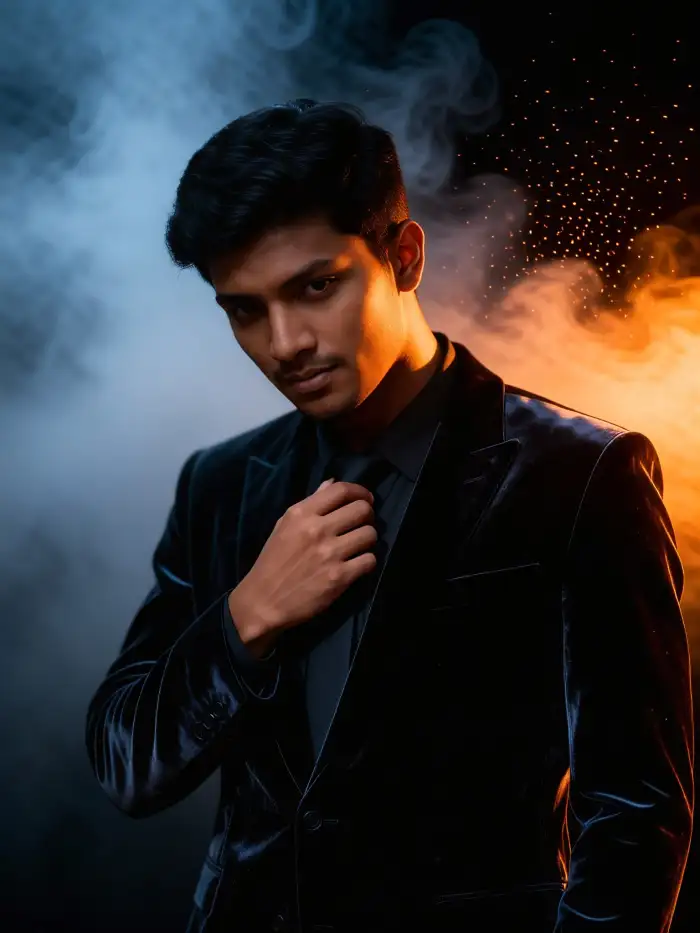
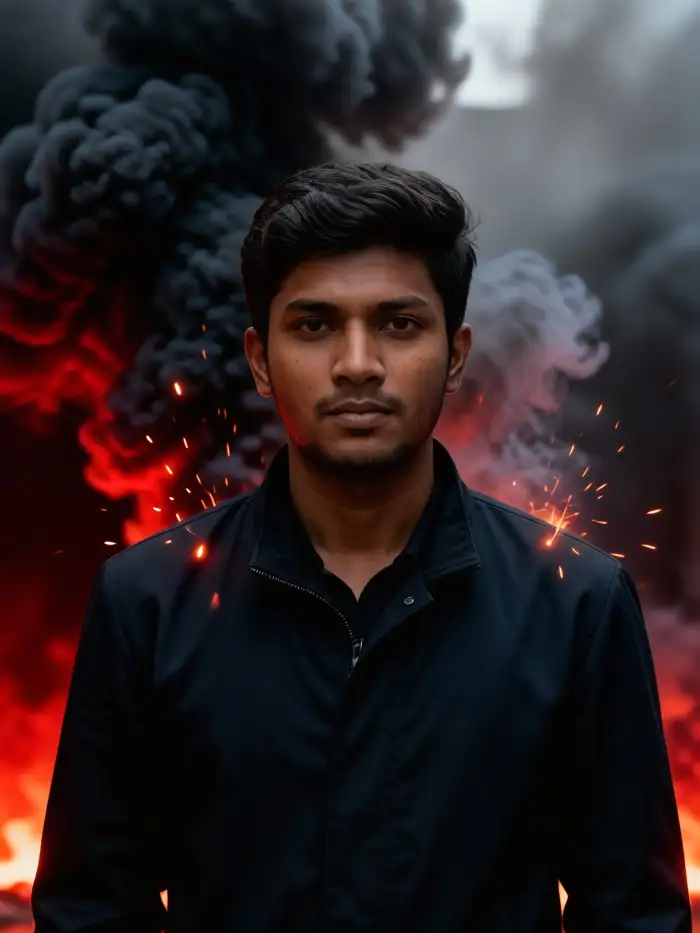
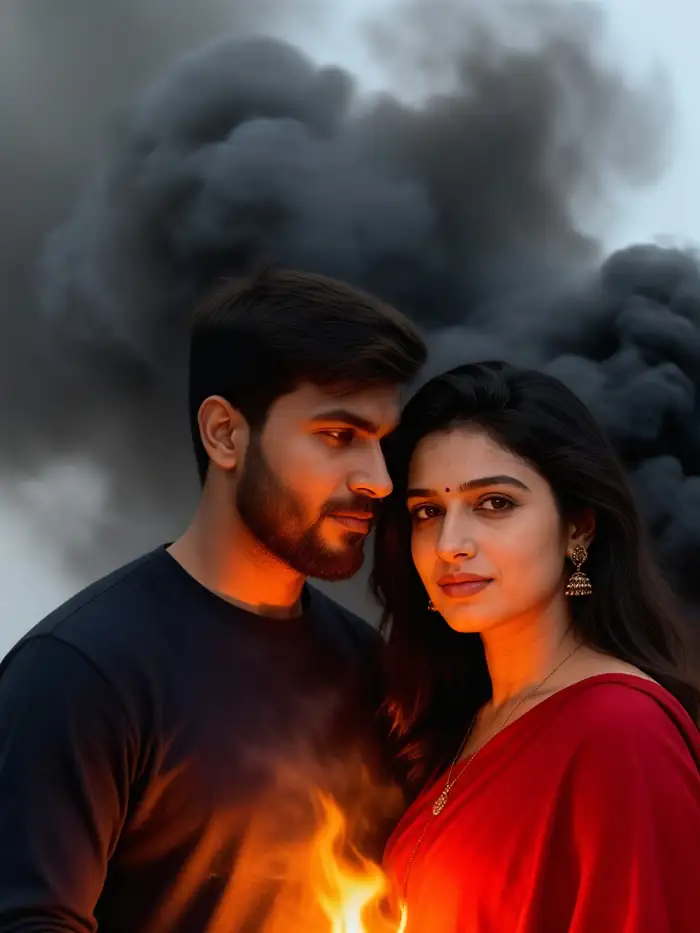
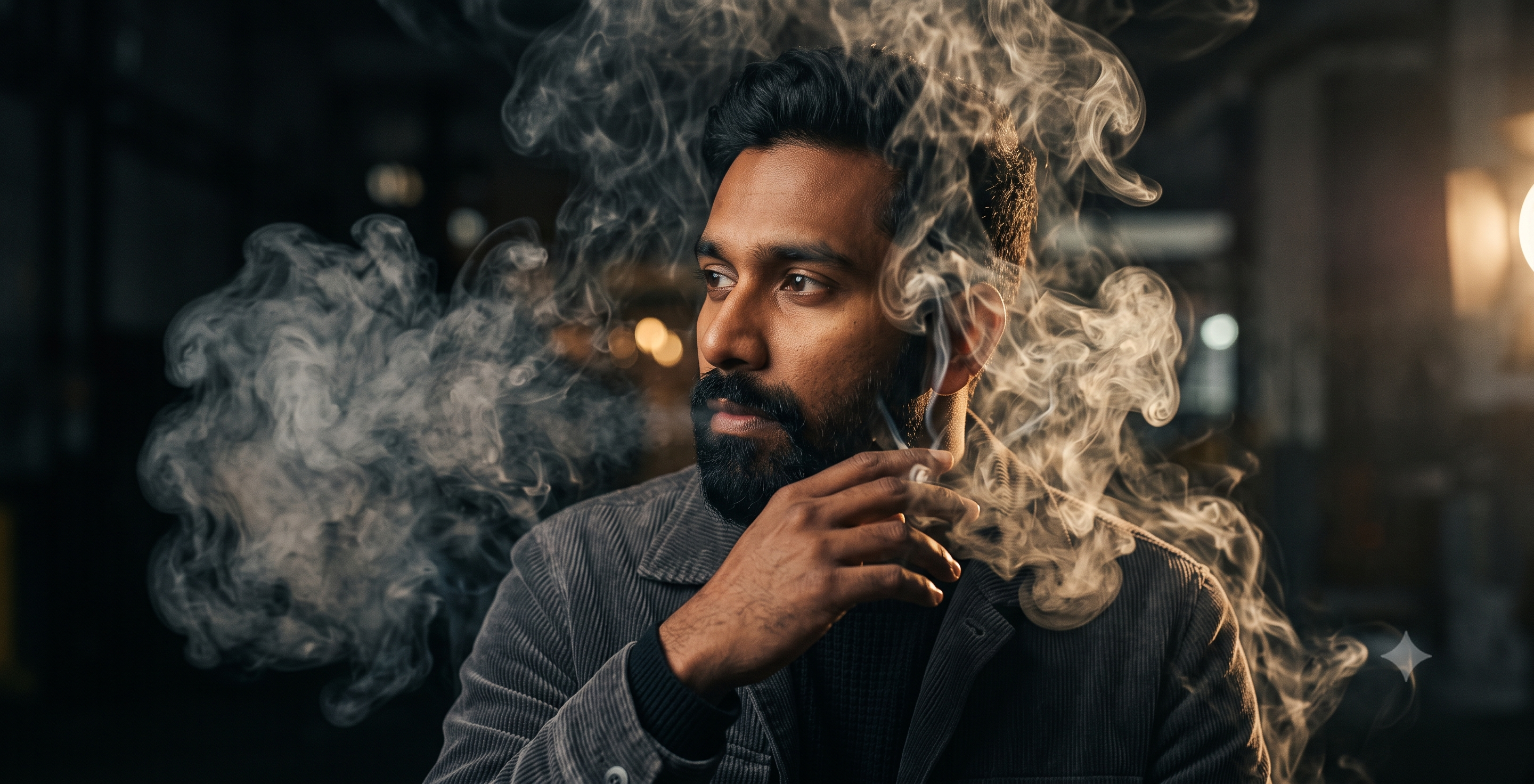
Cinematic Smoke Portrait Gallery
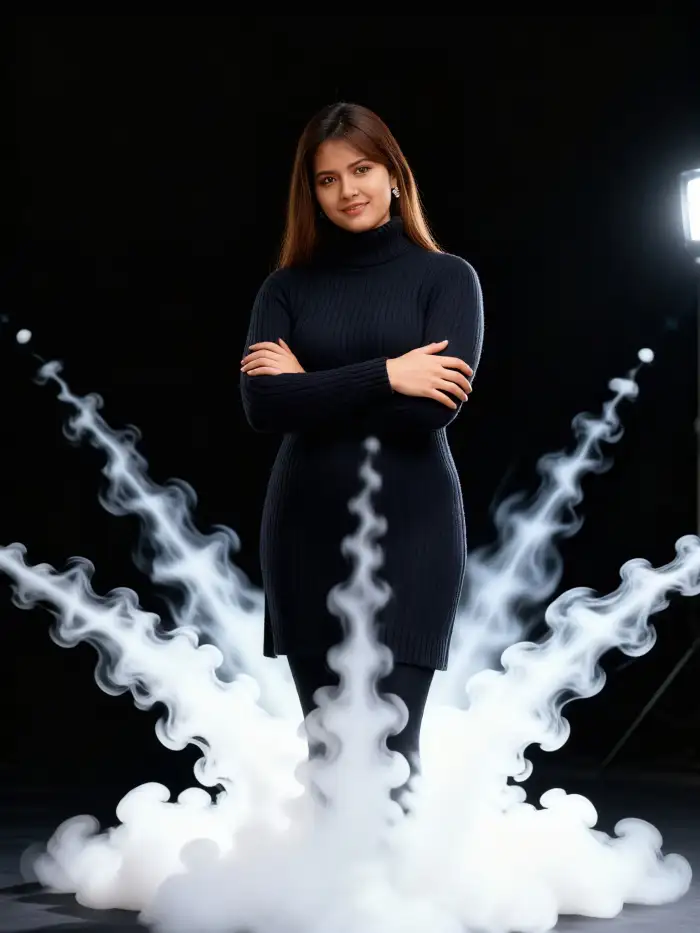
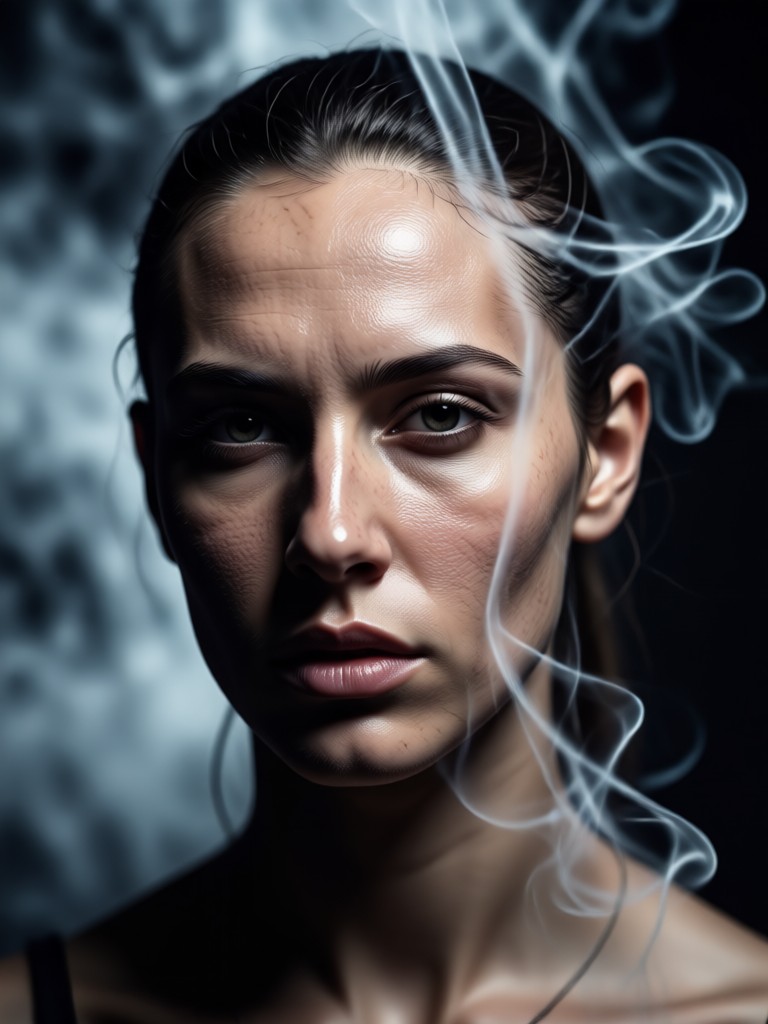
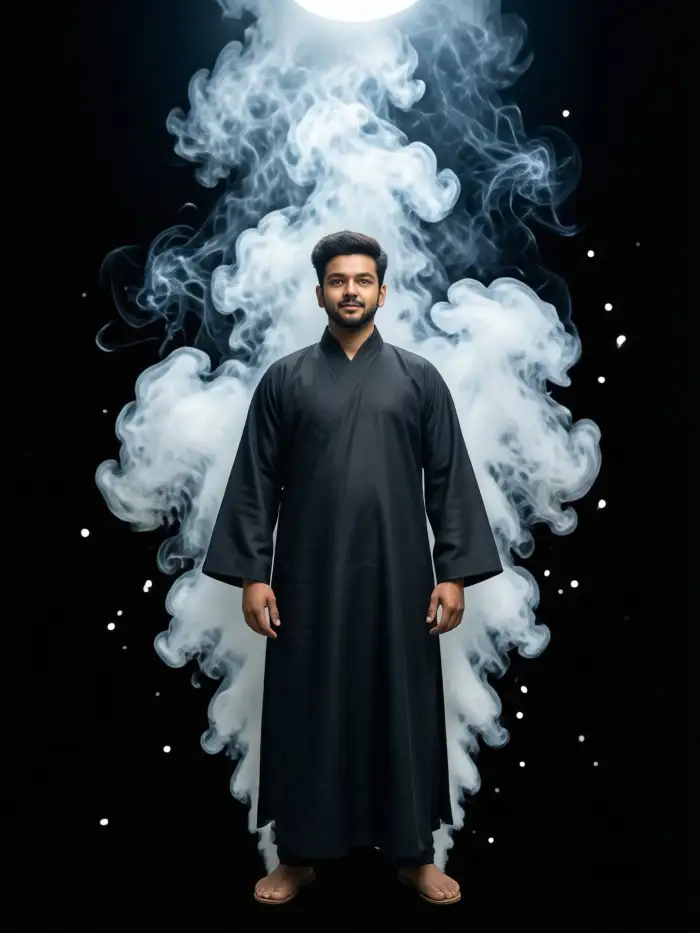
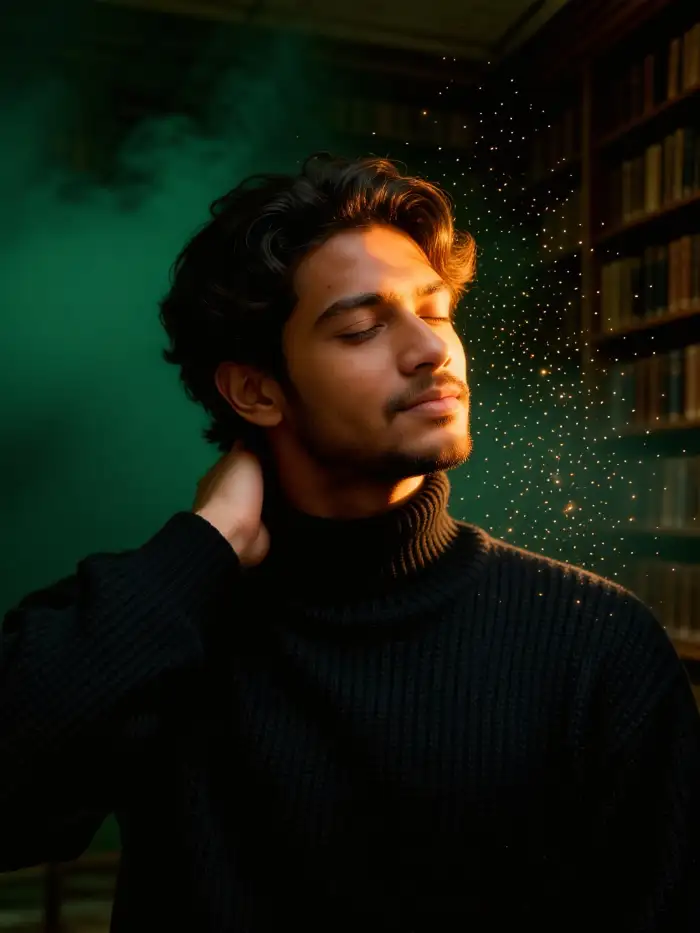
See how users transform standard photos into epic, smoke-filled character art. These examples showcase the range and realism possible with our AI portrait generator.
Why Choose Our Smoke Portrait Generator?
Traditional photo editing requires advanced skills in layering, masking, and brushwork to create believable smoke. Our AI does the heavy lifting, generating realistic, physics based smoke that wraps around your subject naturally, saving you hours of complex manual work.
Why Choose Our Smoke Portrait Generator?
Traditional photo editing requires advanced skills in layering, masking, and brushwork to create believable smoke. Our AI does the heavy lifting, generating realistic, physics based smoke that wraps around your subject naturally, saving you hours of complex manual work.
How to Generate a Cinematic Smoke Portrait?
Create stunning, smoke filled character art in just three simple steps directly from your mobile device.

Step 01.
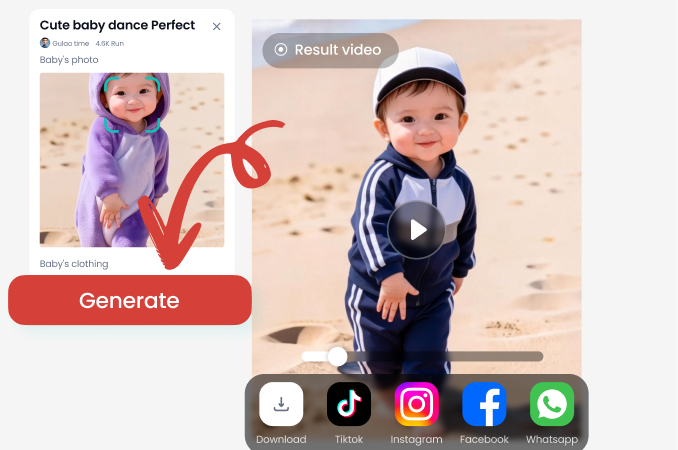
Download the zikzik app from Google Play. It's your all in one mobile studio for AI powered cinematic portrait creation.
Step 02.
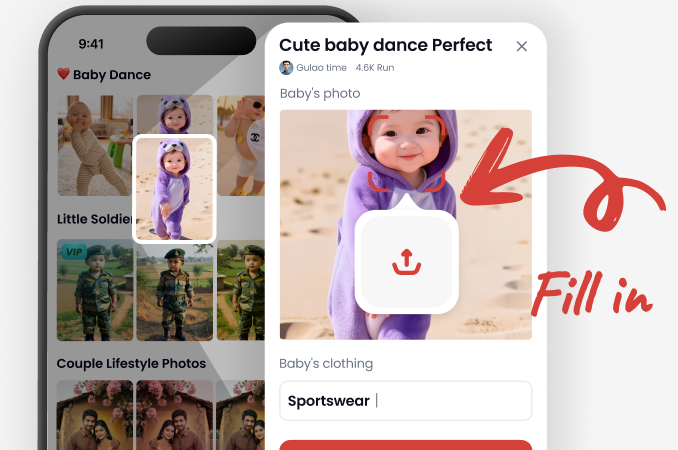
Upload your portrait photo and browse our extensive library of cinematic smoke and atmospheric effect filters. Select your preferred style.
Step 03.
Generate and refine your smoke portrait. Adjust intensity, download your high quality image, and share your epic creation on social media.
What Creators Are Saying
A game changer for character design concepts
I use this to create quick, dramatic concept art for my game characters. The smoke adds instant mood and depth. It's incredibly fast and produces results that used to take me hours in Photoshop.
Perfect for creating unique social media content
My photography page needed something to stand out. The cinematic smoke effects have given my portraits a professional, epic feel. My engagement has skyrocketed since I started using these AI filters.
Unbelievably realistic atmospheric effects
The way the AI integrates the smoke with the original lighting on the face is what sold me. It doesn't just look pasted on. It feels like the subject is actually standing in fog. Brilliant tool for digital artists.
From Simple Portrait to Cinematic Masterpiece
See how a standard headshot is transformed into a scene filled with narrative and emotion. The AI not only adds smoke but intelligently adjusts contrast, color grading, and focus to ensure your subject remains the hero of the scene, enhanced by the atmosphere, not lost in it.
Cinematic Smoke Portrait FAQ
Get answers to common questions about generating AI smoke portraits, using the app, and achieving the best possible results.
Ready to Create Your Epic Portrait?
Stop imagining and start creating. Download the app now and transform your photos into breathtaking, smoke filled cinematic art in under a minute.
Ready to Create Your Epic Portrait?
Stop imagining and start creating. Download the app now and transform your photos into breathtaking, smoke filled cinematic art in under a minute.