Gemini AI Still Life Photography
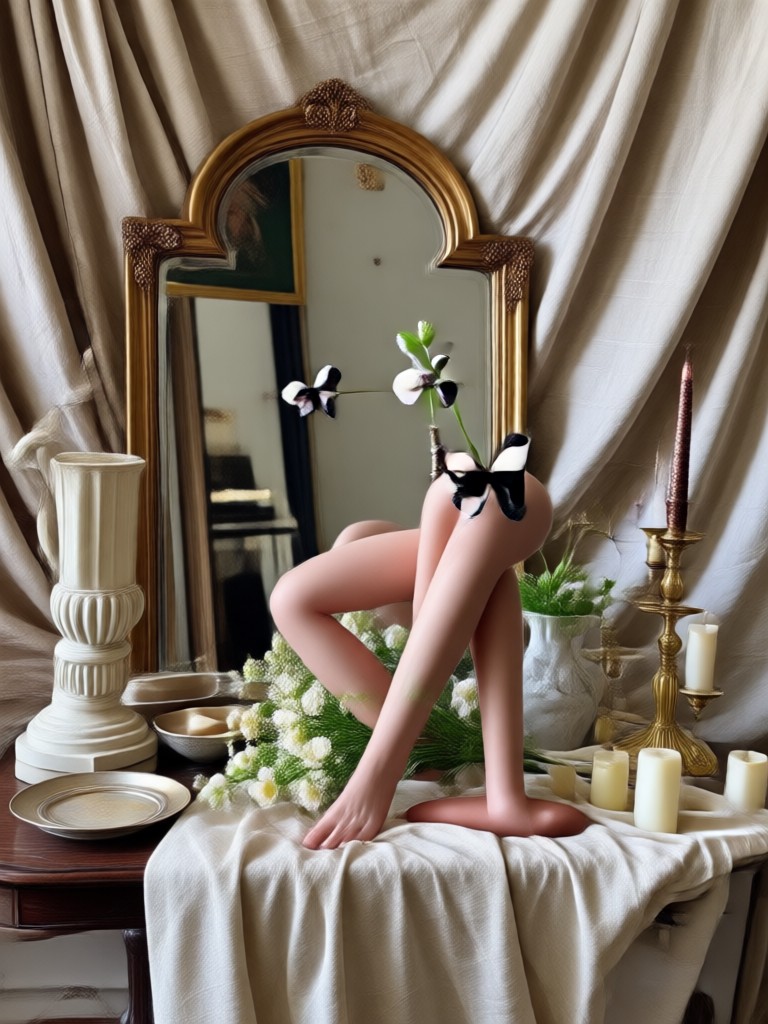
Choose the Still Life Filter That Suits You Best
Discover filters that bring out rich textures, dramatic lighting, and timeless compositions for your still life photography.
What Makes Our Still Life Photography AI Unique?
zikzik combines Gemini-inspired generation with an ultra-simple mobile workflow so you can create professional still life photos without a studio.
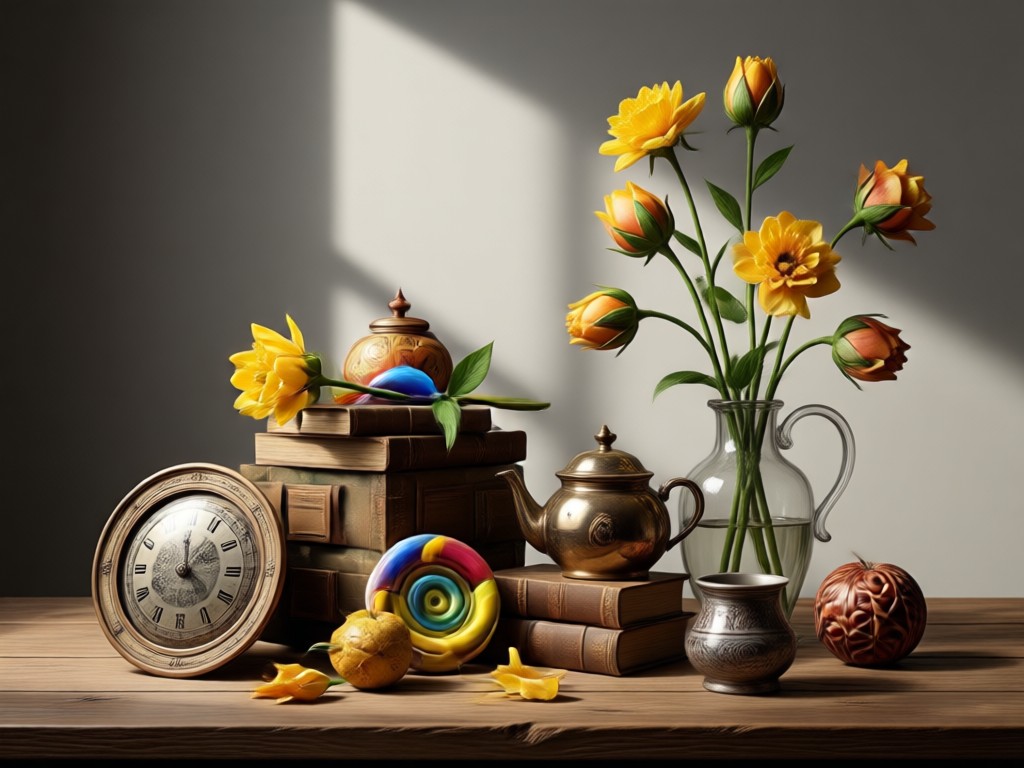
Text to Still Life
Describe a scene like vintage flowers on a wooden table, and zikzik generates a polished still life photo that matches your vision. No prompt engineering needed.
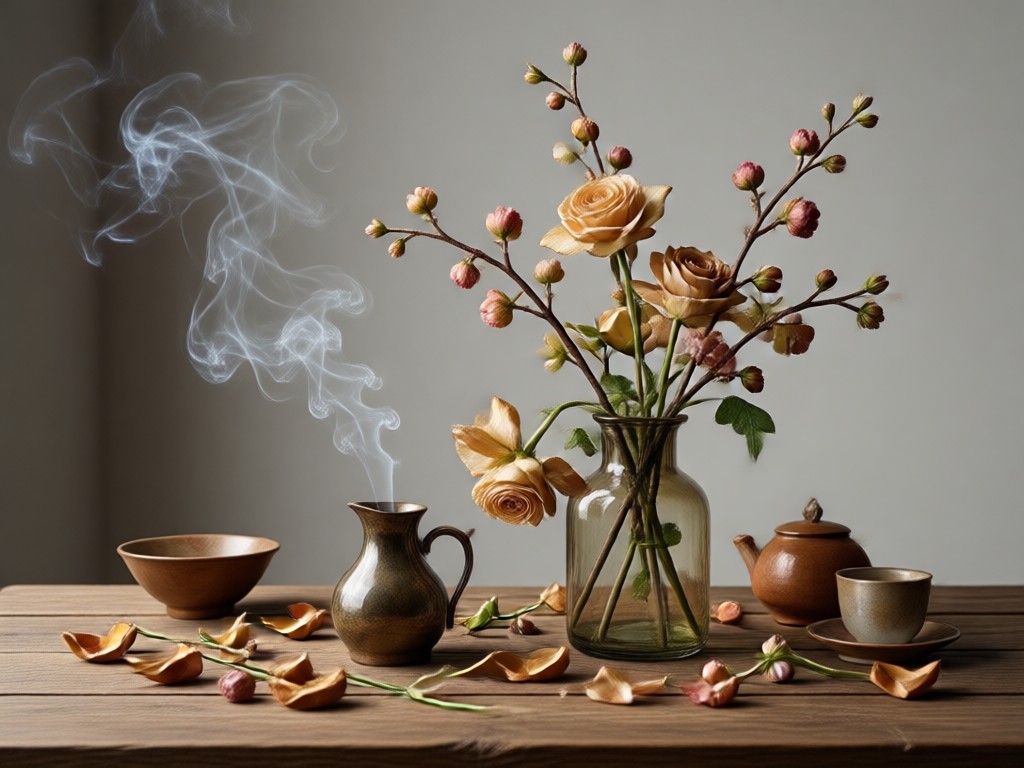
Photo Style Transfer
Upload an existing photo and apply Gemini AI still life photography styles to keep your objects while transforming lighting, composition, and mood.
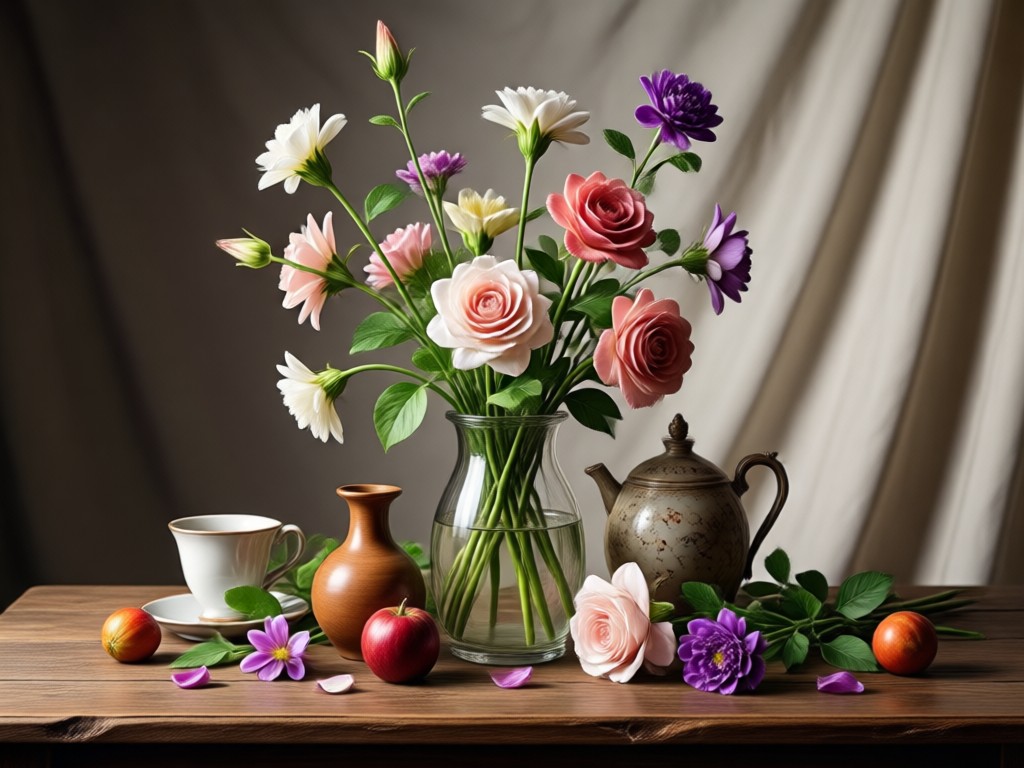
Object Preserving Edit
Refine specific areas of your image while keeping the main subject intact. Perfect for subtle color shifts, background swaps, or texture enhancements.
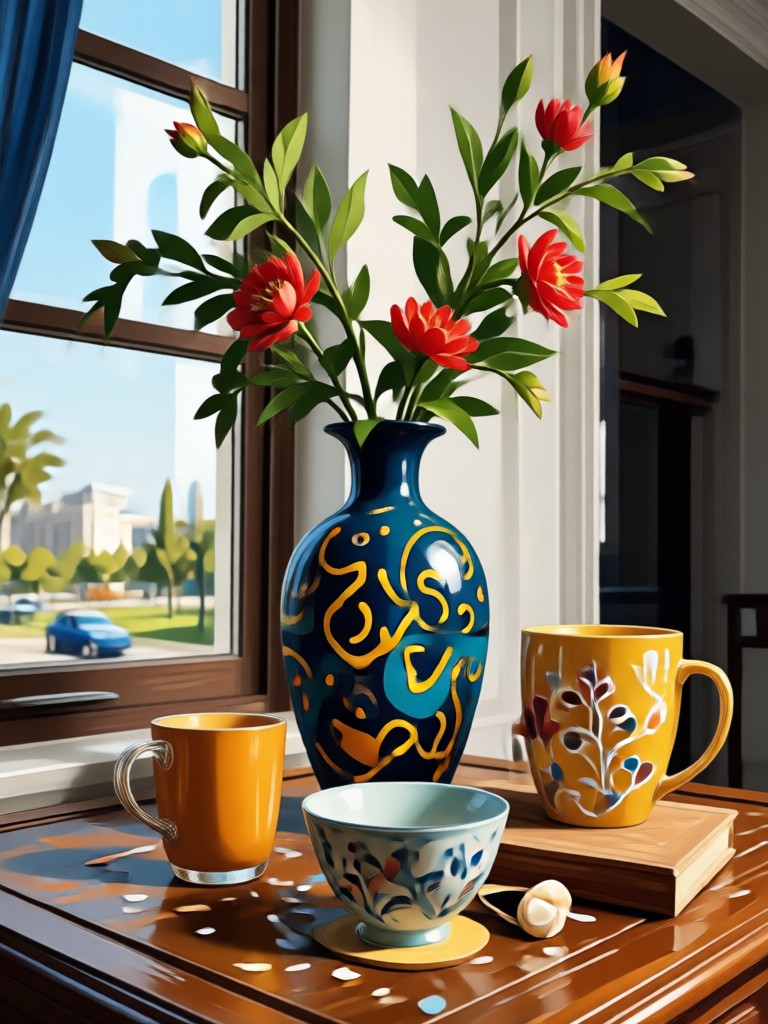
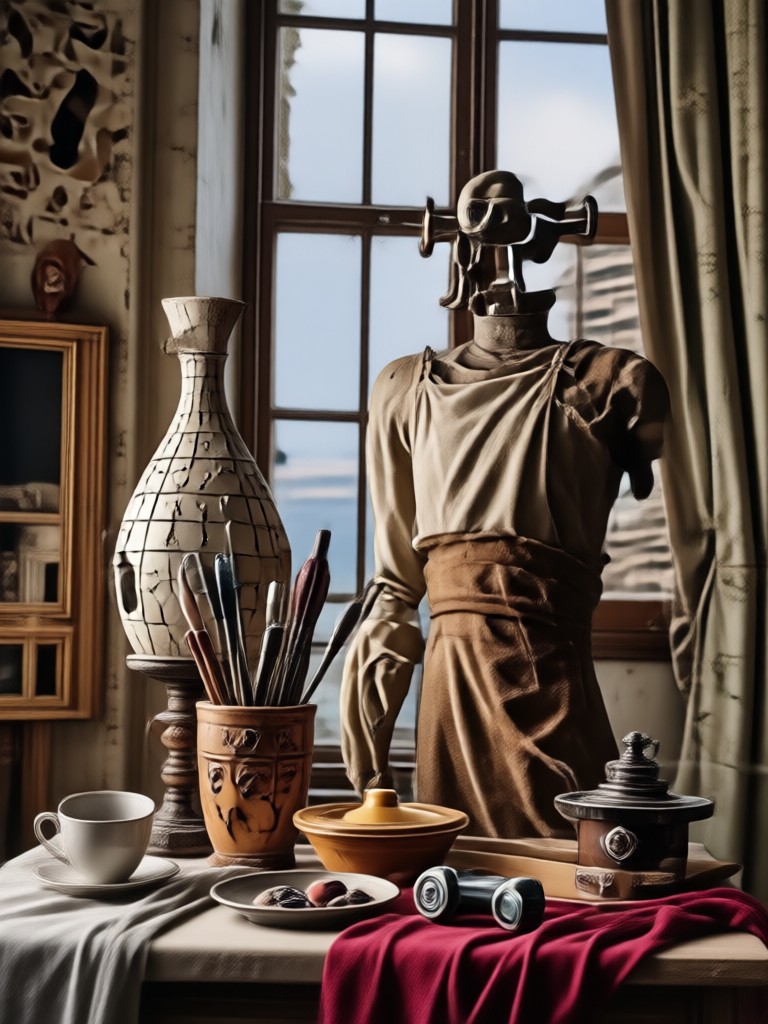
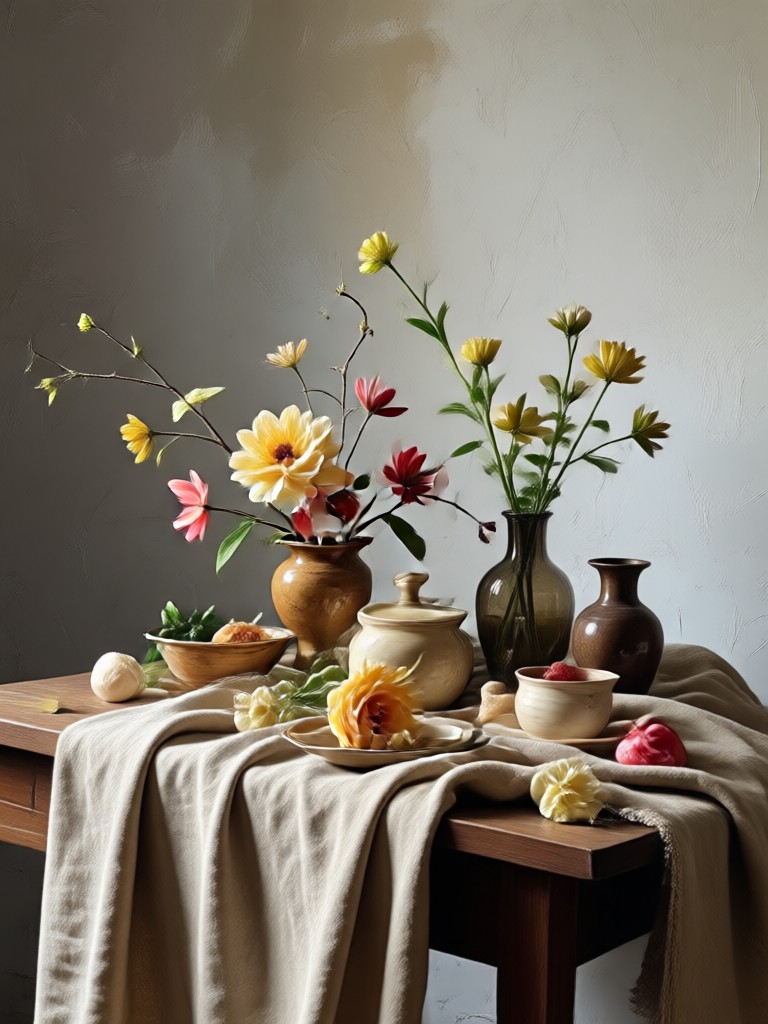
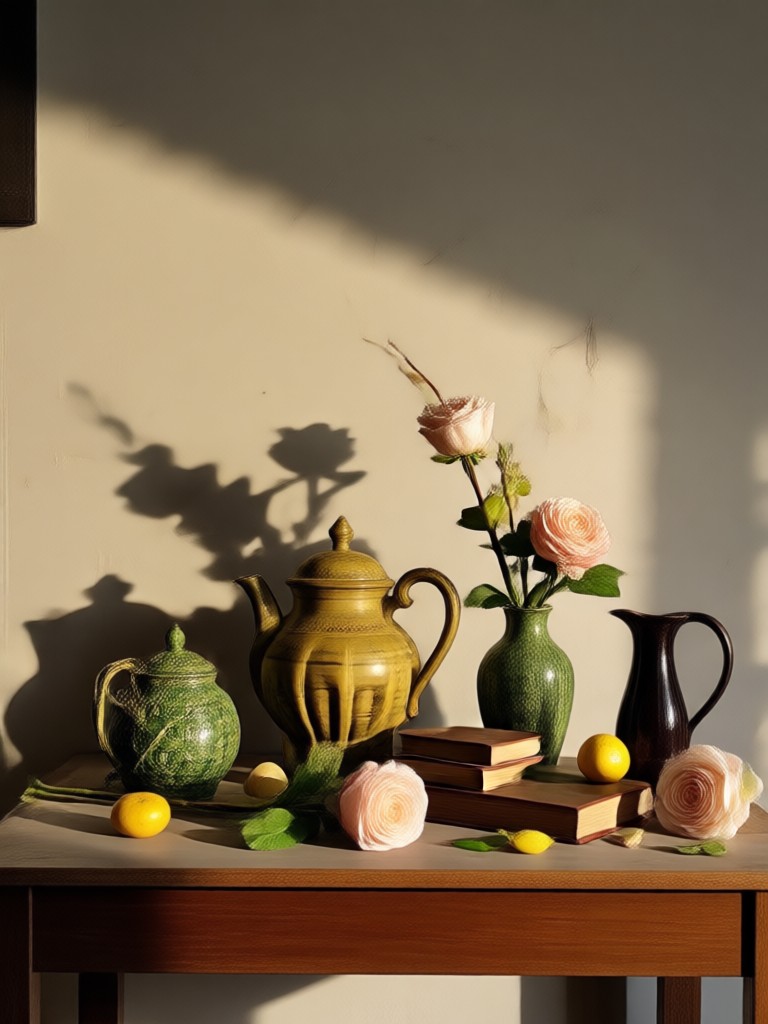
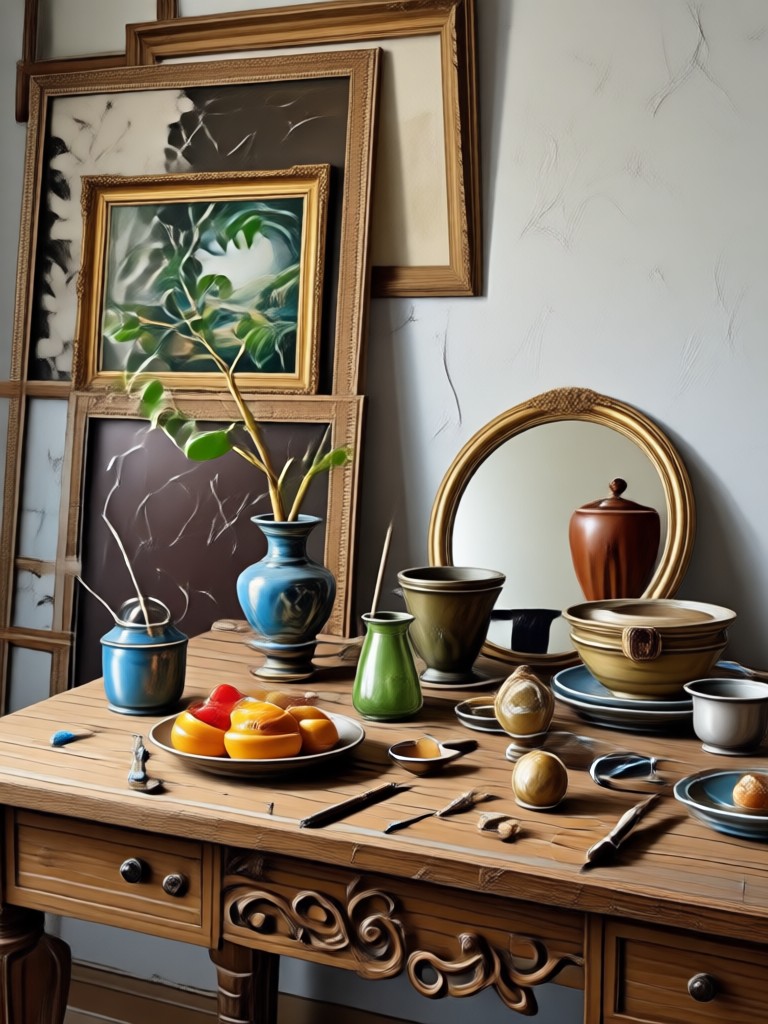
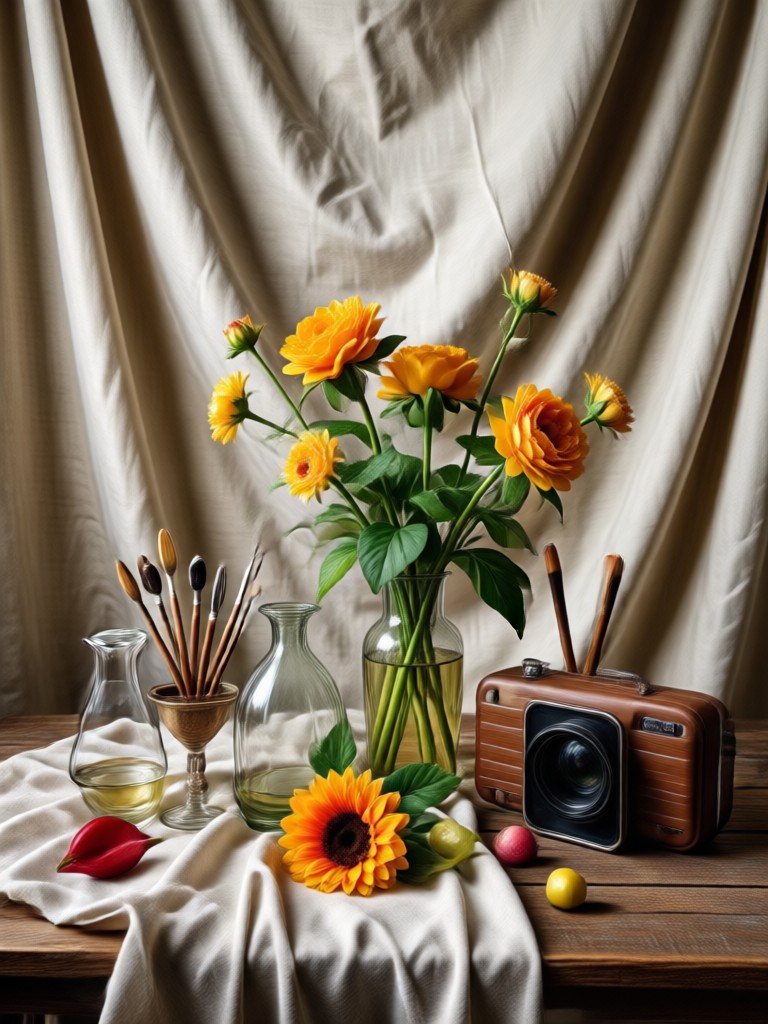
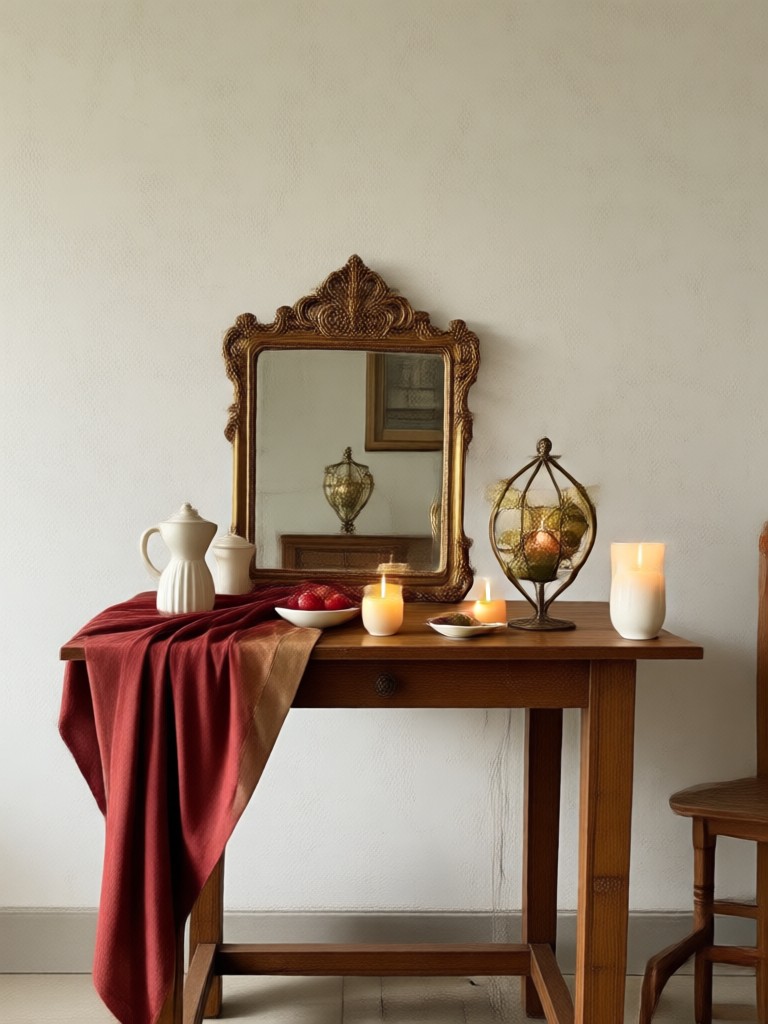
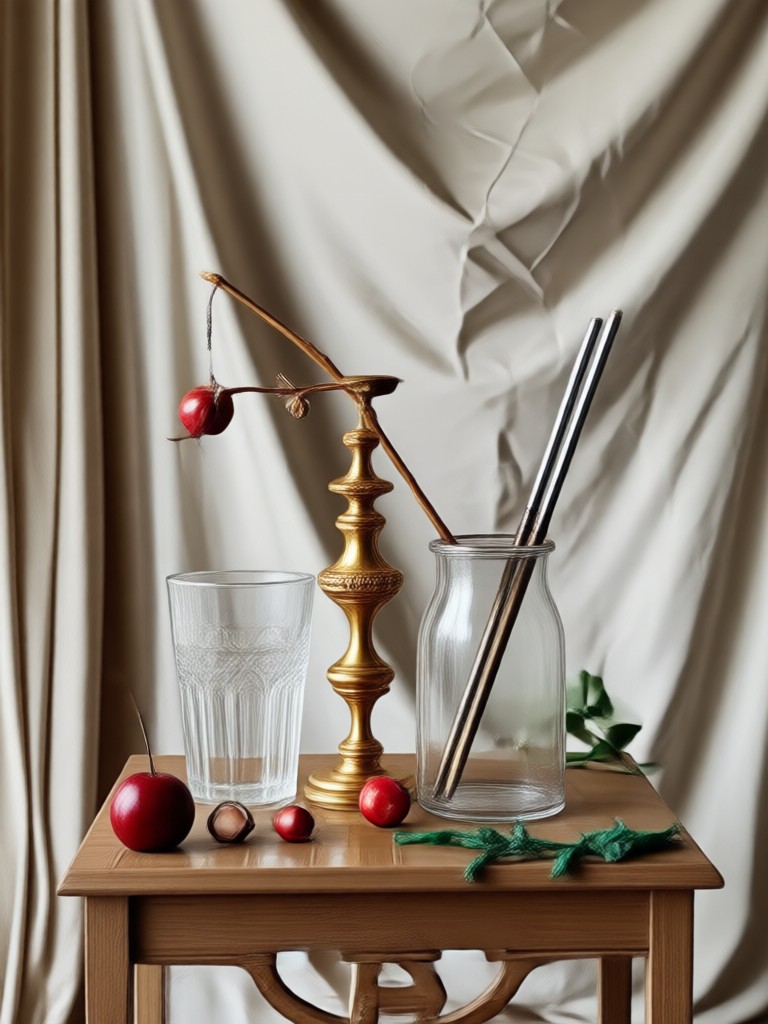
Gemini AI Still Life Photography Gallery
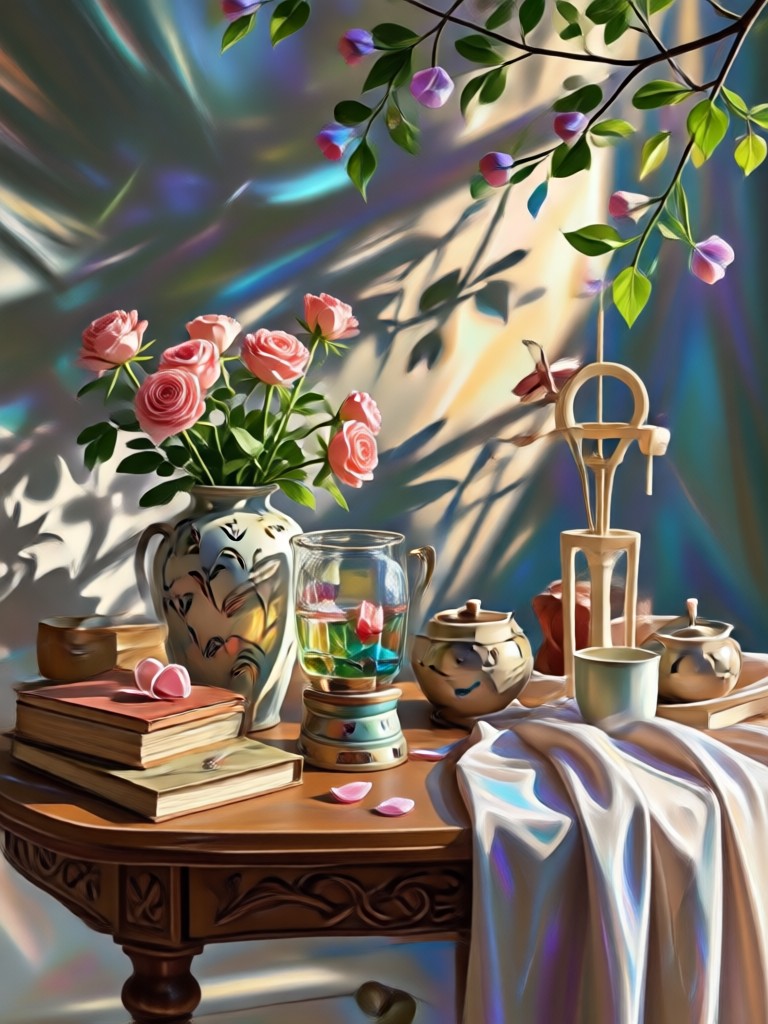
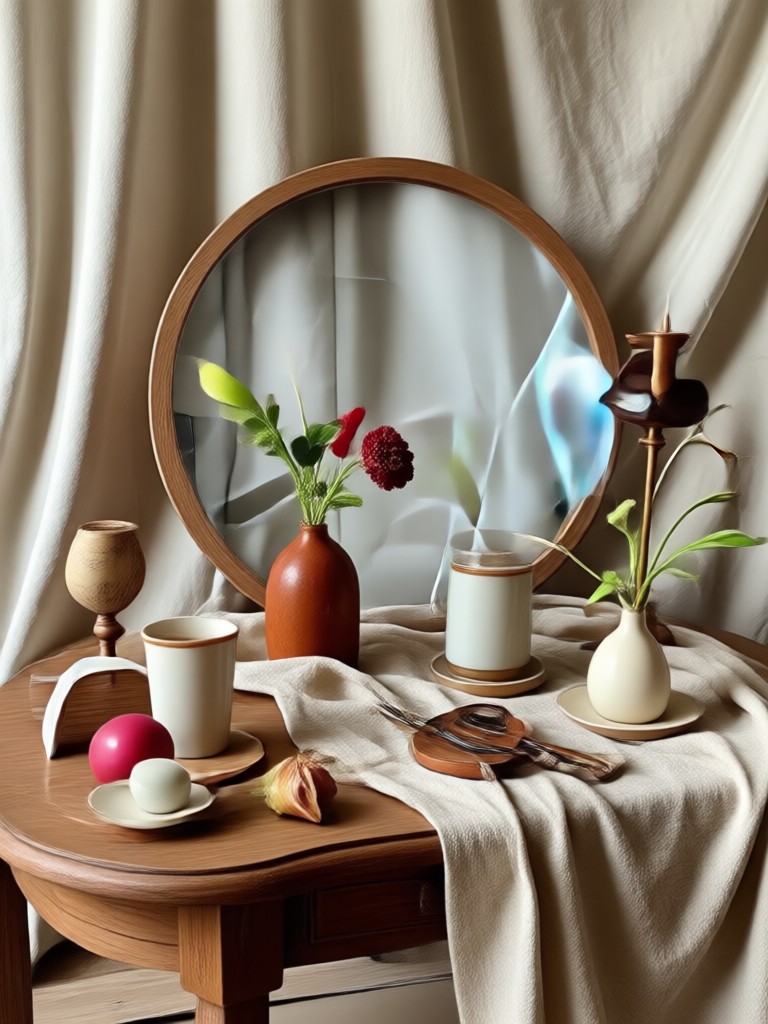
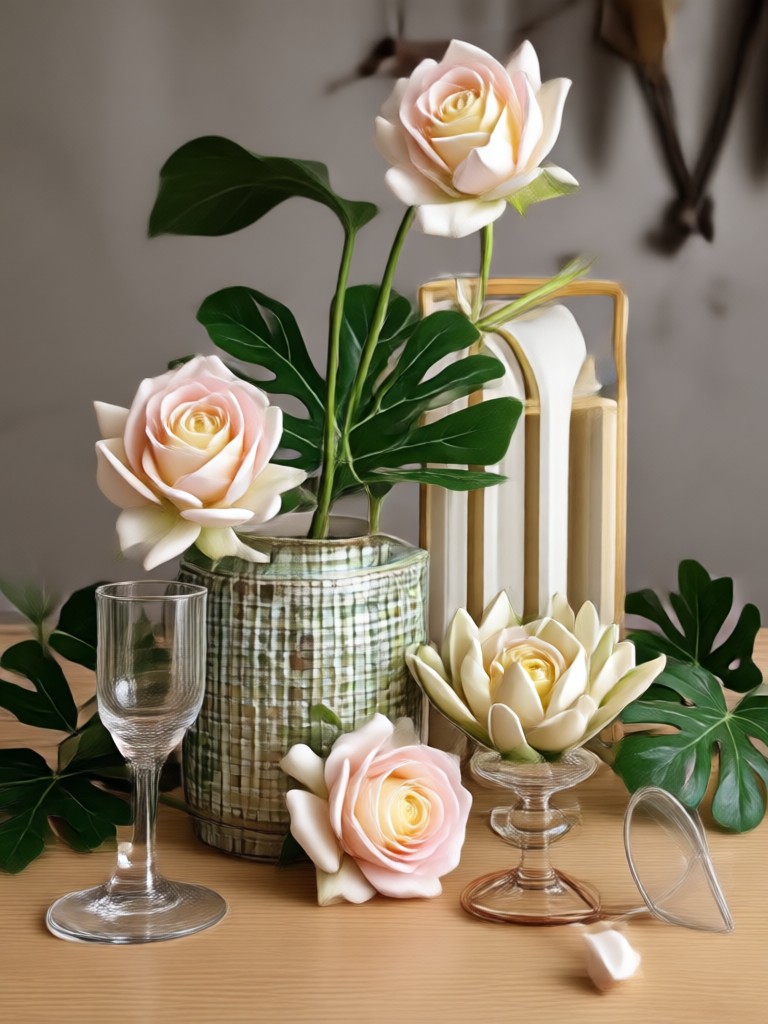
Browse AI-generated still life images created with zikzik. See how simple objects become fine art through style, light, and composition.


Why Use zikzik for AI Still Life Photography?
zikzik puts a full still life studio in your pocket. Choose from over one million style filters, generate high-resolution images, and animate still scenes into videos. Whether you create product shots, fine art, or social content, the app delivers realistic results with a single tap.
Why Use zikzik for AI Still Life Photography?
zikzik puts a full still life studio in your pocket. Choose from over one million style filters, generate high-resolution images, and animate still scenes into videos. Whether you create product shots, fine art, or social content, the app delivers realistic results with a single tap.
How to Create Gemini AI Still Life Photography?
Create stunning still life photos in three simple steps with the zikzik mobile app.
Step 01.
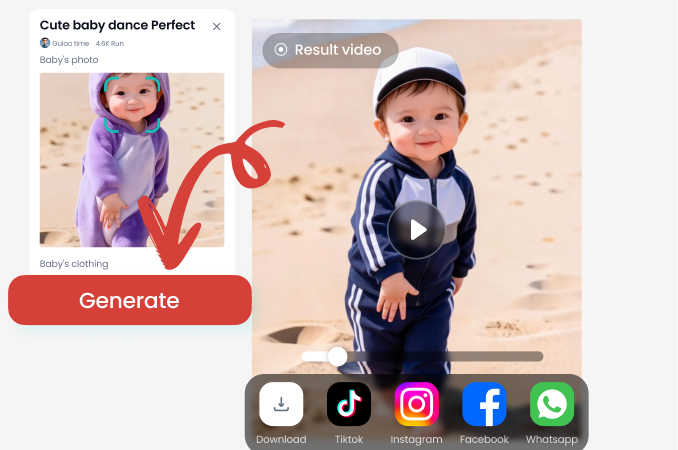
Download the zikzik app from Google Play and open it to access all still life photography filters.
Step 02.
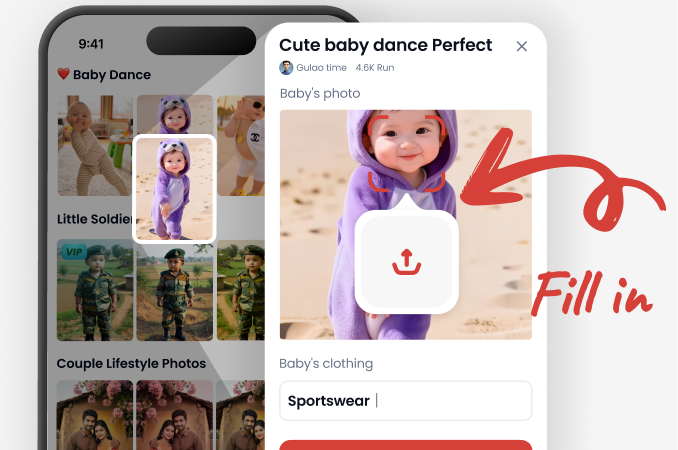
Select a Gemini AI still life photography filter or describe your scene with a text prompt.
Step 03.
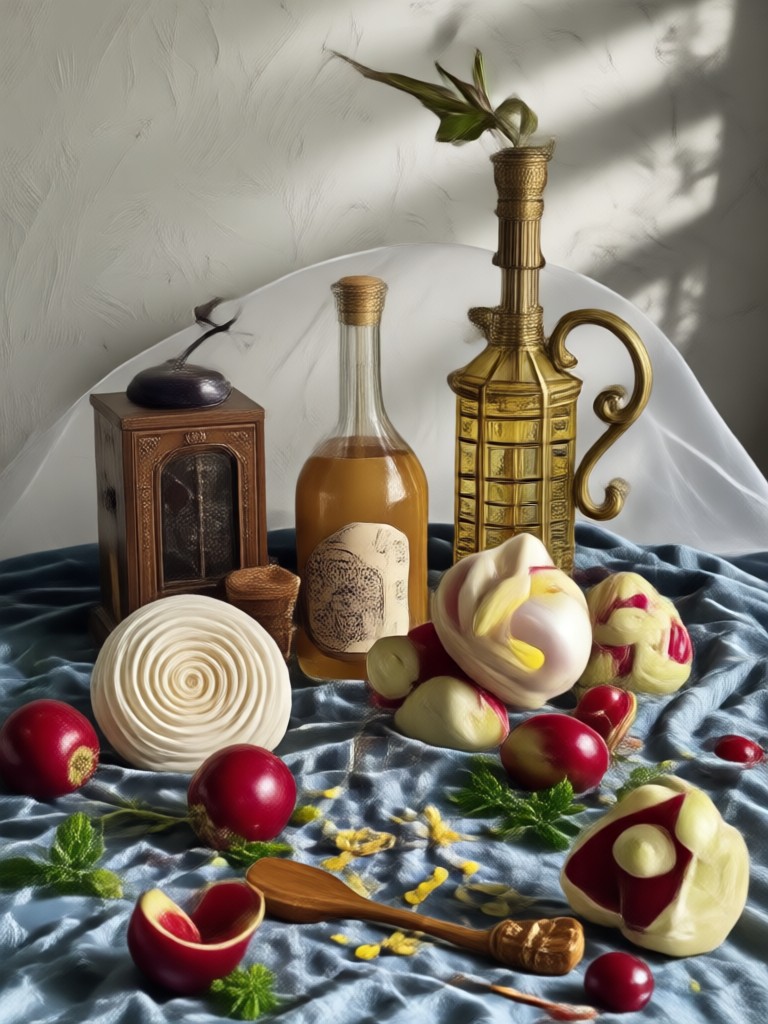
Generate your image or video, then download and share it on Instagram, Pinterest, or other platforms.
Gemini AI Still Life Photography on Mobile
Create, edit, and share professional still life images directly from your phone. The zikzik app works offline after download and requires no desktop software.

What Creators Say About Our AI Still Life Photography
Perfect for product photography
I use zikzik to create still life shots for my online store. The Gemini AI filters give my products a clean, high-end look without needing a professional camera setup.
A new way to make fine art
I love turning everyday items into art. zikzik's still life styles feel like they came from a gallery, and I can experiment endlessly on my phone.
So easy for social content
I post still life reels and photos daily. zikzik saves me hours by generating beautiful images from a simple prompt. The results always look polished.
Gemini AI Still Life Photography FAQs
Answers to common questions about generating still life images with Gemini AI and the zikzik app.
Create Your Own Gemini AI Still Life Photography
Download zikzik and start turning everyday objects into stunning still life art. Choose from over one million filters and share your favorite results in minutes.
Create Your Own Gemini AI Still Life Photography
Download zikzik and start turning everyday objects into stunning still life art. Choose from over one million filters and share your favorite results in minutes.