Hotel Lobby AI Video

Discover Filters for Your Hotel Lobby AI Video
Pick from architectural realism, cinematic lighting, cozy ambience, and more. Each filter transforms your hotel lobby into a distinct visual story.
Why Create Hotel Lobby AI Videos with zikzik
zikzik gives you precise control over your hotel lobby video generation. Static photos become living spaces filled with natural motion and atmosphere.
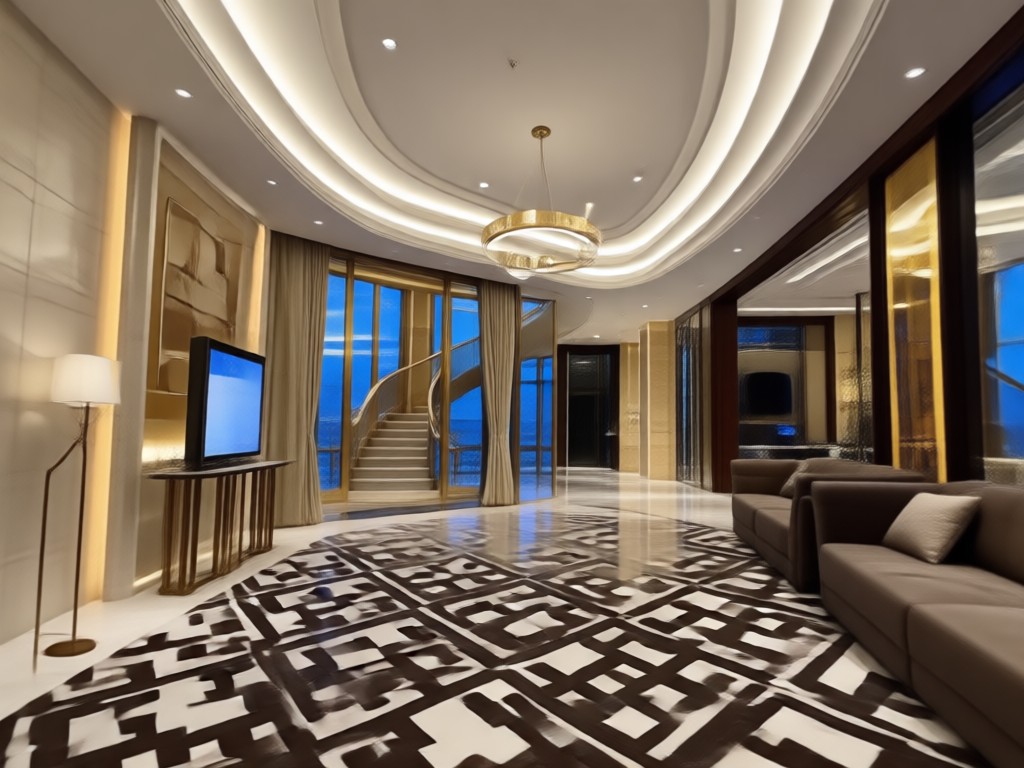
Cinematic Camera Movement
Add slow pans, subtle zooms, and depth effects to your hotel lobby. The AI creates smooth motion that feels like a professional real estate film.
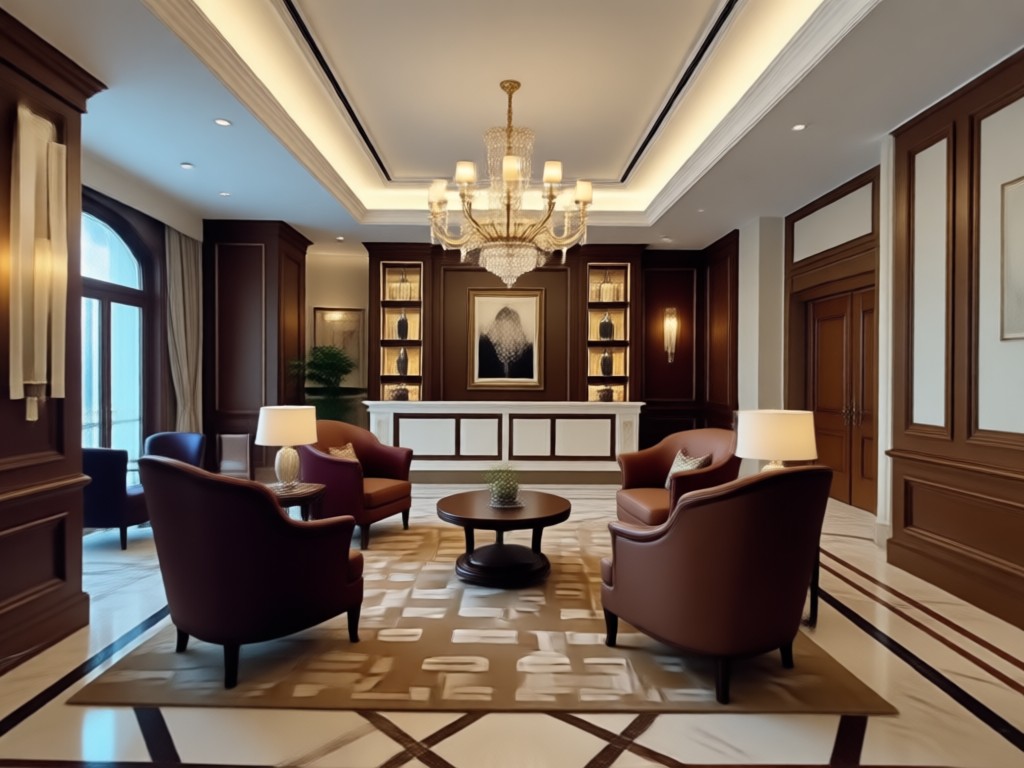
Ambient Lighting Control
Change the mood of your lobby with AI. Go from warm morning light to dramatic golden hour or a cool evening ambience. Match the brand feel perfectly.
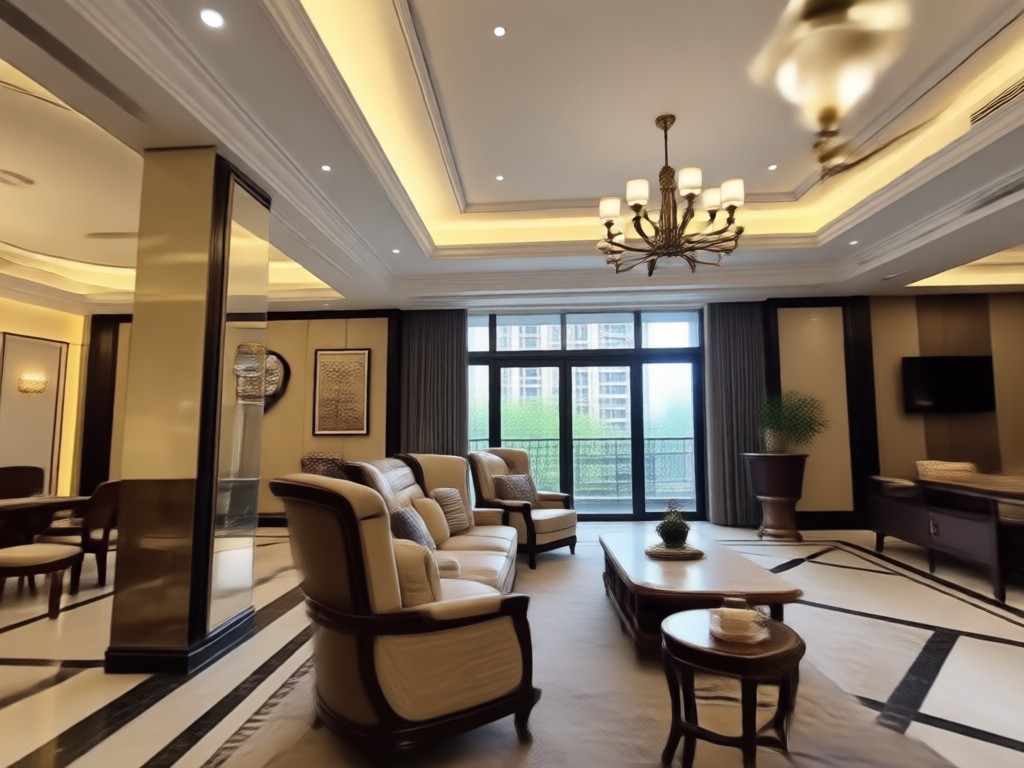
Multi-Person Scene Generation
Place guests, staff, and visitors inside the lobby. The AI keeps each person distinct while they move naturally through the space. No face blending or distortion.
How to Make a Hotel Lobby AI Video?
Creating a hotel lobby AI video takes only a few minutes. Follow these simple steps inside the zikzik app.
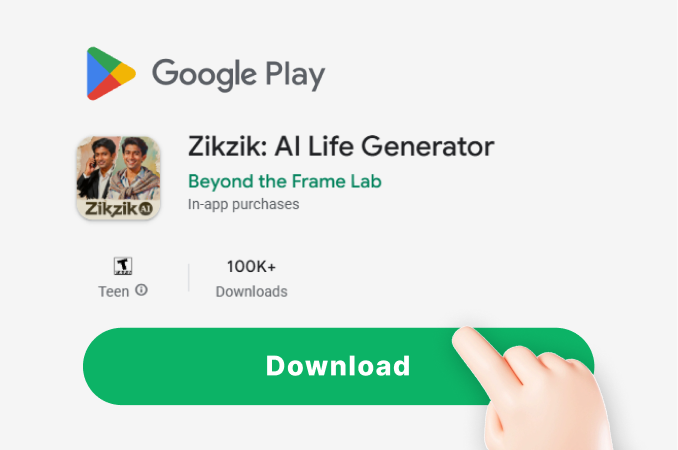
Step 01.
Download the zikzik app from Google Play. Open it and select the Image to Video feature from the home screen.
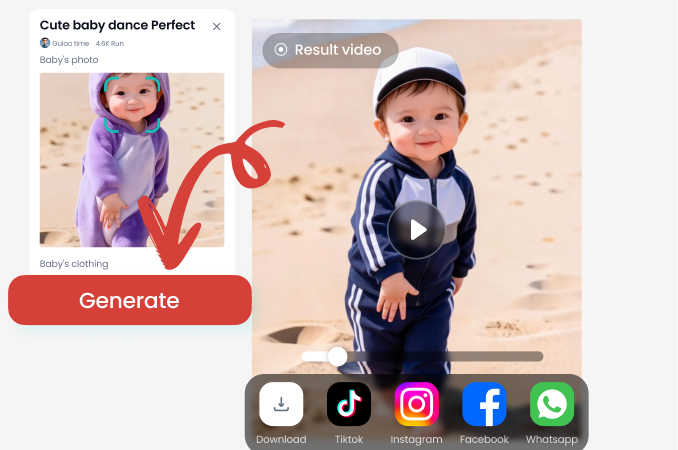
Step 02.
Upload a photo of a hotel lobby or type a text description. Choose a style filter that matches your desired mood, such as cinematic or luxury.
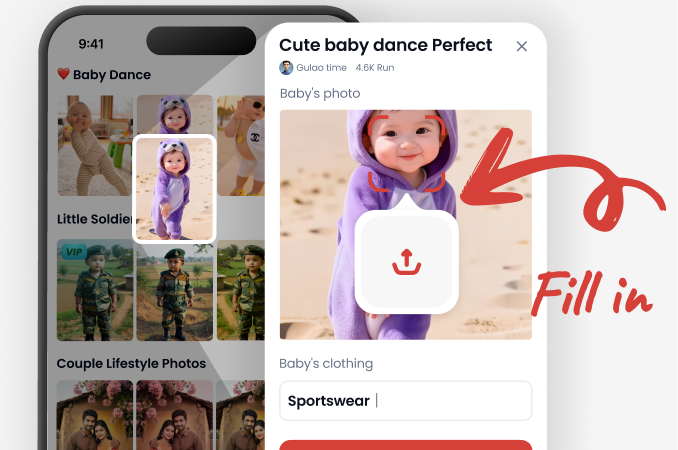
Step 03.
Generate your hotel lobby AI video. Preview the motion, save the clip to your device, and share it directly to your website or social media.
Hotel Lobby AI Video Inspiration
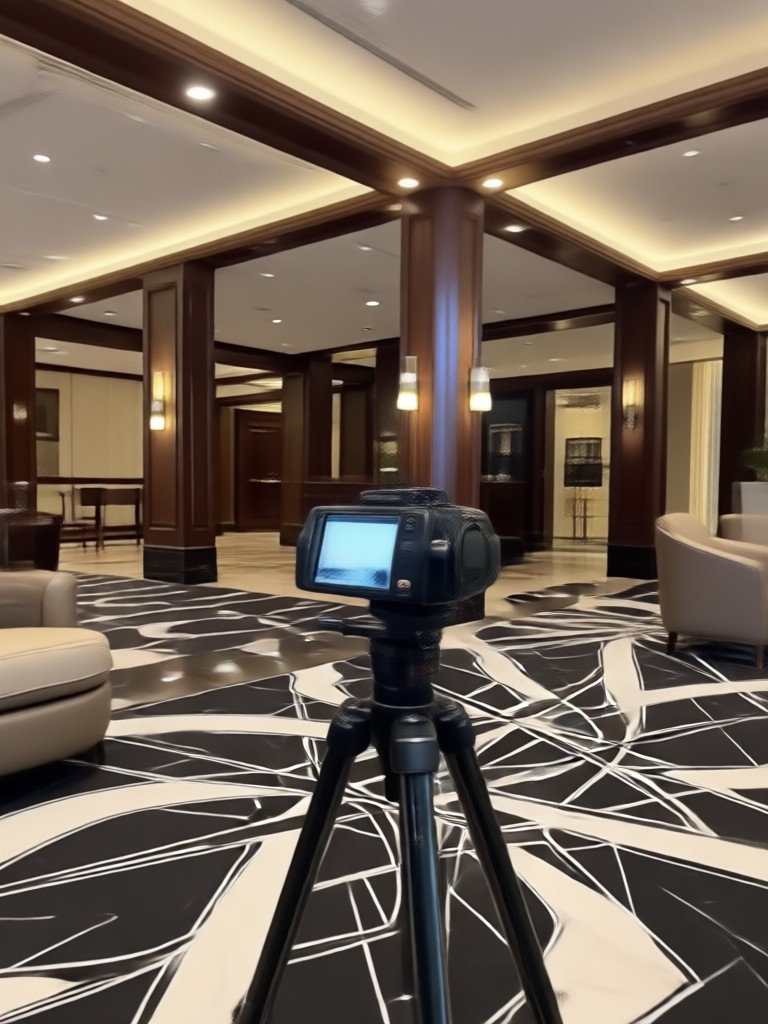
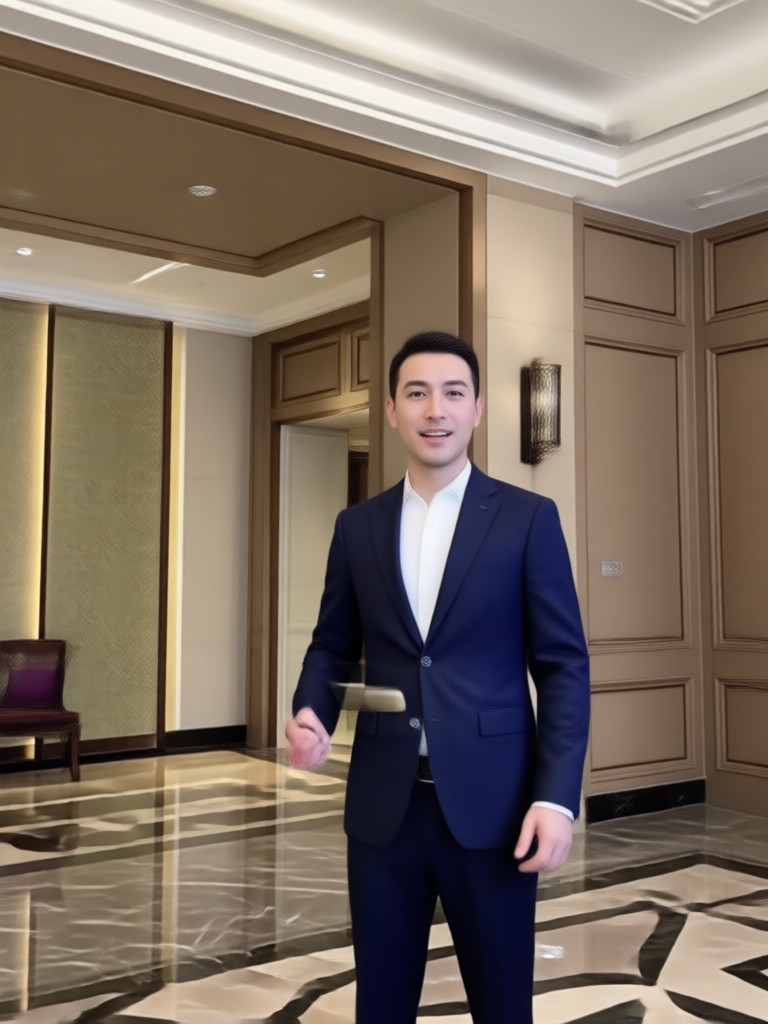
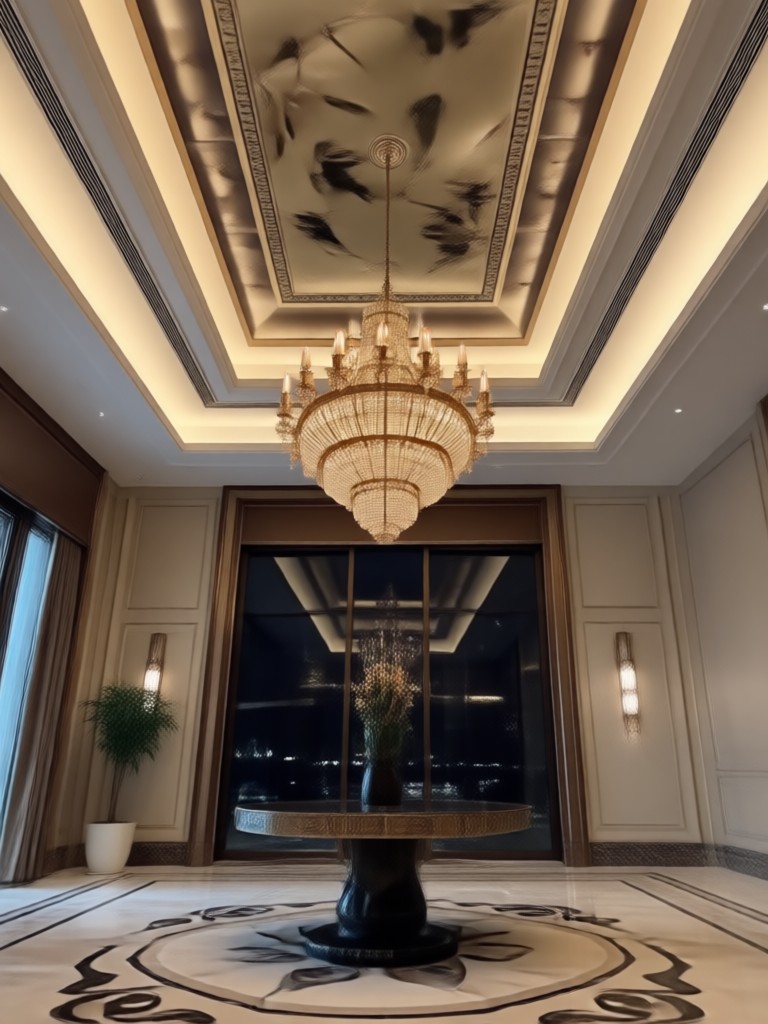
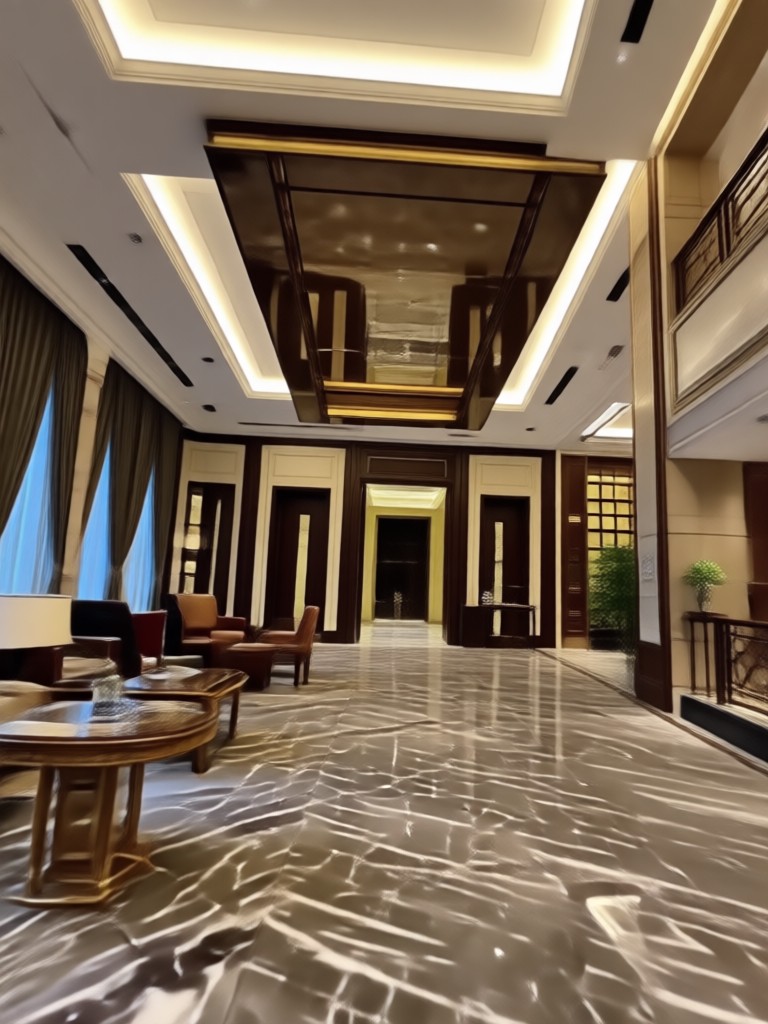
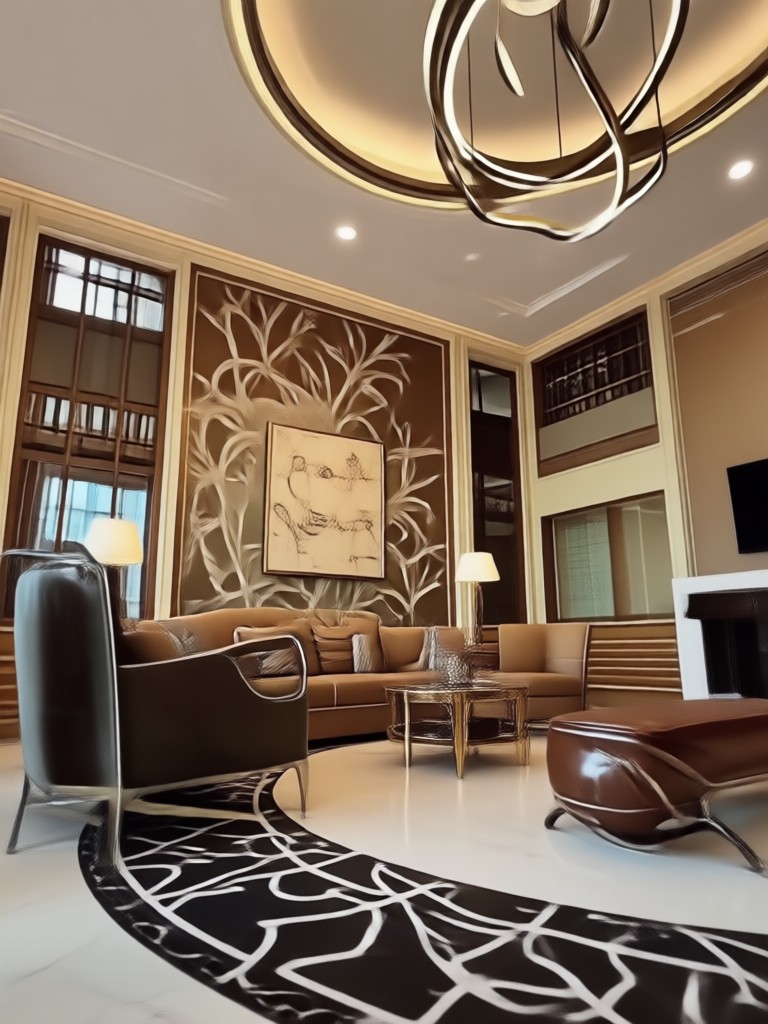
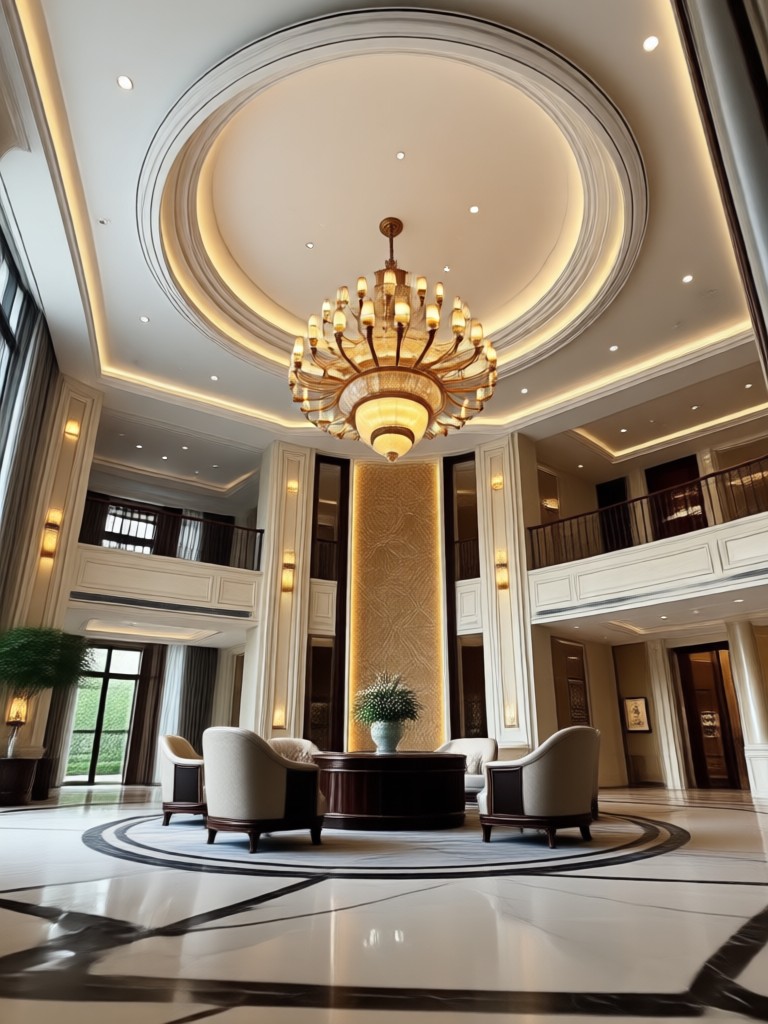
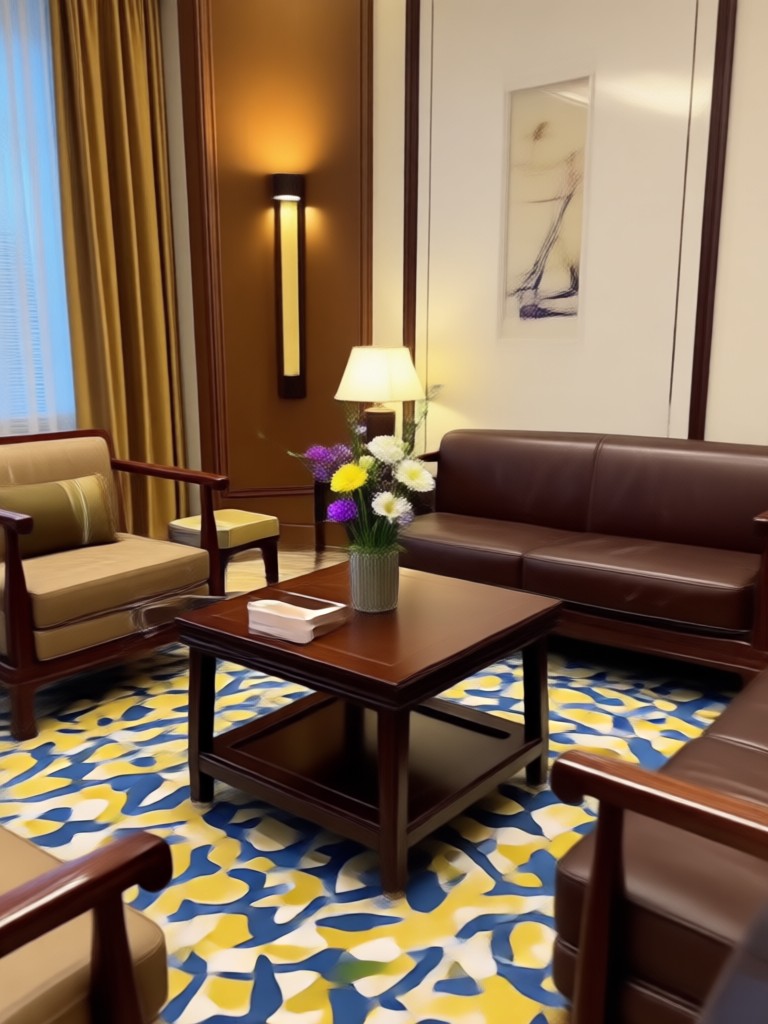
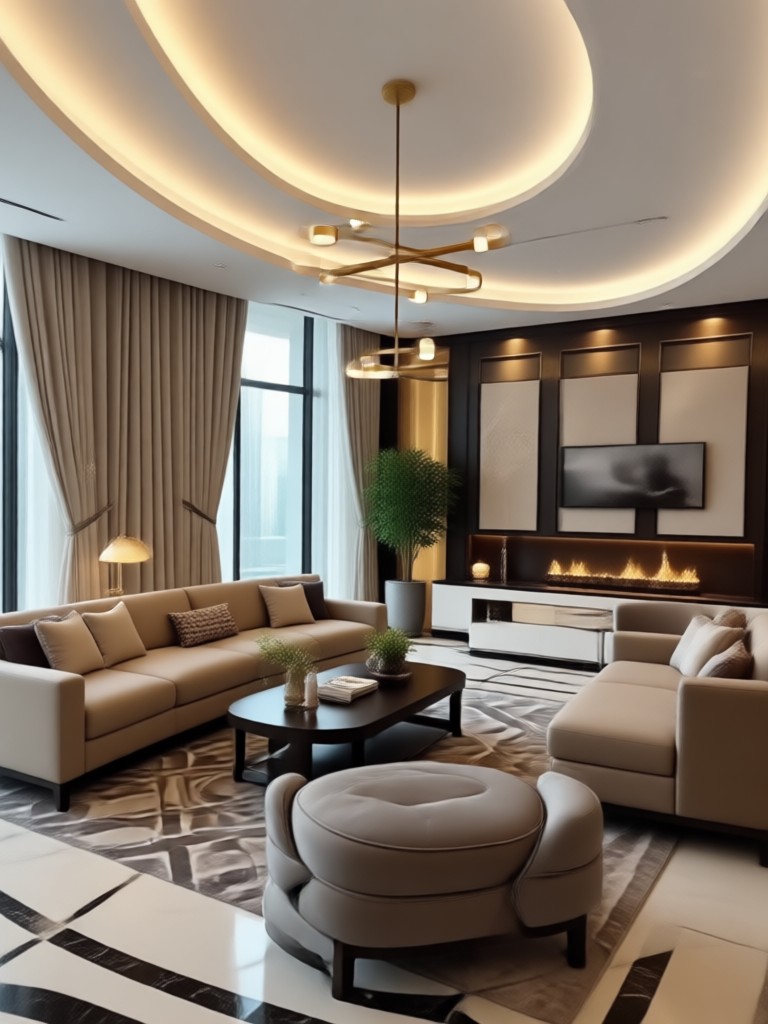
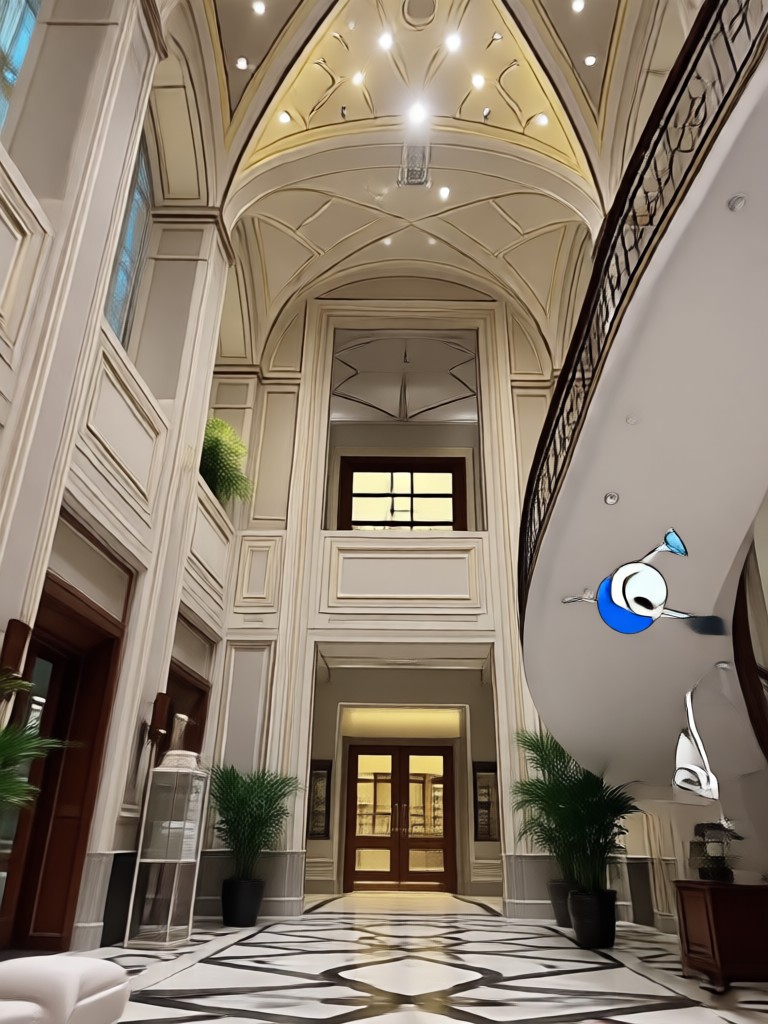
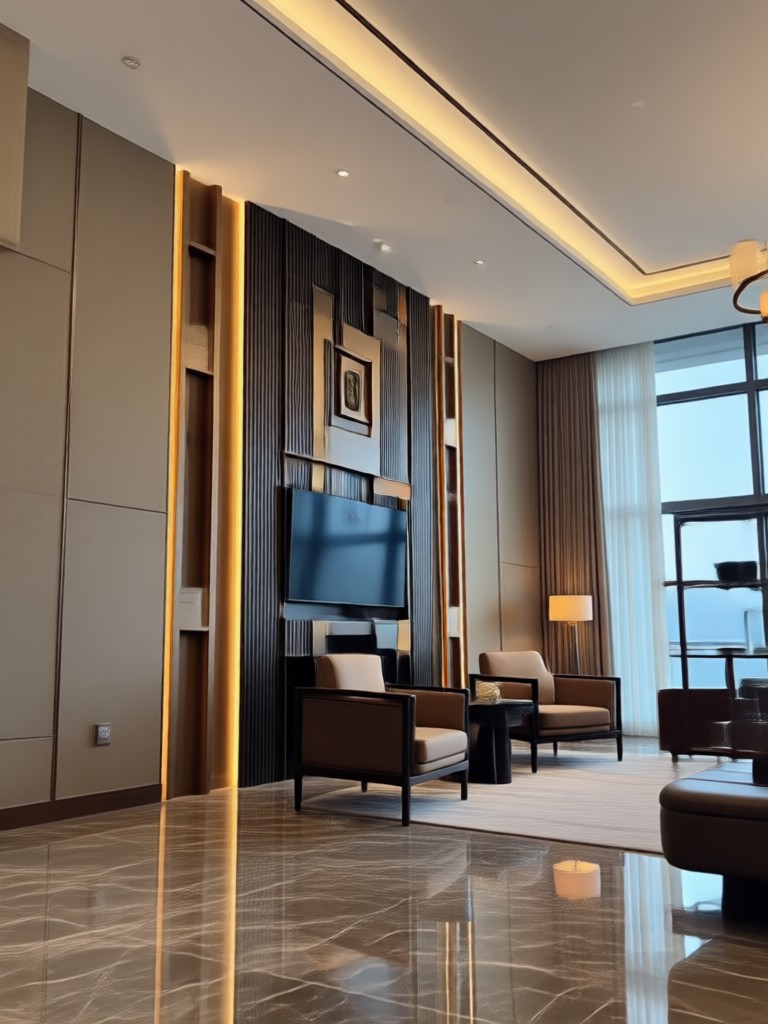
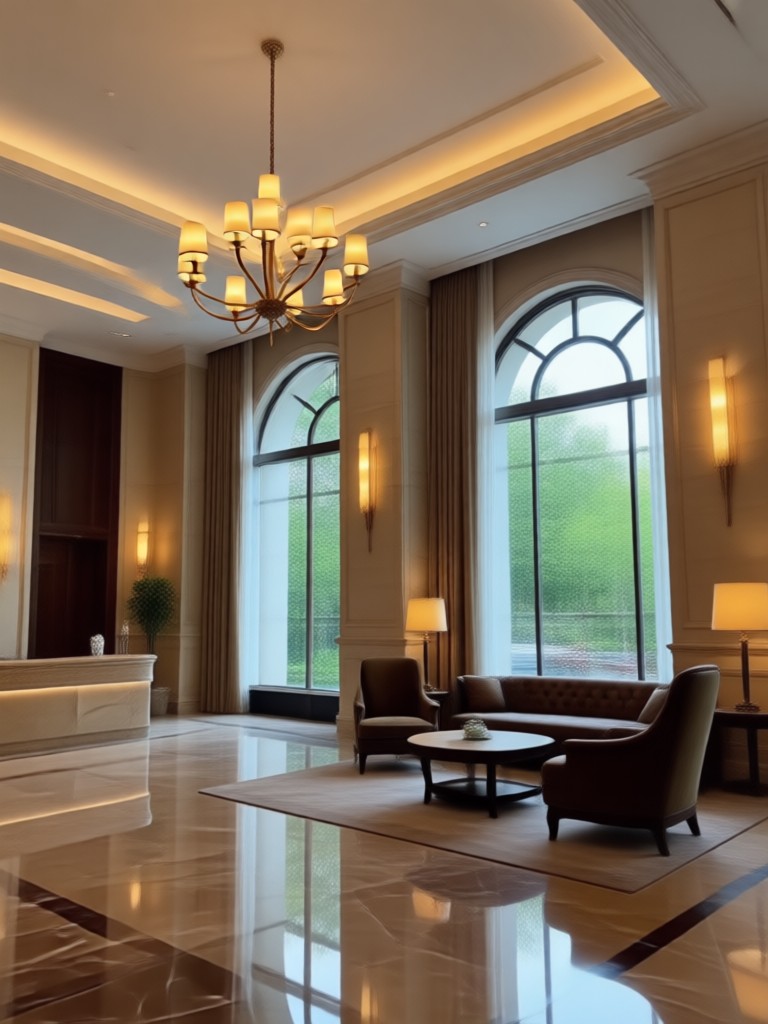
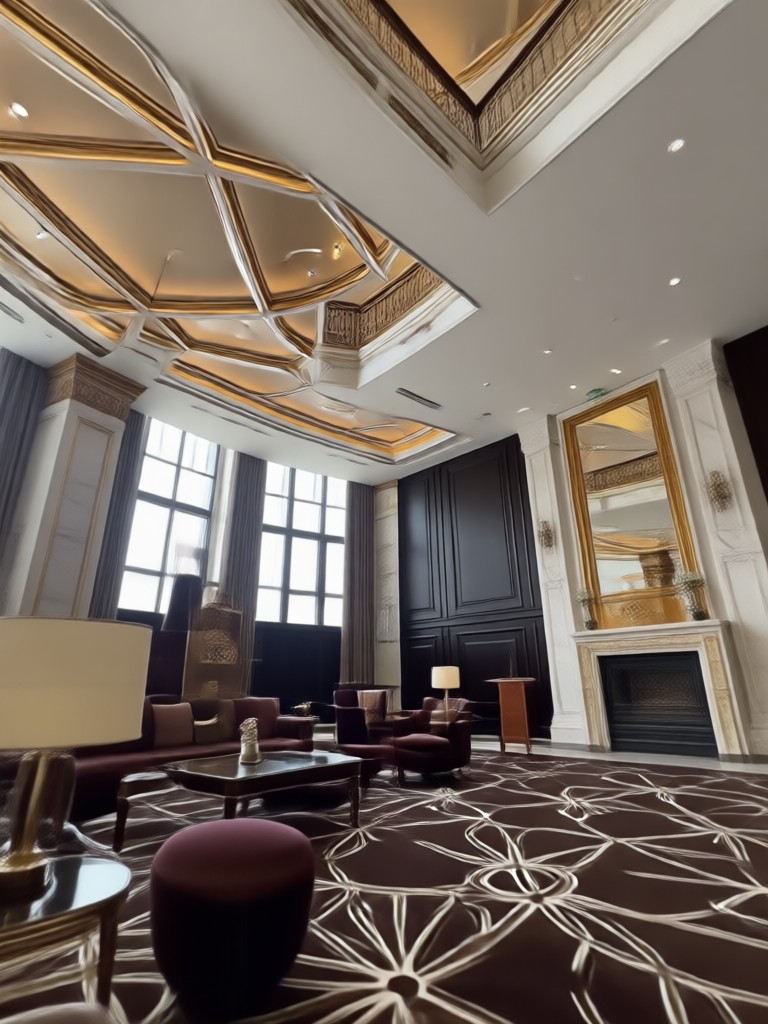
Browse different hotel lobby video styles you can create. From grand marble entrances to cozy boutique lounges, find the right look for your next project.
Your Hotel Lobby, In Motion
Static photos cannot capture the feeling of walking into a great lobby. Video does that instantly. zikzik makes it possible without hiring a film crew.
From Still Photo to Living Space
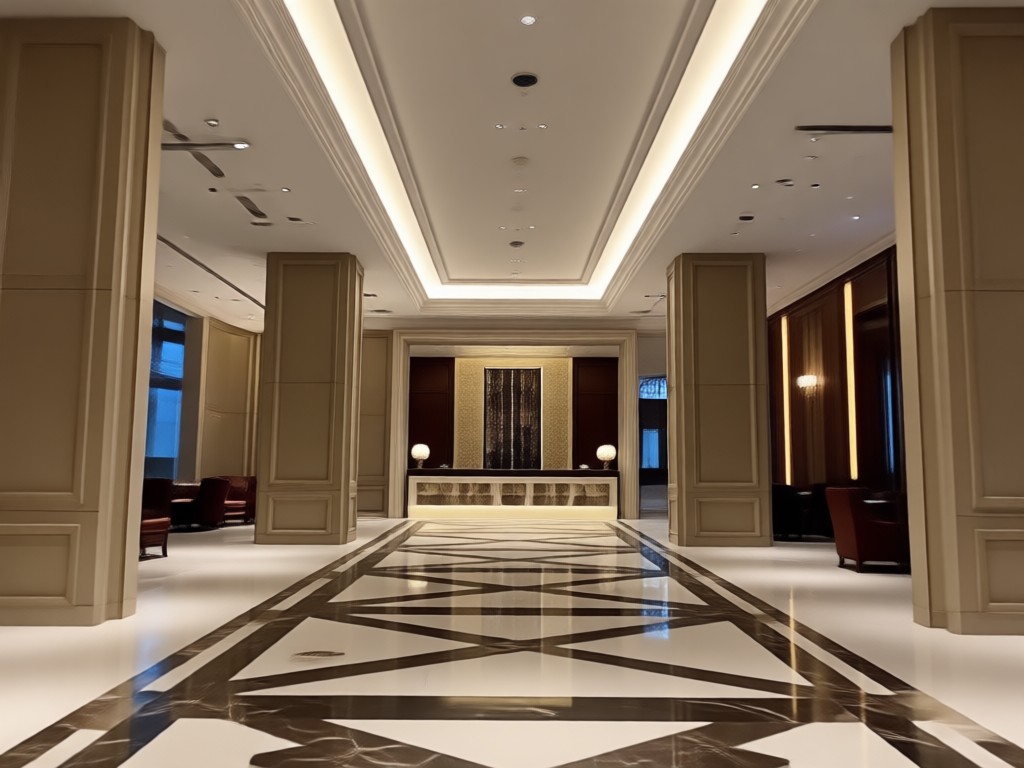
Take a single photo of any hotel lobby and let zikzik animate it with lifelike motion. Water ripples in the fountain, light shifts across marble floors, and guests move naturally through the frame. The app preserves the original architecture while adding a cinematic layer of movement. This is ideal for hotel websites, social media ads, and portfolio presentations that need to capture attention quickly. No expensive equipment, no reshoots, and no complex software. Just upload, choose a style, and generate a video that makes the space feel real.
What Creators Say About Hotel Lobby AI Videos
Perfect for real estate pages
I used zikzik to turn still photos of a boutique hotel into short animated clips. The lobby looked alive. The client loved it and the video went straight onto their booking page.
No camera crew needed
I needed a video of a luxury lobby for a pitch deck. Instead of renting equipment, I generated one with zikzik. The result was smooth, cinematic, and took about ten minutes.
My concept came to life
I typed a description of a minimalist Japanese hotel lobby and the AI created a calm, beautiful video. The lighting was exactly what I imagined. Very impressive.
Frequently Asked Questions
Get clear answers about creating hotel lobby AI videos with zikzik.
Create Hotel Lobby AI Videos on the Go
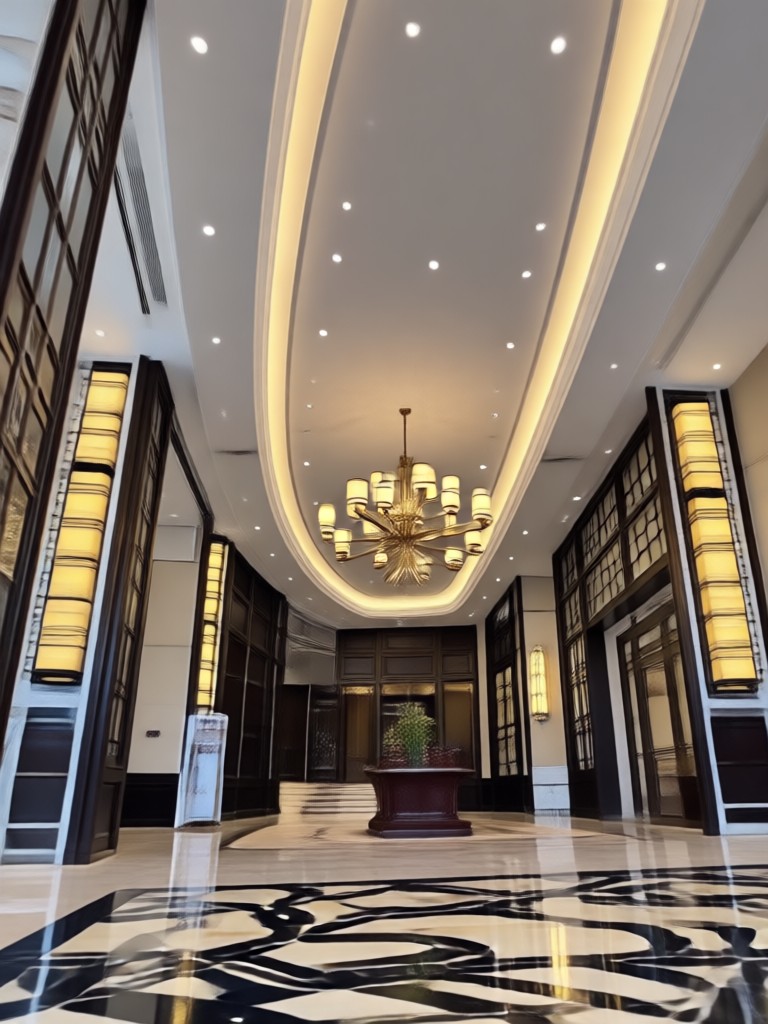
The zikzik app works entirely on your phone. Download it now to generate cinematic lobby videos anywhere, anytime.

Turn Your Lobby Photo Into a Living Video
Download zikzik and create your first hotel lobby AI video in minutes. No editing experience needed. Just pick a style and generate.
Turn Your Lobby Photo Into a Living Video
Download zikzik and create your first hotel lobby AI video in minutes. No editing experience needed. Just pick a style and generate.