Photo Remove Dress for Instant Outfit Swaps
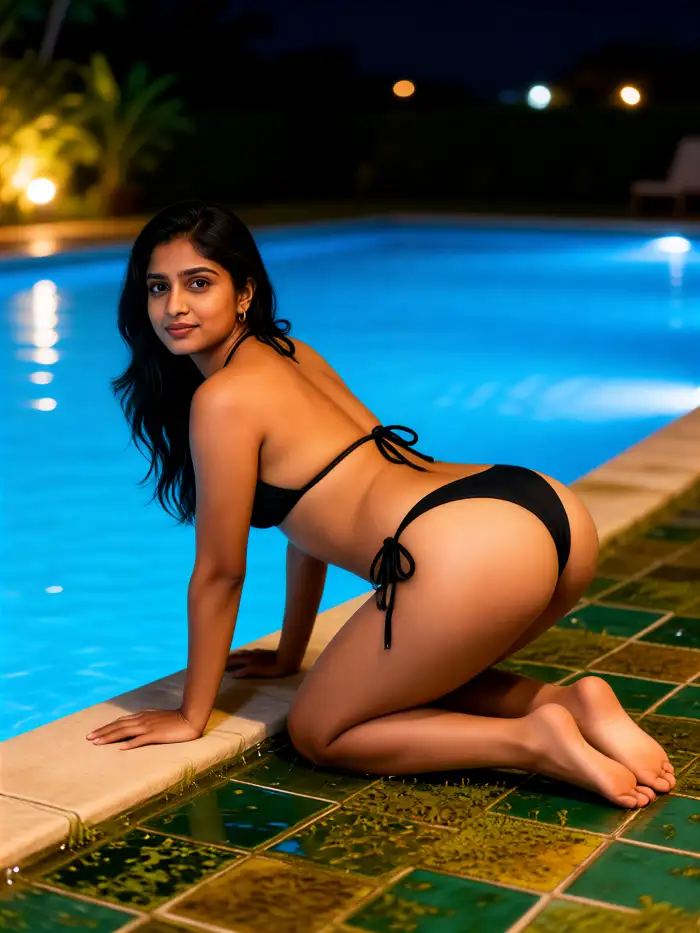
Fashion Filters Ready for Your Next Look
Pick a template that matches the vibe you want, from everyday layers to formal gowns, then apply it to your photo in the app.
Outfit Changes That Still Look Like You
zikzik rebuilds clothing around the person already in the frame. Face, hair, and pose stay consistent, so the new dress or full look feels like a fresh photoshoot rather than a sticker on top of your picture.
Keep Identity, Swap the Wardrobe
Your face, hair, and pose stay locked in place. The AI only rebuilds clothing, so friends still recognize you while the outfit looks brand new on your body.
Templates for Every Occasion
Browse casual tees, evening gowns, office suits, festival looks, and seasonal layers. Pick a template and apply it in a single tap inside the mobile app.
Fabric, Light, and Fit That Hold Up
Folds, shadows, and seams follow your body. Results look like a real photoshoot rather than a pasted graphic, even on busy backgrounds and mixed lighting.
Outfit Looks You Can Apply Today
Preview five popular directions. Upload your photo in the zikzik app and map any of these styles onto the clothes you are already wearing in the shot.
How to Change Clothes in a Photo
Three steps on your phone. No desktop editor, no layers, and no masking tools. zikzik handles the outfit swap after you pick a template.
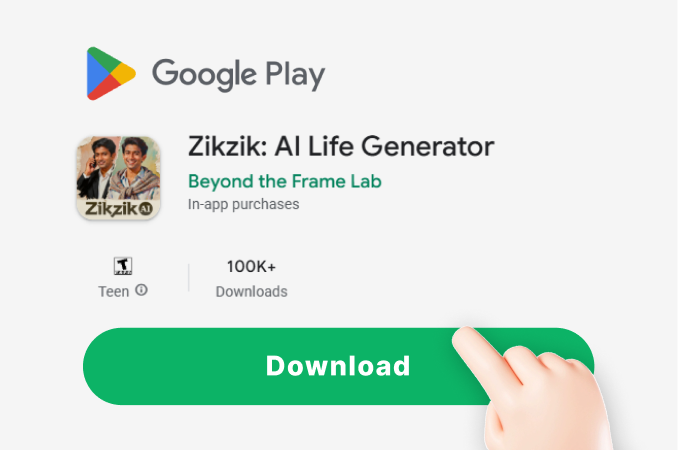
Step 01.
Get started by downloading zikzik on Google Play. Every outfit tool lives in the app, so you can transform photos at home, in a store, or on the go.
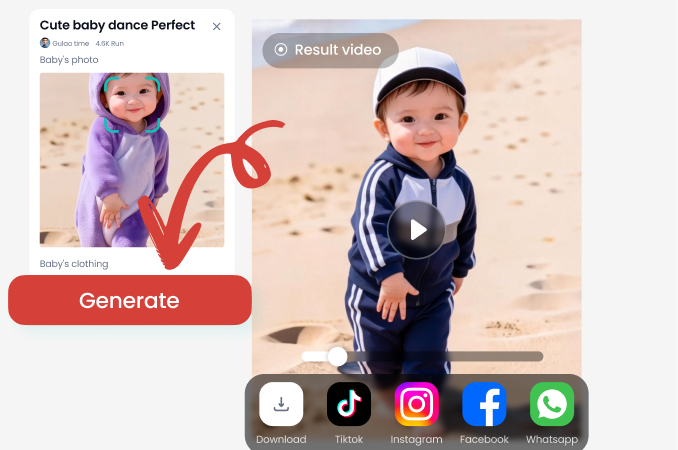
Step 02.
Upload a clear photo of yourself and choose a fashion filter. Pick the dress, suit, or street look you want the current clothes replaced with.
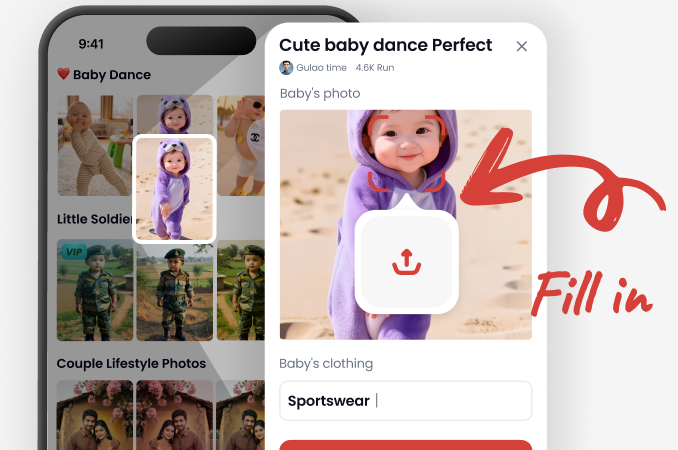
Step 03.
Generate the new look, save the image, and share it with friends or on social media. Use it as a shopping preview or as content from a single shoot.
Outfit Swap Lives in Your Pocket
zikzik runs only as a mobile app on Google Play. Upload a photo, pick a fashion template, and export a new look in seconds. There is no web editor to wait on.

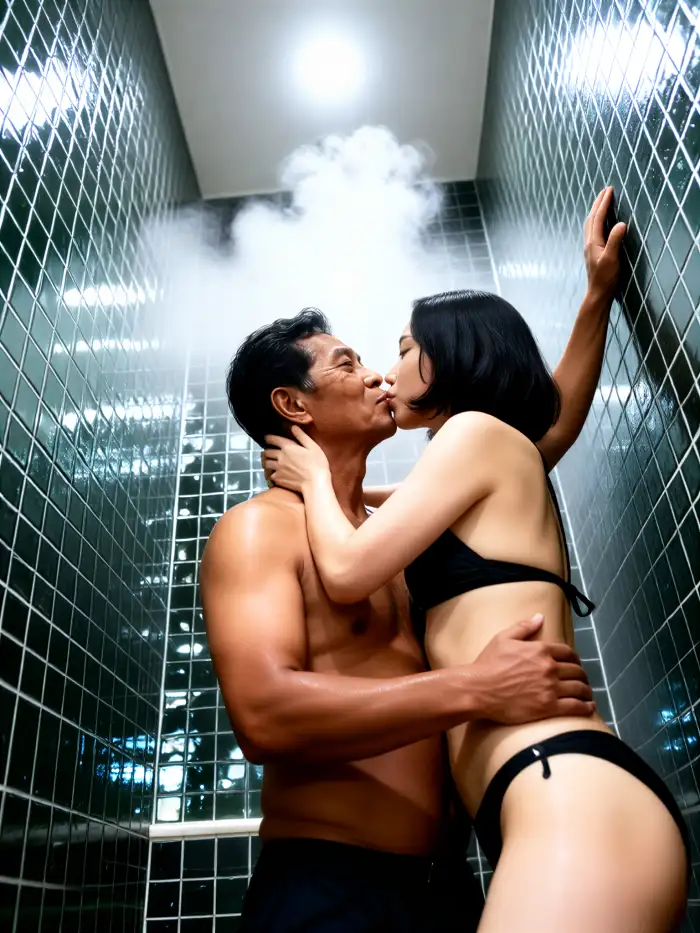
Preview a New Look Before You Buy
Online shopping guesswork wastes money and time. Upload a photo of yourself, apply a dress or full outfit template, and see how the cut sits on your frame. Creators also use this to plan content calendars, test color palettes, and produce multiple looks from a single shoot without changing clothes on set.
Preview a New Look Before You Buy
Online shopping guesswork wastes money and time. Upload a photo of yourself, apply a dress or full outfit template, and see how the cut sits on your frame. Creators also use this to plan content calendars, test color palettes, and produce multiple looks from a single shoot without changing clothes on set.
What People Create with Outfit Swap
I test dresses before I click buy
I used to order three sizes and send two back. Now I upload a mirror photo, try the silhouette in the app, and only purchase what actually suits me. Returns dropped and I waste less weekend time at the post office.
One shoot, five different wardrobes
I shoot once in a simple outfit, then apply templates for carousel posts. My audience thinks I own a huge closet. The face match is consistent enough for a feed, and I stop dragging garment bags to every location.
Client previews without a stylist on call
I send bridesmaid dress options as photo mockups instead of Pinterest boards. Clients understand the vibe faster and we lock colors sooner. It is much easier to discuss length and neckline when they see it on a real person.
Questions About Photo Outfit Changes
Straight answers on how photo remove dress works in zikzik, what stays the same in your picture, and how to get the app on your phone.
More Topics You May Like
Explore more topics you may like and discover fresh ideas tailored to your interests.
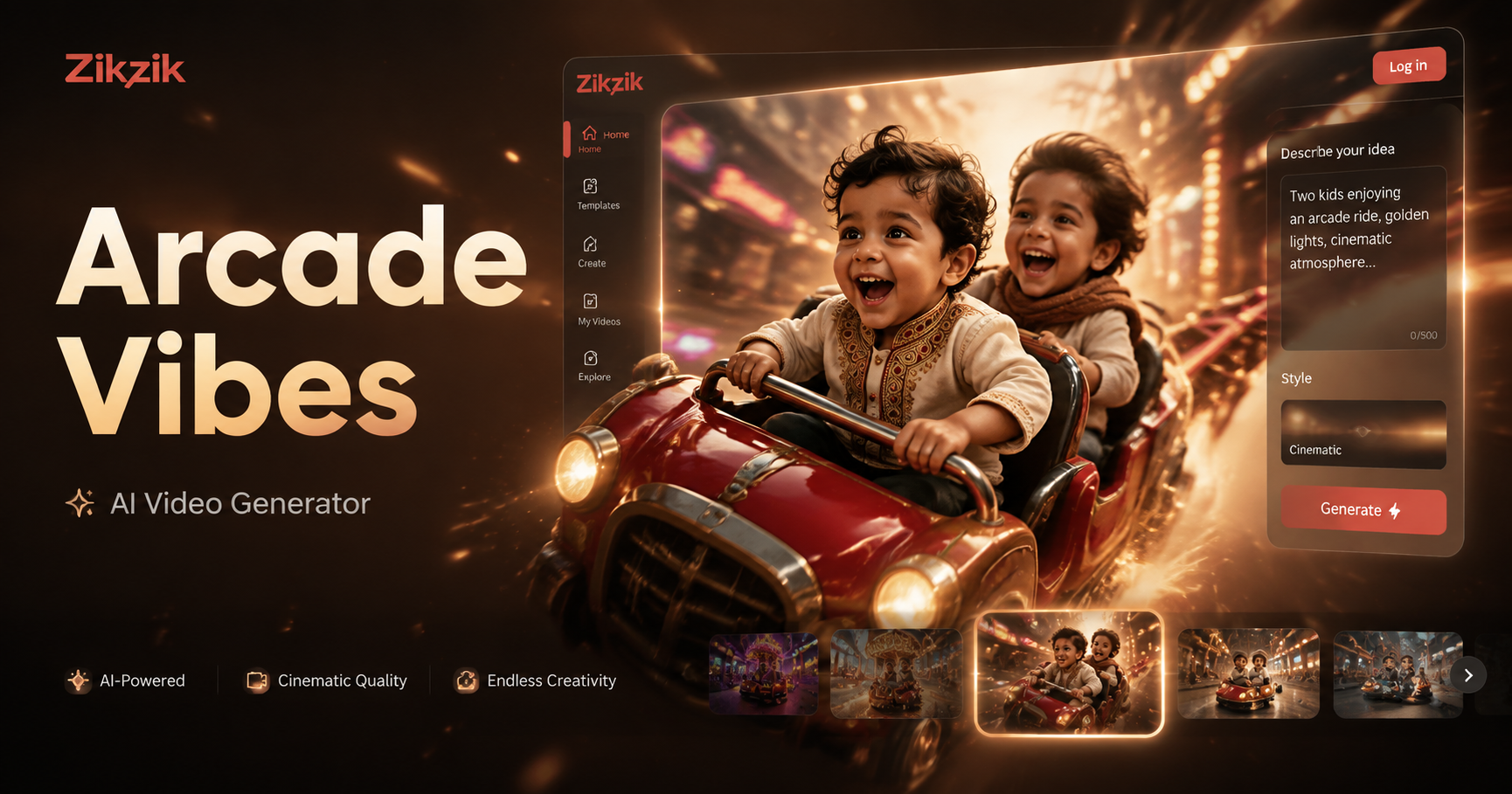
Arcade Ride Vibe Video Maker: Create Retro Game-Style Clips
Get the 80s arcade ride vibe in your videos instantly. Upload any footage, apply retro filters & effects, and download shareable clips. No sign-up, free to use.
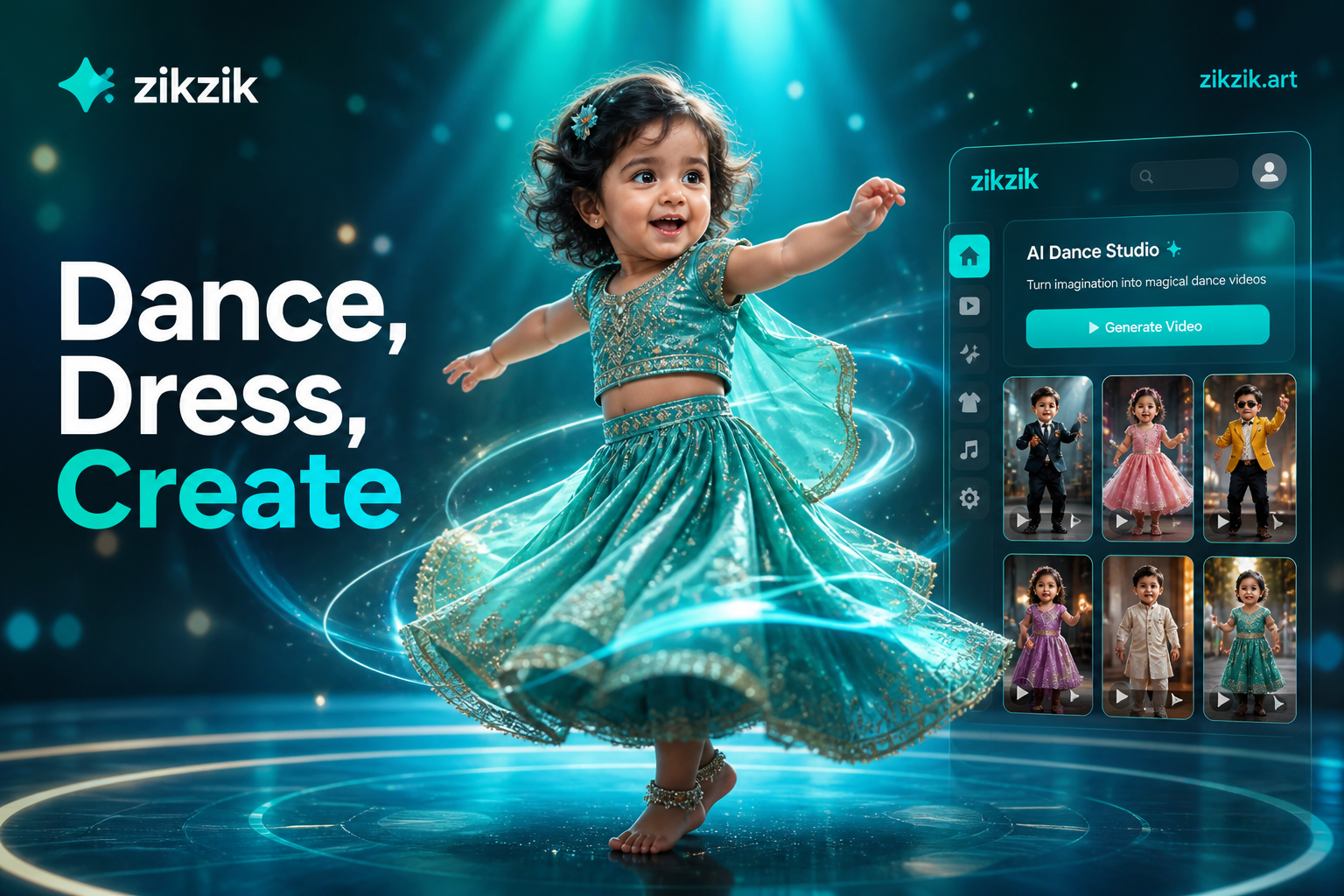
Create Baby Dance Videos in Costumes Instantly with AI
Generate adorable baby dress up dance videos with AI. No sign up, free to use. Choose from costumes, apply dances, and download in seconds. Turn photos into fun viral content.
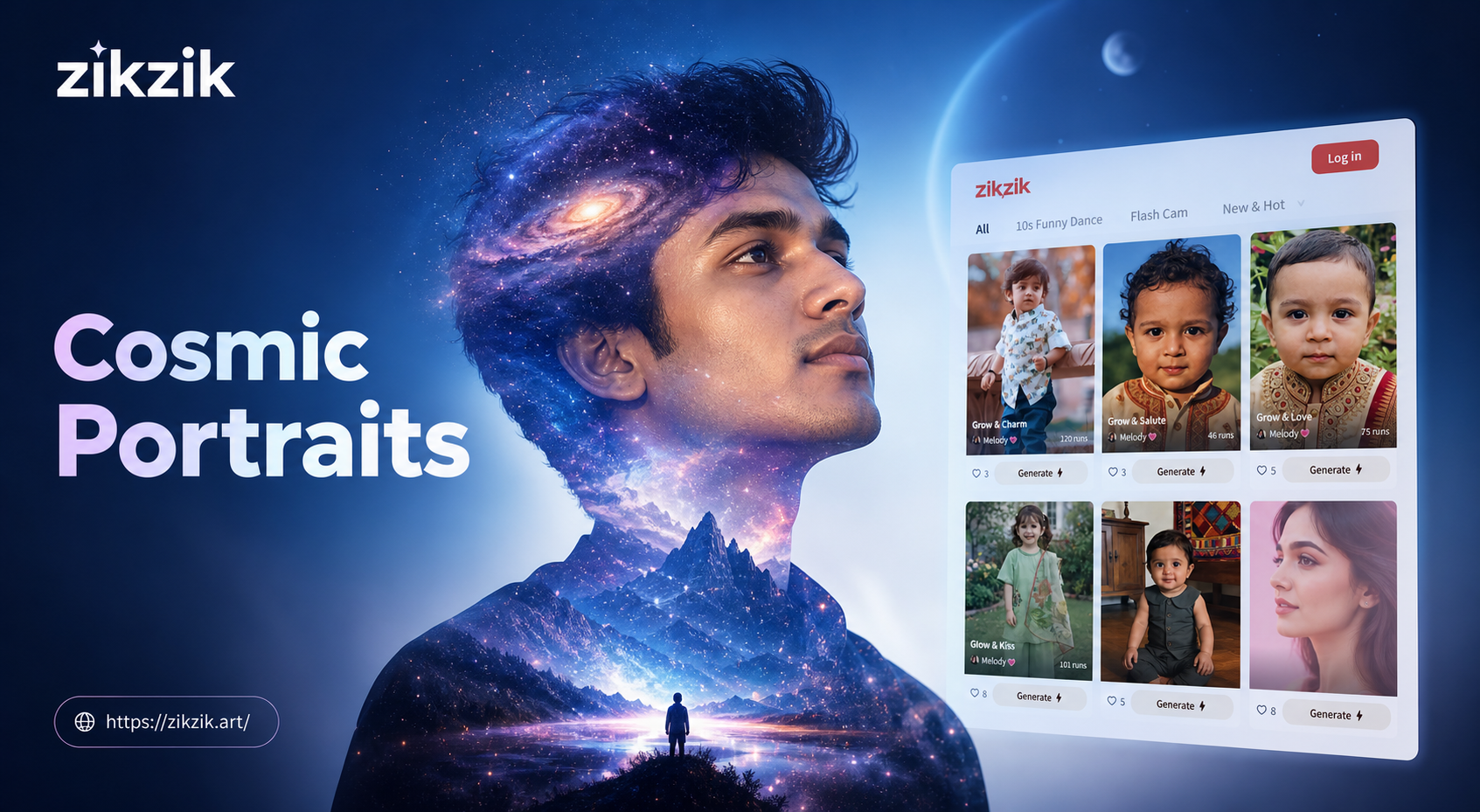
Create Galaxy Double Exposure Portraits with Zikzik AI
Unlock cosmic creativity with the ultimate Galaxy Double Exposure Portrait Generator. Blend portraits with nebulas and stardust to create breathtaking art instantly on your mobile device.
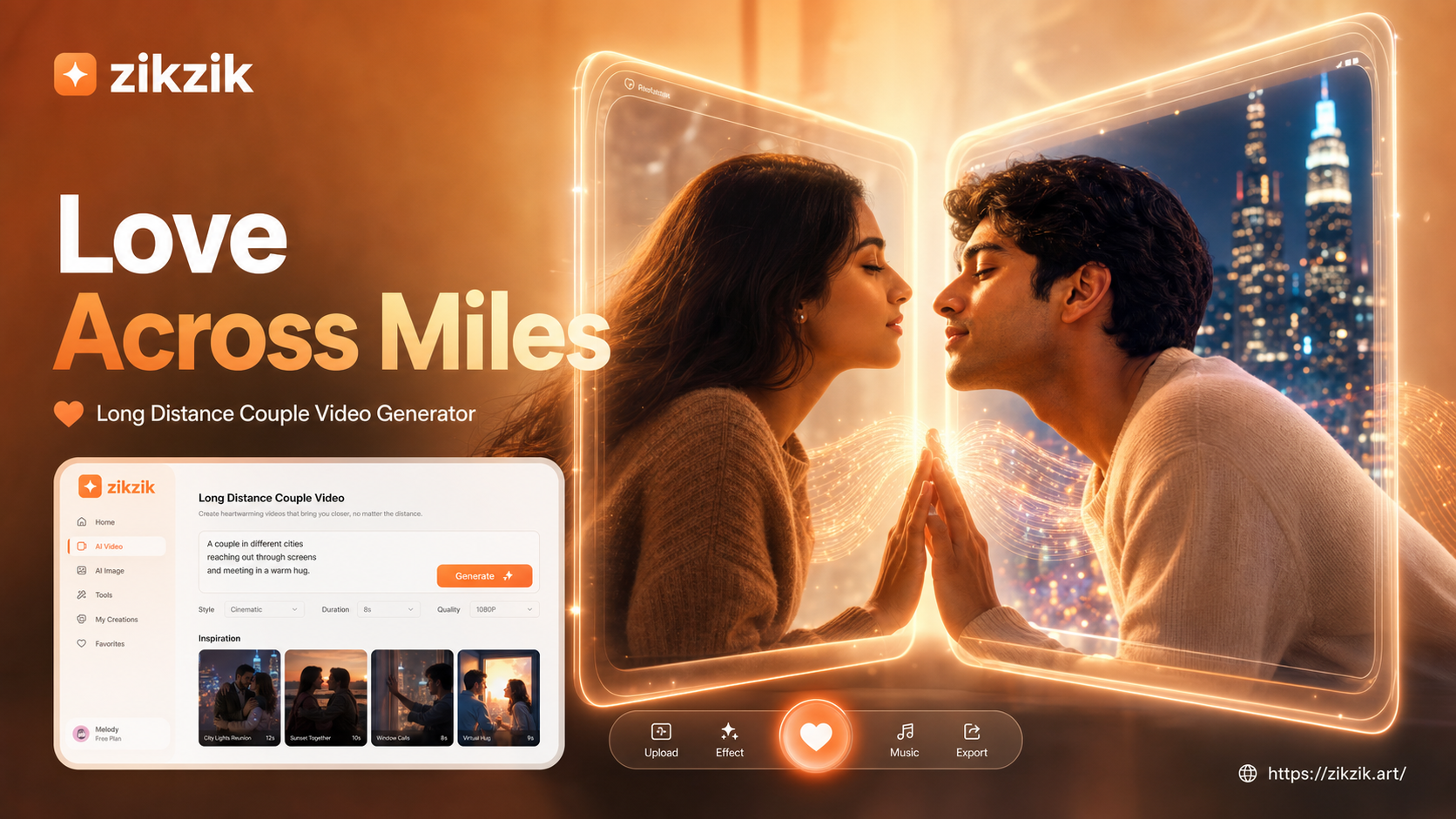
Long Distance Couple Kiss Video Generator
Generate romantic AI kiss videos for your partner. Our long-distance couple kiss video generator turns photos into touching, lifelike reunion scenes. Share your love across any distance.
Your Next Outfit Is One Photo Away
Download zikzik on Google Play, upload a shot, and try a new dress or full look in seconds. Keep your face, change the clothes, and share the result.

Your Next Outfit Is One Photo Away
Download zikzik on Google Play, upload a shot, and try a new dress or full look in seconds. Keep your face, change the clothes, and share the result.