Skin Tone Changer
Choose Your Transformation Style
From subtle enhancements to dramatic fantasy makeovers, pick the perfect skin tone filter to match your creative vision.
Why Choose Our AI Skin Tone Changer
Our tool offers professional-grade, realistic transformations with a simple, user-friendly interface. Achieve natural-looking results every time.
Natural, Realistic Adjustments
Our AI intelligently blends new skin tones with your original photo's lighting and shadows, avoiding artificial or pasted-on appearances. It maintains facial features and textures for believable results.
Natural, Realistic Adjustments
Our AI intelligently blends new skin tones with your original photo's lighting and shadows, avoiding artificial or pasted-on appearances. It maintains facial features and textures for believable results.
Infinite Creative Styles
Go beyond natural tones. Experiment with fantasy blue, ethereal silver, mystical green, or vibrant anime styles. Create unique character portraits for stories, games, or art projects.
Infinite Creative Styles
Go beyond natural tones. Experiment with fantasy blue, ethereal silver, mystical green, or vibrant anime styles. Create unique character portraits for stories, games, or art projects.
One-Click Global & Local Editing
Apply changes to the entire face and body uniformly, or use our precision brush to adjust skin tone on specific areas only, like arms, neck, or face, for total creative control.
One-Click Global & Local Editing
Apply changes to the entire face and body uniformly, or use our precision brush to adjust skin tone on specific areas only, like arms, neck, or face, for total creative control.
Skin Tone Change Gallery
See the amazing possibilities. Browse real transformations from subtle tan adjustments to complete fantasy character creation.
How to Change Skin Tone Online Free?
Transform your photos in three simple steps with our powerful mobile app.

Step 01.
Download the zikzik app from Google Play Store to access the skin tone changer and all other AI tools on your mobile device.
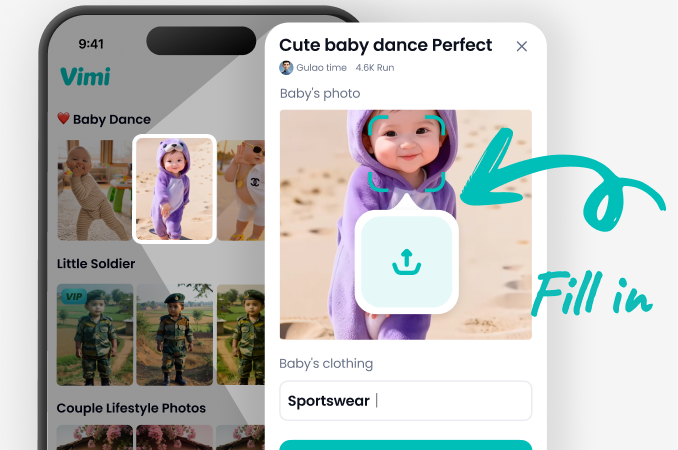
Step 02.
Upload your photo and browse the vast library of skin tone filters. Choose from natural tones, sun tans, or fantasy colors.
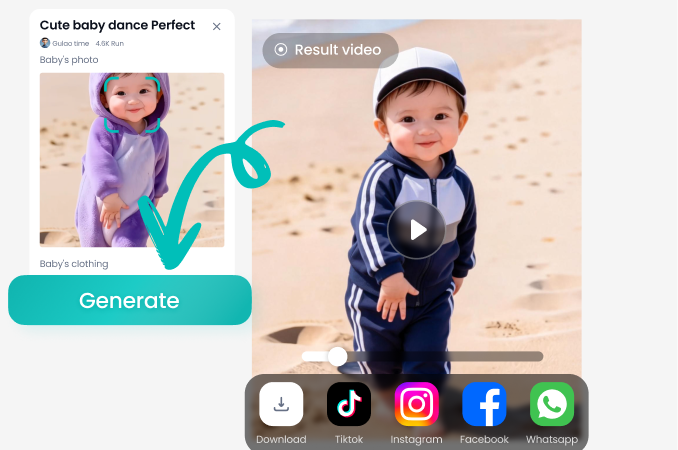
Step 03.
Generate your new look instantly. Adjust the intensity if needed, then save your transformed photo to your device or share it directly.
Change Skin Color On The Go
Your pocket-sized studio for endless portrait transformations. Edit photos anywhere, anytime, directly from your phone.

How Creatives Use The Skin Tone Changer
Mia Chen
As a character designer, this tool is invaluable. I can quickly visualize my OCs with different ethnicities and fantasy skin tones before finalizing illustrations. It saves me hours of manual coloring.
Leo Rivers
Perfect for testing cosplay makeup looks. I can see how I'd look with the exact skin tone of a character before buying expensive body paint or spending hours in the makeup chair. A game-changer for accuracy.

Sara Jones
I use it for client portraits to offer subtle retouching options, like adding a healthy glow or correcting uneven lighting on skin. The results look completely natural, and clients love the previews.
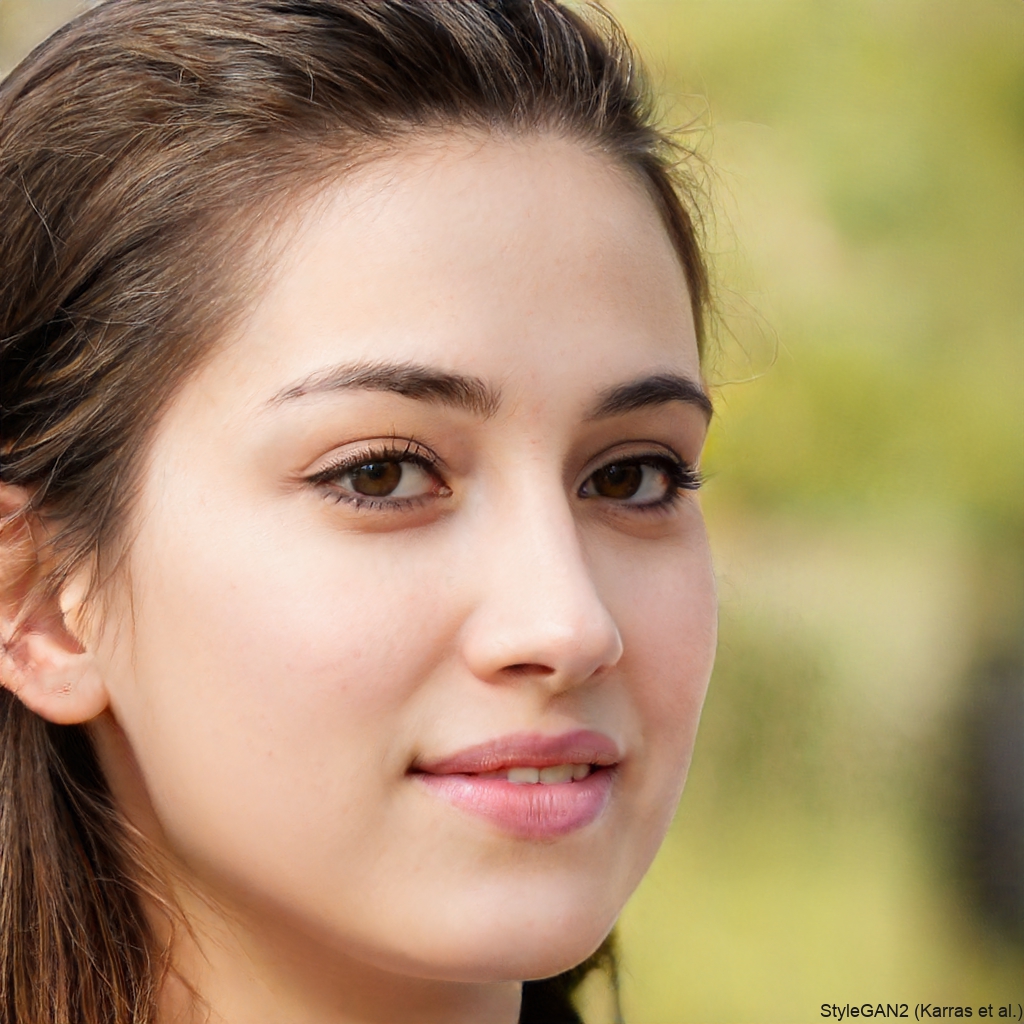
Alex Wong
Writing fantasy novels, I use this to create reference images for my diverse cast of characters. It helps me describe their appearances more vividly and provides perfect cover art concepts for my designer.
Mia Chen
As a character designer, this tool is invaluable. I can quickly visualize my OCs with different ethnicities and fantasy skin tones before finalizing illustrations. It saves me hours of manual coloring.
Leo Rivers
Perfect for testing cosplay makeup looks. I can see how I'd look with the exact skin tone of a character before buying expensive body paint or spending hours in the makeup chair. A game-changer for accuracy.
Sara Jones
I use it for client portraits to offer subtle retouching options, like adding a healthy glow or correcting uneven lighting on skin. The results look completely natural, and clients love the previews.
Alex Wong
Writing fantasy novels, I use this to create reference images for my diverse cast of characters. It helps me describe their appearances more vividly and provides perfect cover art concepts for my designer.
Mia Chen
As a character designer, this tool is invaluable. I can quickly visualize my OCs with different ethnicities and fantasy skin tones before finalizing illustrations. It saves me hours of manual coloring.
Leo Rivers
Perfect for testing cosplay makeup looks. I can see how I'd look with the exact skin tone of a character before buying expensive body paint or spending hours in the makeup chair. A game-changer for accuracy.
Sara Jones
I use it for client portraits to offer subtle retouching options, like adding a healthy glow or correcting uneven lighting on skin. The results look completely natural, and clients love the previews.
Alex Wong
Writing fantasy novels, I use this to create reference images for my diverse cast of characters. It helps me describe their appearances more vividly and provides perfect cover art concepts for my designer.
Skin Tone Changer FAQs
Get answers to the most common questions about changing skin color online for free with our AI tool.
More Topics You May Like
Explore more topics you may like and discover fresh ideas tailored to your interests.
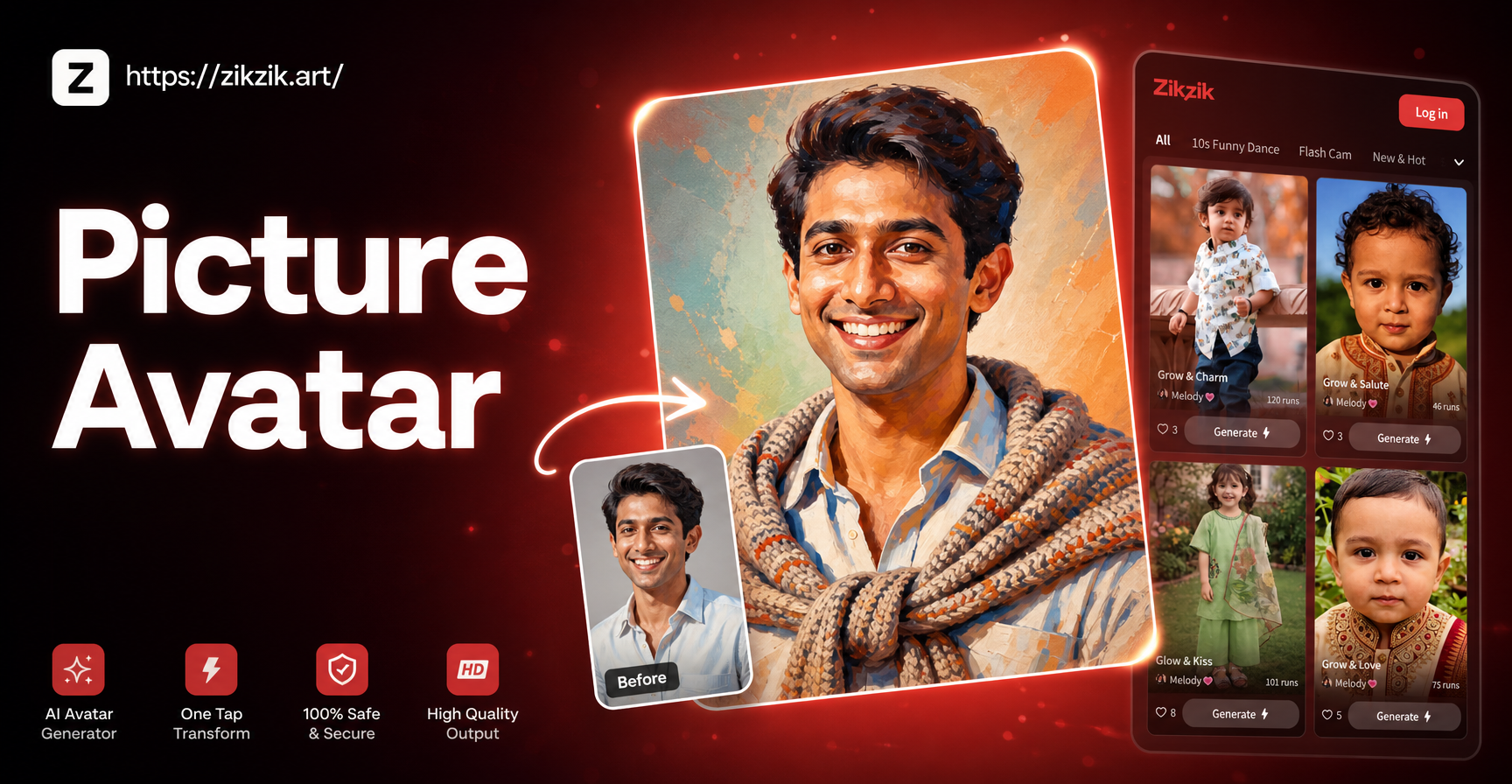
Create Your Digital Twin: AI Picture Avatar Maker
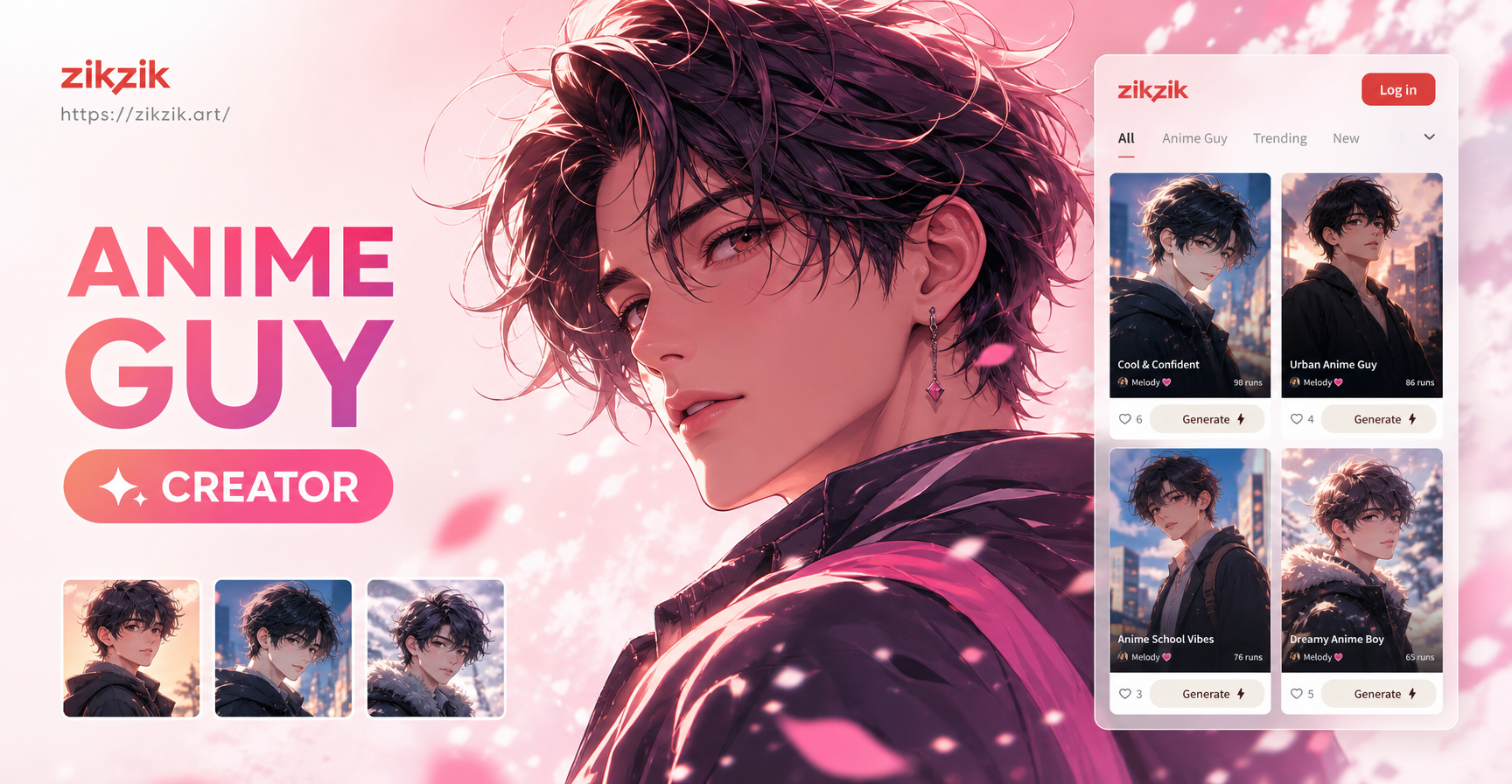
Create Your Own Anime Character Instantly

AI Angel Creator: Design Your Celestial Character

AI Character Intro Photo Prompts: Create Unique Personas
Create Your Digital Twin: AI Picture Avatar Maker
Create Your Own Anime Character Instantly
AI Angel Creator: Design Your Celestial Character
AI Character Intro Photo Prompts: Create Unique Personas
Redefine Your Portrait Today
Unlock a world of creative possibilities. Whether for art, cosplay, or simply fun, see yourself in a new light with one tap.
Redefine Your Portrait Today
Unlock a world of creative possibilities. Whether for art, cosplay, or simply fun, see yourself in a new light with one tap.