What Makes an 80s AI Video Prompt Different?
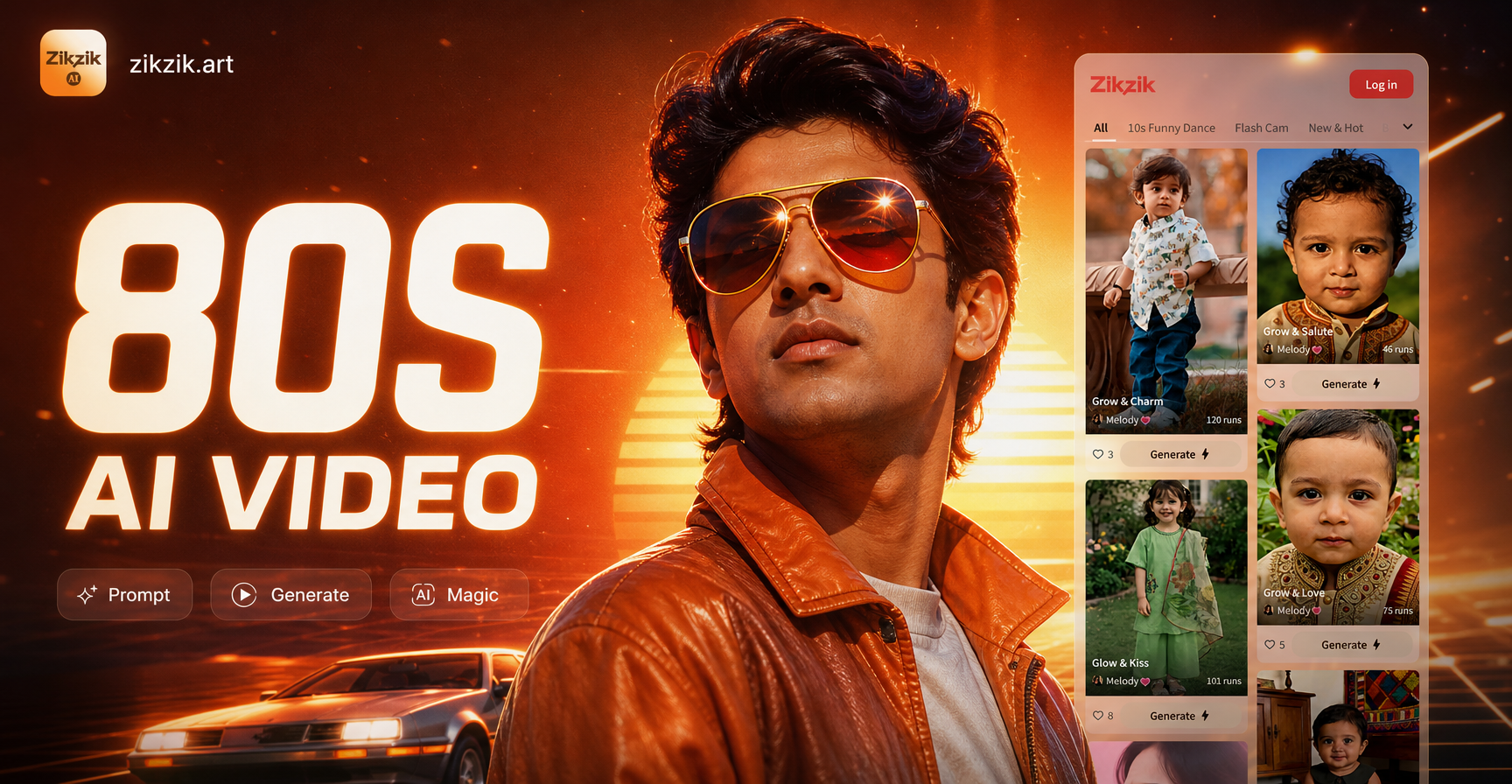
These 80s AI video prompts give you a direct way to turn a short text instruction into a retro clip. They combine period colors, camera movement, wardrobe, and analog texture so the result does not look like a modern filter applied to a clean digital shot. You can use them inside zikzik, a mobile AI design tool that turns text into short video. The prompts below are ready to paste and generate. You can also change one element, such as location, outfit, or lighting, to fit your own idea.
Key Visual Ingredients for 1980s Style
A useful 80s prompt is not just the phrase 'retro video'. It names the era, the visual format, the color treatment, and the motion. If you leave those out, the AI may create a generic 1980s themed image or a modern clip with a few neon props. Use the following ingredients in your prompt.
- Neon and chrome palette with magenta, cyan, and amber light
- VHS tape texture, scan lines, soft grain, and slight tracking errors
- Period props such as boomboxes, arcade cabinets, cassettes, CRT monitors, and corded phones
- Wardrobe details like shoulder pads, denim jackets, high top sneakers, and geometric prints
- Cinematic motion such as slow push in, whip pan, handheld zoom, freeze frame, and dissolve transitions
- Locations like neon lit streets, roller rinks, malls, arcades, and synthwave style control rooms
12 Ready to Use 80s AI Video Prompts
These prompts are written for text to video generation. Paste them into the zikzik app and choose a retro or synthwave style filter for the strongest period look. You can keep the full prompt or trim one detail to make it shorter.
- Synthwave night drive. 'Archival VHS shot of a chrome sports car driving through a palm lined street at sunset, magenta and cyan neon, wet asphalt reflections, slight tape tracking error, soft film grain, slow push in, 1986 cinematic mood.'
- Neon rain street. 'Rain soaked downtown street at night in 1987, pink and blue neon signs reflecting on wet pavement, pedestrians with umbrellas, steam rising from a vent, handheld camera with gentle shake, VHS color bleed and scan lines.'
- Arcade hangout. 'Interior of a crowded arcade in 1985, rows of glowing cabinets, teenagers in denim jackets, sticky carpet, dim overhead lights, CRT screens flickering, slow pan across the room, analog noise and soft haze.'
- Aerobics workout. 'Bright aerobics class in an 80s gym, colorful leotards, leg warmers, mirrored walls, energetic instructor on a wooden stage, dramatic warm lighting, quick zoom cuts, VHS tape texture and saturated reds.'
- Music video stage. '80s music video performance, singer with big hair and metallic jacket, smoke and colored gels, guitar player in silhouette, fast whip pan, lens flare, grainy film look, period stage lighting and slow motion.'
- Mall montage. 'Busy shopping mall in 1986, shoppers with perms and shoulder pads, indoor palm trees, glass elevator, neon store signs, escalator shot, soft focus background, VHS color drift and light leak.'
- Cassette close up. 'Close up of a hand inserting a cassette tape into a boombox, 1980s bedroom with posters and wood paneling, warm lamp light, shallow depth of field, slow zoom in, analog grain and slight cassette label blur.'
- Retro sci fi room. 'Small retro sci fi control room with glowing buttons, CRT monitors, analog dials, and chrome panels, a person in a jumpsuit typing, blinking red and green lights, slow tracking shot, cinematic haze and VHS noise.'
- Roller rink party. 'Roller rink in 1988, skaters in bright shorts and crop tops, disco ball reflections, colored floor lights, fast circling motion, overhead wide shot, slight motion blur, warm film grain and period pop music energy.'
- Street fashion walk. 'Group of friends walking toward the camera on a sunny 1985 sidewalk, acid wash jeans, oversized blazers, headbands, boombox on one shoulder, slow motion, lens flare, saturated Kodak film colors and soft grain.'
- VHS training video. 'Awkward 80s office training video, wood paneled conference room, man in a brown suit pointing at a flip chart, fluorescent light, low quality VHS recording, visible tracking line at the bottom, stiff handheld zoom.'
- Beach sunset. 'Coastal parking lot at sunset in 1986, convertible with the top down, palm trees silhouetted, orange and purple sky, chrome bumper reflections, slow dolly movement, grainy film and analogue color shift.'
How to Adapt These 80s AI Video Prompts for Your Own Clip
The fastest way to make these prompts yours is to change one visual ingredient at a time. Keep the period texture and motion, then swap the location, the subject, or the color palette. For example, replace the arcade with a diner, a video store, or a basement party. Replace the chrome sports car with a motorcycle, a van, or a bicycle with neon spoke lights.
Adjust the location and wardrobe
If you want a more personal result, add a specific object or piece of clothing that fits your story. You can write 'a girl in a yellow windbreaker and high top sneakers' instead of 'teenagers in denim jackets'. The more concrete the detail, the easier it is for the AI to keep the scene clear and period accurate.
Change the motion and framing
Motion words change the feel of the video more than most people expect. Try 'slow push in' for a nostalgic opening, 'handheld camera' for a candid home video look, 'fast whip pan' for music video energy, and 'freeze frame' for a classic 80s ending. You can also add framing cues such as 'low angle', 'wide shot', or 'close up from the side'.
Dial up the analog texture
If your clip looks too clean, add two or three texture words at the end of the prompt. Use phrases like 'VHS tracking error', 'soft grain', 'color bleed', 'light leak', or 'scan lines'. This is often the difference between a modern neon image and a believable period video.
How to Improve Weak 80s Video Results
Even a well written prompt can produce a clip that feels off. The most common issues are a modern look, weak motion, or colors that are too clean. Here is how to fix them.
If the result looks too modern
- Add the exact year, such as 1985 or 1988.
- Add a period prop or wardrobe detail, like 'corded phone' or 'acid wash jeans'.
- Use format words like 'archival VHS' or 'camcorder footage' instead of 'retro video'.
If the motion feels stiff
- Name the camera movement, such as 'slow dolly', 'handheld pan', or 'quick zoom'.
- Add a subject action, like 'dancing', 'walking toward camera', or 'inserting a cassette'.
- Keep the clip short so the AI does not lose the pose or movement.
If the colors are dull
- Add specific neon colors, such as 'magenta and cyan glow' or 'amber streetlight'.
- Ask for 'chrome reflections' or 'wet asphalt reflections' to create more light surfaces.
- Use film stock words like 'saturated Kodak colors' or '80s color grading'.
Using 80s Video Prompts in zikzik
zikzik is a mobile AI design tool built for fast creative prompts. Open the app, choose the text to video feature, and paste one of the 80s AI video prompts above. Select a retro or synthwave style filter from the style library, then generate. You do not need complex prompt engineering or editing software. The app handles the visual styling while the prompt keeps the scene, era, and movement focused. Download the app from Google Play to start generating your own 80s style clips.
Use these prompts as a starting point. Change one detail at a time, keep the analog texture strong, and you will get clips that feel more like a forgotten tape than a digital filter. The best results come from prompts that are specific about time, place, color, and motion.