What Are Saree AI Photo Editing Prompts?
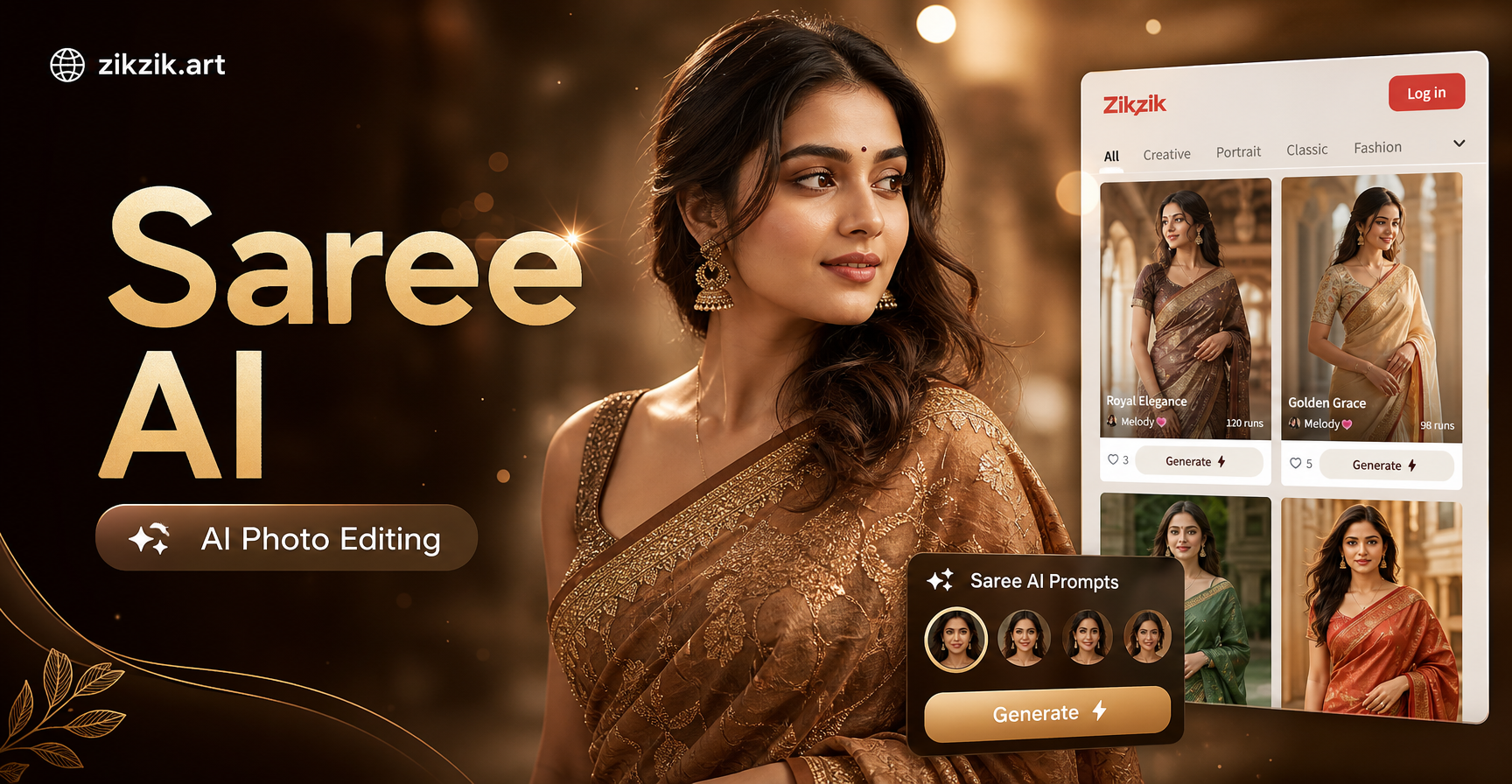
Saree AI photo editing prompts are short descriptive instructions that guide an AI image editor to change an existing photo or create a new one featuring a saree. Instead of saying make me wear a saree, a stronger prompt says restyle the woman in the photo into a rich Banarasi silk saree with a gold border, soft studio lighting, jhumka earrings and a cream backdrop. That level of detail gives the AI a clear creative brief and produces a more realistic result.
How to Write Effective Saree AI Photo Editing Prompts
Start with the Base Photo
Describe who is in the photo, their pose and what should stay the same. Use phrases like keep the original face intact, same hairstyle, natural skin texture, upper body portrait or full length standing pose. This helps the AI preserve identity while changing only the outfit and setting.
Add Fabric, Color and Drape Details
Mention the saree type and finish. Choose Banarasi silk, Kanjivaram, chiffon, georgette, organza, cotton or linen. Add a color, border style, blouse cut, pleat placement and pallu drape. The more specific the fabric and drape, the better the AI understands the texture and silhouette.
Include Lighting and Background
Lighting changes the mood. Use soft window light, warm golden hour, bright studio light, festive bokeh or minimal beige wall. Backgrounds can be a terrace, wedding hall, temple corridor, garden or plain studio backdrop.
Mention Jewelry and Accessories
Traditional accessories make the saree look complete. Add gold jhumka earrings, a temple necklace, bangles, a small bindi, jasmine flowers in the hair, a potli bag or a slim belt for a fusion look.
15 Saree AI Photo Editing Prompts to Try Right Now
Copy any prompt below and paste it into your AI photo editor. Change the color, fabric or background to match your own portrait.
- Classic Red Banarasi: Restyle the woman into a rich red Banarasi silk saree with a broad gold zari border. Keep the original face and hair. Use a soft studio light, a plain cream background, traditional gold jhumka earrings and a small red bindi.
- Pastel Pink Chiffon: Change the outfit to a pastel pink chiffon saree with a matching sleeveless blouse. Keep the pose relaxed and upright. Use bright natural light from a large window with sheer white curtains.
- South Indian Bridal: Restyle the portrait as a South Indian bride wearing a rich Kanjivaram silk saree in red and gold, with temple jewelry, jasmine flowers in the hair and a traditional long braid. Use a warm golden hour light and a festive wedding hall background.
- Minimalist Cotton Handloom: Edit the photo so the subject wears a beige and mustard cotton handloom saree with a simple border. Keep the original skin texture and hair. Use soft daylight, a plain white wall and small silver jhumka earrings.
- Navy Blue Georgette Office Look: Change the woman into a navy blue georgette saree with a neat high neck blouse. Keep the face sharp and professional. Use clean office lighting, a neutral grey background and a slim watch.
- Festive Teal Silk: Restyle the subject into a teal green silk saree with an intricate gold border. Add a layered temple necklace, gold bangles and a small bindi. Use warm festive string lights in the background with a soft bokeh effect.
- White and Gold Reception Look: Change the outfit to an ivory and gold silk saree with a delicate pearl border. Use a low bun hairstyle with pearl earrings. Keep the background soft pastel with gentle studio lighting.
- Black Sequin Evening Saree: Edit the photo so the woman wears a black sequin saree with a fitted black blouse. Use a dramatic spotlight, dark elegant background and statement silver earrings.
- Floral Printed Linen Casual: Restyle the subject into a light floral printed linen saree with a casual draped pallu. Use outdoor daylight, a garden background and minimal jewelry.
- Royal Purple Silk: Change the outfit to a royal purple silk saree with a fine silver border. Add pearl earrings, a delicate pearl necklace and a braided updo. Use a rich indoor palace style background with warm side lighting.
- Summer Yellow Organza: Edit the portrait so the woman wears a bright yellow organza saree with a sleeveless blouse. Add small white flowers in the hair and light gold earrings. Use bright summer sunlight and a simple outdoor terrace.
- Olive Green Silk: Restyle the subject into an olive green silk saree with antique gold jewelry and a soft middle parted bun. Use a neutral beige background and soft diffused studio light.
- Fusion Ruffle Saree: Change the outfit to a modern ruffle saree in dusty rose with a slim metallic belt at the waist. Keep the original face and short hair. Use an urban indoor background, soft daylight and minimal earrings.
- Monochrome Editorial Beige Drape: Edit the photo into a high fashion editorial look with a plain beige draped saree, sculptural pallu and no visible blouse straps. Use dramatic soft shadows, a plain grey background and dewy makeup.
- Vintage Sepia Saree Portrait: Restyle the woman into a vintage sepia toned portrait wearing a plain silk saree with a thin border and a small nose pin. Use old studio lighting, a textured wall background and soft film grain.
How to Use These Prompts in zikzik
You can use these prompts inside the zikzik app on your phone. Open the image to image editor, upload the portrait you want to restyle and paste one of the prompts above. Choose a realistic or fashion style filter from the available presets, then run the edit. If the first result is not perfect, change one detail at a time such as the fabric color, jewelry or lighting. Using these prompts as a starting point will get you closer to the look faster than typing a generic request.
How to Adapt These Prompts
Each prompt works as a base. To make it feel personal, replace the color with the saree shade you want and change the fabric to suit the season. For a wedding guest look, use silk and temple jewelry. For a casual event, use cotton or linen and minimal accessories. For a reception, choose sequins or light pastel silk and a clean background. You can also add a specific camera angle such as close up portrait, side profile, full length standing pose or three quarter shot.
Common Problems and How to Fix Them
If the colors look dull, add the words rich saturated color or bright color. If the jewelry is distorted, ask for simple small earrings instead of heavy jewelry. If the drape looks wrong, describe the pallu more clearly, such as pallu pinned on the left shoulder or loose over the arm. If the face changes too much, repeat keep the original face intact at the start of the prompt. If the background is cluttered, use a plain studio backdrop or a soft blurred background.
Frequently Asked Questions About Saree AI Photo Editing Prompts
Can I use these prompts on any photo?
Yes, these prompts work best on clear portraits where the face and upper body are visible. Avoid heavy filters or very low resolution images for the most consistent results.
Do I need to be a fashion designer to write prompts?
No, you can copy a prompt and change only the color or occasion. The AI fills in the rest. The key is to mention fabric, color, jewelry and lighting in one sentence.
What if the AI changes my face?
Add keep the original face intact and keep the original hairstyle at the beginning of the prompt. You may need to run the edit twice and choose the version that looks most like you.
Are these prompts only for women?
Most saree AI photo editing prompts are written for feminine styling and traditional Indian looks, but you can adjust the wording to a man wearing a dhoti style or a gender neutral draped garment. The same fabric, color and lighting details still apply.
Start Creating Your Saree Look
These saree AI photo editing prompts give you a practical starting point for restyling a portrait, planning a festive outfit or creating a new ethnic fashion visual. Download zikzik, paste a prompt into the image to image editor and experiment until the drape, color and lighting look right. Small changes to one detail often make the biggest difference.