AI change dress clothes tools have moved from experimental demos to practical mobile apps. Instead of spending an hour in a desktop editor, you can upload a photo, choose a style template, and generate a completely different outfit in seconds. This guide explains how the technology works, what to prepare before you start, and how to get more natural results when changing clothes in photos.
What Does AI Change Dress Clothes Mean?
AI change dress clothes refers to using image generation models to replace or restyle the clothing in a photo while keeping the person's face and body consistent. Instead of manually editing fabric, shadows, and folds, you provide a source image and a style request. The app then generates a new version with different clothing or a new outfit style.
This is different from simple photo filters that only adjust color or add stickers. The AI actually understands the structure of the person and the garment in the image. It can change a t-shirt into a blazer, switch a casual dress into evening wear, or apply a completely different fashion aesthetic.
Why Use a Mobile AI Outfit Changer Instead of Desktop Software?
Most people already have a phone with a camera. Mobile AI fashion apps remove the need to learn complex desktop software like Photoshop. You can test outfit ideas before buying, create content for social media, or experiment with looks for fun.
A mobile workflow is faster because you can shoot, generate, and share in one session. Apps like ZikZik place the style filters and editing tools inside a single interface. This reduces friction for users who want quick results without opening multiple programs.
Another advantage is the style library. Instead of building a prompt from scratch, you can browse ready made templates and apply them to your photo. This is helpful for beginners who may not know how to describe a specific fashion look.
How AI Clothing Transformation Works
The underlying process usually involves two main components. First, the app analyzes the person in the source photo to detect the body shape, pose, and existing garment. Second, the generation model uses a style reference or text prompt to produce a new image that keeps the person recognizable while replacing the clothing.
Modern models preserve facial features and skin tone more accurately than early AI editors. Some apps also allow you to adjust the strength or use a content reference so the background remains unchanged.
Text prompts give you more control. A prompt like 'red silk blouse with black trousers' tells the model which garment to generate. A style template can also guide the overall mood, such as editorial, streetwear, or vintage.
Common Use Cases for AI Dress Changing
Content creators can generate outfit variations for Instagram or TikTok without repeated photo shoots. Fashion shoppers can visualize how a style might look on their body type before making a purchase. Costume designers can prototype looks for characters. Social media users can join viral trends such as outfit swapping or era transformations.
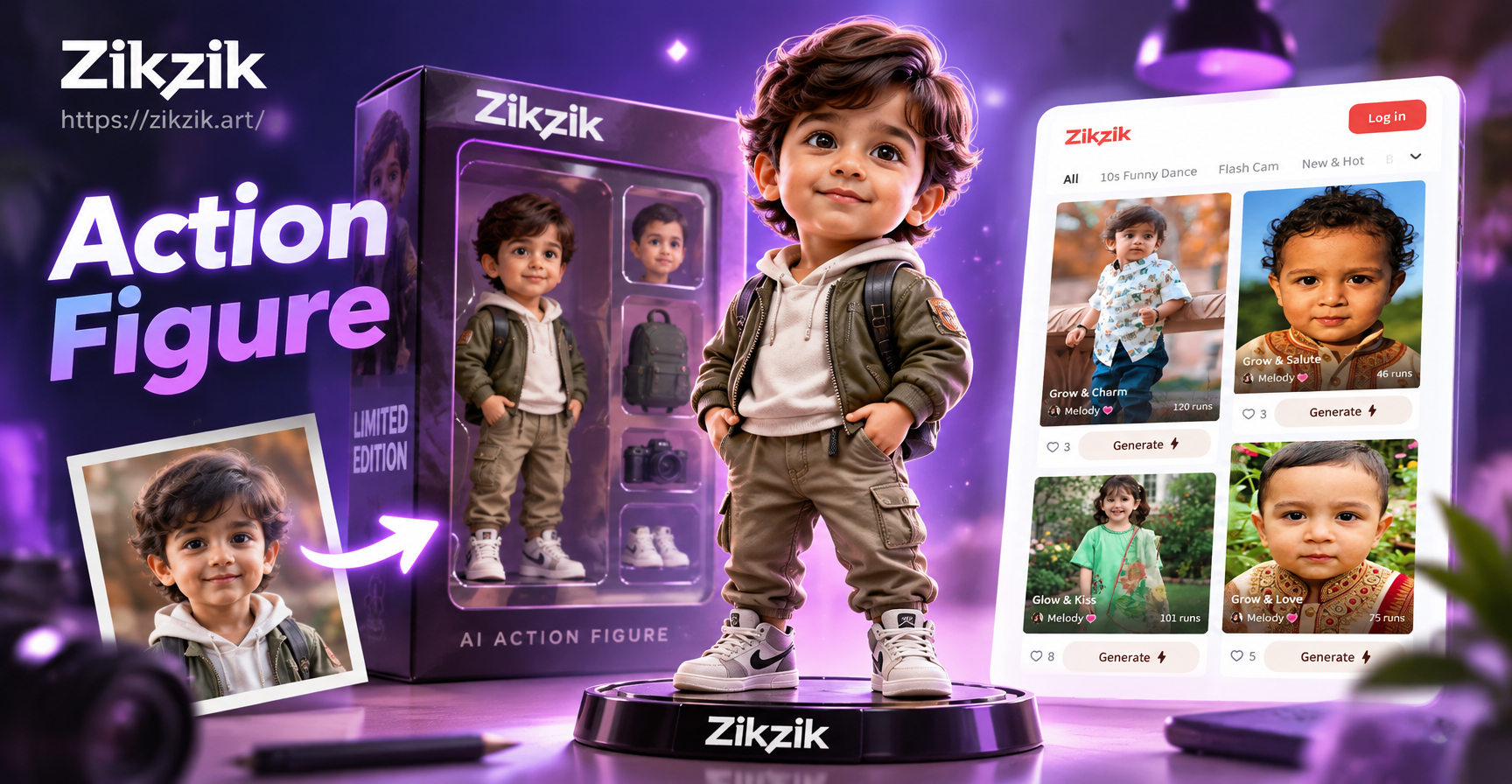
ZikZik supports image to image generation with a large library of style filters. You can upload a photo, choose a fashion template, and create a new outfit version in a few taps. The app also handles multi-person photos, which is useful for group outfit themes.
What to Look for in an AI Outfit Changer App
Not every fashion filter produces natural results. Before committing to a tool, check whether it keeps the face consistent, respects the original pose, and avoids distorting the background. A strong style library matters because it saves time.
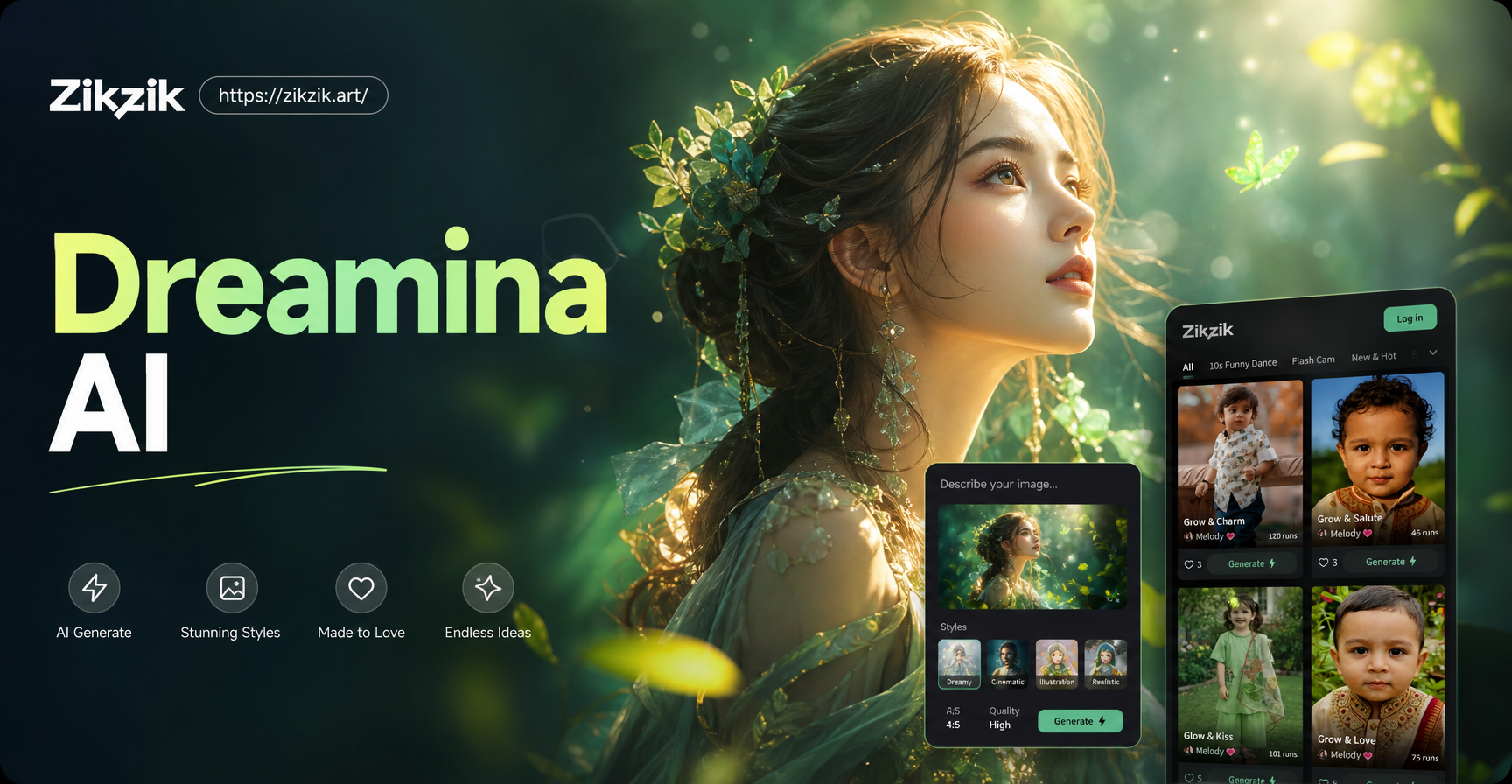
Ease of use is also important. The best mobile apps place the upload, template selection, and generation controls on one screen. ZikZik follows this pattern with a simple image to image workflow and a filter collection that includes realistic photography, cinematic looks, and playful styles.
Finally, consider export quality. If you plan to share on social media, a high resolution output matters. If the app forces a low resolution watermark, it may not suit your needs.
Step by Step: How to Change Clothes in a Photo with ZikZik
Download the ZikZik app from Google Play. The app works on Android devices and all creative tools are built into the mobile interface.
Step 1: Open the App and Select Image to Image
After installing, open ZikZik. Choose the image to image option from the main screen. Upload a clear photo where the full outfit is visible and the person is facing forward.
Step 2: Pick a Fashion Style Template
Browse the style filters. Look for categories such as streetwear, formal, vintage, editorial, or seasonal looks. The app includes more than one million style templates, so you can find a specific look without writing complex prompts.
Step 3: Add an Optional Text Prompt
You can add a short description to guide the result. For example, write 'black leather jacket with a white t-shirt and slim jeans' or 'elegant red evening gown with soft lighting.' Be specific about the clothing, color, and setting.
Step 4: Generate and Review
Tap generate. Review the output for unnatural hands, face changes, or background distortions. If the first result is not right, adjust the prompt or try a different style template.
Step 5: Save or Share
When you are satisfied, save the image to your gallery or share it directly to social media. Use a version with high resolution if you plan to print it.
Tips for More Realistic AI Outfit Changes
Use photos with even lighting and minimal clutter. Keep the person centered and avoid covering the body with bags or large objects. If the original photo is low quality, the AI may struggle to preserve facial details.
Choose style templates that match the pose. A loose dress works better with a relaxed pose, while a tailored suit can look more natural with a straight posture. Use the content reference feature if available to keep the background stable.
Be patient with generated hands and edges. Zoom in and check the fingers, the neckline, and the hem. If something looks off, generate again with a slightly different prompt.
Write clear prompts. Instead of 'nice outfit', use 'pastel pink blouse with white high waist trousers and a tan leather bag'. Specific colors and garment names help the model understand your intent.
Limitations and Ethical Considerations
AI outfit changes are not perfect. The generated garment may not match the exact product photo if you are trying to preview a specific item. Results can vary with body shape, pose, and lighting. Do not use a single generated image as a guarantee of fit or fabric quality.
Also, avoid using photos of other people without permission. Always respect privacy and image rights when editing and sharing AI generated content. Some social platforms require you to label AI generated media, so check the current rules before posting.
AI Dress Change Prompt Ideas
Here are a few prompts you can try inside ZikZik. Replace the clothing description with your preferred style.
- 'Casual weekend look with a beige oversized sweater and relaxed denim'
- 'Formal business outfit with a navy blazer and white shirt'
- 'Summer streetwear with a bright graphic tee and loose cargo pants'
- 'Evening wear with a deep green satin dress and gold accessories'
- 'Vintage 90s outfit with a plaid skirt and cropped cardigan'
- 'Futuristic fashion with metallic fabric and structured shoulders'
These prompts work best when the source photo has a simple background and the subject is clearly visible.
Common Questions About AI Clothes Changing
Can AI change clothes on any photo?
Most apps work well with single person photos where the full torso is visible. Group photos can also be processed with multi-person support, but individual clothing changes may be less accurate.
Is the result a real photo?
No. AI generated images are synthetic. They are useful for creative visualization, not for official product listings or identity verification.
Do I need design skills?
No. The mobile interface uses style templates and simple text prompts. You do not need to learn advanced editing techniques.
Is ZikZik available on the web?
ZikZik is a mobile app currently available on Google Play. All generation features are performed inside the app.
Final Thoughts
AI change dress clothes tools bring a practical and playful use case to mobile photo editing. You can test new styles, create social content, and explore outfit ideas without a full photoshoot. Start with a clear photo, choose a relevant fashion template, and refine your prompt until the output feels natural.
If you are looking for a mobile first option, download ZikZik from Google Play and try the image to image workflow. The style library is large enough for casual, formal, seasonal, and experimental looks.