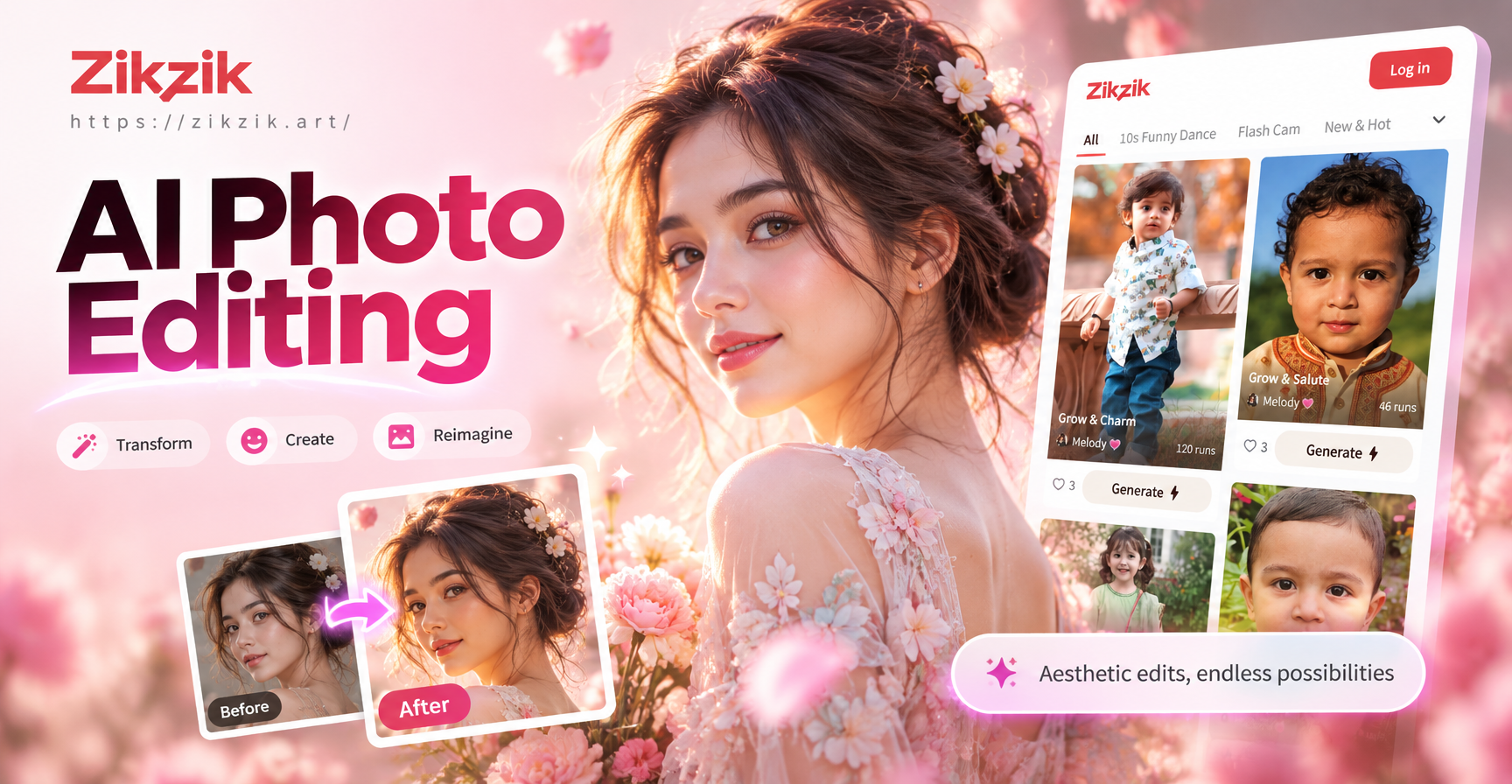
Close up portrait AI prompts are designed to help you generate tightly framed, detail rich images of faces. This guide gives you practical prompts you can copy, adapt, and refine, along with straightforward advice for improving realism, skin texture, expression, and lighting. Whether you are building a headshot portfolio, creating social media avatars, or exploring cinematic character studies, these prompts will keep the focus on the face and the small details that make a portrait feel alive.
All of these prompts work well in zikzik and other AI image generators. Paste a prompt, choose a portrait or photographic style filter, set your aspect ratio to vertical or square, and generate. The result depends on the specificity of your prompt, so the examples below include framing, lighting, lens, and detail cues.
Why Close Up Portraits Need Specific Prompting
A close up portrait is not simply a picture of a face. The framing, background, lens feel, skin detail, and emotional expression all change how the image feels. When a prompt is too vague, AI tools often return a medium shot, a full body composition, or a face with heavy smoothing, plastic texture, and lifeless eyes. Adding clear cues for framing, focal length, skin texture, eyelight, and background control produces a much stronger result.
For close up AI portraits, mention the crop explicitly. Use phrases like face fills the frame, head and shoulders, or tight facial crop. Include the kind of light you want, such as soft window light, studio beauty dish, split lighting, or overcast natural light. Finally, add skin and eye detail so the tool does not overcorrect a human face into something artificial.
Ready to Use Close Up Portrait AI Prompts
These prompts are grouped by mood and lighting. You can use them exactly as written or replace the subject description with your own character details, age, ethnicity, gender, makeup, hair, and clothing.
Natural Light and Window Portraits
- Soft morning window light close up portrait of a young woman, face fills the frame, gentle daylight from the left, visible pore texture, light freckles, relaxed mouth, eyes looking slightly past camera, warm neutral background, 85mm lens look, shallow depth of field, photorealistic.
- Overcast light outdoor close up portrait of a middle aged man, head and shoulders crop, soft grey sky reflected in his eyes, stubble texture, weathered skin, calm expression, blurred city background, 50mm lens feel, natural color grade, photorealistic.
- Close up portrait of a teenage girl in a sunlit room, late afternoon golden light, face occupies most of the frame, detailed eyes, subtle smile, flyaway hair, warm color palette, soft background, realistic skin texture, 85mm portrait lens.
- Window seat close up of an elderly woman, natural side light, visible wrinkles and age spots, kind expression, detailed iris, cream knit sweater, blurred window and plants behind her, photorealistic, 50mm lens, shallow depth of field.
- Close up portrait of a boy with freckles in bright natural light, head and shoulders, sharp focus on eyes, faint reflection of sky in both eyes, natural lip texture, soft green park background, photorealistic, 85mm lens.
Studio and Editorial Close Ups
- Studio beauty close up portrait of a Black woman, face fills the frame, soft beauty dish light from above, smooth but realistic skin with visible pores, defined cheekbones, subtle highlighter, neutral grey backdrop, 85mm lens, editorial fashion lighting, photorealistic.
- Dramatic split lighting close up of a man with a beard, half of the face in shadow, half illuminated by a soft key light, detailed hair texture, intense expression, dark charcoal background, cinematic contrast, 50mm lens, photorealistic.
- Editorial close up portrait of a young Asian woman, head and shoulders, clean studio backdrop, soft even lighting, natural skin texture, light makeup, direct eye contact, minimal jewelry, magazine cover style, 85mm lens, high detail.
- Close up portrait of a female model wearing bold red lipstick, face fills the frame, studio softbox lighting, visible lip texture, precise eye makeup, smooth skin with natural texture, white seamless background, beauty campaign style, 85mm lens.
- Low key studio portrait of a male dancer, tight facial crop, sweat sheen on forehead, dramatic side lighting, focused eyes, black background with soft falloff, photorealistic, 50mm lens, high contrast.
Emotional and Character Close Ups
- Close up portrait of a woman crying softly, tears on cheeks, reddened nose and eyes, natural skin texture, dim emotional lighting, face fills frame, blurred dark background, photorealistic, 85mm lens, shallow depth of field.
- Close up portrait of an old fisherman, head and shoulders, deep wrinkles, sun damaged skin, silver stubble, tired but warm eyes, overcast coastal light, blurred sea behind him, photorealistic, 50mm lens.
- Character portrait close up of a young soldier, dirt smudges on face, intense gaze, helmet strap under chin, face framed tightly, dusty light, shallow depth of field, cinematic color grade, 85mm lens.
- Close up portrait of a laughing child, face fills the frame, genuine smile, visible teeth and gum texture, eyes squinting, soft window light, blurred living room background, photorealistic, 50mm lens.
- Close up portrait of a woman with vitiligo, confident expression, natural skin texture, dramatic studio lighting, head and shoulders crop, deep blue background, editorial style, 85mm lens, photorealistic.
Texture, Style, and Creative Close Ups
- Extreme close up portrait of a human eye and brow, facial crop centered on one eye, visible iris patterns, individual eyebrow hairs, eyelashes, soft reflected window light in the eye, photorealistic macro detail.
- Close up portrait in film photography style, young woman with curly hair, face fills frame, natural grain, soft warm tones, direct gaze, blurred bedroom background, 35mm film look, shallow depth of field.
- Close up portrait of a man in cyberpunk style, neon pink and blue light on one side, face fills frame, detailed skin texture with small reflections, futuristic collar detail, dark background, cinematic, 85mm lens.
- Close up portrait of a middle aged woman in oil painting style, visible brush strokes, soft Renaissance lighting, gentle expression, dark background, detailed eyes and lace collar, timeless portrait style.
- Close up portrait of a young man with watercolor style, head and shoulders, soft pastel skin tones, textured paper effect, light splashes around the face, creative portrait, 85mm lens look.
You can generate each prompt more than once and pick the version with the best eye contact, framing, and skin balance. Small changes such as changing the background, the age, the lighting direction, or the lens feel will give you a different portrait without starting from scratch.
How to Adapt These Prompts for Your Own Subject
Replace the subject description in any prompt with details that match the person or character you want. Keep the structural cues for close up framing, lighting, and skin texture. For example, change a young woman sitting beside a large window to a middle aged man in a coffee shop, and keep the rest of the prompt intact. The more you preserve the framing and lighting language, the more consistent your close up results will be.
If you want a studio headshot, remove outdoor light cues and add a seamless backdrop, beauty dish, or softbox. If you want a cinematic character, add a color grade, dramatic side light, or a moody background. If you want a creative style, replace photorealistic with oil painting, watercolor, film grain, or cyberpunk, but keep close up and face fills the frame in the prompt.
A useful formula is: close up portrait of [subject] + [face framing] + [lighting] + [skin and eye detail] + [background] + [lens feel] + [style]. This structure gives the AI enough information to avoid a generic full body image or an over processed face.
Common Weak Results and How to Fix Them
Plastic Skin or Over Smoothing
If the face looks like plastic, add visible pore texture, fine lines, natural skin, stubble, freckles, or slight imperfections to your prompt. Remove words like perfect skin or flawless if you want a realistic close up. You can also choose a photographic filter in zikzik that preserves texture rather than a beauty filter that smooths everything.
Dead or Staring Eyes
Eyes make a close up portrait feel alive. Add cues such as natural eyelight, reflected window light, soft catchlight, eyes looking slightly off camera, or relaxed gaze. Avoid making the expression too intense unless you want a dramatic result. If the tool still gives dead eyes, add the phrase detailed iris and realistic eye reflection.
Background Distractions
A close up portrait should stay focused on the face. If the background is too busy, add blurred background, shallow depth of field, neutral backdrop, or dark background. You can also tell the AI to keep the background simple or out of focus. This leaves more visual weight on the subject.
Wrong Framing
If the AI gives a medium shot or full body image, repeat the framing clearly at the start of the prompt: close up portrait, face fills the frame, head and shoulders crop, tight facial crop. In zikzik, use a vertical or square aspect ratio to support a portrait composition, then generate again if the crop feels too wide.
Using These Prompts in zikzik
zikzik lets you paste a close up portrait prompt, choose from a large library of style filters, and generate high detail portraits in seconds. Select a realistic photography filter for natural skin and facial detail, or choose an artistic filter for painted and stylized close ups. Use the image to image feature if you already have a reference face and want the AI to follow your subject. Start with one of the prompts above, keep the framing cues, and adjust the filter until the portrait matches your vision.
Final Tips for Better Close Up Portraits
- Always specify close up, tight facial crop, or face fills the frame.
- Describe the light source rather than just saying good lighting.
- Add skin and eye detail to keep the face natural.
- Use an 85mm or 50mm lens look for flattering portrait compression.
- Keep the background simple or blurred and let the face dominate.
- Generate several versions and pick the best eye contact and framing.