What Makes a Strong Flying Car AI Video Prompt
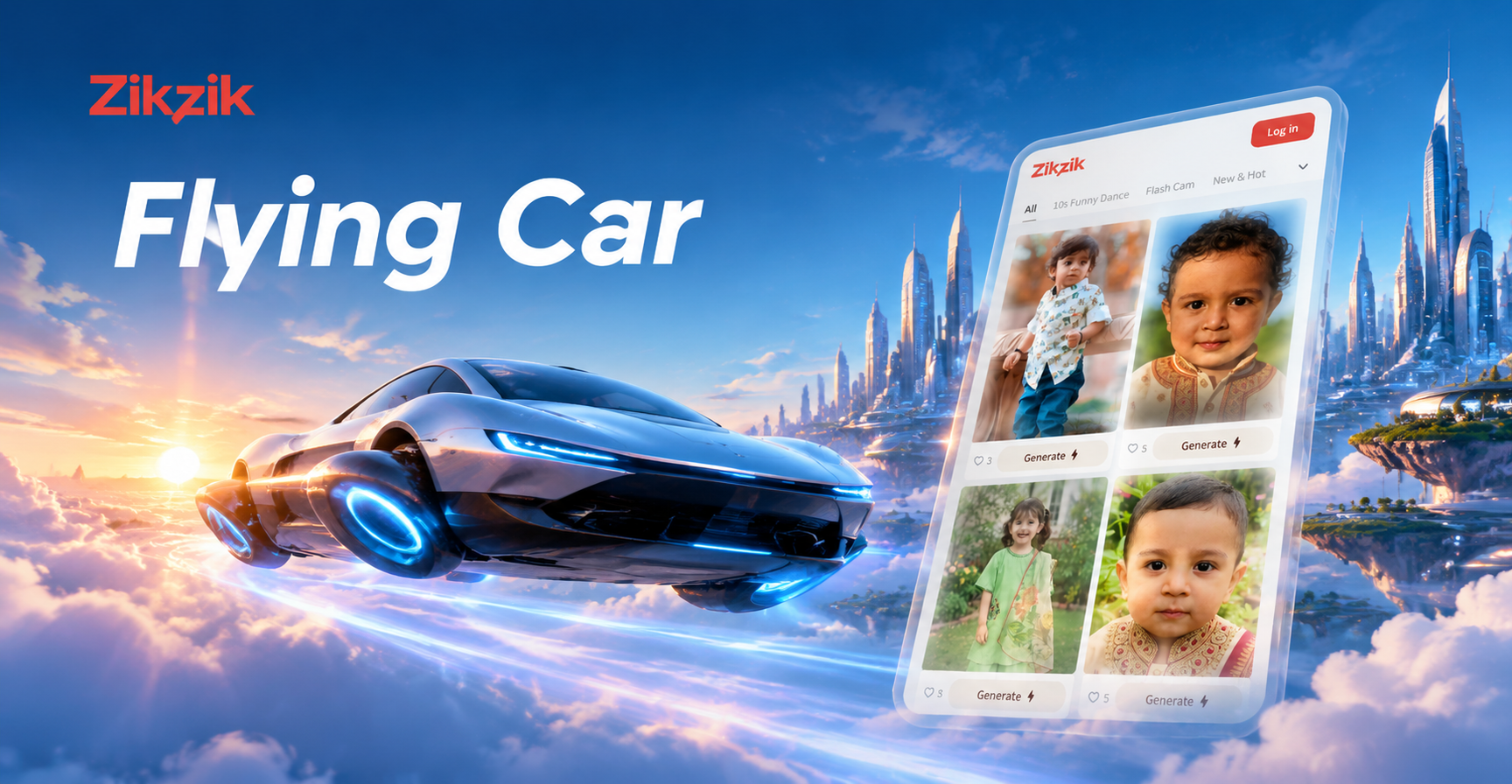
A usable flying car prompt should tell the AI what to place in the frame, how it should move, and what mood to keep. Focus on four elements: the vehicle, the environment, the motion, and the camera. Instead of a vague line like a flying car in a city, write a silver flying car weaving between glass towers as a chase drone tracks from behind. That one change makes the vehicle active and gives the video a clear shot direction.
Flying car prompts work best when the environment gives the vehicle something to react to. Add narrow canyons, layered aerial traffic, storm fronts, bridges, or rooftop landing pads. Time of day and weather matter just as much because they set the light source and color grade.
zikzik accepts these prompts without advanced prompt engineering. The app has more than one million style filters, so you can focus the prompt on the action while the template handles the visual system.
18 Flying Car AI Video Prompts You Can Copy
Cinematic City and Neon Scenes
- Prompt 1. A sleek silver flying car with gull wing doors glides between glass skyscrapers at golden hour, warm sunlight flares across polished metal, camera follows from a drone at a low angle, shallow depth of field, cinematic film still, realistic motion blur.
- Prompt 2. A matte black flying car hovers above a rain slicked neon street in a dense cyberpunk city, holographic billboards reflect on the roof, light fog, camera slowly orbits the vehicle, electric blue and magenta color grade, 4K science fiction film.
- Prompt 3. Dozens of flying cars move in layered aerial lanes above a futuristic city at night, one red car in sharp focus, light trails from traffic, camera tilts up from street level, realistic night photography, long exposure feel.
- Prompt 4. A black flying limousine descends onto a rooftop lounge with a pool, city lights bokeh behind, champagne gold details, camera glides from low to eye level, high fashion commercial, ultra realistic.
- Prompt 5. A silver cargo flying car emerges slowly from dense fog between megastructures, warning lights blink, muted steel blue palette, camera static with a slow zoom, quiet science fiction atmosphere.
Nature, Weather, and Long Distance Travel
- Prompt 6. A rugged flying car skims low over red sandstone mesas at dawn, dust trails spiral behind it, long shadows stretch across canyon walls, camera tracks parallel at high speed, warm terracotta and amber palette, anamorphic lens.
- Prompt 7. A white flying car with blue underglow follows a winding coastal cliff route, turquoise ocean below, gentle sea spray, camera leads from a chase drone, bright overcast light, travel commercial style.
- Prompt 8. A compact flying car threads through snow covered alpine peaks as a storm gathers, lightning flashes in distant clouds, snow dust from rotor wash, camera rises from below the vehicle, moody blue gray grading, cinematic thriller.
- Prompt 9. A reinforced flying car flies low over cracked sea ice under the northern lights, snow particles whip across the frame, green aurora swirls above, camera follows from the side, minimalist blue and green palette, cinematic ad.
- Prompt 10. A teal flying car with landing floats skims over a tropical lagoon toward a volcanic island, coral reefs visible below, camera high wide shot, bright natural colors, travel film.
Action, Racing, and Emergency Flights
- Prompt 11. Two flying cars race through a narrow river canyon, kicking up water vapor, one car overtakes close to a rock wall, camera shakes slightly inside the chase drone, high contrast midday light, action sports film.
- Prompt 12. A red and white emergency flying car weaves through heavy aerial traffic with warning lights strobing, reflections on nearby towers, camera flies backward ahead of the vehicle, fast cut feel, urban action realism.
- Prompt 13. A racing flying car flies under a massive suspension bridge at full speed, water below, bridge cables flash overhead, camera whips from a drone, motion blur on edges, summer sunset, video game trailer style.
- Prompt 14. A silver flying car lifts vertically from a rooftop helipad in downtown Manhattan, dust and debris blow outward, camera cranes upward alongside the vehicle, late afternoon skyscraper shadows, cinematic blockbuster style.
- Prompt 15. A white inspection flying car hovers above rows of solar panels in a desert, scanning lights sweep the ground, heat haze shimmers, camera top down then rotates to side, clean industrial science fiction style.
Stylized and Character Driven Moments
- Prompt 16. A chrome flying car with tail fins and a bubble canopy cruises past spaceport architecture with curved roofs, pastel sky with puffy clouds, camera trucking shot from the side, 1950s retro futuristic illustration style, soft film grain.
- Prompt 17. A boy and his dog watch from a high balcony as a friendly yellow flying car floats past, colorful kites in the sky, late afternoon sunlight, camera slowly pushes toward the car, warm animated Pixar style CGI.
- Prompt 18. A small yellow cargo flying car lands gently beside a floating night market in a river town, lanterns sway, steam rises from food stalls, camera follows at eye level, warm documentary realism.
How to Use These Prompts in zikzik
Download zikzik from Google Play. Open the text to video feature, paste one of the prompts above, and choose a style template that matches the mood. If you already have a flying car image or a futuristic city photo, use image to video instead. Upload the image and let the prompt describe the motion, camera angle, and atmosphere.
The style template does much of the visual heavy lifting. If a prompt says cyberpunk city, select a neon or cyberpunk filter. If it says retro futuristic, choose an illustration or vintage style. The prompt should focus on what moves, where the camera goes, and how the light behaves.
Prompt Adjustment Rules
- Swap the environment. Replace desert with arctic, city with coast, or canyon with forest.
- Add a clear camera verb such as orbits, tracks, rises, follows, or whips.
- Change time of day and weather to shift the entire color grade.
- Describe the vehicle detail with rotor pods, folded wheels, underglow, or chrome body.
- Stick to one style per video and use a matching zikzik template.
Common Weak Results and How to Fix Them
- The vehicle looks like a normal car. Add visible rotor pods and folded wheels to the prompt.
- The background feels empty. Add dense aerial traffic, neon billboards, or canyon walls.
- The motion is too rigid. Add dust trails, rain streaks, water vapor, or a moving camera.
- The style keeps changing. Repeat the style name and choose the same visual template.
- Characters look distorted. Use image to video with a clear reference photo and keep the character simple.
Short Checklist Before You Generate
- Have one hero vehicle and one clear background.
- Use one or two camera moves instead of five.
- Write time of day and weather.
- Keep the prompt below 120 words.
- Choose a template that matches the prompt style.
Turn a Stiff Result Into a Better Video
A weak prompt says a flying car in the sky. A better prompt says a chrome flying car banks left between two skyscrapers at sunset, camera tracking from a chase drone, warm golden reflections on glass, light motion blur. The second version gives the AI a clear subject, a specific setting, a camera move, and a lighting condition. That is usually enough to move from a flat test render to a scene you can use in a short film, social clip, or concept pitch.
Start Creating Flying Car Videos in zikzik
Pick two or three prompts from the list, paste them into zikzik, and change one detail at a time. Compare how the same prompt behaves with different style templates. As you find combinations that work, save the settings and build your own flying car video prompt library.