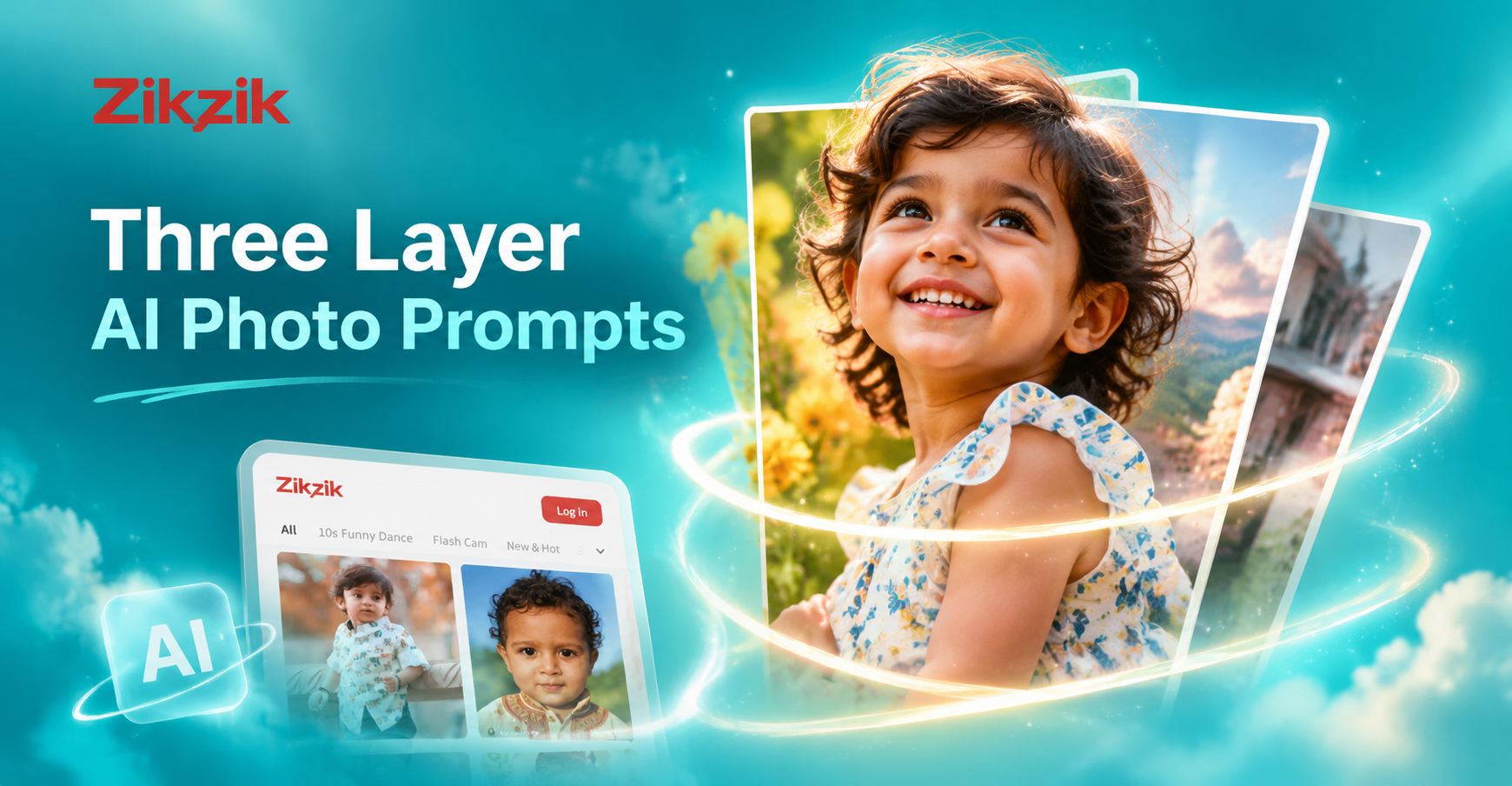
When you ask an AI image generator for a photo, the result often feels flat. The subject sits on a plain background with no sense of depth. Three layer AI photo prompts solve that problem by explicitly describing three visual planes: foreground, middle ground, and background. In this guide, you will learn how to write these prompts, get 10 copy-paste examples, and discover fixes for common mistakes. Whether you want a cinematic portrait or a layered landscape, this technique makes your AI photos look professionally composed.
What Are Three Layer AI Photo Prompts?
A three layer prompt describes an image with three distinct spatial zones. The foreground is the element closest to the camera, often out of focus or slightly blurred. The middle ground contains the main subject. The background provides context and atmosphere. By naming each layer separately in the prompt, you guide the AI to produce a photo with real depth instead of a flat collage. Without this structure, AI models often merge all elements into one plane, losing the sense of scale and space that makes a photograph compelling.
How to Structure a Three Layer Prompt
The most effective three layer prompts follow a simple template. Start with the overall scene and style, then break the image into three described zones. Use the word 'foreground' to label the closest elements, 'middle ground' for the subject, and 'background' for the distant scene. Add focus and depth cues such as 'blurred', 'sharp', 'out of focus', or 'shallow depth of field'. Include camera details like lens type and aperture when you want a realistic photo look. For example: 'Foreground: blurred leaves in the corner. Middle ground: a person in sharp focus. Background: a distant hill with atmospheric haze.' This structure tells the AI exactly where each element belongs.
10 Three Layer AI Photo Prompts You Can Try
Here are ten ready-to-use prompts. Copy them directly into zikzik or any text-to-image tool. Each prompt names all three layers and adds style and lighting details for a polished result.
Photorealistic portrait of a woman standing in a lavender field. Foreground: blurred purple lavender stems fill the bottom third. Middle ground: the woman in a white linen dress, looking over her shoulder, sharp focus. Background: soft rolling hills at golden hour with a warm orange sky.
This works because the foreground plants are out of focus, the subject is crisp, and the background uses warm tones to separate it from the cooler foreground.
Cinematic image of a lone hiker on a mountain ridge. Foreground: sharp rocks and alpine flowers in the lower left corner, slightly out of focus. Middle ground: the hiker with a red backpack, standing at the ridge edge. Background: layers of blue mountains fading into mist, late afternoon light.
The red backpack draws the eye to the middle ground, while the misty mountains create atmospheric depth.
Cozy coffee shop scene. Foreground: a steaming cup of coffee on a wooden table, close to the camera with shallow depth of field. Middle ground: a person reading a book in a comfortable chair. Background: shelves of books and soft window light, bokeh.
Using a close foreground object with blur simulates a wide aperture, making the scene feel intimate and real.
Fantasy forest with a glowing deer. Foreground: large ferns and mushrooms in sharp detail at the bottom. Middle ground: the deer with glowing antlers, standing in a mossy clearing. Background: tall ancient trees with shafts of light streaming through fog.
Here the foreground is sharp instead of blurred, which works for fantasy scenes where every layer holds visual interest.
Urban street photography style. Foreground: a yellow taxi passing by, motion blurred. Middle ground: a woman with an umbrella crossing the street, sharp. Background: tall buildings and neon signs, rainy evening reflections.
Motion blur on the taxi adds energy, while the sharp subject and reflective background create a classic street photo look.
Underwater scene with a diver. Foreground: colorful coral and small fish near the camera, slightly blurred. Middle ground: the diver in a wetsuit, bubbles rising, sharp. Background: deep blue gradient fading to black, sun rays from above.
The gradient background and sun rays provide a clear sense of depth underwater.
Layered dessert still life. Foreground: a single macaron resting on the table edge, out of focus. Middle ground: a three-tier cake stand with pastries, sharp. Background: soft pastel wall with a window, natural light.
This prompt uses a three-tier dessert stand as a literal three-layer subject, which reinforces the depth theme.
Sci-fi corridor. Foreground: a close-up of a control panel with glowing buttons, blurred. Middle ground: an astronaut walking toward the camera, detailed suit. Background: a long corridor with a viewport showing a planet, cool blue tones.
The combination of a blurred close-up and a distant viewport creates strong linear perspective.
Autumn park portrait. Foreground: red maple leaves covering the lower frame, out of focus. Middle ground: a child in a yellow coat playing with leaves, laughing. Background: a winding path and more trees, overcast soft light.
The yellow coat pops against the red leaves, and the overcast light keeps all layers visible.
Old street in a European village. Foreground: a bicycle leaning against a wall, partially cropped on the left. Middle ground: a woman with a basket walking on cobblestones. Background: stone houses with flower boxes, warm afternoon sun.
The partially cropped bicycle acts as a frame within the frame, pulling the viewer into the scene.
How to Adapt These Prompts for Your Own Photos
You do not need to use the exact subjects above. Replace the woman in a lavender field with a man in a sunflower field, or swap the hiker for a cyclist. Keep the layer structure intact, but change the nouns, clothing, colors, and environment to match your idea. Add camera terms like '50mm lens', 'f/1.8', or '35mm film' at the start to force a specific photographic style. For a more artistic look, replace 'photorealistic' with 'watercolor', 'anime', or 'cyberpunk'. The three layer structure works with any style because depth is a compositional principle, not a subject.
Common Mistakes and How to Fix Them
One frequent issue is the AI ignoring layer separation and blending all elements into one flat image. To fix this, use explicit focus words for each layer: say 'blurred foreground', 'sharp middle ground', 'soft background'. Another problem is a crowded foreground that blocks the subject. Limit the foreground to one or two objects and keep them near the edges. If the background is too prominent, reduce its detail by adding 'atmospheric haze' or 'bokeh'. Finally, if the AI still produces a flat image, try rephrasing the prompt as three separate sentences, each starting with the layer label. This reinforces the separation.
How to Use These Prompts in zikzik
zikzik is a mobile AI design app available on Google Play. Open the text-to-image feature, paste one of the prompts above, and choose a photorealistic or cinematic style template. zikzik's one million style filters let you quickly switch the look without rewriting the prompt. You can also use image-to-image to apply a three-layer depth effect to an existing photo by describing the foreground and background you want to add. The app handles the complex prompting for you, so even beginners get strong results.
Final Thoughts
Three layer AI photo prompts are one of the easiest ways to turn flat AI images into visually rich, professional-looking photos. The key is to treat each part of the scene as a separate instruction: describe the foreground, the middle ground, and the background with clear focus and depth cues. Use the ten prompts in this guide as a starting point, adapt them to your own ideas, and experiment with different styles. With practice, you will create AI photos that feel like they were taken with a real camera, not generated. Download zikzik today and start building your layered compositions.