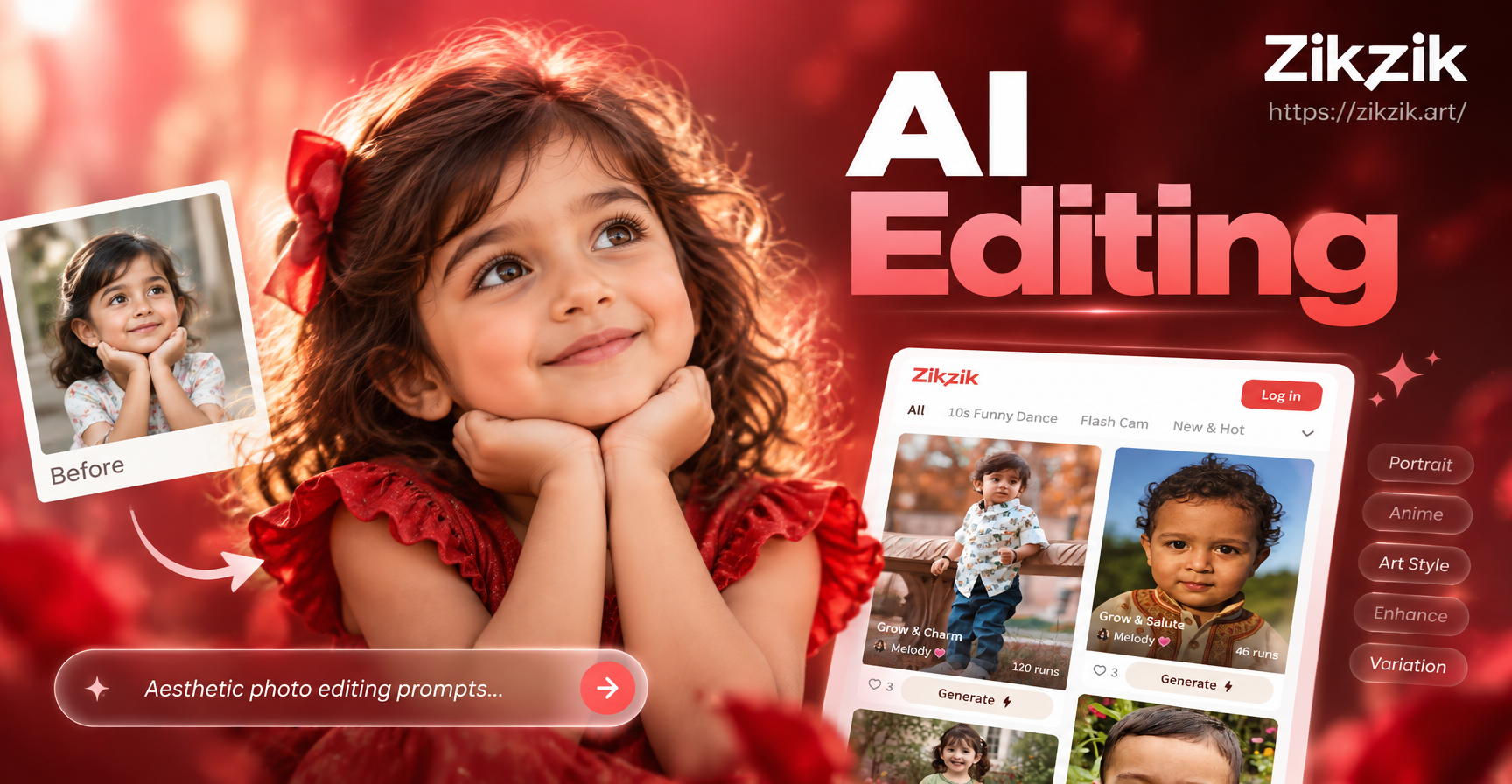
The most useful masculine portrait AI prompts describe a person you can recognise, a clear pose and light that suits the mood. Start with a reference image, then specify the outfit, setting and framing. Preserve the person's actual face shape, age and skin tone rather than asking the AI image generator to invent a sharper jaw or a different body.
Zikzik creates photo-based portraits in cinematic, cover-shot and themed lifestyle styles. The eight prompt ideas below help you define the look you want before choosing a suitable effect or using a prompt-based AI photo editor. They range from a relaxed linen portrait to a formal festive look, with no need to make every image dark, stern or heavily retouched.
Build the portrait around your reference image
Choose a clear photo with even light, visible eyes and an unobstructed face. A heavy beauty filter gives the model altered features to work from; a tiny face in a group shot provides too little detail. Use a recent image if you want the portrait to reflect how you look now.
For personal portraits, begin with this identity instruction wherever your AI editor accepts text:
Use the adult in the reference image as the subject. Preserve their recognisable facial features, face shape, age, skin tone, hairstyle and facial hair. Keep realistic skin texture and natural proportions.
Add one of the scene prompts below after it. If you are generating a fictional person without a reference, replace the identity instruction with a concise subject description, such as “an Indian man in his thirties with short wavy hair and a neatly trimmed beard.”
A preservation instruction guides generation; inspect the result rather than treating it as an identity lock.
Eight masculine portrait AI prompts
1. The charcoal studio portrait
Best for: A focused profile picture or simple editorial portrait.
Create a realistic chest-up portrait of the referenced adult wearing a plain charcoal crew-neck shirt against a warm-grey studio background. Shoulders turned slightly, face towards the camera, relaxed brow and a composed expression. Use a large soft light from the side with gentle fill so both eyes remain visible. Natural skin texture, believable facial hair and understated colour. Leave comfortable space above the head.
The side light creates structure without changing the face. If the result looks severe, soften the shadows and request a relaxed mouth instead of adding more “intensity.”
2. A contemporary kurta portrait
Best for: Festive profile photos and personal occasion portraits.
Create a waist-up AI portrait of the referenced adult in an indigo cotton kurta with subtle woven texture, standing in a quiet courtyard with cream plaster walls. Relaxed shoulders, a slight smile and hands loosely resting together at waist level. Soft open-shade daylight, accurate skin tone and restrained background detail. Preserve the subject's identity and keep the clothing proportions natural.
Change the garment to match your preferences. If a specific kurta, turban or accessory matters, supply an appropriate reference where supported rather than relying on a broad cultural label.
3. The modern cover shot
Best for: A bold social profile or an editorial-style personal image.
Create a vertical editorial portrait of the referenced adult in a tailored navy jacket over a simple white T-shirt. Frame from mid-torso up against a muted blue backdrop. Upright but comfortable posture, direct eye contact, one hand resting naturally at the jacket edge. Crisp soft studio lighting, detailed fabric and natural skin. Leave clean space above the subject; keep the image free of lettering and logos.
Add any title separately after generation. This lets you control the spelling and placement without accepting garbled AI text.
4. A warm linen portrait
Best for: A friendly lifestyle image with a less formal mood.
Photograph the referenced adult in a sand-coloured linen shirt beside a shaded balcony, framed from the waist up. The subject looks slightly past the camera with an easy, genuine smile. Warm reflected daylight, soft green foliage in the distance, realistic linen folds and a gently blurred background. Keep the original facial features, body proportions and skin tone.
Warmth should come from the light and setting. If the AI photo looks orange, request neutral skin colour with warm background highlights.
5. A Mumbai evening character portrait
Best for: A cinematic scene with a distinct sense of place.
Create a realistic cinematic portrait of the referenced adult standing beneath a shop awning on a Mumbai street just after rain. Wear a simple dark overshirt over a grey T-shirt. Frame from the chest up, with the face clearly lit by warm shop light and a softly blurred wet street behind. Thoughtful expression, subtle reflections, restrained contrast and natural skin texture. Keep the face recognisable and the background signage unreadable.
One warm light and one quiet background are enough. Dense neon, heavy smoke and strong rain can overwhelm the face.
6. The understated formal portrait
Best for: Personal celebration images or a polished occasion look.
Create a three-quarter portrait of the referenced adult in a well-fitted ivory bandhgala jacket with minimal detailing. Position the subject beside a simple stone wall in soft evening light. One arm relaxed at the side, the other hand resting naturally near the jacket front. Confident, calm expression, realistic tailoring, balanced highlights and accurate facial identity. Keep the setting elegant and uncluttered.
Ask for precise fit and fabric rather than exaggerated shoulders. Inspect the collar, fastenings and fingers before keeping the image.
7. An expressive black-and-white close-up
Best for: A portrait where the expression carries the image.
Generate a black-and-white head-and-shoulders portrait of the referenced adult, preserving their facial features, age and hair. Use soft directional window light, clear catchlights and a gentle transition into shadow. The subject looks towards the camera with a relaxed, reflective expression. Rich but readable midtones, natural pores and subtle photographic grain. Keep both eyes in focus.
Check whether the conversion has hidden important facial detail. Darker shadows alone do not make a portrait stronger.
8. The relaxed professional portrait
Best for: An approachable website bio or personal introduction.
Create a realistic professional portrait of the referenced adult in a textured olive overshirt over a cream shirt, seated upright near a large window. Frame from mid-torso up with relaxed hands resting separately on the lap. Use soft daylight, a quiet workspace background and a small, natural smile. Preserve the subject's age, skin tone, hairstyle and facial structure. Keep the eyes sharp and the background unobtrusive.
Choose clothing you would actually wear. A credible professional image usually benefits more from familiarity and a clear expression than a dramatic costume.
Turn a prompt idea into an AI image workflow
Start with one look and one reference image. In a text-based AI photo editor, combine the identity instruction with the chosen scene prompt. In an effect-based product, select the closest available portrait treatment and supply the photo through its actual upload flow.
Zikzik's current portrait positioning covers cinematic looks, cover shots and themed scenes. Browse Zikzik for the treatment that fits your idea. The examples here describe desired creative results; exact controls and available effects depend on the current interface.
Generate a version, then judge identity before style. Once the face is right, adjust one element at a time: softer light, a simpler background or a more relaxed expression. Changing the outfit, camera angle and lighting together makes it harder to identify why a good likeness was lost.
Fix common portrait generation problems
| Result | What to change |
|---|---|
| Identity drift: the face looks like a different person | Use a clearer reference image and reduce the angle change |
| Skin looks waxy | Request natural pores, modest retouching and softer highlights |
| The jaw or shoulders become exaggerated | Remove anatomy-changing adjectives and preserve original proportions |
| Inconsistent lighting changes the skin colour | Simplify the light sources and request accurate skin tone |
| Fingers, collars or jewellery look warped | Simplify the pose or accessories; use local AI photo editing if available |
| Changed composition crops the hair or chin | Specify framing and headroom, then retry from the original input |
Questions about masculine AI portraits
Do I need a beard or a muscular build?
No. Clothing, expression, composition and light can support many masculine presentations. Keep the facial hair and build that suit the person rather than adding features by default.
How long should the prompt be?
A few clear sentences usually communicate more than a long list of overlapping style tags. Include the subject, outfit, pose, framing and light; remove details that contradict each other.
Can I use the same photo for several styles?
Yes, where the workflow supports reference images. Start each variation from the same clear source to make identity comparison easier. Compare the final images together and reject those that change distinctive features.
Does “85mm” guarantee a particular lens look?
No. Camera and lens terms act as visual cues in AI image generation. Describe the result you need too, such as natural facial perspective and a softly blurred background, instead of relying on equipment names alone.
Choose the prompt that feels closest to your intended presentation, then make it personal. A recognisable face, a believable expression and a coherent setting give the portrait more character than piling on dramatic effects.