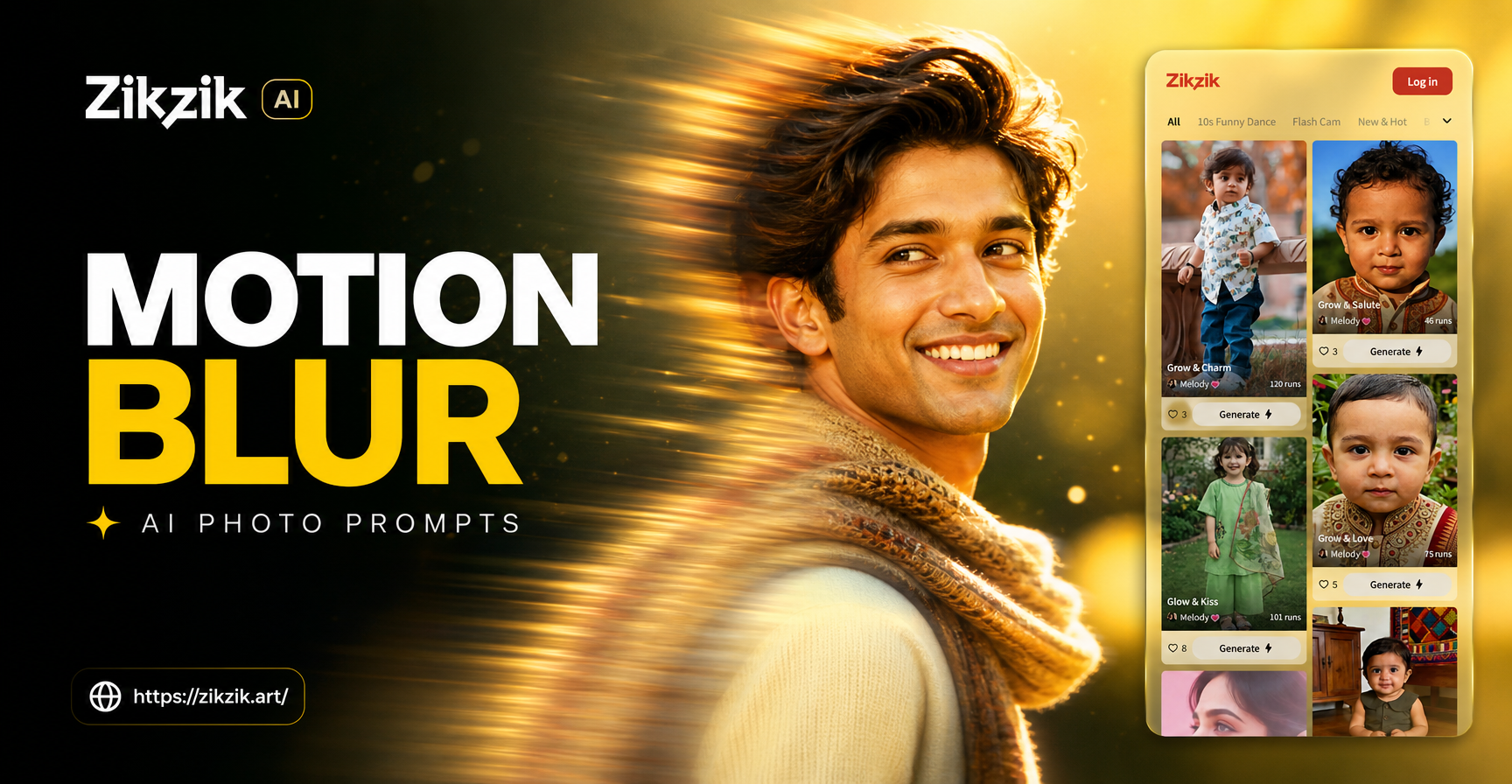
Motion blur is one of the most effective ways to add drama, speed, and emotion to a photograph. With AI image generators, you can recreate this classic photographic technique without a camera, long exposure settings, or perfect timing. All you need is the right motion blur AI photo prompt. This guide gives you 24 tested prompts across multiple categories, explains how to adapt them, and shows you how to fix weak results.
Why Use Motion Blur in AI Photos
Motion blur does more than show movement. It separates the subject from the background, draws the eye to a sharp focal point, and creates a sense of urgency or grace. In portraits, a slight blur on hair or clothing can suggest a sudden turn or a gust of wind. In street scenes, blurred pedestrians and light trails turn an ordinary intersection into a cinematic frame. AI generators interpret motion blur based on the descriptive words you choose, so a well structured prompt is essential.
How to Write a Strong Motion Blur AI Photo Prompt
A good motion blur prompt contains three elements. First, specify the subject and what part of the image stays sharp. Second, describe exactly what should be blurred and how much. Third, set the scene with lighting, environment, and mood. For example, instead of saying "a moving car", write "a sports car driving fast on a rain soaked street, motion blur on the wheels and background, sharp focus on the car body, reflections on the wet asphalt, night neon lighting". This level of detail tells the AI what to keep crisp and what to smear with speed.
Use terms like "long exposure", "light trails", "panning shot", "motion streak", and "crisp focal point" to guide the result. Add style modifiers such as "cinematic", "editorial", "documentary", or "high speed photography" to match your vision.
24 Motion Blur AI Photo Prompts
The following prompts are ready to copy and paste. Each one is designed to produce a vivid motion blur effect while keeping the subject clear. Adjust the subject, location, or style words to make them your own.
Urban and Street Scenes
1. A businessman in a sharp suit walking quickly through a crowded city crosswalk at dusk, motion blur on his lower legs and the surrounding pedestrians, sharp focus on his confident face, cinematic backlight.
2. A subway train arriving at an underground platform, passengers on the platform blurred with motion, the train's headlights sharp and piercing through the blur, gritty urban atmosphere.
3. A street performer juggling glowing orbs at night, the orbs leaving bright circular light trails, the performer's hands slightly blurred, dark carnival background with bokeh.
4. A cyclist weaving through slow moving traffic, motion blur on the car windows and the cyclist's spinning wheels, sharp focus on the cyclist's helmet and eyes, late afternoon sunlight.
Portraits and People
5. A dancer spinning in a flowing red dress, long exposure motion blur on the dress creating swirling ribbons of fabric, sharp focus on her serene face, dark studio with a single spotlight.
6. A woman's hair blowing in a strong wind on a coastal cliff, individual strands blurred with motion, sharp focus on her eyes and skin texture, dramatic overcast sky.
7. A child on a swing at golden hour, the swing and legs in gentle motion blur, sharp focus on the child's laughing face, warm bokeh of trees behind.
8. A jazz saxophonist performing in a smoky club, motion blur on his moving fingers and the sax keys, sharp focus on his eyes behind glasses, warm amber stage light.
Sports and Action
9. A basketball player driving toward the hoop, motion blur on the ball and the defender's arms, sharp focus on the player's intense expression, bright arena lights and sweat droplets.
10. A skateboarder executing a trick in a concrete parking garage, motion blur on the board and the background walls, sharp focus on the skateboarder's body, moody neon lighting.
11. A cheetah sprinting across the African savanna, motion blur on its legs and the tall grass, sharp focus on its eyes and nose, dust cloud trailing behind, early morning light.
12. A group of friends jumping off a dock into a lake, splash droplets and limbs slightly blurred, sharp focus on their joyful smiles, bright sun flare and summer colors.
Nature and Landscapes
13. A waterfall with silky long exposure water, a hiker standing still on a rock in crisp focus, motion blur on the cascading water, misty forest atmosphere.
14. A hummingbird hovering near a bright flower, wings completely blurred into a translucent fan, sharp focus on its beak and eye, vibrant macro photography style.
15. Wind blowing through a field of tall grass at dusk, the grass blades bent and blurred with motion, a lone tree in sharp focus, dramatic orange and purple sky.
16. A flock of birds taking off from a marsh at sunrise, wings and water splashes blurred with motion, one bird in sharp focus, soft golden light and mist.
Vehicles and Speed
17. A sports car drifting around a wet city corner at night, motion blur on the tires and neon sign reflections, sharp focus on the car body and driver's helmet, cinematic rain.
18. A freight train passing through a rural station, blurred green fields and fence posts, the train engine in sharp focus with motion streaks on the windows, nostalgic film grade.
19. A motorcycle leaning into a sharp curve on a mountain road, motion blur on the wheels and guardrail, sharp focus on the rider's leather suit, crisp morning air and long shadows.
20. A city skyline at night with car light trails on a bridge, long exposure motion blur on the traffic, sharp focus on the buildings, dynamic red and white streaks.
Abstract and Creative
21. An abstract image of a dancer trailing glowing ribbons, long exposure light painting effect, dark background with sharp center point of light, ethereal and dreamy.
22. A close up of a vinyl record spinning on a turntable, the grooves and label slightly blurred with rotation, sharp focus on the needle, warm analog lighting.
23. A chef tossing ingredients in a wok, flames and food blurred with motion, sharp focus on the chef's hands and the wok, dramatic kitchen lighting.
24. A person running through a field of tall sunflowers, the sunflowers on the sides blurred with panning motion, sharp focus on the runner's back, bright midday sun.
That is 24 prompts, more than enough to start. Each can be modified by changing the subject, adding a different environment, or swapping the style modifier. For example, replace "dancer" with "figure skater" or "martial artist" to create a new image with the same motion language.
How to Adapt and Improve These Prompts
If a result looks too blurry overall, add a phrase like "sharp focus on the subject's face" or "crisp focal point on the main subject". If the blur is not visible, increase the intensity by adding "strong motion blur", "long exposure streaks", or "fast shutter speed effect". You can also specify the direction of the blur. Words like "horizontal panning blur", "vertical motion streak", or "radial blur around the subject" give the AI more control.
Style words change the entire mood. Use "cinematic film still" for a movie look, "high speed photography" for realistic freeze mixed with motion, "editorial fashion" for polished portraits, or "documentary street photography" for raw urban energy. Combining a motion description with a strong style word often produces the most impressive results.
Common Mistakes That Weaken Motion Blur AI Photos
One frequent mistake is describing the entire scene as blurred. That leads to a muddy image with no focal point. Always specify one or two areas that stay sharp. Another mistake is forgetting lighting. Motion blur is much more visible when there is contrast, backlight, or reflective surfaces. Add terms like "backlit", "neon reflections", "golden hour", or "dramatic spotlight" to make the motion pop.
Overloading the prompt with too many unrelated details can confuse the AI. Keep each prompt focused on one subject, one style of motion, and one environment. If you want to combine multiple motion types, use separate generations. Finally, do not rely on the word "blurry" alone. Use more descriptive phrases like "motion blur on the legs", "light trails behind the car", or "wings smeared with speed".
Start Creating with Motion Blur AI Photo Prompts
Motion blur adds a professional, dynamic quality to AI generated photos that static prompts cannot match. Use the prompts above as a starting point, then experiment with your own subjects and environments. With a little refinement, you can produce images that feel alive, full of speed, and visually striking. The zikzik app offers a wide range of style filters and AI tools to bring these motion blur prompts to life. Download it from Google Play, paste a prompt, and watch the motion unfold.