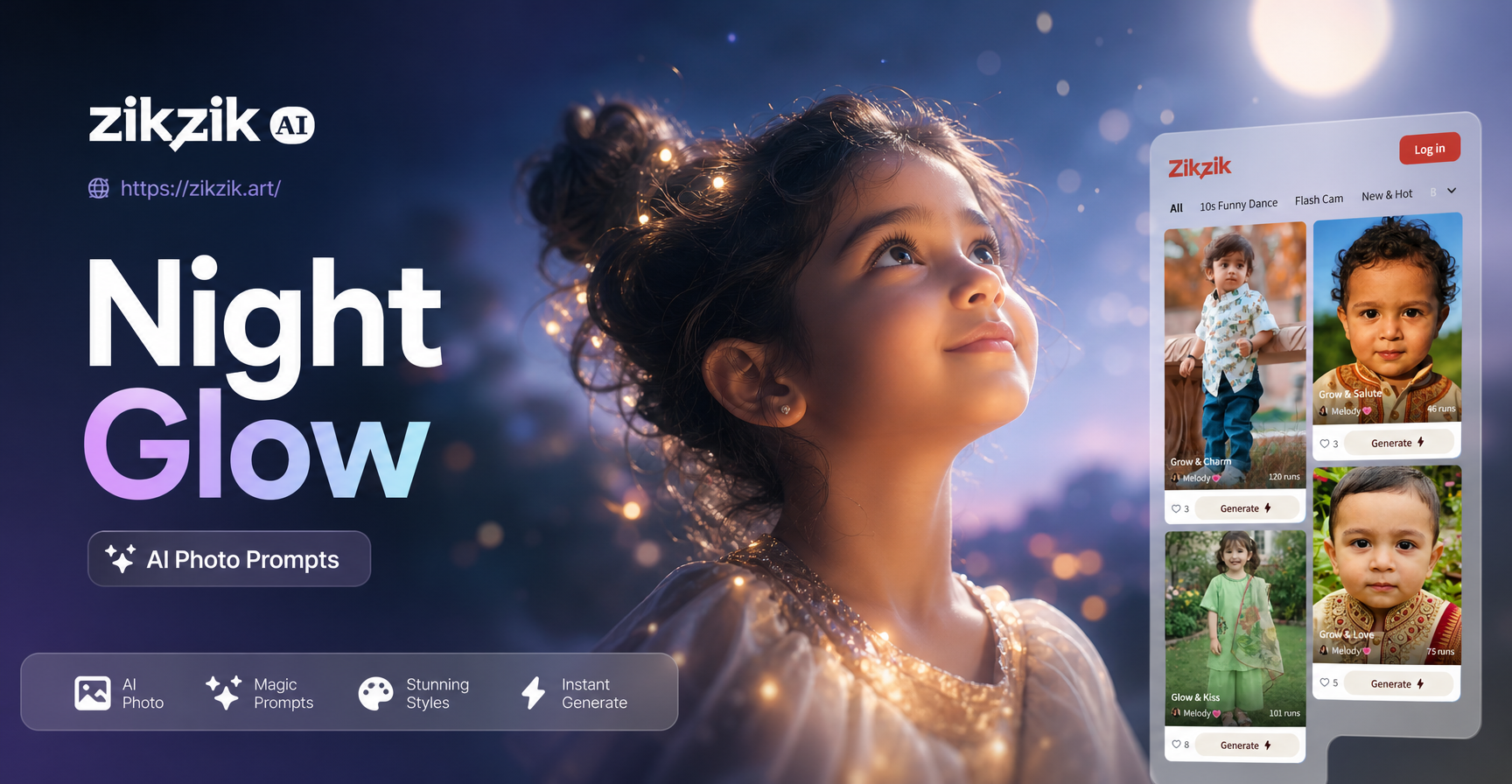
What Makes a Night Glow AI Photo Prompt Different?
A night glow AI photo prompt describes a scene where the primary visual interest comes from glowing light sources against a darker background. Instead of asking for a generic night photo, you specify the light color, the source of the glow, how it interacts with surfaces, and the mood it creates. A strong prompt includes the subject, the environment, the main light source, the color temperature, and a camera or style reference. For example, saying neon pink rim light on a wet face gives the AI much more direction than glowing portrait.
These prompts work because they reduce ambiguity. The AI model does not have to guess where the light comes from or what color it should be. It can focus on building realistic reflections, shadows, and atmospheric depth. When you combine a precise prompt with a style filter in the zikzik app, you get results that feel like they were shot by a photographer using practical lights and long exposure techniques.
12 Ready to Use Night Glow AI Photo Prompts
Below are twelve prompts you can copy and paste directly into the zikzik app. They are grouped by subject type. Each prompt is written as a standalone instruction, but you can change the subject, location, or color details to match your idea.
Portrait Prompts
1. Neon Rain Portrait: A close up portrait of a young woman in light rain at night, neon pink and blue signs reflecting on her face, soft cyan rim light from behind, shallow depth of field, bokeh city lights, cinematic color grading, 85mm f/1.8 look.
2. LED Strip Glow Portrait: A studio portrait of a man with a glowing orange LED strip behind his head, soft warm glow on the edges of his face, deep black background, subtle haze, high contrast, realistic skin texture, 50mm lens.
3. Night Market Portrait: A candid portrait of a smiling woman holding a paper lantern at a night market, warm golden glow on her face, blurred colorful stalls in the background, shallow depth of field, cozy atmosphere.
City and Street Prompts
4. Cyberpunk Alley Glow: A narrow alley at night with wet pavement, neon signs in purple and orange reflecting on the ground, a lone figure in a reflective jacket walking away, volumetric fog, cinematic wide shot, rainy atmosphere.
5. Rainy Crosswalk Glow: A long exposure style photo of a busy crosswalk at night, car headlights and traffic lights creating red and white streaks, pedestrians with umbrellas, neon billboards, blue hour sky, high contrast.
6. Neon Sign Reflection: A portrait of a woman standing by a window, a red neon sign outside casting a glow on the glass, raindrops on the window surface, soft focus background, moody film look.
Nature and Landscape Prompts
7. Bioluminescent Forest Path: A winding forest path at night lit by glowing blue mushrooms and green fireflies, mist between tall dark trees, soft ethereal glow, fantasy atmosphere, detailed foliage, low angle view.
8. Firefly Field at Midnight: A wide shot of a grass field under a deep blue night sky, hundreds of golden fireflies floating above the grass, a wooden fence in the foreground, magical calm mood, long exposure effect.
9. Aurora Over Snowy Lake: A snowy landscape at night with green and violet aurora borealis swirling in the sky, reflection on a frozen lake, a small cabin with warm window light, crisp stars, breathtaking scale.
10. Ocean Under Moonlight: A lone figure standing on a rocky cliff by the ocean, full moon casting a silver glow on the waves, long exposure smooth water, deep blue tones, dramatic clouds, cinematic composition.
Creative and Surreal Prompts
11. Underwater Bioluminescence: An underwater shot of a swimmer surrounded by glowing blue plankton at night, dark teal water, soft light trails, silhouette visible, dreamy and surreal, high detail.
12. Galaxy Glow Night Hike: A hiker with a small headlamp standing on a mountain ridge at night, the Milky Way glowing overhead with purple and blue tones, a soft warm glow from a lantern at the hiker's feet, wide angle, epic scale.
How to Adapt These Prompts for Your Subject
These prompts are starting points, not fixed recipes. To make them your own, replace the subject description with your own person, pet, or object. For example, change a young woman to a bearded man in a leather jacket or a golden retriever sitting in the rain. Keep the light source and color details intact because they define the night glow look.
You can also adjust the location. Swap a rainy crosswalk for a snowy plaza or a neon alley for a quiet temple path. The key is to keep the glow source consistent with the environment. A red neon sign makes sense in a city, while fireflies fit a rural field. If you mix light sources, mention all of them clearly, such as warm lantern light from the left and cool moonlight from the right.
If you have a specific photo in mind, use the image to image feature in zikzik. Upload your photo as a reference and add a night glow prompt. The AI will preserve the basic subject and pose while applying the glowing night atmosphere you described. This works well for portraits because it keeps the face recognizable.
Improving Weak Night Glow Results
Sometimes the first output looks muddy, too dark, or the glow appears flat. Here are specific fixes you can try.
First, name the light color and direction. Instead of glowing background, write soft cyan rim light from the left and a faint magenta fill light on the right. This gives the model a clear lighting plan. Second, add camera language. Words like shallow depth of field, long exposure, 85mm lens, or high contrast help the AI mimic photographic techniques. Third, avoid contradictory light sources. A scene with bright neon signs and a glowing campfire may confuse the model and produce an unnatural mix. Pick one dominant source and one supporting source.
If your portrait looks distorted, switch to a realistic photography style filter in zikzik. For fantasy scenes, choose an anime or cinematic filter. If the image is too dark, add soft ambient light or exposure balanced for the glowing highlights. If colors look washed out, specify vivid neon colors or deep saturated blues and purples.
Negative prompt guidance is not always available in every app, but you can describe what you do not want in positive terms. Instead of no blur, say sharp focus on the subject. Instead of no dull colors, say rich, saturated glow. This keeps the prompt usable across different AI tools.
Using Night Glow Prompts in the zikzik App
The zikzik app is available on Google Play for Android. After you download it, open the app and choose the text to image option. Paste one of the night glow prompts above into the text field, then select a style template that matches your goal. For realistic portraits, choose the realistic photography or cinematic style. For glowing city scenes, the cyberpunk filter adds extra neon depth. For nature shots, a fantasy or watercolor style can make the glow feel more magical.
You can also start with an existing photo. Tap the image to image option, upload a photo, and add a shorter version of a prompt, such as neon pink rim light, wet street reflection, night city background. The app will apply the glow effect while keeping the original composition. Once you are happy with the result, save the image and share it directly to social media.
Common Questions About Night Glow Prompts
Can I use these prompts without any photography experience?
Yes. The prompts already include camera and lighting details, so you do not need to know how to set up a real shoot. The AI interprets the language for you.
Which style filter is best for night glow photos?
For realistic night portraits, use the realistic photography or cinematic filter. For neon city scenes, the cyberpunk style filter works well. For nature and fantasy glow, try the anime or watercolor filter in zikzik.
How do I get a more realistic glow on a face?
Specify the light source and its color, such as warm orange neon sign on the left side of the face. Add realistic skin texture and soft rim light. Using the image to image feature with a clear photo also helps the AI maintain facial features.
Night glow AI photo prompts give you a simple way to create dramatic, luminous images without a camera. Start with one of the twelve prompts above, adjust a few details, and generate in the zikzik app. The more specific you are about light and color, the better the result will be.