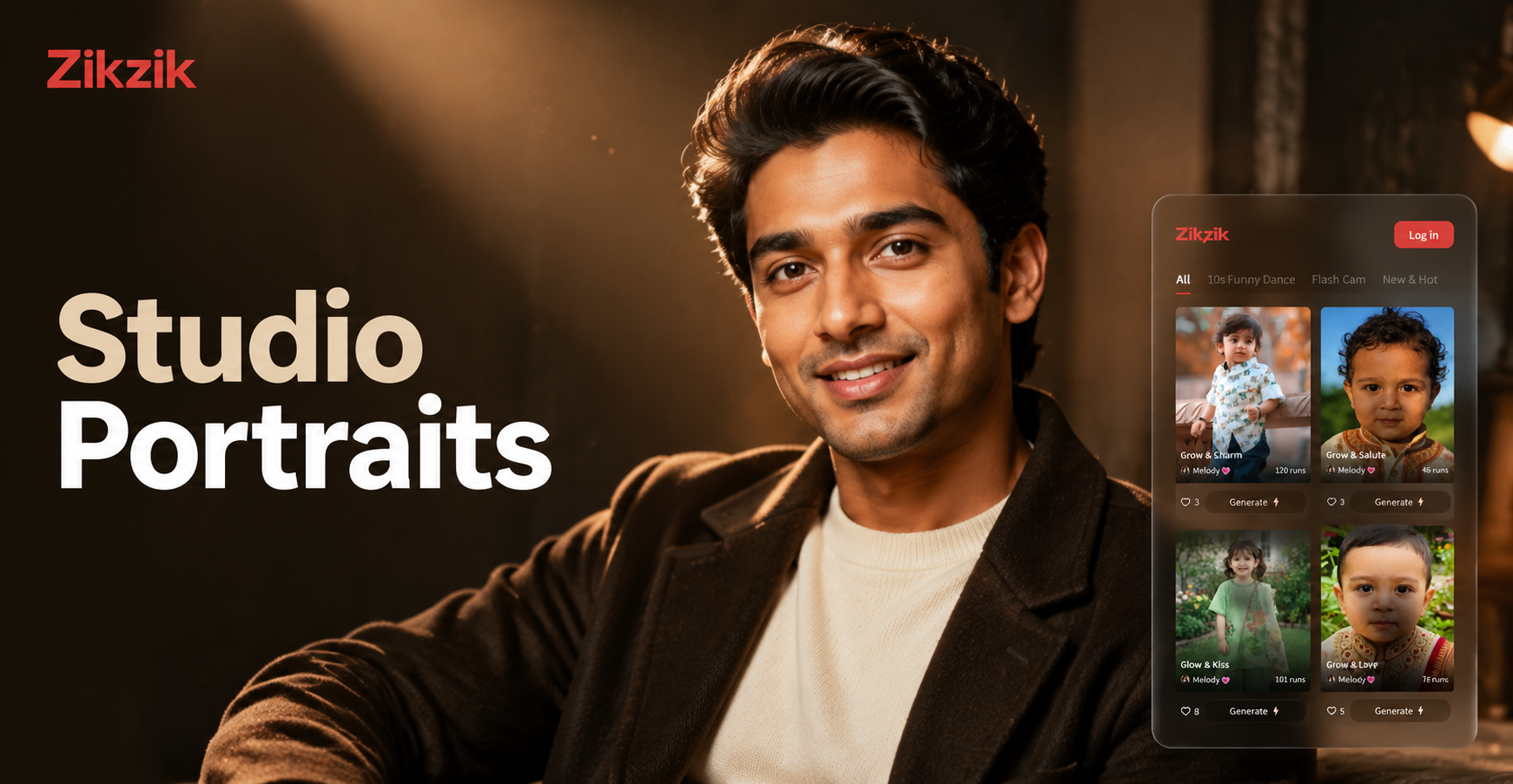
Studio portrait AI prompts are detailed text instructions that help an AI image generator create controlled, polished portraits that look like they were shot in a professional photo studio. The phrase studio portrait AI prompts covers everything from classic headshots to dramatic beauty editorials. In this guide, you will find a large collection of ready to use prompts, plus practical advice for making them work with your own face or reference image.
What Makes a Strong Studio Portrait AI Prompt?
A weak prompt says studio portrait of a woman. A strong prompt describes the lighting setup, backdrop, camera angle, lens, pose, hair and makeup, and the overall mood. AI portrait models respond well to concrete visual language borrowed from photography. Terms like softbox, beauty dish, 85mm lens, f/2.8, seamless paper backdrop, and catchlights all push the result toward a true studio look.
Key Prompt Elements
- Lighting: soft diffused light, Rembrandt lighting, butterfly lighting, clamshell lighting, rim light, beauty dish, or a softbox setup.
- Backdrop: seamless paper, canvas, muslin, or a colored gel background. Name the color and texture.
- Camera and lens: 35mm, 50mm, 85mm, or 105mm prime lens, f/1.8 to f/11, shallow depth of field.
- Pose and expression: direct gaze, chin lifted, head tilted, relaxed shoulders, confident smile, or serious editorial look.
- Post processing: natural skin texture, subtle film grain, high resolution, professional retouching, muted color grade.
The Prompt Formula for Studio Portraits
You can build effective studio portrait AI prompts by combining six elements in one sentence or a short paragraph.
[subject] + [camera lens and aperture] + [lighting setup] + [backdrop] + [pose and expression] + [post processing style]For example, a complete prompt might be: Studio portrait of a young woman with curly hair, 85mm lens at f/2.8, soft clamshell lighting with a white beauty dish, warm beige seamless paper backdrop, relaxed gaze slightly toward camera, natural skin texture and subtle film grain.
20 Studio Portrait AI Prompts
Copy any prompt below into your AI image generator. If you are using zikzik, open the app, select a realistic portrait style template, paste the prompt, and add your reference photo for image to image editing.
Classic Studio Headshots
Studio portrait of a professional woman in her 30s, 85mm lens, f/2.8, soft clamshell lighting with a white beauty dish, neutral gray seamless backdrop, shallow depth of field, confident expression, natural skin texture, high resolution.Studio portrait of a man in a dark blazer, 105mm lens, f/4, Rembrandt lighting with a grid spot, charcoal seamless paper backdrop, serious editorial mood, sharp focus on eyes, subtle film grain.Studio portrait of a young Asian woman with straight black hair, 50mm lens, f/2.2, butterfly lighting with a silver reflector, cream colored canvas backdrop, soft smile, visible skin texture, professional retouching.Studio portrait of an older Black man with short gray hair, 85mm lens, f/5.6, split lighting from a side softbox, dark navy muslin backdrop, calm direct gaze, natural contrast, high resolution.Beauty and Editorial Portraits
Beauty portrait of a woman with glowing skin and glossy lips, 90mm macro lens, f/4, clamshell lighting with two softboxes, blush pink seamless paper backdrop, centered composition, detailed skin texture, soft glam retouching.Editorial portrait of a model with slicked back hair, 85mm lens, f/2.8, hard beauty dish from above, bold red seamless backdrop, sharp jawline, slight head tilt, high contrast color grade.Beauty portrait of a young man with clear skin and gold eye makeup, 100mm lens, f/4, ring light catchlights, white infinity cove, symmetrical face, dewy skin texture, luminous finish.Editorial portrait of a woman with freckles and minimal makeup, 80mm lens, f/3.5, soft double diffused light, sage green backdrop, gentle smile, visible pores, natural film photography look.Dramatic and Low Key Portraits
Low key portrait of a man in shadow, 50mm lens, f/2, single hard light from the right with a grid, black paper backdrop, half face illuminated, intense expression, deep shadows, cinematic contrast.Dramatic studio portrait of a dancer, 85mm lens, f/2.8, rim light from behind and a small fill light, black muslin backdrop, side profile with extended neck, sculpted features, dark moody atmosphere.Low key portrait of a woman with wet hair, 105mm lens, f/4, softbox with barn doors, dark gray backdrop, eyes in sharp focus, water drops on skin, high contrast black and white with selective color on lips.Dramatic portrait of an older person with deep wrinkles, 50mm lens, f/5.6, single overhead strip light, black seamless backdrop, weathered skin texture, sorrowful expression, cinematic fade.Color Gel and Creative Studio Looks
Studio portrait with color gels, woman with curly hair, 35mm lens, f/2, blue gel light from the left and orange gel light from the right, dark background, dynamic pose, creative fashion vibe, glossy highlights.Creative portrait of a man wearing sunglasses, 85mm lens, f/2.8, purple and pink gel lights, wet look hair, neon reflections on glasses, black seamless backdrop, futuristic editorial style.Color gel studio portrait of a person with braids, 50mm lens, f/2.5, red gel light as key and teal gel as rim light, dark charcoal backdrop, face partially in shadow, bold color contrast.High fashion portrait with green and yellow gels, model with sculpted makeup, 90mm lens, f/4, hard directed light, white seamless backdrop, avant garde styling, sharp lines, saturated color grade.Black and White Studio Portraits
Black and white studio portrait of a woman with short hair, 85mm lens, f/4, large octabox from the front, white seamless backdrop, classic Hollywood lighting, strong bone structure, fine film grain.Black and white portrait of a bearded man, 50mm lens, f/2.8, side lighting with a softbox, dark gray backdrop, deep shadows on one side, textured beard and skin, timeless monochrome.Black and white beauty portrait of a young woman with flowing hair, 100mm lens, f/4, beauty dish with honeycomb grid, charcoal backdrop, hair in motion, elegant pose, bright catchlights.Black and white studio portrait of hands and face, 35mm lens, f/2, soft window light simulation, gray seamless paper, introspective mood, high key monochrome, delicate skin detail.Subject Variations You Can Add to Any Prompt
If the generic prompts above need to match a specific person, swap the opening subject phrase with one of these options. Keep the lighting and backdrop unchanged.
- middle aged woman with a warm smile and soft brown eyes
- young man with curly hair and a relaxed posture
- older woman with silver hair and elegant cheekbones
- teenager with freckles and a serious editorial expression
- man in his 40s with a short beard and deep set eyes
- woman with a shaved head and bold earrings
- nonbinary person with a sharp jawline and minimal makeup
Using the zikzik image to image feature is more reliable than a text subject descriptor because the AI can preserve a real face from your uploaded photo.
How to Adapt These Prompts for Your Own Portrait
If you want a portrait that looks like you or someone you know, do not rely on text alone. Use zikzik image to image feature. Upload a clear front facing photo as your reference, then paste one of these prompts and choose a realism style template. The AI will preserve your facial features while applying the lighting, backdrop, and pose described in the prompt.
When using a reference photo, remove conflicting details from the prompt. For example, if your reference photo shows short hair, change long wavy hair to short hair. If the photo was taken outdoors, add remove outdoor background and add studio backdrop.
Common Weak Results and How to Fix Them
Blurry or Soft Face
Add terms like sharp focus on eyes, high resolution, detailed skin texture, and professional retouching.
Unnatural Skin or Plastic Look
Reduce words like perfect skin and add visible pores, natural skin texture, subtle imperfections.
Distracting Background
Always name the backdrop explicitly. Use seamless gray paper backdrop or black muslin background instead of studio background.
Wrong Lighting Mood
Use exact lighting terms instead of vague words. Swap nice lighting for softbox from the left, white reflector on the right.
Subject Does Not Look Like You
Use image to image with a reference photo. Keep the prompt focused on style and lighting, not on changing facial structure or identity.
Using zikzik for Studio Portrait AI Prompts
zikzik is a mobile AI design app for Android. It combines text to image and image to image generation with more than one million style templates. For studio portraits, you can paste any prompt from this page, choose a realistic photography template, and generate a polished result. Or upload a photo and use image to image to transform it into a studio portrait while keeping your subject recognizable. All editing happens inside the app, so download zikzik from Google Play to start.
Final Thoughts
Studio portrait AI prompts work best when they describe light, lens, backdrop, and pose with photographic precision. Use the collection above as a starting point. Change the subject details, combine elements from different prompts, and test small variations. With zikzik, you can turn these prompts into actual portraits in seconds.



