Pika AI Video Generator: Create Stunning AI Clips
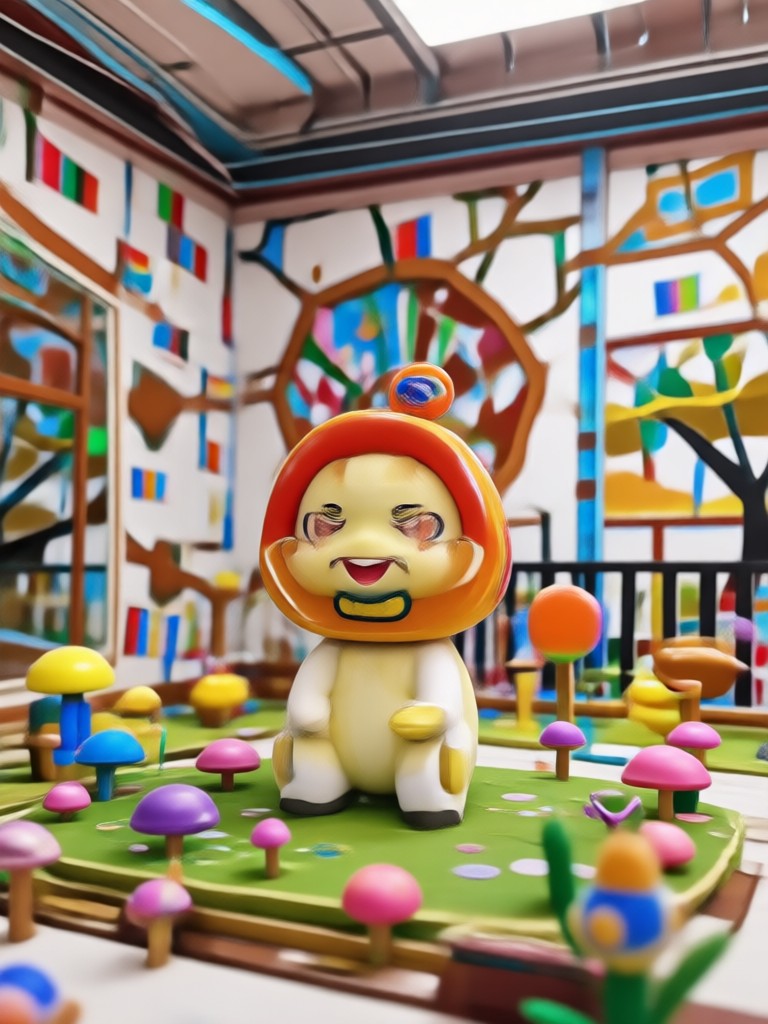
Choose the AI Video Filter That Fits Your Vibe
Discover the perfect AI video style template from zikzik's massive library. Pick from realistic, anime, cinematic, 3D clay, and more.
What Makes Pika AI Video Stand Out
Create smooth AI videos without any editing experience. zikzik combines text to video, image to video, and one million plus style filters in one simple mobile app.
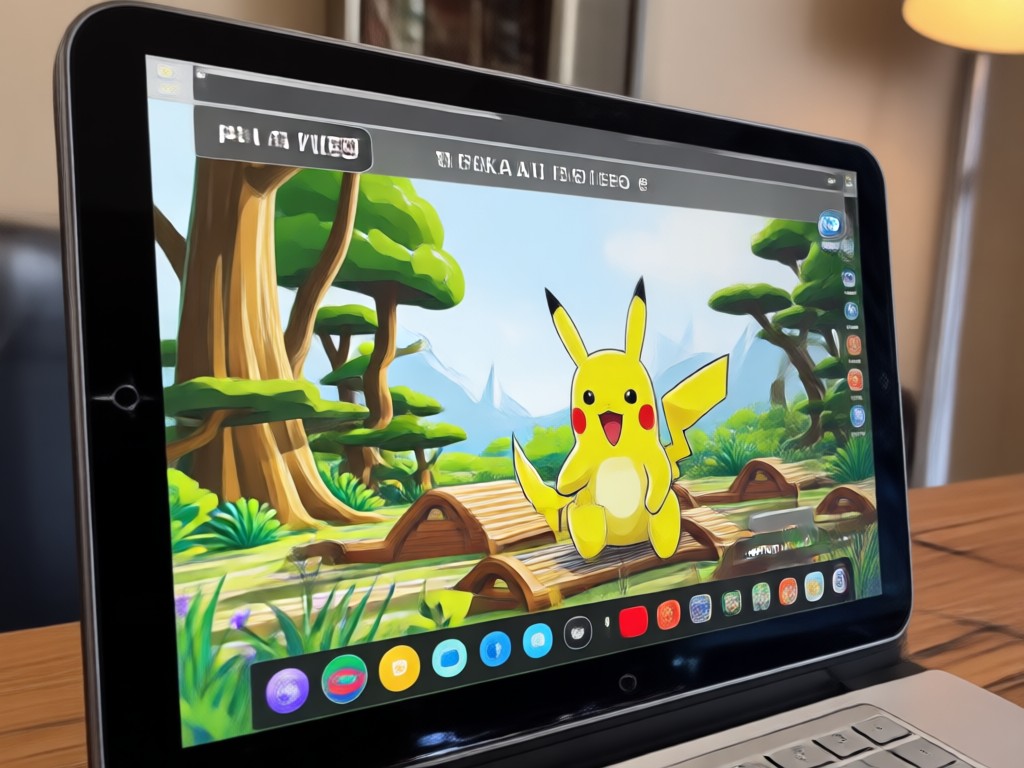
Text to Video
Type a short scene description, choose a style template, and let the AI generate a complete moving clip. No advanced prompt crafting needed.
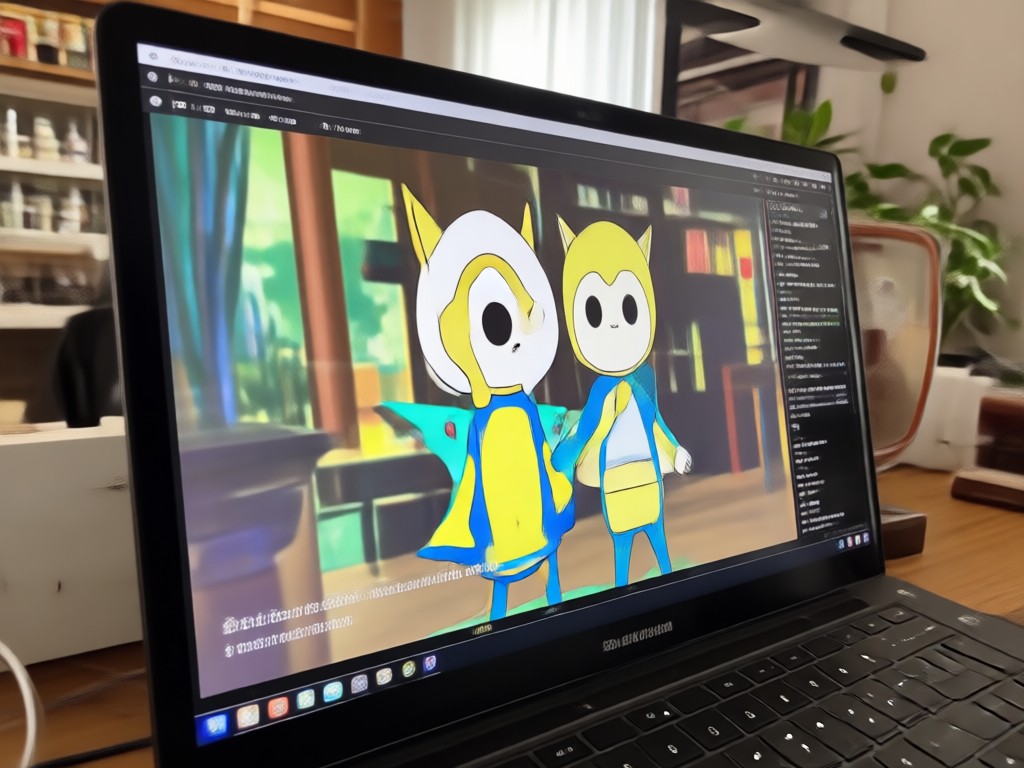
Image to Video
Upload a static photo and watch it come alive with natural motion, blinking, head turns, and short narrative animation.
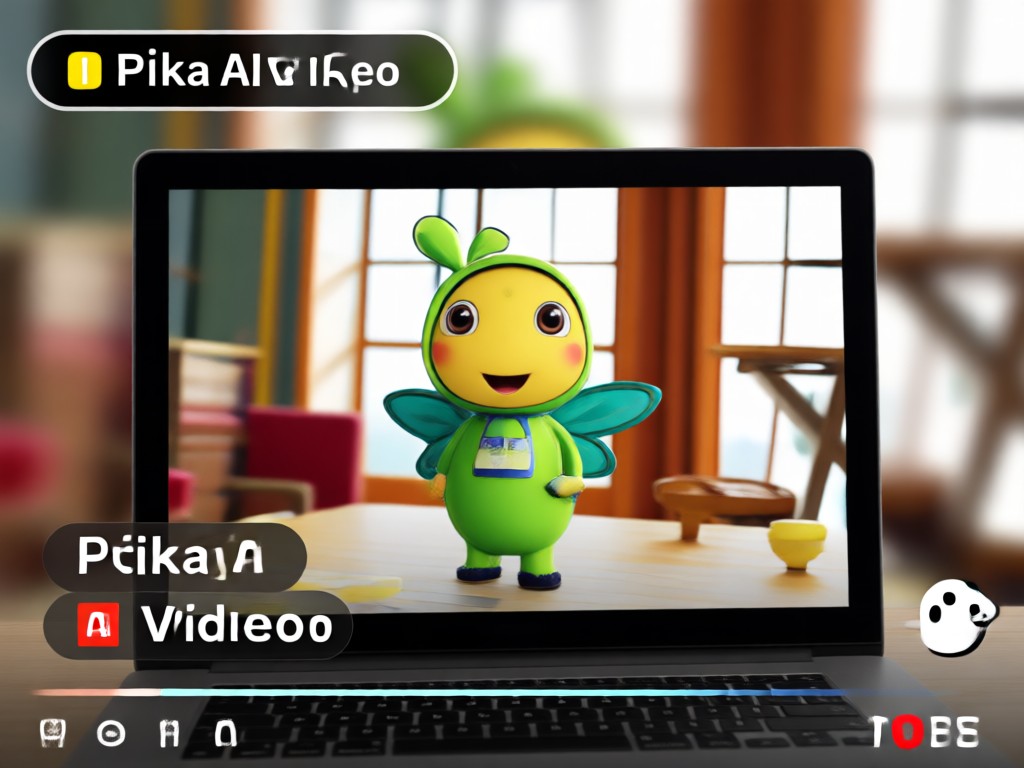
Multi Person Video
Process group photos while keeping every face distinct. Create interactions without blending subjects or losing detail.
Explore Pika AI Video Creations
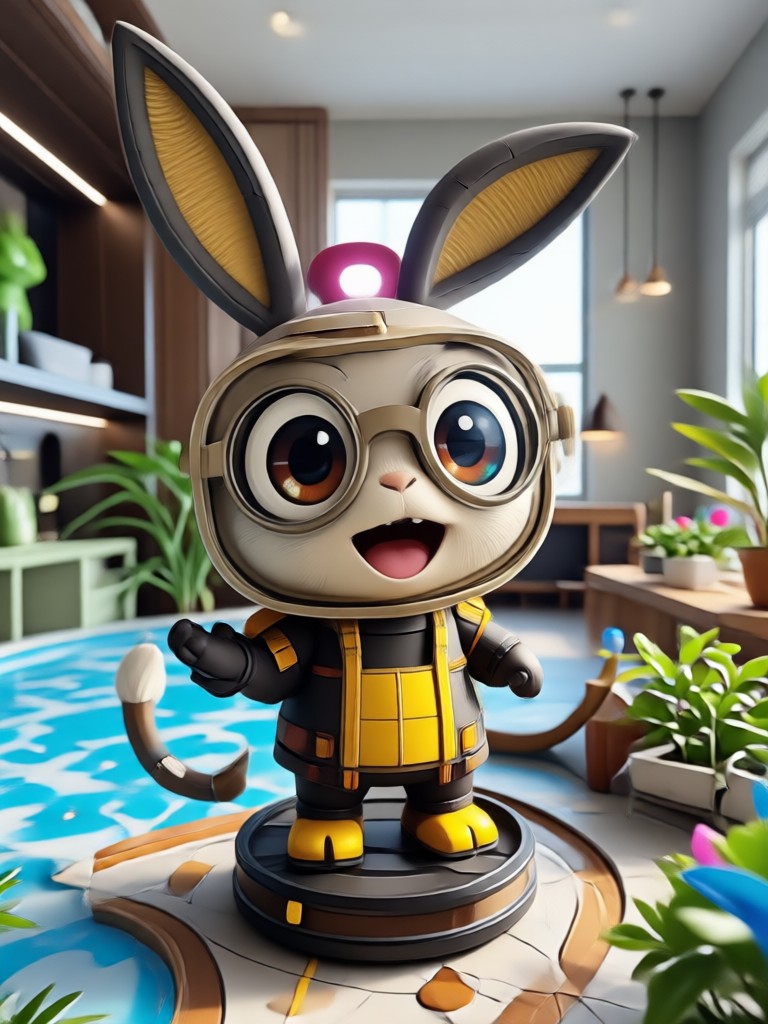
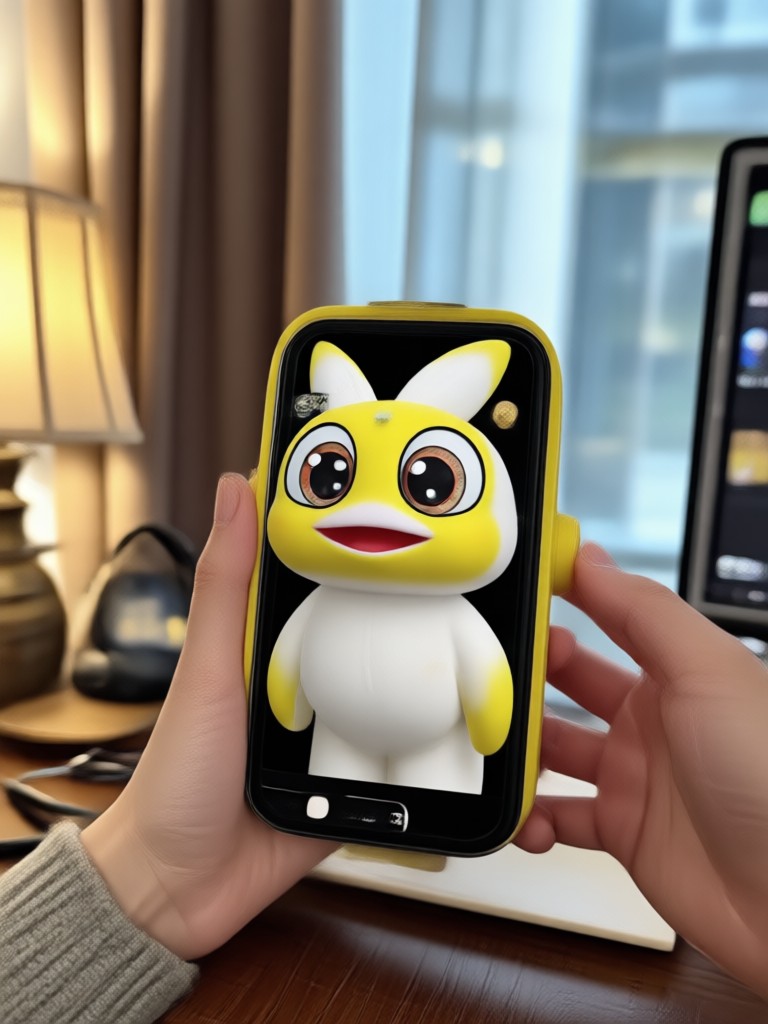
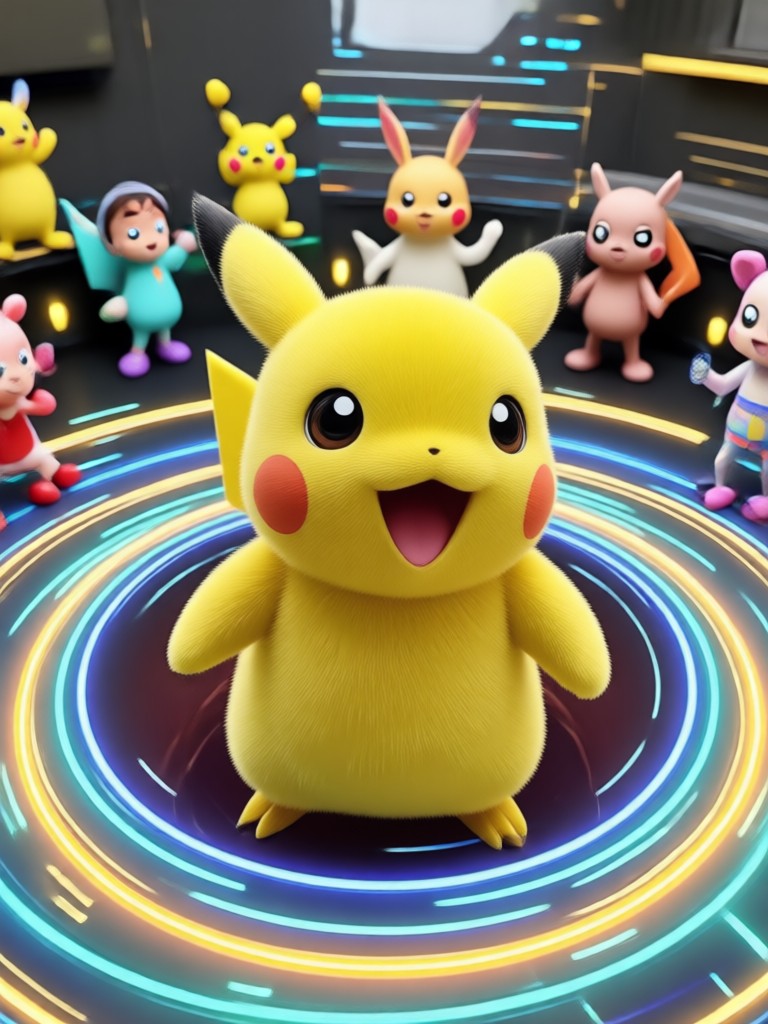
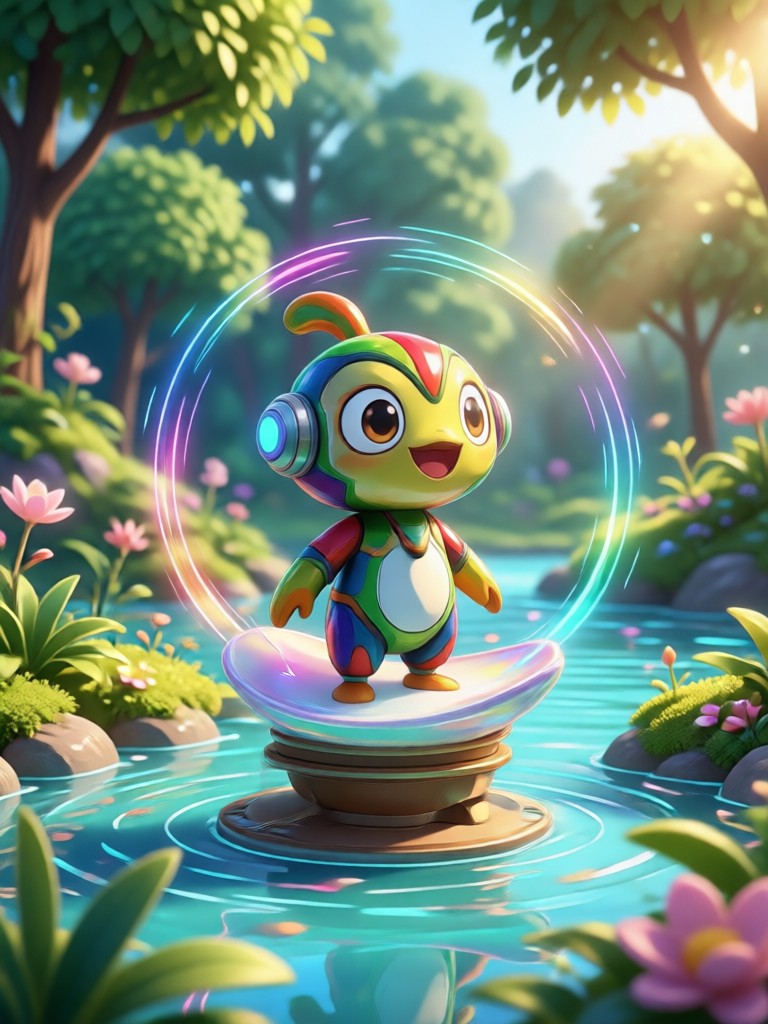
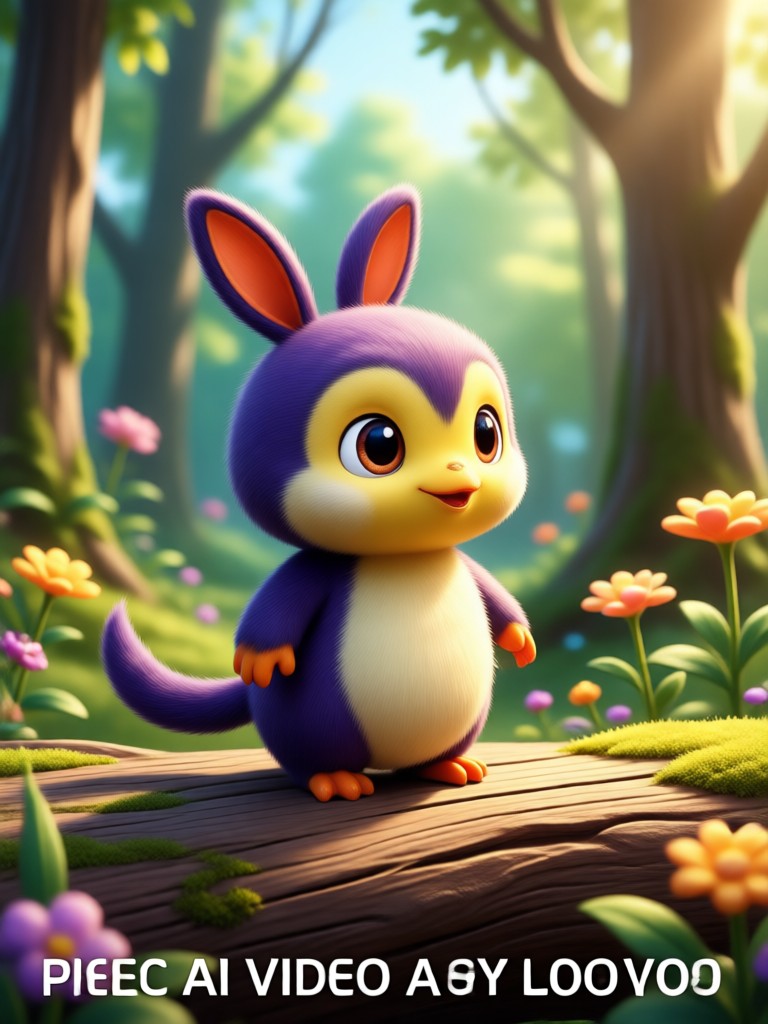
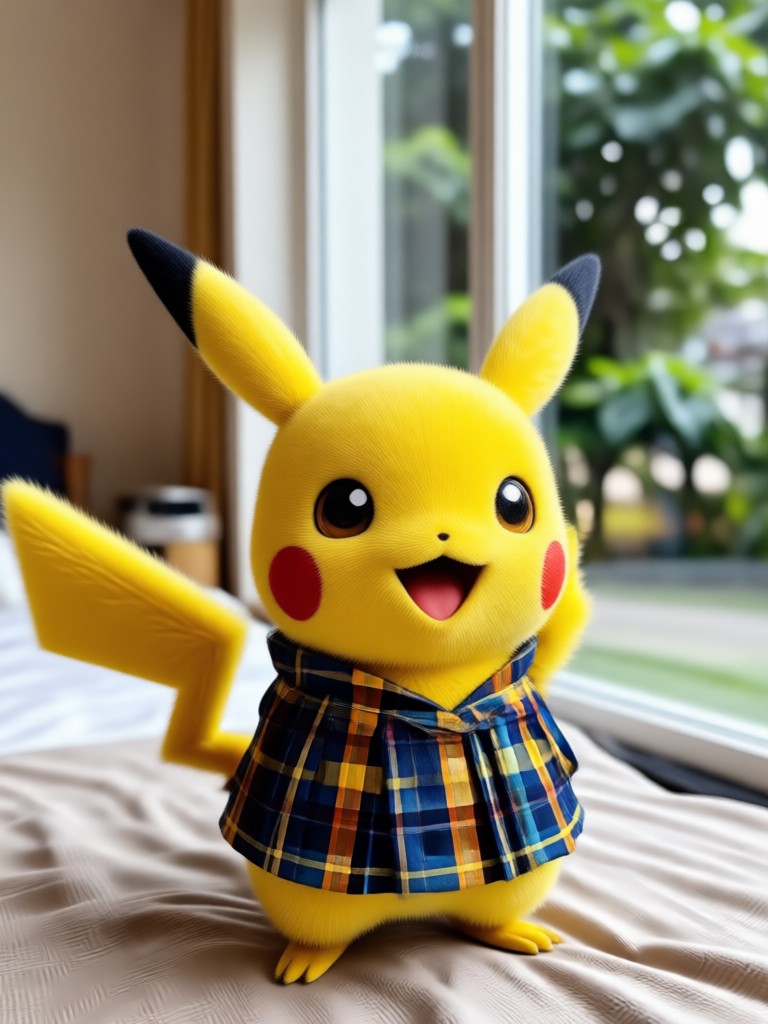
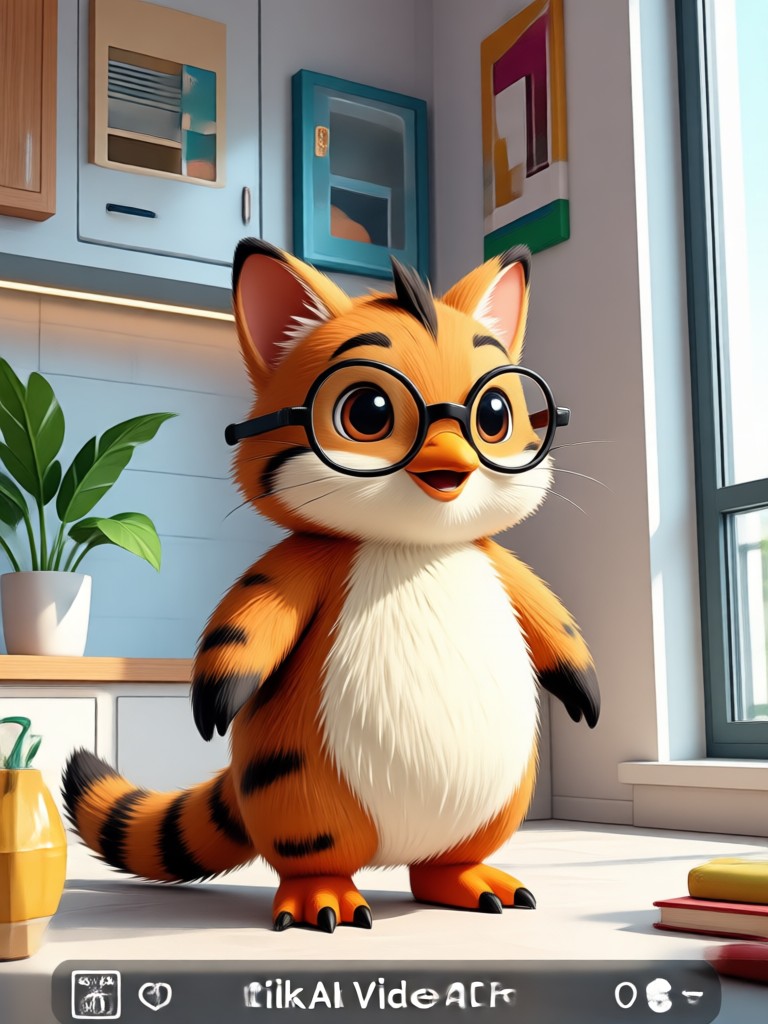
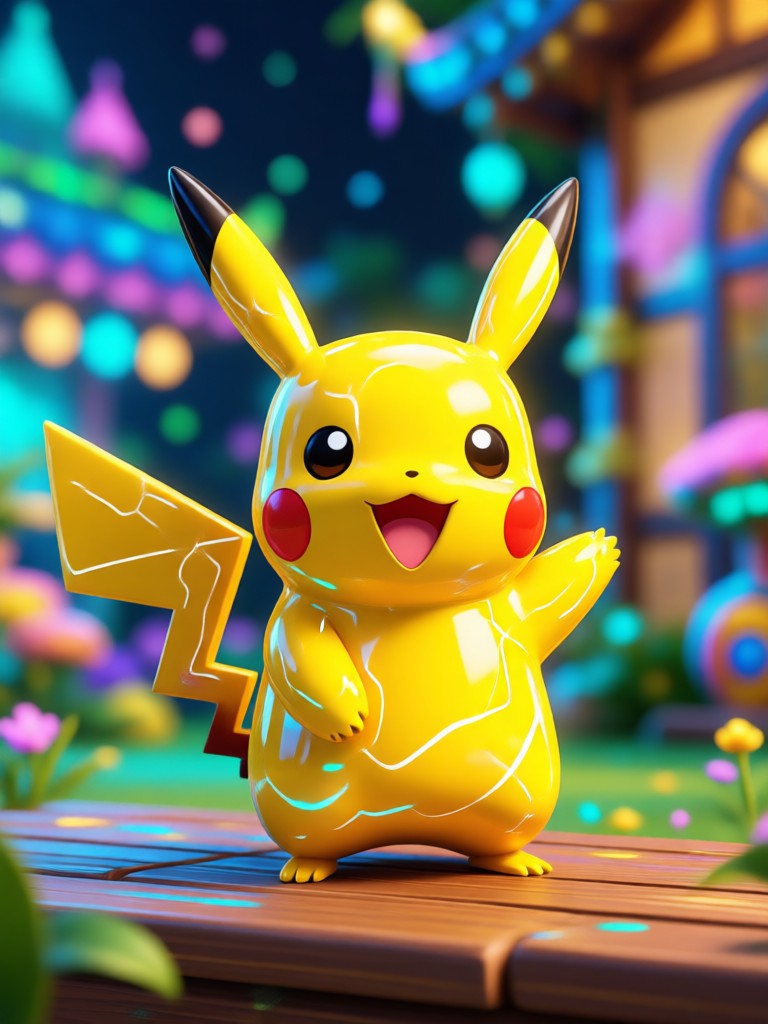
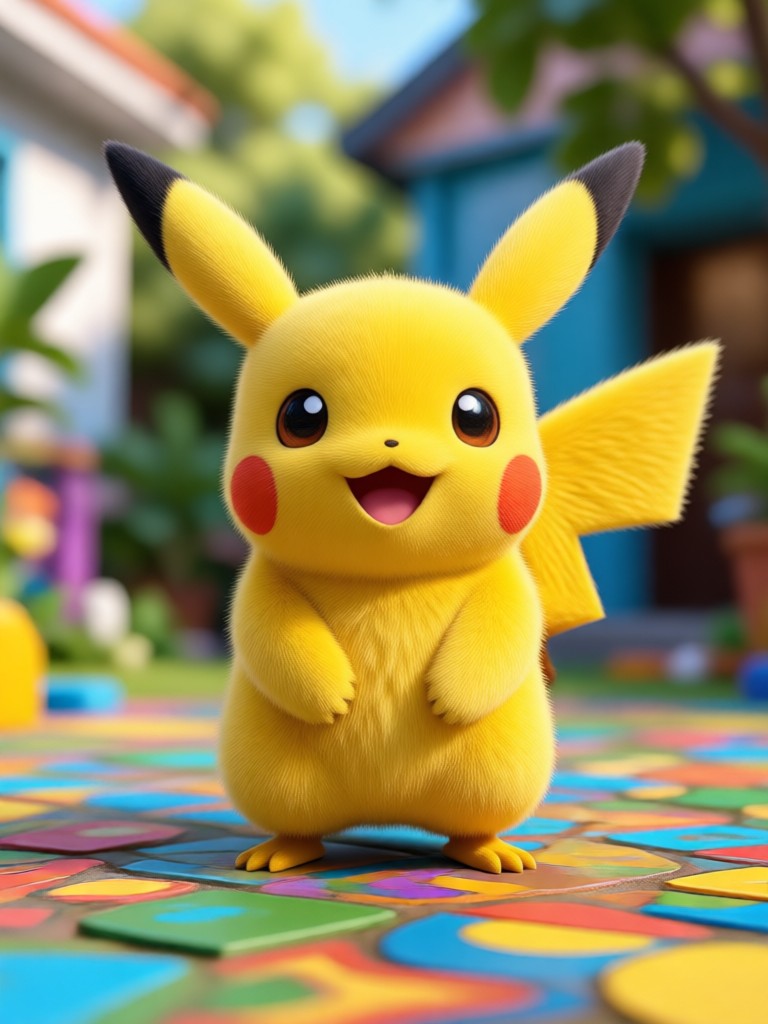
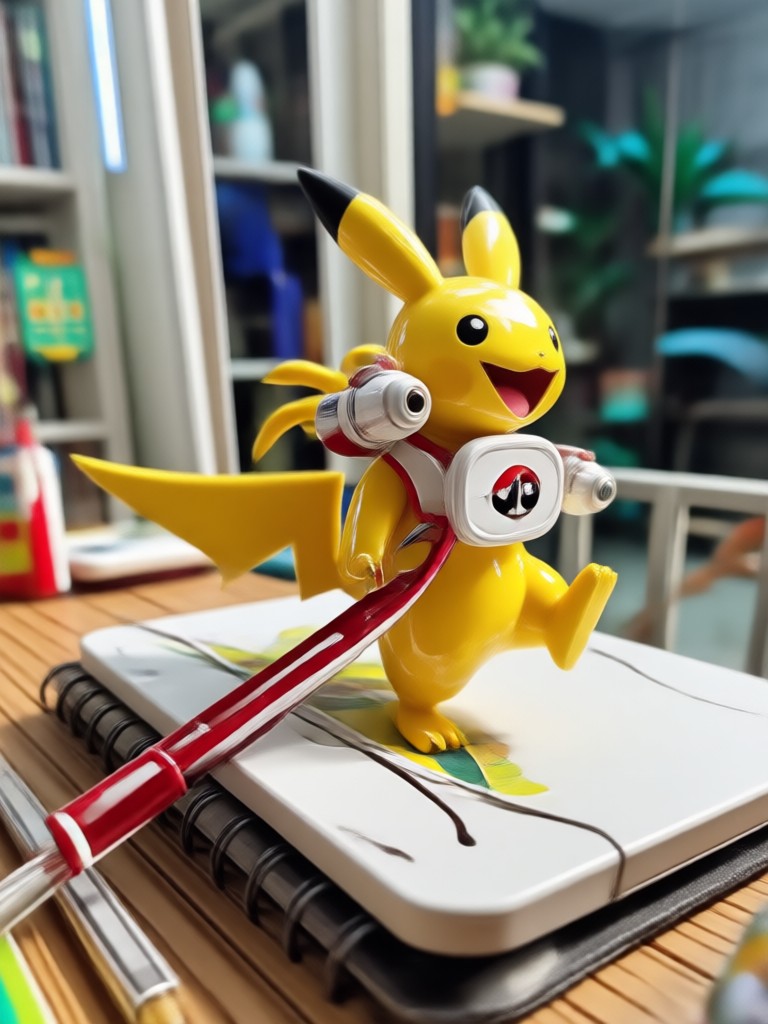
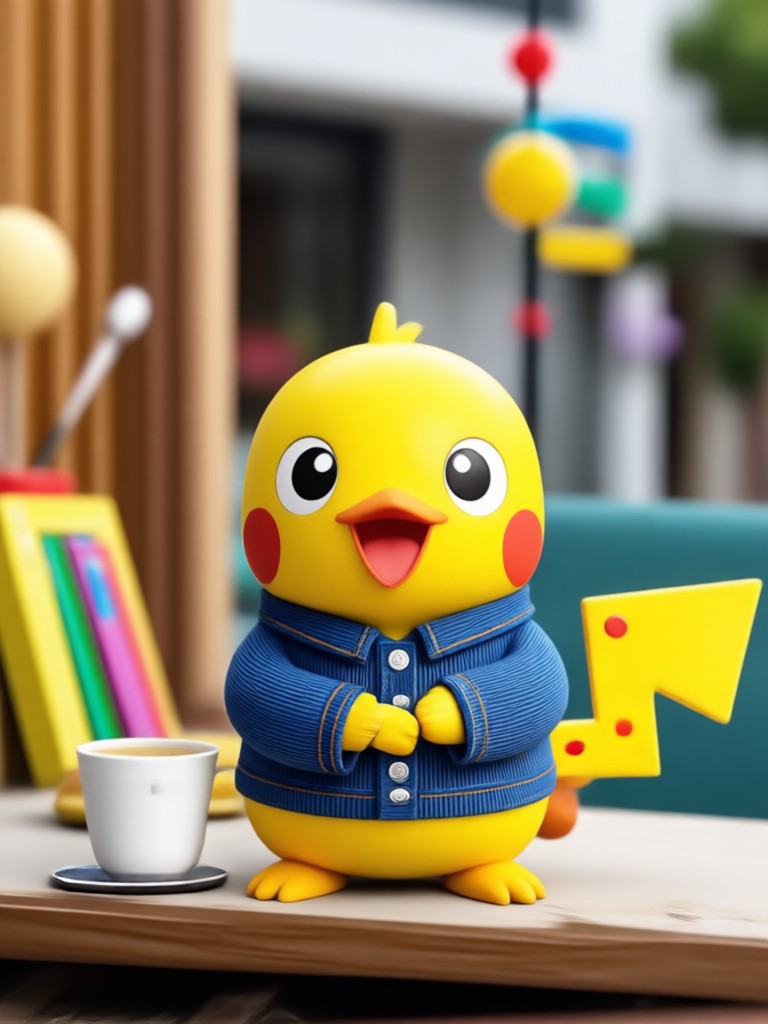
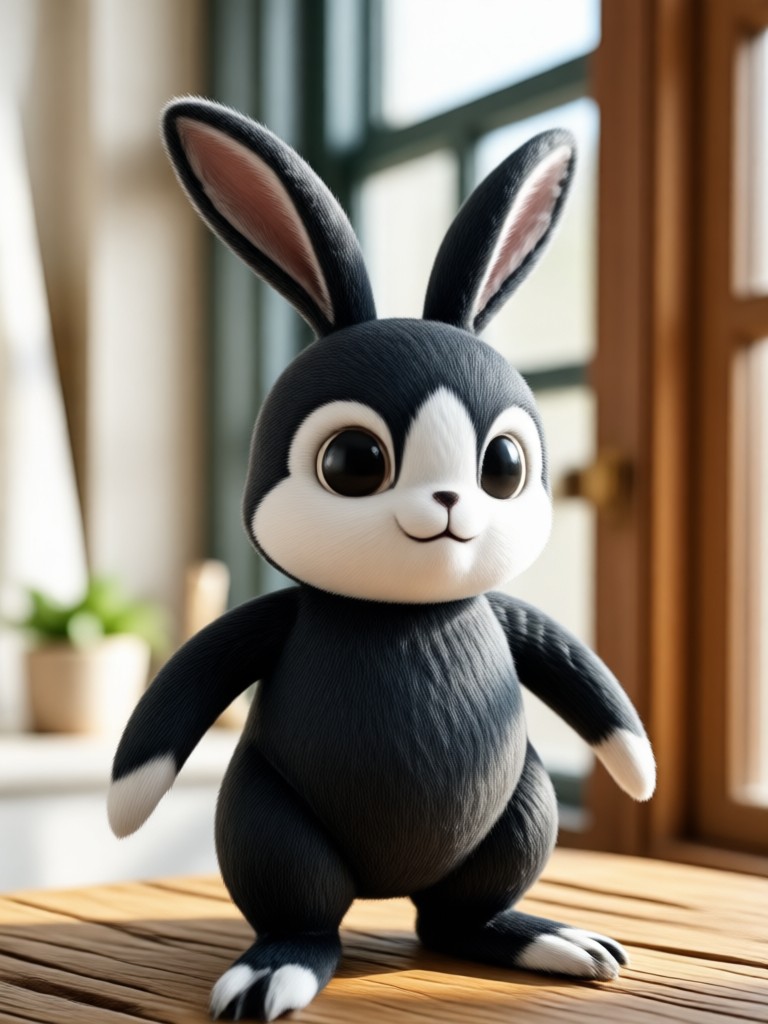
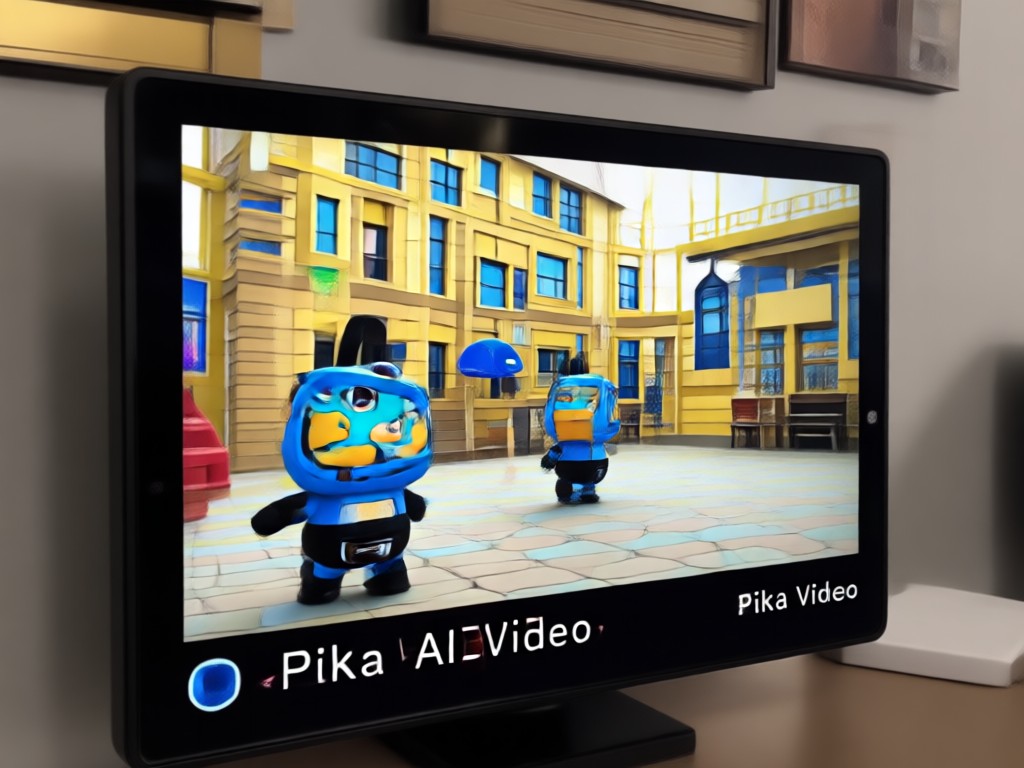
Browse stunning AI generated videos and images made with zikzik. See how text prompts and static photos transform into cinematic motion and style-rich clips.
Why Creators Choose zikzik for Pika AI Video Projects
Mobile first convenience means you never need a desktop editor. Over one million style filters cover anime, realistic, cyberpunk, watercolor, 3D clay, and more. Simple taps replace complex prompt engineering, so anyone can produce share worthy video clips in minutes.
Why Creators Choose zikzik for Pika AI Video Projects
Mobile first convenience means you never need a desktop editor. Over one million style filters cover anime, realistic, cyberpunk, watercolor, 3D clay, and more. Simple taps replace complex prompt engineering, so anyone can produce share worthy video clips in minutes.
How to Make Pika AI Video Clips in 3 Steps
Create your own AI videos with text or photos using the zikzik app. No editing experience required.
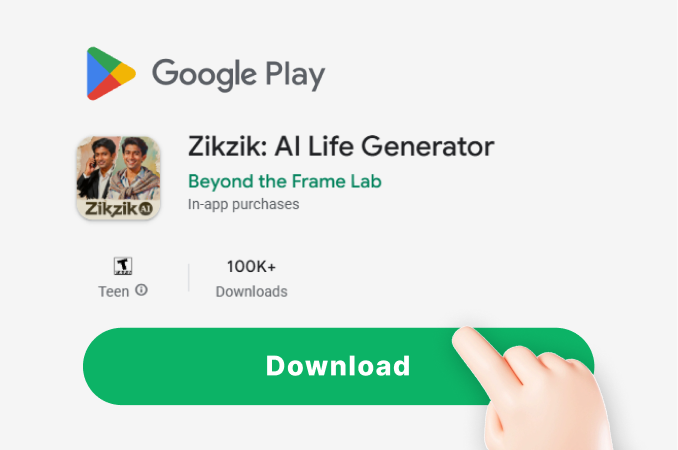
Step 01.
Download the zikzik app from Google Play and open it on your Android phone.
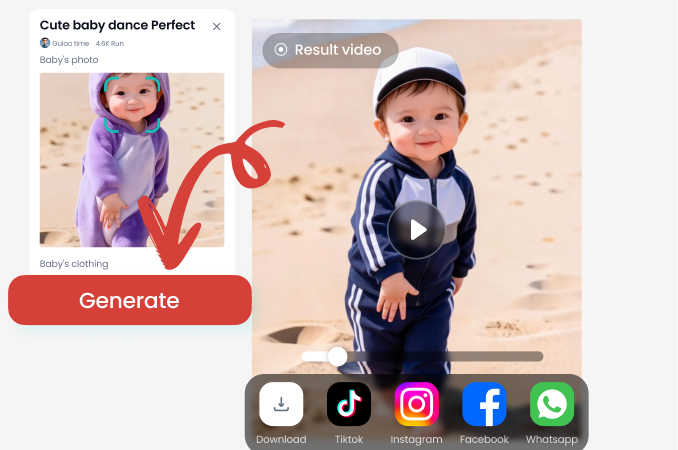
Step 02.
Choose a style template or type a short text prompt. You can also upload a photo to animate.
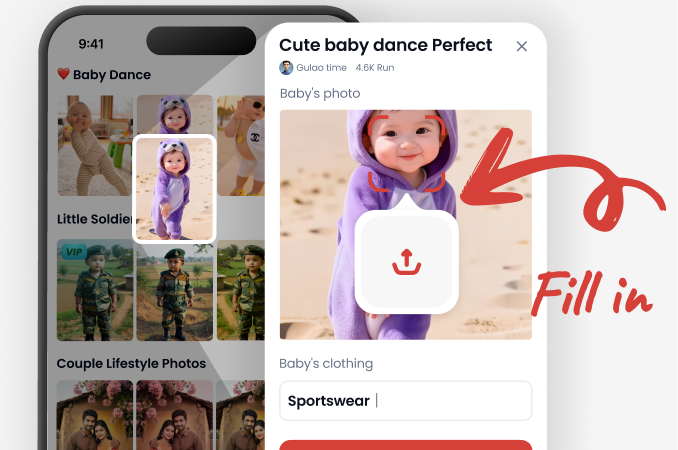
Step 03.
Generate your video, save it to your gallery, and share it directly to social media.
Turn Static Photos into Moving Pika AI Video Moments
Bring old photos back to life with subtle smiles, blinks, and head turns. zikzik's image to video tool preserves the original subject while adding natural, smooth motion. Perfect for nostalgic revivals, product teasers, and social media content.
What Creators Say About zikzik AI Video
My short videos finally look polished
I used to spend hours editing clips for TikTok. zikzik lets me type one sentence and get a complete video with style filters I actually want to use.
A quick way to turn product photos into demos
I upload product shots, pick a motion style, and get a moving teaser in seconds. It saves my team so much time every week.
The anime filters are incredibly fun
I made a short animated loop from a single portrait. The style library is huge and the results look surprisingly consistent.
Frequently Asked Questions About Pika AI Video
Find clear answers about using Pika AI Video features inside the zikzik app.
More Topics You May Like
Explore more AI video and image effects to expand your creative toolkit.
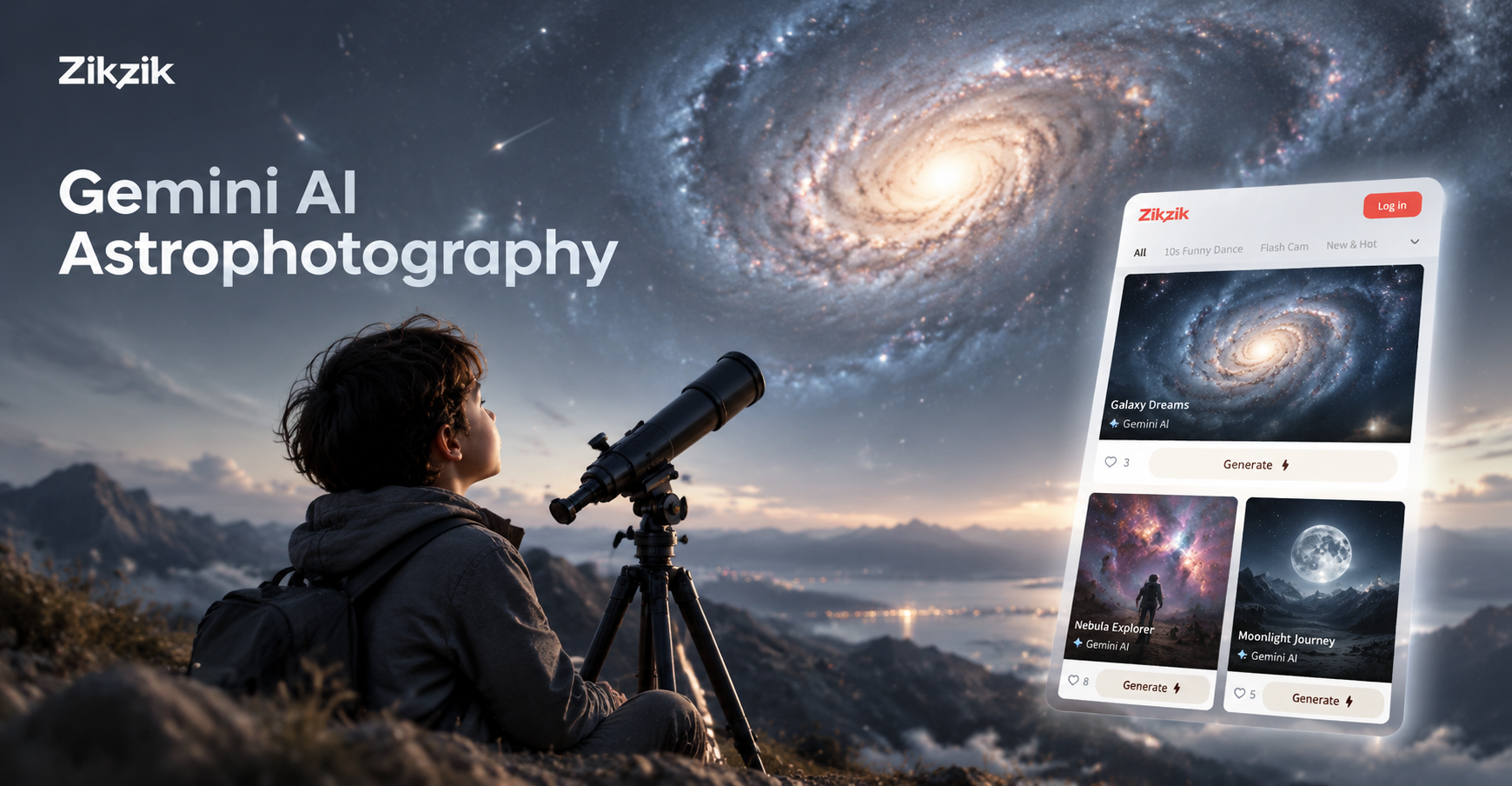
Gemini AI Astrophotography: Create Stunning Space Images
Create Gemini AI astrophotography on your phone. Turn text prompts into galaxies, nebulas, and starry skies. No telescope needed. Download zikzik and start creating.
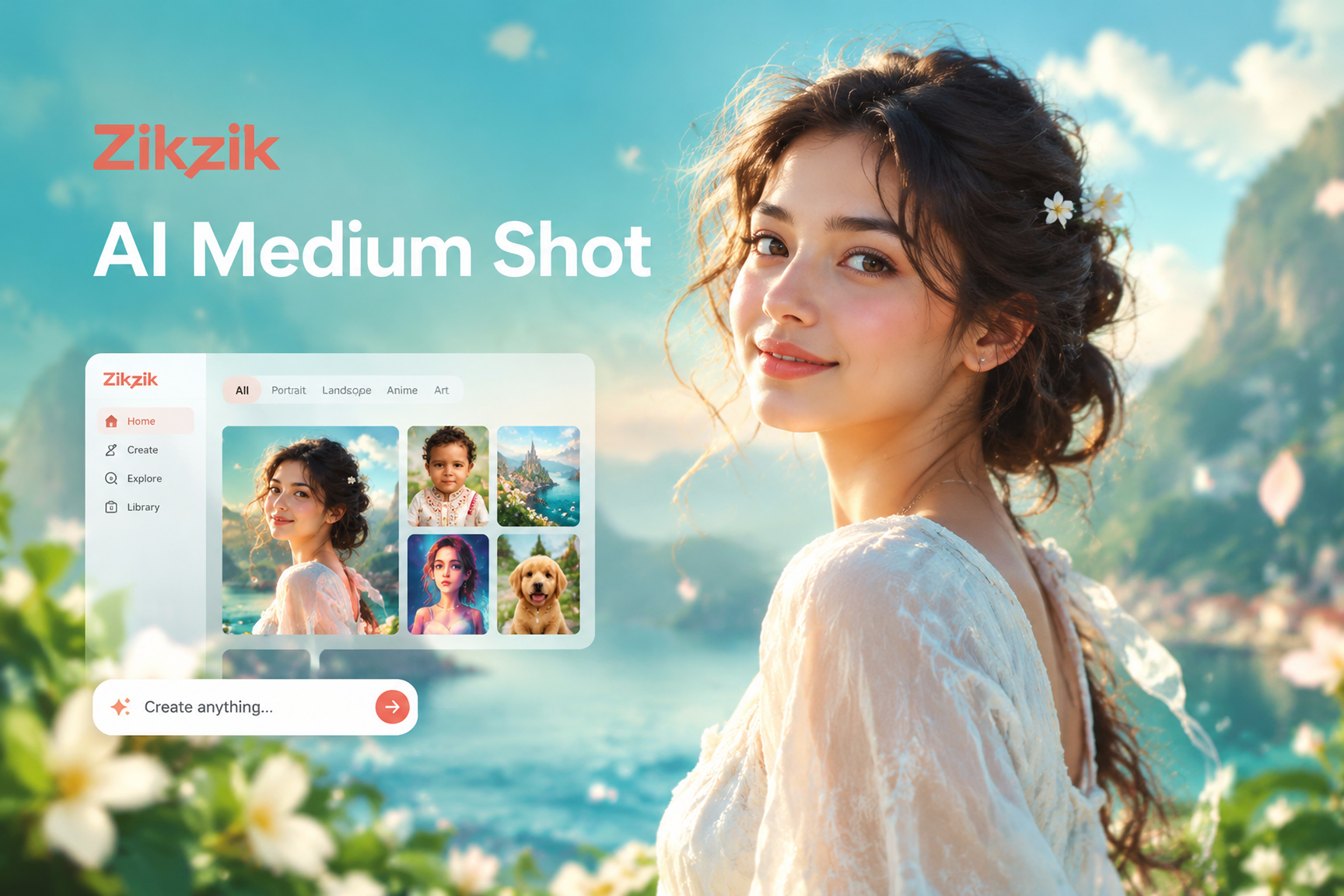
Create Stunning AI Medium Shot Portraits in Seconds
Generate a balanced AI medium shot photo from any upload. Pick a style template and create realistic medium shot portraits for social media, fashion, or creative projects. No design skills needed.

Create a Gemini AI Birthday Card for Your 1 Year Old
Design a stunning 1st birthday invitation card with AI. Upload a photo, choose a magical template, and generate a custom Gemini style card in seconds. No design skills needed.

Create Chilling AI Horror Images That Feel Terrifyingly Real
Turn simple photos or text prompts into nightmare fuel with the AI Horror Image generator. Pick a creepy style, generate HD horror art, and download spine-chilling results in seconds.
Ready to Create Your First Pika AI Video?
Download zikzik now and turn text prompts or still photos into smooth AI videos. Explore over one million style filters and share your creations in minutes.
Ready to Create Your First Pika AI Video?
Download zikzik now and turn text prompts or still photos into smooth AI videos. Explore over one million style filters and share your creations in minutes.