Retro Photo Filter
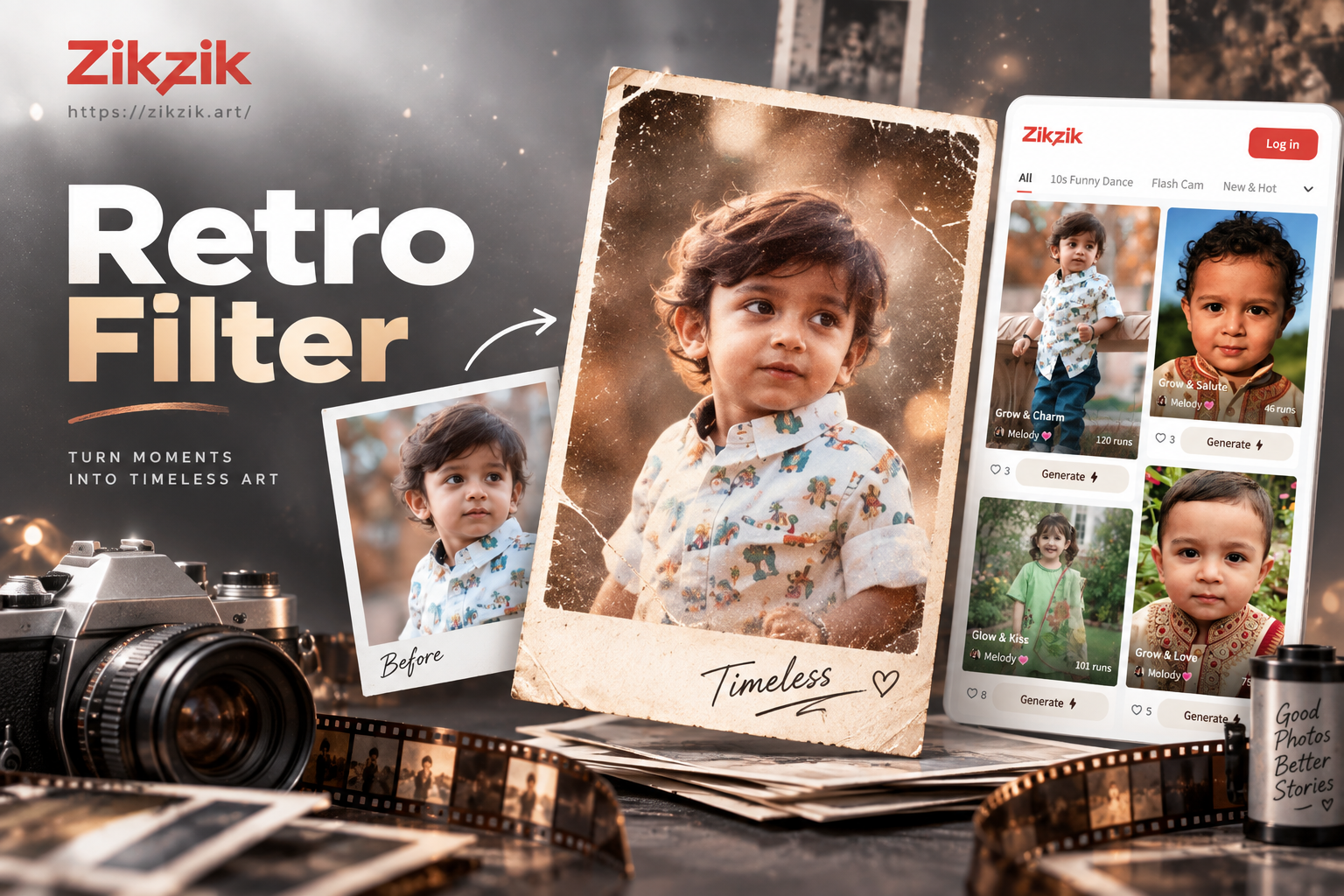
Discover Your Perfect Vintage Vibe
Choose from dozens of curated retro photo filters, each designed to evoke a specific era and photographic style.
Key Features of Our Retro Filter Toolkit
Our AI-powered filters go beyond simple presets, intelligently analyzing your photo to apply the most authentic vintage transformation.
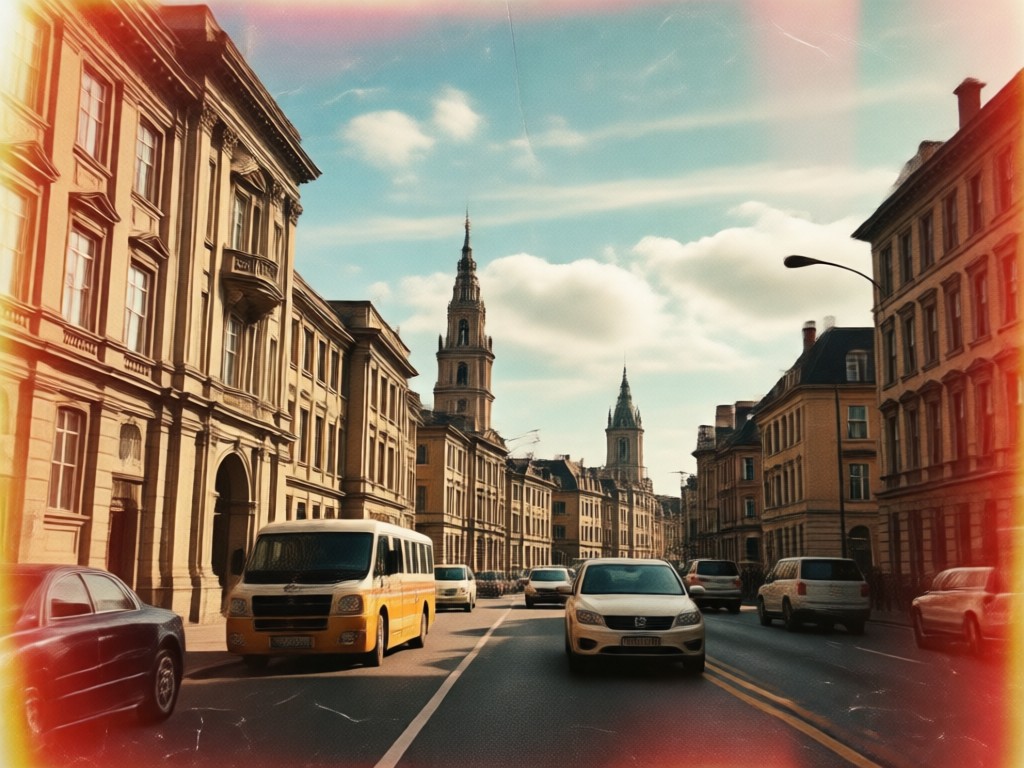
Era Specific Color Grading
Our filters are trained on authentic film scans. Get the faded cyan tones of 70s film, the warm saturated colors of 80s prints, or the subtle sepia of early photography.
Era Specific Color Grading
Our filters are trained on authentic film scans. Get the faded cyan tones of 70s film, the warm saturated colors of 80s prints, or the subtle sepia of early photography.
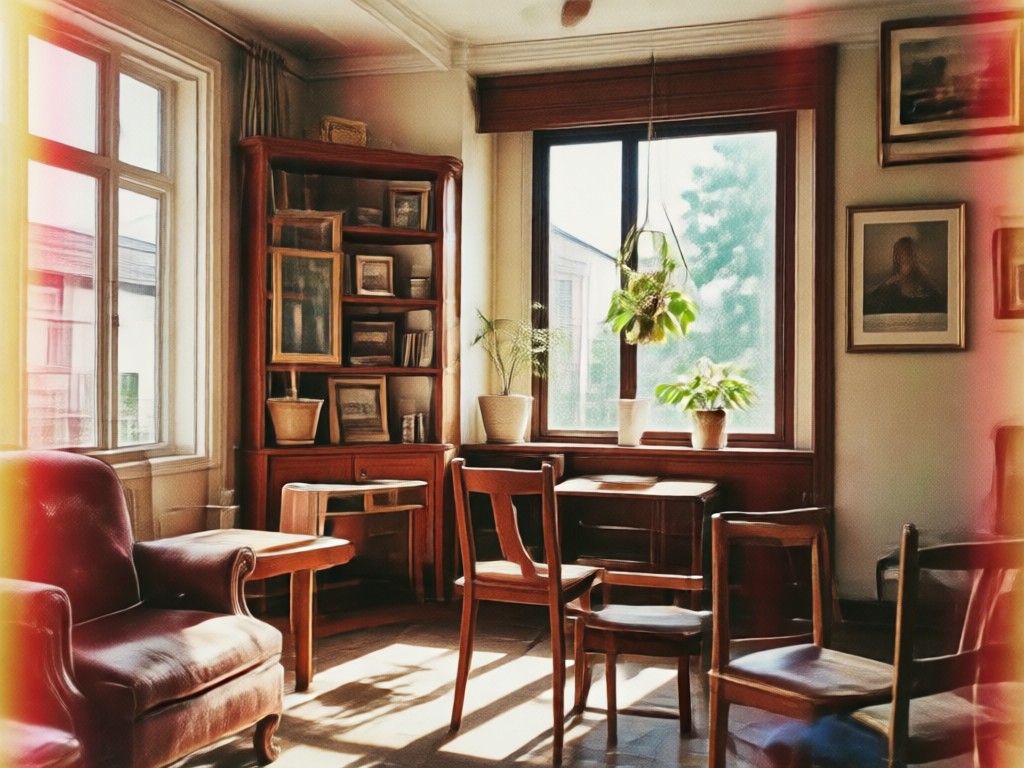
Authentic Film Grain & Texture
Add realistic, non-repeating grain patterns, light leaks, vignetting, and subtle scratches that mimic real aged film, not digital noise. Control the intensity to match your vision.
Authentic Film Grain & Texture
Add realistic, non-repeating grain patterns, light leaks, vignetting, and subtle scratches that mimic real aged film, not digital noise. Control the intensity to match your vision.
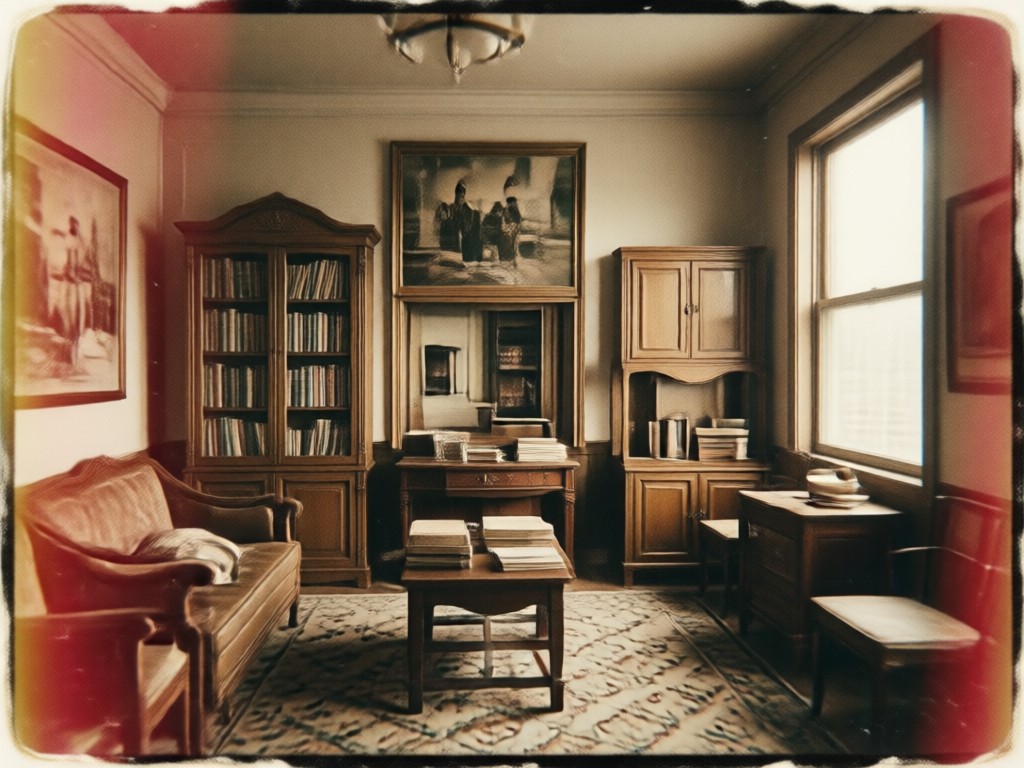
One Tap Style Transfer
Upload any modern photo. Our AI instantly applies a coherent retro style, adjusting contrast, saturation, and shadows holistically for a believable vintage result, not just a color layer.
One Tap Style Transfer
Upload any modern photo. Our AI instantly applies a coherent retro style, adjusting contrast, saturation, and shadows holistically for a believable vintage result, not just a color layer.
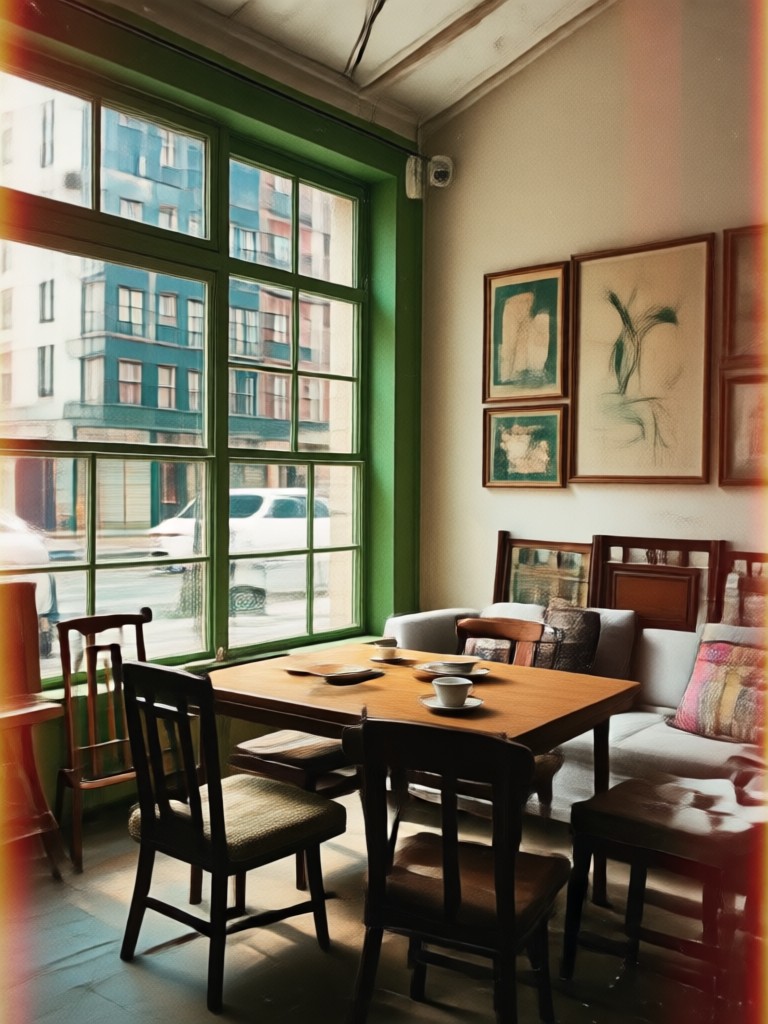
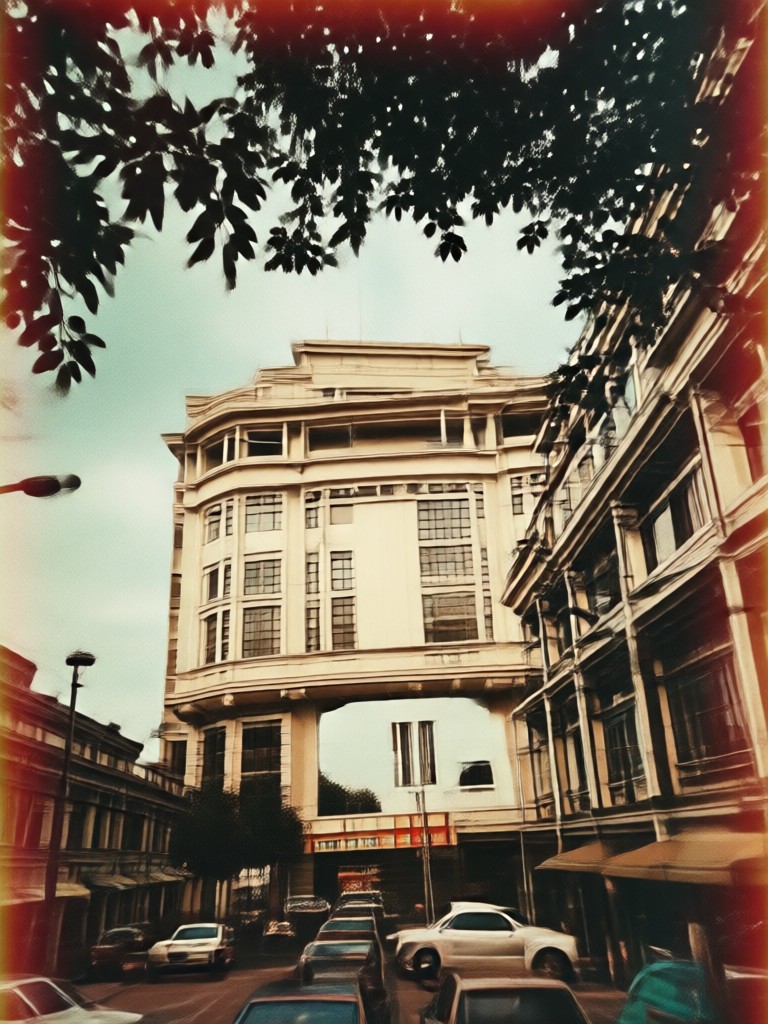
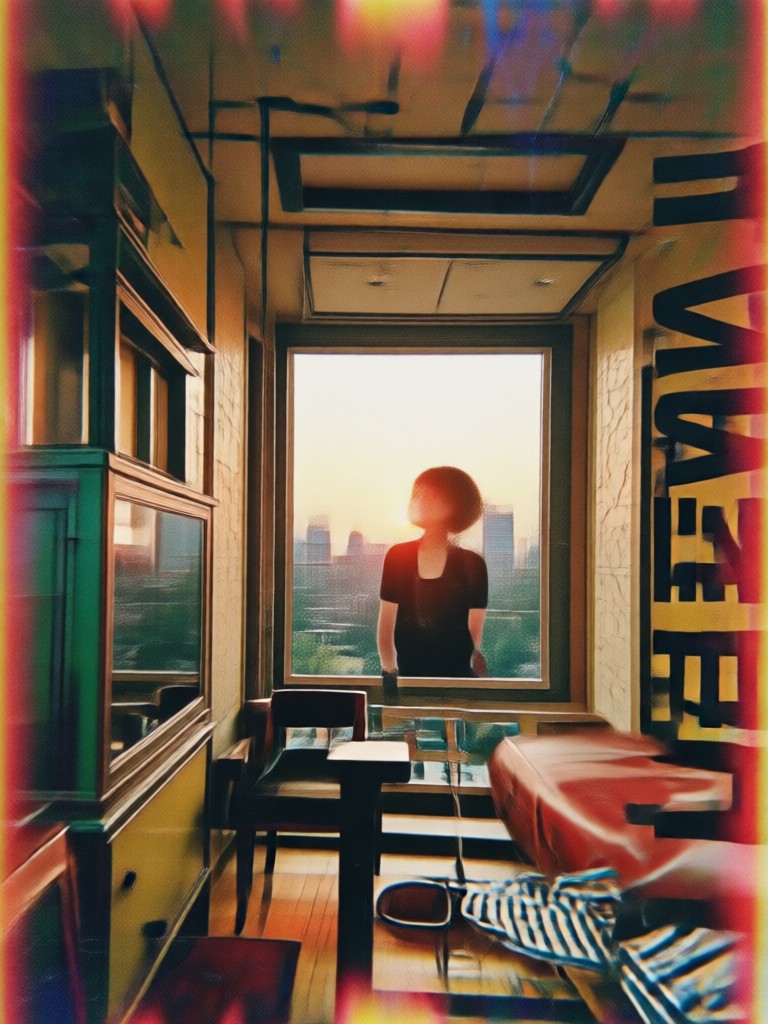
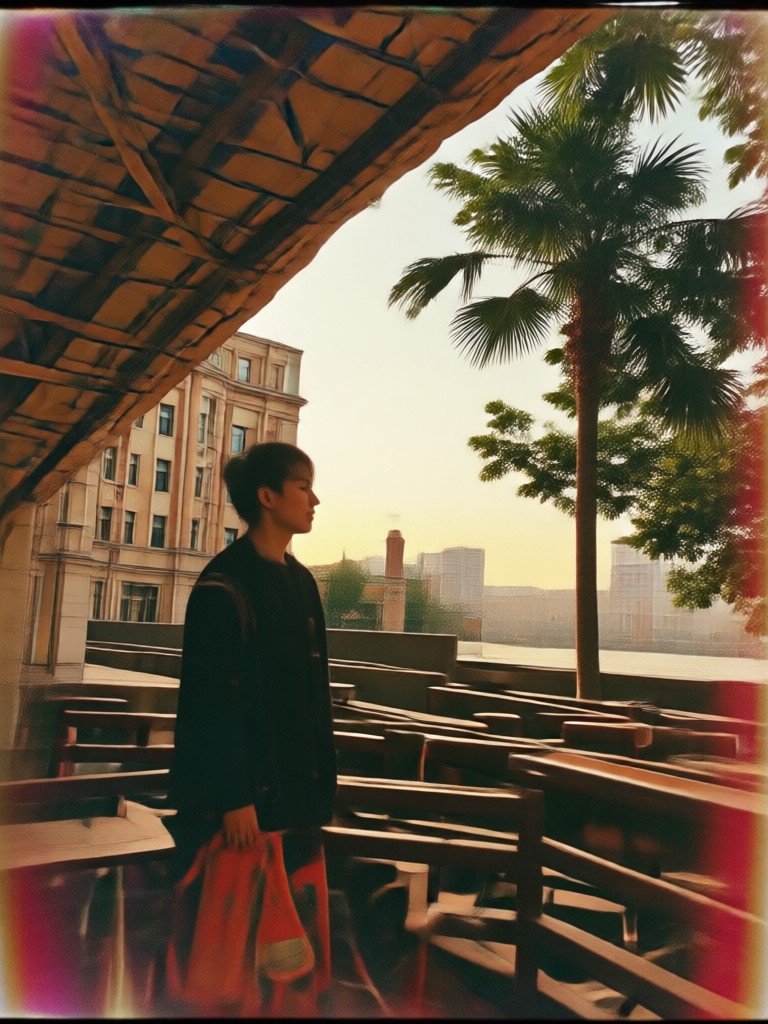
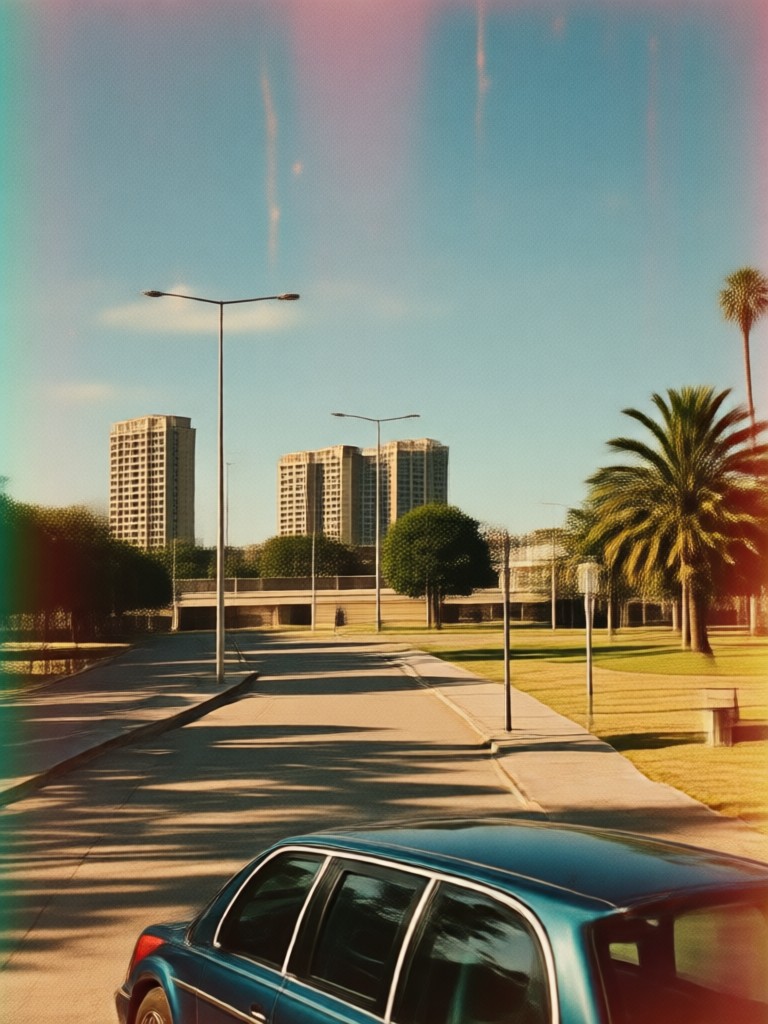
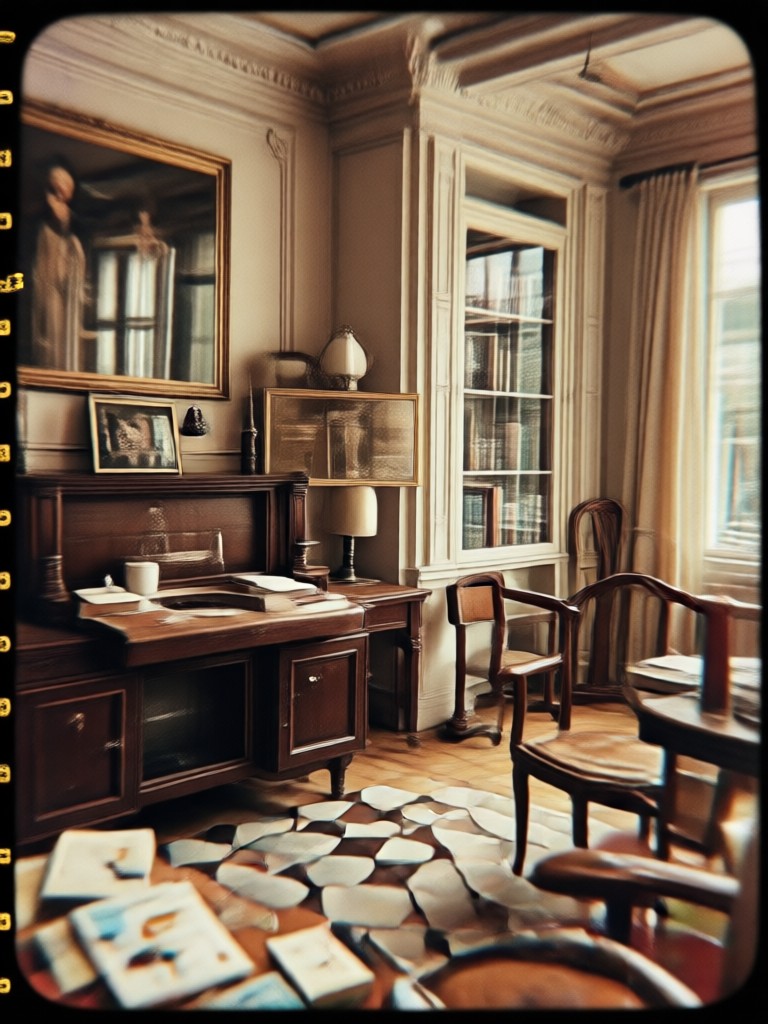
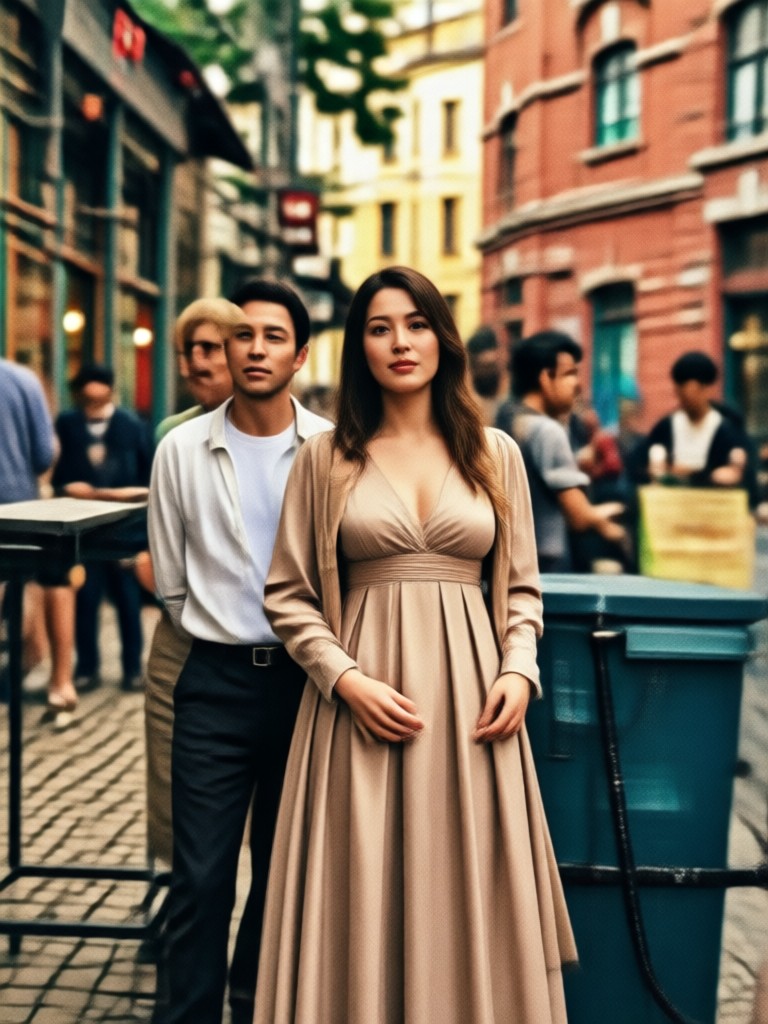
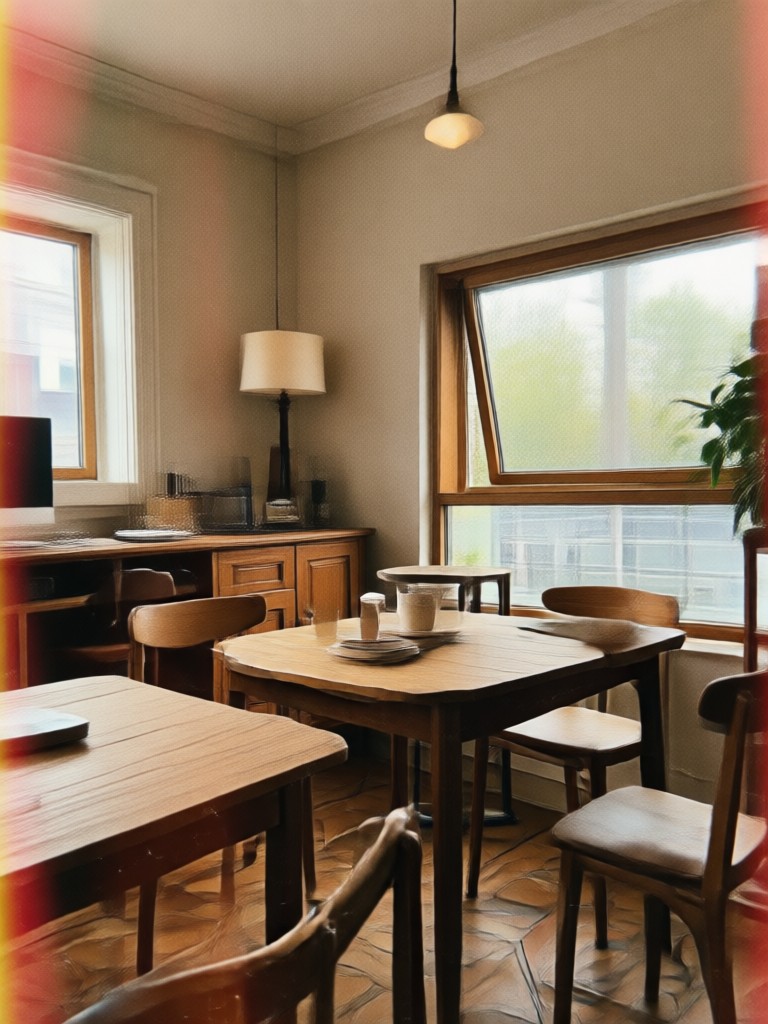
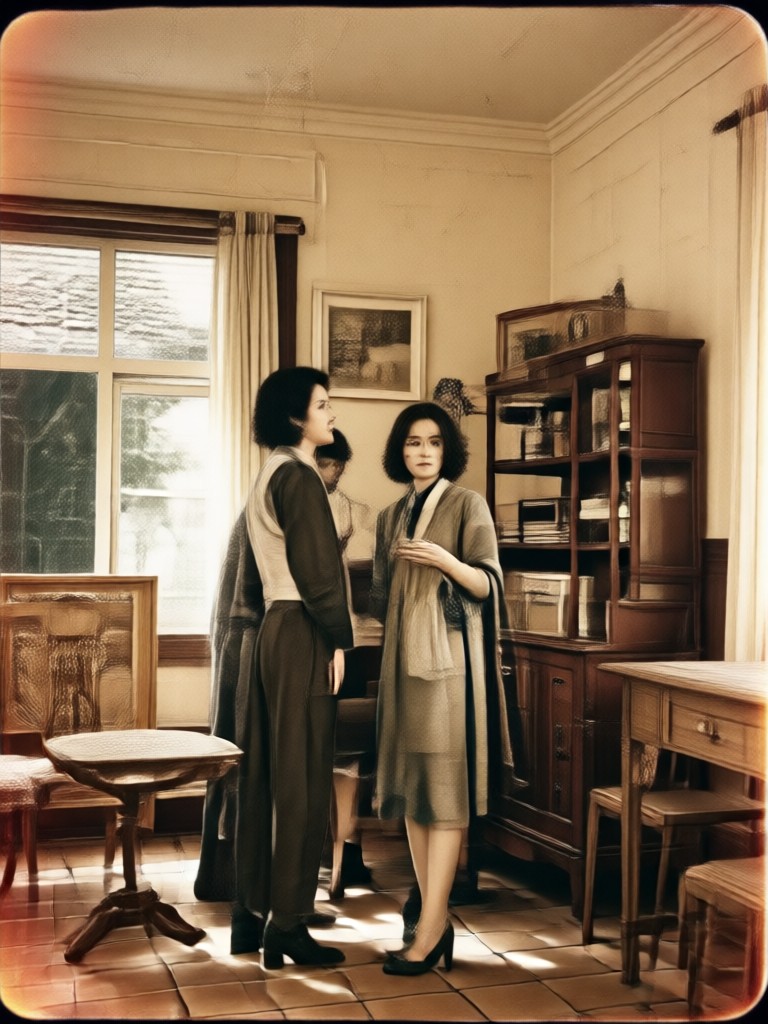
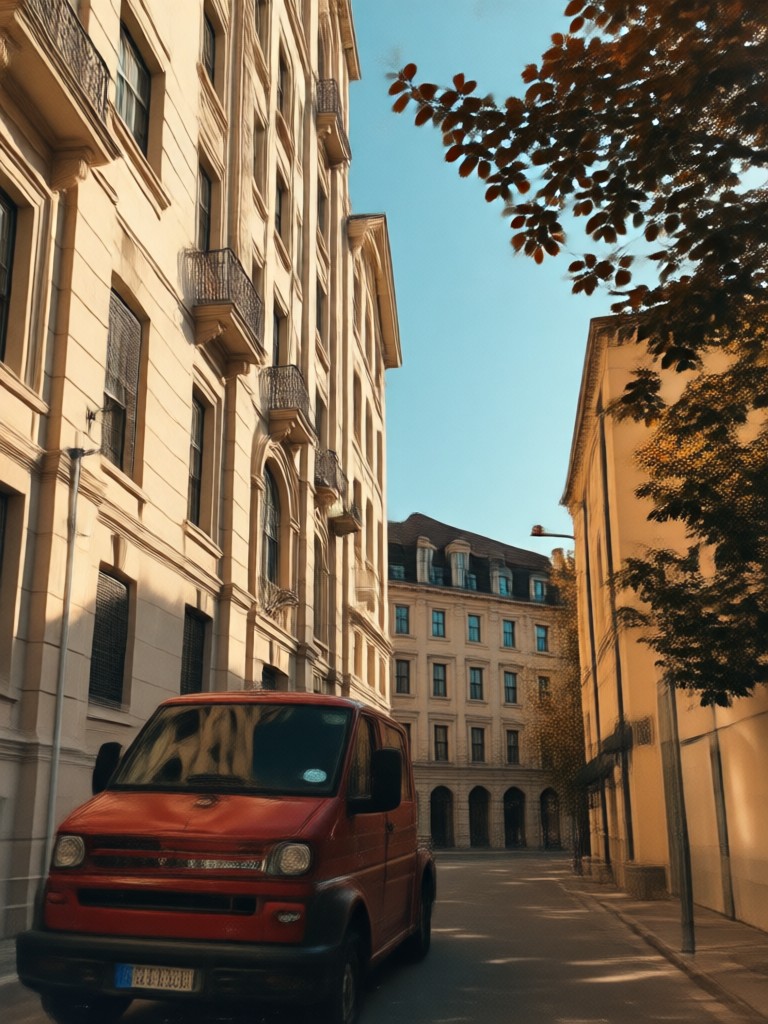
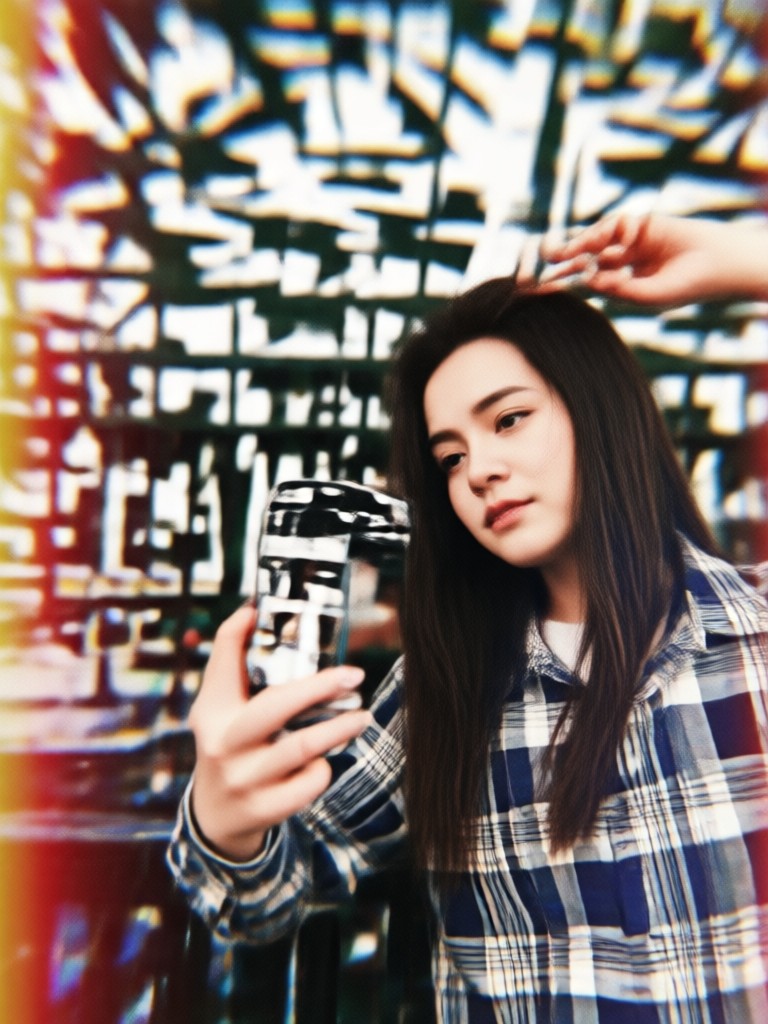
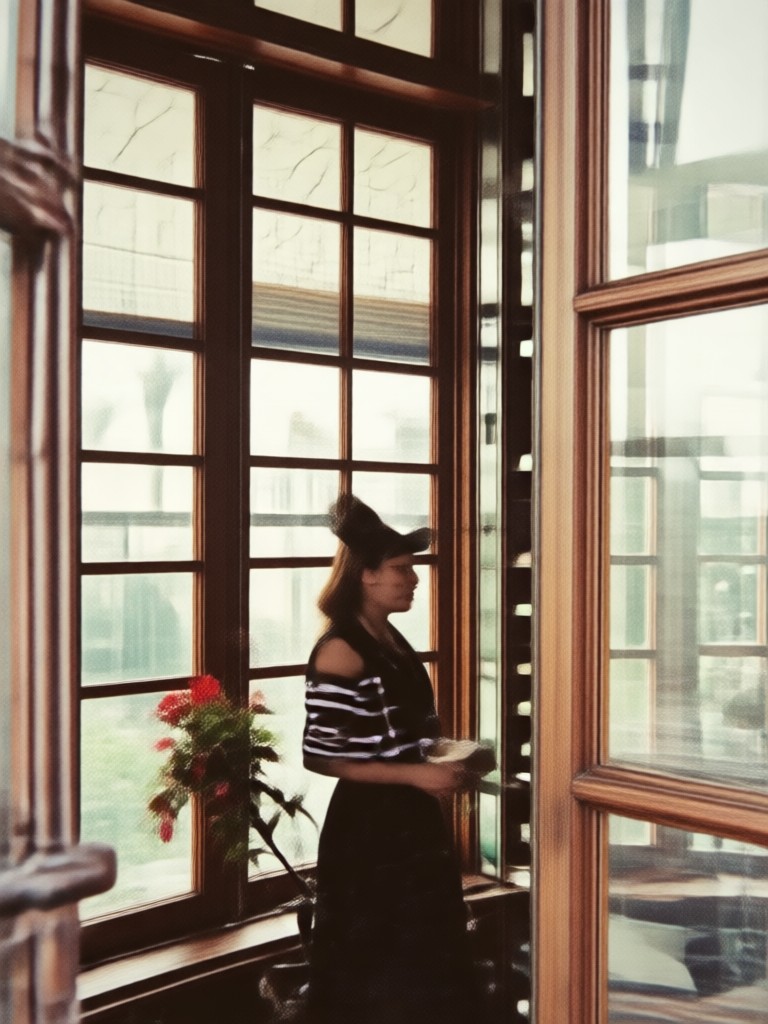
Retro Filter Inspiration Gallery
See how ordinary photos are transformed into nostalgic masterpieces. From portraits to landscapes, discover the creative possibilities of vintage aesthetics.
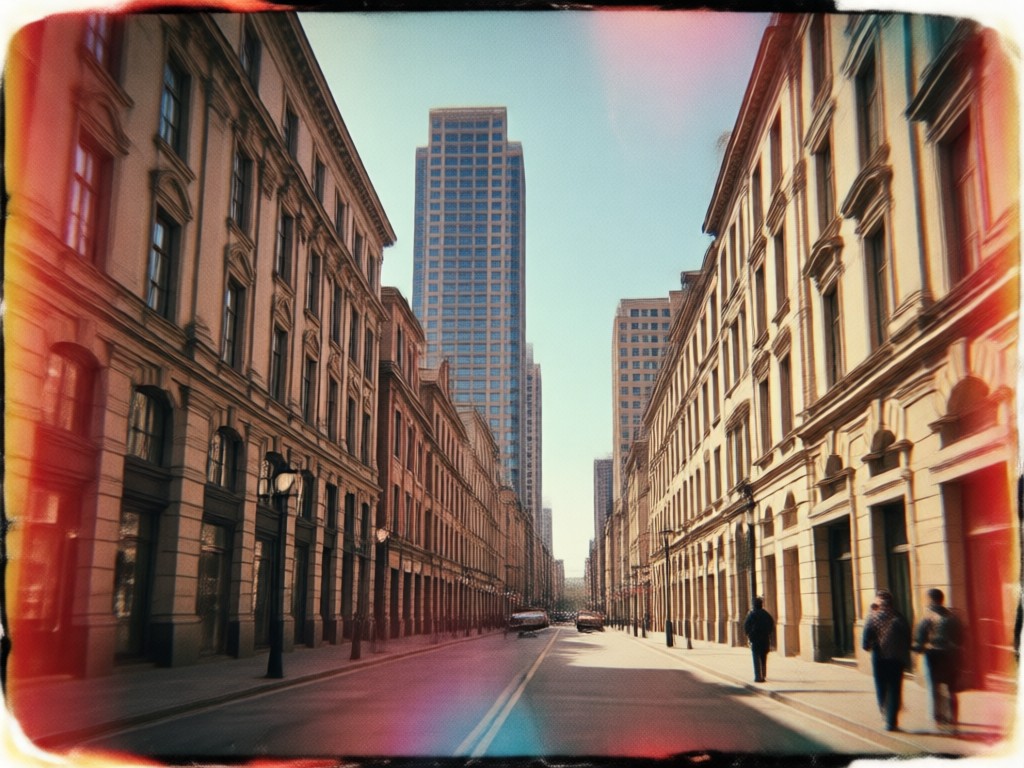
Why Use AI for Vintage Photos?
Traditional presets apply uniform adjustments. Our AI retro filters intelligently analyze each photo's lighting, subject, and colors to apply a customized, authentic vintage transformation that feels organic, not slapped on.
Why Use AI for Vintage Photos?
Traditional presets apply uniform adjustments. Our AI retro filters intelligently analyze each photo's lighting, subject, and colors to apply a customized, authentic vintage transformation that feels organic, not slapped on.
How to Apply a Retro Photo Filter?
Create stunning vintage aesthetic photos in just three simple steps directly from your phone.

Step 01.
Download the zikzik app from Google Play to access the full library of retro photo filters and AI tools on your mobile device.
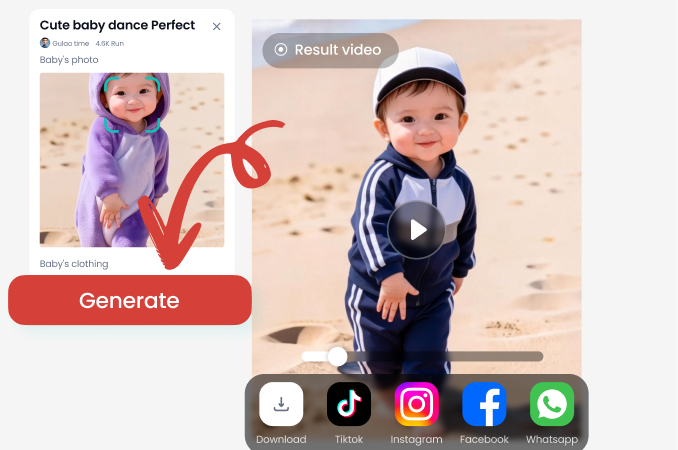
Step 02.
Upload your photo and browse the filter categories. Choose from 70s Film, 80s Vintage, Classic Monochrome, Faded Print, or Cinematic Grain styles.
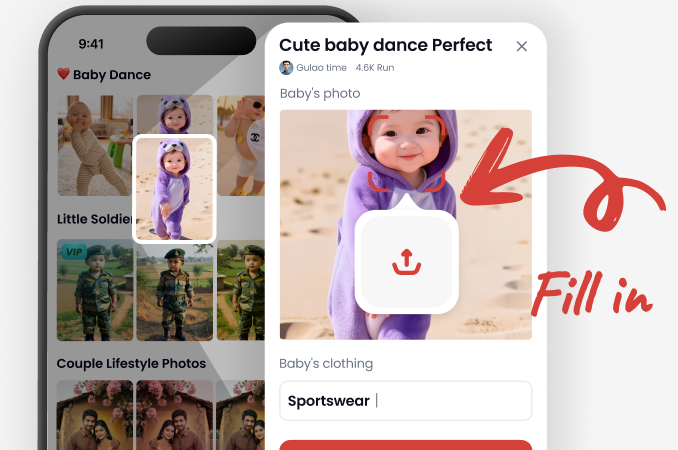
Step 03.
Generate your transformed vintage photo. Fine tune the intensity, then download the HD result or share it directly to your social media platforms.
How Creators Use Retro Filters
Marco R.
I use the faded print filter to give my travel photos a timeless, nostalgic feel. It makes new destinations look like they're from a classic travel journal. Clients love the unique aesthetic.

Chloe T.
My Instagram theme is 90s retro. These filters are perfect for keeping a consistent, nostalgic vibe across all my posts. The grain and light leaks look incredibly authentic, not cheesy.

David L.
I restore old family photos and then use the AI filters to seamlessly blend my new colorized versions with the original era's look. It preserves the historical feeling perfectly.

Sienna K.
For vintage brand campaigns, we shoot digitally for quality and then apply these filters in post. It saves hours of manual grading and gives us a perfectly consistent 'old film' look.
Marco R.
I use the faded print filter to give my travel photos a timeless, nostalgic feel. It makes new destinations look like they're from a classic travel journal. Clients love the unique aesthetic.
Chloe T.
My Instagram theme is 90s retro. These filters are perfect for keeping a consistent, nostalgic vibe across all my posts. The grain and light leaks look incredibly authentic, not cheesy.
David L.
I restore old family photos and then use the AI filters to seamlessly blend my new colorized versions with the original era's look. It preserves the historical feeling perfectly.
Sienna K.
For vintage brand campaigns, we shoot digitally for quality and then apply these filters in post. It saves hours of manual grading and gives us a perfectly consistent 'old film' look.
Marco R.
I use the faded print filter to give my travel photos a timeless, nostalgic feel. It makes new destinations look like they're from a classic travel journal. Clients love the unique aesthetic.
Chloe T.
My Instagram theme is 90s retro. These filters are perfect for keeping a consistent, nostalgic vibe across all my posts. The grain and light leaks look incredibly authentic, not cheesy.
David L.
I restore old family photos and then use the AI filters to seamlessly blend my new colorized versions with the original era's look. It preserves the historical feeling perfectly.
Sienna K.
For vintage brand campaigns, we shoot digitally for quality and then apply these filters in post. It saves hours of manual grading and gives us a perfectly consistent 'old film' look.
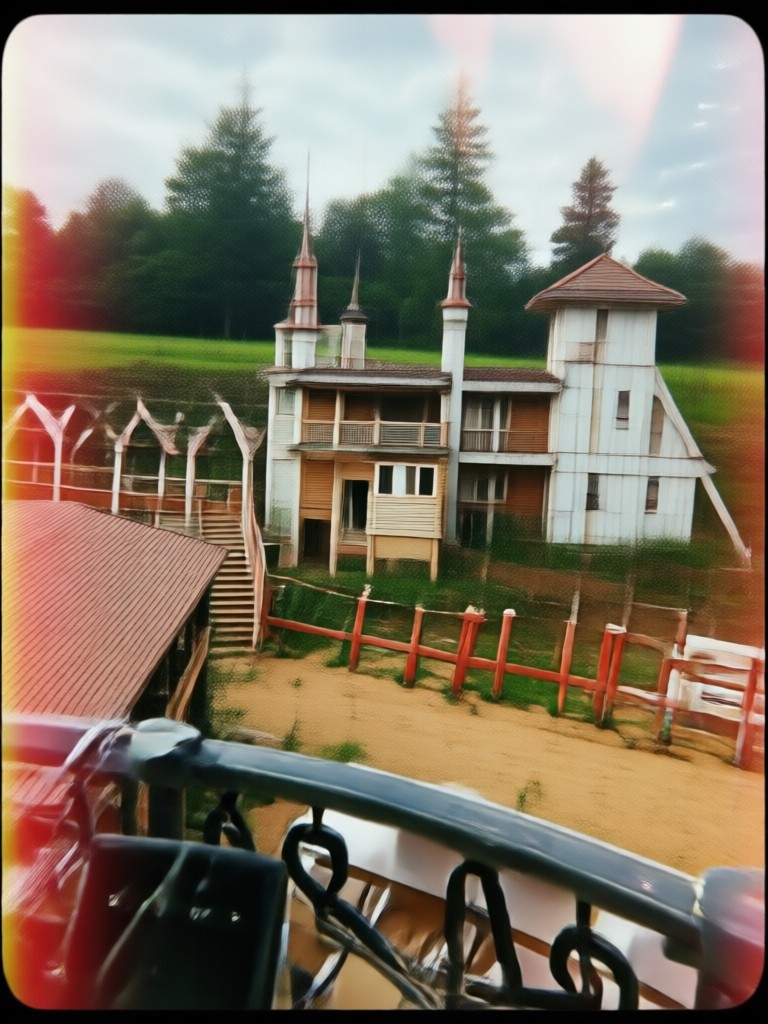
Retro Filters in Your Pocket
Carry a full darkroom of vintage styles wherever you go. Edit photos on the fly and share nostalgic moments instantly, all from your mobile device.

Retro Photo Filter FAQs
Get answers to common questions about creating vintage style photos, using our filters, and achieving the best nostalgic results.
More Topics You May Like
Explore more topics you may like and discover fresh ideas tailored to your interests.

Cinematic Double Exposure Maker: AI Photo Art Generator
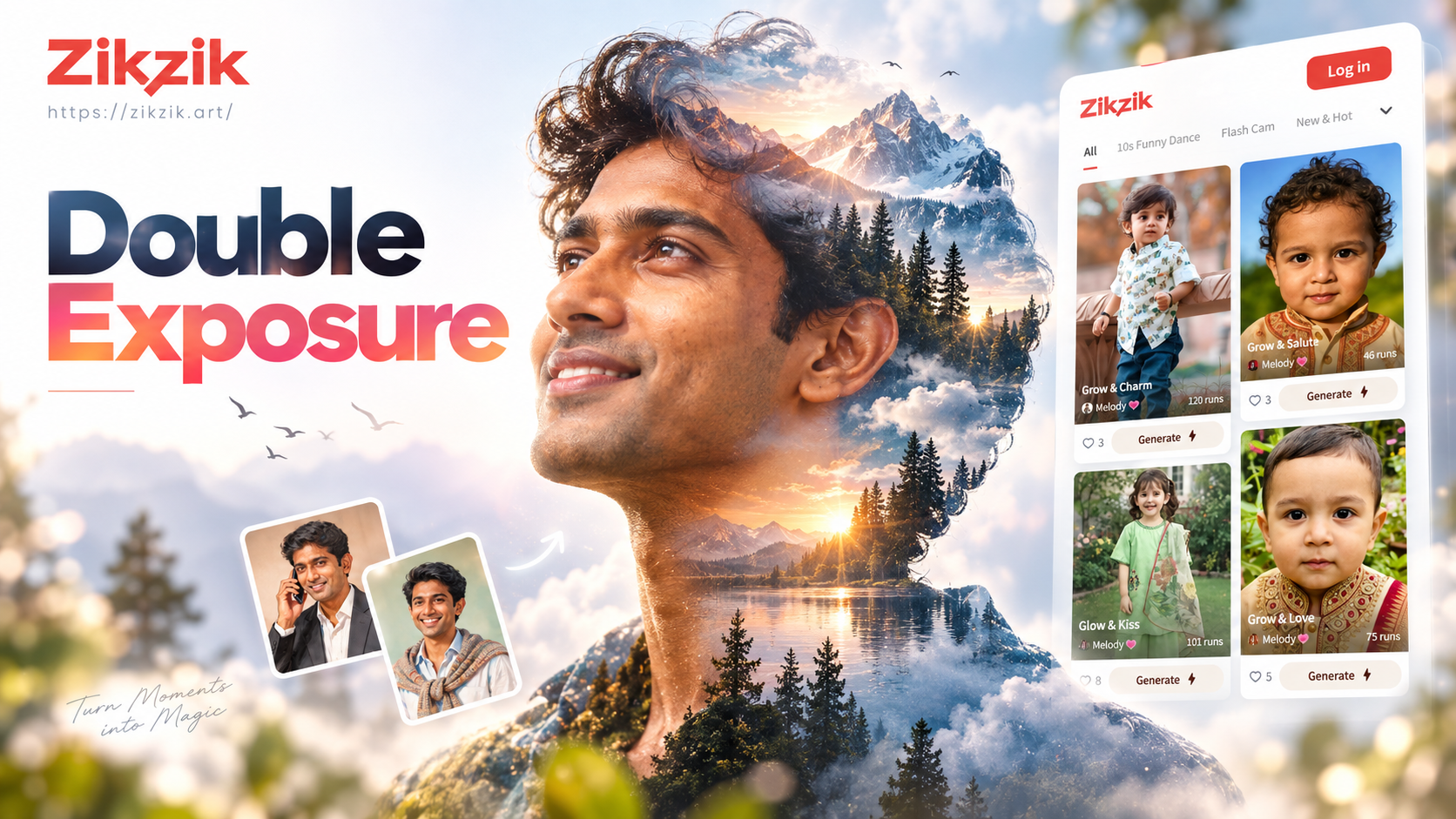
Create Stunning Double Exposure Portraits Instantly

Create Dancing Couple Videos for Your Party
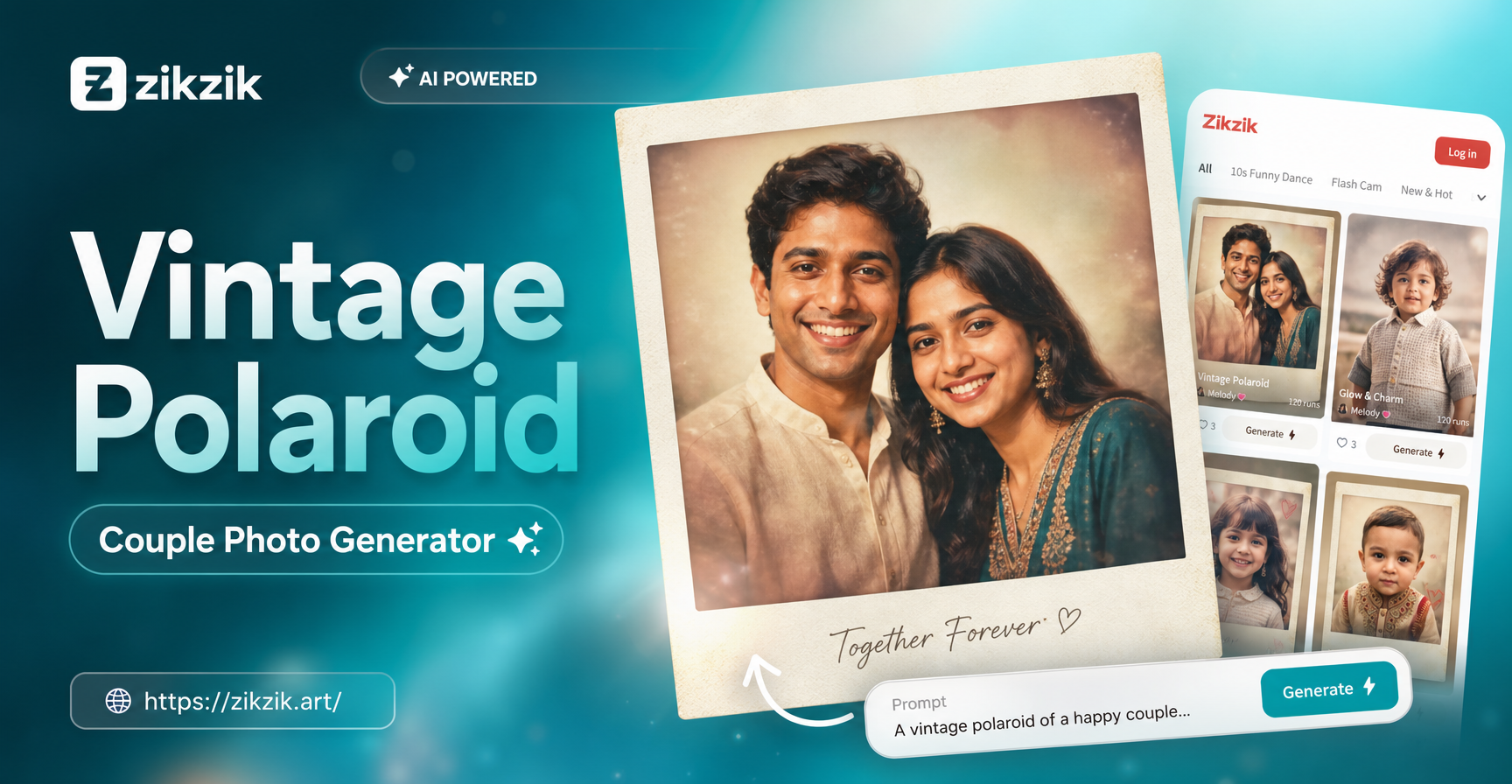
Create Timeless Vintage Polaroid Couple Photos Instantly
Cinematic Double Exposure Maker: AI Photo Art Generator
Create Stunning Double Exposure Portraits Instantly
Create Dancing Couple Videos for Your Party
Create Timeless Vintage Polaroid Couple Photos Instantly
Turn Your Memories Into Timeless Art
Download zikzik now and explore the easiest way to add authentic vintage charm, classic film grain, and nostalgic color to any photo.

Turn Your Memories Into Timeless Art
Download zikzik now and explore the easiest way to add authentic vintage charm, classic film grain, and nostalgic color to any photo.