AI change dress clothes tools have moved from simple cut and paste edits to full generative image workflows. Instead of spending time on manual masking or complex photo editors, you can now upload a photo on a mobile app, select a style template, and produce a new outfit look in a short session. This guide explains how the technology works, how to get more realistic output, and how a mobile app like zikzik fits into a practical clothing change workflow.
What Does AI Change Dress Clothes Mean?
AI change dress clothes refers to the use of generative image models to replace, restyle, or simulate clothing in a photo.
The process usually starts with a source image of a person. The AI identifies the body, pose, and existing garment, then generates a new version where the clothing appears different while the face, background, and posture remain as close as possible to the original. This is not the same as simply overlaying a garment image. Modern methods rely on diffusion models and image to image techniques. The result can be a casual outfit swap, a formal wear preview, a costume idea, or a creative editorial look. The quality depends on the source image, the chosen template, and how specific the user's prompt is.
How AI Clothing Replacement Works
The workflow behind an AI outfit change usually combines several computer vision and generative techniques.
Image segmentation and garment detection
First, the model separates the person from the background and identifies which areas are skin, hair, clothing, and accessories.
This segmentation step helps the AI know what to keep and what to replace. If the source image is blurry, heavily cropped, or contains multiple people, segmentation becomes less reliable.
Generative fill and style transfer
After the clothing area is identified, the model generates new pixels based on a text prompt, a style reference, or a fashion template. The AI uses the surrounding context, lighting, and body shape to create a plausible garment. The face and hands are usually meant to stay consistent, although small changes can still appear.
Who Can Use AI Outfit Changes?
Content creators and social media users
Creators often need fresh outfit ideas without buying new clothes or doing multiple photo shoots. AI clothing change tools can help them test concepts, create before and after posts, or build a consistent visual feed. The key is to treat the output as a creative draft rather than a documented real outfit.
Everyday style planning
If you want to see how a certain color, silhouette, or formal style might look on you, generative outfit tools can offer a quick visual reference. This can help when planning a capsule wardrobe, comparing a streetwear look with a business casual look, or preparing a themed event outfit. It is not a substitute for trying on real clothes, especially when fit and fabric matter.
How to Change
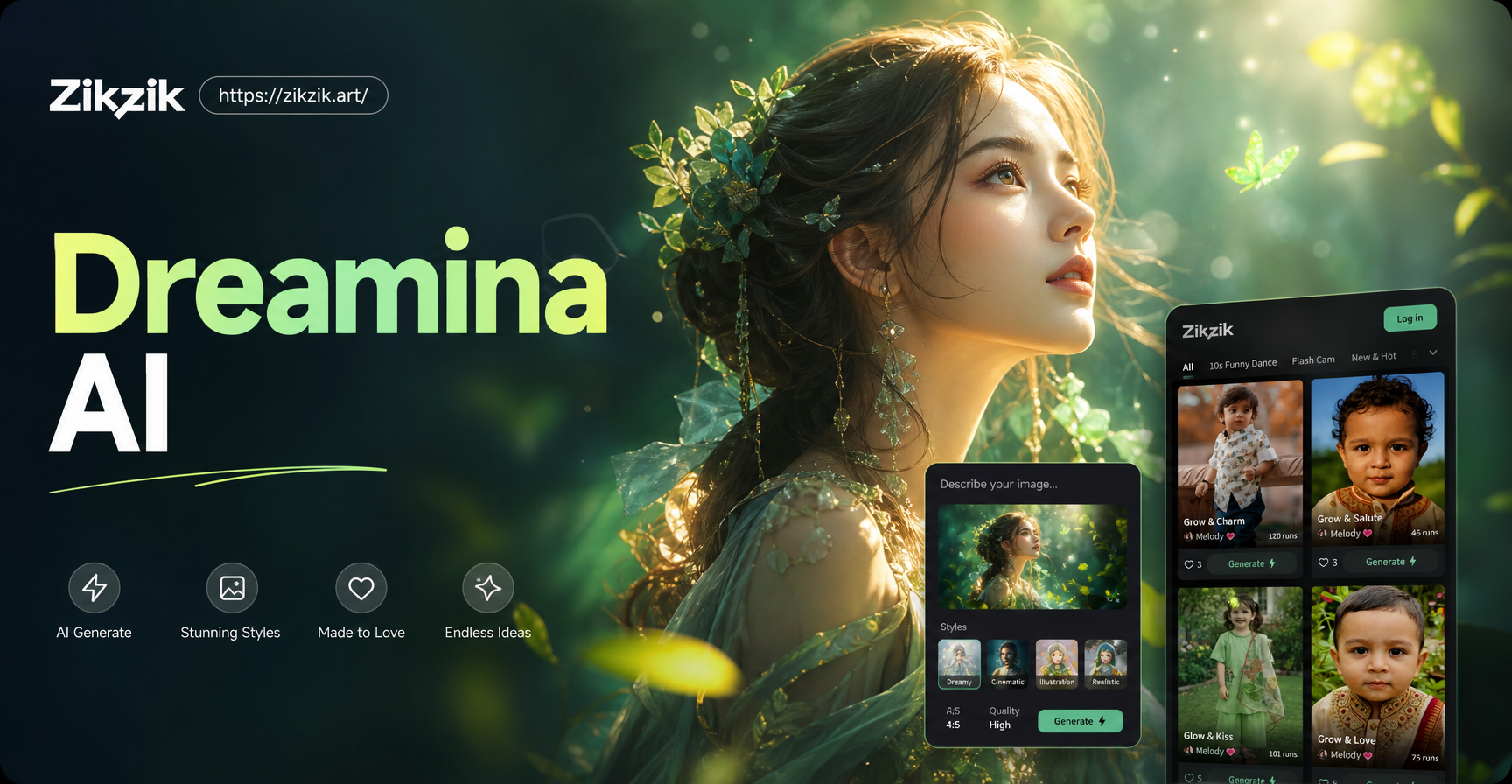
Clothes in a Photo with zikzik zikzik is a mobile app available on Google Play. Its creative tools are completed inside the app, not in a browser. The app combines image generation, image to image editing, and a large collection of style templates. For clothing changes, the image to image flow is the most direct route.
Step 1:
Download the app from Google Play Install zikzik on your Android device. Open the app and look for the image editing or image to image section. You do not need to build a complex prompt before you start, because the app provides style templates that you can select.
Step 2:
Choose a clear photo Pick a photo where the full body or at least the upper body is visible. A clean background, even lighting, and a single subject usually produce better segmentation. Avoid photos where the clothing is heavily obscured by bags, long hair, or overlapping objects.
Step 3:
Pick a style template or enter a prompt Browse the fashion and style filters in the app. If you want more control, describe the target outfit in a short prompt. For example, you might write replace the hoodie with a beige trench coat while keeping the same pose and background. The more precise the prompt, the more likely the result will match your intention.
Step 4: Generate, review, and save
Run the generation and check the result at full size. Look at the edges of the garment, the hands, and any text or logos. If the first output is not right, adjust the prompt, choose a different template, or use a cleaner photo. Once you are satisfied, save the image to your device.
Prompt Examples for AI Clothing
Changes A clear prompt helps the AI replace the right garment without changing the person's face or posture.
You can use these examples as starting points.
- Replace the black hoodie with a cream knit sweater, keep the same sitting pose and warm indoor lighting.
- Change the blue jeans into tailored charcoal trousers, preserve the white sneakers and outdoor background.
- Put the person in a red evening dress, keep the hair and makeup unchanged, studio portrait lighting.
- Swap the denim jacket for a long camel coat, keep the city street background and the same relaxed stance.
- Turn the casual t-shirt into a dark green linen shirt, keep the sleeves rolled and the same golden hour light.
- Change the gym outfit into a beige tracksuit, keep the athletic pose and the same neutral wall background.
Tips for More Realistic Outfit Swaps
Use a photo with good resolution. A sharp image gives the model more information about fabric edges, body shape, and lighting. A blurry or compressed image often introduces artifacts around the shoulders, waist, and hands. Keep the number of people low. Single subject photos work best. In group photos, the AI may confuse which person should be edited, or it may blend clothing between subjects. If you need a group change, crop tightly around one person first.
Match the style to the original photo. If the source image has soft natural light, choose a template with a similar tone. A dramatic neon style on a daylight photo can look unnatural, while a matched color temperature helps the new garment sit naturally in the scene. Do not ignore the background. The generated outfit can look off if the background has sharp shadows that no longer match the new clothing. Simple backgrounds are easier to process, but if you keep a detailed background, check that the lighting still makes sense. Review hands and accessories. AI models can distort fingers, watches, bags, or necklaces. If the result has an extra strap or a blurred hand, try again with a slight prompt change or a different template.
Privacy and Ethical Considerations
Use photos that you have permission to edit. If the image includes another person, ask for consent before changing their clothing or sharing the result. This is especially important for social media posts, brand content, or any commercial use. Read the app permissions before uploading. A trustworthy app should clearly explain what happens with your image. If you are not comfortable with a photo being processed by a third party service, choose a different image or avoid uploading sensitive material. Label creative edits when appropriate. If you use an AI outfit change to promote a product, review it, or sell a style, make the AI involvement clear. Honest labeling helps your audience understand what is real and what is a generated preview.
Limitations to Understand
Before You Create AI clothing replacement is not perfect.
It can change the texture of a fabric, invent folds that do not follow the body, or alter small details like buttons, zippers, and collars. The face usually remains stable, but rapid movements and unusual angles can lead to odd proportions.
The output is a visual simulation, not a physical fit test. Real clothing has weight, stretch, and fit that a generated image cannot verify. Use AI previews for inspiration, styling direction, and content creation.
Do not rely on them to confirm that a garment will fit you. Results can vary across devices and images. The same prompt may produce different outputs on different source photos. If you need consistency, keep your original photo, prompt, and template consistent across your tests.
Turning One Outfit
Change into a Complete Creative Set Once you have a clothing change you like, you can extend the same approach to build a small visual collection. Change the same base photo into several seasonal looks, try a formal version for a profile image, or create before and after pairs for a post. Keeping the same pose and background makes the comparison more effective.
Since zikzik also includes text to image and image to video tools, you can use a successful outfit image as a reference for more creative work. For example, you might generate a matching background, then use image to video to add subtle motion. The clothing change becomes the starting point for a larger creative project.
Next Steps
The fastest way to explore AI outfit changes is to start with one clear photo and one specific goal.
Download zikzik from Google Play, open the image to image tools, select a fashion template, and run a first test. Compare the output, refine the prompt, and save only the versions that look natural. With a little iteration, you can turn a simple photo into a practical style preview or a fresh piece of visual content.