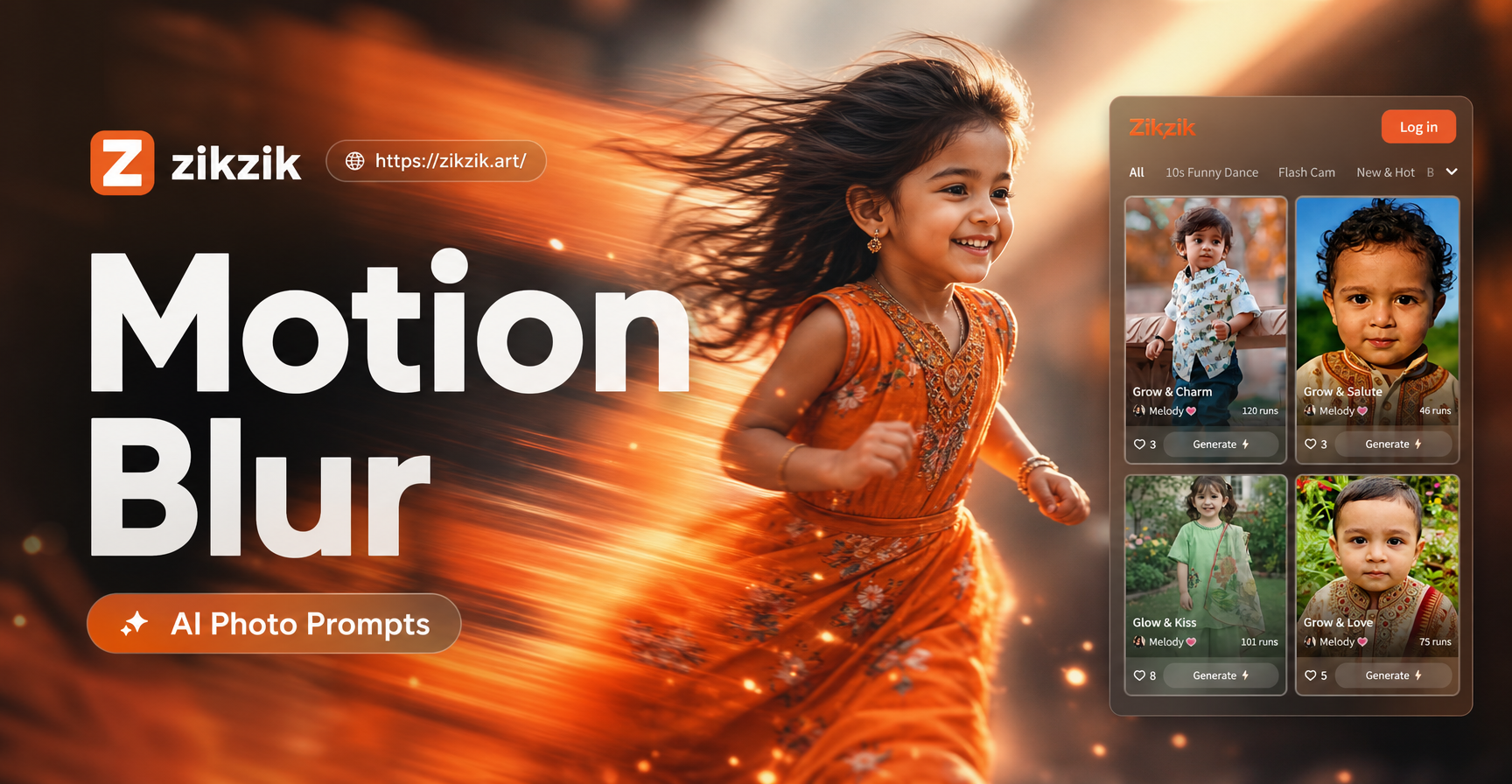
Sunlight can make a photograph feel alive, but getting the light right in the original shot is not always possible. Sunlight AI photo editing prompts give you a repeatable way to describe the light you want, whether that is a soft golden hour glow, a bright window light, a sun ray through trees, or a warm sunset color wash. This guide includes specific prompts for zikzik that help you edit portraits, landscapes, and everyday photos into convincing sunlight scenes. Each prompt is written to include light direction, shadow, color temperature, and atmosphere, so the AI has enough detail to work with.
What Makes a Sunlight Photo Editing Prompt Work
A strong sunlight prompt does not simply say add sunlight. It describes where the light comes from, how it falls, and how the scene should feel. The most useful sunlight AI photo editing prompts include several visual clues at once.
- Light direction Mention whether the light comes from the left side, right side, behind the subject, or directly overhead.
- Time of day Golden hour, midday, and sunset all produce different color temperature and shadow length.
- Shadow quality Describe shadows as soft, long, crisp, dappled, or barely visible.
- Color temperature Use words like warm amber, honey, peach, orange, magenta, or cool pastel.
- Atmospheric detail Add haze, dust motes, mist, sun rays, or a subtle flare to make the light visible.
When these elements appear together, the AI has enough context to produce a natural looking result instead of a flat or overexposed edit.
12 Sunlight AI Photo Editing Prompts to Try
These sunlight prompts cover different times of day and common photo situations. You can use them as they are or adapt them to your own subject and background.
1. Golden Hour Portrait Glow
Soft golden hour sunlight falls from the left side, warm rim light around her hair, gentle long shadows, honey and amber color palette, natural skin texture, airy outdoor background, 85mm portrait style.
2. Window Light Indoors
Bright morning sunlight streams through a large window, soft shadows on one side of the face, dust motes in the light beam, cozy indoor room, neutral tones, realistic photo edit.
3. Backlit Silhouette
Subject standing with the sun directly behind them, warm orange and pink sky, deep shadow shapes in the foreground, soft halo of light around the body, cinematic composition.
4. Sun Rays Through Trees
Sun rays break through dense green leaves, visible volumetric light beams, dappled light on the ground, warm afternoon atmosphere, natural forest background, clean detail.
5. Harsh Noon Sun Editorial
High contrast midday sunlight, crisp defined shadows under the chin and nose, bright white light, editorial fashion look, sharp but natural details, bold colors.
6. Dappled Light Portrait
Soft dappled sunlight filters through tree branches, patchy light spots across the subject, fresh green background, light breeze feel, relaxed portrait expression.
7. Sunset Color Wash
Warm sunset light washes over the scene, orange and magenta tones, long shadows, bright horizon glow behind the subject, soft hazy atmosphere, romantic photo style.
8. Lens Flare and Prism Light
Subtle natural lens flare from the upper right corner, prism light reflections near the edge, warm sunlight on the face, dreamy outdoor portrait, slight haze.
9. Sunlit Detail and Texture
Close up of hands holding a coffee cup in warm morning sun, low side light emphasizes texture, golden tones, shallow depth of field, cozy cafe window background.
10. Warm Film Stock Look
Sunlit street scene on a late afternoon, warm Kodak film tones, soft grain, orange and teal shadows, gentle contrast curve, realistic light leak on one side.
11. Reflected Light from Water
Subject standing near water reflecting warm sunlight, rippling reflected light on the skin, golden and silver sparkle, summer afternoon, natural skin glow.
12. Sun Kissed Skin
Close portrait with sun kissed skin, soft specular highlights on cheekbones and shoulders, warm bronze and peach tones, glowing but not overexposed, natural makeup.
How to Adapt These Sunlight Prompts for Any Photo
These prompts are starting points. You can change the subject, environment, and mood without losing the sunlight effect.
- Change the subject Replace a portrait with a pet, object, car, or building. Keep the light description and shadow notes.
- Change the time of day Golden hour, midday sun, and sunset each create different colors. Adjust the time word at the start of the prompt.
- Change the setting Swap a forest background for a beach, city street, bedroom, studio, or garden.
- Adjust the warmth Use cool pastel tones for morning light or deep orange and magenta tones for sunset.
- Add atmosphere Include haze, dust, mist, smoke, or pollen to make the light beam visible.
For example, take the Golden Hour Portrait Glow prompt and change her hair to scruffy fur and a warm living room background. The structure remains effective because the light direction, shadow, and color palette are still specific.
Common Problems and How to Fix Them
AI edits can look fake when the light is too strong or too vague. Here are the most common sunlight editing problems and how to correct them.
- Blown highlights If the face or sky becomes pure white, add the phrase soft highlights with smooth falloff and keep detail in bright areas.
- Flat image If the edit looks dull, specify a clear light direction and both lit and shadowed sides.
- Lens flare too strong Replace strong flare with subtle natural lens flare, barely visible at the edge, no rainbow halos.
- Wrong shadow direction Tell the AI where the sun is. For example, sun behind the upper right, shadows falling toward the lower left.
- Plastic looking skin Add natural skin texture, visible pores, and soft specular highlights to keep the person realistic.
- Mismatched color Add a specific color palette such as warm amber, peach, and soft gold rather than only saying warm.
How to Create Sunlight Photo Edits in zikzik
All creation happens in the zikzik mobile app. You can use these sunlight prompts with the image to image workflow or with one of the many light based style filters.
- Download zikzik from Google Play and open the app.
- Upload the photo you want to edit.
- Choose an image to image style template or select a sunlight style filter.
- Paste one of the prompts above into the prompt field.
- Generate your image, adjust the prompt if needed, and save the result.
If the first result is not warm enough, add more time of day and color temperature details. If the light looks unnatural, reduce the flare and ask for natural shadow falloff.
A Quick Prompt Formula for Natural Sunlight Results
Use this order when writing your own sunlight AI photo editing prompts: subject, light direction, time of day, shadow quality, color temperature, atmosphere, and photo style.
Subject with light direction during time of day, shadow quality shadows, color temperature palette, atmosphere details, photo style.
Example: A woman on a city street with direct golden hour light from the right, long soft shadows, warm amber and honey palette, slight haze, 85mm realistic photo.
The more specific the light and shadow words, the more believable the edit.
Start Creating Your Own Sunlit Edits
Sunlight AI photo editing prompts work best when they describe where the light comes from, how shadows land, and how warm or cool the scene should feel. The twelve prompts in this guide cover golden hour, window light, backlight, dappled light, sun rays, and more. Use them as templates, change the subject and setting, and refine any weak results with the fixes above. Open zikzik on your phone, upload a photo, and turn ordinary shots into sunlit images with a few words.