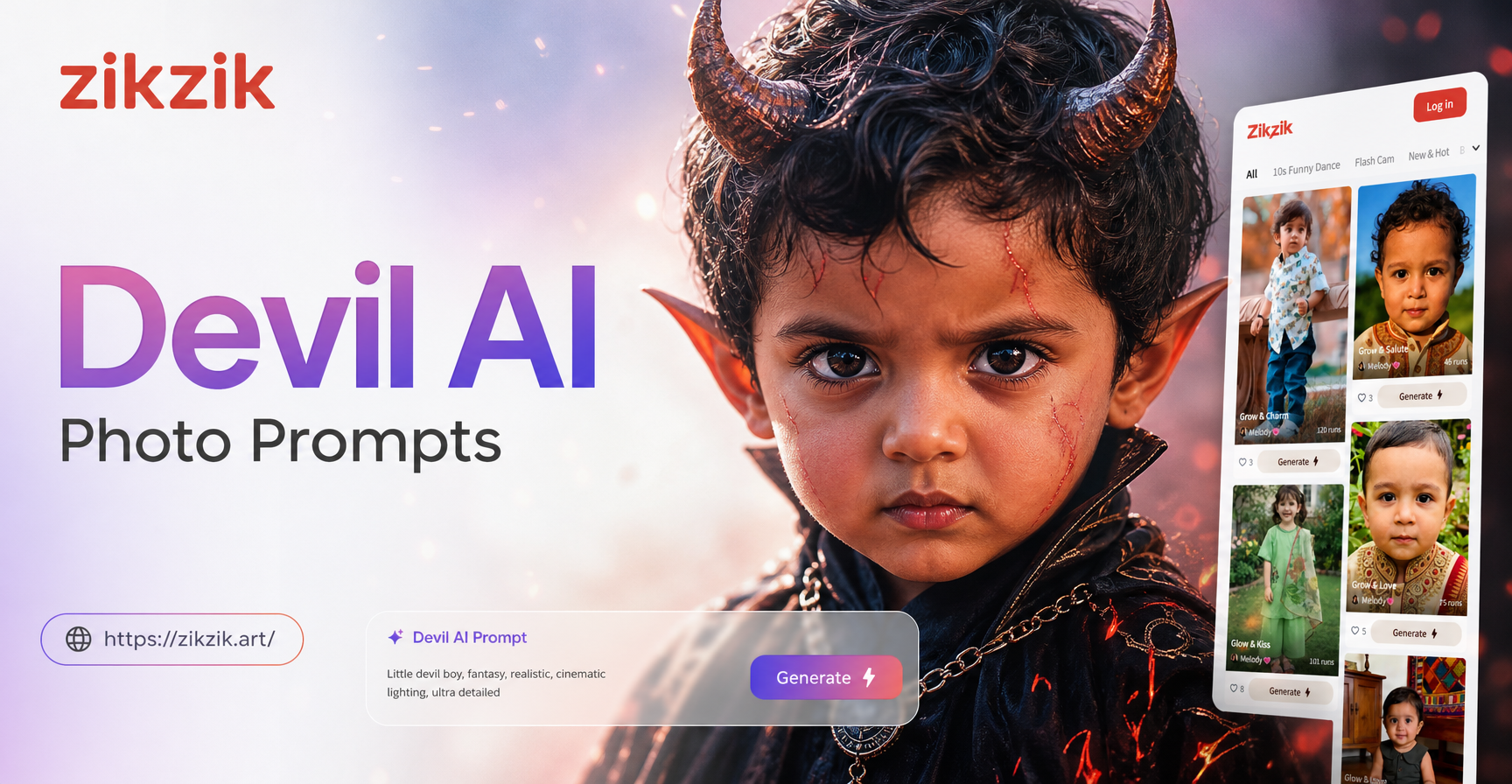
Devil AI photo prompts open up a huge range of dark, dramatic and supernatural image ideas. You can create demonic portraits, gothic fashion shots, fiery cinematic scenes and subtle symbolic compositions. Instead of guessing how to describe horns, red eyes, smoke or candlelight, you can start with ready to use prompt structures and then adjust the details for your own style. This guide provides a practical library of devil photo prompts, explains how to adapt them and shows you how to fix the most common weak results.
What Makes a Strong Devil AI Photo Prompt
A strong devil prompt combines three elements: a clear subject, a specific visual mood and a defined finish. The subject includes the person, horns, wings, clothing and pose. The visual mood comes from lighting, color palette, background and atmosphere. The finish tells the model whether you want a realistic photograph, an anime frame, a gothic editorial or a cinematic film still. For example, the phrase red and black palette with low key lighting and soft smoke is far more useful than just demon portrait.
Include texture words such as leather, latex, silk, cracked skin, glossy makeup or matte red skin. Use camera terms like 85mm lens, close up, full body, shallow depth of field or wide shot when you want a photographic result. Keep the prompt focused. If you add too many unrelated objects, the AI may split attention and create a confusing frame.
25 Devil AI Photo Prompts for Dark Portraits
These prompts are ready to paste into zikzik. You can keep them as they are or change the subject, outfit, background and style to match your photo.
Classic Demonic Portraits
- A close up studio portrait of a woman with small curved black horns, deep red eyes, pale skin and black tear tracks, soft smoky red background, studio lighting, realistic photography, 85mm lens, high detail
- A male devil with charcoal cracked skin, glowing orange eyes, sharp teeth and a black hood, low key lighting, cinematic color grade, ultra realistic detail
- A half body portrait of a female demon with long black hair, glossy red lips, dark feathered wings folded behind her, candlelit room, gothic mood, film still
- A symmetrical front view portrait of a horned devil with silver jewelry, a black leather coat, light smoke, dark background, dramatic rim light, editorial photography
- A soft fantasy portrait of a childlike devil with tiny horns, freckles, red eyes and a gentle expression, dark forest backlight, shallow depth of field, storybook style
Gothic Fashion and Editorial
- A full body fashion shot of a model in a black latex dress, red demon wings, stiletto boots, fog on the floor, red neon sign glow, high fashion editorial
- A gothic alt fashion portrait of a devil girl in a black corset, lace gloves, red contact lenses, ornate cathedral background, soft window light, vogue style
- A runway style photo of a man in a tailored black suit with subtle devil horns, a red pocket square, smoke rising from the ground, dramatic spotlight, editorial
- A beauty close up of a red skinned devil model with glossy makeup, gold eyeliner, black horns, dark red background, studio beauty lighting, high detail
- A dark fashion portrait of a female devil in a tattered black wedding dress, holding a red rose, ruined church background, overcast light, cinematic
Fiery and Cinematic Scenes
- A wide cinematic shot of a devil standing on a burning rooftop at night, embers floating in the air, red and orange flames behind him, dark silhouette, film still
- A backlit full body shot of a horned figure in a long coat surrounded by fire particles, glass and smoke, action movie poster style, deep red color palette
- A devil queen sitting on a black throne surrounded by candles and floating embers, red velvet dress, crown of black spikes, dramatic low angle, cinematic
- A close up of hands with black claws holding a red glowing orb, smoke curling around fingers, dark background, macro photography, high contrast
- A demon emerging from a portal of fire, dark armor, glowing red symbols on skin, battlefield at night, cinematic lighting, ultra detailed fantasy art
Anime and Stylized Devil Looks
- An anime style portrait of a devil girl with white hair, red eyes, small horns, black school uniform, pink and red gradient background, cell shaded, high quality
- A Ghibli inspired devil spirit with soft round horns, warm red and orange palette, small village at dusk, gentle expression, hand drawn anime style
- A cyberpunk devil with chrome horns, neon red tattoos, black jacket, rainy city background, vibrant red and blue lighting, anime illustration
- A chibi devil character with bat wings, candy red skin, an oversized head, holding a tiny pitchfork, simple background, kawaii style, high resolution
- A 3D clay style devil doll with round glossy horns, matte red skin, black sweater, white studio background, soft shadows, cute yet dark
Subtle and Symbolic Devil Aesthetics
- A portrait of a person in a red veil with two small shadows resembling horns on the wall behind them, soft window light, minimal composition, fine art photo
- A close up of a face half hidden by red silk, one glowing eye visible, black lipstick, dark background, mysterious and elegant, beauty editorial
- A silhouette of a figure with horn shaped hair in front of a red moon, long coat, fog, minimalist composition, cinematic
- A still life with a black candle, a red apple and an antique mirror reflecting a horned shadow, dark wooden table, chiaroscuro lighting, baroque still life
- A double exposure style portrait of a face blended with smoke and fire, horn shaped smoke above the head, monochrome with red accents, surreal art
How to Adapt These Devil AI Photo Prompts
You do not need to use the prompts exactly as written. Start with one prompt and change the subject to yourself, a friend or a fictional character. For example, replace a woman with a man, change black hair to silver hair, or swap a suit for a hoodie. If you want the result to look like you, upload your own photo in zikzik and use the image to image feature with a text prompt for the devil transformation. Keep the main description the same while changing the reference image.
Adjust the style words after the description. The word film still gives a cinematic look. The phrase beauty editorial gives clean skin and polished lighting. The phrase anime style gives a flat illustrated finish. The phrase 3D clay style gives a tactile toy look. In zikzik you can also select a style template before generating, which changes the overall finish without rewriting the prompt.
Change the mood by editing only the lighting and color clues. Replace deep red and black with cold blue and silver for a frozen demon. Replace candlelit room with neon city street for a modern urban devil. Replace smoke with falling snow or floating petals for a softer, strangely beautiful scene.
Common Weak Results and How to Fix Them
Even a strong prompt can produce a weak image. The fix is usually to add more specific detail rather than making the scene more complicated. Here are the most common problems and their direct fixes.
- Horns look wrong or disappear: repeat the horn detail at the start of the prompt and add a shape word such as curved, black, small or spiral. For example, small curved black horns rising from the hairline.
- Image looks too cartoonish: add realistic photography, 85mm lens, detailed skin texture and soft window light to push the result toward a real photo finish.
- Image looks too flat: add a light source clue such as backlight, rim light, candlelight or red neon glow and include a dark background.
- Red color becomes orange or pink: specify deep red, crimson, maroon or dark red instead of just red. Mention black shadows to balance the warm tone.
- Face looks distorted: simplify the prompt and use front view portrait, symmetrical face or close up portrait. Avoid writing a long list of accessories at first.
- Background takes over the subject: move the background detail to the end of the prompt and add shallow depth of field so the subject stays sharp.
Using Devil AI Photo Prompts in zikzik
zikzik is a mobile AI design app that lets you generate images from text, transform photos with image to image and choose from a large library of style filters. To use these devil photo prompts, download zikzik from Google Play, open the text to image tool, paste a prompt, pick a style template and generate. If you want to turn your own portrait into a devil themed image, upload your photo, enter a short prompt and let the app apply the transformation while keeping your features.
You do not need professional prompt engineering skills. The key is to keep the subject clear, add a few visual details and choose a style that matches the prompt. Generate several versions, keep the strongest one and then refine one element at a time until you get the look you want.
Final Tips for Better Devil Photo Prompts
Write prompts in this order: subject, devil features, clothing, pose, lighting, background, style finish. For example, a female devil with small horns and red eyes, wearing a black leather jacket, standing in front of a red neon light, cinematic portrait works because each part adds one clear clue. Avoid cramming every idea into one prompt. Make separate images for different moods and compare them side by side.
Use these 25 prompts as starting points and treat the zikzik style templates as your visual shortcut. With a little adjustment, you can go from a simple dark portrait to a full gothic fashion set or a cinematic fire scene without starting from zero.