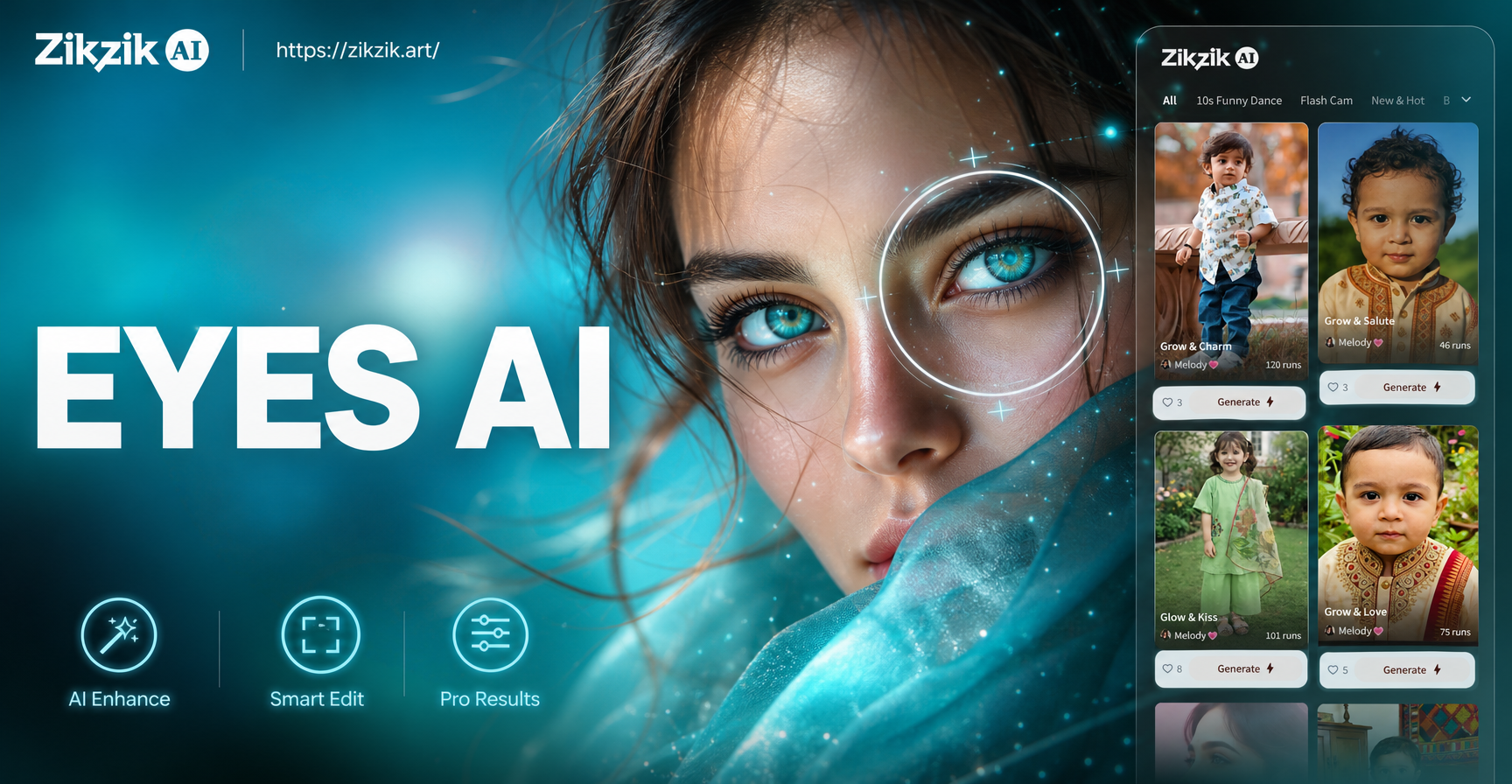
If you have ever tried to change an eye color, sharpen a soft gaze, or add a believable catchlight and ended up with a plastic looking result, the problem is usually in the prompt. The best eyes AI photo editing prompts tell the model exactly what to keep, what to change, and where to stop. This guide gives you practical prompts for natural retouching, color changes, eye makeup, emotional expression, and fantasy effects. You can use them in zikzik's image to image mode by uploading your portrait, keeping the original face structure, and entering one prompt below. Each prompt is written as a standalone instruction, so you can copy, adapt, and test it without rewriting the whole idea.
How to Use These Eye Prompts for Better Results
The key is not piling more words. A good eye edit prompt includes subject detail, area control, light behavior, texture, and a realism constraint. When you edit eyes, the rest of the face must remain untouched unless the prompt says otherwise.
Start with a clear region instruction
Tell the AI that the edit applies to the iris, pupil, lash line, or eye area only. This prevents unwanted changes to skin, nose, lips, or background. For example, begin with Keep the face, hair, and background unchanged. Modify only the iris and pupil.
Preserve light direction and reflections
Eyes look real because of reflections. A prompt should include where the catchlight sits and how strong it is. If the original photo has a window reflection on the left, ask for a soft window shaped highlight on the left side of the pupil, not a generic white dot in the center.
Correct weak results with a follow up prompt
If the eye color looks painted on, add preserve the natural radial fibers of the iris, keep the limbal ring darker, and reduce saturation by about 20 percent. If the whites turn gray, add keep the sclera clean, bright, and free of tint. If the two eyes do not match, edit one eye at a time or add make both irises identical in hue, size, and highlight placement.
27 Eyes AI Photo Editing Prompts for Portraits
Natural Eye Color Editing Prompts
- Change the iris color from dark brown to a natural soft hazel, keep the original pupil shape and eye moisture, add fine radial iris fibers, preserve the darker limbal ring, realistic portrait, no contact lens look.
- Make both blue eyes a deeper ocean blue with a darker outer ring, keep the catchlights in the same position as the original photo, preserve skin texture and lash detail, natural studio lighting.
- Convert green eyes to warm amber while keeping the original shadows around the eye socket and brow bone unchanged, add a subtle golden reflection at the lower right of the pupil, high resolution portrait.
- Change only the left eye to a bright gray blue, leave the right eye and the rest of the face completely unchanged, keep the sclera white and the iris edge crisp.
- Make the iris a realistic honey brown with visible color variation near the pupil, avoid making the eye too bright or doll like, keep the original catchlight and eye reflection.
Catchlight and Reflection Prompts
- Add a soft rectangular window catchlight in the upper left of both pupils, keep the reflection subtle and off center, preserve the original eye color and skin texture, cinematic portrait.
- Remove the red eye reflection and replace it with a small natural white catchlight at the top of the pupil, keep the iris color accurate, leave the surrounding lashes unchanged.
- Enhance the existing catchlight so it appears as a bright but soft studio softbox reflection, increase contrast only inside the pupil, keep the rest of the portrait untouched.
- Create a gentle lower lid reflection that matches the main light source, make the eye look moist but not teary, preserve the natural iris pattern and original eye color.
Eye Sharpening and Detail Prompts
- Sharpen the iris, pupil edge, and lash line while keeping the skin around the eyes smooth and natural, reduce motion blur, enhance the fine radial fibers of the iris, no plastic skin.
- Restore lost detail in both eyes without increasing overall image contrast, keep the sclera clean and bright, define each lash separately, realistic macro portrait.
- Improve focus on the eyes in a slightly soft portrait, add crisp eyelash separation and a defined limbal ring, leave hair and background softly blurred, natural depth of field.
- Reduce under eye shadow and brighten the lower eye area while preserving the original eye color and catchlights, make the gaze look rested but not airbrushed.
Eye Makeup and Editorial Prompts
- Apply a subtle smoky brown eyeshadow along the upper lash line and outer corner, keep the skin texture natural, keep the iris color unchanged, warm studio light, editorial beauty.
- Add a thin black winged eyeliner that follows the natural lash line, keep the line crisp and symmetrical on both eyes, preserve the original eye shape and brow position.
- Create a soft rose gold shimmer on the eyelid and inner corner, make the makeup blend naturally into the crease, keep the eye color and skin texture realistic, beauty portrait.
- Turn the portrait into a clean editorial beauty shot with defined lashes, softly filled brows, and a muted peach eye shadow, preserve the original face structure and gaze direction.
- Remove dark circles and redness while keeping the lower lash line and eye shape intact, brighten the under eye area without erasing natural skin texture, realistic retouching.
Emotional Expression and Gaze Prompts
- Keep the same person and eye color, change the gaze from looking down to looking directly at the camera, adjust the pupil position only, preserve the original lighting and skin texture.
- Soften the expression around the eyes by relaxing the lower lid and adding a subtle smile line, keep the iris sharp and the catchlight unchanged, warm natural light.
- Make the eyes appear more alert and bright by opening the upper lid slightly, keep the brow position natural, do not change the face shape or eye color.
- Add a gentle tear film along the lower lash line without making the eye wet or sad, enhance the natural reflection, keep the overall mood calm and authentic.
Fantasy and Creative Eye Prompts
- Give the eyes a subtle galaxy effect with a dark blue iris, tiny violet nebula details, and a bright star like catchlight, keep the face and skin realistic, fantasy portrait.
- Change the iris to a luminous emerald green with soft golden flecks near the pupil, keep the rest of the portrait photorealistic, add a faint magical glow only inside the iris.
- Make the eyes appear as reflective silver mirrors with a faint image of clouds in the catchlight, keep the face natural and the eye shape unchanged, surreal editorial style.
- Apply an anime inspired eye style with larger highlights and clean iris separation, keep the character's original face features and hair, cel shaded style but polished.
- Create a golden hour portrait where the eyes show warm sunset reflections, keep the iris color natural, add small orange and pink highlights in the pupil, cinematic backlight.
How to Adapt These Prompts to Your Own Photos
Replace the color, position, and style words with details from your portrait. If the light comes from the right, move the catchlight to the right. If the model has dark brown eyes, do not start with a blue eye prompt unless you explicitly describe the full color substitution. When you want a subtle change, add keep the overall edit minimal and natural. When you want a bold result, replace natural with editorial or fantasy. In zikzik, open the image to image workspace, upload the same portrait for each test, and change only one part of the prompt at a time. This makes it easier to see which instruction actually controls the result.
Common Problems and How to Fix Them
The eyes look flat or painted on
Add preserve the natural radial iris fibers, keep the darker limbal ring, and soften the color transition near the pupil. Flat eye color usually comes from a prompt that only names a color without describing texture.
The color spills outside the iris
Add keep the sclera clean and white, apply the color only inside the iris, do not tint the skin or lashes. If the spill continues, simplify the prompt and edit one eye at a time.
The two eyes do not match
Add make both irises identical in hue, size, and highlight placement. If the gaze or catchlight is still uneven, edit the left and right eye in separate passes while keeping the final face composition unchanged.
The edit changes the whole face
Start the prompt with Keep the face, hair, background, and facial identity unchanged. Modify only the eyes. This region lock is the most important part of an eyes AI photo editing prompt.
Why Use Image to Image for Eye Edits
Text to image can generate a new face and lose the person you started with. Image to image preserves the original subject while changing only the part you describe. That is why these prompts work best in zikzik's image to image mode. Upload the portrait, apply one prompt, and keep the output close to the original identity. zikzik is available on Google Play, so you can test a prompt, adjust it, and download the result entirely on your phone.
Final Tips for Better Eye Edits
Use short sentences inside each prompt. Separate the region instruction, the eye change, the light behavior, and the realism limit. Do not ask for five different eye effects in one line. Start with one clear change, then add a follow up prompt only if the eyes need extra sharpening, cleaner whites, or a better catchlight. Over time, you will build a small library of prompts that match your usual lighting and camera angle, and each portrait will take less effort to finish.